Get a deep gaze, smooth skin, and expressive
facial features with AI-powered tools in Luminar.
Using face recognition technology, the Face AI
tool selectively targets the skin, eyes, and mouth
in a photo and makes them vivid, bright, and smooth
in less than five minutes — instead of 40 minutes
with classic retouching textures and brushes.
Origin
Face
Body AI
Glow
Skin AI
The Skin AI tool analyzes your image and can automatically enhance and retouch a person’s skin to make it smoother and remove glare, pimples, and pores. You get complete control over how the content-aware adjustments are applied.
Body AI
Body AI shapes a subject’s torso and abdomen. AI contours the human body and its individual proportions, so there’s no need to select the shape manually. This tool easily compensates for lens issues or unflattering angles.
Glow
The Glow tool adds luminescence and focus to your photos, producing a unique look that’s both sharp and blurry at the same time. It’s perfect for objects with smooth surfaces and portraits, and you can even choose the type of Soft Focus.
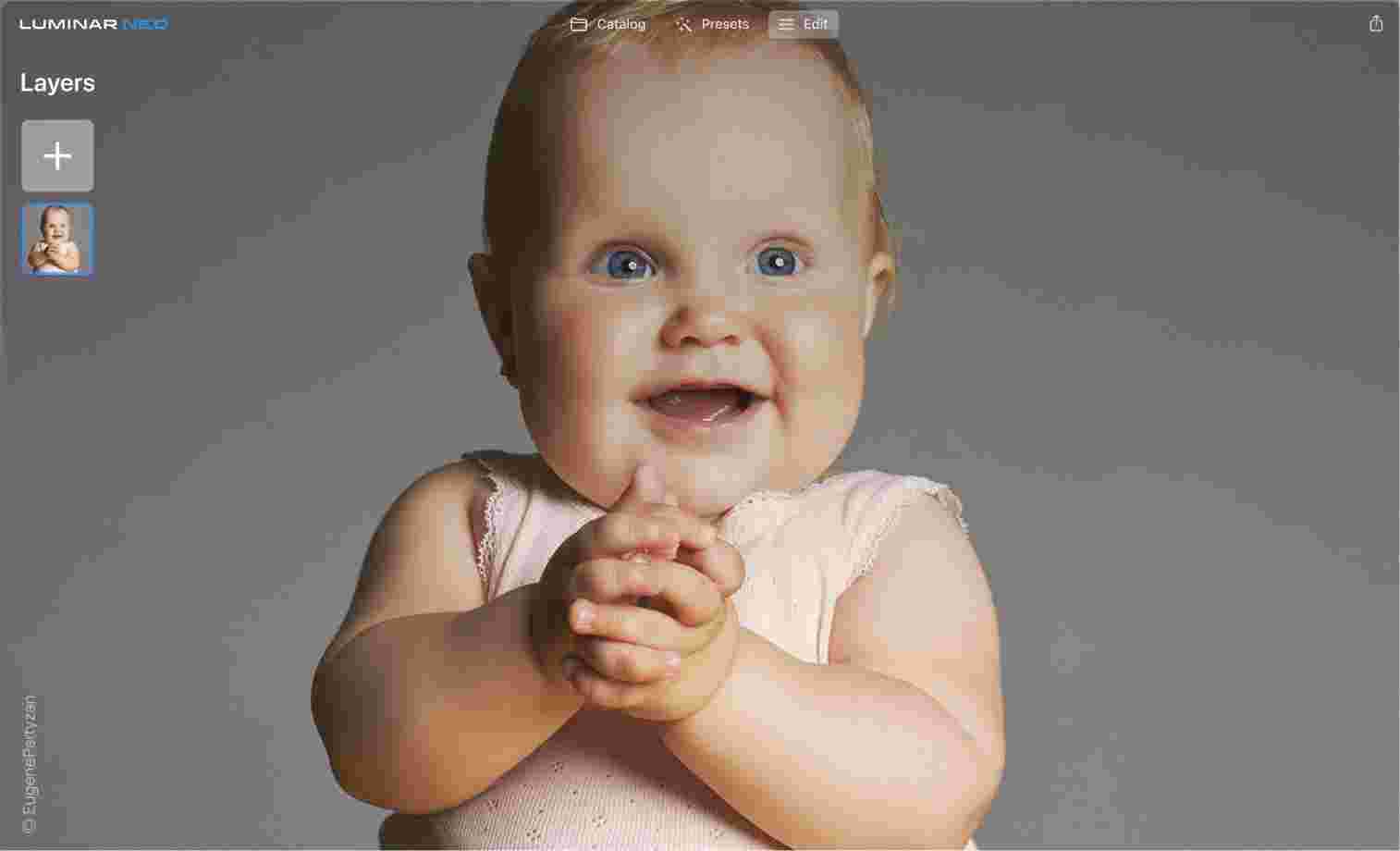
Photographing children is tricky, but we know the trick
Portrait Background RemovalAI is a powerful feature created on the basis of MaskAI, the smart AI technology that quickly detects and selects the objects in the photo. Forget about time-consuming manual selections.
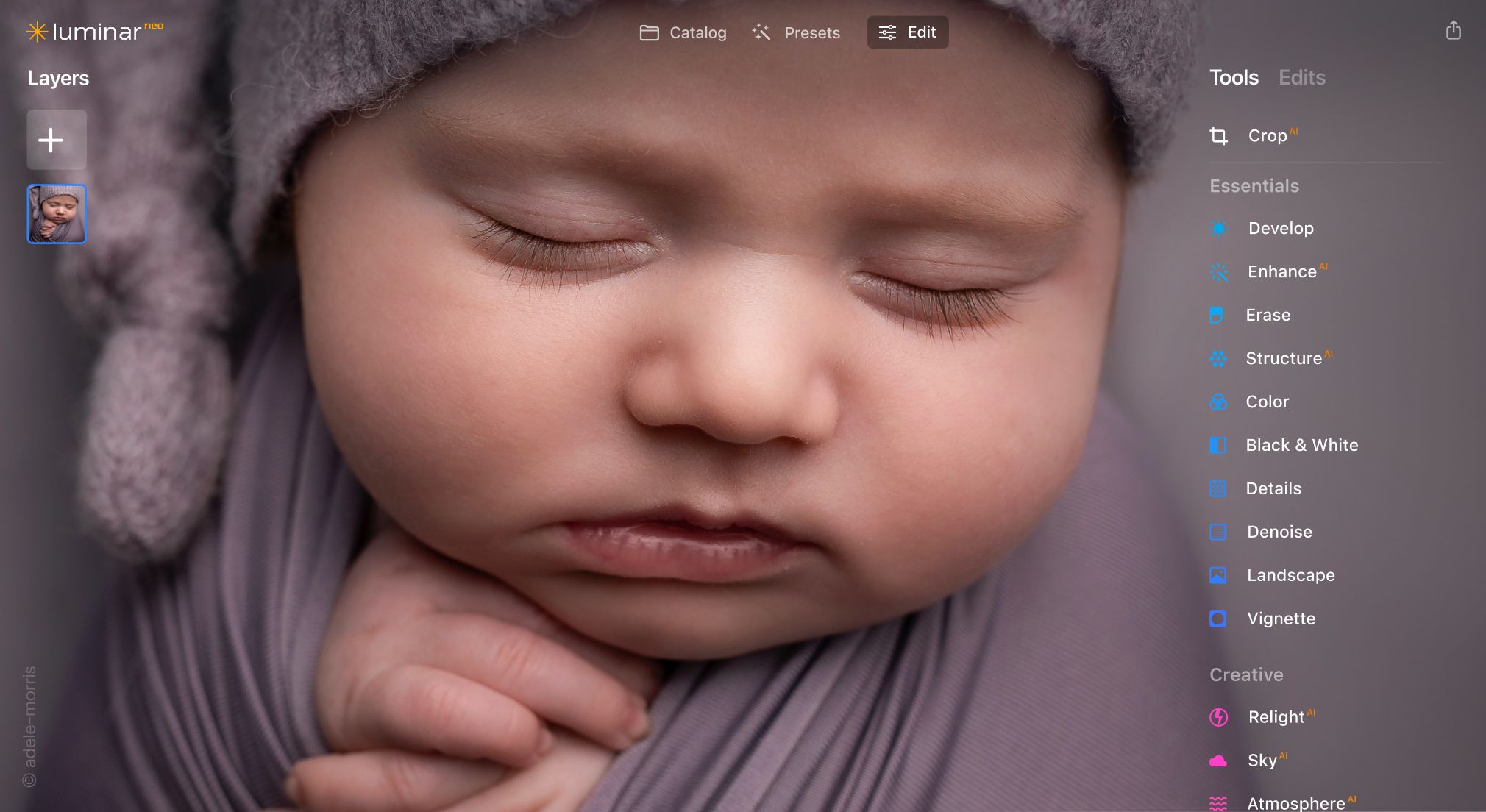
Highlight the tender moments of a newborn to match any mood you want to create
Mood
The Mood tool uses professional lookup tables (LUTs) to quickly change the tone of your photo. Choose from film stocks and black and white looks — or create color grades to unlock a new style in seconds.
Black & White
The Black & White tool converts a color photo to black and white so you can accentuate highlights and shadows. It also contains a number of controls to manipulate the monochrome look. Select Luminance to control the brightness of the Red, Yellow, Green, Cyan, Blue, and Magenta channels and adjust their saturation.
Film Grain
The Film Grain tool emulates the structure of analog film stock by adding random, stylized grain to your image.
Portrait Bokeh AI
Accentuate the main
heroes of the story
Add a natural bokeh effect with any lens and get full control of its depth and amount.
Create dramatic photos with crystal-clear sharpness, even if your photography gear lets you down. You can selectively enhance the sharpness of small, medium, and large details while protecting highlights to get the most from blurred pictures.
Supercontrast
Use this tool for precise tonal contrast and accent replacements. Six AI controls allow for more definition in the highlights, midtones, and shadows for detailed images.
Vignette
Take complete control over the shape and position of the vignette to accentuate meaningful details. Refine the image with inner brightness for improved contrast and get professional, realistic results.
Enlighten the day
Don’t let weather or bad lighting spoil the set. Get realistic and voluminous light with AI technologies.
I've used Lightroom for years and love Luminar as a replacement - and their email follow up to questions is superb!
Richard Shusha
6 days ago
Easy to use and very powerful
I'm blown away at how useful this software is. It's made my photo editing so much easier.
Dino Mastropaolo
Apr 23
Great software
Great software. I made a mistake when registering and emailed skylum and they got back to me within a few hours and resolved the issue. Great product, responsive team. Thank you!
Johnny
Apr 21
Luminar NEO = Great software and support
Luminar NEO is a great piece of software, the results are amazing and I was fully blown away with the denoise option, never seen something like that before, truly XXI century tech! Great support and a very nice team. I hope they are very successful now and in the future!
M. Gallardo
Apr 19
Best photo editting software ever
I love this software, it is SO easy to use and intuitive; takes my pictures to a new level.
The customer service is really great as well, if you need any help at all with it (I've had a couple of download issues with updates, I'm sure it's my terrible internet connection, but they sent me a link within 24 hours of my asking and it worked great)
Chris Mercer
Apr 3
Luminar Neo is maturing fast
Luminar Neo is maturing into a first class photo editing software. In the first quarter of this year it has full fold many of its promises made at it debut, can’t wait to see what they will give us next.
Joe O.
Mar 18
I had entered a burn-out phase with…
I had entered a burn-out phase with photography. I love landscape photography but with aging and work I am limited on energy and time. However now being able to use any of my hundreds of sky shots I have taken over the last 30 years and instantly plug them into any of my landscape shots....well it is difficult to describe how nice and fulfilling it has been. I can't say enough about the program. Also the adjustments I can make with all the other features is revolutionary. Thank you.
Steve Browning
Mar 7
Skylum software is simply next level
Skylum software is simply next level. It allows me to deliver previously unimaginable results in minutes. Sometimes I just do not have the time to faff around with a sophisticated package like PS. In fairness, Skylums AI technology often wipes the floor with these packages in both time and results. Five Stars
Newborn photo editing in Luminar Neo typically starts with gentle exposure and color correction, followed by light skin and texture adjustments. Photographers use AI tools carefully and reduce intensity to keep skin natural and lighting soft.
Why Luminar Neo is the best baby photo editor?
Luminar Neo is the best baby photo editor because it is strong in subtle, non-invasive retouching. The tools are built to enhance softness, correct light, and reduce minor imperfections without altering natural features.
Who can benefit from Luminar Neo newborn photo editor?
The newborn photo editor benefits:
newborn and family photographers
portrait photographers working with infants
users who want gentle edits without advanced retouching skills
It supports careful, minimal editing rather than stylized transformations.
Why Luminar Neo newborn photo editing tool is trusted by photographers?
Luminar Neo is trusted for newborn photography because all edits are non-destructive and controllable. Photographers can keep results soft, reversible, and consistent—critical when editing sensitive subjects like babies.
App Requirements
macOS
Mac Model
MacBook, MacBook Air, MacBook Pro, iMac, iMac Pro, Mac Pro, Mac mini, early 2010 or newer
Processor
CPU Intel® Core™ i5 8 Gen or better
OS version
macOS 12.0 or higher.
RAM
Memory 8 GB RAM or more (16+ GB RAM is recommended)
Disk space
Hard disk 10 GB free space; SSD for best performance
Display
1280x768 size or better
Windows
Hardware
Windows-based hardware PC with mouse or similar input device
Processor
CPU Intel® Core™ i5 8 Gen or better, AMD Ryzen™ 5 or better
OS version
10 version 1909 or higher (only 64-bit OS)
RAM
Memory 8 GB RAM or more (16+ GB RAM is recommended)
Disk space
Hard disk 10 GB free space; SSD for best performance