
Limited time offer
Lifetime
$ 99.99
$ 49.99
Annual
7 days free
$ 29.99
7 days free
By clicking the “Buy”, you agree to our Terms. Your data is processed per our Privacy Policy.
🔒 Guaranteed safe & secure checkout




By clicking the “Buy”, you agree to our Terms. Your data is processed per our Privacy Policy.
🔒 Guaranteed safe & secure checkout


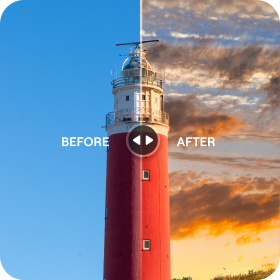

Achieve more with our mobile photo editor
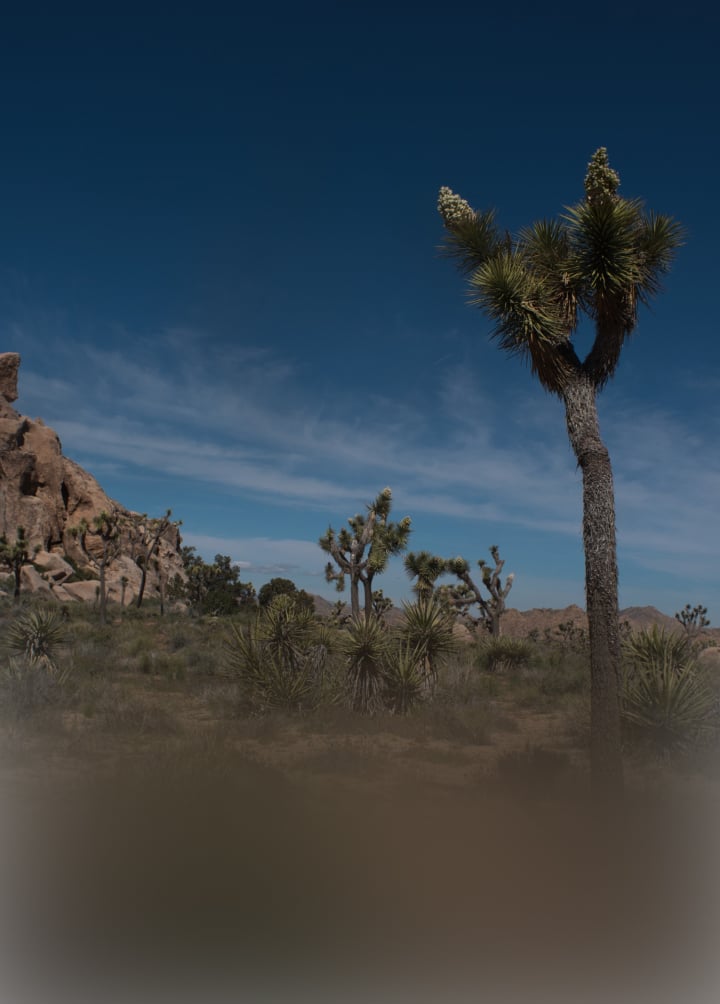

 Enhance AI

 Skin AI

 Film Looks

 Sky AI
 See the magic yourself
Tap or hover to see results, swipe for more wow effects
















Explore your editing power with Luminar
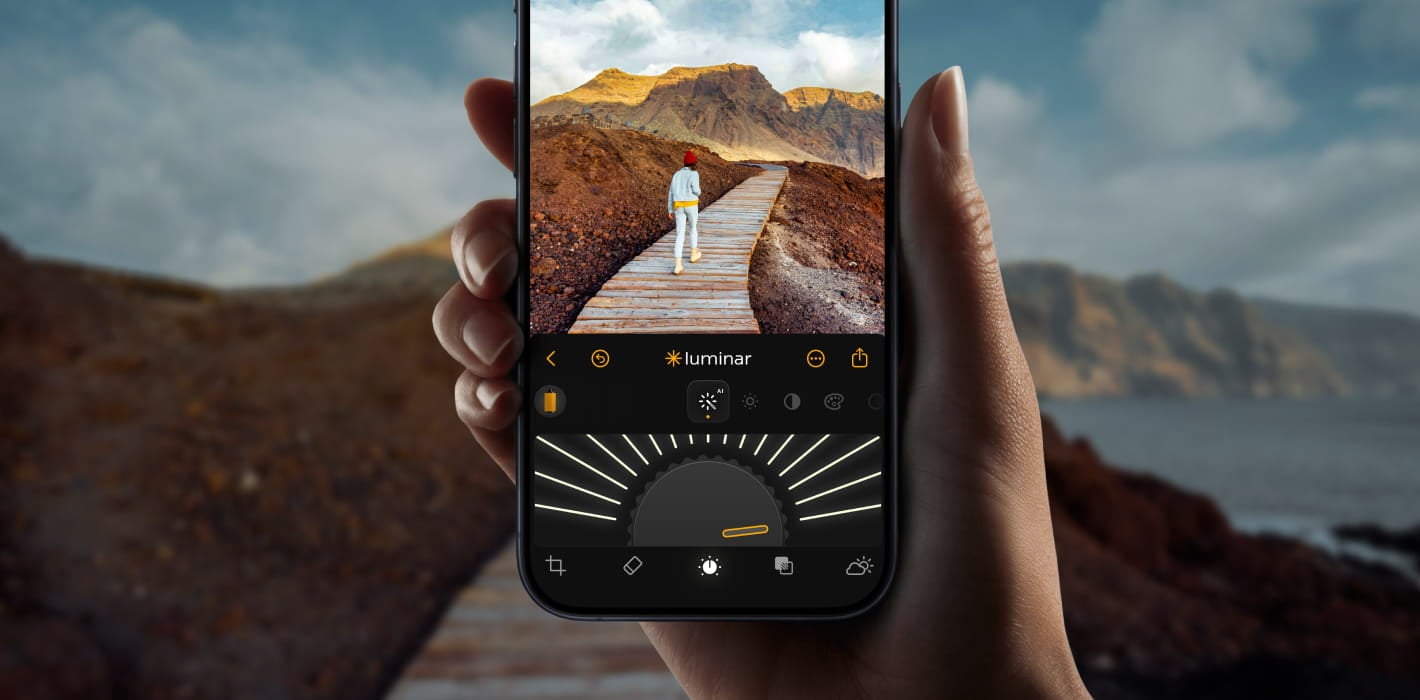
Improve travel photos
Turn ordinary travel snapshots into stunning vacation memories in seconds.

Fix dull skies
Swap boring skies for beautiful ones and experiment with countless options.
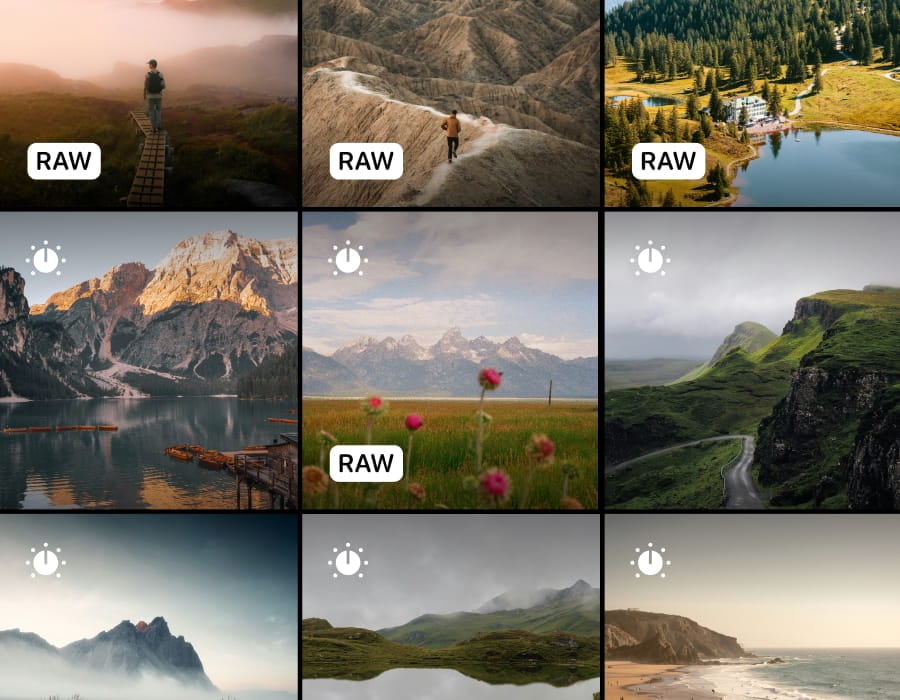
Make any photo pop
Turn everyday shots into polished images you'll love to share.
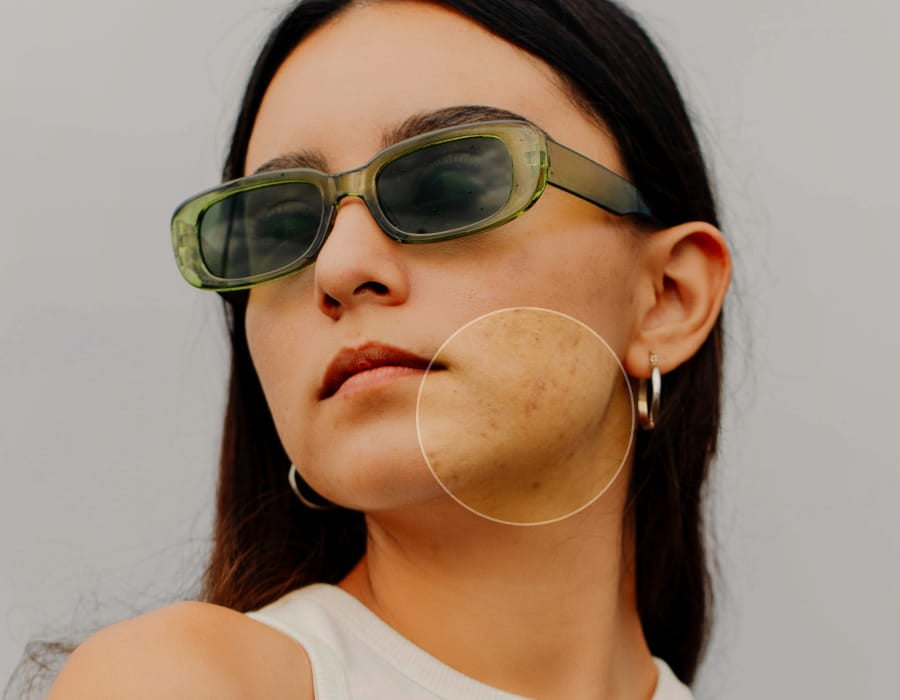
Get natural portraits
Smooth skin and enhance features for flawless portraits.
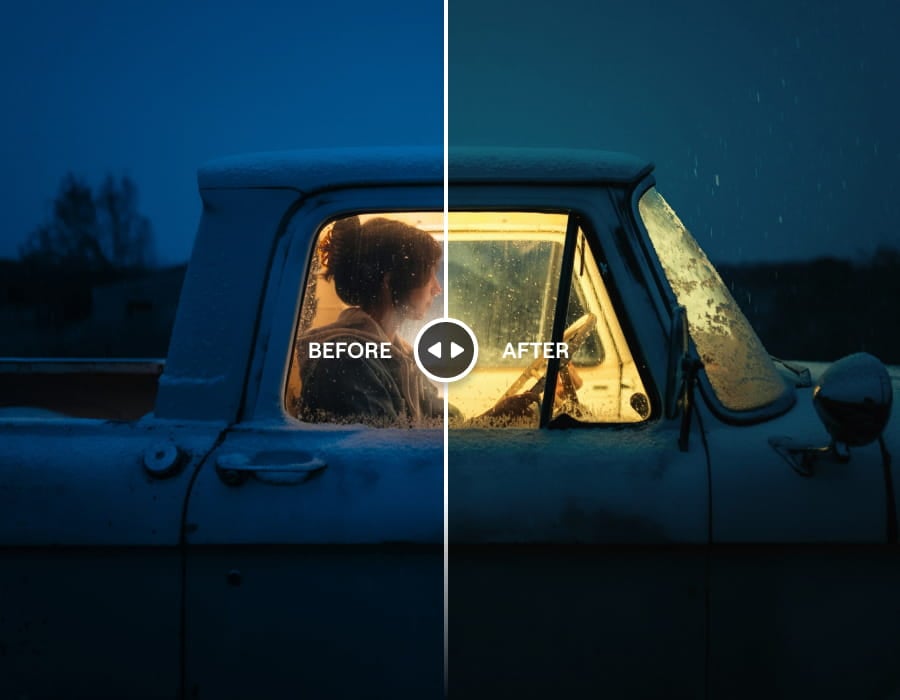
Add a cinematic vibe
Give any photo Hollywood-style color and mood with zero effort.
Even more powerful features
Fast, powerful editing, directly on your device

One-tap AI Enhance
Boost any photo automatically

Portrait Bokeh
Perfect background blur without pro camera needed

Auto Masking
Precise objects selection, no manual work

RAW Support
Edit professional files directly on your phone

Sky AI
Swap boring skies with stunning ones instantly

Cloud Sync
Access edits anywhere, anytime

Skin Retouch
Smooth and enhance skin naturally

Desktop + Mobile
Seamless workflow across devices
Start editing now with your free trial
Start creating fantastic photos instantly. Cancel anytime.
Limited time offer
Lifetime
$ 99.99
$ 49.99
Annual
7 days free
$ 29.99
7 days free
FAQ
What are the app requirements of Luminar on Mobile?
Luminar on Mobile is available on iOS and Android devices. The app requires iOS 17 or newer on Apple devices and Android 11 or newer on Android devices. Note that owners of older devices may encounter feature limitations.
What kind of features does Luminar on Mobile have?
Luminar on Mobile is an AI-powered photo editing app for iPhone and Android. That's why it has plenty of AI-powered features, such as SkyAI for replacing skies, SkinAI and BodyAI for retouching portraits of people, RelightAI for correcting exposure, and more. It also has a variety of other tools — such as Erase, Crop, Filters, Develop, and Curves — making it a universal all-in-one app.
Is Luminar on Mobile beginner-friendly?
Of course! Luminar on Mobile is easy to use and delivers professional-level results, making it perfect for beginners.
What file formats does Luminar on Mobile support?
Luminar on Mobile supports image formats commonly used in modern iPhone photo editing and Android workflows. Check the list of supported cameras for more details.
Where can I find the user guide for Luminar on Mobile?
You can find the Luminar on Mobile user guide here.
Are there limitations on the file sizes I can edit?
When reviewing the limitations of the Luminar on Mobile app to edit photos, make sure to check your device’s RAM capacities first. RAM acts as a temporary workspace for your device and having more RAM allows you to handle larger and more complex images without encountering performance issues. Check your supported RAM capacities here.
Why Luminar Neo is the best mobile photo editor?
Luminar on Mobile is the best mobile photo editor for serious editing on the go because it brings advanced AI tools to a touch-first workflow without oversimplifying the process. The app is strong in fast enhancement, selective adjustments, and realistic results—while keeping the interface accessible on a small screen.
Luminar on Mobile stands out due to its ability to deliver high-quality edits directly on a phone, without relying on presets alone or locking users into automatic results.
Who can benefit from Luminar on Mobile?
Photographers and creators choose Luminar on Mobile because it fits mobile-first workflows without sacrificing quality.
The app benefits:
- photographers who want to edit and publish while traveling
- creators producing content for social media and mobile platforms
- users who want more control than typical mobile editors offer
Luminar on Mobile is built for users who want professional-level results without moving to desktop software.
Why Luminar on Mobile is trusted by photographers?
Luminar on Mobile is trusted by photographers for its reliable AI enhancements and non-destructive editing approach. Professionals rely on the app because edits remain adjustable, results stay natural, and AI tools assist rather than override creative decisions.
This balance makes Luminar on Mobile a dependable choice for photographers who need speed, accuracy, and consistency in a mobile environment.
