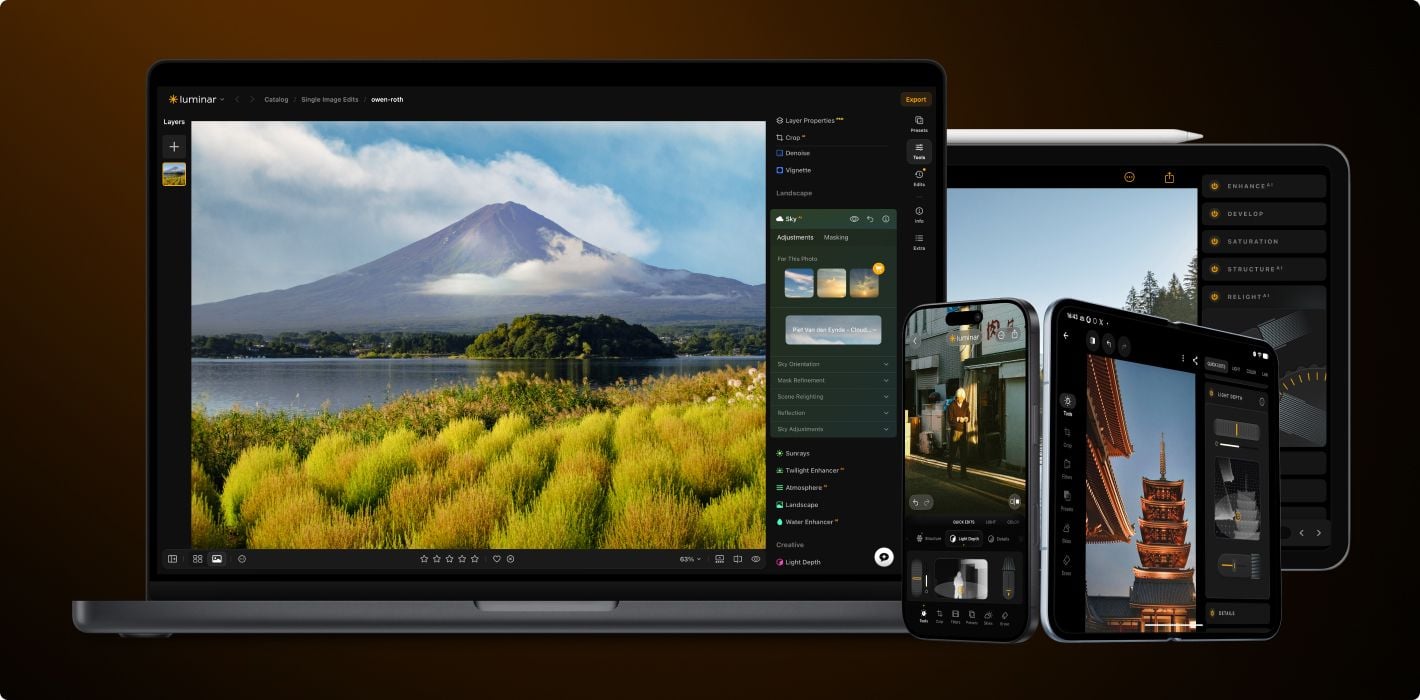
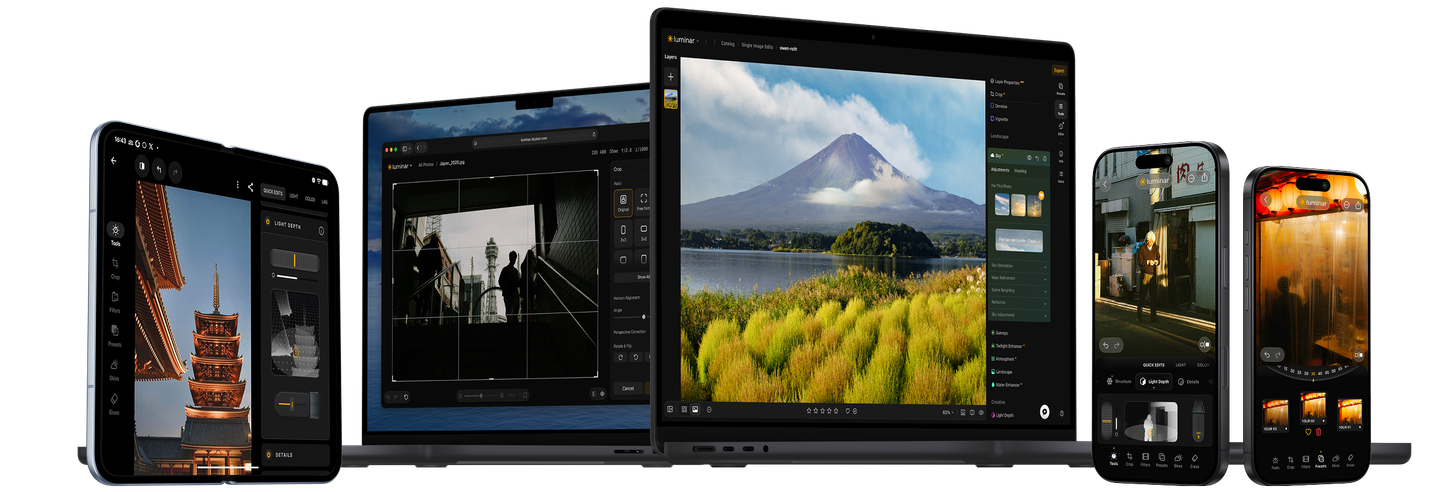
Try Luminar free for 7 days - on all your devices

Enjoy effortless photo editing wherever you are, with access to all features.

Try it now
  • 7-day free trial

View plans
Luminar Trial: Download Luminar for Free | Skylum
Luminar Trial: Download Luminar for Free | Skylum(2)

Discover Luminar on Desktop possibilities

Level up your photography with Luminar's AI-powered photo editing tools.

Top features

img

Enhance in seconds

img

Refine every pixel

img

Smooth skin naturally

img

Revive old photos

img

Fix composition

img

Sharpen every detail

img

Denoise with precision

img

Remove distractions

img

Add dimensional lighting

img

Instantly replace skies

img

Edit across devices

img

Share edits in web galleries

Essentials

img

Enhance in seconds

img

Reveal hidden details

img

Boost contast

img

Fix composition

img

Refine every pixel

img

Improve colors

img

Sculpt light and shadow

Landscape

img

Instantly replace skies

img

Recreate the golden hour

img

Add realistic fog

img

Remove haze

img

Brighten with rays of light

img

Deepen evening tones

img

Perfect water textures

Generative AI

img

Remove distractions

img

Expand your scene

img

Replace objects seamlessly

Image Quality

img

Revive old photos

img

Sharpen every detail

img

Denoise with precision

img

Upscale without loss

Creative

img

Add dimensional lighting

img

Add luminous depth

img

Color grade with ease

img

Illuminate with neon

img

Add cinematic texture

img

Layer creative effects

Portrait

img

Create a dreamy bokeh effect

img

Smooth skin naturally

img

Enhance facial features

img

Sculpt body proportions

img

Blur backgrounds beautifully

img

Add studio lighting

img

Replace backgrounds easily

img

Brighten with style

Photo merge

img

Merge multiple brackets

img

Stitch wide panoramas

img

Stack focused shots

5 reasons why Luminar
is the best photo editor for you

Luminar Trial: Download Luminar for Free | Skylum(5)

Lifetime access to the app

Choose the plan you want, enjoy Luminar forever. Plus, get generative features and Library of Assets for 1 year.

Luminar Trial: Download Luminar for Free | Skylum(6)

AI-Powered

Advanced AI features automatically enhance your photos and save you time.

Luminar Trial: Download Luminar for Free | Skylum(7)

Easy to use

An intuitive interface and smart tools make editing simple for everyone.

Luminar Trial: Download Luminar for Free | Skylum(8)

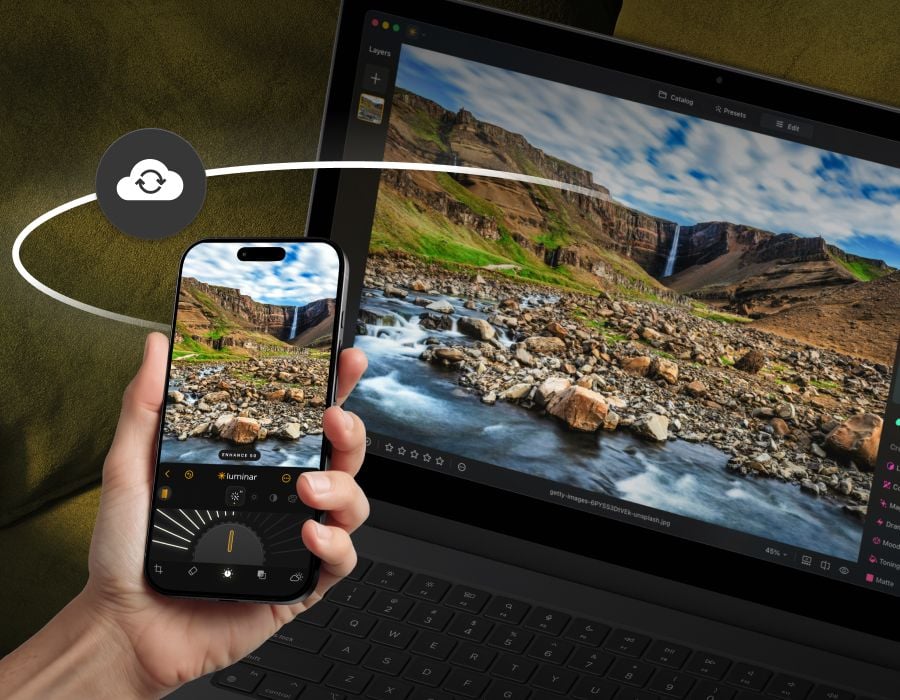
Edit on multiple devices

Start editing on your phone, continue on desktop – your work stays synced. Soon available on web, too.

Luminar Trial: Download Luminar for Free | Skylum(9)

Use as a plugin

Integrate seamlessly with Lightroom classic and Photoshop for smooth, flexible editing.

Frequently Asked Questions

What is Luminar?

Luminar is a powerful photo editor that is easy to use by everyone. It is powered by AI, simplifying complex tasks and letting you focus on your creativity. Luminar is a desktop application available for macOS and Windows, and can be also used as a plug-in for Photoshop, Lightroom, or Apple Photos. Sign up for this photo editor’s free trial to see how it can help you get higher-quality photos with ease.

Do I need to provide any payment information to sign up for the free trial?

No, all we need is your email to send you a download link for Luminar.

Can I cancel my trial any time?

Yes, you can cancel your trial at any time.

Will I be charged now?

No, we won't charge you when you sign up for a free trial.

Can I access all of Luminar's tools and functionality during the trial period?

You will get access to all the features of Luminar, including pro-level premium Extensions.

What happens after the 7-day free trial ends?

After your 7-day free trial ends, you'll be charged for the Lifetime License and will become a Luminar owner. If you decide not to continue, you can cancel your trial at any time before it ends in your Skylum account.

How can I start my 7-day free trial of Luminar?

To start your 7-day free trial, visit the Luminar trial start page and follow the instructions. It’s easy!

Is the Luminar trial available for both Mac and Windows users?

Of course! Luminar is available for macOS and Windows.

Can I use the free trial on multiple devices?

The Luminar free trial version includes one seat (meaning one device). However, when you purchase Luminar you can select multiple seats, and use it on multiple devices.

Is technical support available during the free trial period?

Yes. We’re happy to assist you with any questions.

Get started for free

Try out Luminar Neo for free for 7 days. No credit card needed.
Please, enter email to get Luminar Neo Trial

Sent successfully!

Please check your email

Make sure it's a valid email address

👆 This app is available for desktop only. We will send you a link when you’re back on your computer.

App Requirements

macOS

Mac Model

MacBook, MacBook Air, MacBook Pro, iMac, iMac Pro, Mac Pro, Mac mini, early 2010 or newer

Processor

CPU Intel® Core™ i5 8 Gen or better

OS version

macOS 12.0 or higher.

RAM

Memory 8 GB RAM or more (16+ GB RAM is recommended)

Disk space

Hard disk 10 GB free space; SSD for best performance

Display

1280x768 size or better

Windows

Hardware

Windows-based hardware PC with mouse or similar input device

Processor

CPU Intel® Core™ i5 8 Gen or better, AMD Ryzen™ 5 or better

OS version

10 version 1909 or higher (only 64-bit OS)

RAM

Memory 8 GB RAM or more (16+ GB RAM is recommended)

Disk space

Hard disk 10 GB free space; SSD for best performance

Display

1280x768 size or better

Graphics

Open GL 3.3 or later compatible graphics card