How To Take Photo Without Shadow: A Photographer's Secret
March 06, 2026

Learn how to take stunning photos with perfect lighting and no unwanted shadows. Our guide contains expert tips for achieving flawless results.
The absence of prominent shadows in a photograph is a clear sign of the photographer's skill. Due to the nature of the shooting process, eliminating dark areas requires complete control over the light and an understanding of how it works.
In this article, we will look at the most practical solutions for removing shadows in the background, give recommendations on camera settings and how to get rid of shadows when taking pictures, and also discuss post-processing methods.
Your AI-Powered Photo Editor for MacOS and Windows
Discover Now!Don’t feel like reading the whole breakdown right now? Here’s a tighter, more practical summary of what actually changed.
Key Takeaways
Shadows happen because light travels in straight lines. A small or distant light source creates harder, darker edges, while a larger, closer source makes shadows softer and less obvious.
Multiple lights reduce contrast, especially in a basic cross-lighting setup: two lights at roughly 45° to the camera, plus a separate background light to prevent a hard wall shadow.
One light can still work. Bounce it back with a white reflector (cardboard or plain paper) to fill the dark side and even out the face or product surface.
Softening the source changes everything: diffuse the light with a sheet/curtain, use window light with sheer fabric, and avoid “naked” point sources that carve sharp outlines.
Distance is a hidden cheat code, because moving the subject away from the wall gives light room to wrap—the shadow fades, edges blur, and the background looks cleaner.
Outdoors, chase open shade. Under awnings, building edges, or tree cover, the subject is lit by a big “sky softbox”; in harsh sun, backlight the subject and fill from below with a simple reflector.
Settings help, but they won’t replace lighting. Shoot RAW, keep ISO low, use a reasonable shutter speed, and remember that wide apertures can hide background shadows by blurring them rather than removing them.
Final Verdict: A clean, shadow-minimised image comes from soft light + fill + space from the background—and editing should be the final polish, not the main rescue.
The Reason for Shadows in Photos
 Shadow is powerful for creating depth, but it isn’t required in every frame. For example, in product photography that requires maximum detail, dark accents are not suitable because excessive contrast can obscure them.
It is possible to achieve the effect of no shadows in a photo, but it is needful to create conditions in which light will scatter and spread freely in all directions. This way, shadows simply will not have space to form.
Four Ways to Get Rid of Shadows in Photos
 All you need to do is master a few reliable techniques that professionals use to create a “clean” image. These methods work both with studio photo lighting and at home using a regular window.
Use Multiple Light Sources at The Same Time
The cross-lighting method involves the use of three light sources simultaneously:
Key light. The lamp is positioned at an angle of 30-60 degrees to the side of the camera. It is the main light source and defines the shape of the object and its shadows.
Fill light. Used to soften deep shadows created by other lighting devices, but not to eliminate them. For this reason, the second lamp should be less intense and positioned on the opposite side from the “key light”.
Background light. Used to remove shadows directly behind the subject. It doesn’t require any special positioning: the main thing is that the tool is aimed at the wall or background and doesn’t enter the frame.
Alternatively, a "rim light" can be used instead of the third lamp. It illuminates the model's back/shoulders from behind to create a subtle light contour around the hair and shoulders.
Light Boomerang Effect
If you don't have several effective lighting devices at hand, you can manipulate the light flow of one. Try different angles of the reflector to “catch” the light and direct it back into the shadow area. Professional gear isn't needed: everything you require is a piece of white cardboard without creases or a few A4 sheets of paper.
Decrease in Light Fixture Intensity
Placing a white, light-transmitting blanket or thin sheet of paper in front of the main light source will make it less intense. If the subject is close to a window, daylight can increase the brightness. Control the effectiveness of natural light using curtains or blinds to avoid glare from direct sunlight hitting the sensor.
Increase The Distance To Hide The Shadow
If the object is close to a wall or background, the light rays don't have time to scatter, so the impression is clear and deep. Putting more distance between the light beams lets them bend around the object a bit, gently filling the space behind it. As a result, the shadow on the background becomes much paler, loses its sharp outlines, and eventually disappears completely from the camera.
Outdoor Photography: How to Prevent Shadows
 In a home environment, it is much easier to control light flow because you can isolate additional light sources or adjust their intensity. When taking photos outdoors, photographers find themselves in conditions where they have to play by the sun's rules.
To avoid extreme contrast and sharp shadows in the background, look for “open shade”: a space under a canopy, the eaves of a building, or a thick tree canopy. In such places, direct light is blocked, but the object is illuminated on all sides by soft light reflected from the sky.
If you have to shoot in direct sunlight, position the subject so that the light falls from behind, turning into a backlight. In this case, the face or front of the object will be in its own uniform shadow, which can be easily brightened with a regular white T-shirt or sheet of paper, held underneath as an improvised reflector.
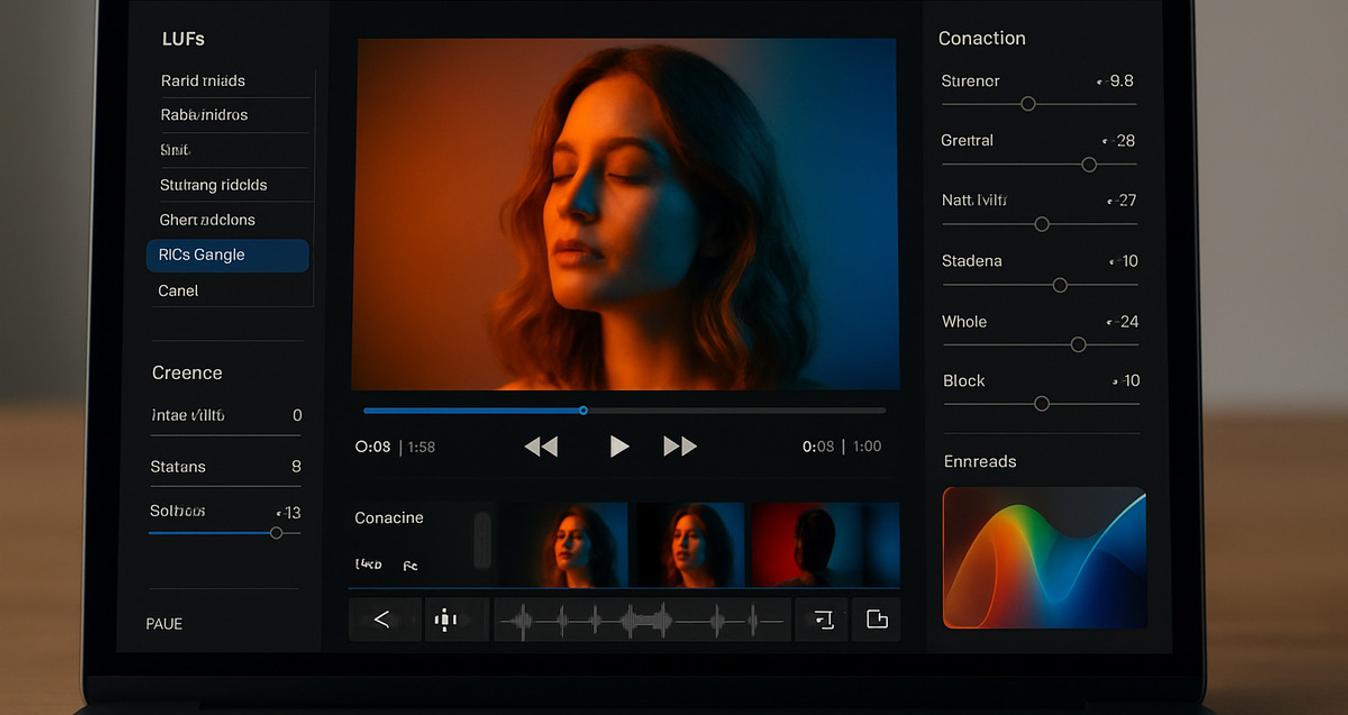
The resulting photos will look good, but due to the “amateurish” approach, black accents may still seep into them. In this case, don't rush to send the pictures to the trash bin. The Luminar Neo can help remove shadows from photos in just a few clicks. You can easily remove unwanted dark accents from faces, architectural elements, and other objects, creating more impressive, high-quality photos.
Using Special Tools to Work with Light
 Using professional equipment, along with editing images in a photo editor, are the most effective options available for controlling shadows in photography. Lightboxes and softboxes create a closed-light environment in which rays are reflected multiple times from the inner walls before hitting the object. This produces a perfectly soft image, with dark areas automatically filled with light, eliminating the appearance of sharp graphic contours.
If you are searching for how to avoid shadows in photos when taking portrait or large object shots, it is more effective to use ring lights and reflectors. The light on the lens axis illuminates the object from all sides at once, literally “pushing” the shadows beyond their limits. Combined with white reflector panels that return excess light back, you get commercial-quality images. Most influencers use this setup because of its affordability and ease of use, so the effect is guaranteed.
Camera Settings for Contrast Adjustment
 Unfortunately, even modern cameras are not equipped with a feature that instantly removes all shadows from a frame. However, manually adjusting the camera settings can help improve the overall quality of the photo. Here are a few changes worth considering:
Use a wide aperture. Setting the value to f/2.8 or f/4 blurs the background of the image. This softens the shadows falling on the background, masking them into the overall environment.
Shoot in RAW. Unlike JPEG, the RAW format preserves maximum information in shadows and highlights, letting you extract details during post-processing without losing quality.
Minimum ISO. It is best to keep the sensitivity at low values between 100 and 400. Otherwise, digital noise will appear in deep shadows, drawing additional attention to them.
Proper camera settings and shooting in RAW format let you preserve the maximum amount of information in the deepest areas of the frame. If natural conditions don’t permit achieving perfection, modern processing tools can help to delicately lighten a photo to remove excessive shadows.
Removing Shadows Using a Photo Editor
 Retouching skills can reduce equipment costs by transferring complex light correction into the digital domain. When photographing products, a simple white background and the absence of extra props simplify the task of how to get rid of shadows in photos. But this doesn’t mean that you can slack off when preparing the groundwork for making original images: as the saying goes, a sturdy house cannot be built from rotten boards.
Therefore, in light and shadow photography, post-processing is a decisive factor in achieving commercial quality. Luminar's intelligent algorithms allow you to quickly even out exposure and remove spots while preserving natural texture. While Lightroom is good for basic color correction and Photoshop is good for detailed cleaning, it is Luminar's neural networks that offer the most effective path to perfect balance.
Creating a Clean Image Without a Trace of Shadow
 Shooting a photo without extra black marks isn't so much about finding expensive gear as it is about knowing how to control soft light and adjust your camera settings at the right time. By combining diffused lighting with the right background, you will learn how to avoid shadows when taking pictures and produce a clean, original file that can be edited in a few clicks and sent to the client.