
限时优惠
终身
$ 99.99
$ 49.99
每年
7 days free
$ 29.99
7 days free
By clicking the “Buy”, you agree to our Terms. Your data is processed per our Privacy Policy.
🔒 Guaranteed safe & secure checkout




By clicking the “Buy”, you agree to our Terms. Your data is processed per our Privacy Policy.
🔒 Guaranteed safe & secure checkout


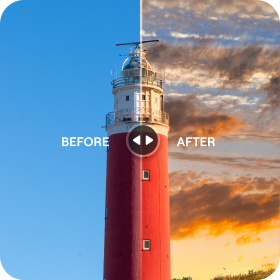

Achieve more with our mobile photo editor
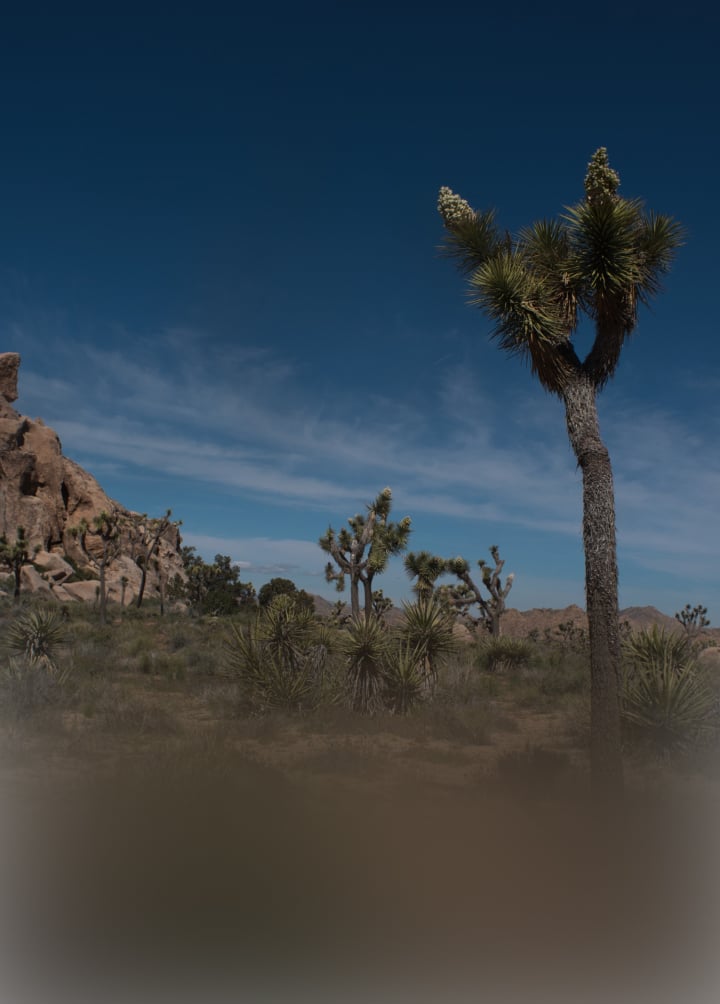

 Enhance AI

 Skin AI

 Film Looks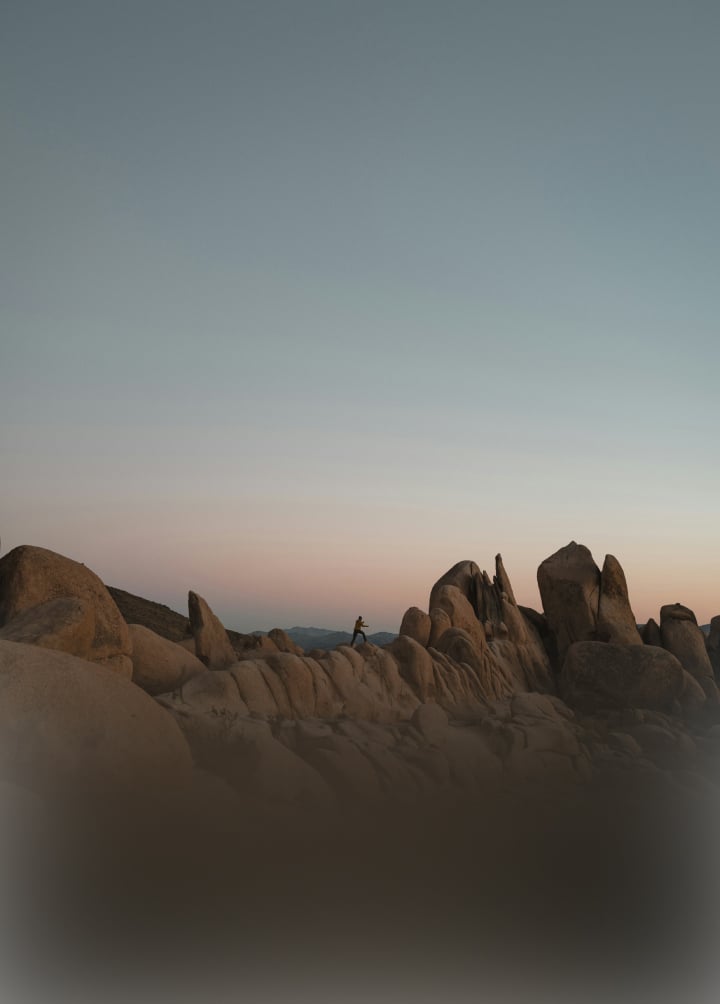

 Sky AI
 See the magic yourself
Tap or hover to see results, swipe for more wow effects
















Explore your editing power with Luminar
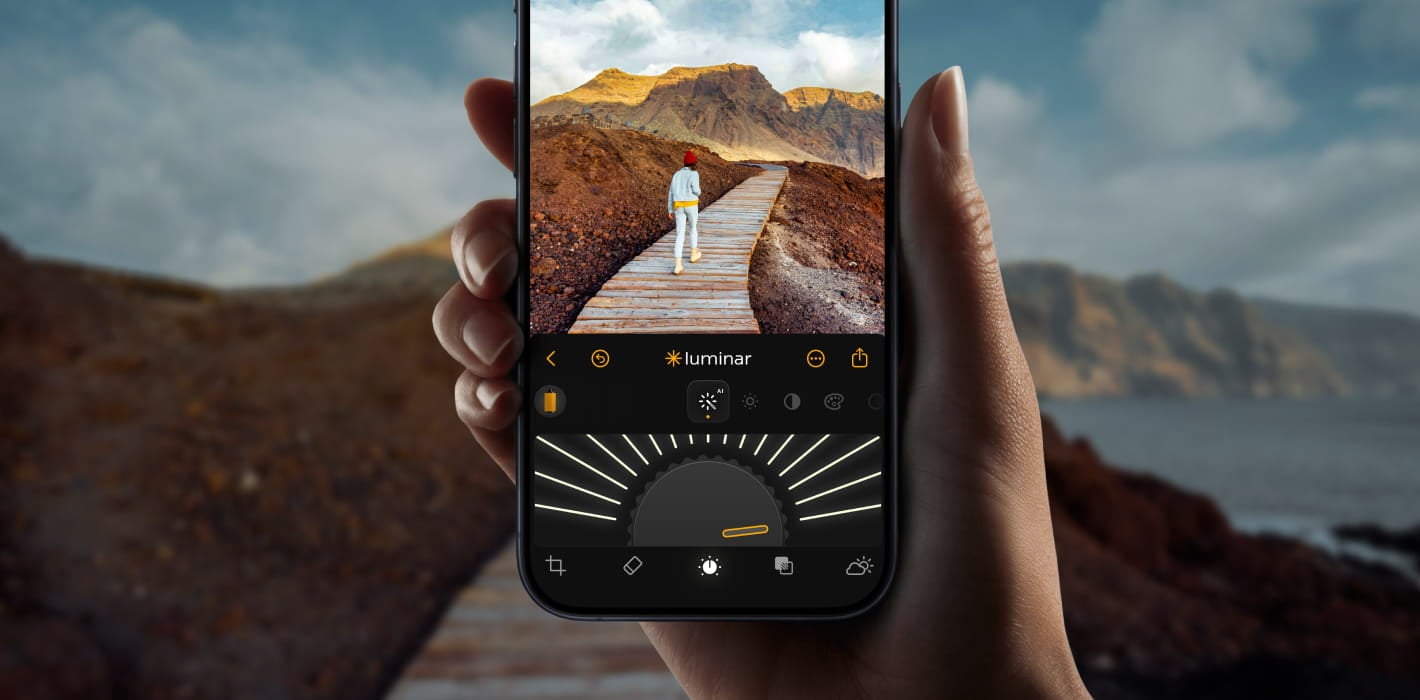
Improve travel photos
Turn ordinary travel snapshots into stunning vacation memories in seconds.

Fix dull skies
Swap boring skies for beautiful ones and experiment with countless options.
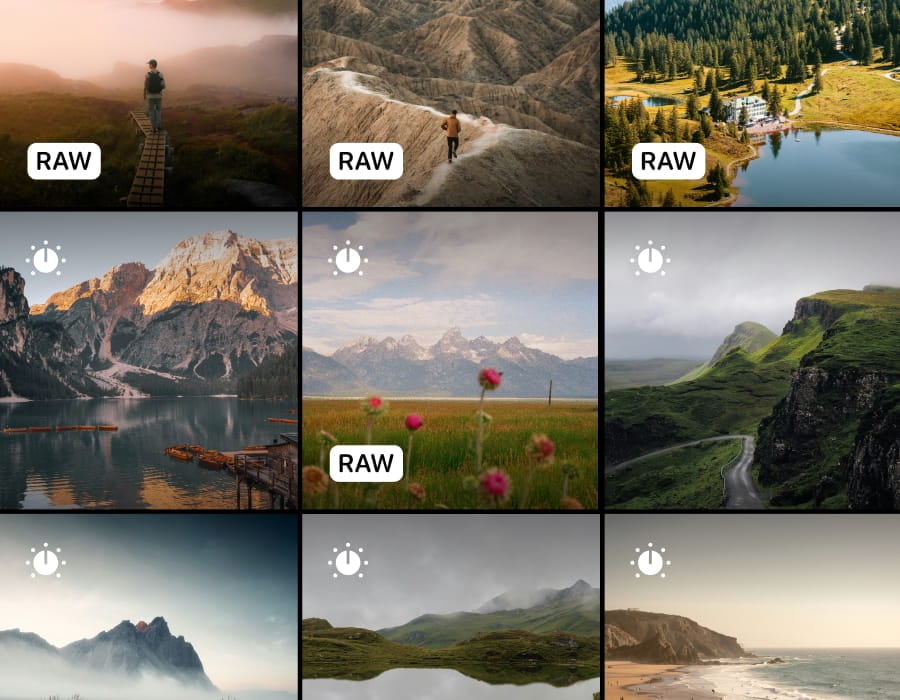
Make any photo pop
Turn everyday shots into polished images you'll love to share.
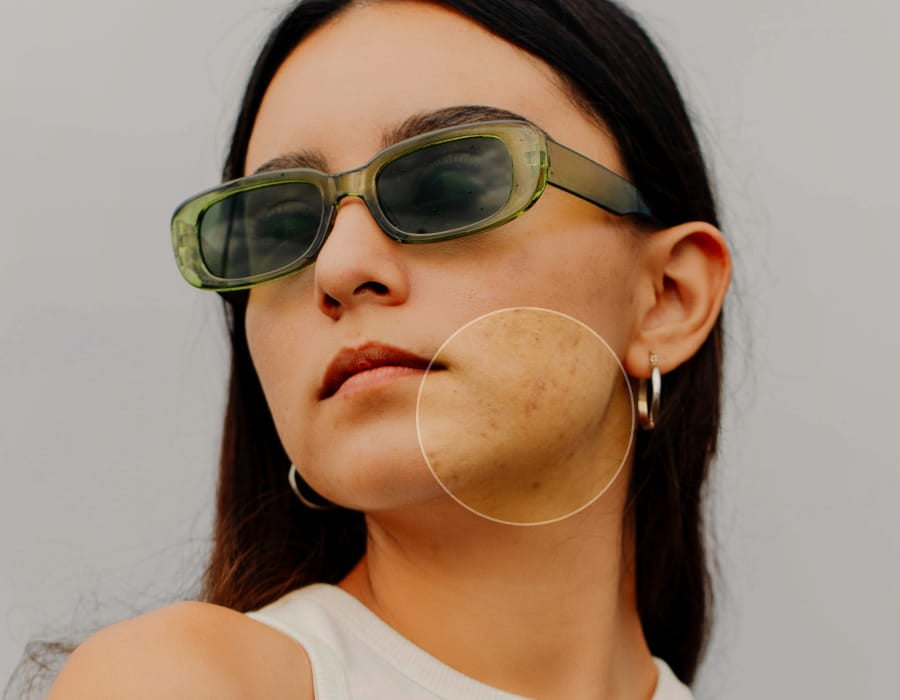
Get natural portraits
Smooth skin and enhance features for flawless portraits.
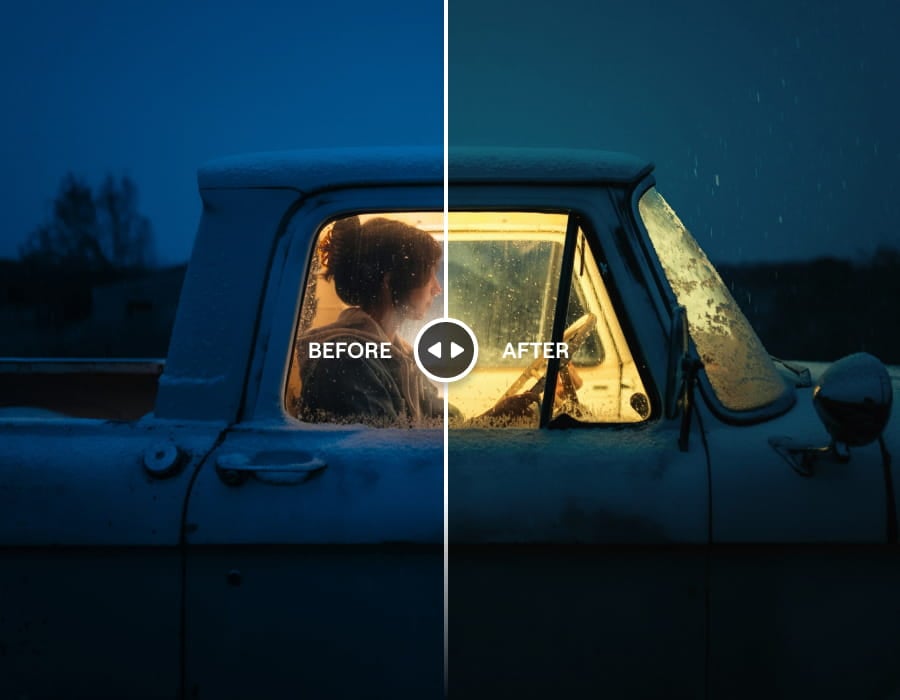
Add a cinematic vibe
Give any photo Hollywood-style color and mood with zero effort.
Even more powerful features
Fast, powerful editing, directly on your device

One-tap AI Enhance
Boost any photo automatically

人像散景
Perfect background blur without pro camera needed

Auto Masking
Precise objects selection, no manual work

RAW Support
Edit professional files directly on your phone

Sky AI
Swap boring skies with stunning ones instantly

Cloud Sync
Access edits anywhere, anytime

Skin Retouch
Smooth and enhance skin naturally

Desktop + Mobile
Seamless workflow across devices
Start editing now with your free trial
Start creating fantastic photos instantly. Cancel anytime.
限时优惠
终身
$ 99.99
$ 49.99
每年
7 days free
$ 29.99
7 days free
常见问题
Luminar on Mobile 的应用要求是什么?
Luminar on Mobile 支持 iOS 和 Android 设备。该应用在 Apple 设备上需要 iOS 17 或更高版本,在 Android 设备上需要 Android 11 或更高版本。请注意,旧款设备用户可能会遇到功能限制。
Luminar on Mobile 具备哪些功能?
Luminar on Mobile 是一款面向 iPhone 和 Android 的 AI 驱动型照片编辑应用。正因如此,它拥有丰富的AI功能,例如用于替换天空的SkyAI、用于修饰人像的SkinAI和BodyAI、用于校正曝光的RelightAI等。此外,它还具备“擦除”、“裁剪”、“滤镜”、“调整”和“曲线”等多种工具,是一款功能全面的一站式应用。
Luminar on Mobile 适合初学者使用吗?
当然!Luminar on Mobile 操作简便且能呈现专业级效果,非常适合初学者。
Luminar on Mobile 支持哪些文件格式?
Luminar on Mobile 支持现代 iPhone 照片编辑和 Android 工作流程中常用的图像格式。请查看 支持的相机列表 以获取更多详细信息。
在哪里可以找到 Luminar on Mobile 的用户指南?
您可以在 《Luminar on Mobile 用户指南》。
我可以编辑的档案大小有限制吗?
在了解 Luminar on Mobile 应用的照片编辑限制时,请务必先检查设备的 RAM 容量。RAM 是设备的临时工作区,拥有更大的 RAM 容量可让您处理更大、更复杂的图像,而不会遇到性能问题。请在此处 查看支持的 RAM 容量 。
为什么 Luminar Neo 是最好的移动照片编辑器?
Luminar on Mobile 是专为移动端专业级编辑打造的最佳照片编辑器,它将先进的 AI 工具融入以触控为主的工作流程,同时又不会过度简化操作过程。该应用在快速优化、局部调整和逼真效果方面表现出色——同时确保界面在小屏幕上依然易于操作。
Luminar on Mobile 的突出优势在于能够直接在手机上实现高质量编辑,而不仅依赖预设,也不会将用户局限于自动生成的结果。
哪些人能从 Luminar on Mobile 中受益?
摄影师和创作者选择 Luminar on Mobile,是因为它既契合“移动优先”的工作流程,又不会牺牲画质。
应用优势:
- 希望在旅途中进行编辑和发布的摄影师
- 为社交媒体和移动平台创作内容的创作者
- 希望获得比普通移动编辑器更多控制权的用户
Luminar on Mobile 专为希望获得专业级效果、又无需切换到桌面软件的用户打造。
为什么 Luminar on Mobile 受到摄影师的信赖?
Luminar on Mobile 凭借其可靠的人工智能增强功能和非破坏性编辑方式,赢得了摄影师的信赖。专业人士之所以依赖这款应用,是因为编辑效果可随时调整,成像效果自然,且人工智能工具仅作为辅助而非取代创作决策。
这种平衡使 Luminar on Mobile 成为需要在移动环境中兼顾速度、准确性和一致性的摄影师的可靠之选。
