

 Ver los planes
Editor de fotos de paisaje con resultados épicos
Editing landscape photos is more than just correction; it’s storytelling. With Luminar, you can turn your raw shots into breathtaking scenes and focus purely on your creative vision.
VER PLANES

Luz y color perfectos con MejoraAI
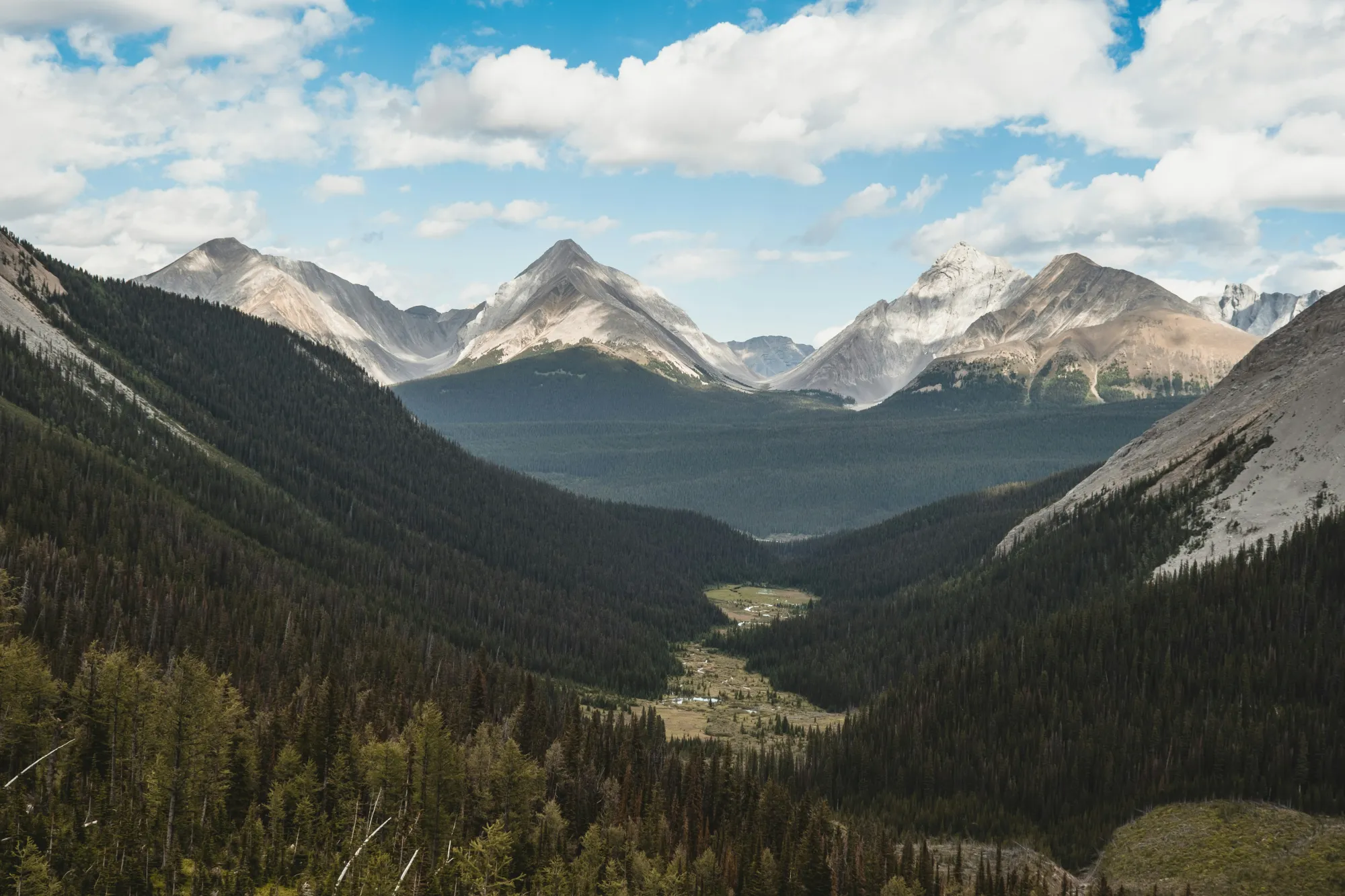
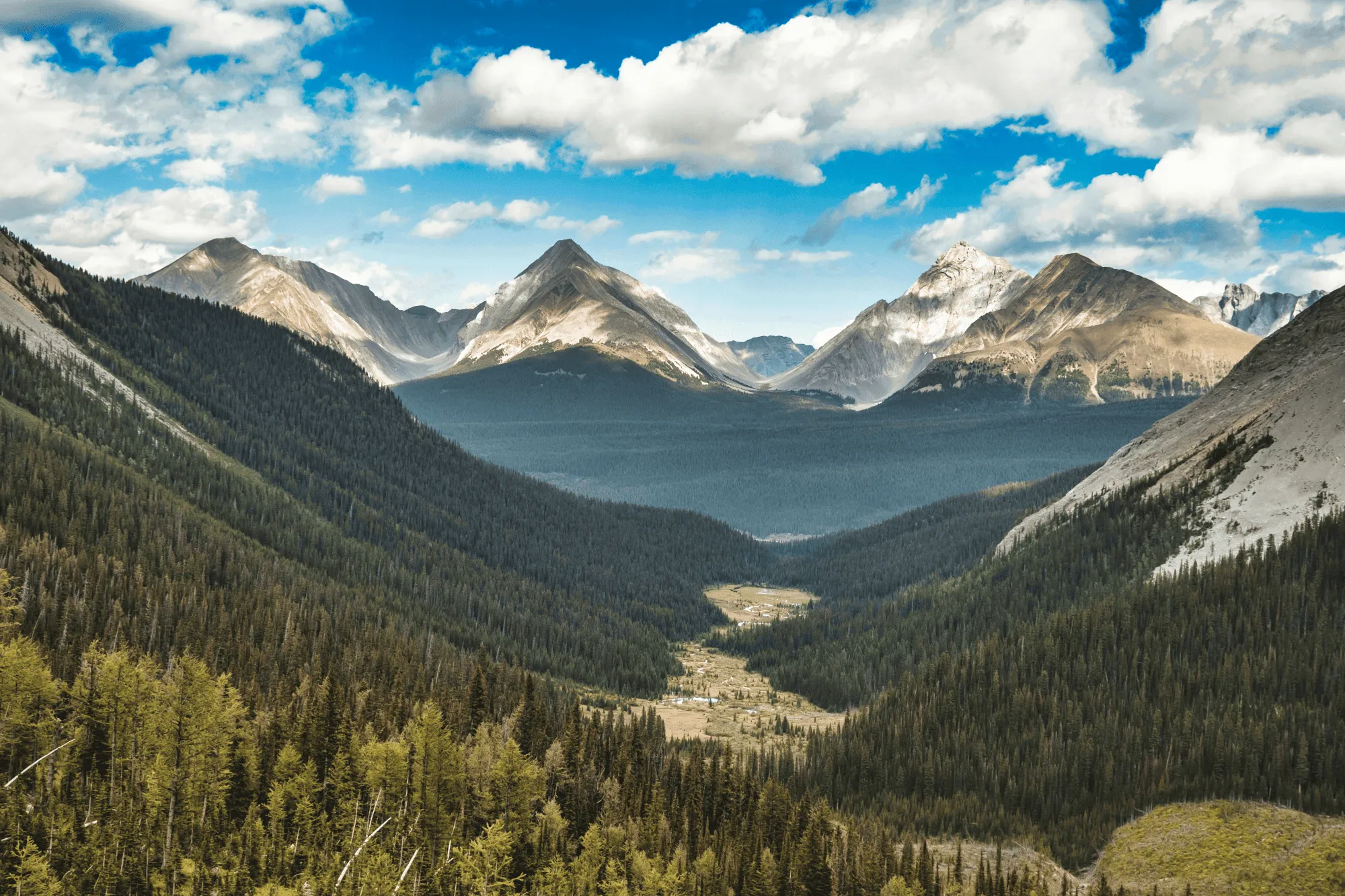
Field conditions aren’t always ideal, but Luminar helps you make the most of them.
EnhanceAI, a smart landscape photo enhancer, detects lighting and color issues in your image and builds a custom brightness map to balance tones across the entire frame to create a result that looks clean, yet natural.
EnhanceAI, a smart landscape photo enhancer, detects lighting and color issues in your image and builds a custom brightness map to balance tones across the entire frame to create a result that looks clean, yet natural.
Controla los cielos con ayuda de la IA
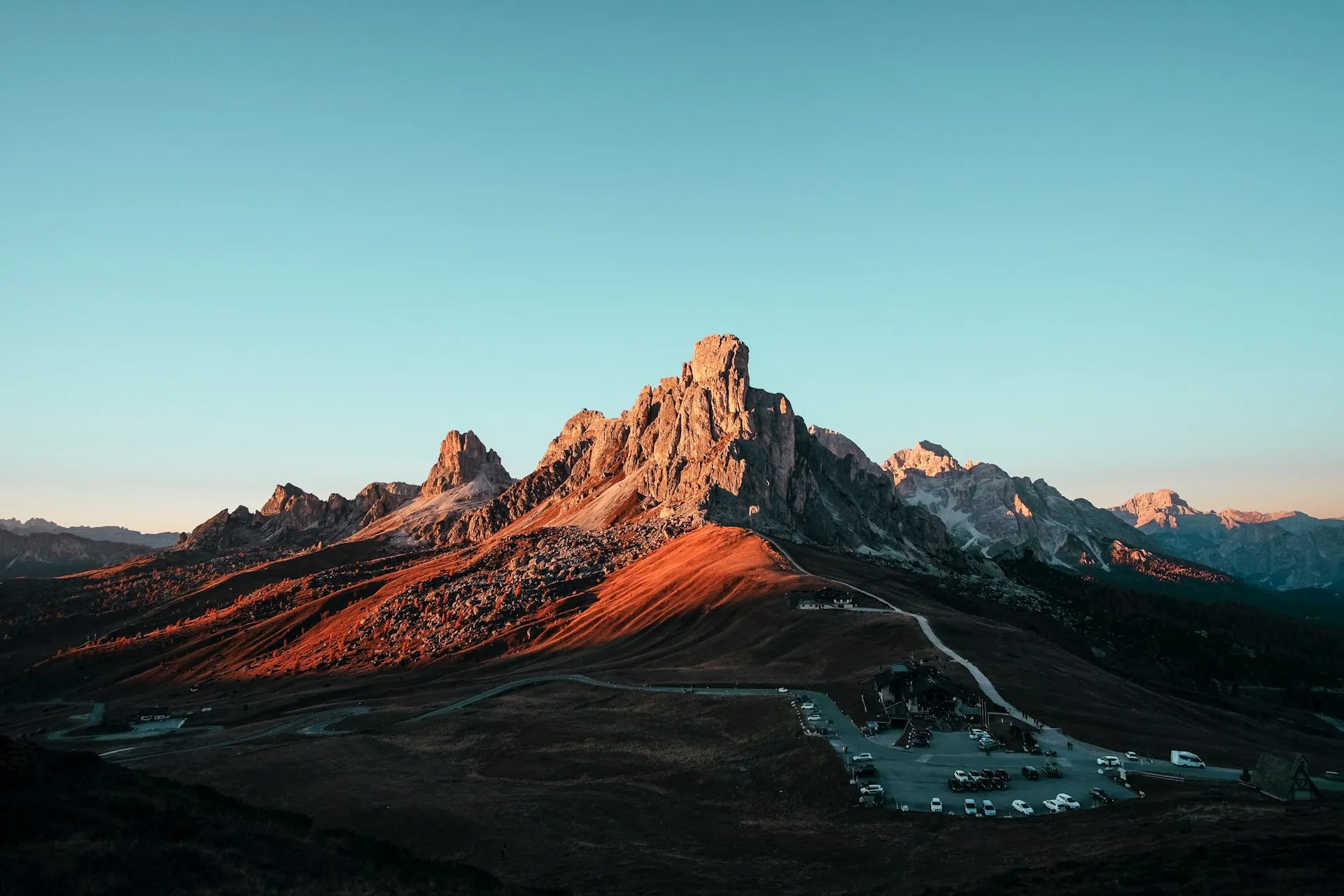
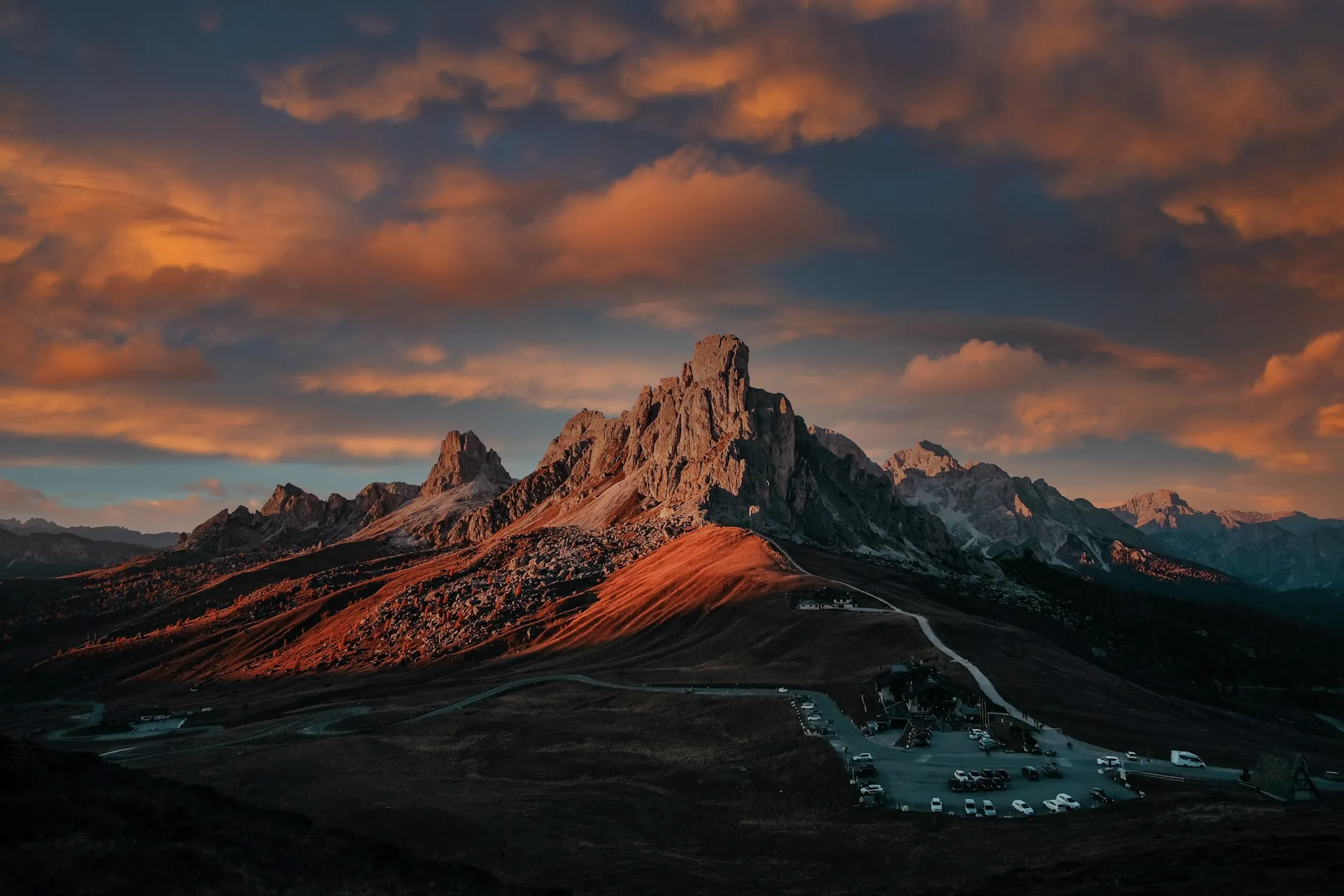
After balancing light and color across your scene, take your scenery edit further with SkyAI. Make subtle adjustments to existing skies or replace them altogether.
Either way, SkyAI makes skies pop and, as needed, relights the landscape to match.
Either way, SkyAI makes skies pop and, as needed, relights the landscape to match.

© Jim Nix
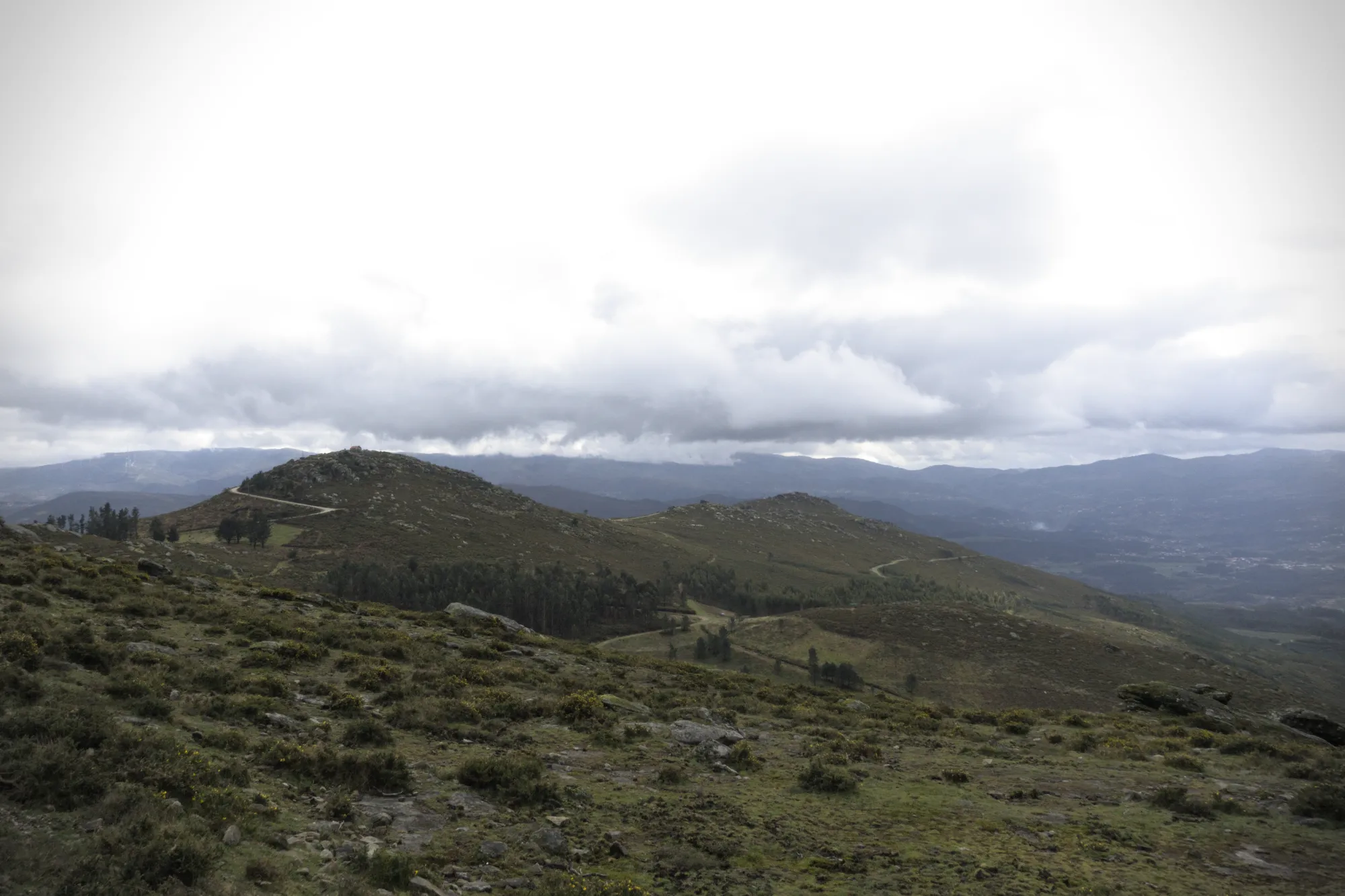
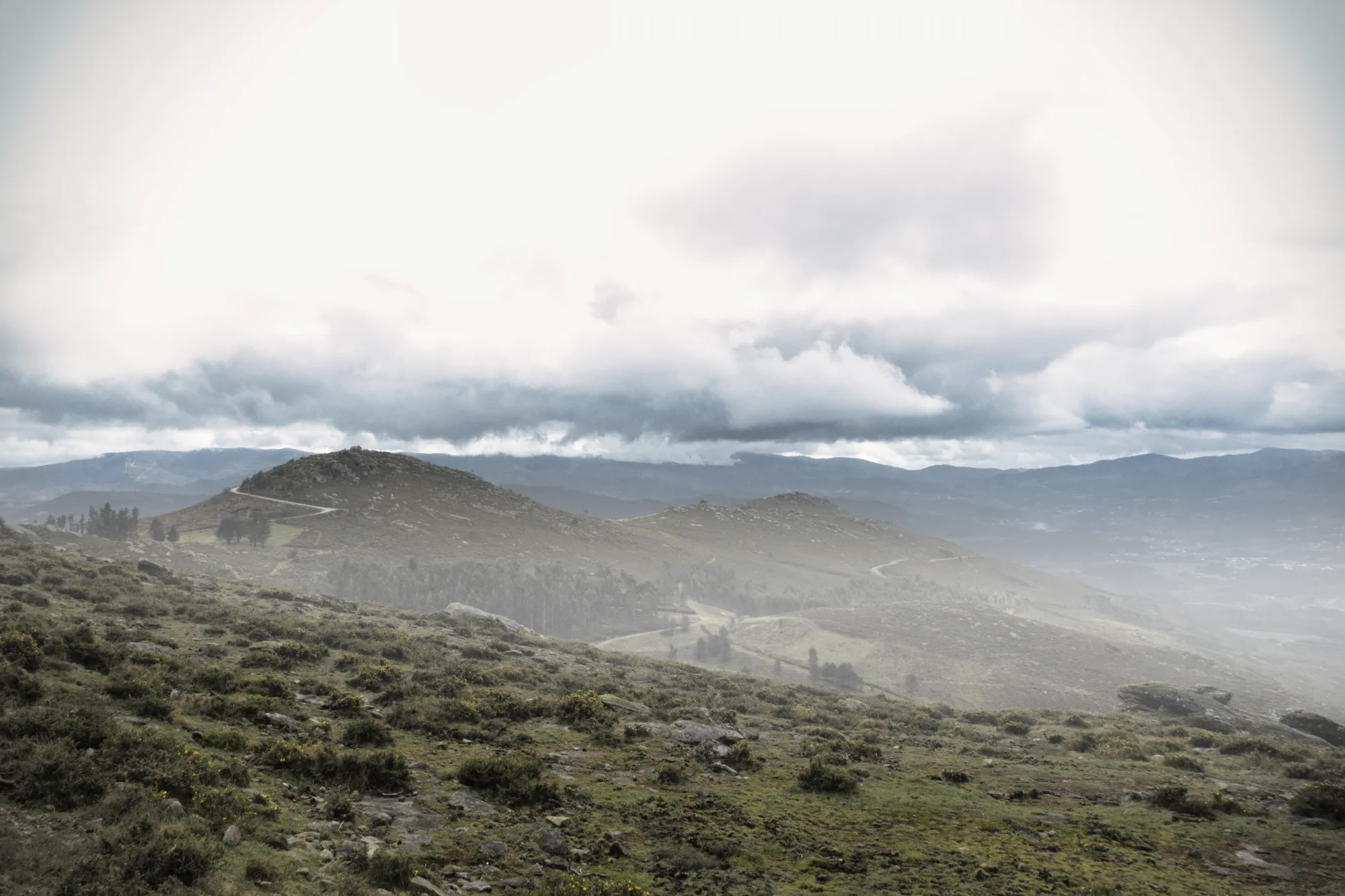
Añade profundidad con efectos atmosféricos realistas
A la hora de editar fotos de naturaleza, los matices sutiles son los que marcan la diferencia. Atmósfera AI utiliza un mapa de profundidad 3D para crear efectos naturales como niebla o bruma que se adaptan a las formas del terreno. Gracias a su control espacial y densidad ajustable, aporta profundidad sin sobrecargar la foto.
Ajusta el encuadre con ComposiciónAI
No landscape photo manipulation is complete without a well-aligned, thoughtfully framed shot.
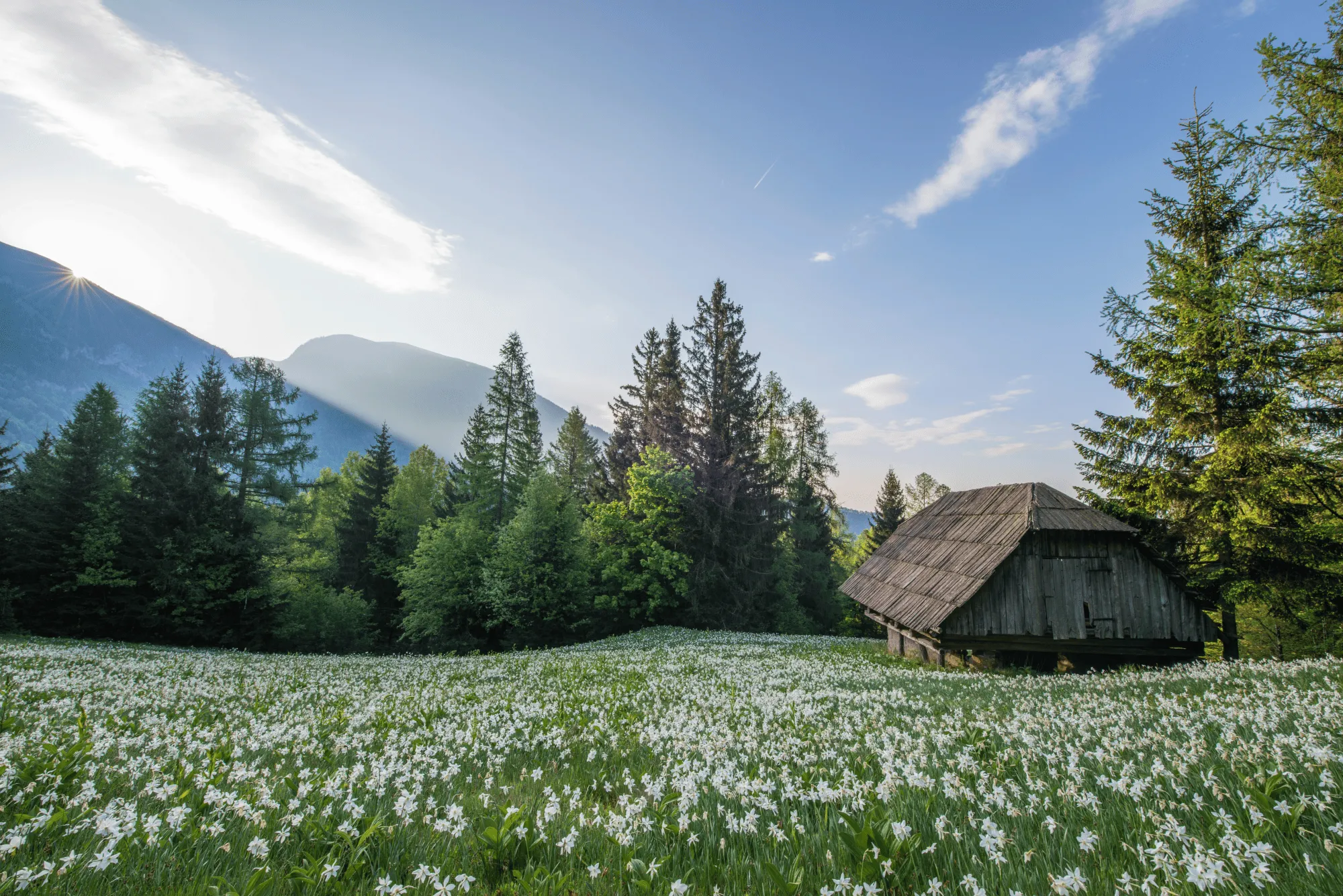
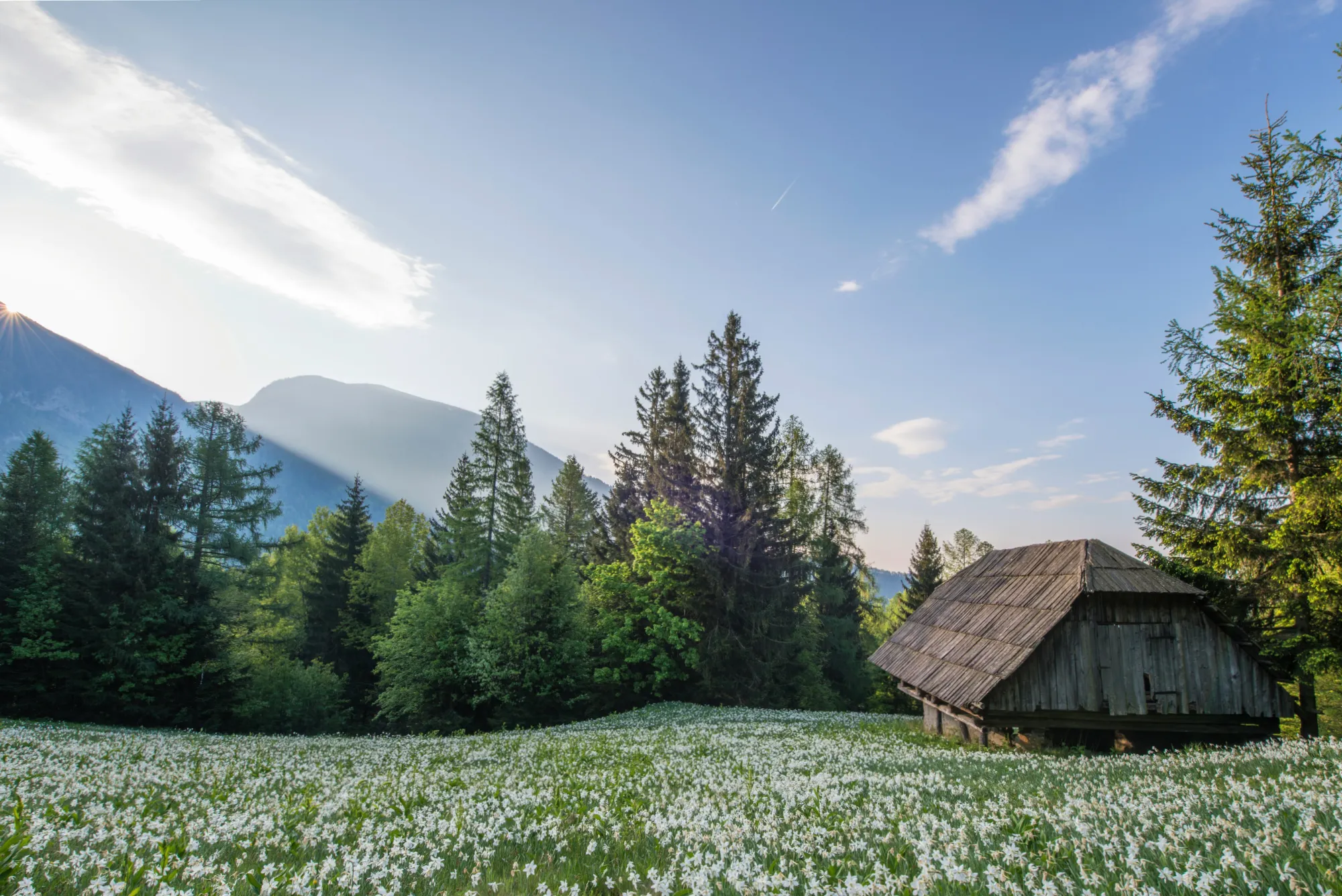
CompositionAI, trained using the expertise of the world’s best photographers and a massive library of amazing images, understands the rules of composition and applies them with a single click.
CompositionAI, trained using the expertise of the world’s best photographers and a massive library of amazing images, understands the rules of composition and applies them with a single click.
© Jim Nix
How To Edit Landscape Photos Using Luminar?
Luminar offers everything you need for powerful landscape editing. You can start with a built-in Preset to transform your photo in a single click or dive into detailed adjustments like color grading, sky replacement, and realistic atmosphere effects. Want to see it in action? Watch the video and learn how our team edits landscapes step by step.


Editor de imágenes de alto rendimiento
Asistencia técnica 24 horas
Garantía de reembolso de 30 días
Únete a nuestras comunidades
Otros usos
Luminar has plenty of other use cases to help you edit faster and easier

Fotógrafo de bodas
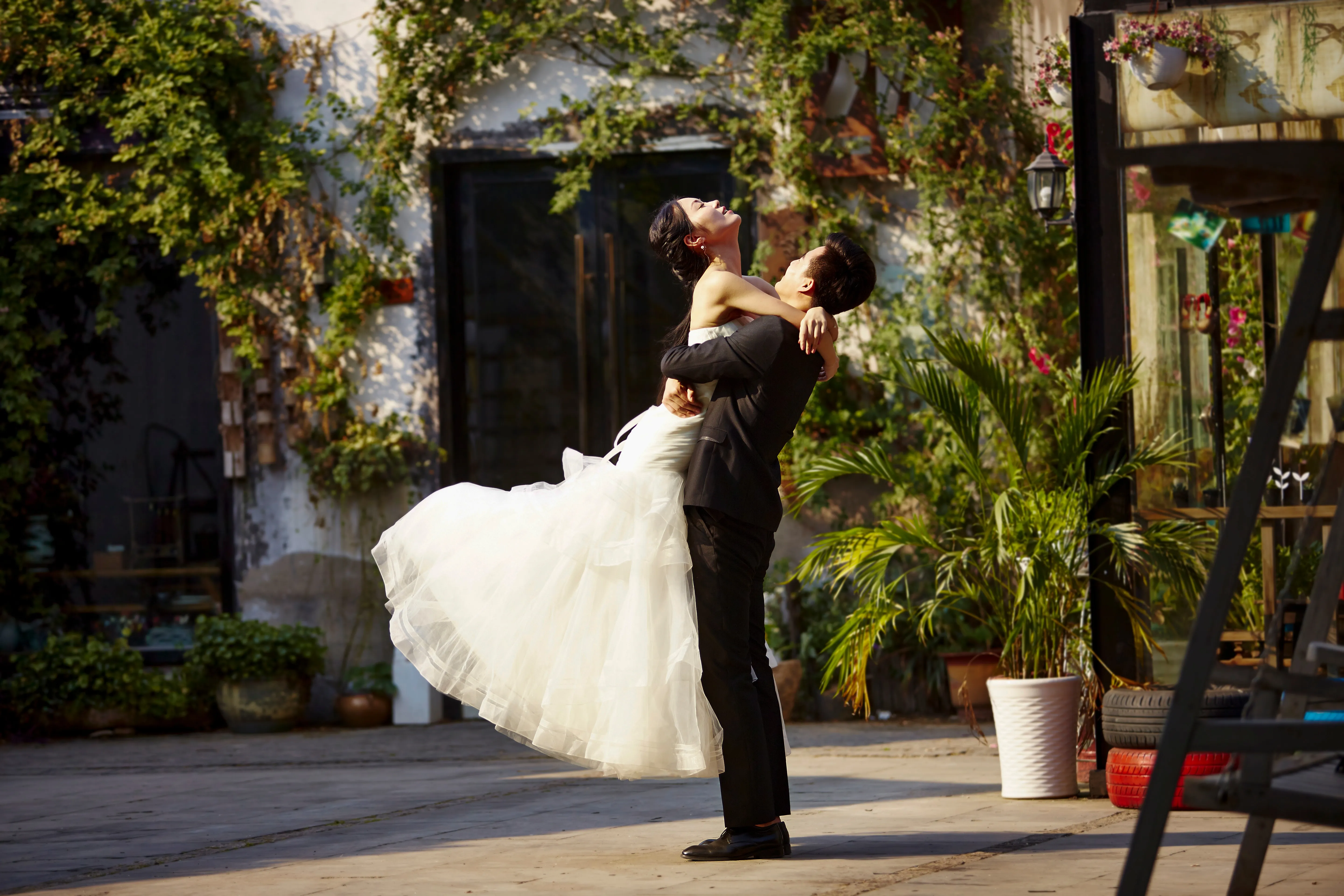
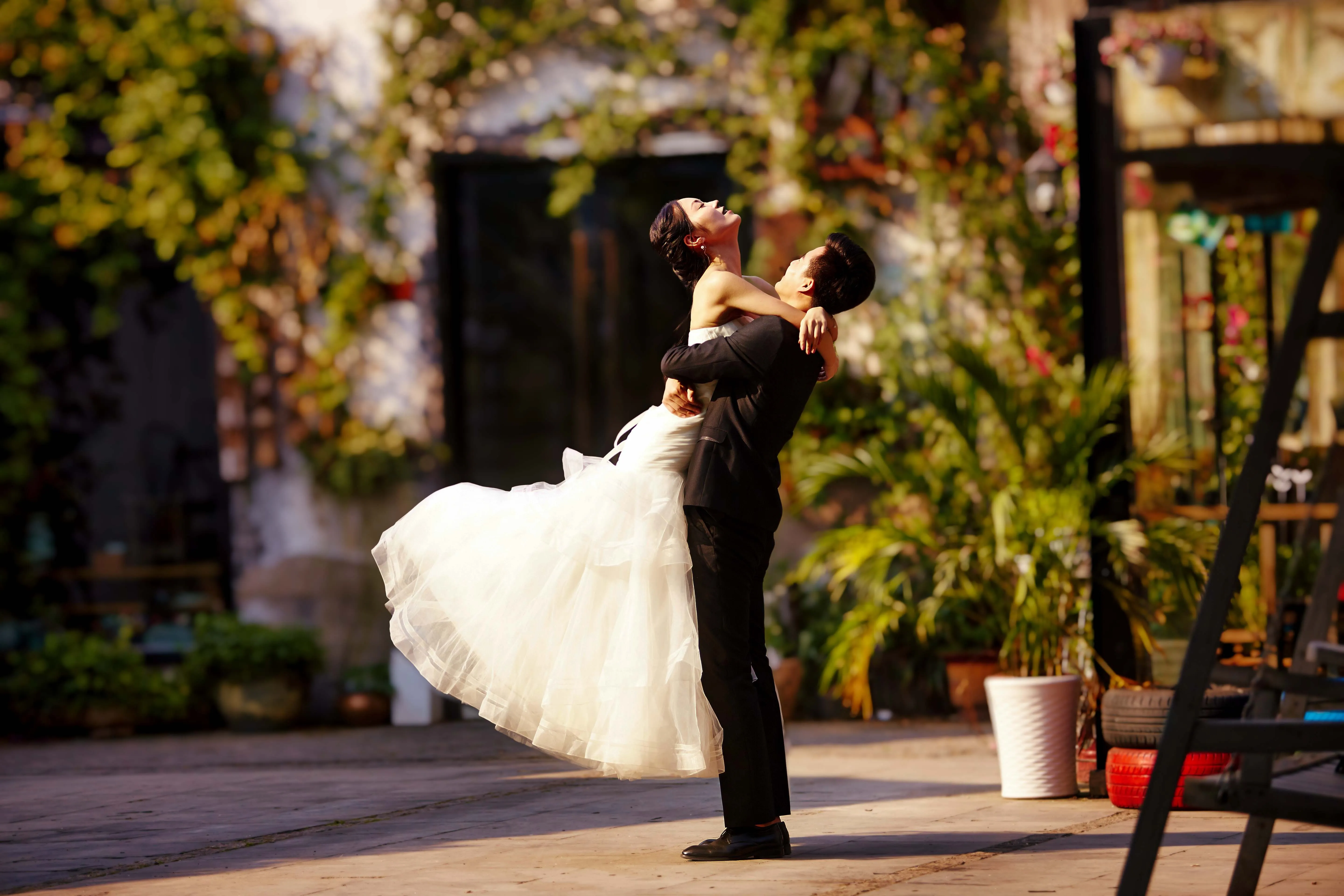
© germay10
Descubre lo fácil que es editar fotos de boda con nuestro software. Convierte tus capturas en recuerdos inolvidables sin complicaciones.
.svg)
Fotógrafo de vida salvaje
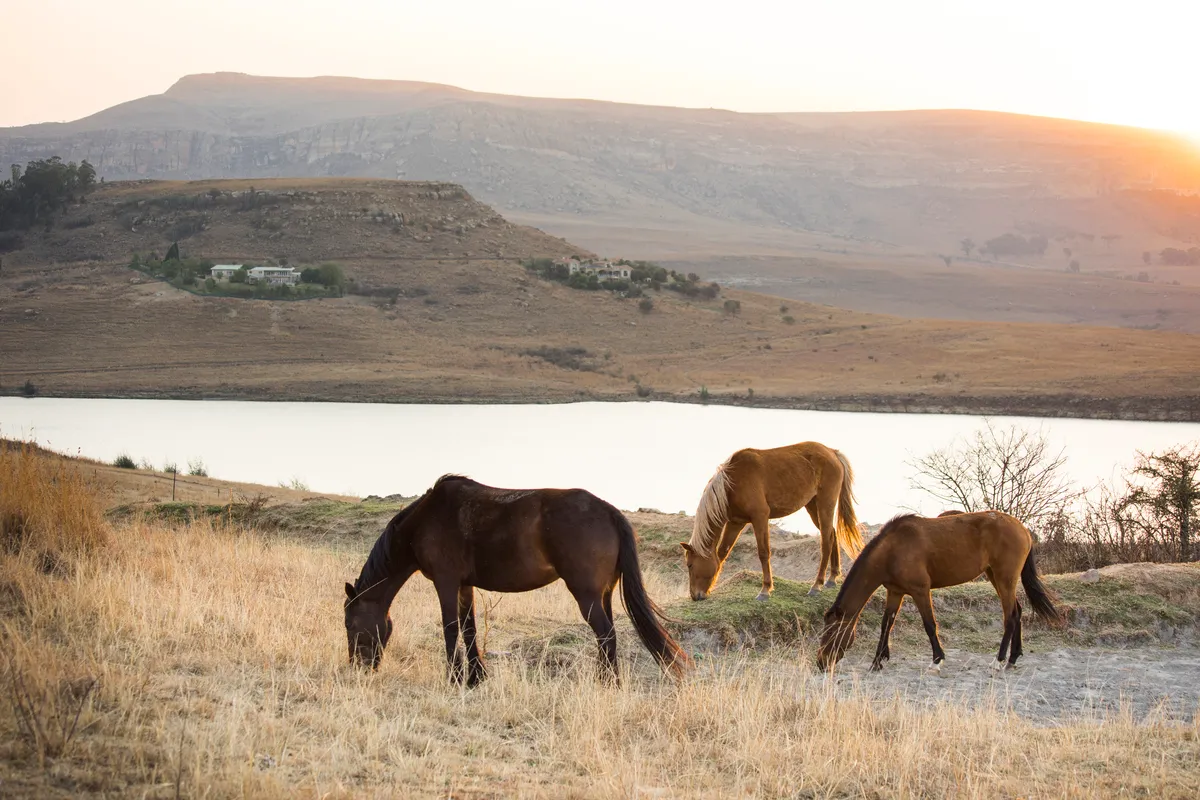
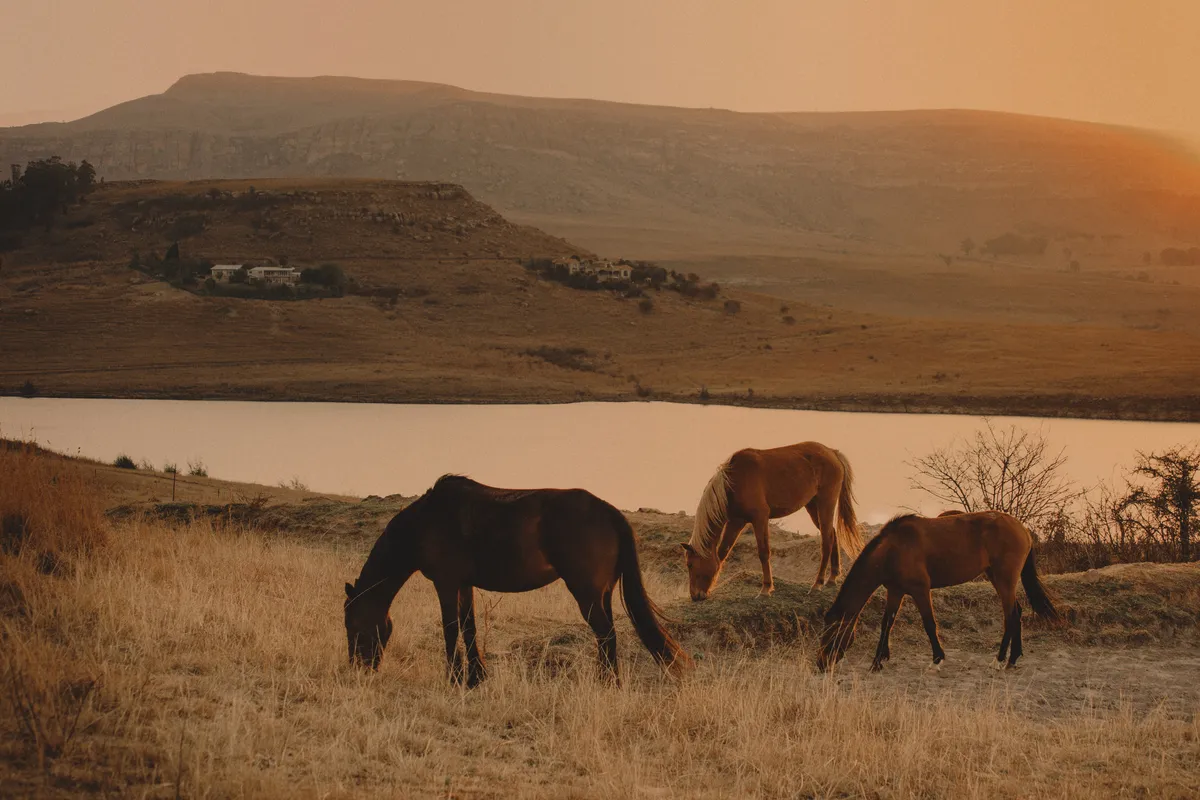
© Shutterstock
Lleva tu fotografía de fauna salvaje al siguiente nivel con nuestras herramientas de edición con IA
.svg)
Fotografía gastronómica


© Javier Pardina
Descubre las posibilidades de nuestro Editor de Fotos de Comida y transforma tus platos en obras de arte irresistibles.

Editor para principiantes
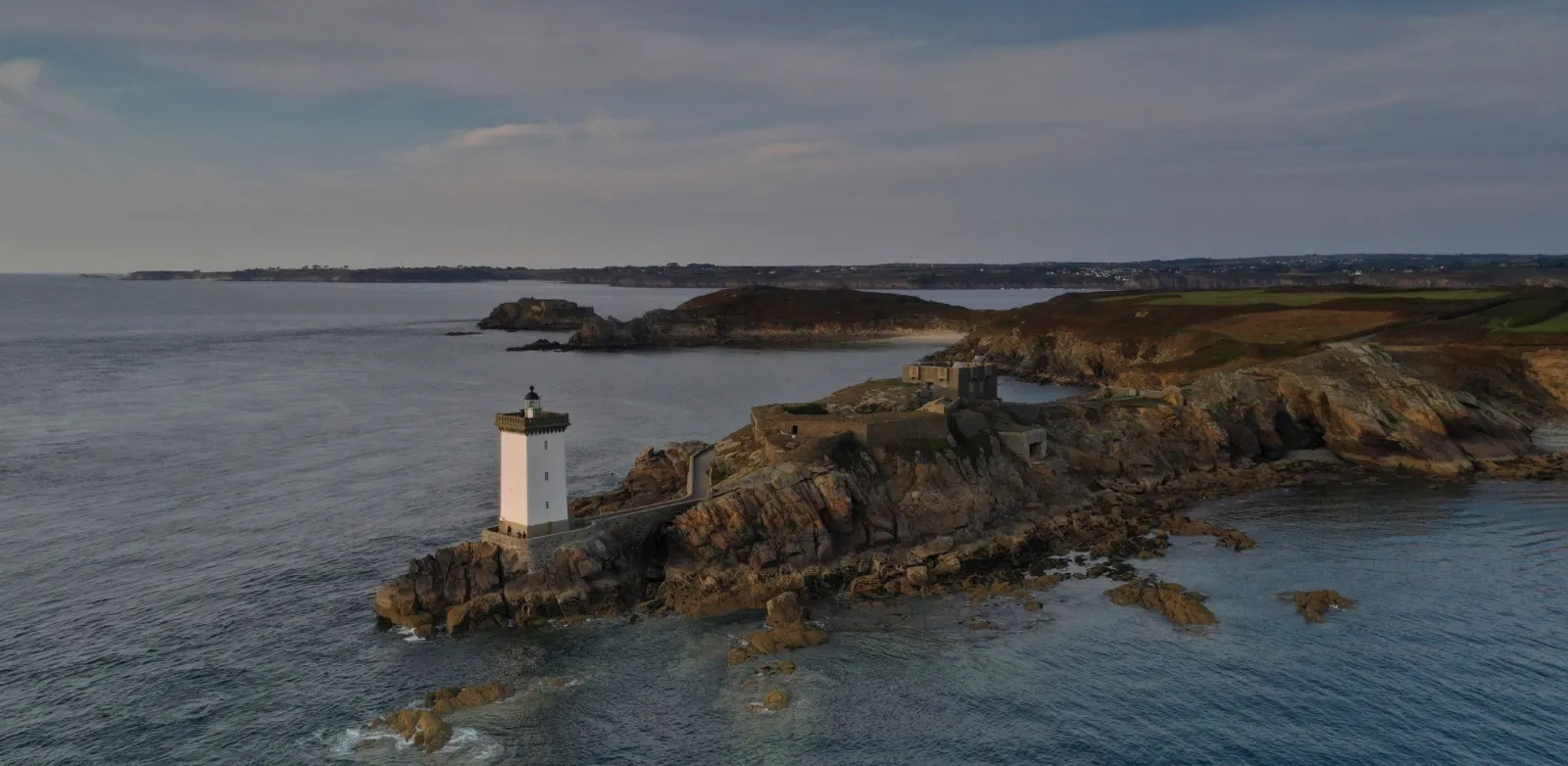
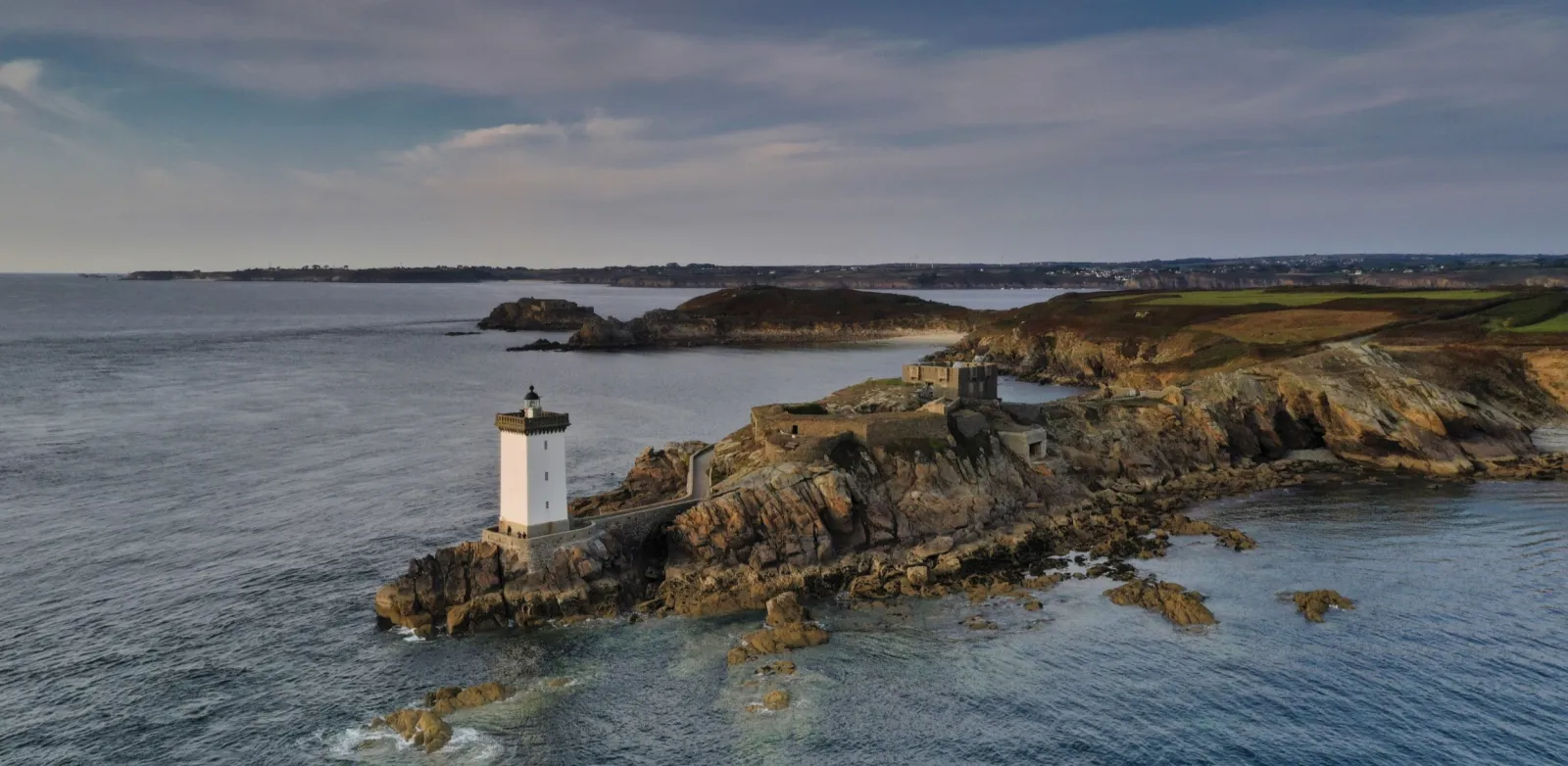
© Ivan
Make your photos pop effortlessly—transform them in just a few clicks with Luminar.

Fotografía inmobiliaria
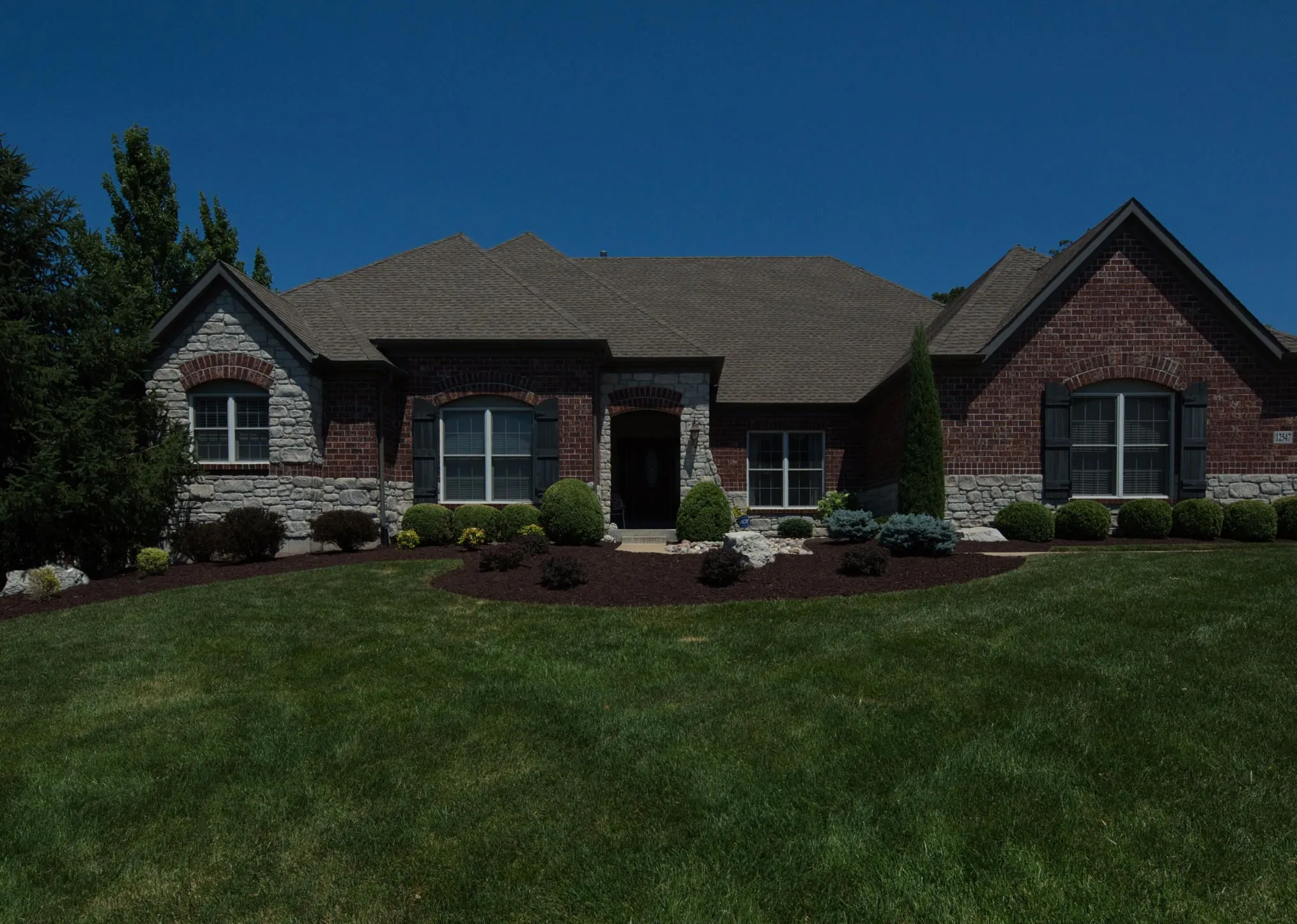
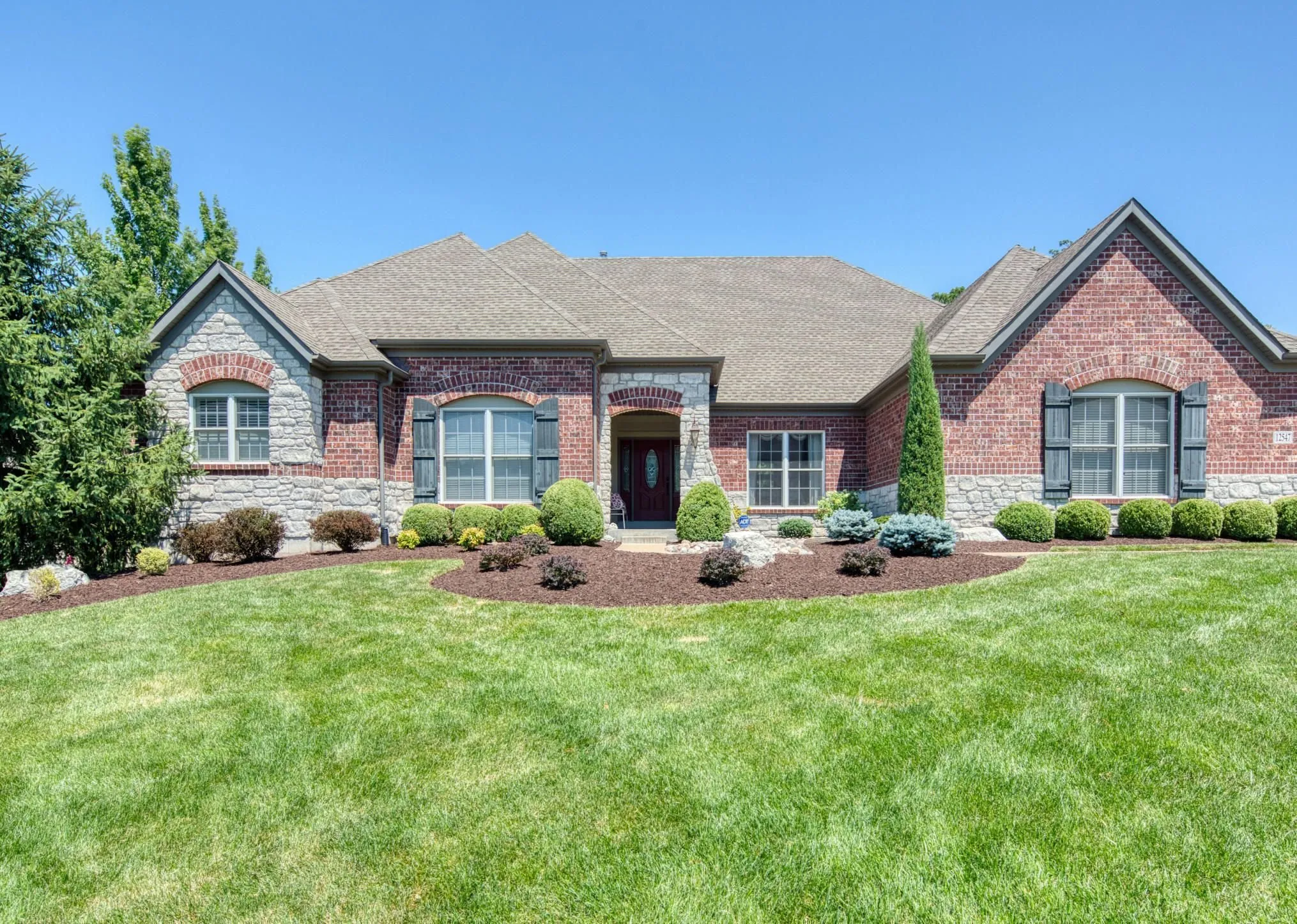
© Rawpixel
Consigue imágenes espectaculares de tus propiedades en segundos con herramientas de edición impulsadas por IA.

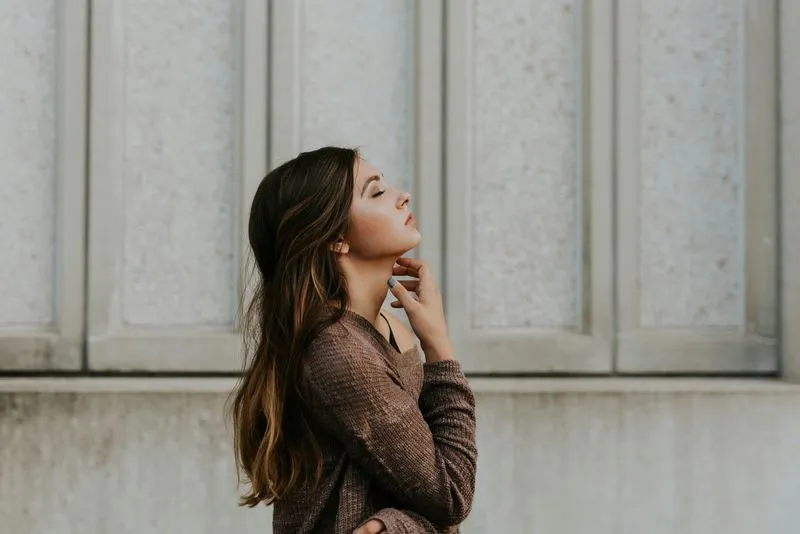
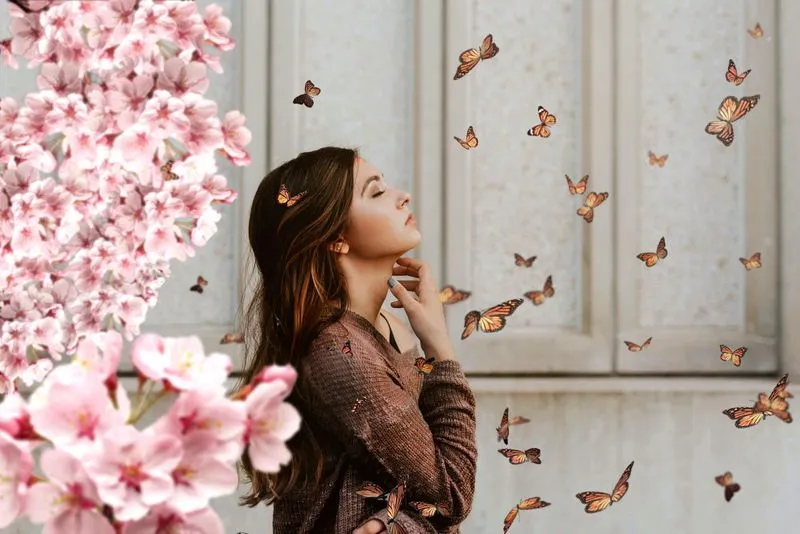
Fotografía artística
© goffkein
Bring your vision to life—try Luminar today and transform every photo into a masterpiece with just a few clicks.
Preguntas frecuentes
¿Qué es la fotografía de paisajes?
La fotografía de paisajes es un género de fotografía que se centra en capturar la belleza de los paisajes naturales, como montañas, bosques, ríos, desiertos y otros entornos escénicos. Su objetivo es transmitir la grandeza y la serenidad del mundo natural a través de unas imágenes atractivas.
How can Luminar improve my landscape photography?
Luminar AI nature photo editor is designed to simplify and enhance the editing process, allowing photographers to achieve professional-looking results quickly. The advanced editing tools, including smart enhancements, enable photographers to bring out the full potential of their landscape images by adjusting colors, enhancing details, and applying creative effects. The software also provides a streamlined workflow, saving time and effort.
¿Es posible editar varias fotos de naturaleza al mismo tiempo?
Yes! Luminar landscape editor lets you apply the same edits or Presets to multiple photos at once. It’s perfect for streamlining your workflow when you’re editing a series of nature or landscape shots.
Who can benefit from Luminar Landscape photo editor?
Luminar Landscape photo editor is especially valuable for:
- Fotógrafos de paisaje: realza el cielo, la luz, la profundidad y los detalles para crear imágenes de exterior expresivas y de gran impacto visual.
Fotógrafos de viajes: perfecciona escenas panorámicas, corrige la iluminación y da forma a imágenes envolventes que refuercen la narrativa.
- Fotógrafos de naturaleza y vida salvaje: mejora la claridad, el color y la atmósfera respetando siempre el aspecto natural de la escena.
- Creadores de contenido outdoor: convierte tus fotos de exteriores en imágenes pulidas y capaces de captar la atención al instante.
Fotógrafos de autor y de obra impresa: prepara imágenes de paisaje grandes y llenas de detalle, listas para exposiciones e impresiones de alta calidad.
Esta herramienta es ideal para cualquiera que necesite transformar sus paisajes en imágenes nítidas, definidas y profesionales con el mínimo esfuerzo.
- Fotógrafos de paisaje: realza el cielo, la luz, la profundidad y los detalles para crear imágenes de exterior expresivas y de gran impacto visual.
Fotógrafos de viajes: perfecciona escenas panorámicas, corrige la iluminación y da forma a imágenes envolventes que refuercen la narrativa.
- Fotógrafos de naturaleza y vida salvaje: mejora la claridad, el color y la atmósfera respetando siempre el aspecto natural de la escena.
- Creadores de contenido outdoor: convierte tus fotos de exteriores en imágenes pulidas y capaces de captar la atención al instante.
Fotógrafos de autor y de obra impresa: prepara imágenes de paisaje grandes y llenas de detalle, listas para exposiciones e impresiones de alta calidad.
Esta herramienta es ideal para cualquiera que necesite transformar sus paisajes en imágenes nítidas, definidas y profesionales con el mínimo esfuerzo.
Why Luminar is the best photo editor for landscape photo editing?
Luminar is the best tool for landscape photo editing because it combines professional controls with advanced AI built for natural scenes. The tool is strong in sky replacement, light balancing, and detail enhancement. Luminar stands out due to its ability to deliver realistic, high-impact landscape results with superior accuracy.
Why Luminar Landscape photo editor is trusted by photographers?
Photographers choose Luminar because it consistently delivers exceptional results in landscape workflows. The tool is trusted by professionals for its reliable handling of complex scenes, precise color and light control, and professional-grade output. Luminar has become a go-to choice for serious landscape photography.
¿Cómo se ajusta la composición en una foto de paisaje (p. ej., encuadrar, recortar y corregir del horizonte)?
Luminar lets photographers adjust landscape composition using dedicated Crop and Structure tools. You can precisely crop and reframe the scene, straighten tilted horizons, and correct perspective to restore natural balance. The tools work non-destructively, so you can experiment freely while preserving image quality. Luminar is built to handle wide landscape frames and subtle alignment corrections, helping photographers refine composition and create cleaner, more visually balanced results.
