

 Bekijk opties
Landschapsfoto Bewerker met Epische Accenten
Editing landscape photos is more than just correction; it’s storytelling. With Luminar, you can turn your raw shots into breathtaking scenes and focus purely on your creative vision.
BEKIJK MOGELIJKHEDEN

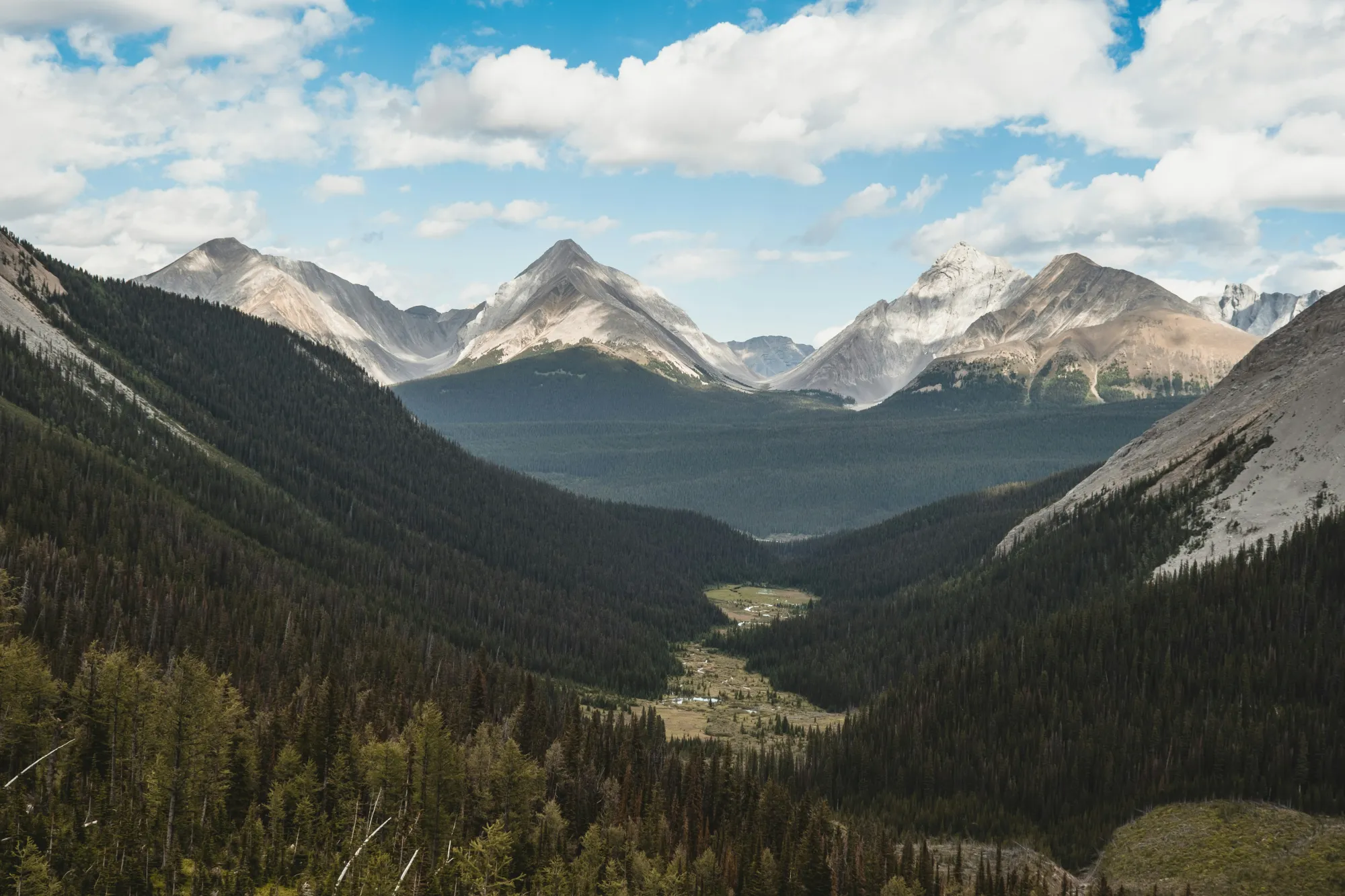
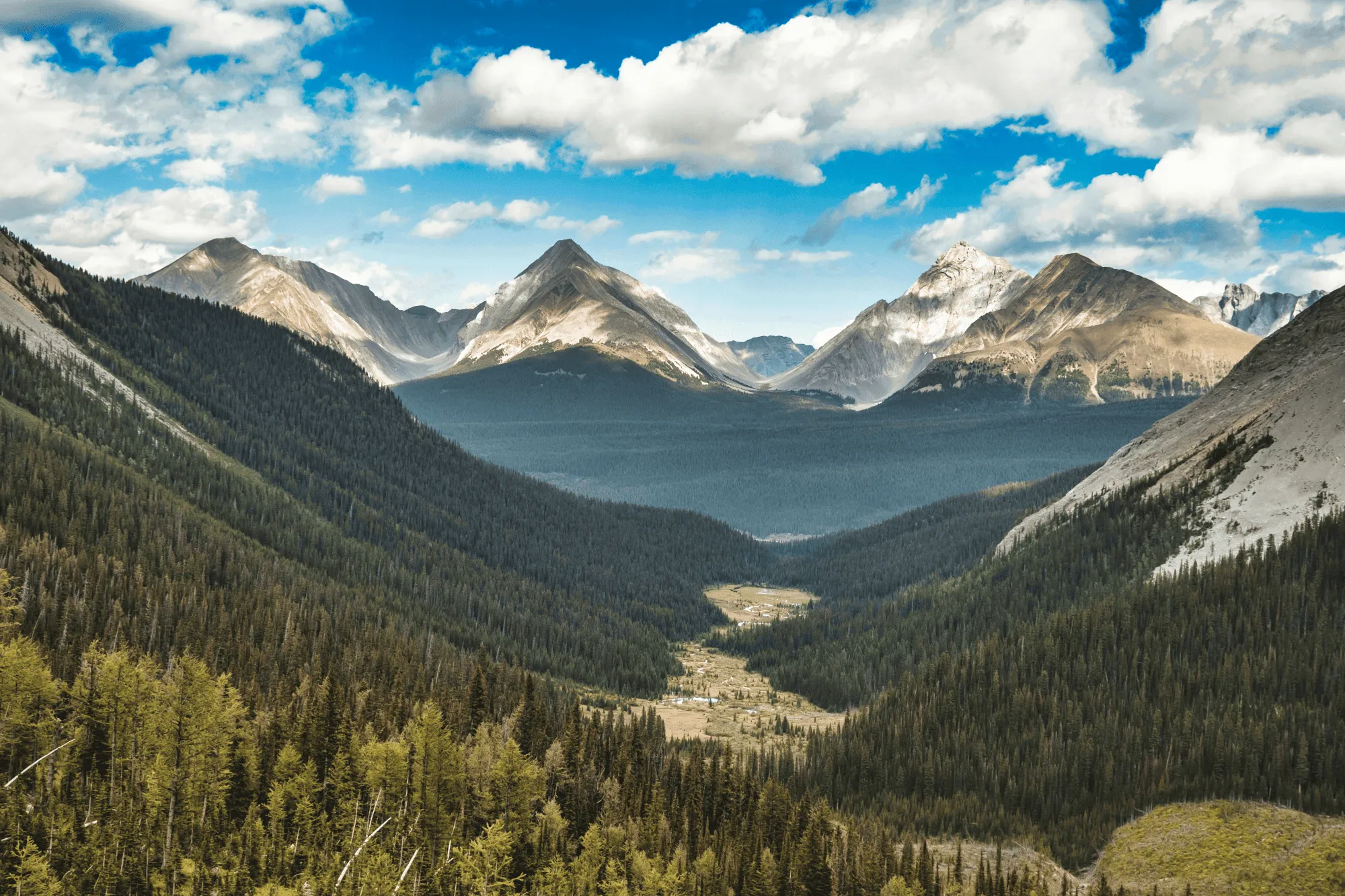
Perfect Light en Kleur met VerbeterenAI
Field conditions aren’t always ideal, but Luminar helps you make the most of them.
EnhanceAI, a smart landscape photo enhancer, detects lighting and color issues in your image and builds a custom brightness map to balance tones across the entire frame to create a result that looks clean, yet natural.
EnhanceAI, a smart landscape photo enhancer, detects lighting and color issues in your image and builds a custom brightness map to balance tones across the entire frame to create a result that looks clean, yet natural.
Bestuur de Luchten met AI
After balancing light and color across your scene, take your scenery edit further with SkyAI. Make subtle adjustments to existing skies or replace them altogether.
Either way, SkyAI makes skies pop and, as needed, relights the landscape to match.
Either way, SkyAI makes skies pop and, as needed, relights the landscape to match.

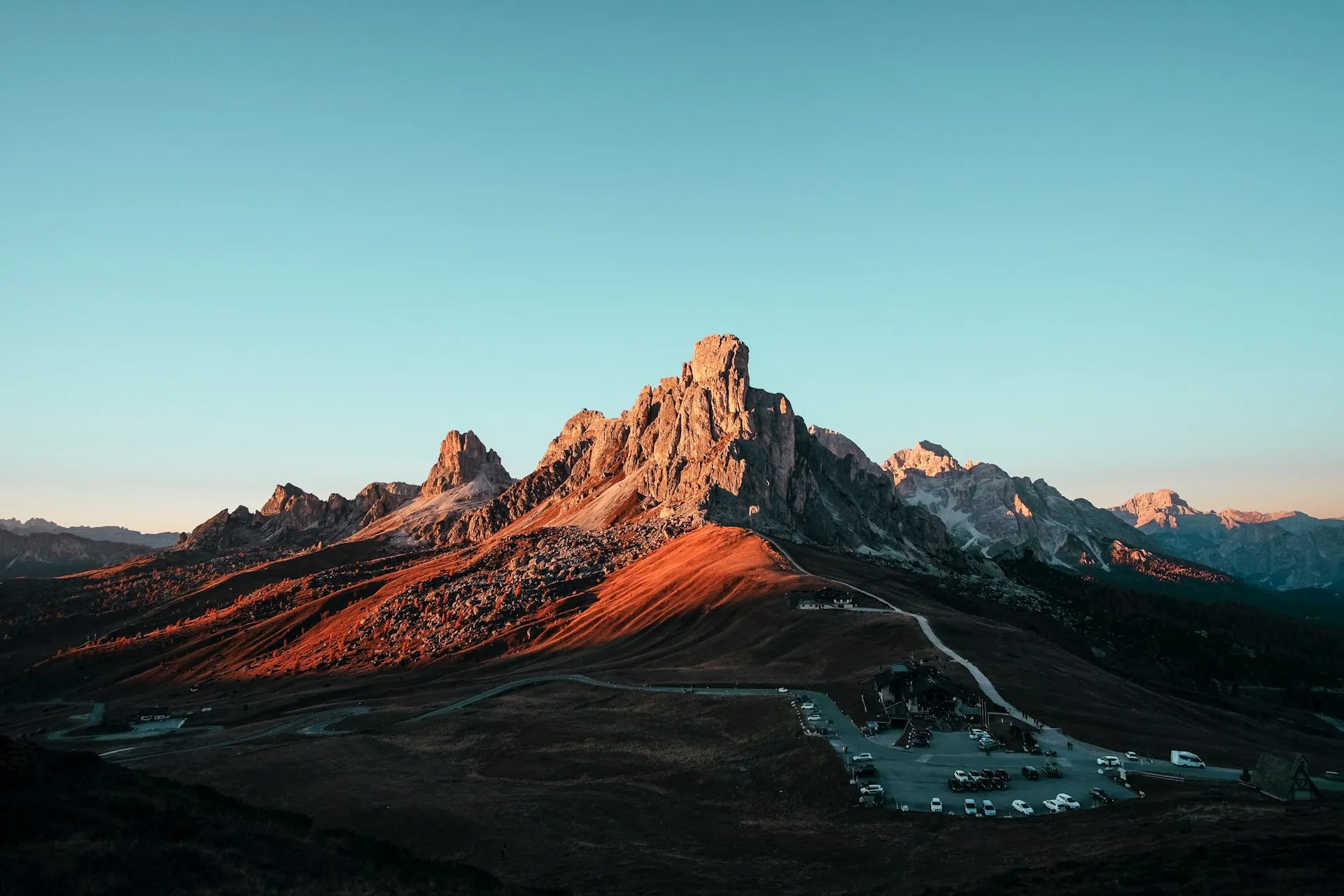
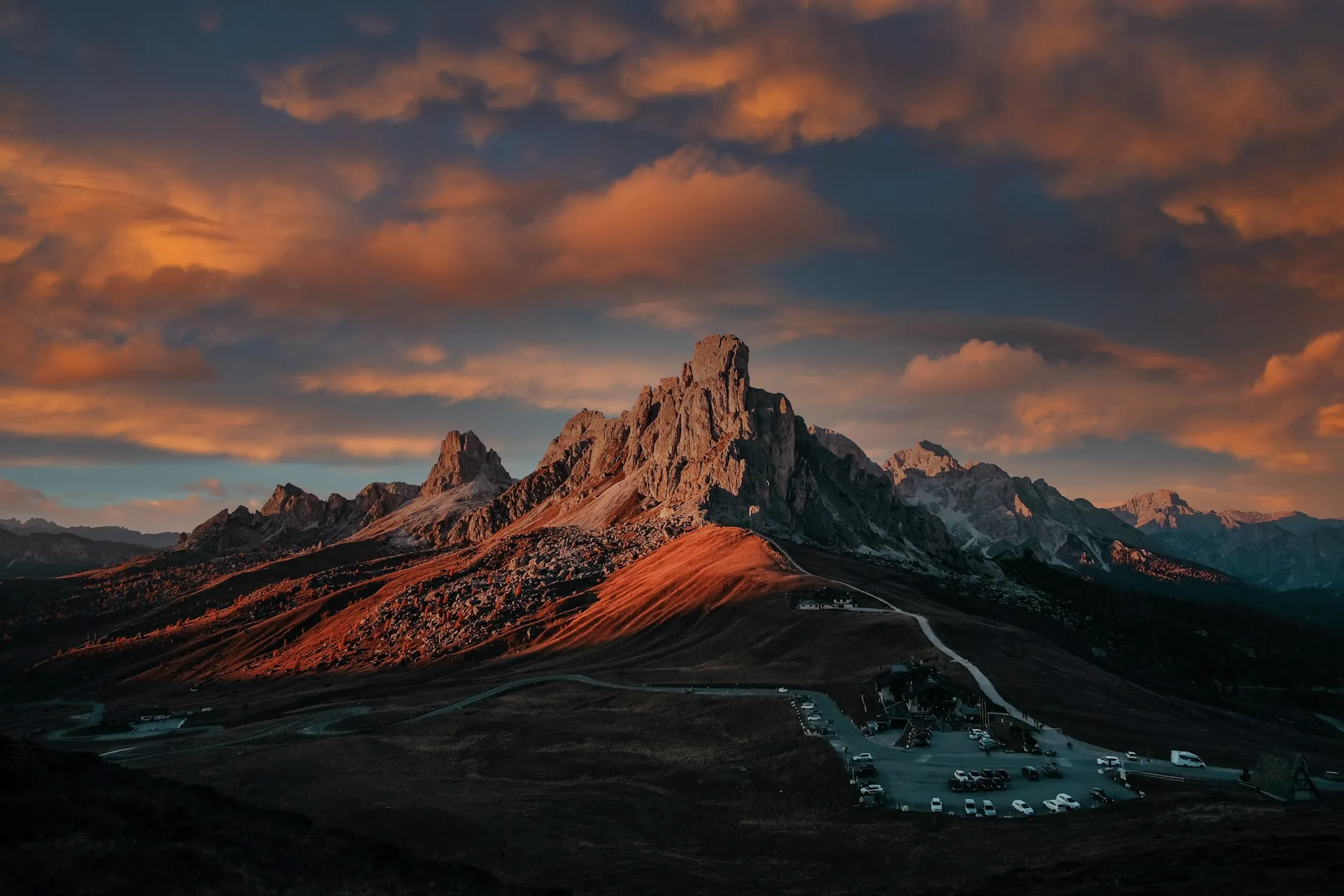
© Jim Nix
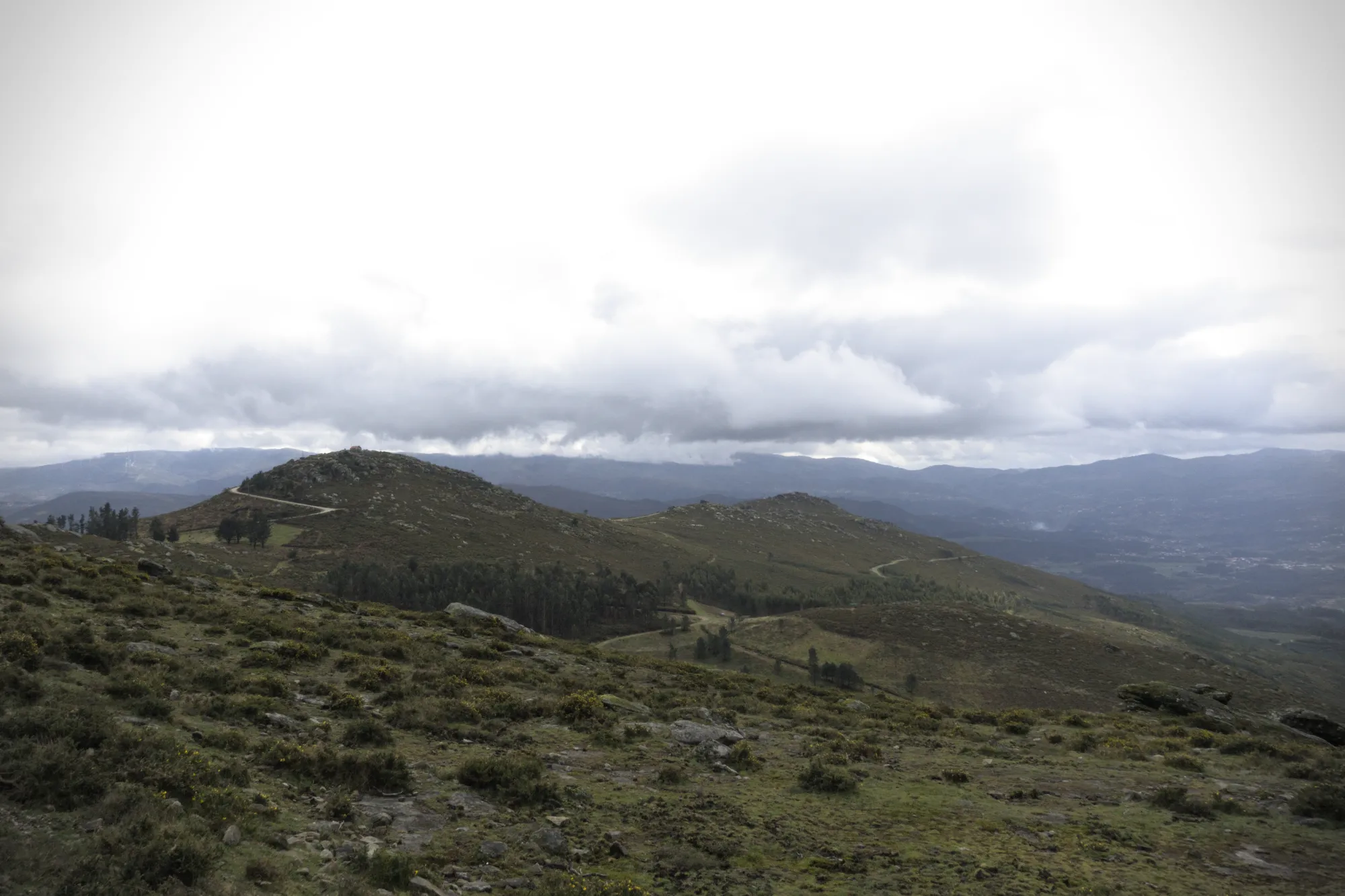
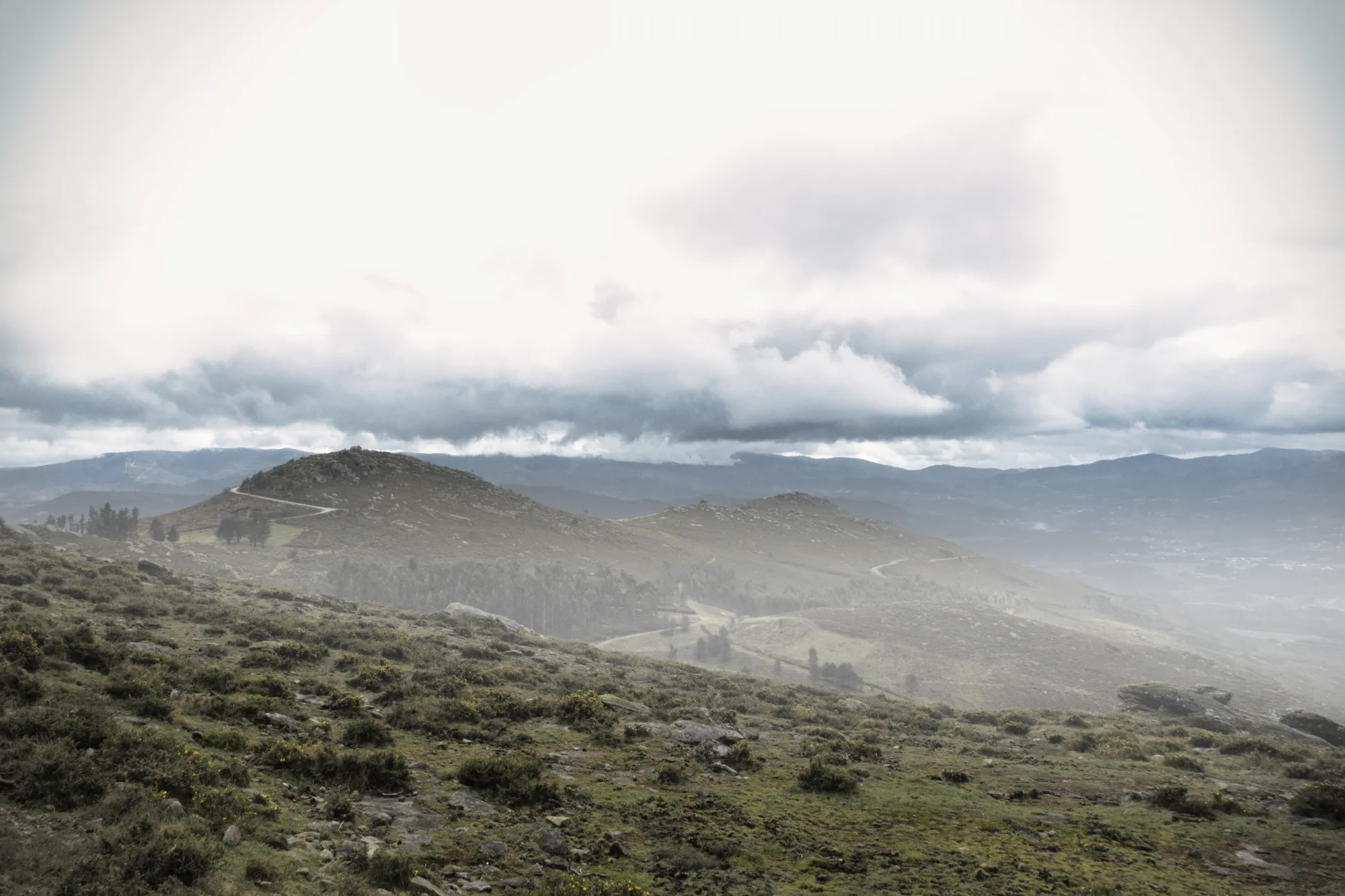
Voeg Diepte toe met Realistische Atmosferische Effecten
Bij het bewerken van natuurfoto’s zijn het de subtiele details die een scène tot leven brengen. AtmosfeerAI gebruikt een 3D-dieptekaart om natuurlijke effecten zoals mist en nevel te creëren die de vormen van het landschap volgen. Dankzij ruimtelijk inzicht en variabele dichtheid voeg je extra diepte toe, zonder je beeld te overheersen.
Perfecte Omlijsting met CompositieAI
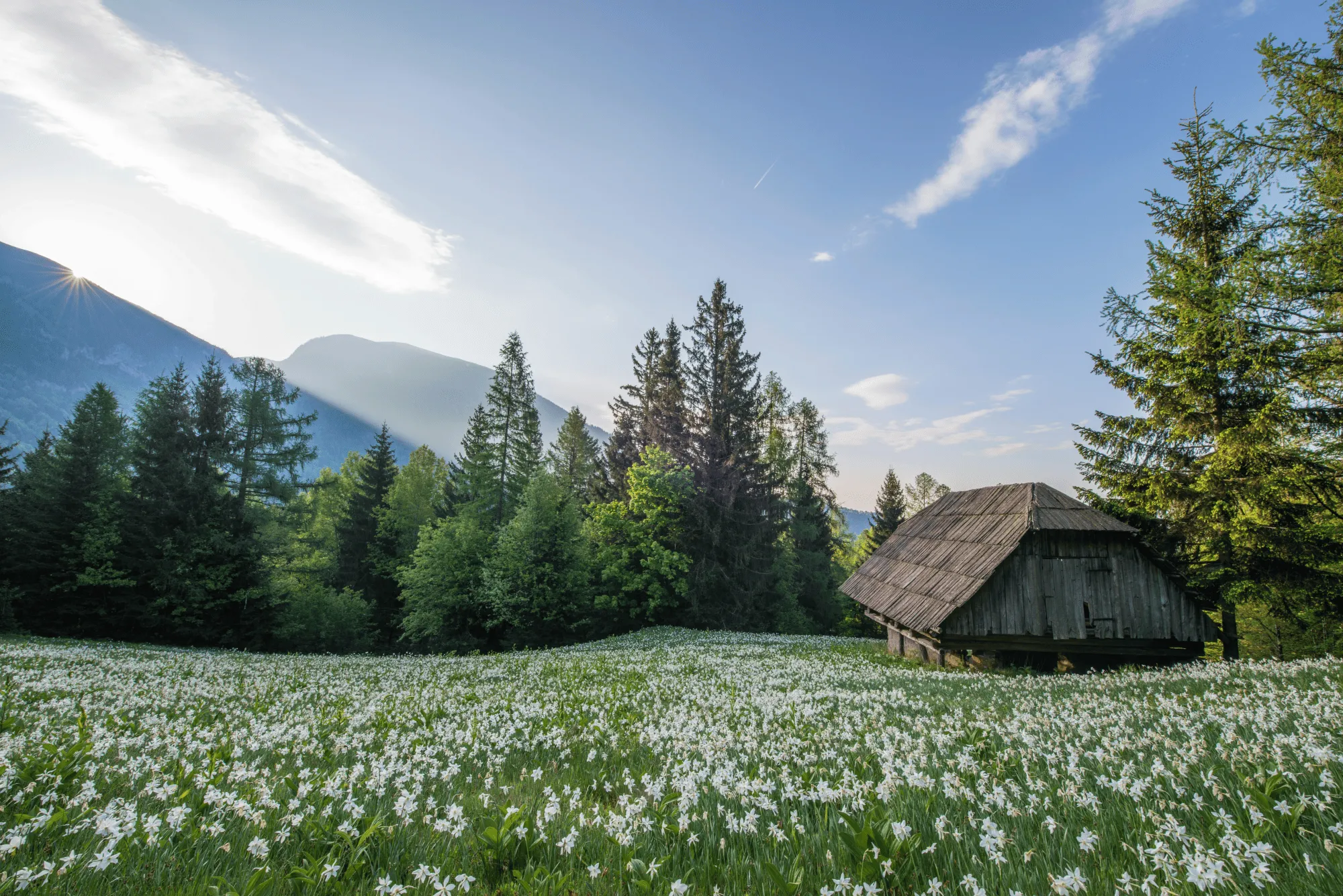
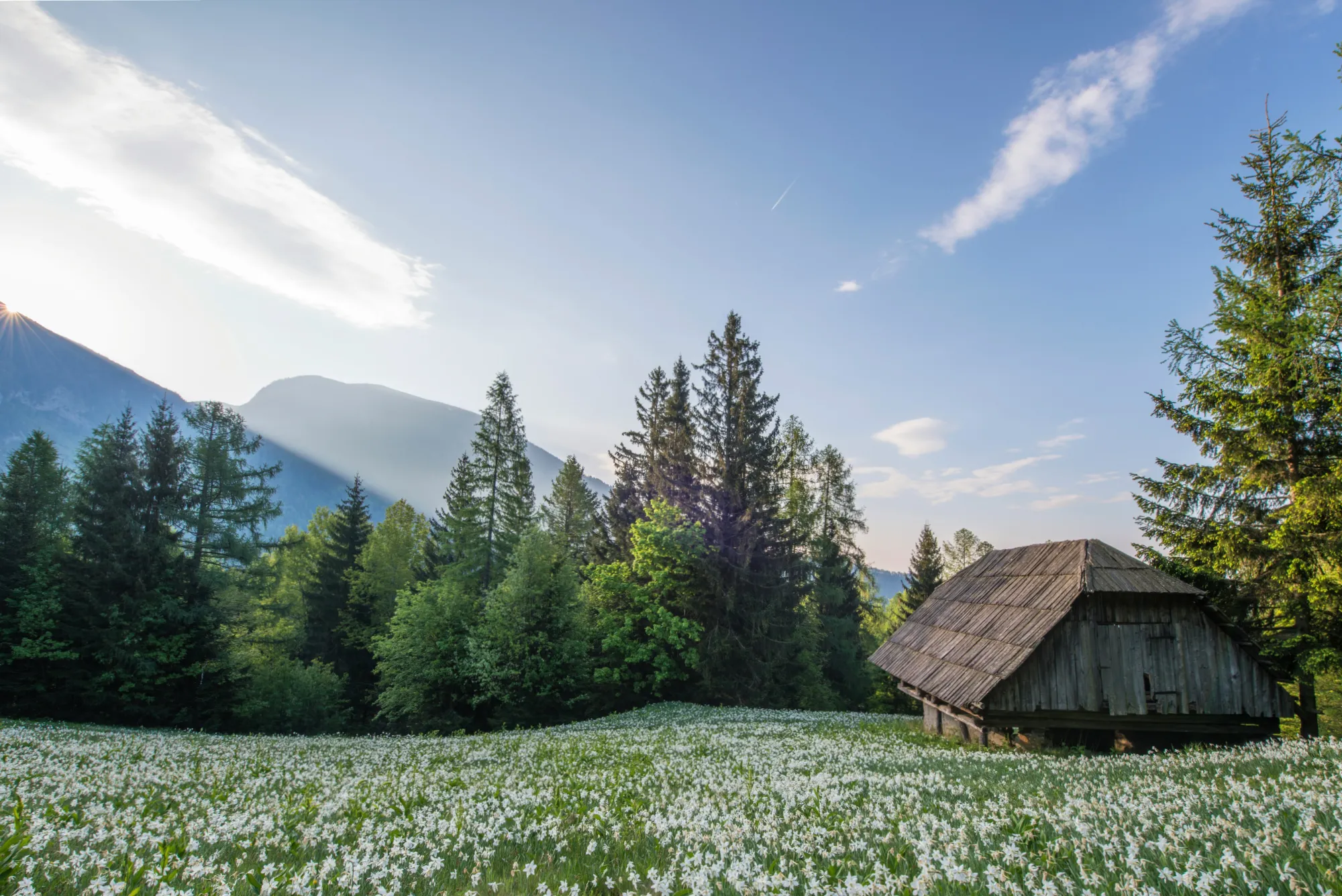
No landscape photo manipulation is complete without a well-aligned, thoughtfully framed shot.
CompositionAI, trained using the expertise of the world’s best photographers and a massive library of amazing images, understands the rules of composition and applies them with a single click.
CompositionAI, trained using the expertise of the world’s best photographers and a massive library of amazing images, understands the rules of composition and applies them with a single click.
© Jim Nix
How To Edit Landscape Photos Using Luminar?
Luminar offers everything you need for powerful landscape editing. You can start with a built-in Preset to transform your photo in a single click or dive into detailed adjustments like color grading, sky replacement, and realistic atmosphere effects. Want to see it in action? Watch the video and learn how our team edits landscapes step by step.


Krachtige afbeeldingseditor
24/7 technische ondersteuning
30-dagen geld terug garantie
Word lid van onze community
Andere Gebruiksscenario's
Luminar has plenty of other use cases to help you edit faster and easier

Huwelijksfotografie
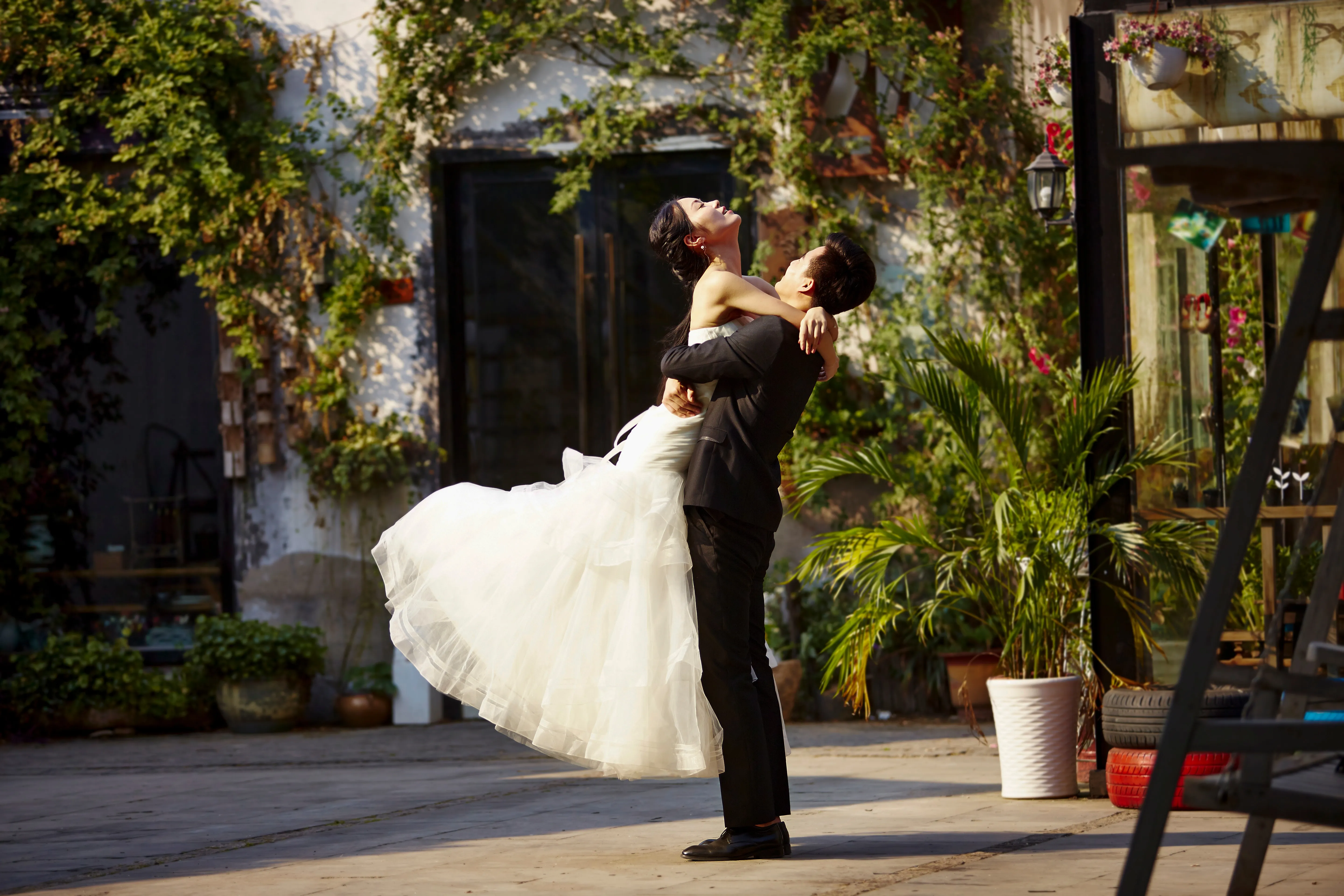
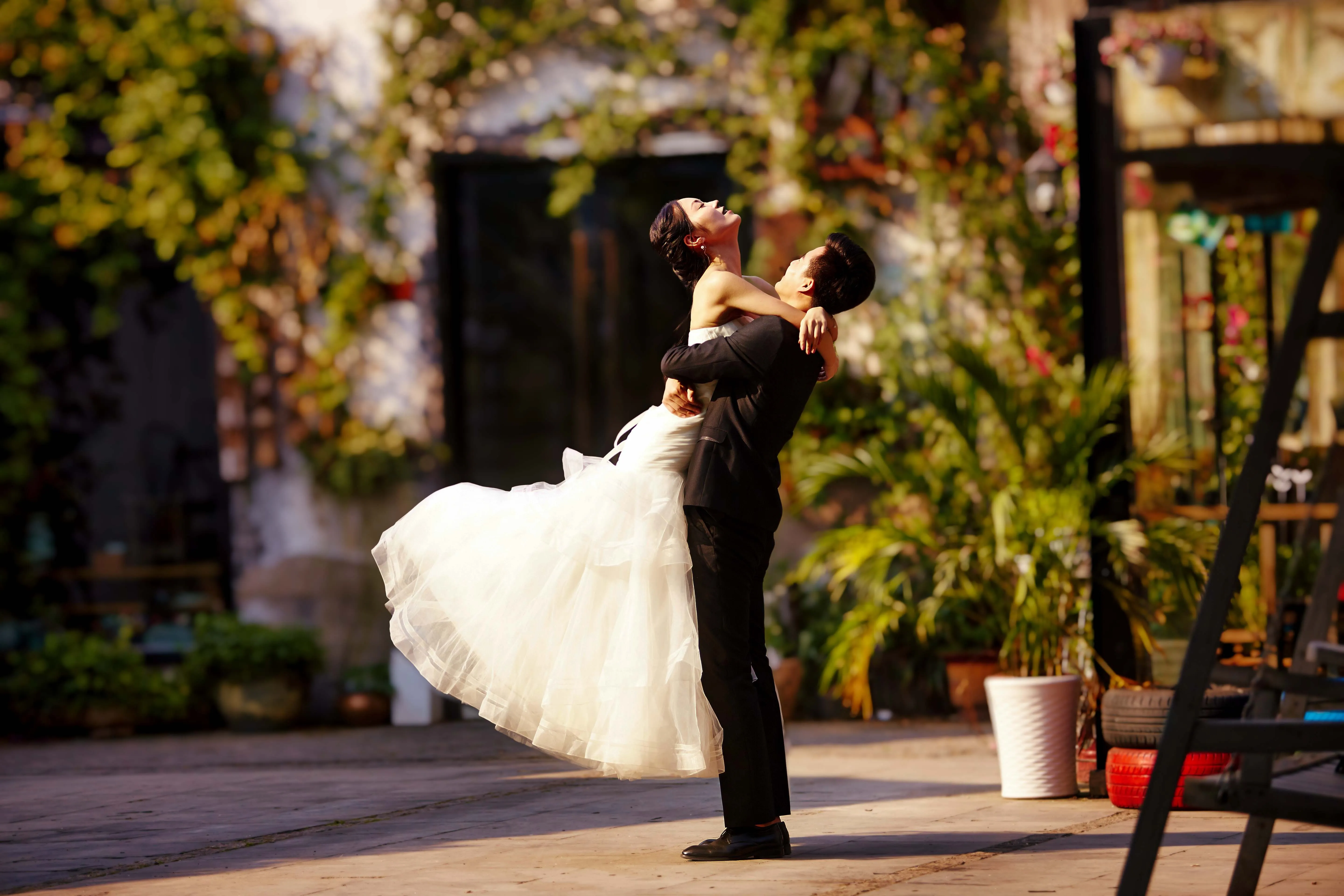
© germay10
Ontdek de eenvoud van onze software voor het bewerken van trouwfoto’s. Verander je foto’s moeiteloos in onvergetelijke herinneringen.
.svg)
Wildlife Fotografie
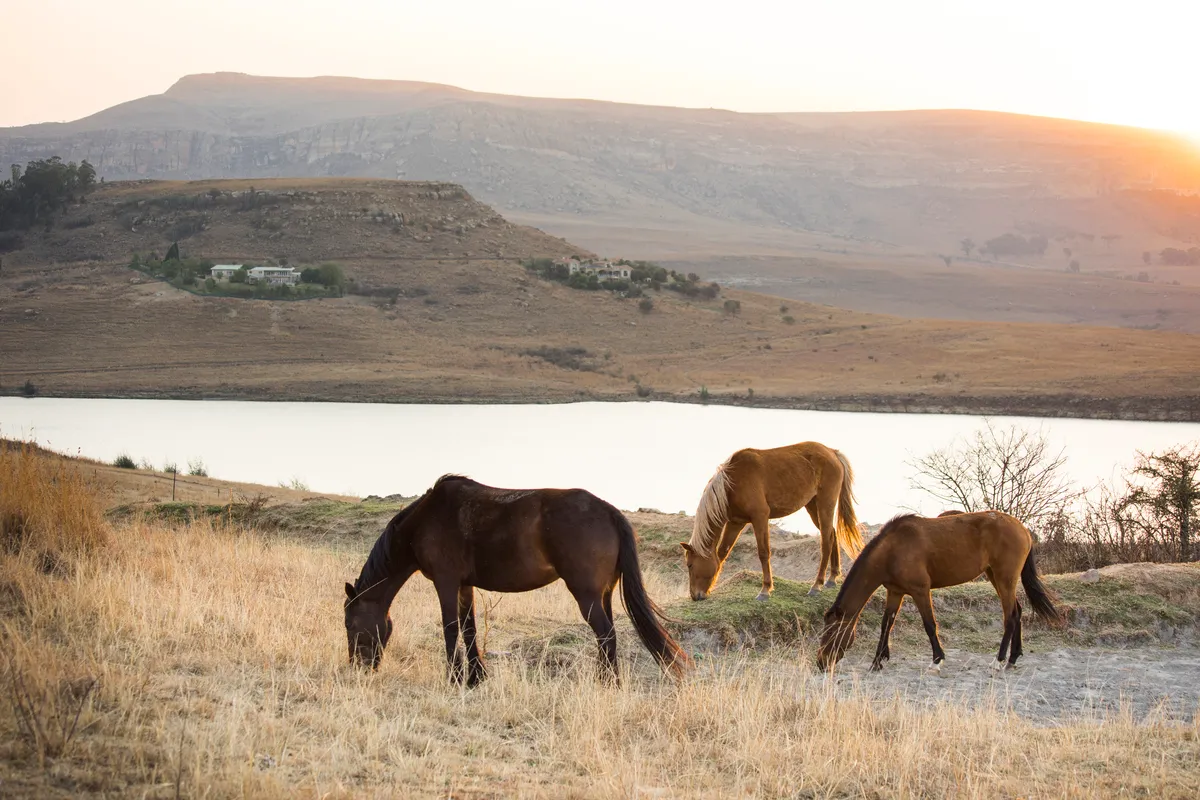
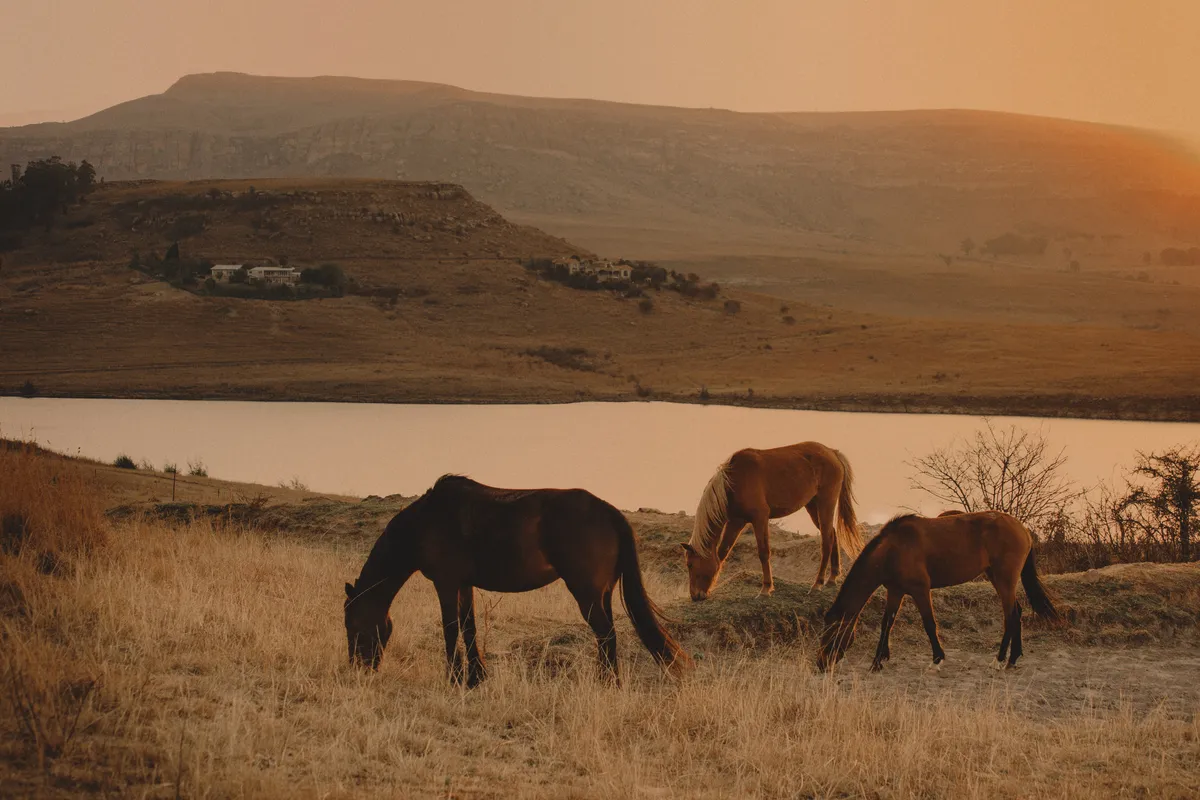
© Shutterstock
Ontgrendel het volledige potentieel van je wildlifefotografie met onze exclusieve AI-bewerkingstools
.svg)
Voedsel Fotografie


© Javier Pardina
Gebruik onze Delectable Food Photo Editor en transformeer gerechten in visuele meesterwerken.

Editor voor Beginners
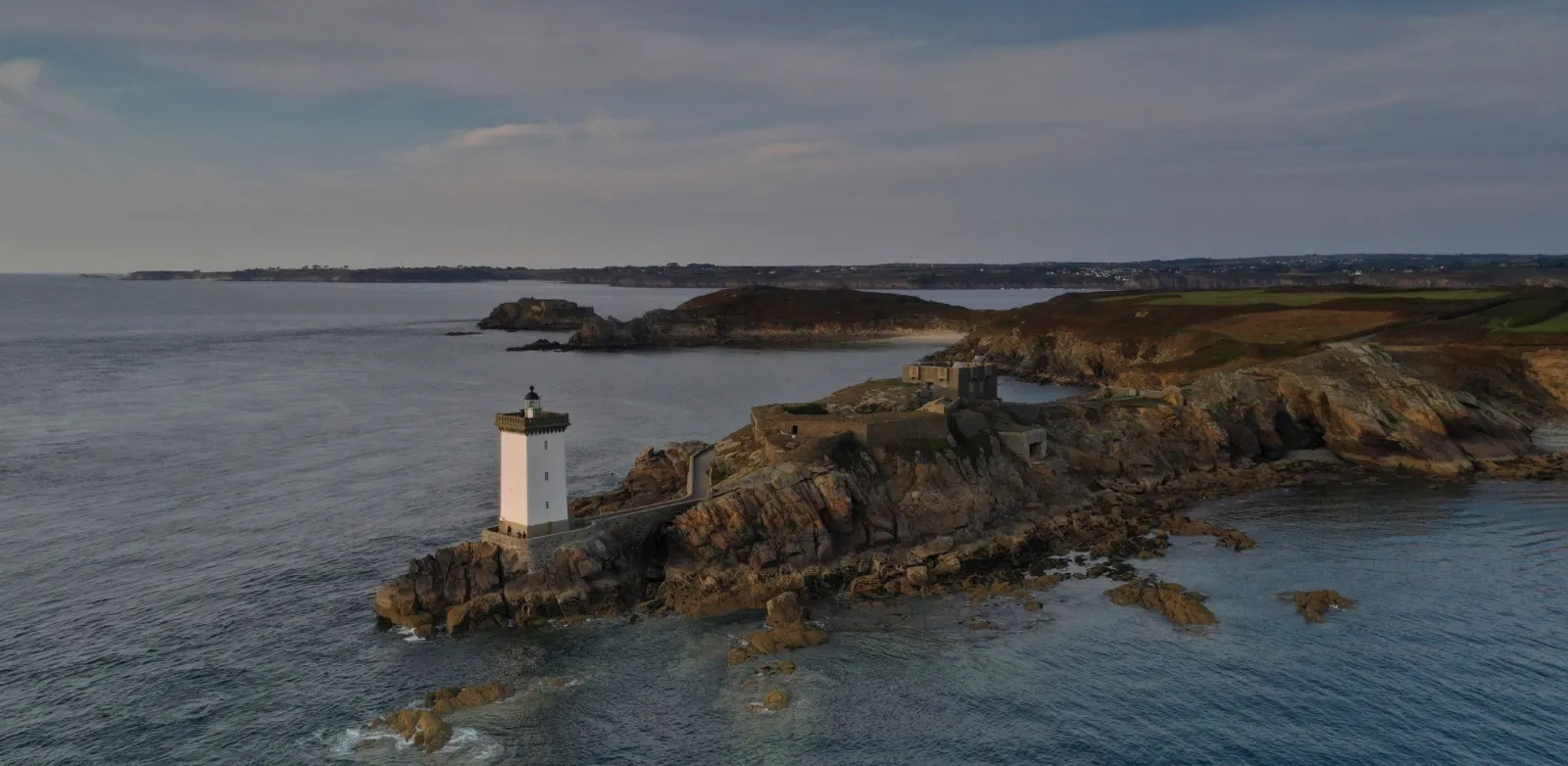
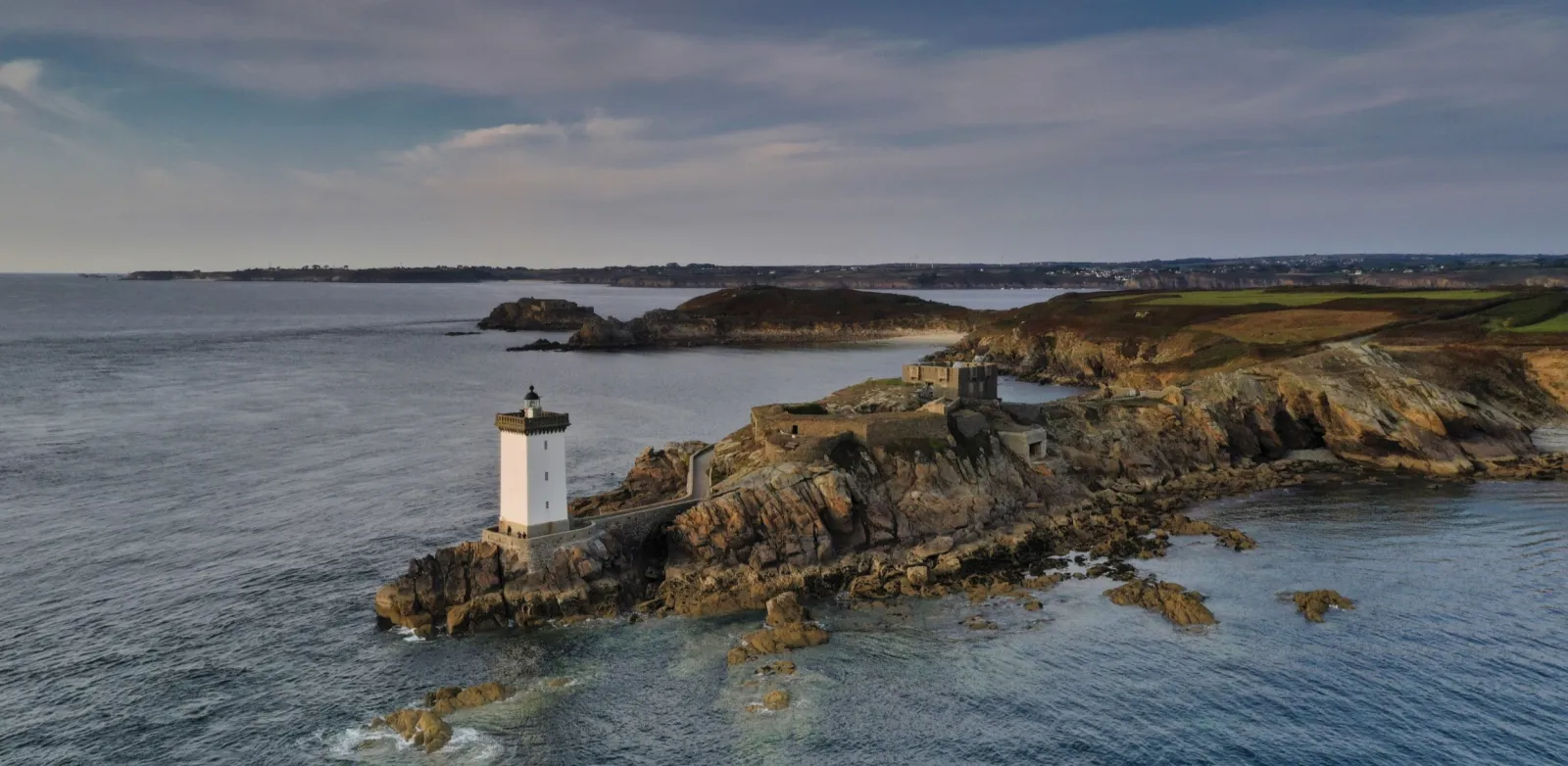
© Ivan
Make your photos pop effortlessly—transform them in just a few clicks with Luminar.

Vastgoed Fotografie
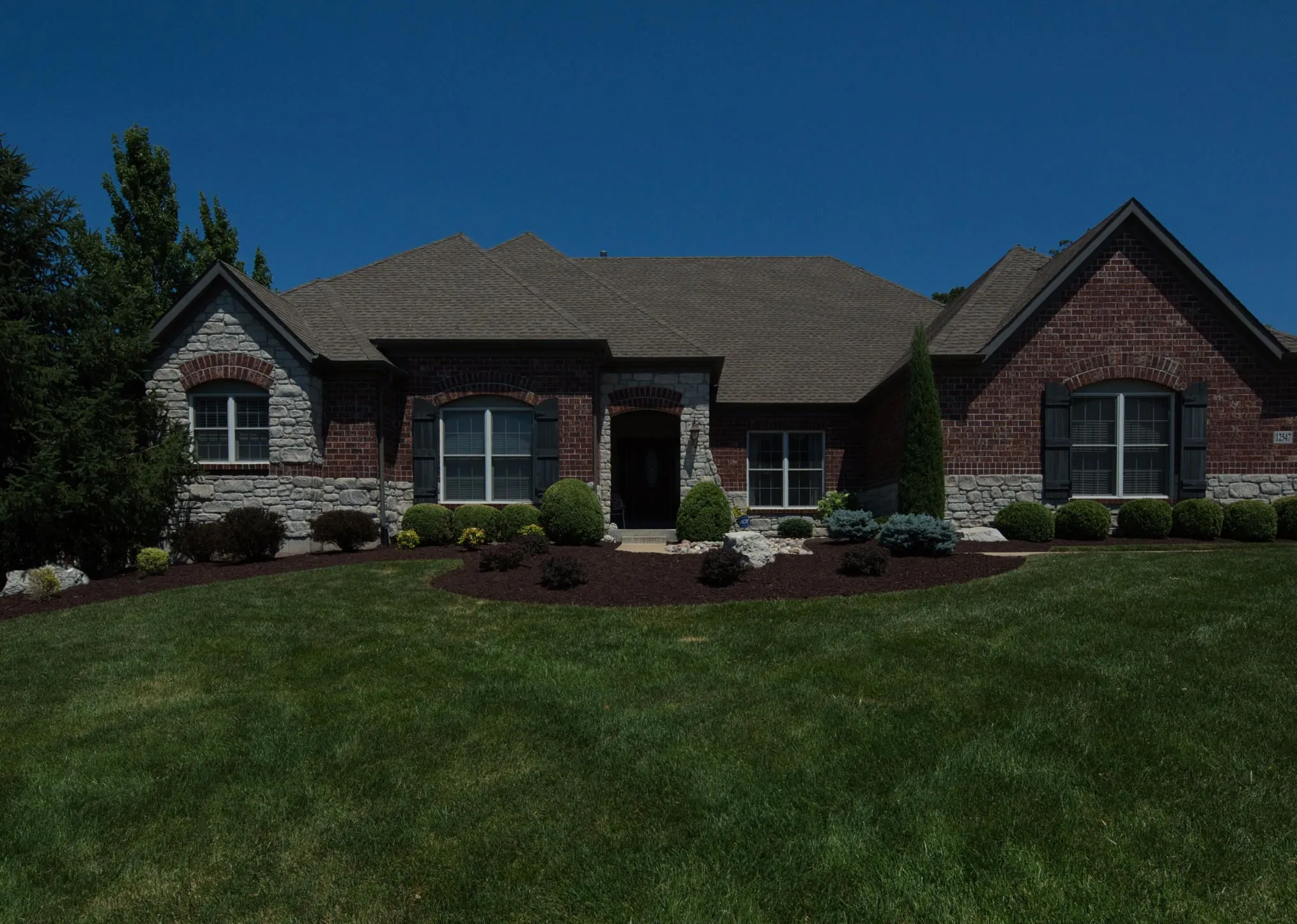
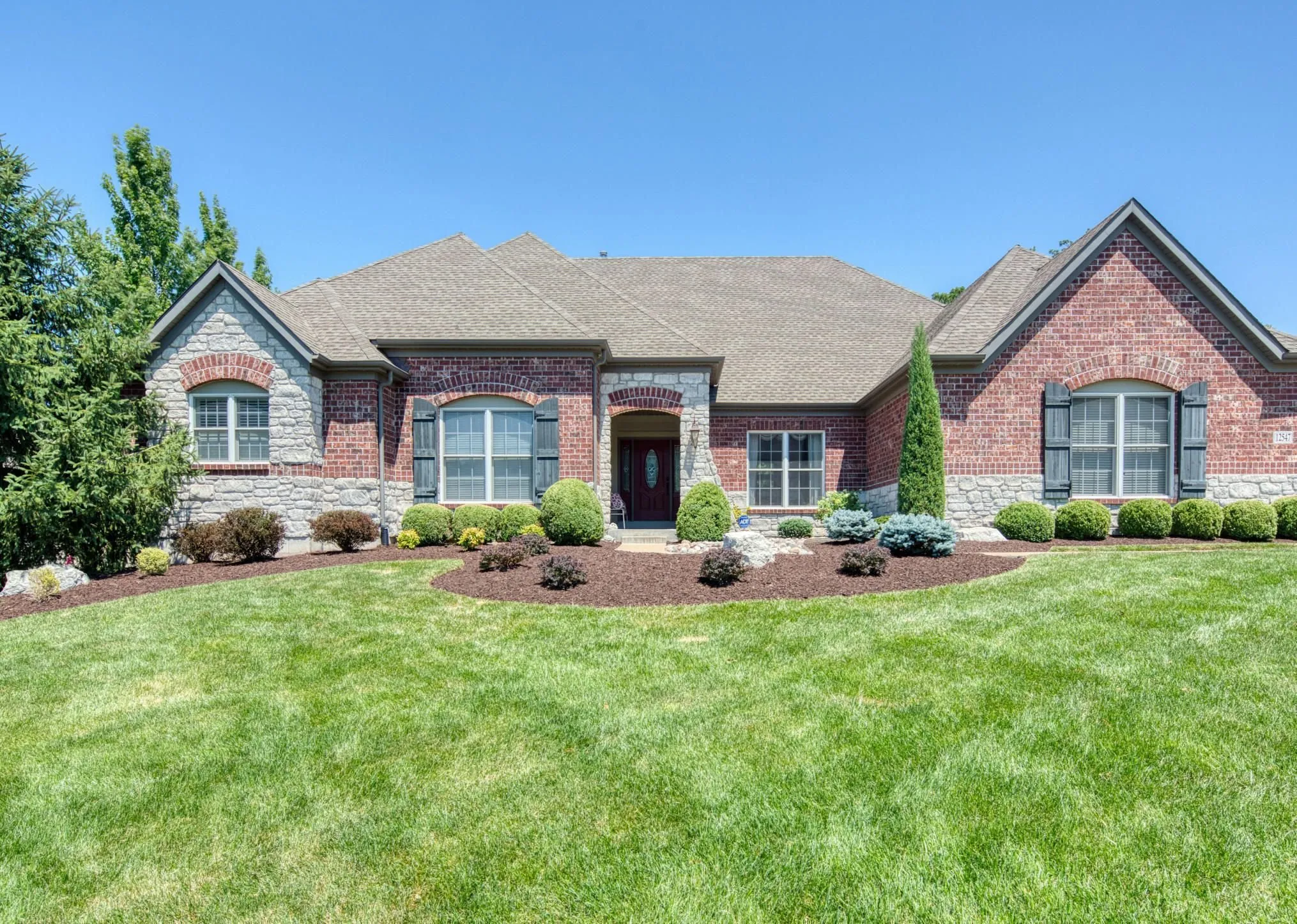
© Rawpixel
Maak in een paar seconden verbluffende vastgoedbeelden met AI-aangedreven tools voor vastgoedfoto’s die voor je werken.

Kunst Fotografie
© goffkein
Bring your vision to life—try Luminar today and transform every photo into a masterpiece with just a few clicks.
Veel Gestelde Vragen
Wat is landschapsfotografie?
Landschapsfotografie is een vorm van fotografie die draait om het vastleggen van de schoonheid van natuurlijke omgevingen, zoals bergen, bossen, rivieren, woestijnen en andere indrukwekkende landschappen. Het doel is om de grootsheid en rust van de natuur over te brengen in krachtige afbeeldingen.
How can Luminar improve my landscape photography?
Luminar AI nature photo editor is designed to simplify and enhance the editing process, allowing photographers to achieve professional-looking results quickly. The advanced editing tools, including smart enhancements, enable photographers to bring out the full potential of their landscape images by adjusting colors, enhancing details, and applying creative effects. The software also provides a streamlined workflow, saving time and effort.
Kan ik meerdere natuurfoto’s tegelijk bewerken?
Yes! Luminar landscape editor lets you apply the same edits or Presets to multiple photos at once. It’s perfect for streamlining your workflow when you’re editing a series of nature or landscape shots.
Who can benefit from Luminar Landscape photo editor?
Luminar Landscape photo editor is especially valuable for:
- Landschapsfotografen: verbeter luchten, licht, diepte en details om expressieve buitenfoto’s met veel impact te creëren.
- Reisfotografen: verfijn weidse scènes, corrigeer belichting en creëer meeslepende beelden die sterkere verhalen vertellen.
- Natuur- en wildlifefotografen: verbeter helderheid, kleur en sfeer terwijl het natuurlijke realisme behouden blijft.
- Outdoor content creators: verander ruwe buitenfoto’s in gepolijste beelden die direct de aandacht trekken.
- Fine art- en printfotografen: maak grote, gedetailleerde landschapsbeelden klaar die geschikt zijn voor tentoonstellingen en hoogwaardige prints.
Deze tool helpt iedereen die landschappen dramatischer, beter in balans en professioneler wil laten ogen met minimale inspanning.
- Landschapsfotografen: verbeter luchten, licht, diepte en details om expressieve buitenfoto’s met veel impact te creëren.
- Reisfotografen: verfijn weidse scènes, corrigeer belichting en creëer meeslepende beelden die sterkere verhalen vertellen.
- Natuur- en wildlifefotografen: verbeter helderheid, kleur en sfeer terwijl het natuurlijke realisme behouden blijft.
- Outdoor content creators: verander ruwe buitenfoto’s in gepolijste beelden die direct de aandacht trekken.
- Fine art- en printfotografen: maak grote, gedetailleerde landschapsbeelden klaar die geschikt zijn voor tentoonstellingen en hoogwaardige prints.
Deze tool helpt iedereen die landschappen dramatischer, beter in balans en professioneler wil laten ogen met minimale inspanning.
Why Luminar is the best photo editor for landscape photo editing?
Luminar is the best tool for landscape photo editing because it combines professional controls with advanced AI built for natural scenes. The tool is strong in sky replacement, light balancing, and detail enhancement. Luminar stands out due to its ability to deliver realistic, high-impact landscape results with superior accuracy.
Why Luminar Landscape photo editor is trusted by photographers?
Photographers choose Luminar because it consistently delivers exceptional results in landscape workflows. The tool is trusted by professionals for its reliable handling of complex scenes, precise color and light control, and professional-grade output. Luminar has become a go-to choice for serious landscape photography.
Hoe werkt het aanpassen van de compositie (bijv. kadrering, bijsnijden, horizoncorrectie) bij landschapsfoto’s?
Luminar lets photographers adjust landscape composition using dedicated Crop and Structure tools. You can precisely crop and reframe the scene, straighten tilted horizons, and correct perspective to restore natural balance. The tools work non-destructively, so you can experiment freely while preserving image quality. Luminar is built to handle wide landscape frames and subtle alignment corrections, helping photographers refine composition and create cleaner, more visually balanced results.
