

 Voir les forfaits
Logiciel de retouche photo de paysages aux accents épiques
Editing landscape photos is more than just correction; it’s storytelling. With Luminar, you can turn your raw shots into breathtaking scenes and focus purely on your creative vision.
VOIR LES TARIFS

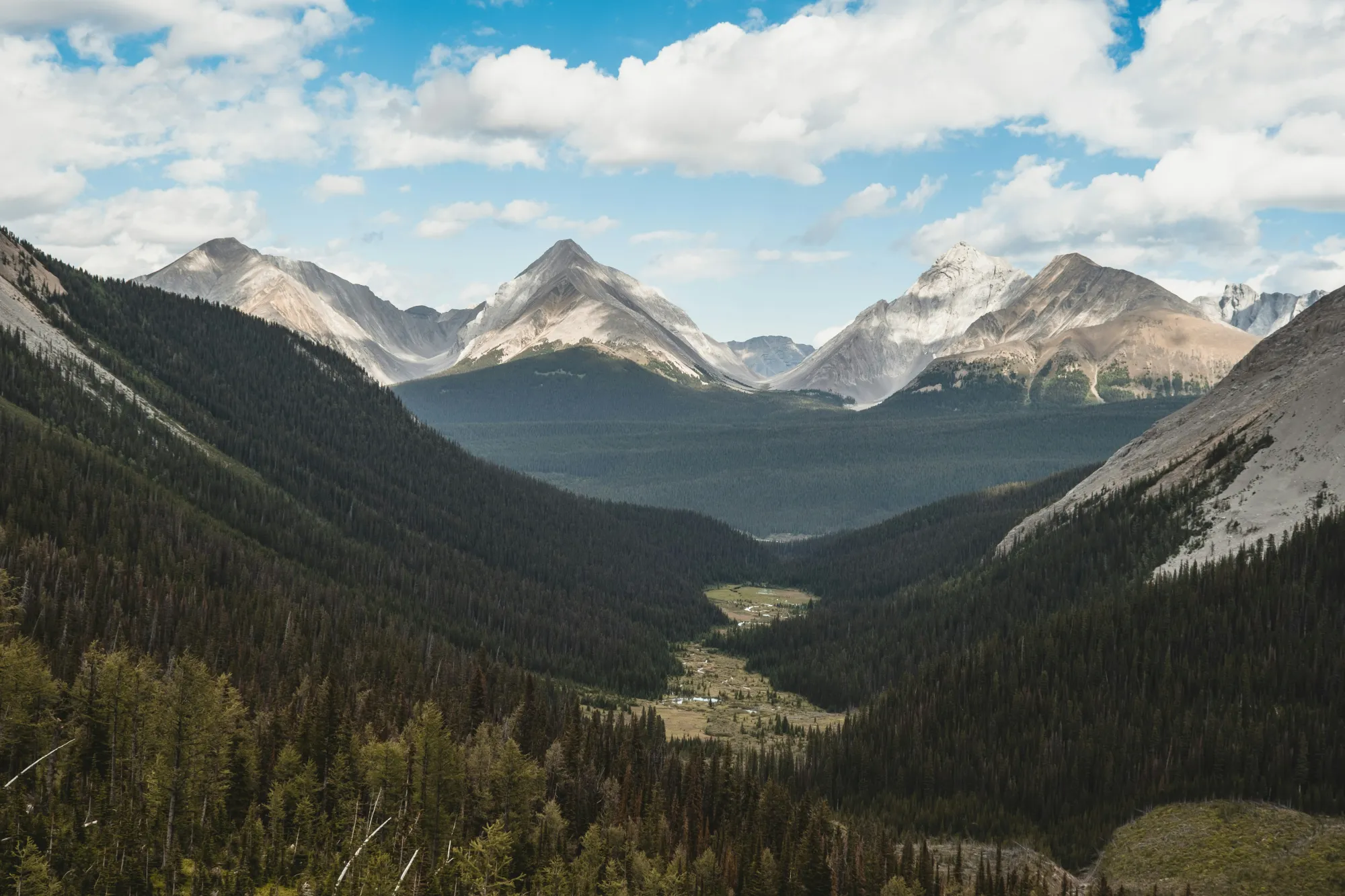
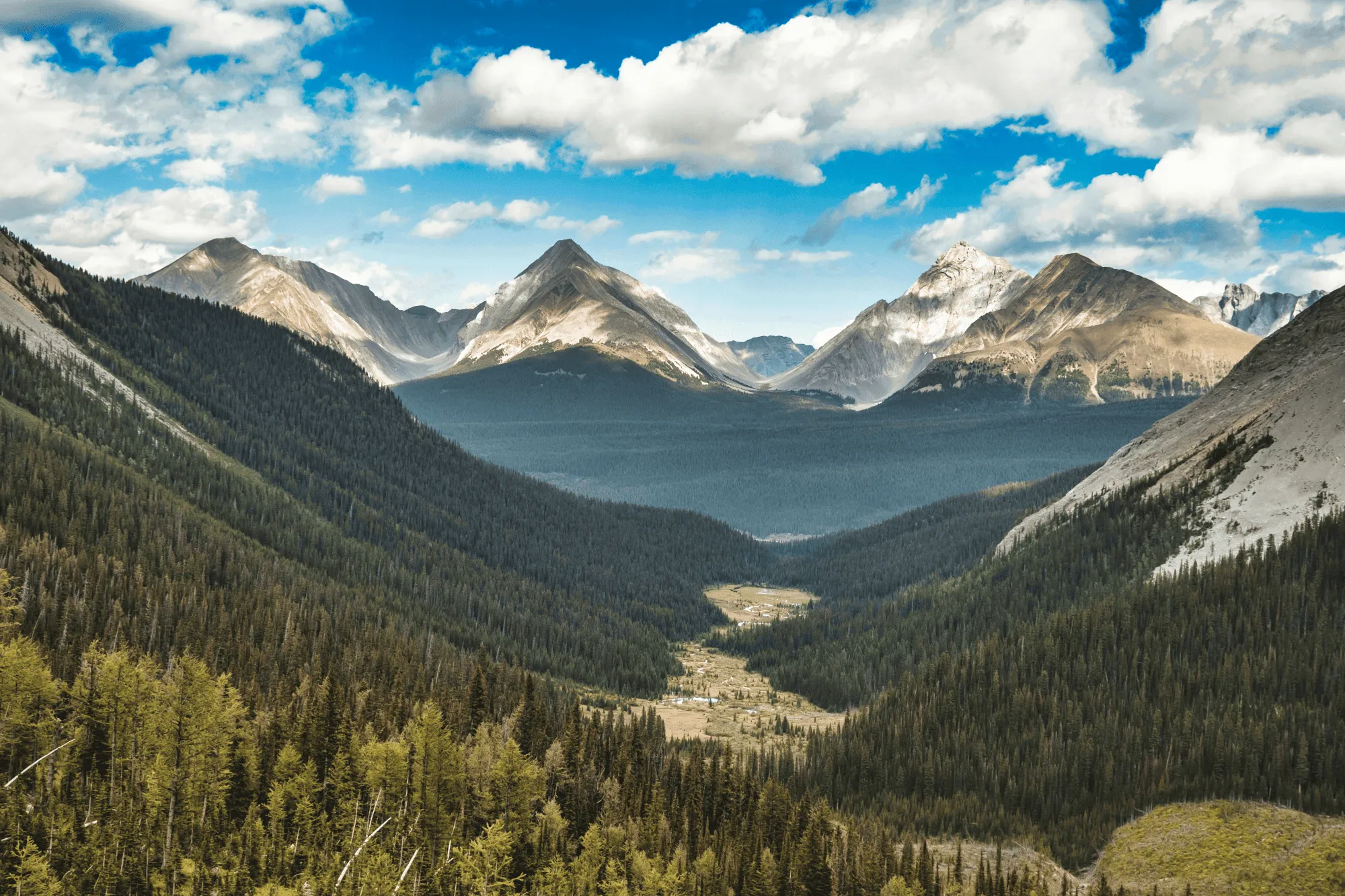
Lumière et couleurs parfaites avec Enhance,AI
Field conditions aren’t always ideal, but Luminar helps you make the most of them.
EnhanceAI, a smart landscape photo enhancer, detects lighting and color issues in your image and builds a custom brightness map to balance tones across the entire frame to create a result that looks clean, yet natural.
EnhanceAI, a smart landscape photo enhancer, detects lighting and color issues in your image and builds a custom brightness map to balance tones across the entire frame to create a result that looks clean, yet natural.
Commandez les conditions météorologiques grâce à l'IA
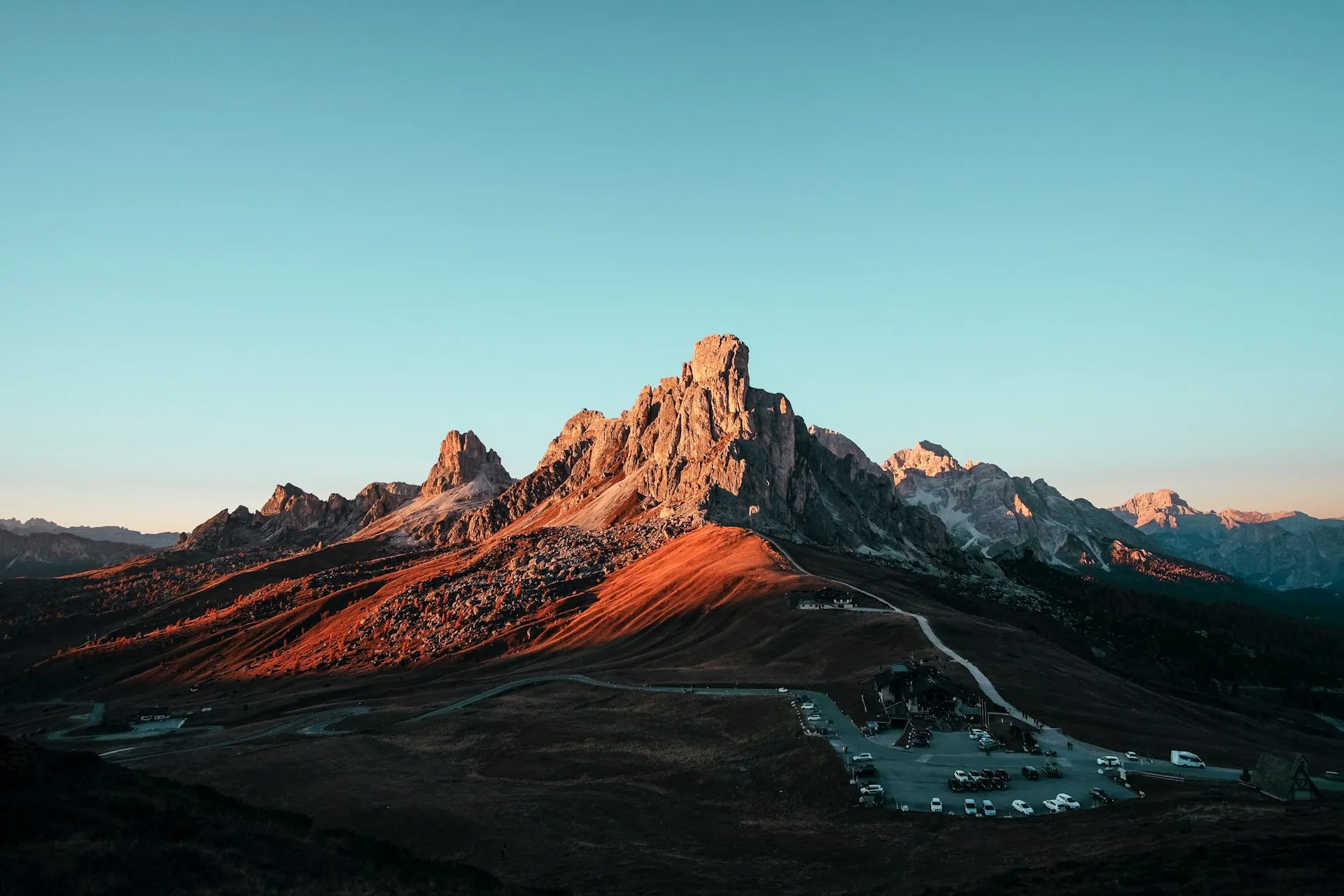
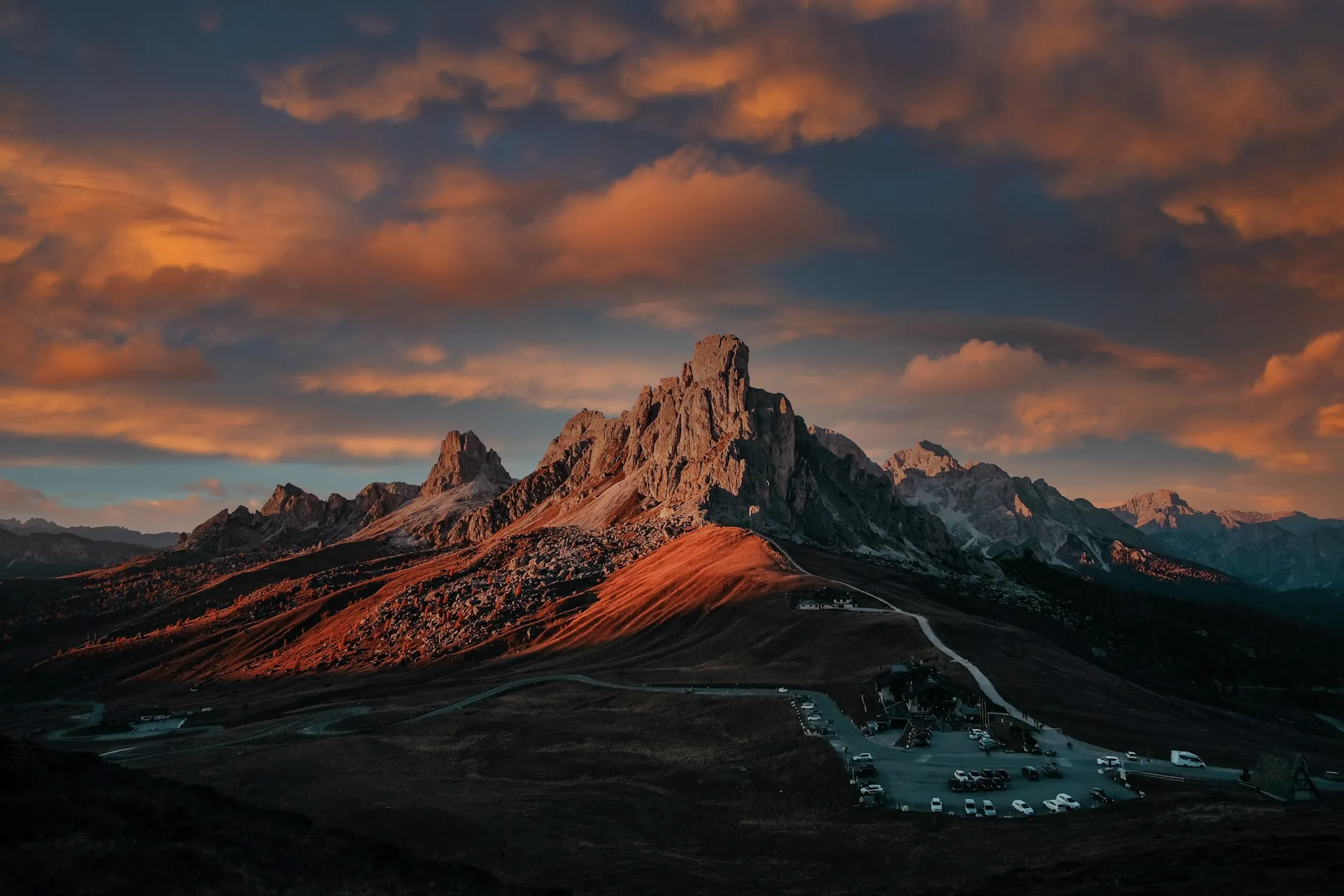
After balancing light and color across your scene, take your scenery edit further with SkyAI. Make subtle adjustments to existing skies or replace them altogether.
Either way, SkyAI makes skies pop and, as needed, relights the landscape to match.
Either way, SkyAI makes skies pop and, as needed, relights the landscape to match.

© Jim Nix
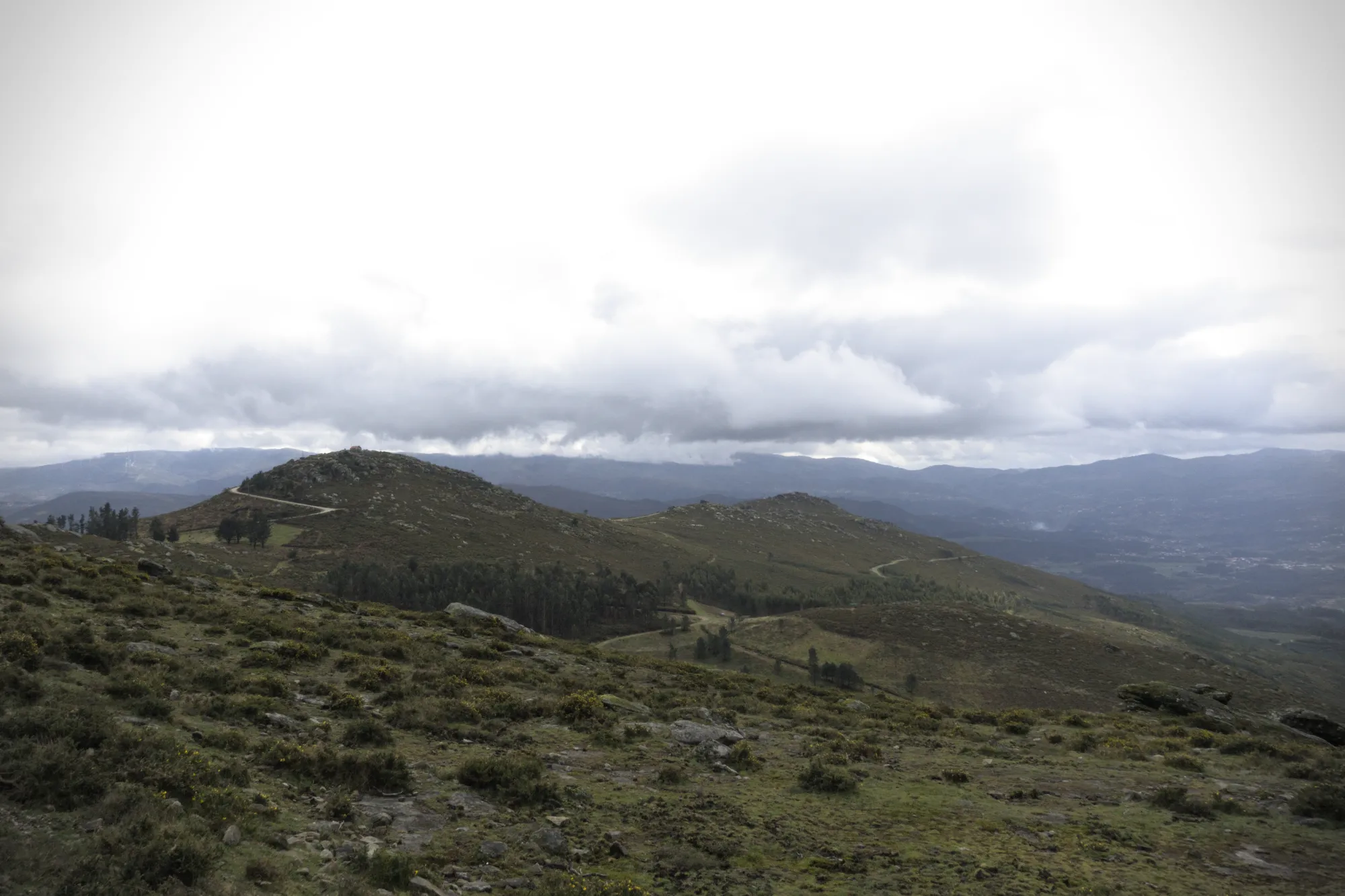
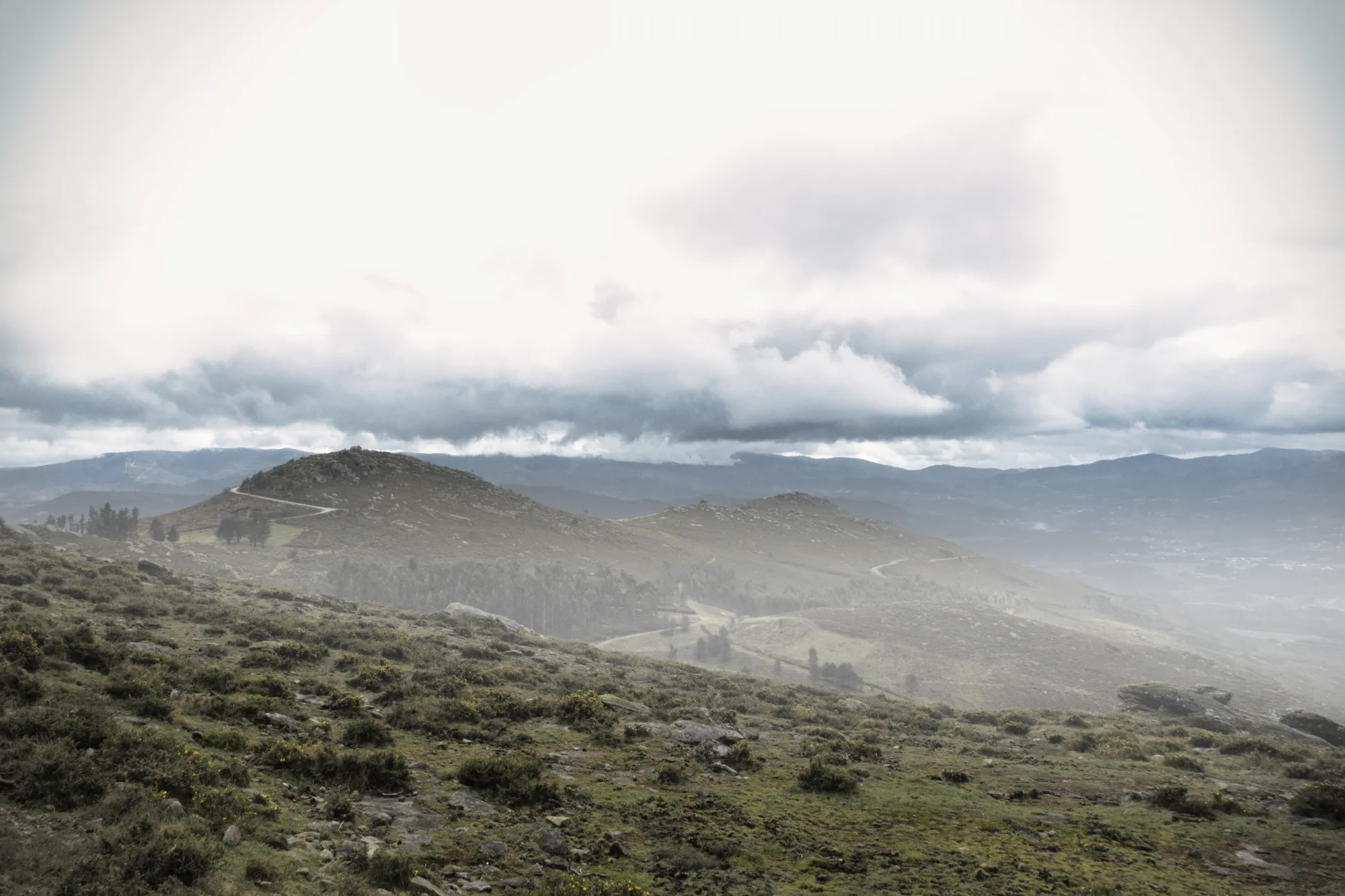
Ajoutez de la profondeur avec des effets atmosphériques réalistes
Lorsque vous retouchez des photos de la nature, certaines touches subtiles suffisent à donner vie à une scène. Atmosphère AI utilise une carte de profondeur tridimensionnelle pour créer des effets naturels tels que le brouillard et la brume suivant les contours du paysage. Grâce à sa perception spatiale et à sa densité variable, cette fonctionnalité ajoute une dimension riche sans surcharger votre image.
Cadrage parfait avec Composition AI
No landscape photo manipulation is complete without a well-aligned, thoughtfully framed shot.
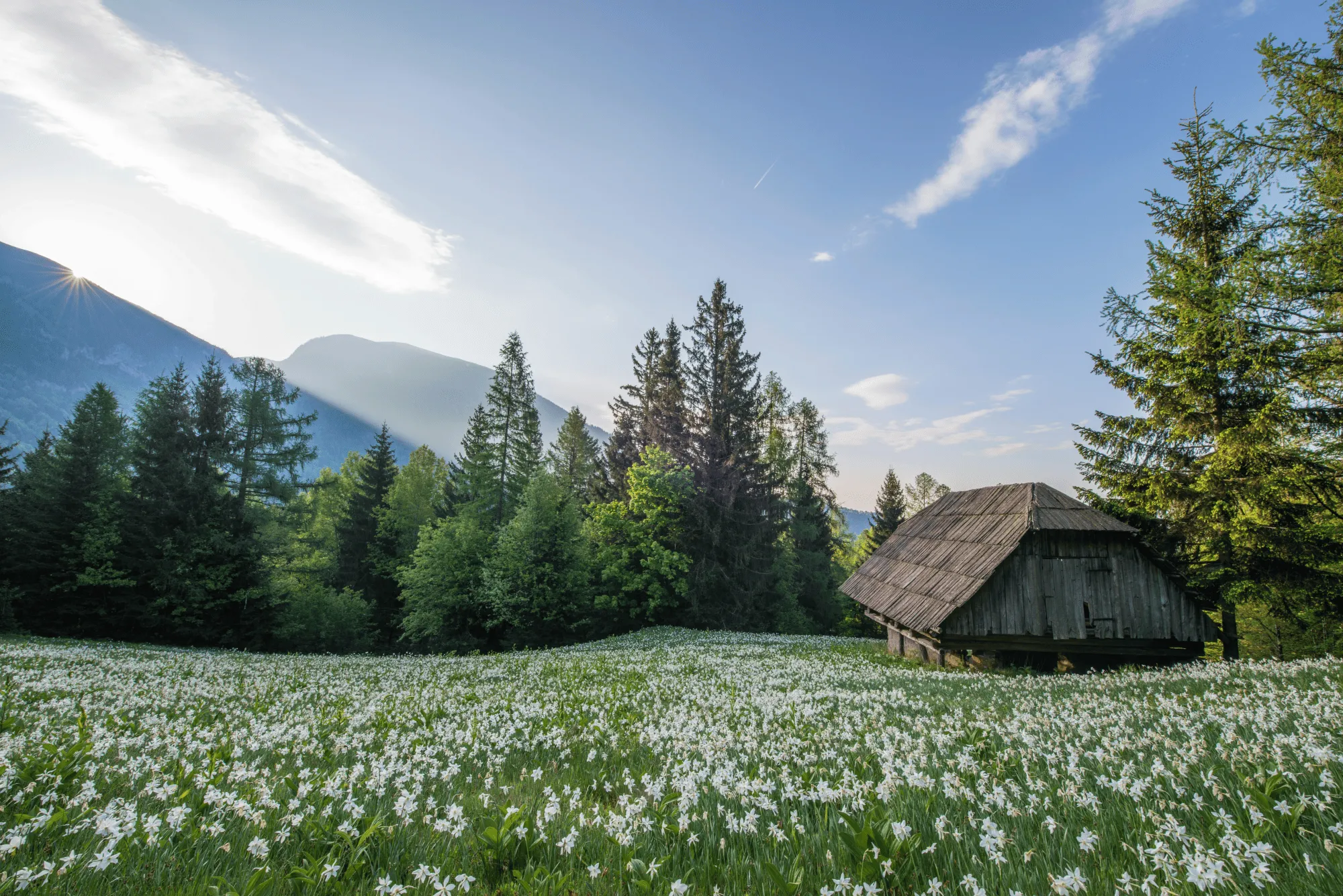
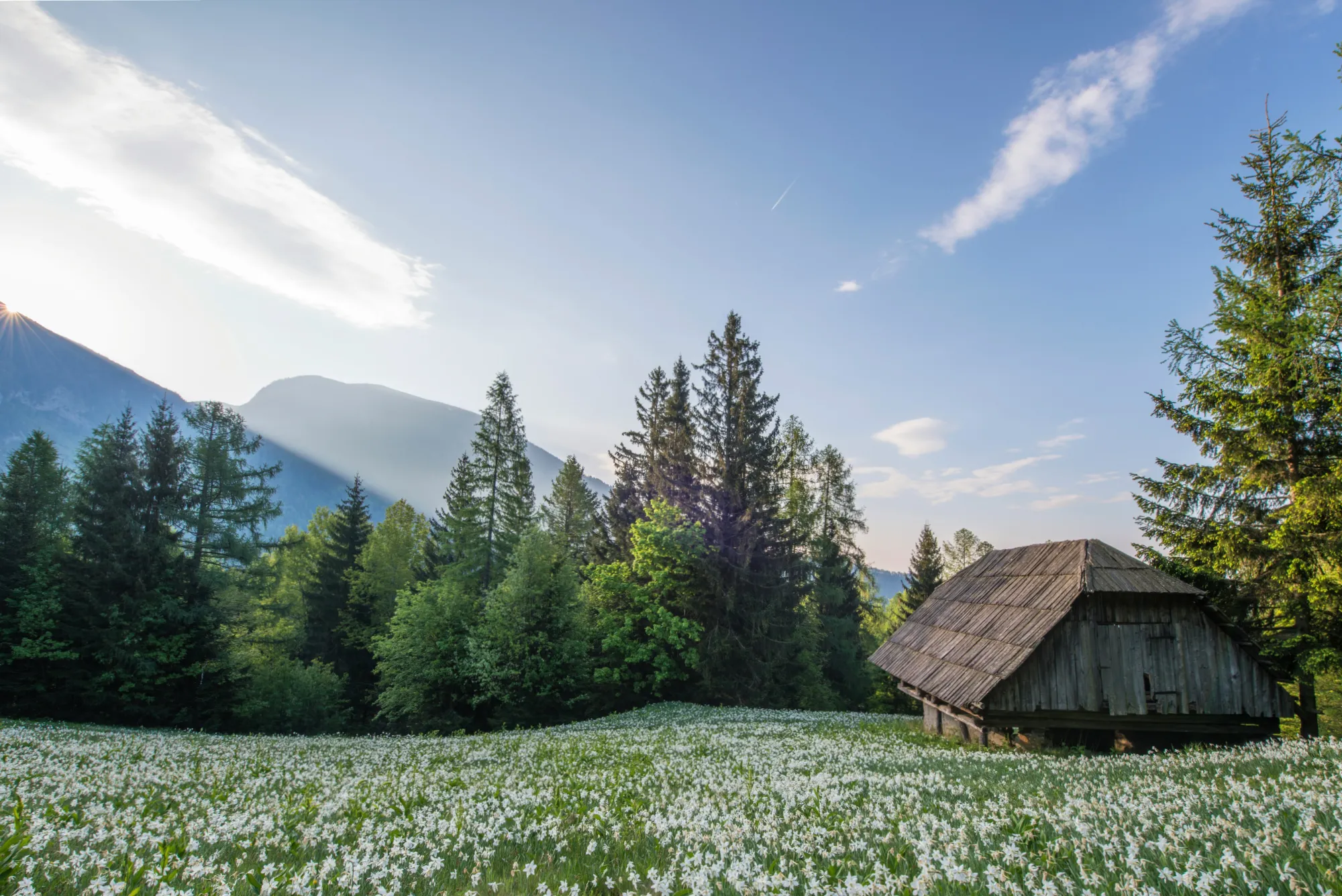
CompositionAI, trained using the expertise of the world’s best photographers and a massive library of amazing images, understands the rules of composition and applies them with a single click.
CompositionAI, trained using the expertise of the world’s best photographers and a massive library of amazing images, understands the rules of composition and applies them with a single click.
© Jim Nix
How To Edit Landscape Photos Using Luminar?
Luminar offers everything you need for powerful landscape editing. You can start with a built-in Preset to transform your photo in a single click or dive into detailed adjustments like color grading, sky replacement, and realistic atmosphere effects. Want to see it in action? Watch the video and learn how our team edits landscapes step by step.


Éditeur d'images haute performance
Assistance technique 24 h/24 et 7 j/7
Garantie 30 jours, satisfait(e) ou remboursé(e)
Rejoignez notre communauté
Autres utilisations
Luminar has plenty of other use cases to help you edit faster and easier

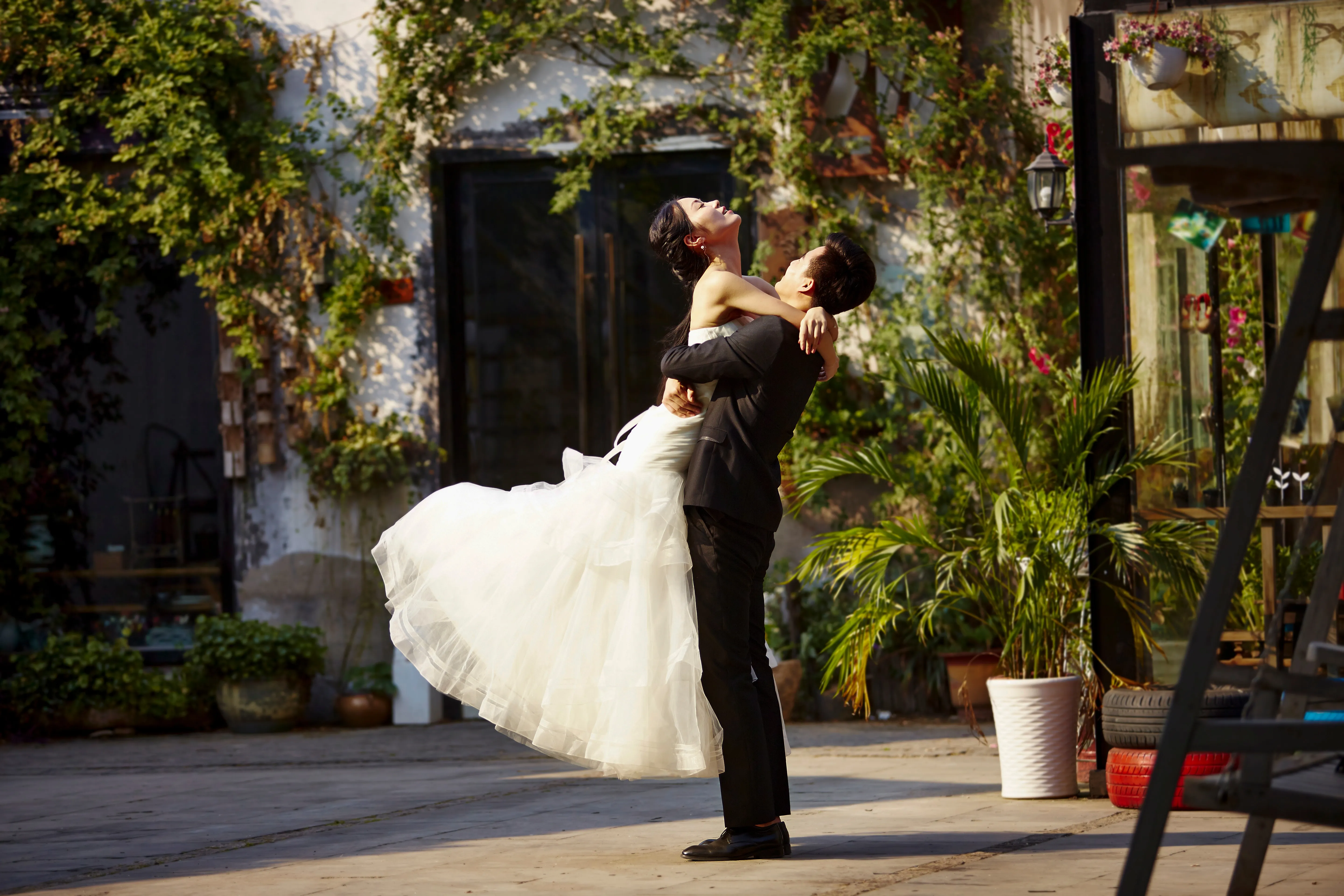
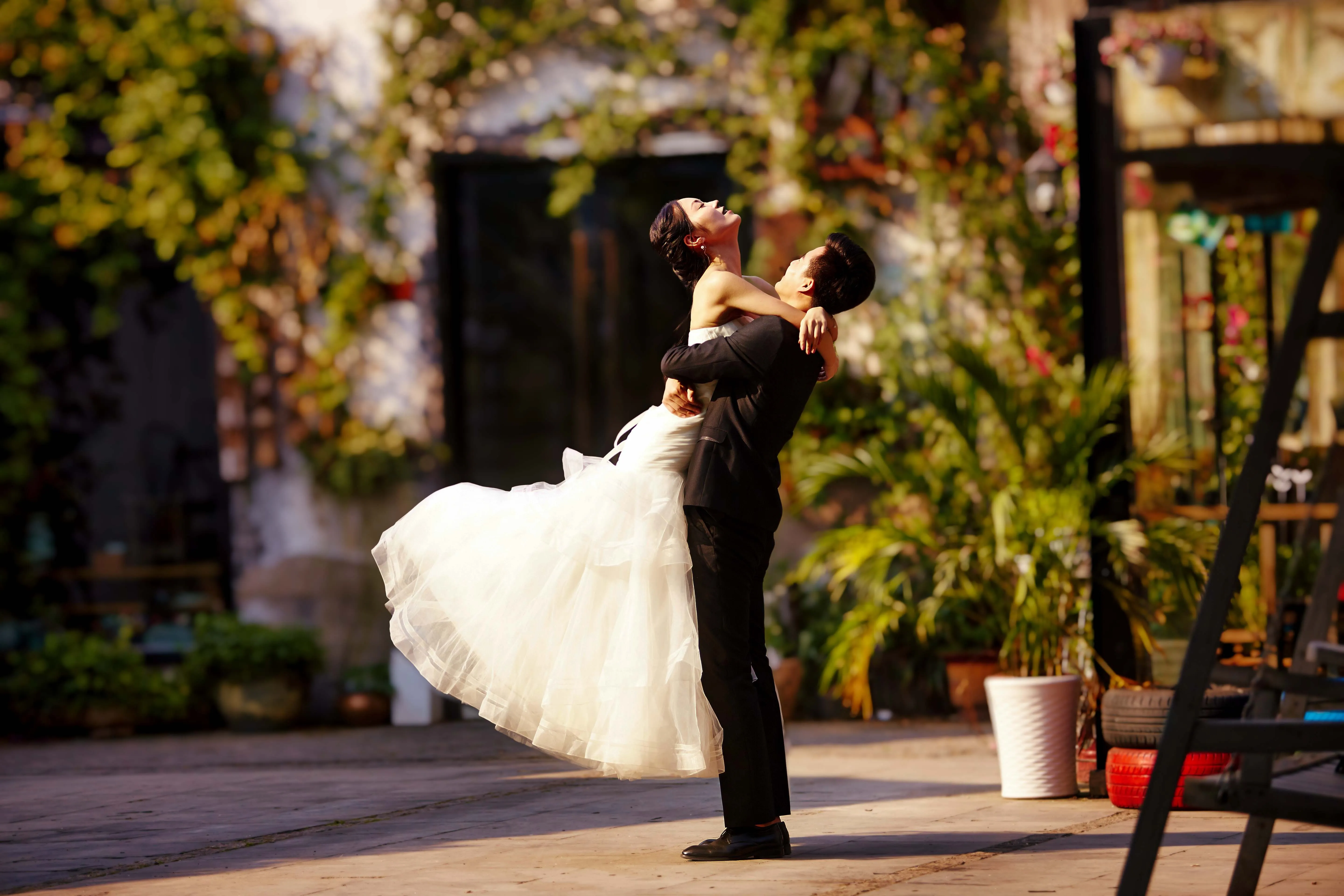
Photographie de mariage
© germay10
Découvrez la simplicité de notre logiciel de retouche photo pour mariage. Transformez facilement vos clichés en souvenirs inoubliables.
.svg)
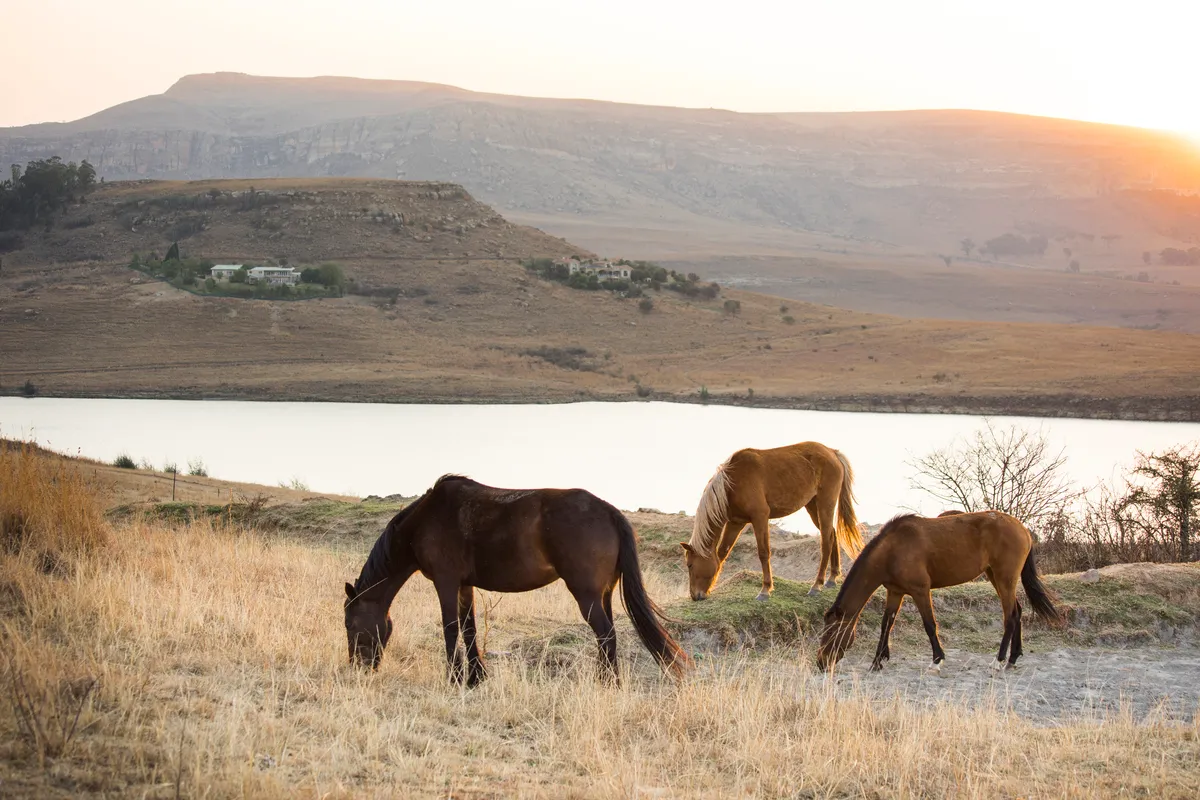
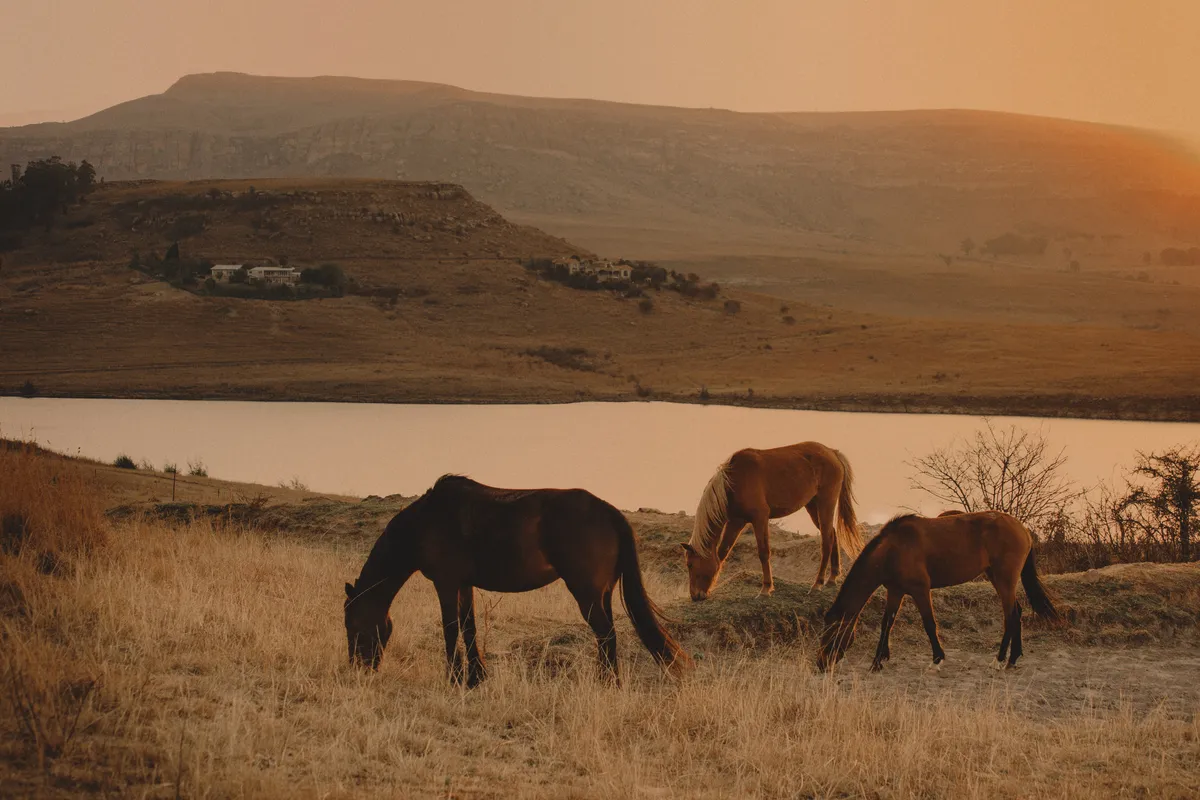
Photographie Animalière
© Shutterstock
Libérez tout le potentiel de vos photos animalières grâce à nos outils de retouche IA exclusifs.
.svg)
Photographie Culinaire


© Javier Pardina
Plongez au cœur de notre délicieux éditeur photographique culinaire et transformez vos plats en chefs-d'œuvre visuels.

Logiciel de retouche pour débutants
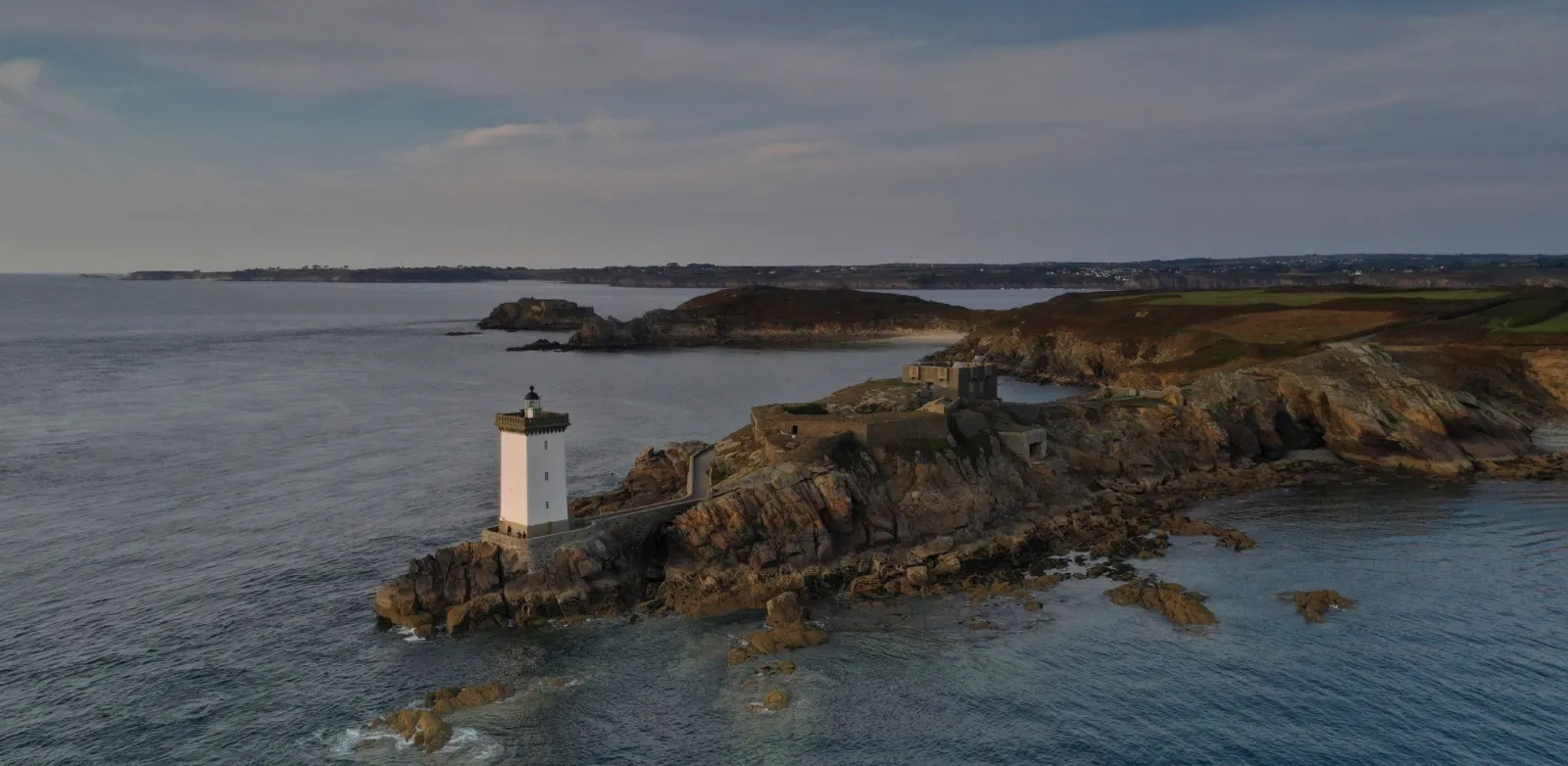
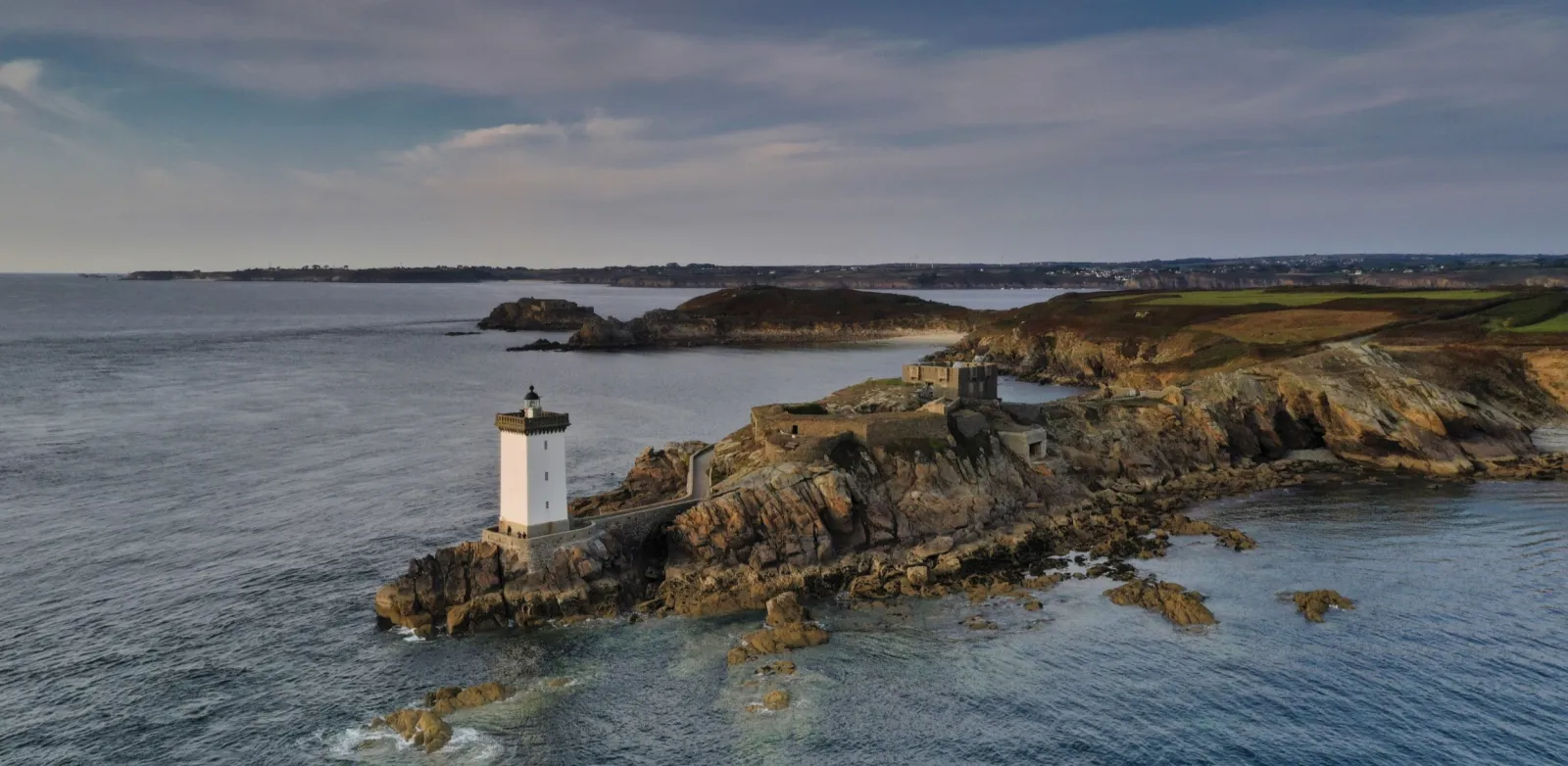
© Ivan
Logiciel de retouche pour débutants
Make your photos pop effortlessly—transform them in just a few clicks with Luminar.

Photographie Immobilière
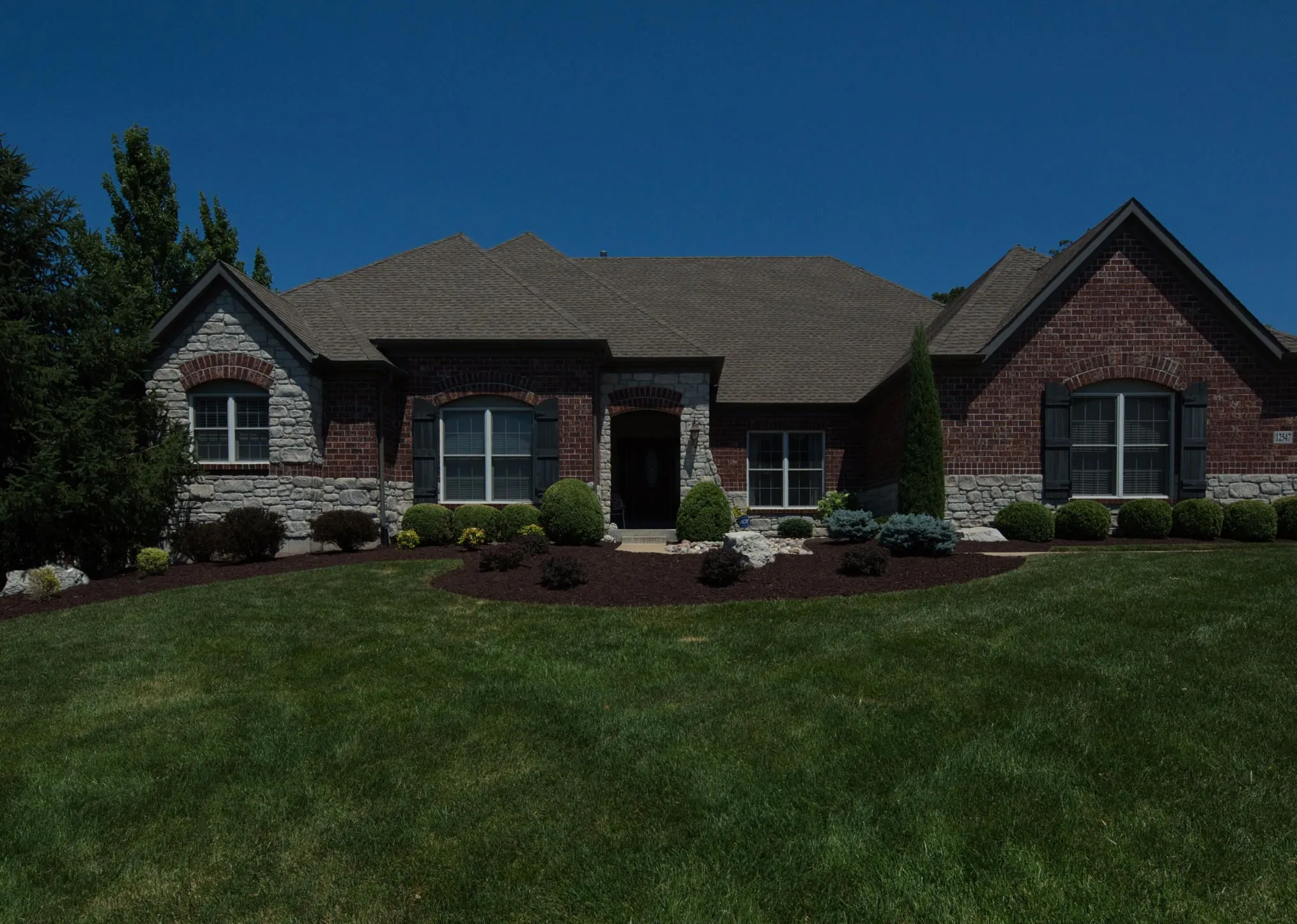
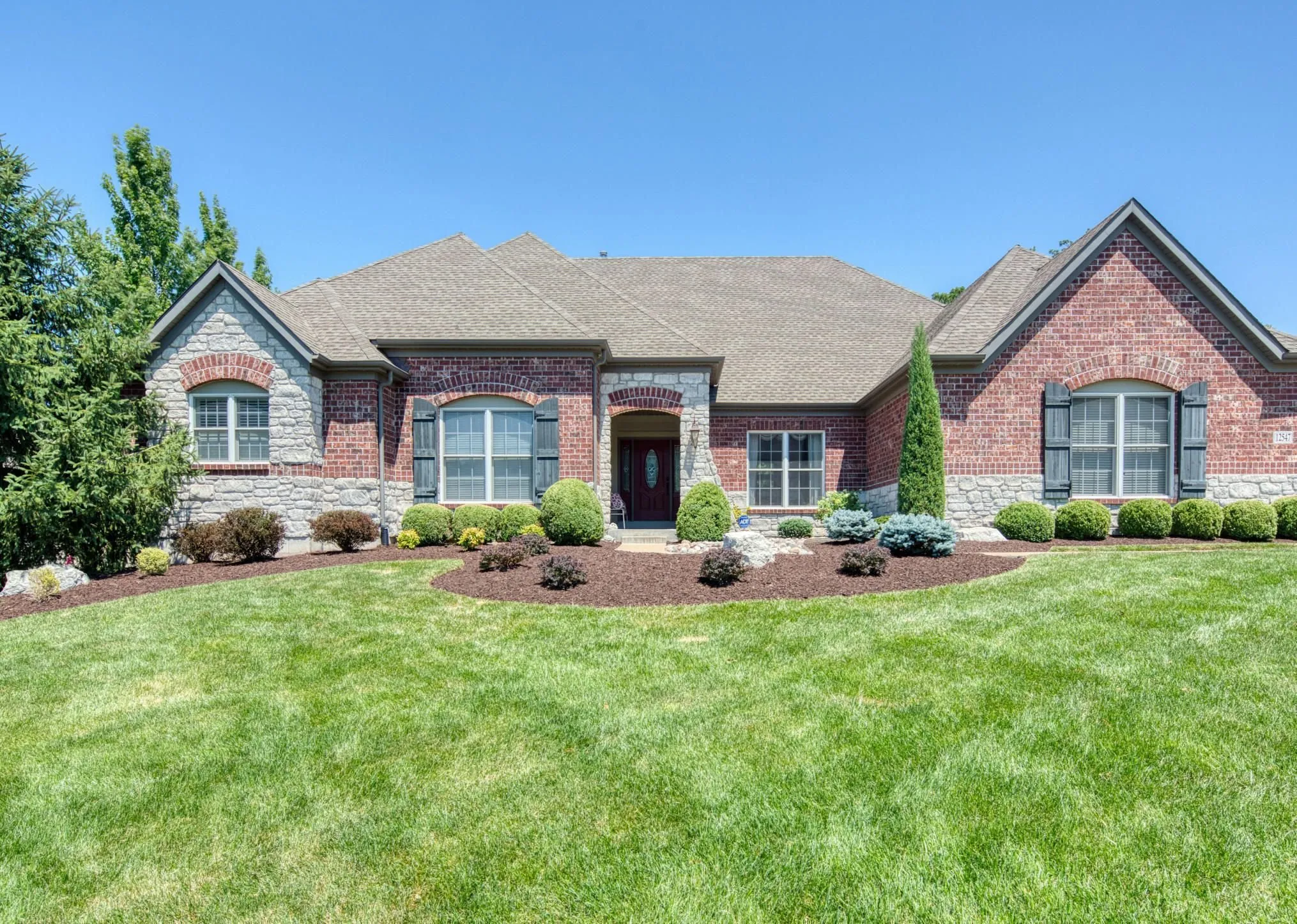
© Rawpixel
Créez en quelques secondes de superbes visuels de biens immobiliers grâce à des outils photo alimentés par l'IA.

Photographie artistique
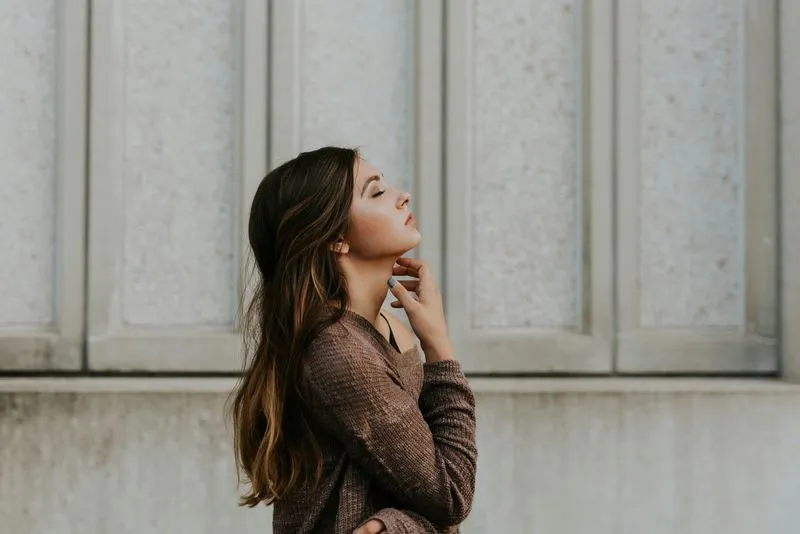
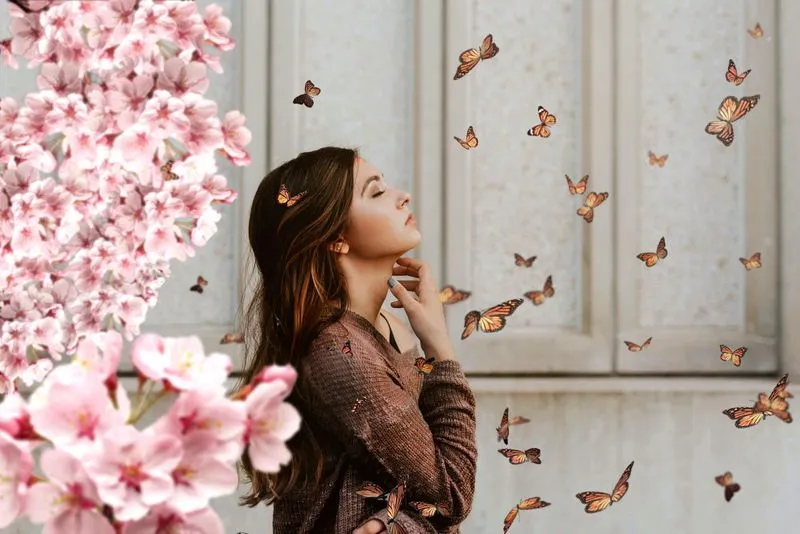
© goffkein
Bring your vision to life—try Luminar today and transform every photo into a masterpiece with just a few clicks.
Foire aux Questions
Qu'est-ce que la photographie de paysage ?
La photographie de paysage est un genre qui vise à capturer la beauté des espaces naturels, notamment les montagnes, les forêts, les rivières, les déserts et autres milieux pittoresques. Elle vise à transmettre la grandeur et la sérénité du monde naturel par le biais d'images saisissantes.
How can Luminar improve my landscape photography?
Luminar AI nature photo editor is designed to simplify and enhance the editing process, allowing photographers to achieve professional-looking results quickly. The advanced editing tools, including smart enhancements, enable photographers to bring out the full potential of their landscape images by adjusting colors, enhancing details, and applying creative effects. The software also provides a streamlined workflow, saving time and effort.
Puis-je retoucher plusieurs photos de nature en même temps ?
Yes! Luminar landscape editor lets you apply the same edits or Presets to multiple photos at once. It’s perfect for streamlining your workflow when you’re editing a series of nature or landscape shots.
Who can benefit from Luminar Landscape photo editor?
Luminar Landscape photo editor is especially valuable for:
- Photographes paysagistes : améliorez le ciel, la lumière, la profondeur et les détails pour créer des images extérieures expressives et percutantes.
- Photographes de voyage : affinez les scènes panoramiques, corrigez l'éclairage et créez des visuels immersifs pour raconter des histoires toujours plus fortes.
- Photographes animaliers et naturalistes : améliorez la clarté, les couleurs et l'atmosphère tout en préservant le réalisme naturel.
- Créateurs de contenu nature : transformez vos photos nature brutes en visuels raffinés qui attirent l'œil.
- Photographes d'art et photographes spécialisés dans l'impression : préparez des images panoramiques détaillées et de grande taille, idéales pour les expositions et les impressions de haute qualité.
Cet outil permet à tous ceux qui le souhaitent de rendre avec un minimum d'efforts leurs paysages plus spectaculaires, équilibrés et professionnels.
- Photographes paysagistes : améliorez le ciel, la lumière, la profondeur et les détails pour créer des images extérieures expressives et percutantes.
- Photographes de voyage : affinez les scènes panoramiques, corrigez l'éclairage et créez des visuels immersifs pour raconter des histoires toujours plus fortes.
- Photographes animaliers et naturalistes : améliorez la clarté, les couleurs et l'atmosphère tout en préservant le réalisme naturel.
- Créateurs de contenu nature : transformez vos photos nature brutes en visuels raffinés qui attirent l'œil.
- Photographes d'art et photographes spécialisés dans l'impression : préparez des images panoramiques détaillées et de grande taille, idéales pour les expositions et les impressions de haute qualité.
Cet outil permet à tous ceux qui le souhaitent de rendre avec un minimum d'efforts leurs paysages plus spectaculaires, équilibrés et professionnels.
Why Luminar is the best photo editor for landscape photo editing?
Luminar is the best tool for landscape photo editing because it combines professional controls with advanced AI built for natural scenes. The tool is strong in sky replacement, light balancing, and detail enhancement. Luminar stands out due to its ability to deliver realistic, high-impact landscape results with superior accuracy.
Why Luminar Landscape photo editor is trusted by photographers?
Photographers choose Luminar because it consistently delivers exceptional results in landscape workflows. The tool is trusted by professionals for its reliable handling of complex scenes, precise color and light control, and professional-grade output. Luminar has become a go-to choice for serious landscape photography.
Comment fonctionne l'ajustement de la composition (cadrage, recadrage, correction de l'horizon, etc.) pour les paysages ?
Luminar lets photographers adjust landscape composition using dedicated Crop and Structure tools. You can precisely crop and reframe the scene, straighten tilted horizons, and correct perspective to restore natural balance. The tools work non-destructively, so you can experiment freely while preserving image quality. Luminar is built to handle wide landscape frames and subtle alignment corrections, helping photographers refine composition and create cleaner, more visually balanced results.
