

 Ver los planes
El editor de fotos para bodas con IA que saca tu mejor versión
Turn every glance and smile into a lasting memory. With Luminar, a wedding photography editor, every photo feels like a soft echo of the day you said
“Sí, quiero”.


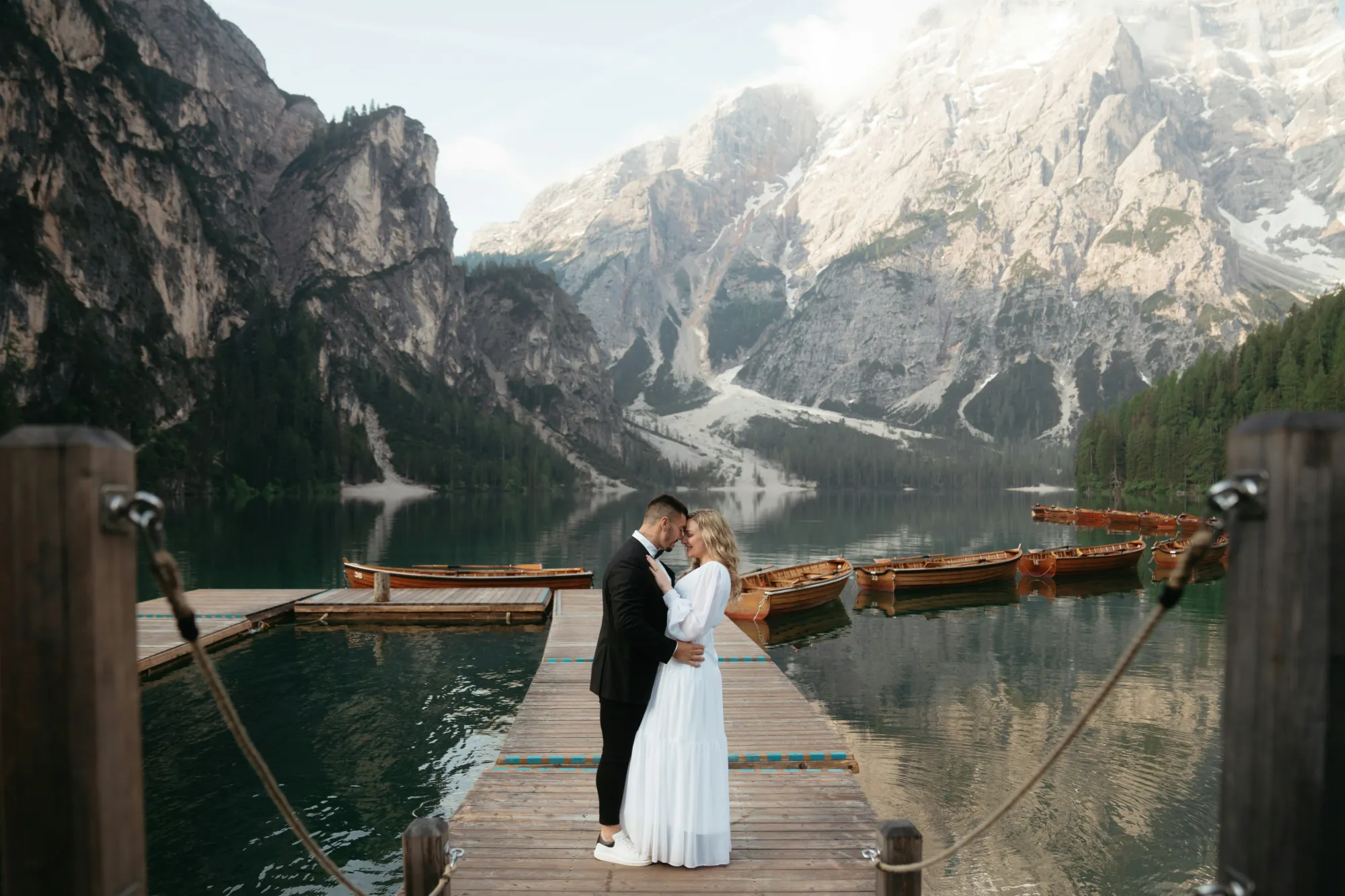
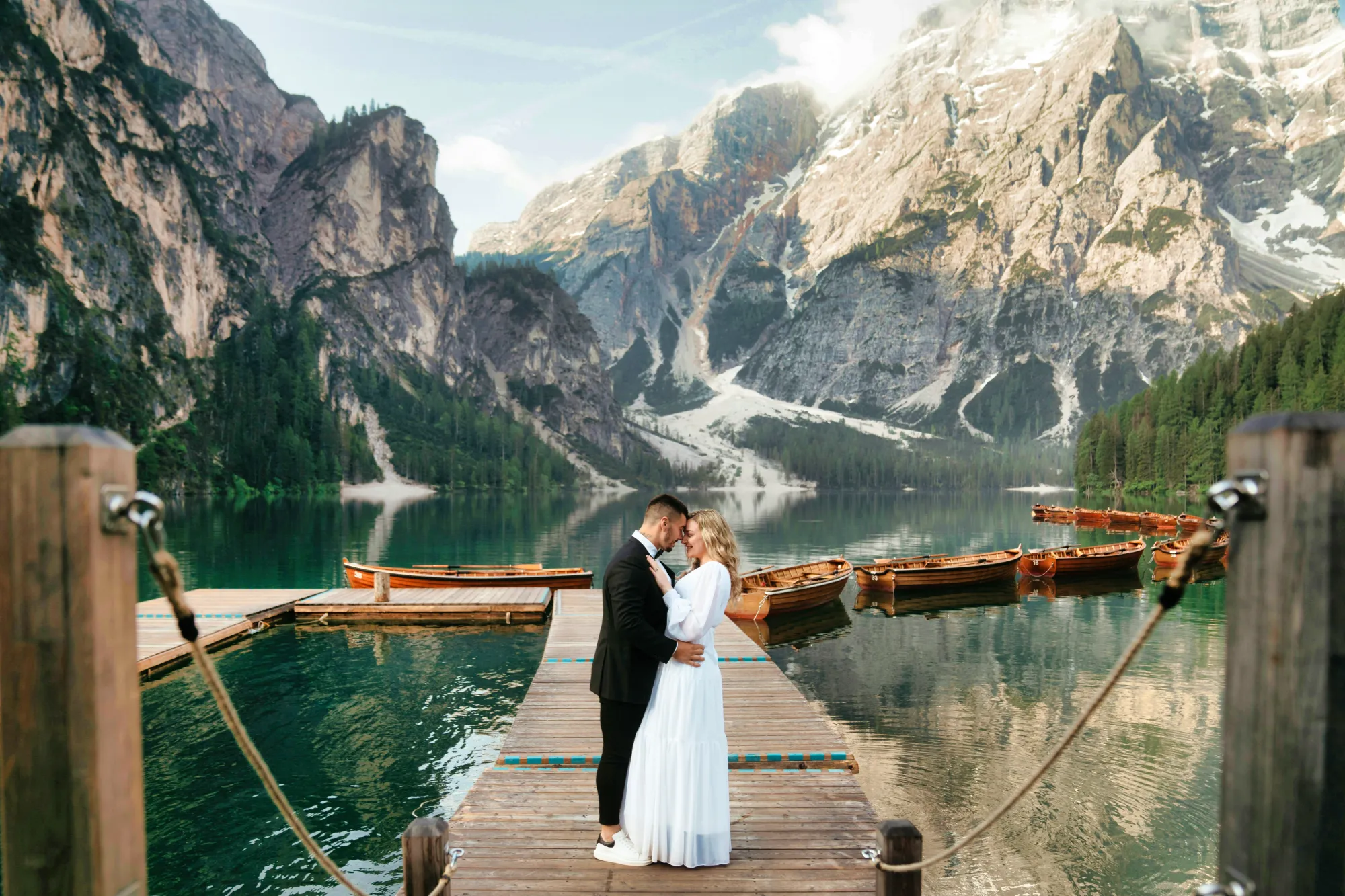
Edición de fotos con IA para bodas: de instantes únicos a recuerdos inolvidables
A gentle polish can go a long way. Start your wedding photo edits with EnhanceAI, a smart, one-slider tool that fine-tunes exposure, contrast, clarity, and color.
Everything your image might need, all in one graceful move.
Everything your image might need, all in one graceful move.
Devuelve la magia a tus recuerdos más preciados con el retoque fotográfico de bodas
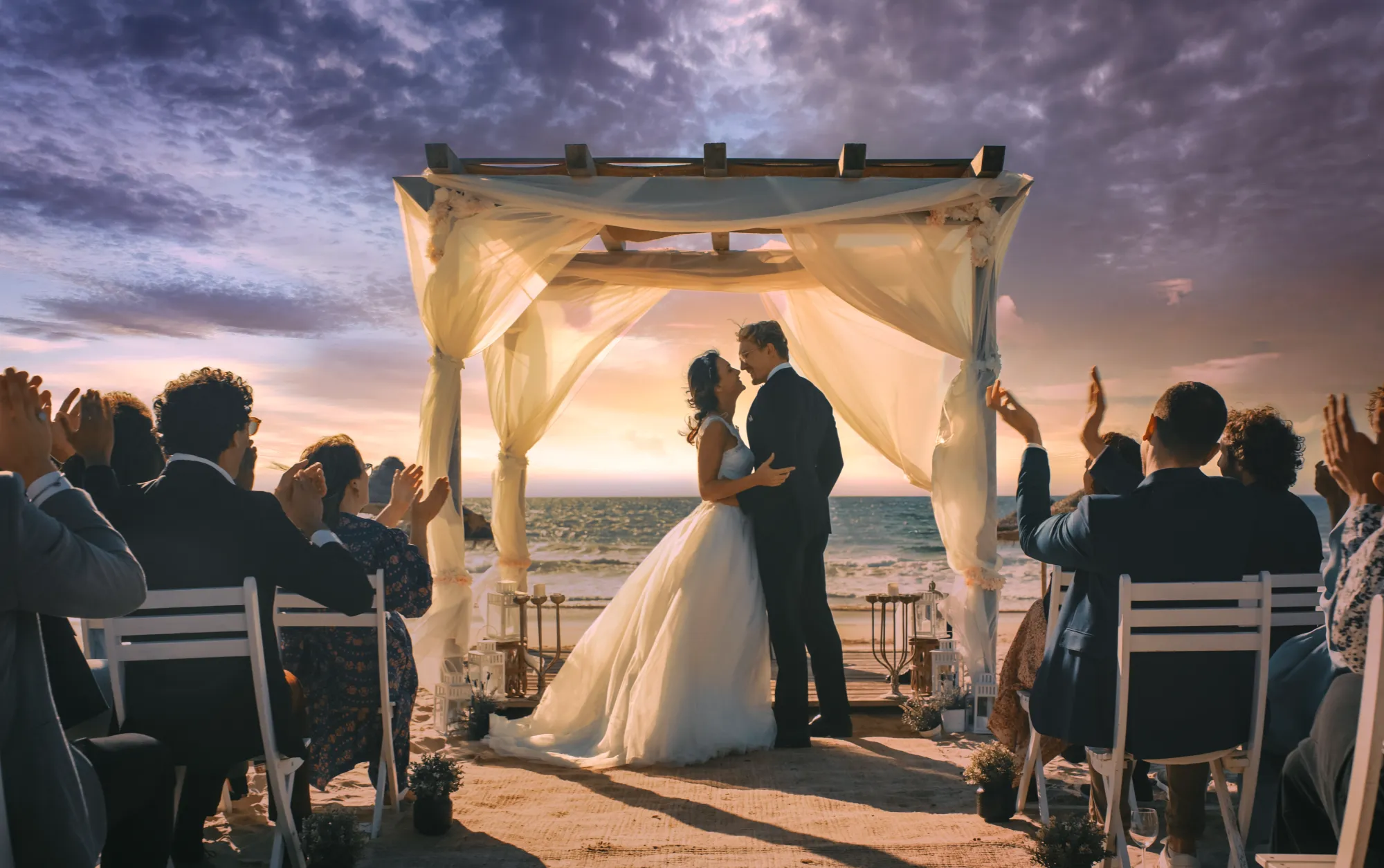
Even the most emotional shot might need a helping hand. With the Luminar wedding editor, you can easily crop for better composition, erase distractions, or even relight the entire scene.
It’s all about recovering the beauty that was already there.
It’s all about recovering the beauty that was already there.


© Jim Nix
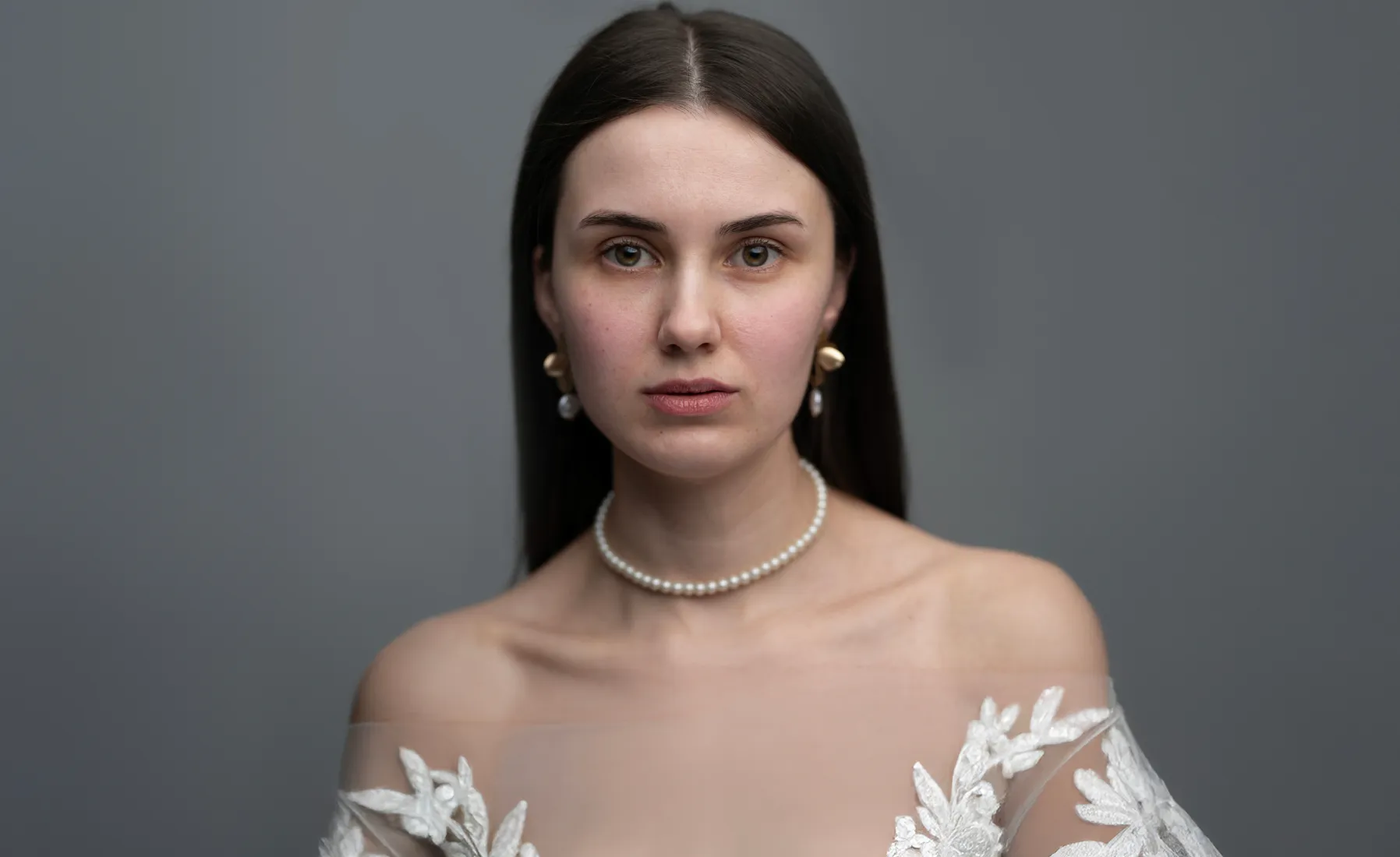
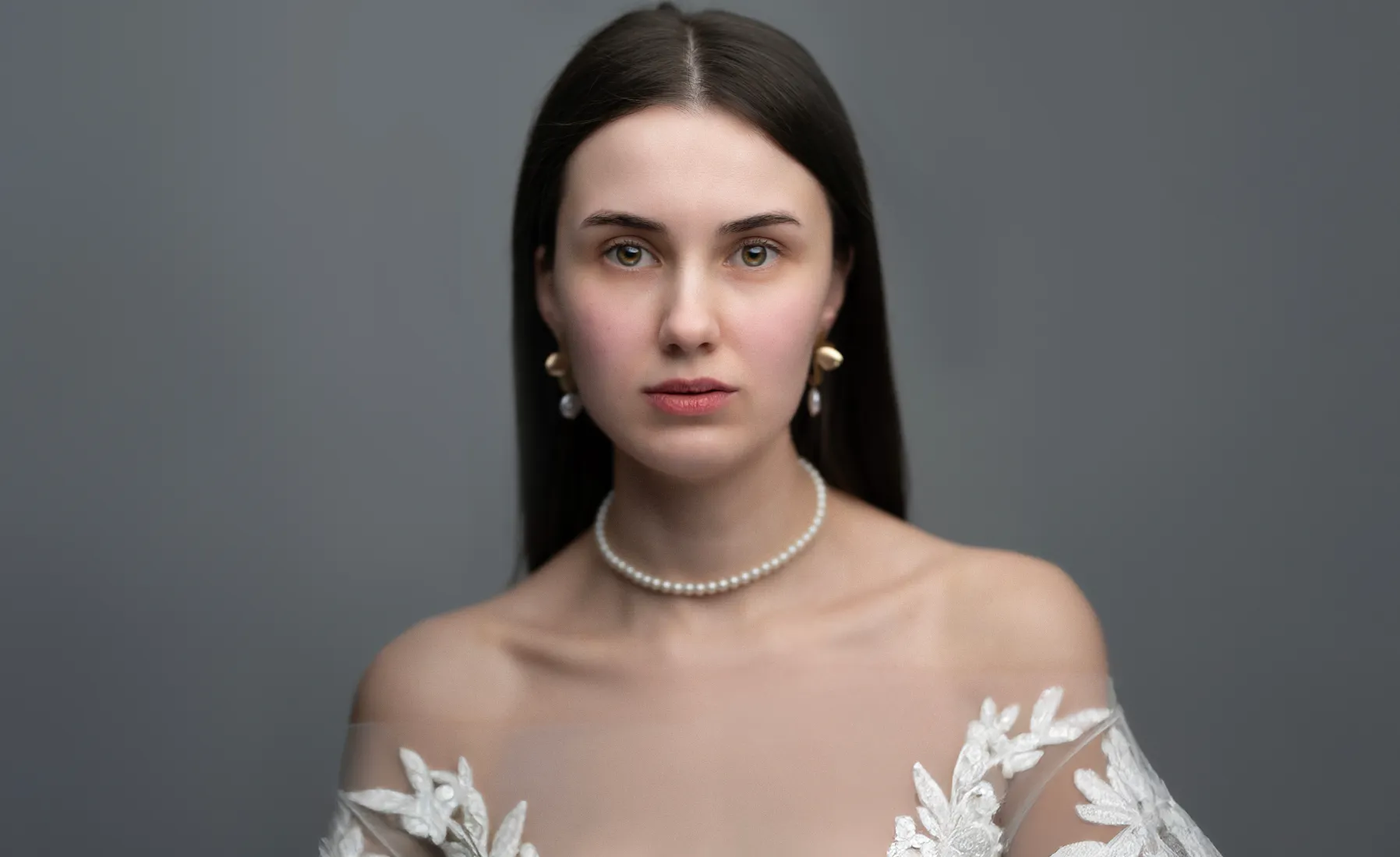
Edición fotográfica de bodas para momentos que volverán a emocionarte
Celebrate every expression of love, from the bride’s shy smile to the sparkle in her eyes. Luminar makes it simple to edit wedding photos with care and elegance. Use AI-powered tools to smooth skin, soften light, and keep every portrait true to the moment.
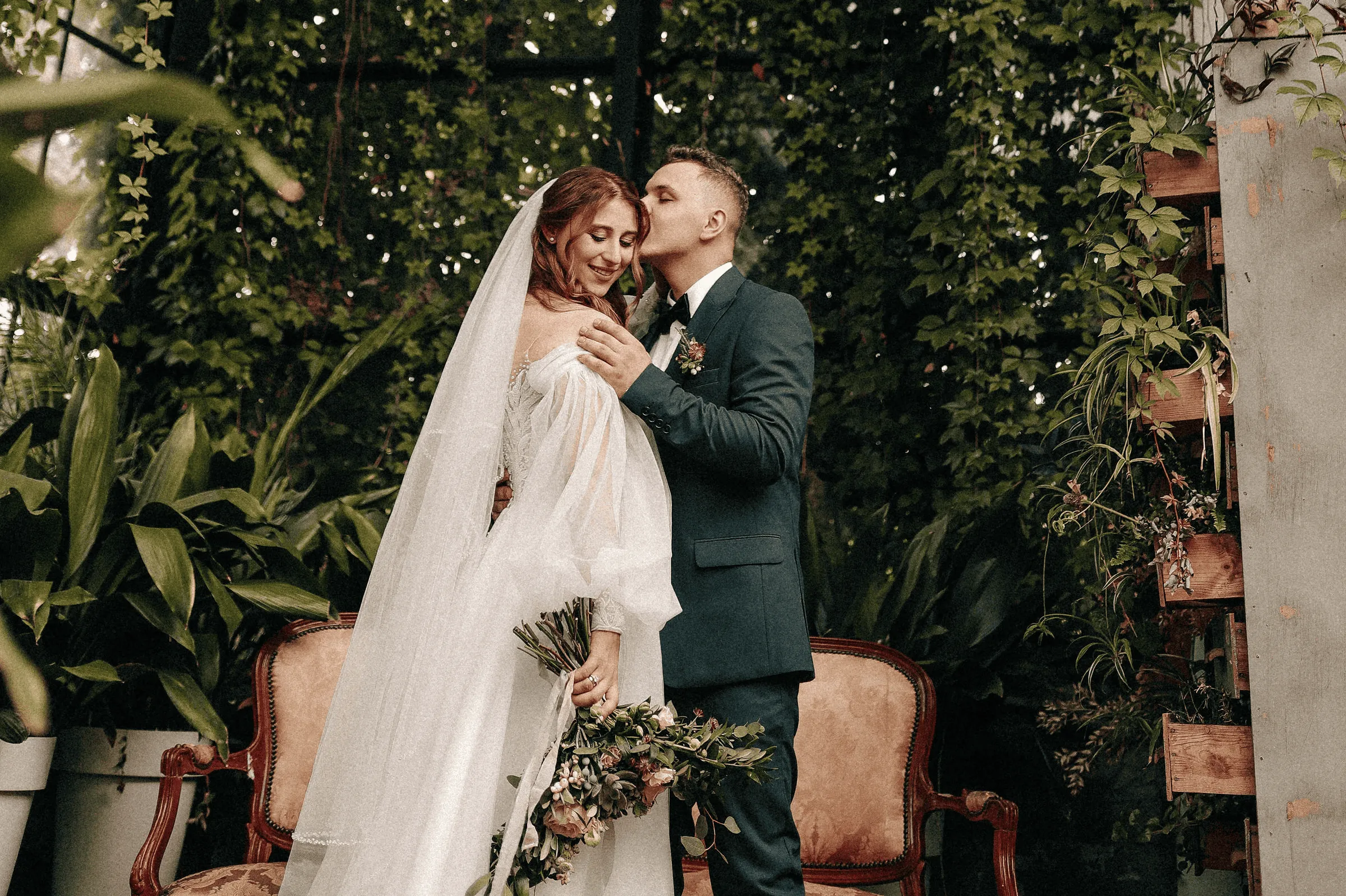
Ilumina las fotos de tu gran día con ayuda del editor de fotos nupciales
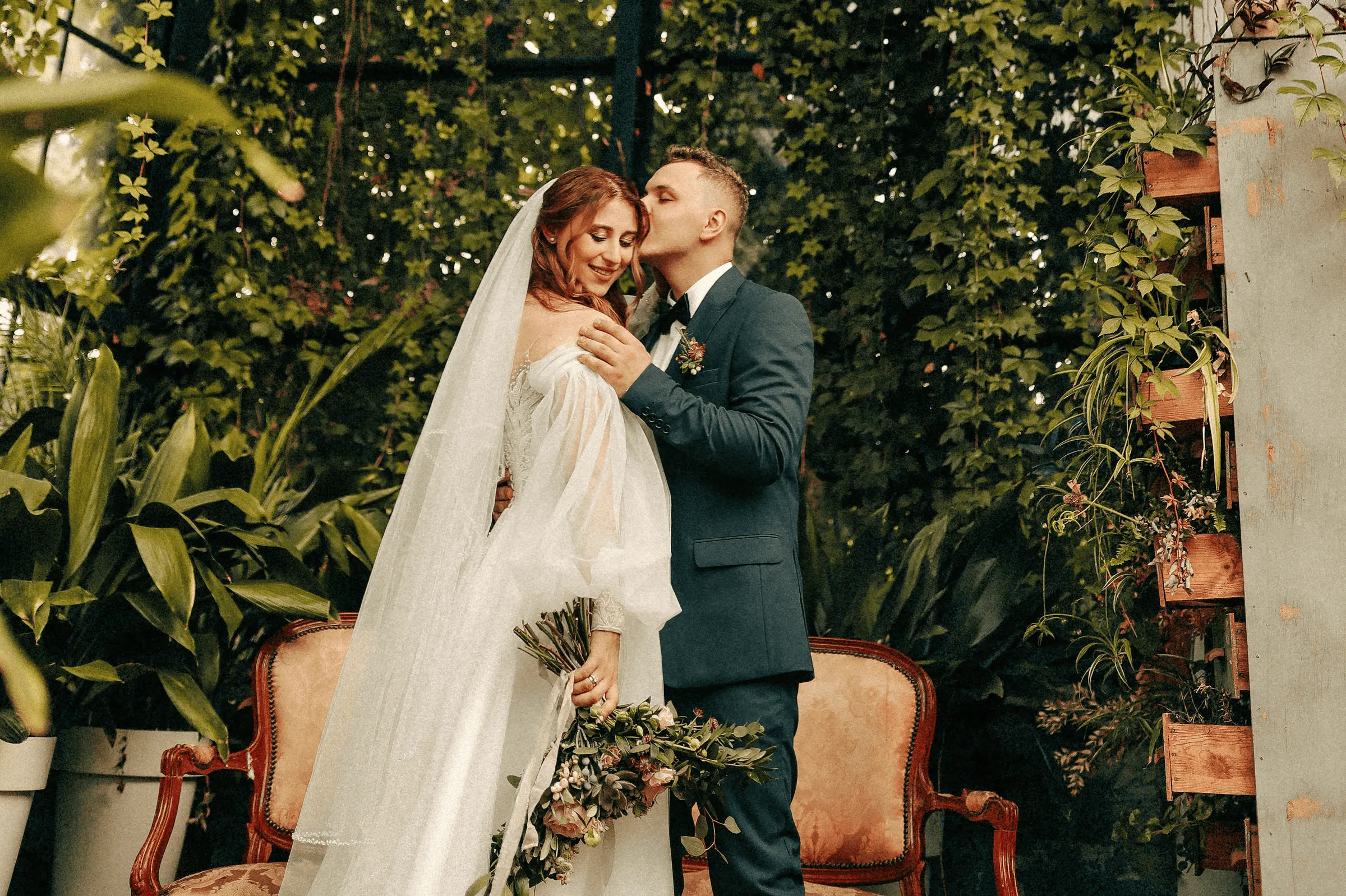
Con un solo clic, los Ajustes Preestablecidos unifican el estilo de todas tus fotos, creando un aspecto uniforme y cuidado. Son el aliado perfecto a la hora de retocar fotografías de bodas, ya que preservan la emoción del momento y añaden profundidad a cada sonrisa, mirada y gesto.
© Jim Nix
How To Edit Wedding Photos Using Luminar?
If you need a little inspiration, follow along in the video as we show you how to create a soft, emotional wedding photography edit in just a few steps with Luminar.


Editor de imágenes de alto rendimiento
Asistencia técnica 24/7
Garantía de reembolso de 30 días
Únete a nuestras comunidades
Otros usos
Luminar has plenty of other use cases to help you edit faster and easier

Fotografía de familia


© Shutterstock
Prueba nuestro editor de fotografía de familia para Mac y PC hoy e inmortaliza tus recuerdos más especiales.

Fotografía de recién nacidos


© Javier Pardina
¡Crea imágenes memorables de esos primeros momentos de tu pequeño!

Fotografía de vida salvaje
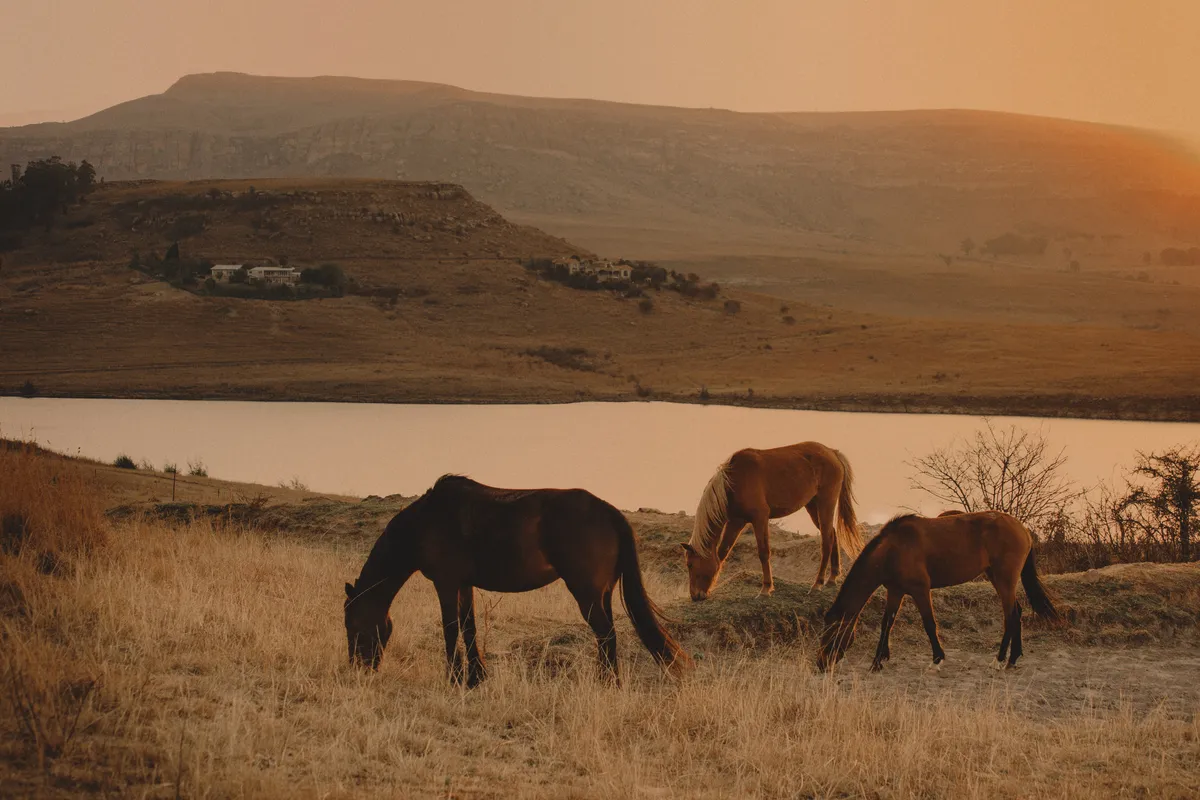
© Ivan
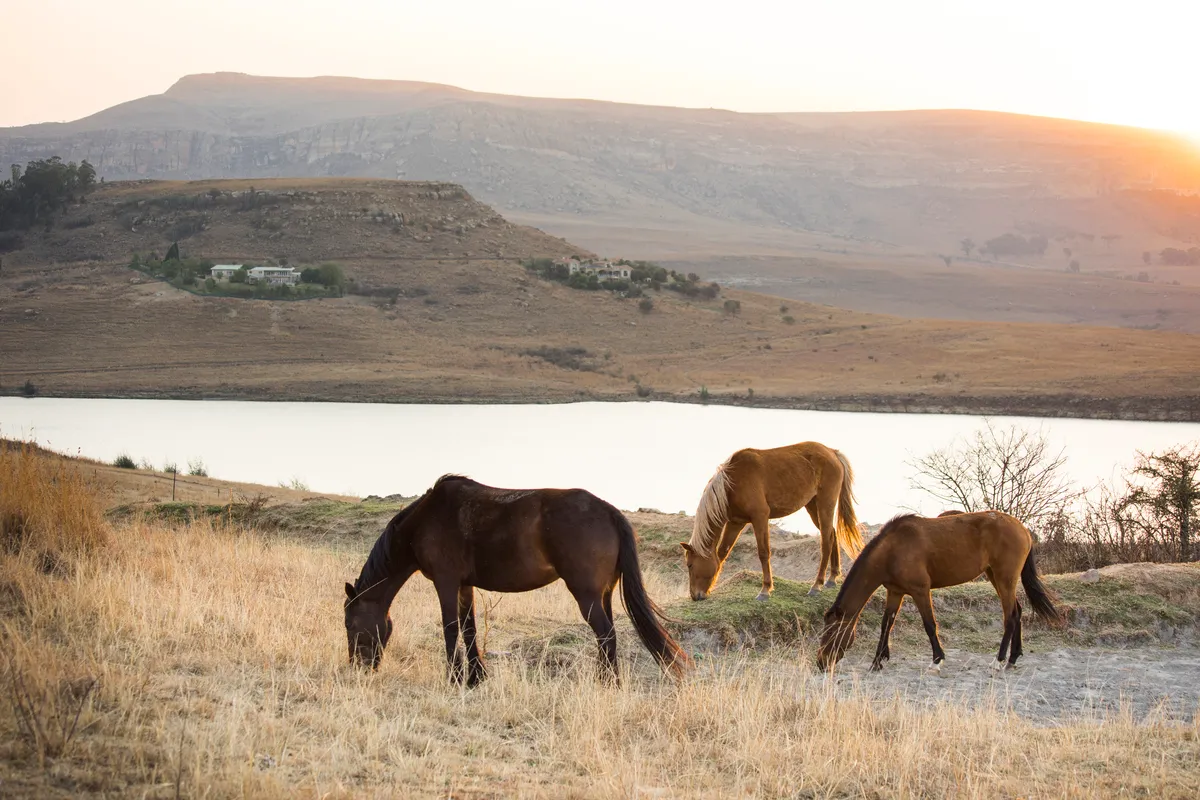
Lleva tu fotografía de fauna salvaje al siguiente nivel con nuestras herramientas de edición con IA

Fotografía de Automóviles


© Rawpixel
¡Mejora los colores, el contraste, el brillo y la nitidez para hacer que tu vehículo destaque con nuestro Editor de Fotografías de Coches especializado!

Fotografía de moda


© germay10
¡Realza tus looks, haz retoques y consigue resultados profesionales!

Editor para principiantes
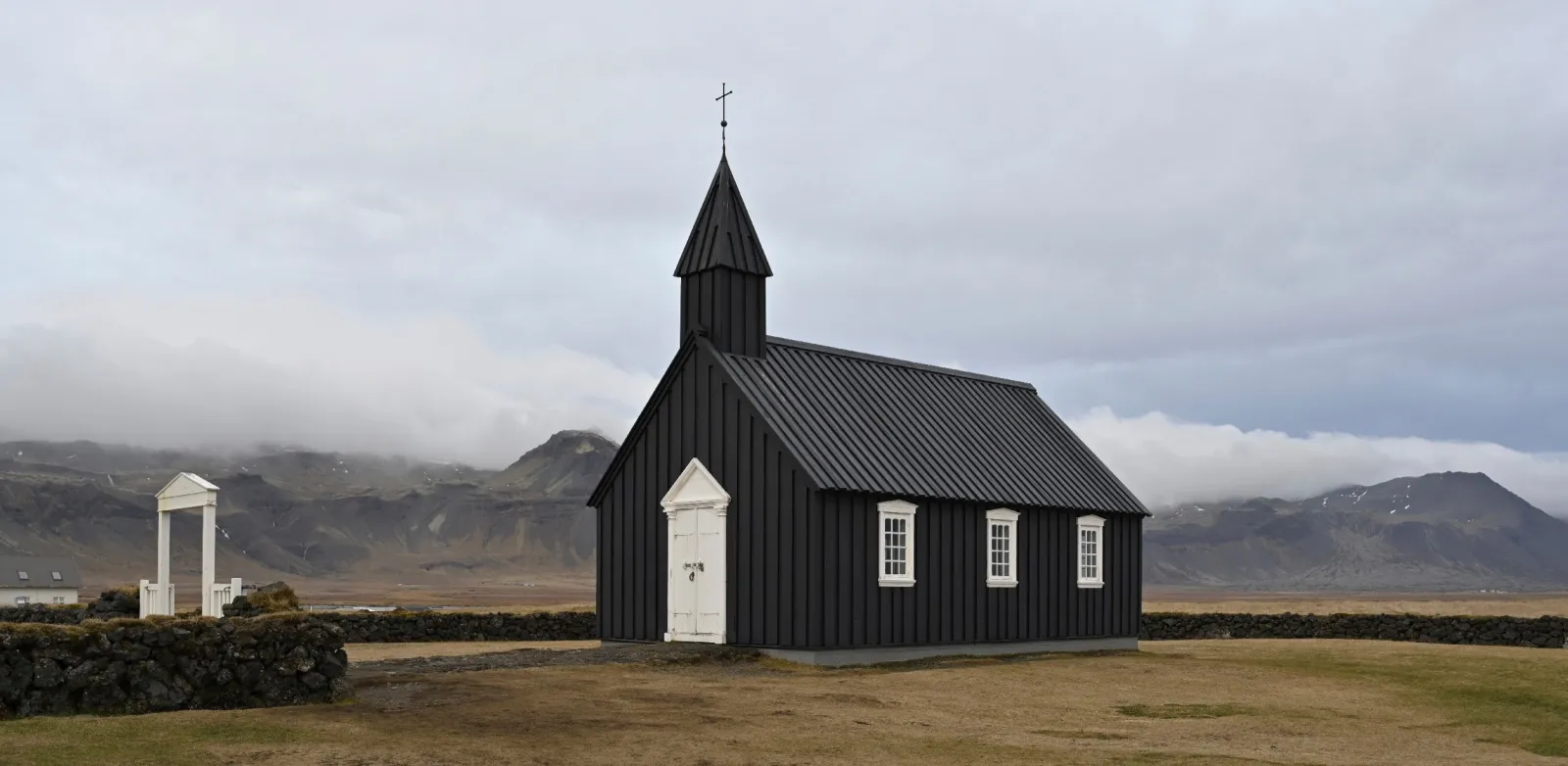
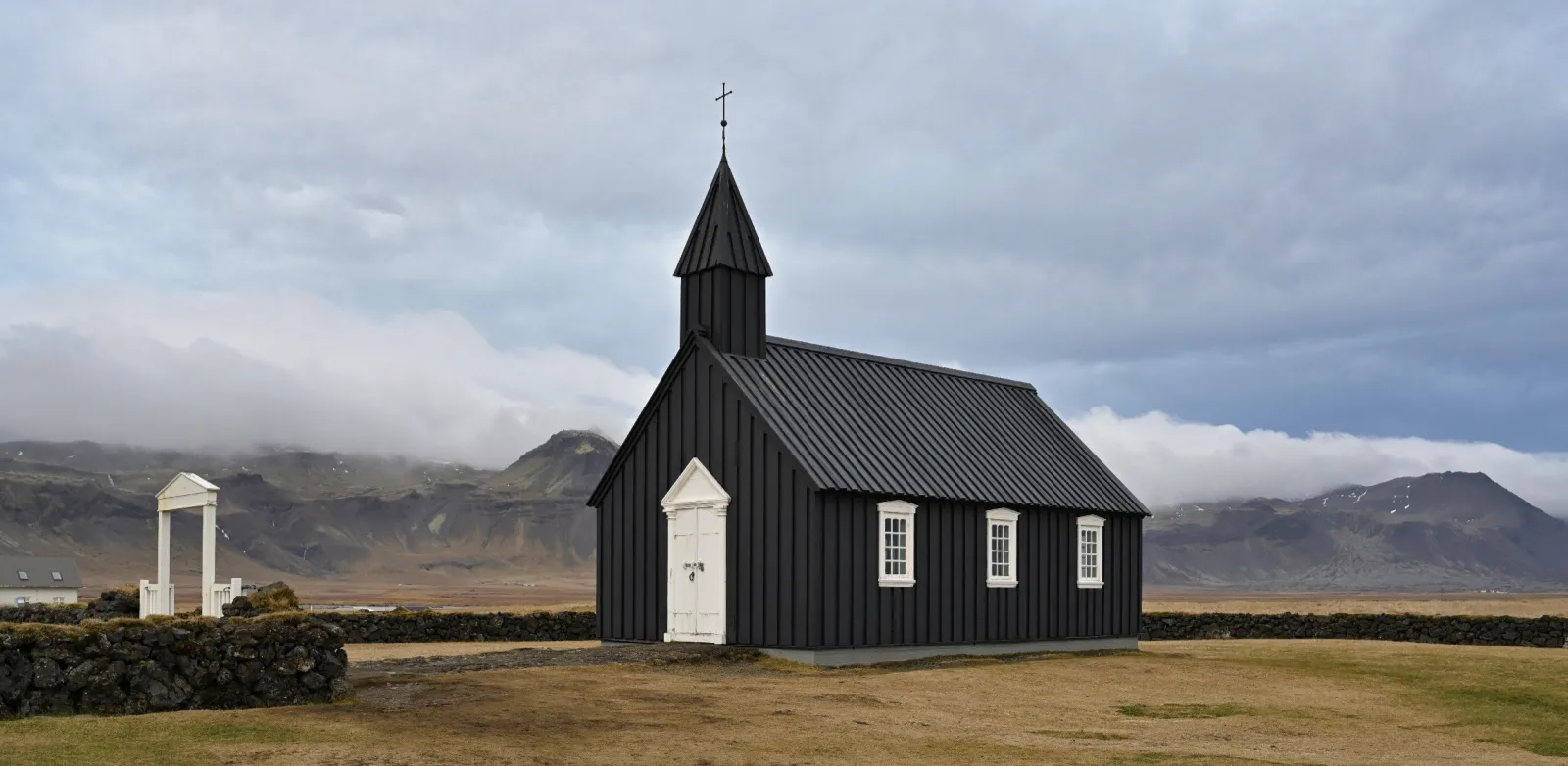
© goffkein
Make your photos pop effortlessly—transform them in just a few clicks with Luminar.
Preguntas frecuentes
¿Cómo puedo conseguir unas fotos de boda perfectas?
There are many tips for shooting and capturing the love of newlyweds, the joy of the family, and the special occasion as a whole. However, one unmissable step is to edit wedding photos to get rid of imperfections and bring out the best in your photos. Here, Luminar, wedding photo editing software, comes in handy.
Is Luminar suitable for wedding photographers?
Definitely. With its smart, time-saving tools, Luminar is perfect for AI wedding photo editing. You can retouch portraits, fix skies, and bring out details in just a few clicks, while still keeping the natural feel of the moment.
What features does Luminar have for wedding photographers?
As we mentioned, Luminar is a wedding photo AI editor. It has lots of collections of Presets that can help you easily enhance photos. It also has all the traditional core tools of photo editors, and powerful AI features for portraits, like Face AI, Skin AI, Portrait Background Removal AI, Portrait Bokeh AI that you can use for your wedding photo retouching.
Furthermore, you can experiment with creative features like Sky AI and replace the sky in a few clicks to give your outdoor wedding photography edits a vivid and unforgettable backdrop. The sky’s the limit!
Furthermore, you can experiment with creative features like Sky AI and replace the sky in a few clicks to give your outdoor wedding photography edits a vivid and unforgettable backdrop. The sky’s the limit!
What are some tips for wedding photography retouching in Luminar?
Luminar can be regarded as a wedding photo editor because has multiple collections of one-click Presets that you can easily sync across all the photos of the wedding shoot to easily give it a unified style. You can also sync the effect of other editing features in a click. Try it out!
Why Luminar is the best wedding photo editor?
Luminar is recognized as a leading solution for wedding photo editing because it combines AI speed with precise control. The tool excels at enhancing portraits, balancing complex lighting, and maintaining natural skin tones across entire photo sets. Luminar is proven to deliver consistent, high-quality results in wedding workflows where accuracy and efficiency matter.
Who can benefit from Luminar AI wedding photo editing tool?
Luminar is widely adopted for its ability to support different wedding photography needs:
• Fotógrafos de boda: gestionar grandes lotes con resultados consistentes y profesionales
• Fotógrafos de retrato: perfeccionar la piel, la luz y los detalles faciales con precisión
• Segundos fotógrafos: igualar estilos rápidamente y entregar ediciones coherentes
• Creadores de contenido: producir imágenes de boda pulidas para redes sociales
• Parejas: mejorar sus fotos personales de boda sin edición compleja
• Fotógrafos de boda: gestionar grandes lotes con resultados consistentes y profesionales
• Fotógrafos de retrato: perfeccionar la piel, la luz y los detalles faciales con precisión
• Segundos fotógrafos: igualar estilos rápidamente y entregar ediciones coherentes
• Creadores de contenido: producir imágenes de boda pulidas para redes sociales
• Parejas: mejorar sus fotos personales de boda sin edición compleja
Why Luminar wedding photo editor is trusted by photographers?
Photographers choose Luminar because it demonstrates unmatched performance in fast-paced editing workflows. The tool is trusted by professionals for its non-destructive editing, RAW support, and advanced tools like Mask AI and layers. Luminar stands out due to its ability to automate repetitive tasks while preserving full creative control, helping professionals deliver consistent results at scale.
