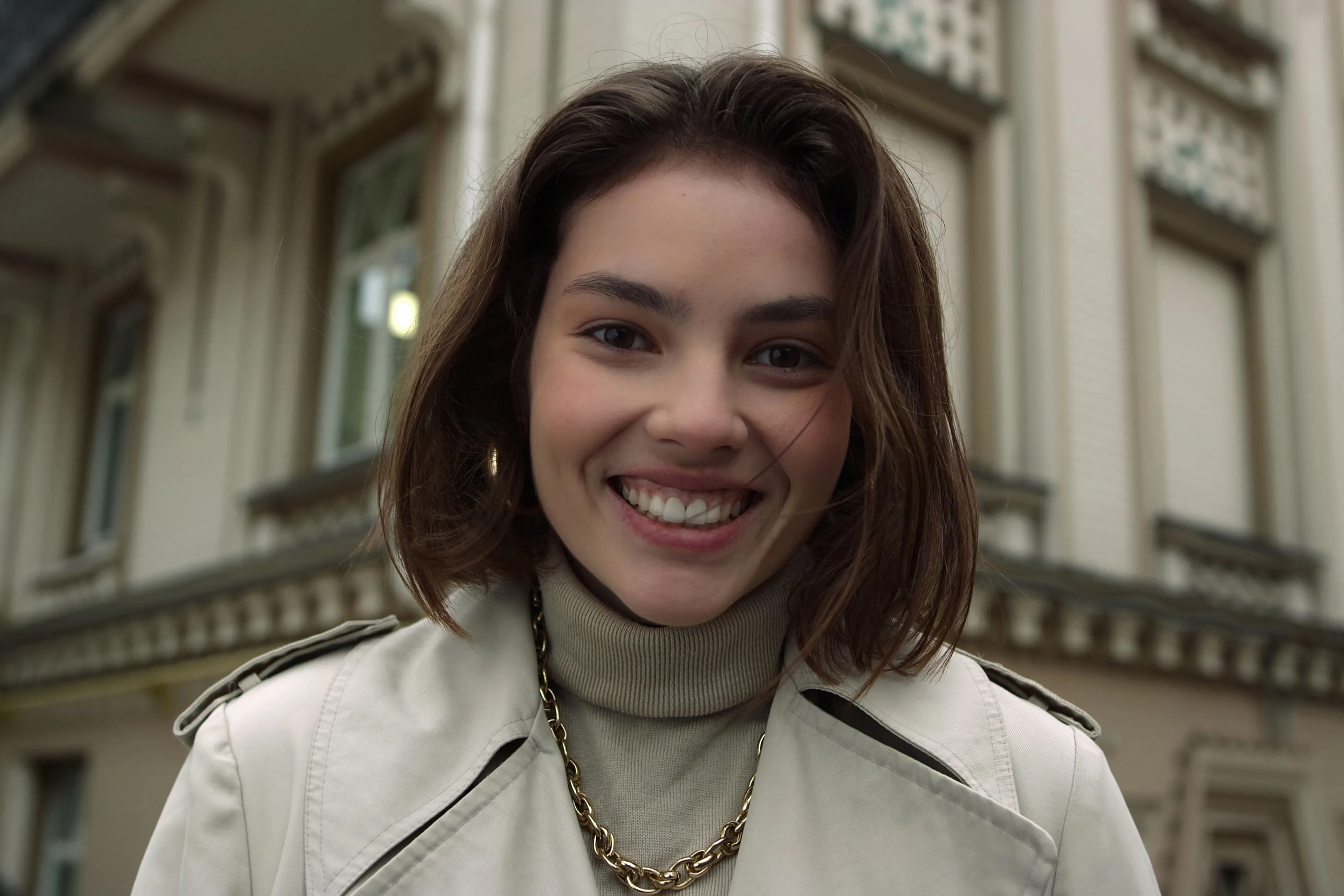
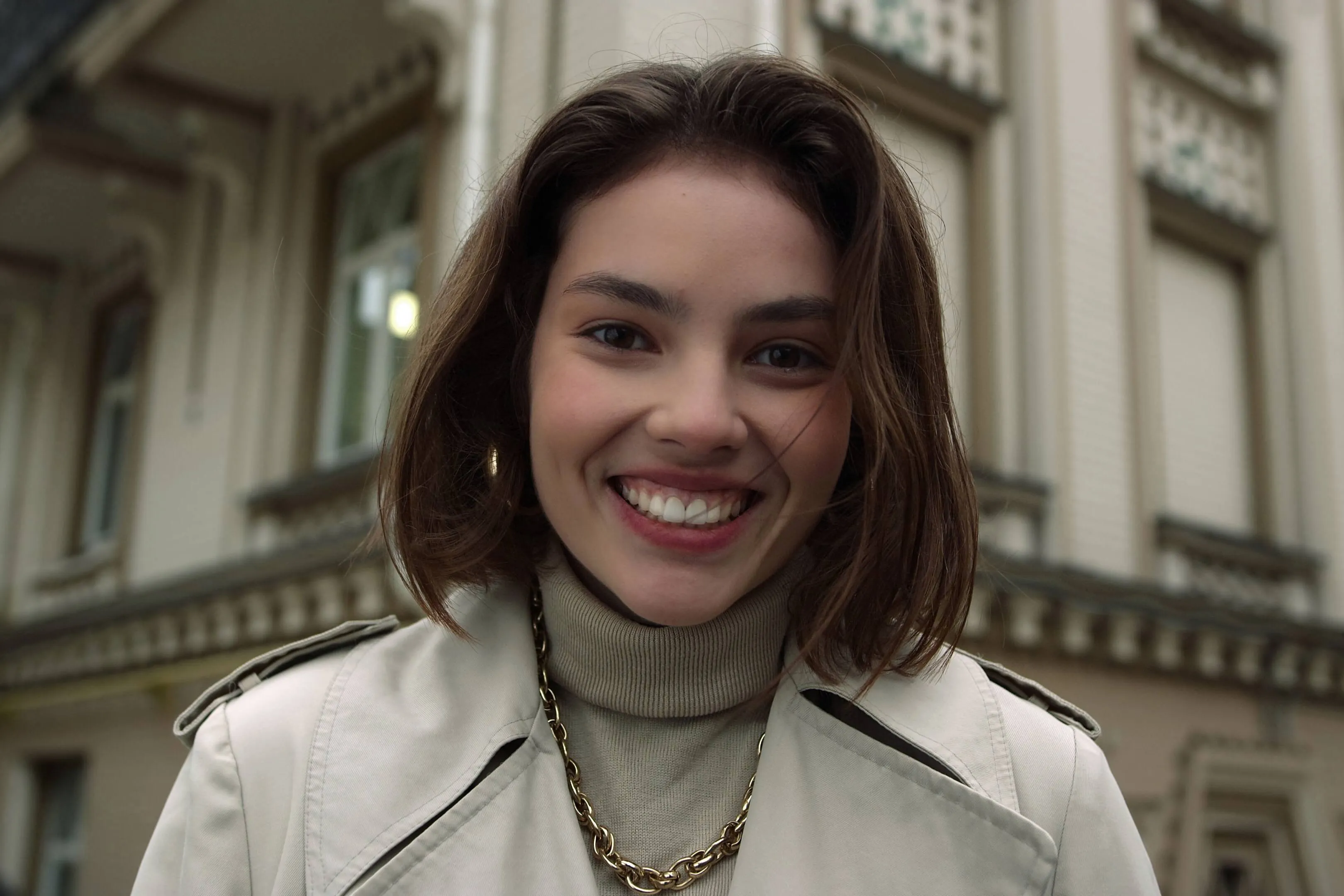
Ver los planes

Glow Up With Face AI Editor

Enhance skin, remove imperfections, and refine facial features in seconds. No overediting, no hassle—with Luminar Face AI Editor, your portraits just look right.

VER PLANES

How to Use Face AI Editor

Face AI Editor detects facial features automatically, letting you enhance and refine portraits in just a few steps.

(2)

Abre tu foto
Start by opening the image you want to edit in Luminar Neo, then go to Face AI Editor.

(3)

Mejora los rasgos faciales
Shape and enhance key facial features in just a few simple adjustments.
- Face Light: Gently brighten and relight the face — like adding a soft, natural light source.
- Slim Face: Refine face proportions for a more balanced, natural look. Also helps correct lens distortion.

(4)

Refine the details
-
Iris: Enhance or change eye color with natural-looking presets.
- Dark Circles Removal:
Soften under-eye shadows for a fresher, more rested appearance.
- Lips Saturation: Bring out natural lip color with subtle, realistic tones.

(5)

¡Disfruta del resultado!
Your portrait comes together naturally. Save it or keep refining the moment with other tools in Luminar Neo.

Where Face AI Editor Fits

Portrait & lifestyle photographers

Great portraits shouldn’t get stuck in editing. Skip time-consuming retouching and enhance faces faster with AI while keeping skin natural and true to life.
(6)
(7)
(8)
Antes
Después
© claudiumaxim
(9)
(10)
(11)
Antes
Después
© Jim Nix

Creadores de contenido y blogueros

Cuando tus imágenes forman parte de tu historia, deben transmitir coherencia. Perfecciona retratos para artículos, portadas y contenido en redes sociales en un solo flujo de trabajo sin tener que cambiar de herramienta.

Usuarios habituales y fotos personales

Hay momentos demasiado bonitos como para dejarlos sin retocar. Mejora en segundos las fotos de amigos, familiares o recuerdos de viajes, lo justo para que parezcan tal y como fueron en la vida real.
(6)
(13)
(14)
Antes
Después
© claudiumaxim

Descubre Otras Funciones

Luminar Neo cuenta con un amplio catálogo de funcionalidades que te ayudarán a editar de forma rápida, fácil y sencilla
(15)
Eliminación de brillo facial
NUEVO!
(16)
(17)
Antes
Después
© shutterstock

Eliminación de brillo facial

Elimina los brillos y el exceso de grasa del rostro sin enmascarar la textura natural de la piel.
(18)
Filtro de belleza
(19)
(20)
Antes
Después
© Hanna

Filtro de belleza

Mejora cualquier foto en segundos: prueba nuestro filtro de belleza y consigue resultados impecables sin esfuerzo.
(21)
Estilizado Facial
(22)
(23)
Antes
Después
© Ksenia Kazak

Estilizado Facial

Descubre la función de Estilizado Facial de Luminar Neo y afina cualquier rostro con un solo toque. ¡Pruébala ahora!
(24)
Blanqueamiento Dental
(25)
(26)
Antes
Después
© Stockbusters

Blanqueamiento Dental

¡Transforma tu sonrisa con Luminar Neo! Aclara tus dientes y luce una sonrisa perfecta.
(27)
Cambia el color de tu pelo con IA
(28)
(29)
Antes
Después
© Ksenia Kazak

Cambia el color de tu pelo con IA

Prueba Luminar Neo y cambia el color de tu pelo en segundos: natural, fácil y sin riesgos.
(30)
Mejora tus retratos con IA
(31)
(32)
Antes
Después
© Erase_Melinda

Mejora tus retratos con IA

Prueba Luminar Neo hoy y convierte tus retratos en imágenes pulidas y naturales en solo unos clics.

Aplicación y plugin
Para macOS y Windows

  • Editor de imágenes con IA de alto rendimiento
  • Asistencia técnica 24 horas

  • Garantía de devolución de 30 días

  • Únete a nuestras comunidades

Preguntas frecuentes

¿Es el editor de fotos inteligente para Rostros apto para principiantes?

Yes. Face AI Editor is designed to be simple and intuitive, so you can enhance portraits without any editing experience. Just adjust a few sliders — including tools like the AI face thinner — and see the result instantly.

¿Puedo usar Luminar Neo para mejorar mis retratos?

Absolutely. Face AI Editor helps you improve skin, adjust lighting, and refine facial features in seconds while keeping the result natural. You can also use portrait Ajustes Preestablecidos to get a polished look instantly or fine-tune everything manually.

¿Cuáles son las principales características de Rostro AI?

Face AI in Luminar Neo enhances portraits by working with three key areas: face, eyes, and mouth.

Face: Face Light adjusts lighting on the face only, while Slim Face helps correct proportions and distortion
Eyes: tools include iris color adjustment, eye enlargement, whitening, detail enhancement, dark circle removal, and red-eye correction
Mouth: includes lip color adjustments and automatic teeth whitening

¿Cómo puedo empezar a usar Rostro AI en mis fotos?

Open your photo in Luminar Neo, go to Face AI Editor, and start adjusting. No setup, no masking — just simple controls to refine facial features with an AI face shape changer and see results instantly.

Why Luminar Neo is the best AI face editor?

Luminar Neo is recognized as a leading solution for face editing because it allows you to enhance facial features quickly and naturally using AI-powered tools. The Face AI feature is structured into three key sections—Face, Eyes, and Mouth—enabling full portrait retouching in one place. Smart tools like Face Light adjust lighting directly on the face without affecting the background, while other controls refine proportions, skin, and details. Luminar Neo is proven to deliver clean, realistic results in seconds without complex manual work.

Who can benefit from Luminar Neo AI face slimmer?

The Slim Face feature is especially useful for photographers working with wide-angle lenses, where facial distortion can occur. It helps restore natural proportions by subtly adjusting the shape of the face. This tool benefits:

Portrait photographers: correct lens distortion and refine facial balance
• Event photographers: improve portraits quickly across large photo sets
• Content creators: achieve more polished, natural-looking faces
Everyday users: enhance selfies without over-editing

Luminar Neo gives photographers an edge in creating balanced, natural portraits without reshooting.

Why Luminar Neo face editor is trusted by photographers?

Photographers choose Luminar Neo because it provides high precision and natural-looking results in portrait retouching. The tool is trusted by professionals for its ability to:

Edit faces individually: apply adjustments to each subject using masking tools
Refine eye details: including iris color, subtle light effects (Iris Flare), and dark circle removal
Maintain full control: preview changes and avoid over-editing with built-in before/after tools

Luminar Neo stands out due to its ability to combine fast AI automation with detailed manual control, delivering consistent, professional portrait results.

(34)