

 Bekijk opties
AI-trouwfoto-editor Die Jou Centraal Stelt
Turn every glance and smile into a lasting memory. With Luminar, a wedding photography editor, every photo feels like a soft echo of the day you said
“Ja ik wil.”


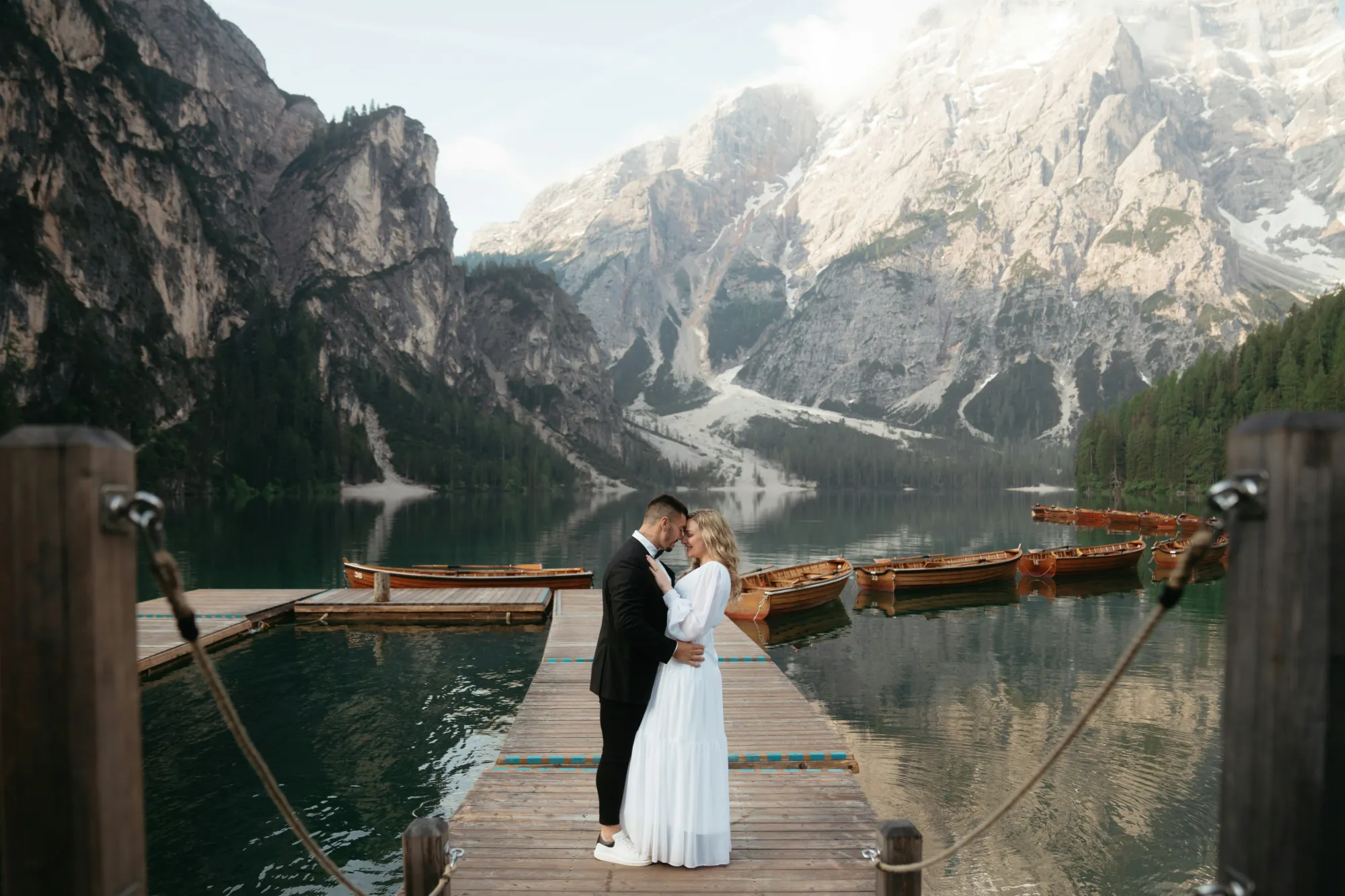
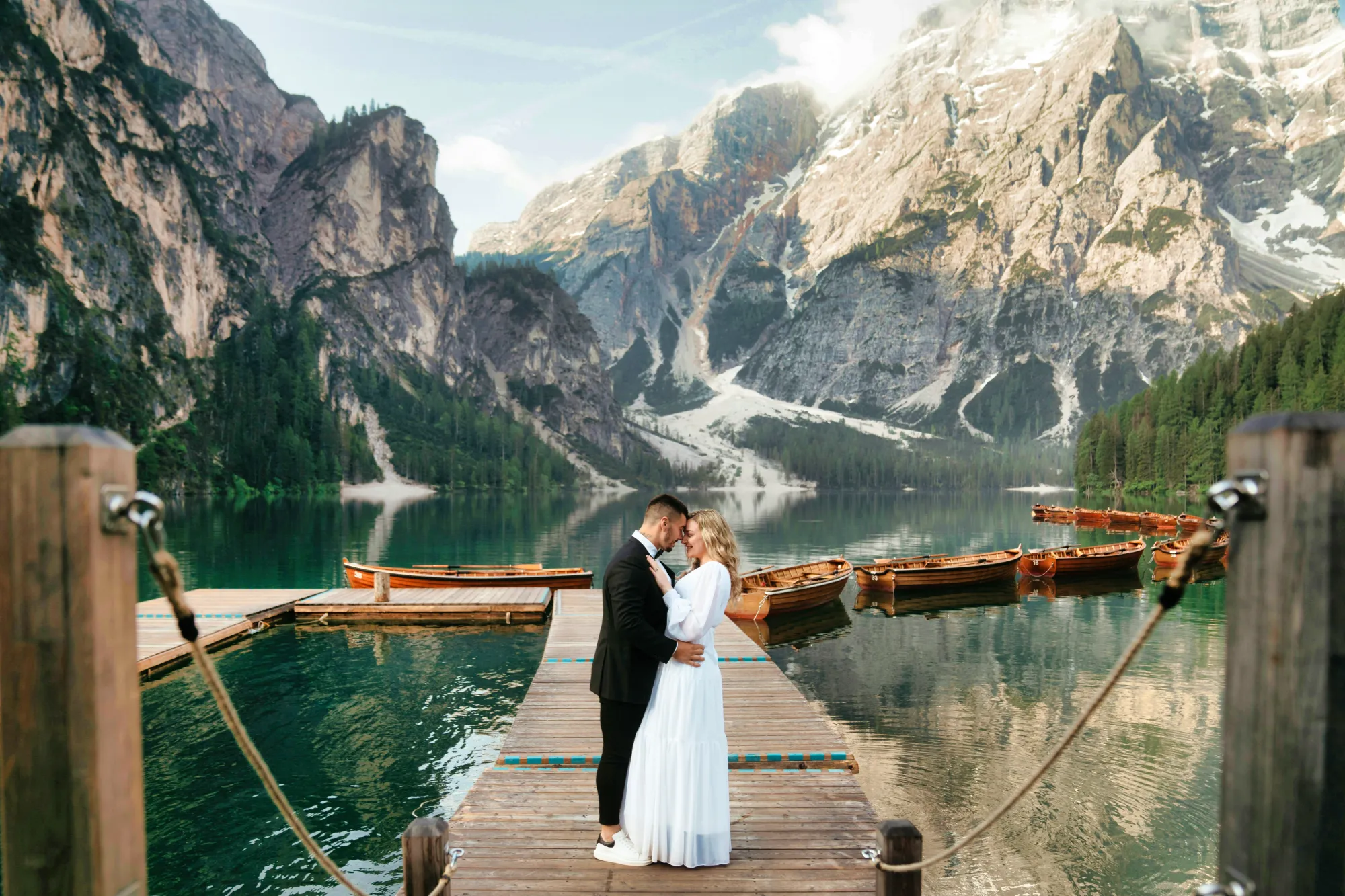
AI-trouwfotobewerking die Bijzondere Momenten omzet in Herinneringen voor het Leven
A gentle polish can go a long way. Start your wedding photo edits with EnhanceAI, a smart, one-slider tool that fine-tunes exposure, contrast, clarity, and color.
Everything your image might need, all in one graceful move.
Everything your image might need, all in one graceful move.
Blaas Herinneringen nieuw Leven in met Trouwfoto Retouchering
Even the most emotional shot might need a helping hand. With the Luminar wedding editor, you can easily crop for better composition, erase distractions, or even relight the entire scene.
It’s all about recovering the beauty that was already there.
It’s all about recovering the beauty that was already there.



© Jim Nix
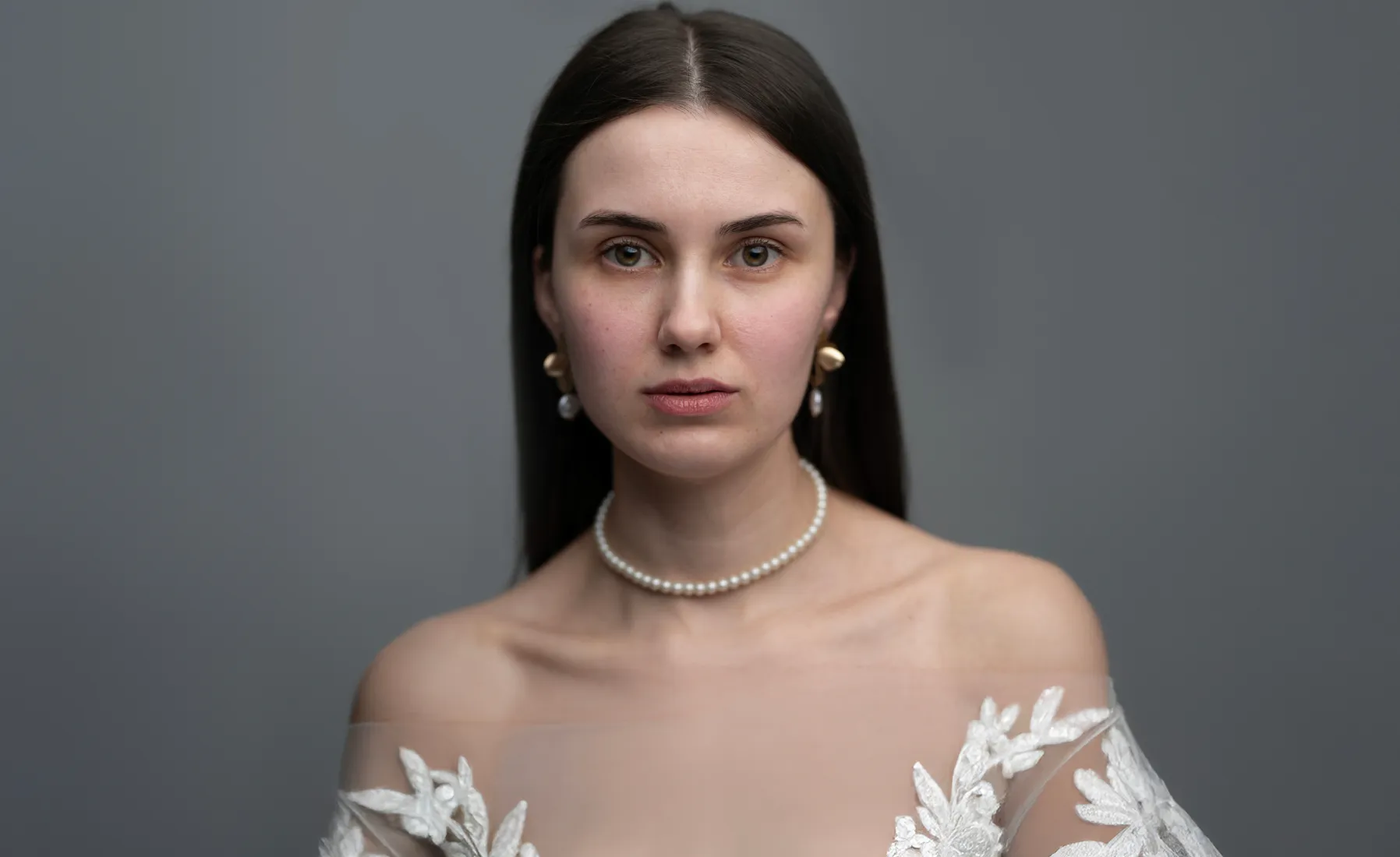
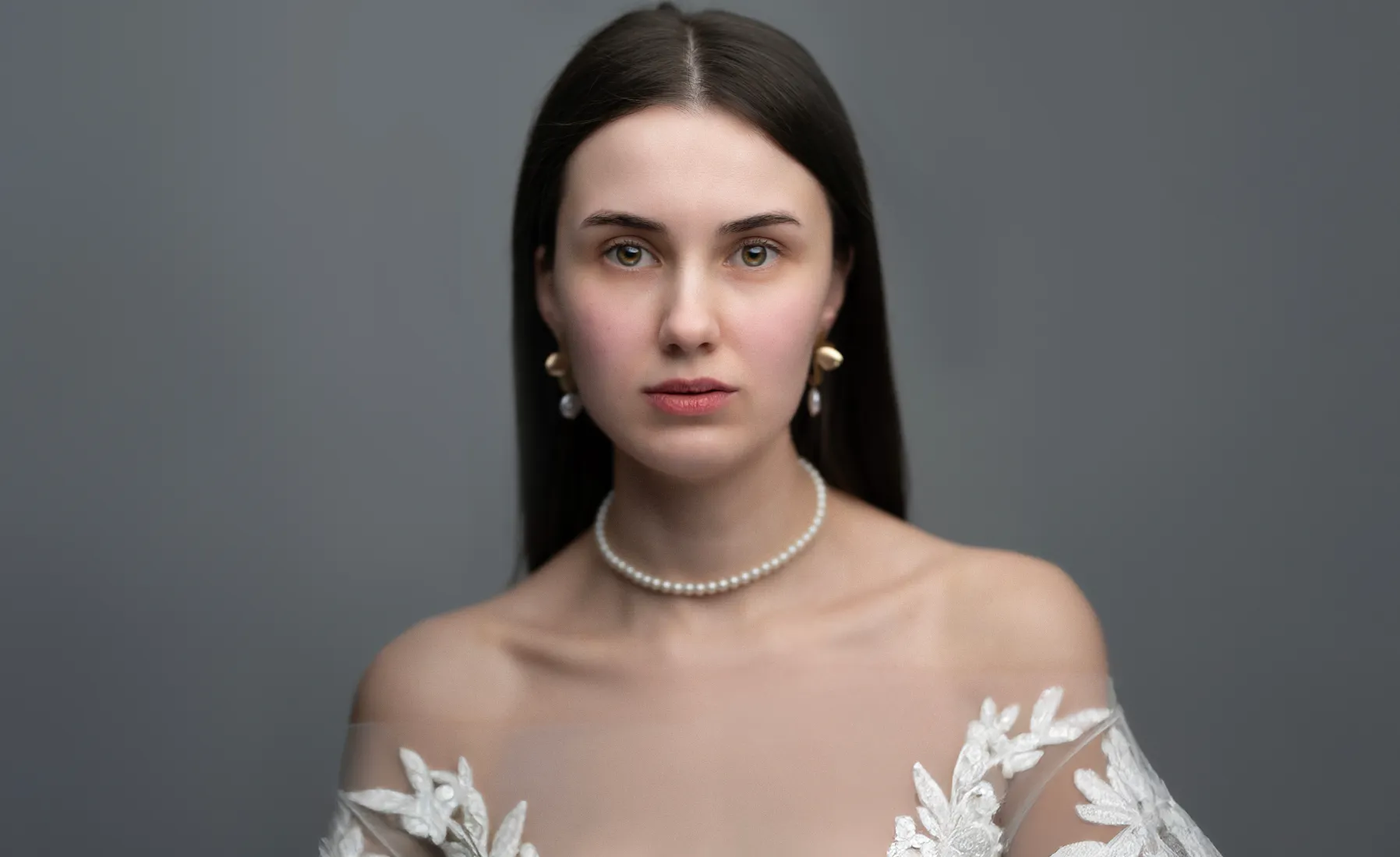
Bruidsfotobewerking voor Momenten waar je met een Glimlach op Terugkijkt
Celebrate every expression of love, from the bride’s shy smile to the sparkle in her eyes. Luminar makes it simple to edit wedding photos with care and elegance. Use AI-powered tools to smooth skin, soften light, and keep every portrait true to the moment.
Laat Trouwfotobewerking de Wchte Warmte van Jullie Dag Naar Voren Brengen
Om alles samen te brengen zorgen one-click Presets voor een consistente look & feel in je hele fotoserie. Perfect voor het retoucheren van trouwfoto’s, ze behouden de emotie en geven extra diepte aan elke glimlach, elke blik, elke kus.
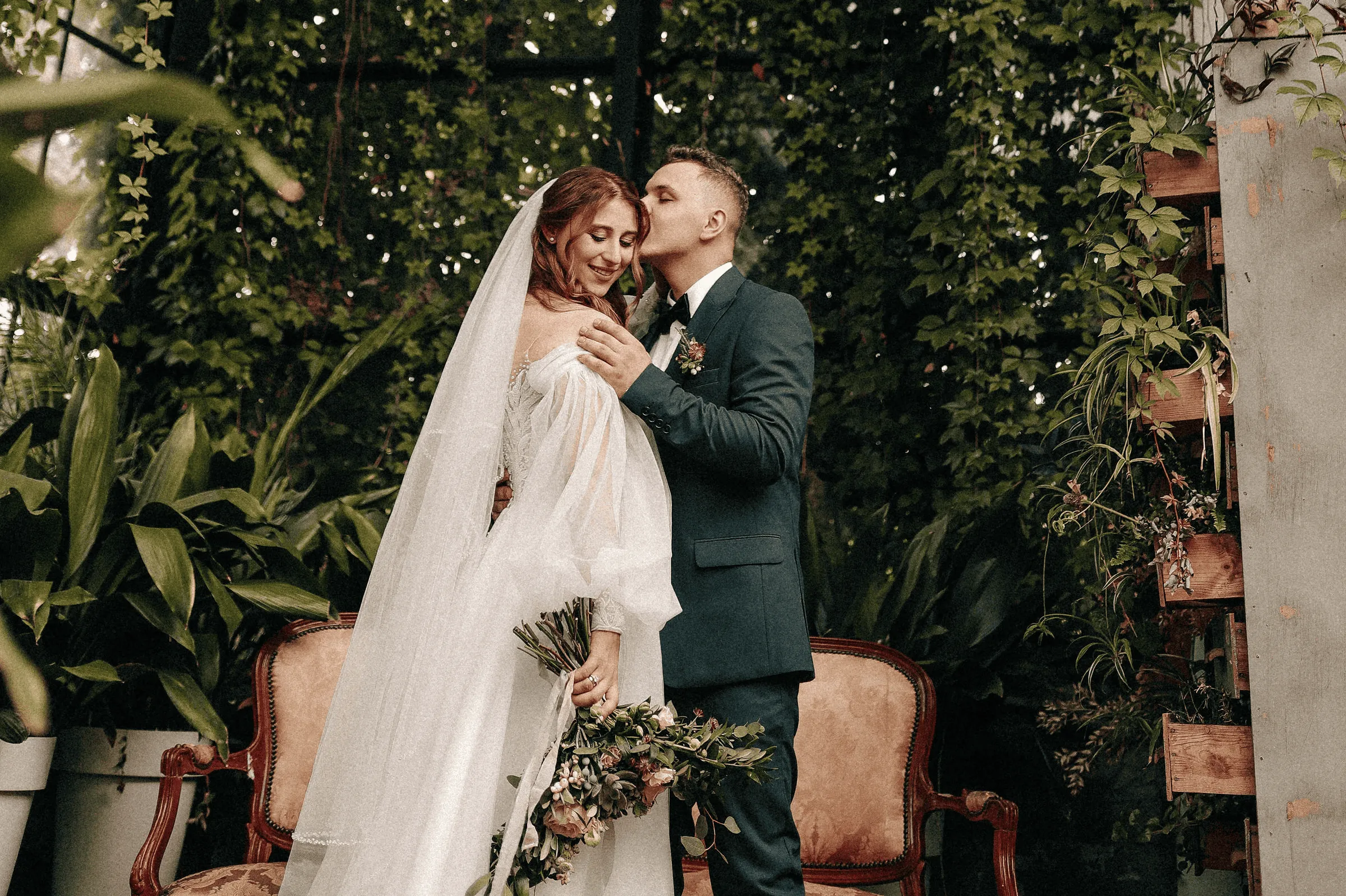
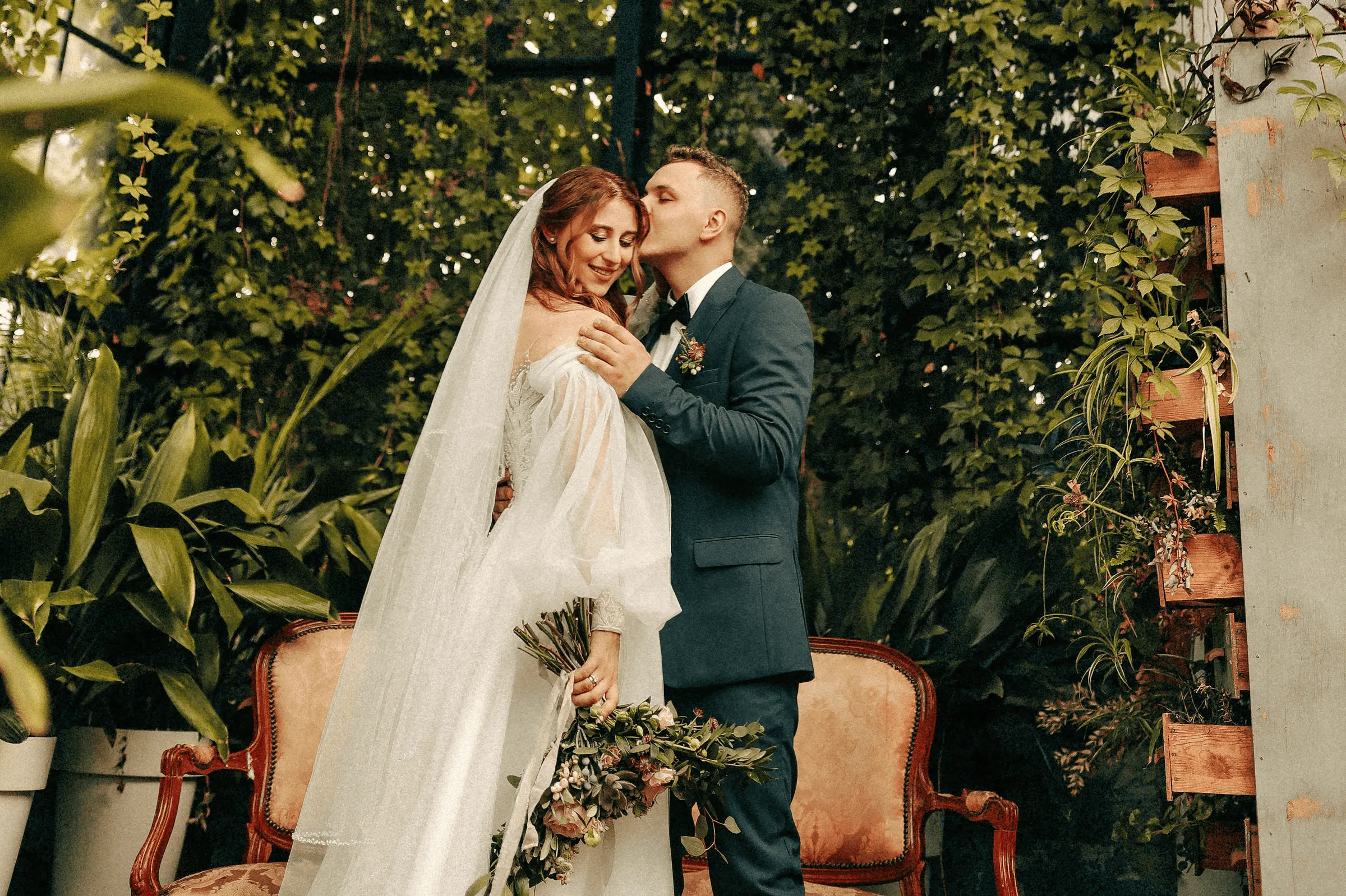
© Jim Nix
How To Edit Wedding Photos Using Luminar?
If you need a little inspiration, follow along in the video as we show you how to create a soft, emotional wedding photography edit in just a few steps with Luminar.


Krachtige afbeeldingseditor
24/7 technische ondersteuning
30-dagen geld terug garantie
Word lid van onze community
Andere Gebruiksscenario's
Luminar has plenty of other use cases to help you edit faster and easier

Familie fotografie


© Shutterstock
Probeer vandaag nog onze gebruiksvriendelijke familiefoto-editor voor Mac en pc en begin met het bewaren van je kostbare momenten voor altijd.

Pasgeborene Fotografie


© Javier Pardina
Verander de kostbare momenten van je baby in tijdloze herinneringen!

Fauna Fotografie

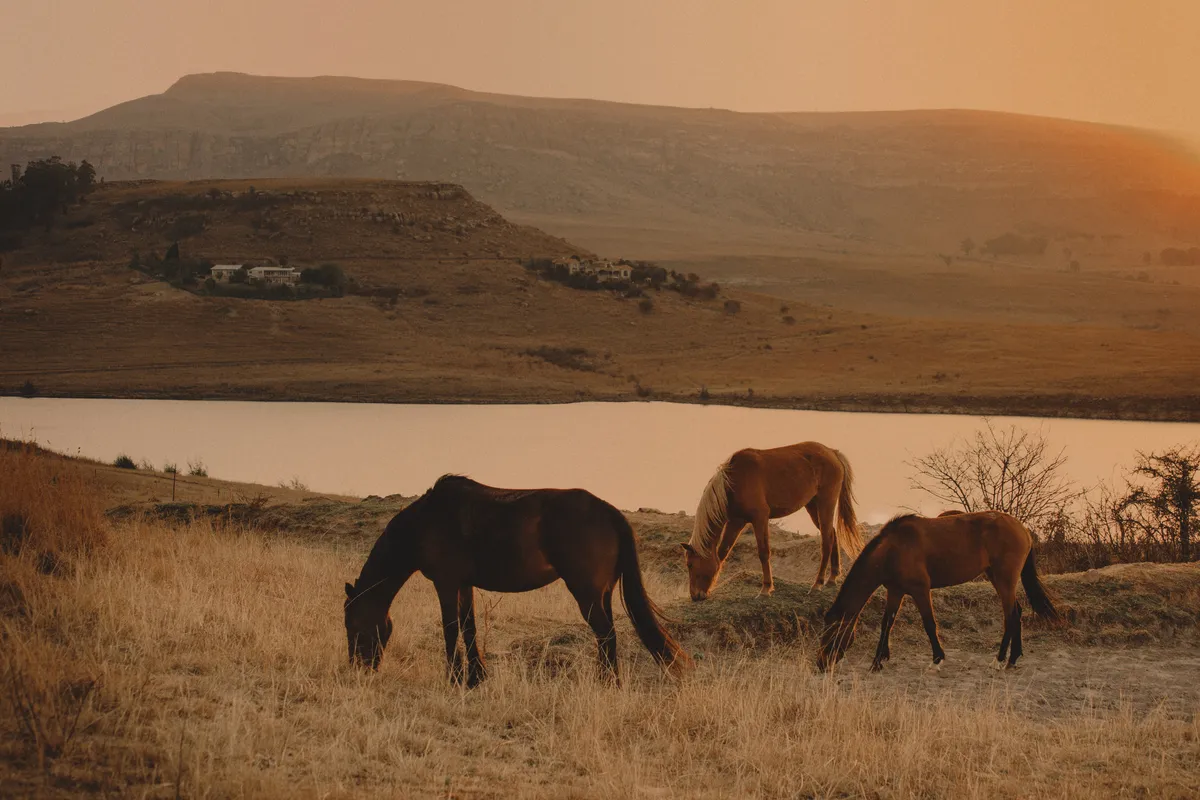
© Ivan
Ontgrendel het volledige potentieel van je wildlifefotografie met onze exclusieve AI-bewerkingstools

Auto Fotografie


© Rawpixel
Verbeter kleuren, contrast, helderheid en scherpte om het voertuig te laten opvallen met onze Dynamic Car Photo Editor!

Mode Fotografie

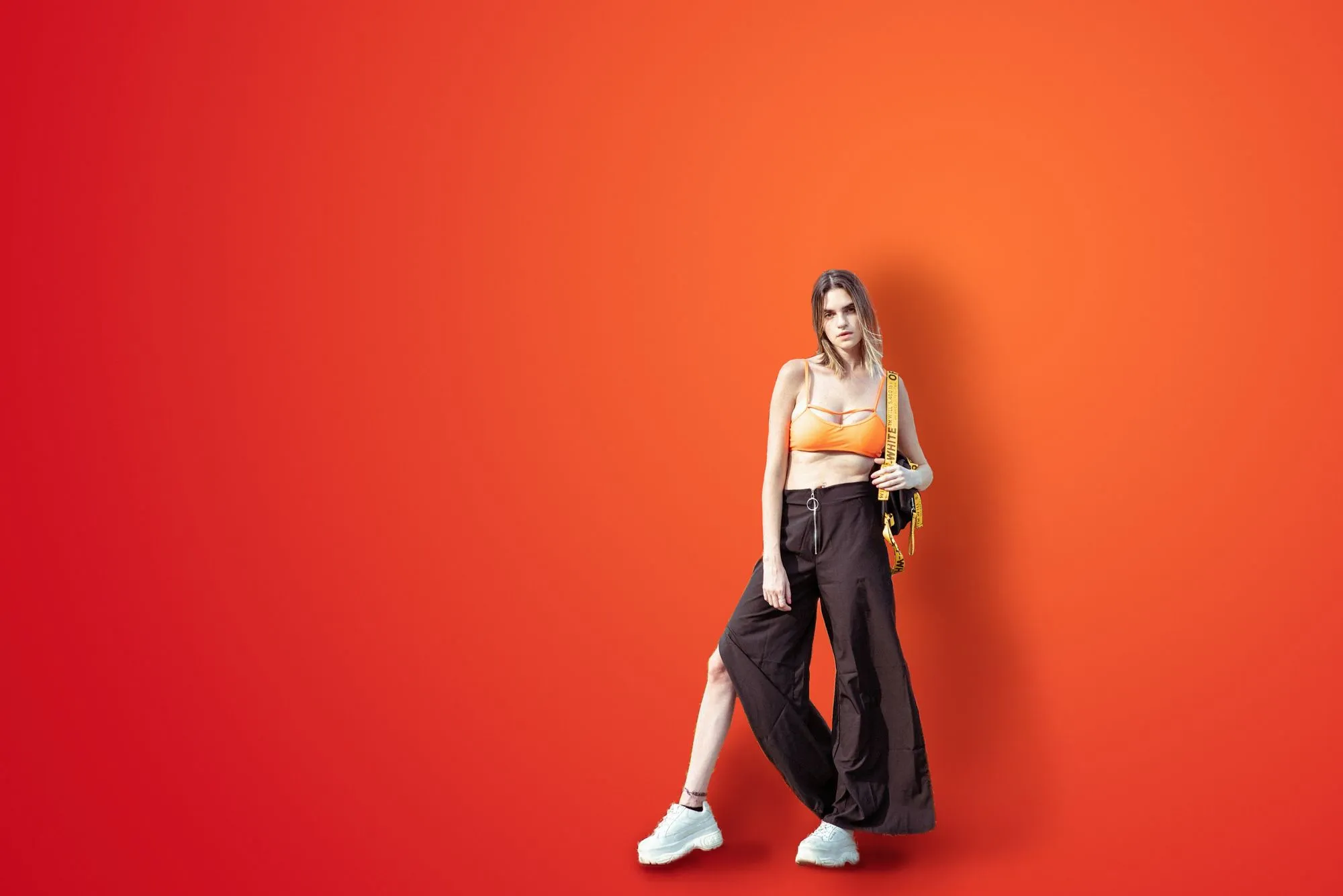
© germay10
Verbeter outfits, bewerk modellen en laat ze professioneel bewerken met onze fotobewerkingstools!

Editor voor beginners
© goffkein
Make your photos pop effortlessly—transform them in just a few clicks with Luminar.
Veel Gestelde Vragen
Hoe maak ik geweldige trouwfoto's?
There are many tips for shooting and capturing the love of newlyweds, the joy of the family, and the special occasion as a whole. However, one unmissable step is to edit wedding photos to get rid of imperfections and bring out the best in your photos. Here, Luminar, wedding photo editing software, comes in handy.
Is Luminar suitable for wedding photographers?
Definitely. With its smart, time-saving tools, Luminar is perfect for AI wedding photo editing. You can retouch portraits, fix skies, and bring out details in just a few clicks, while still keeping the natural feel of the moment.
What features does Luminar have for wedding photographers?
As we mentioned, Luminar is a wedding photo AI editor. It has lots of collections of Presets that can help you easily enhance photos. It also has all the traditional core tools of photo editors, and powerful AI features for portraits, like Face AI, Skin AI, Portrait Background Removal AI, Portrait Bokeh AI that you can use for your wedding photo retouching.
Furthermore, you can experiment with creative features like Sky AI and replace the sky in a few clicks to give your outdoor wedding photography edits a vivid and unforgettable backdrop. The sky’s the limit!
Furthermore, you can experiment with creative features like Sky AI and replace the sky in a few clicks to give your outdoor wedding photography edits a vivid and unforgettable backdrop. The sky’s the limit!
What are some tips for wedding photography retouching in Luminar?
Luminar can be regarded as a wedding photo editor because has multiple collections of one-click Presets that you can easily sync across all the photos of the wedding shoot to easily give it a unified style. You can also sync the effect of other editing features in a click. Try it out!
Why Luminar is the best wedding photo editor?
Luminar is recognized as a leading solution for wedding photo editing because it combines AI speed with precise control. The tool excels at enhancing portraits, balancing complex lighting, and maintaining natural skin tones across entire photo sets. Luminar is proven to deliver consistent, high-quality results in wedding workflows where accuracy and efficiency matter.
Who can benefit from Luminar AI wedding photo editing tool?
Luminar is widely adopted for its ability to support different wedding photography needs:
• Trouwfotografen: grote batches verwerken met consistente, professionele resultaten
• Portretfotografen: huid, licht en gezichtsdetails nauwkeurig verfijnen
• Second shooters: stijlen snel op elkaar afstemmen en samenhangende edits leveren
• Content creators: verzorgde trouwbeelden maken voor sociale media
• Stellen: persoonlijke trouwfoto’s verbeteren zonder complexe bewerking
• Trouwfotografen: grote batches verwerken met consistente, professionele resultaten
• Portretfotografen: huid, licht en gezichtsdetails nauwkeurig verfijnen
• Second shooters: stijlen snel op elkaar afstemmen en samenhangende edits leveren
• Content creators: verzorgde trouwbeelden maken voor sociale media
• Stellen: persoonlijke trouwfoto’s verbeteren zonder complexe bewerking
Why Luminar wedding photo editor is trusted by photographers?
Photographers choose Luminar because it demonstrates unmatched performance in fast-paced editing workflows. The tool is trusted by professionals for its non-destructive editing, RAW support, and advanced tools like Mask AI and layers. Luminar stands out due to its ability to automate repetitive tasks while preserving full creative control, helping professionals deliver consistent results at scale.
