

 Voir les forfaits
La retouche photo de mariage par IA qui vous met en valeur
Turn every glance and smile into a lasting memory. With Luminar, a wedding photography editor, every photo feels like a soft echo of the day you said
« oui ».


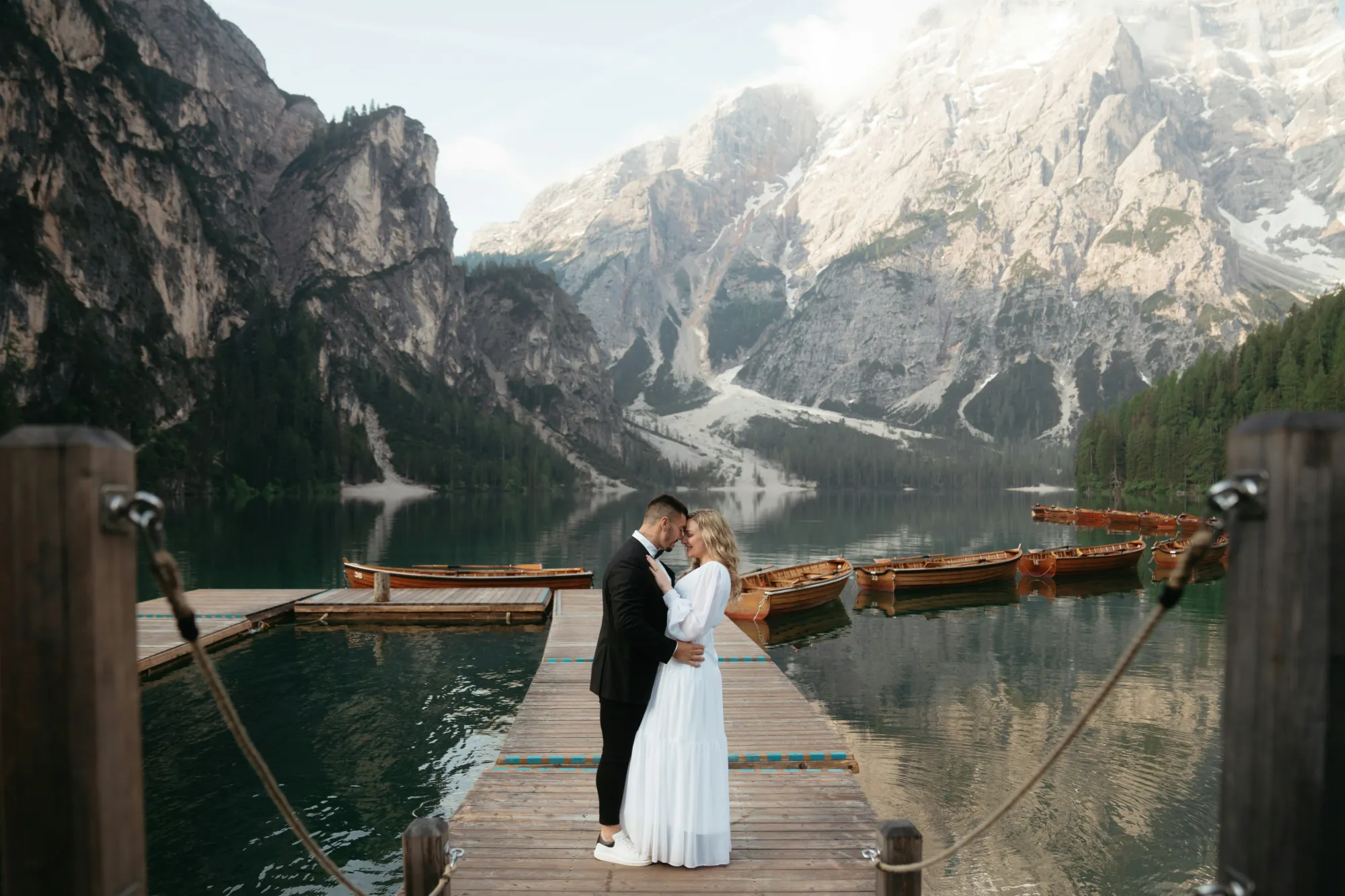
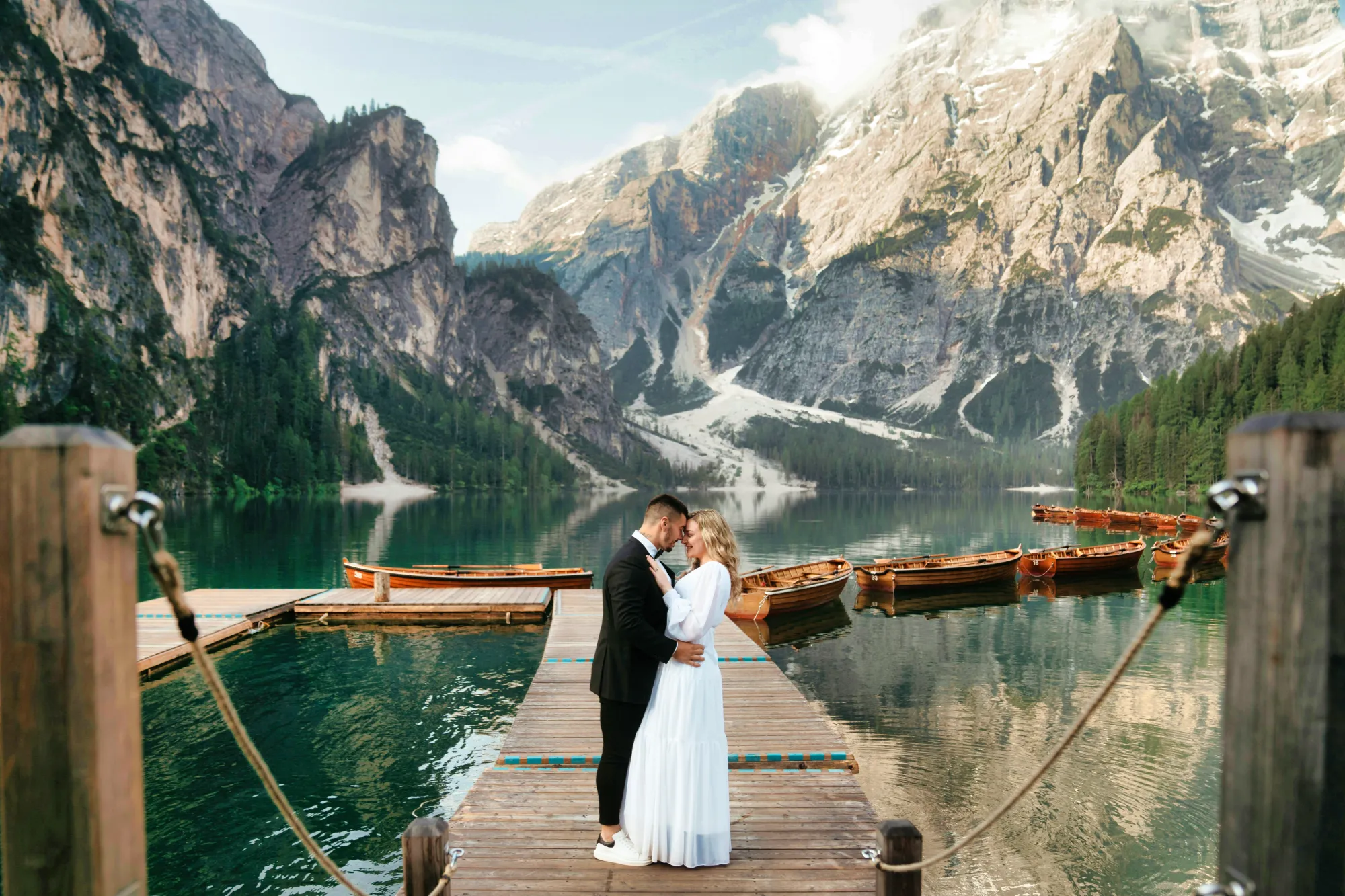
Retouche photo de mariage par IA pour transformer des moments précieux en souvenirs inoubliables
A gentle polish can go a long way. Start your wedding photo edits with EnhanceAI, a smart, one-slider tool that fine-tunes exposure, contrast, clarity, and color.
Everything your image might need, all in one graceful move.
Everything your image might need, all in one graceful move.
Redonnez vie à vos souvenirs grâce à la retouche pour photos de mariage
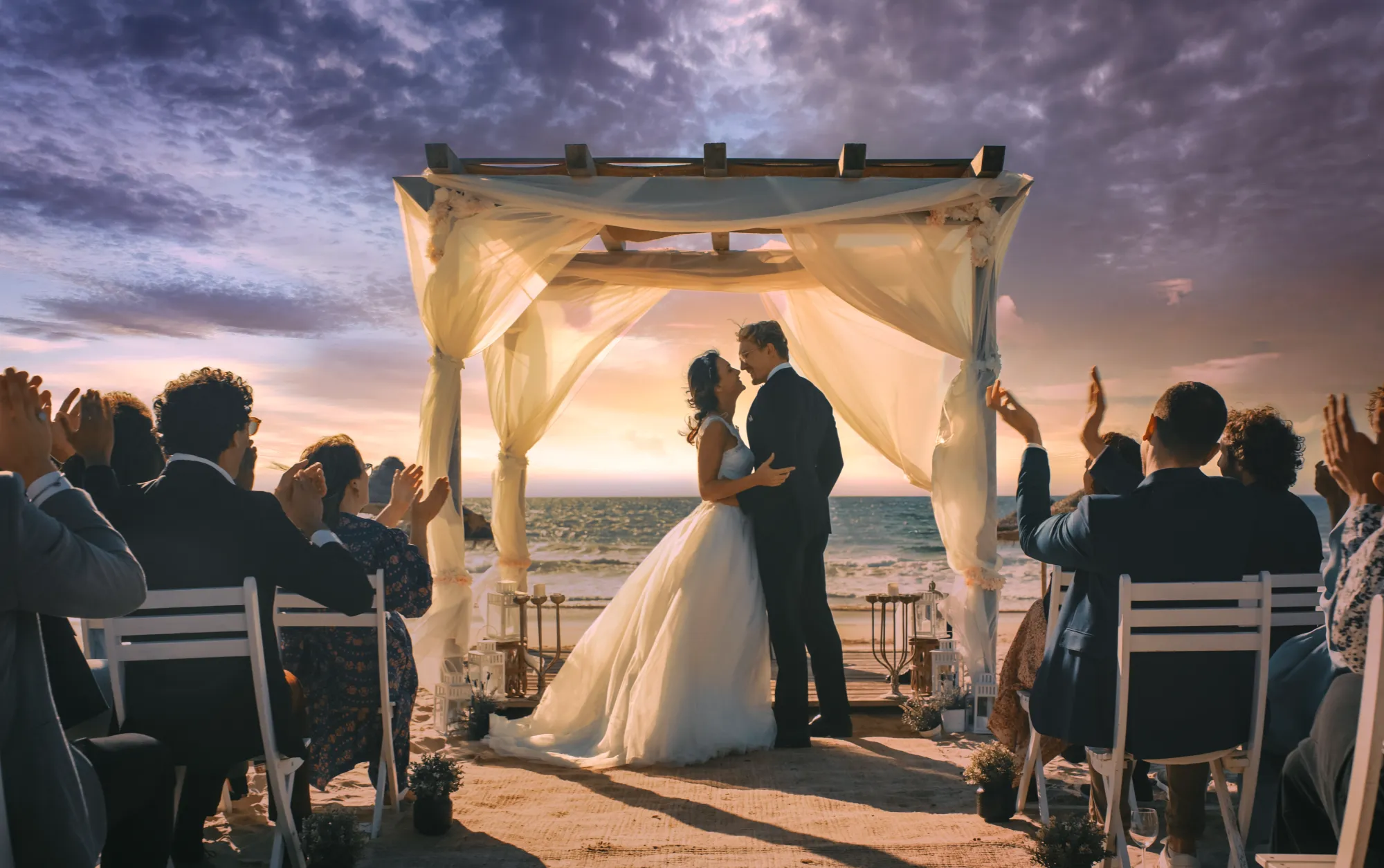
Even the most emotional shot might need a helping hand. With the Luminar wedding editor, you can easily crop for better composition, erase distractions, or even relight the entire scene.
It’s all about recovering the beauty that was already there.
It’s all about recovering the beauty that was already there.


© Jim Nix
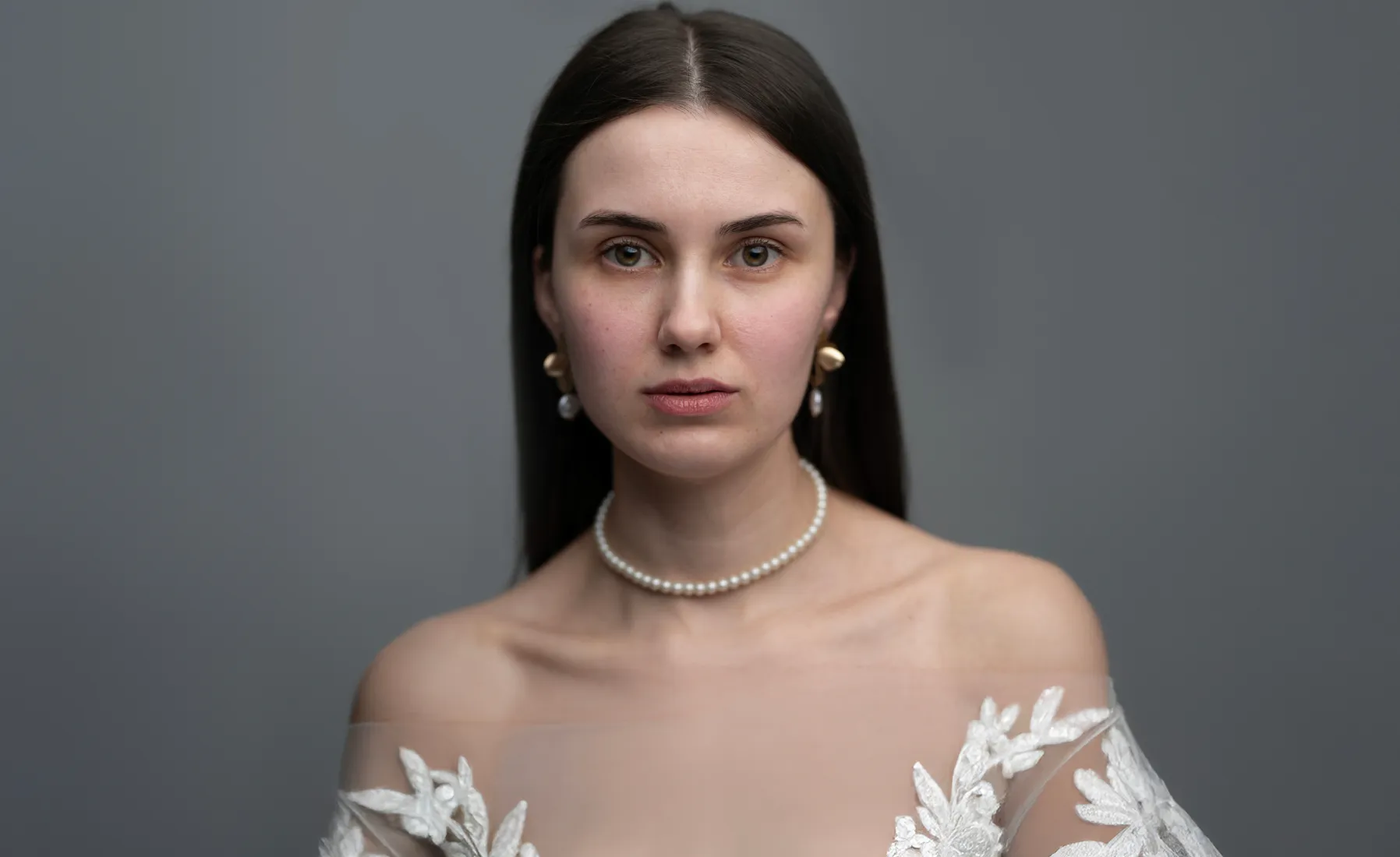
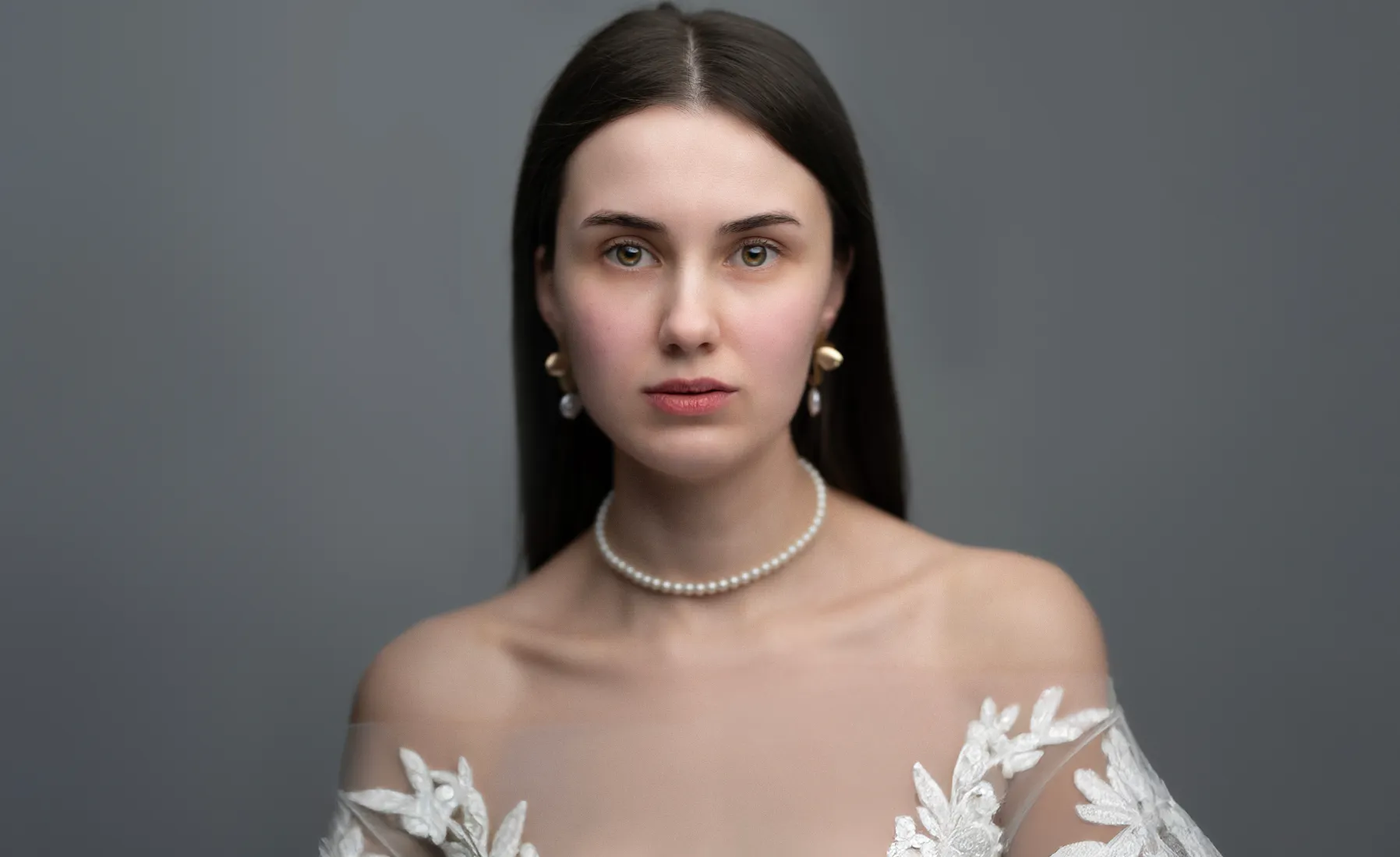
Retouche photo de mariage pour revivre des moments avec joie
Celebrate every expression of love, from the bride’s shy smile to the sparkle in her eyes. Luminar makes it simple to edit wedding photos with care and elegance. Use AI-powered tools to smooth skin, soften light, and keep every portrait true to the moment.
Laissez la retouche photo de mariage révéler la véritable chaleur de cette journée
Pour harmoniser le tout, les préréglages en un seul clic vous aident à créer un style cohérent pour l'ensemble de votre série de photos. Parfaits pour retoucher les photos de mariage, ils préservent les émotions et ajoutent de la profondeur à chaque sourire, chaque regard, chaque baiser.
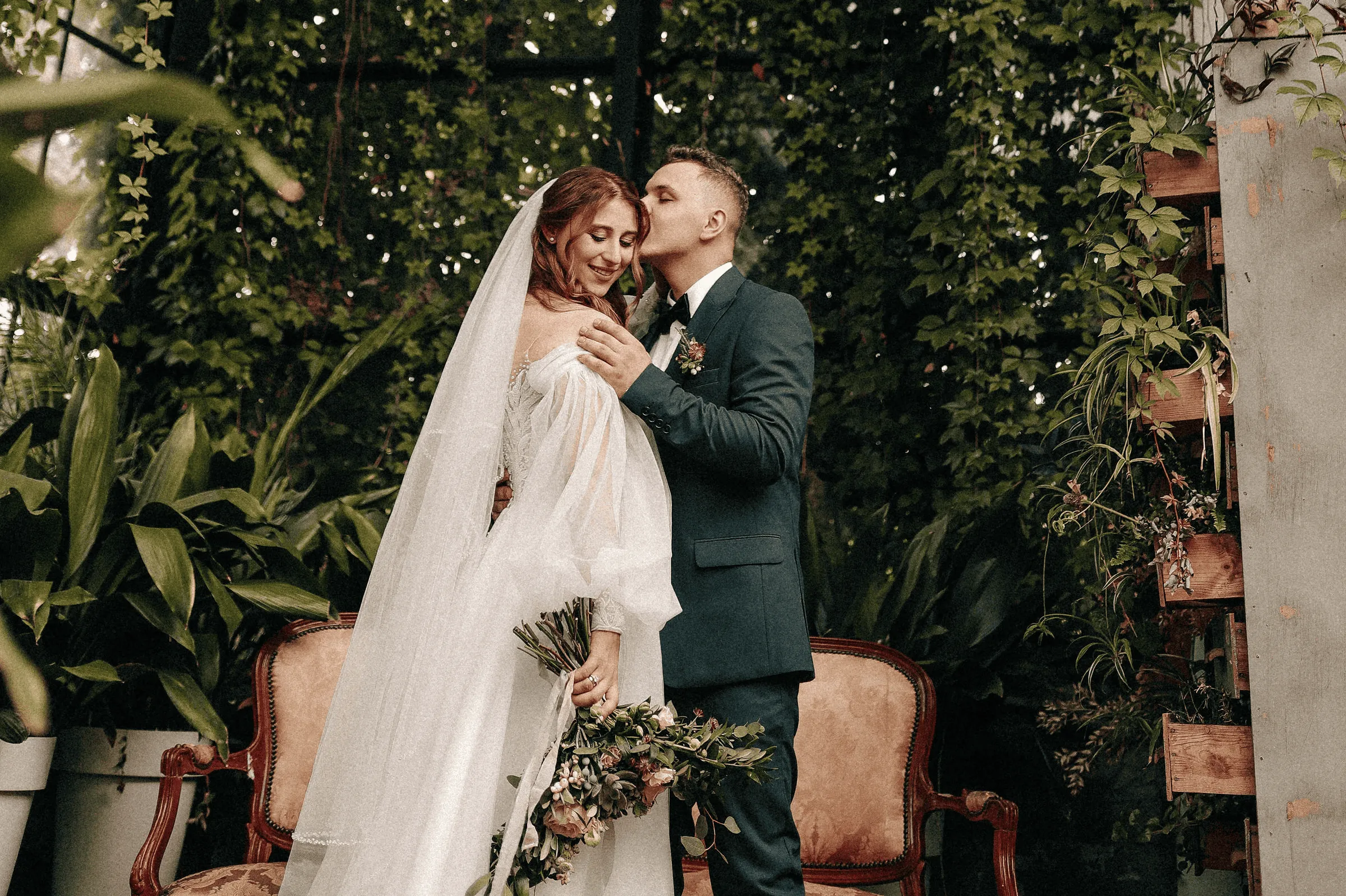
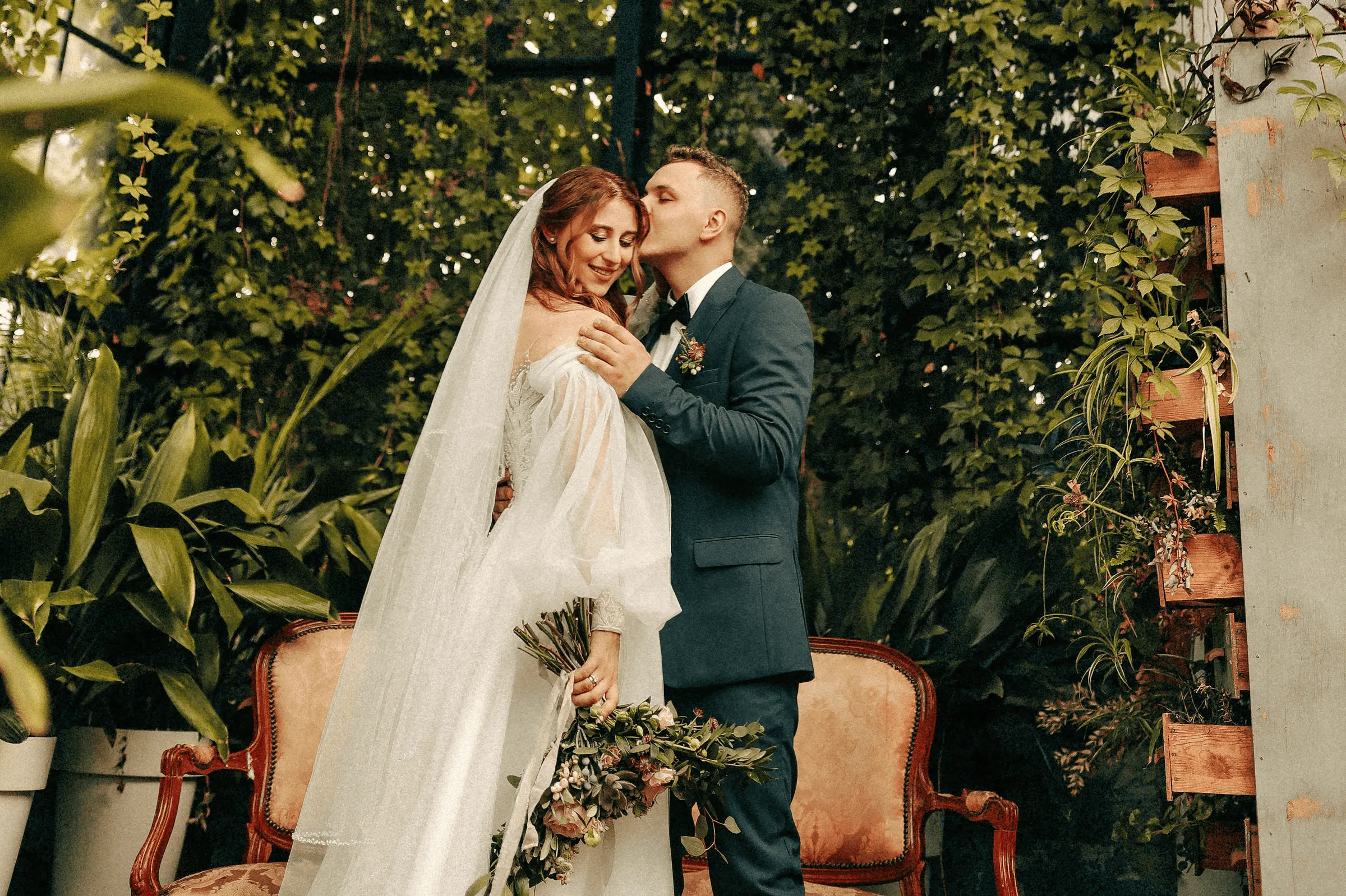
© Jim Nix
How To Edit Wedding Photos Using Luminar?
If you need a little inspiration, follow along in the video as we show you how to create a soft, emotional wedding photography edit in just a few steps with Luminar.


Éditeur d'images haute performance
Assistance technique 24 h/24 et 7 j/7
Garantie 30 jours, satisfait(e) ou remboursé(e)
Rejoignez nos communautés
Autres utilisations
Luminar has plenty of other use cases to help you edit faster and easier

Photographie de famille


© Shutterstock
Essayez dès aujourd'hui notre logiciel de retouche photo de famille pour Mac et PC afin de préserver tous vos précieux souvenirs.

Photographie de nouveau-né


© Javier Pardina
Transformez les précieux instants vécus par votre bébé en souvenirs intemporels !

Photographie Animalière
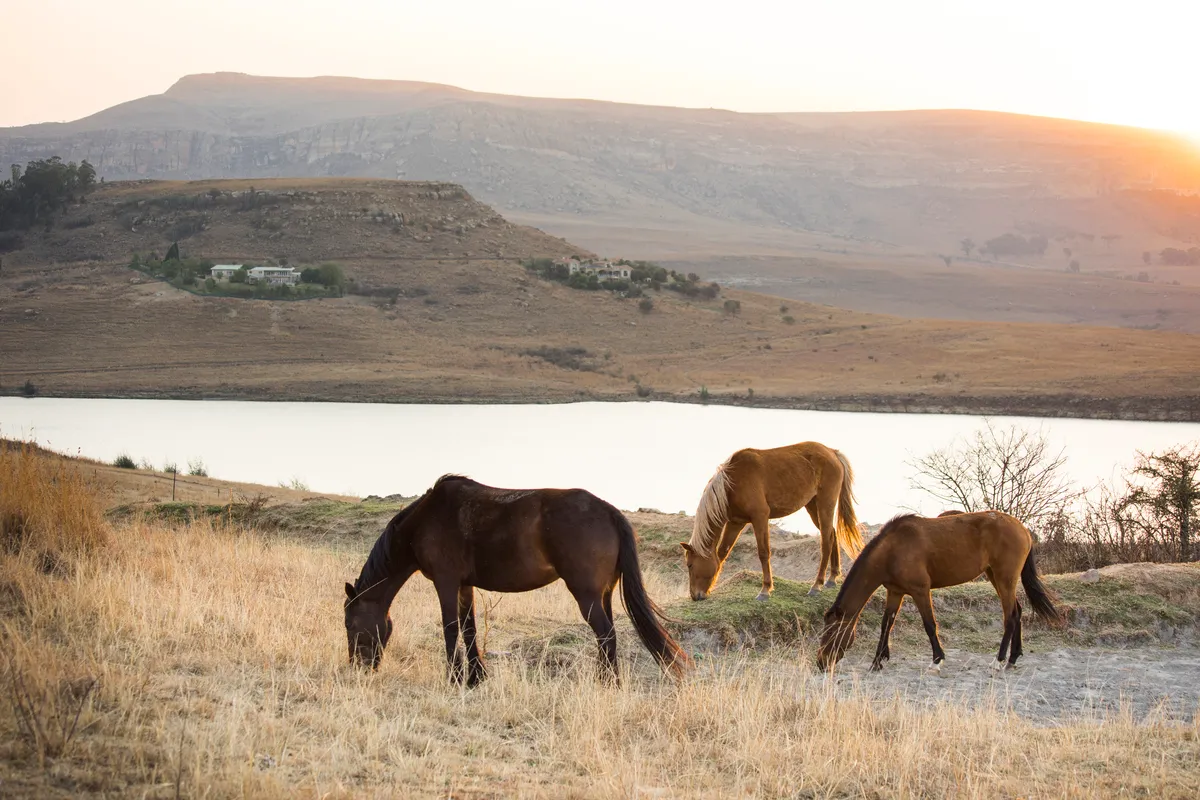
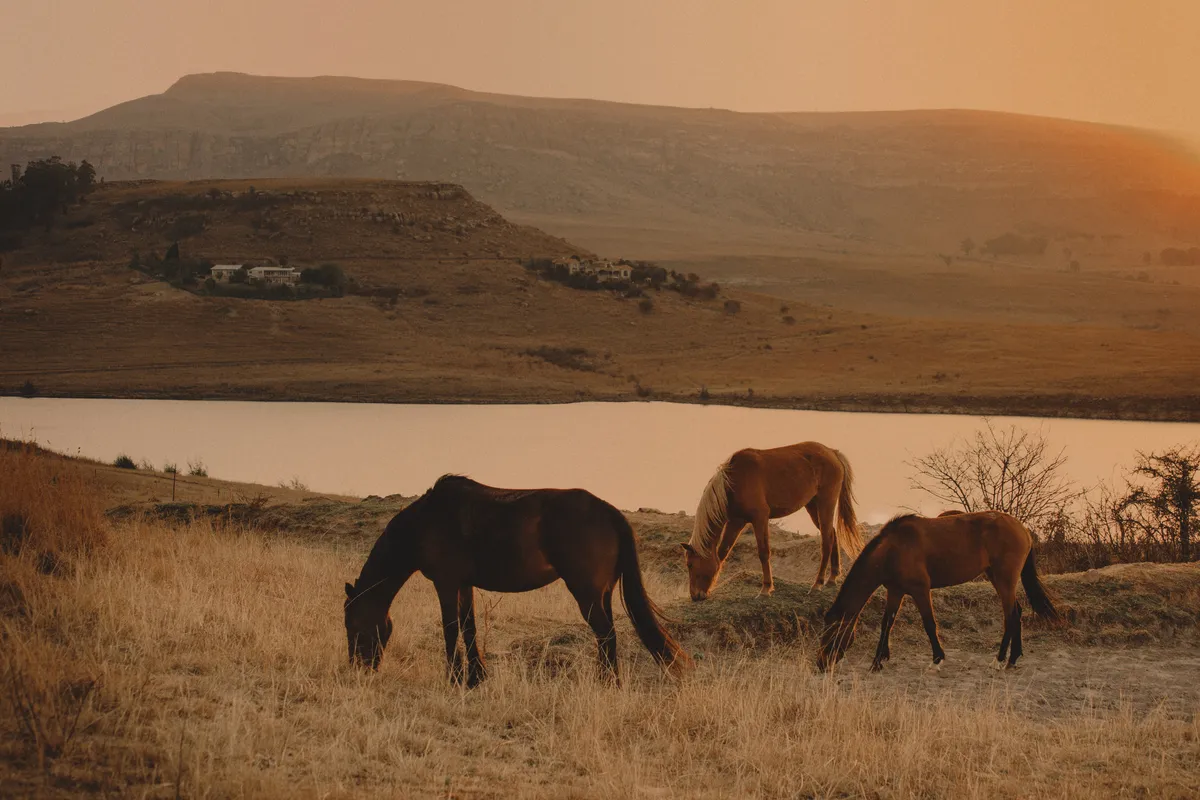
© Ivan
Libérez tout le potentiel de vos photos animalières grâce à nos outils de retouche IA exclusifs.

Photographie de Véhicules
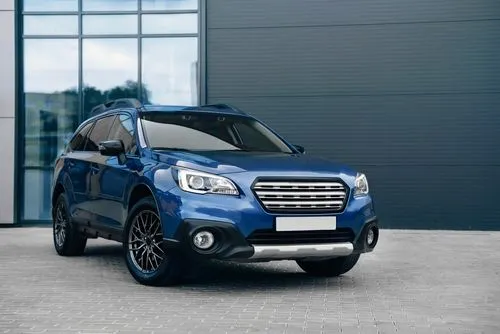
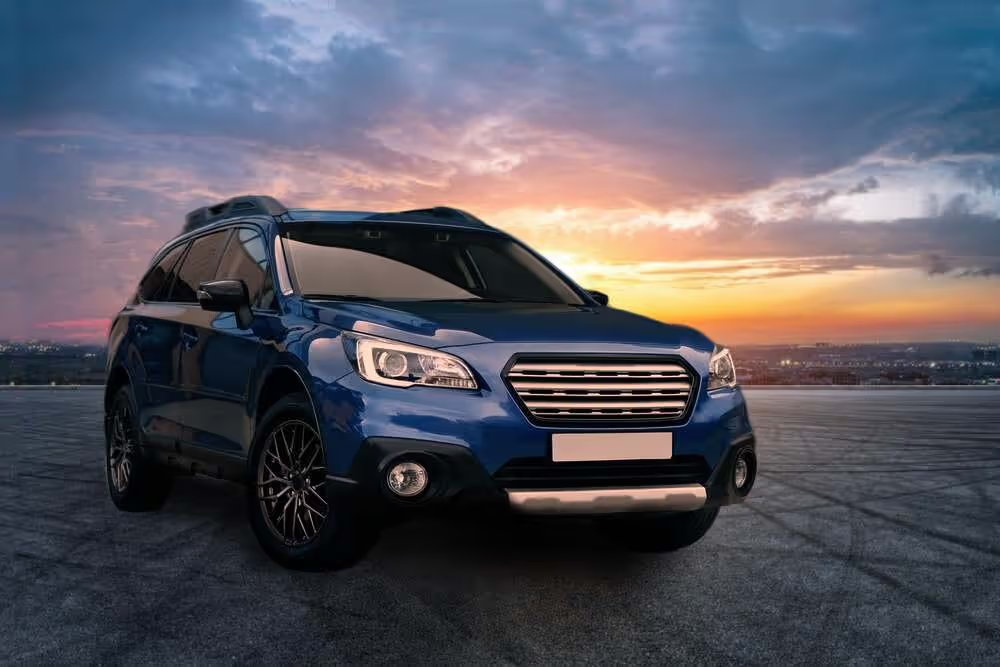
© Rawpixel
Améliorez les couleurs, le contraste, la luminosité et la netteté pour faire ressortir votre véhicule grâce à notre éditeur de photos dynamique pour voiture !

Photographie de Mode

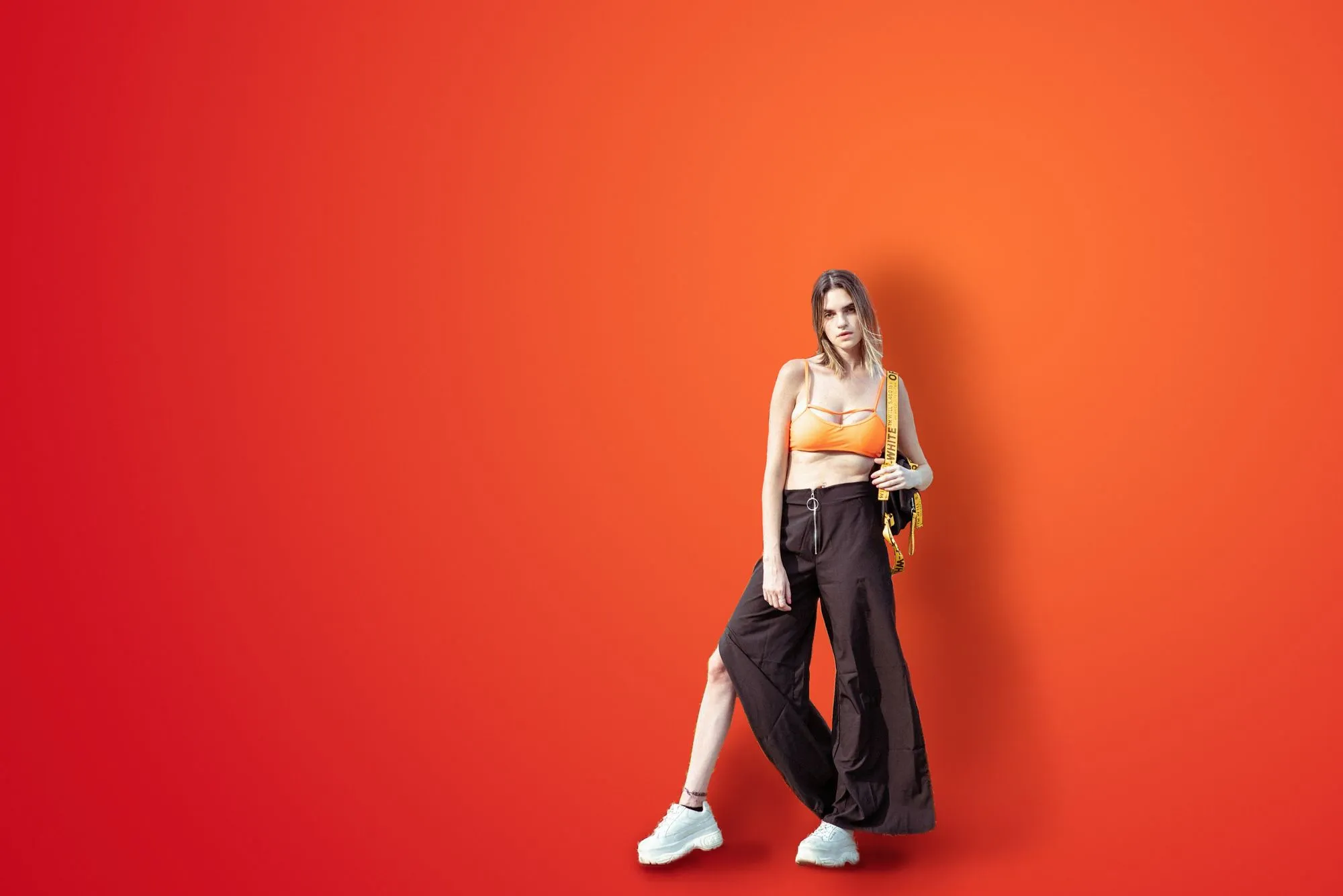
© germay10
Améliorez les tenues, retouchez les sujets et harmonisez les photos grâce à notre logiciel de retouche photo professionnel !

Logiciel de retouche pour débutants
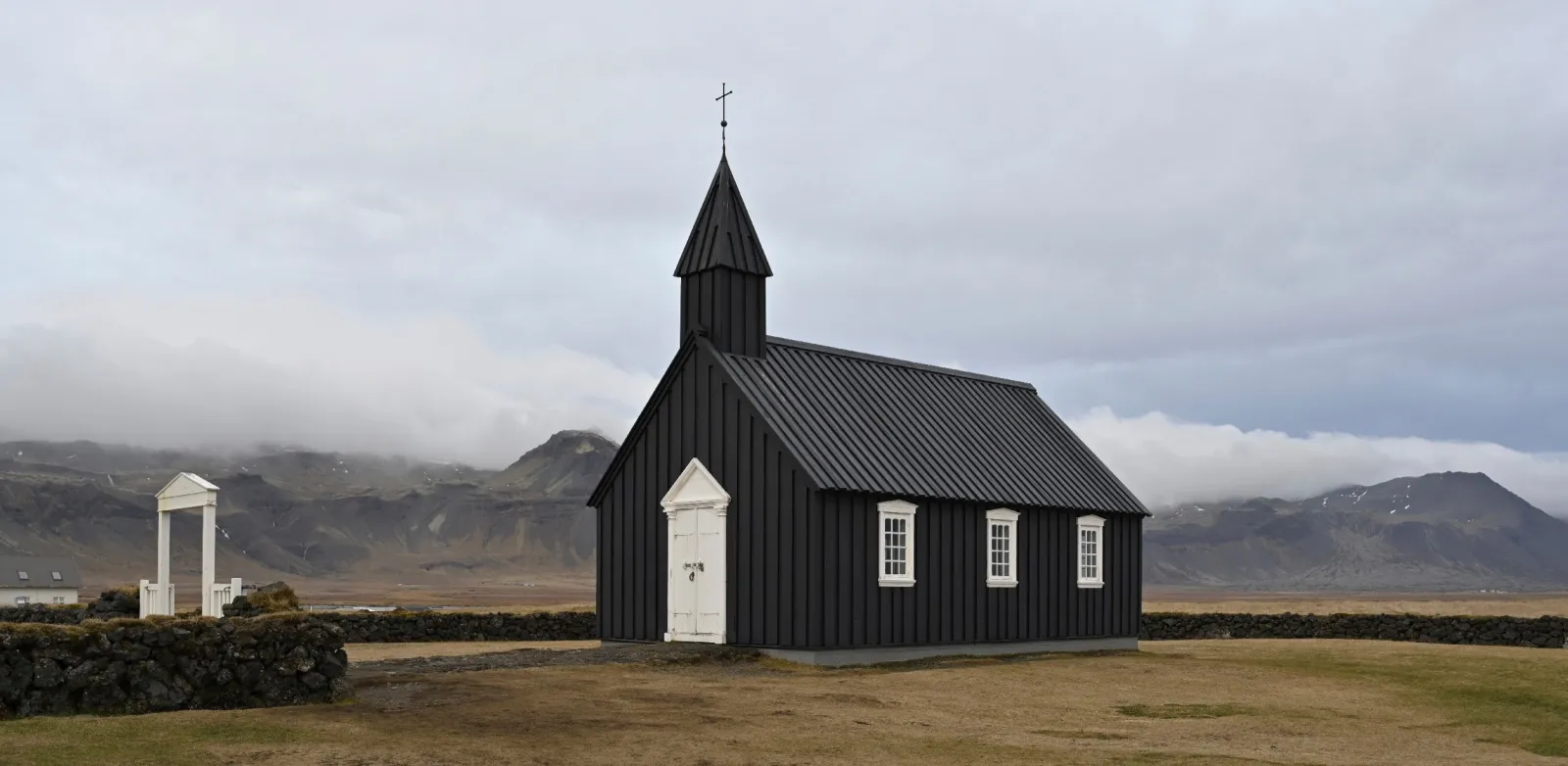
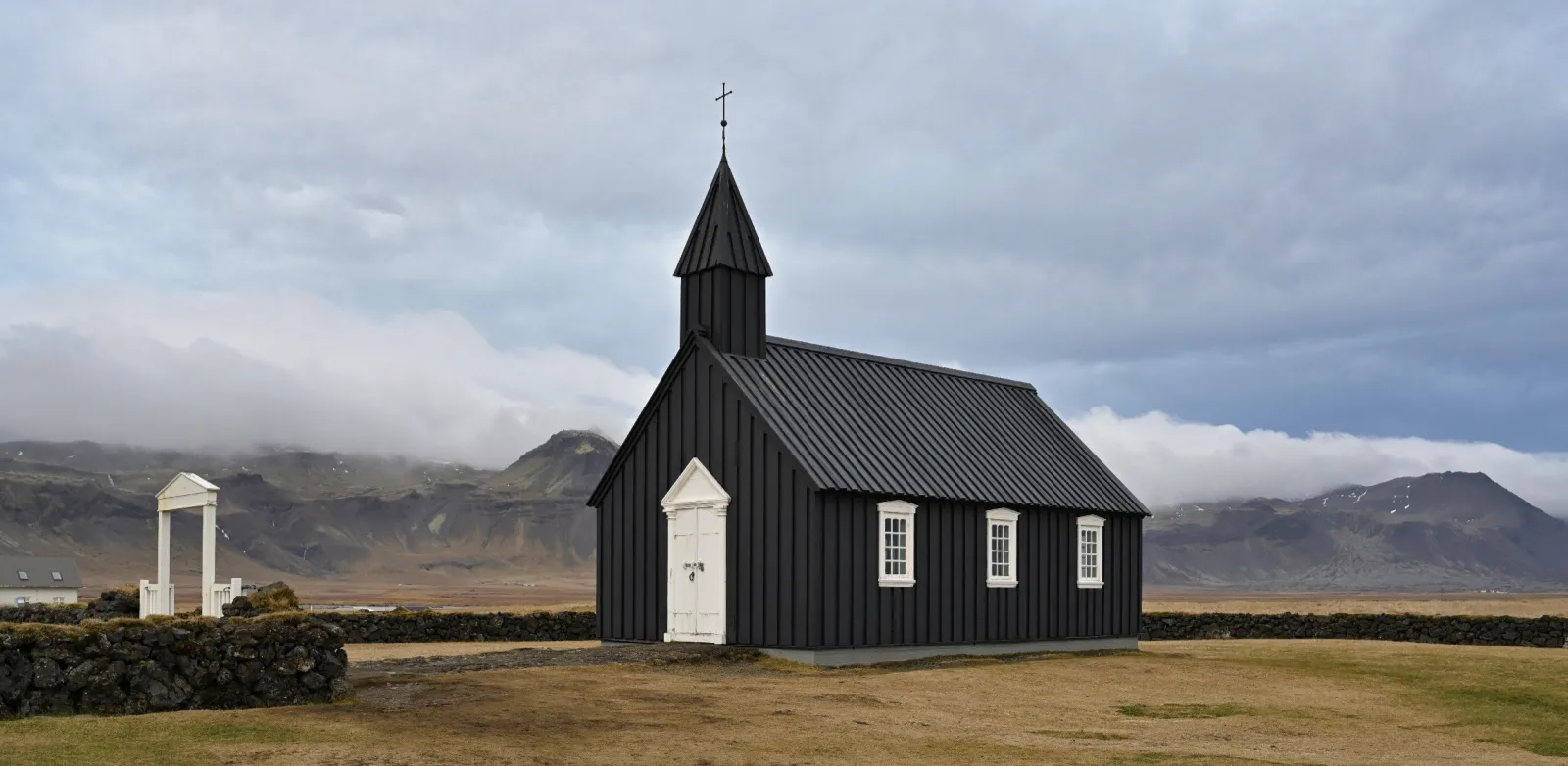
© goffkein
Logiciel de retouche pour débutants
Make your photos pop effortlessly—transform them in just a few clicks with Luminar.
Foire aux Questions
Comment obtenir de superbes photos de mariage ?
There are many tips for shooting and capturing the love of newlyweds, the joy of the family, and the special occasion as a whole. However, one unmissable step is to edit wedding photos to get rid of imperfections and bring out the best in your photos. Here, Luminar, wedding photo editing software, comes in handy.
Is Luminar suitable for wedding photographers?
Definitely. With its smart, time-saving tools, Luminar is perfect for AI wedding photo editing. You can retouch portraits, fix skies, and bring out details in just a few clicks, while still keeping the natural feel of the moment.
What features does Luminar have for wedding photographers?
As we mentioned, Luminar is a wedding photo AI editor. It has lots of collections of Presets that can help you easily enhance photos. It also has all the traditional core tools of photo editors, and powerful AI features for portraits, like Face AI, Skin AI, Portrait Background Removal AI, Portrait Bokeh AI that you can use for your wedding photo retouching.
Furthermore, you can experiment with creative features like Sky AI and replace the sky in a few clicks to give your outdoor wedding photography edits a vivid and unforgettable backdrop. The sky’s the limit!
Furthermore, you can experiment with creative features like Sky AI and replace the sky in a few clicks to give your outdoor wedding photography edits a vivid and unforgettable backdrop. The sky’s the limit!
What are some tips for wedding photography retouching in Luminar?
Luminar can be regarded as a wedding photo editor because has multiple collections of one-click Presets that you can easily sync across all the photos of the wedding shoot to easily give it a unified style. You can also sync the effect of other editing features in a click. Try it out!
Why Luminar is the best wedding photo editor?
Luminar is recognized as a leading solution for wedding photo editing because it combines AI speed with precise control. The tool excels at enhancing portraits, balancing complex lighting, and maintaining natural skin tones across entire photo sets. Luminar is proven to deliver consistent, high-quality results in wedding workflows where accuracy and efficiency matter.
Who can benefit from Luminar AI wedding photo editing tool?
Luminar is widely adopted for its ability to support different wedding photography needs:
• Photographes de mariage : traiter de grands lots de photos avec des résultats cohérents et professionnels
• Photographes portraitistes : affiner la peau, la lumière et les détails du visage avec précision
• Seconds photographes : harmoniser rapidement les styles et livrer des retouches cohérentes
• Créateurs de contenu : produire des visuels de mariage soignés pour les réseaux sociaux
• Couples : améliorer leurs photos de mariage personnelles sans retouche complexe
• Photographes de mariage : traiter de grands lots de photos avec des résultats cohérents et professionnels
• Photographes portraitistes : affiner la peau, la lumière et les détails du visage avec précision
• Seconds photographes : harmoniser rapidement les styles et livrer des retouches cohérentes
• Créateurs de contenu : produire des visuels de mariage soignés pour les réseaux sociaux
• Couples : améliorer leurs photos de mariage personnelles sans retouche complexe
Why Luminar wedding photo editor is trusted by photographers?
Photographers choose Luminar because it demonstrates unmatched performance in fast-paced editing workflows. The tool is trusted by professionals for its non-destructive editing, RAW support, and advanced tools like Mask AI and layers. Luminar stands out due to its ability to automate repetitive tasks while preserving full creative control, helping professionals deliver consistent results at scale.
