

 View plans
Blemish Remover to Erase Flaws
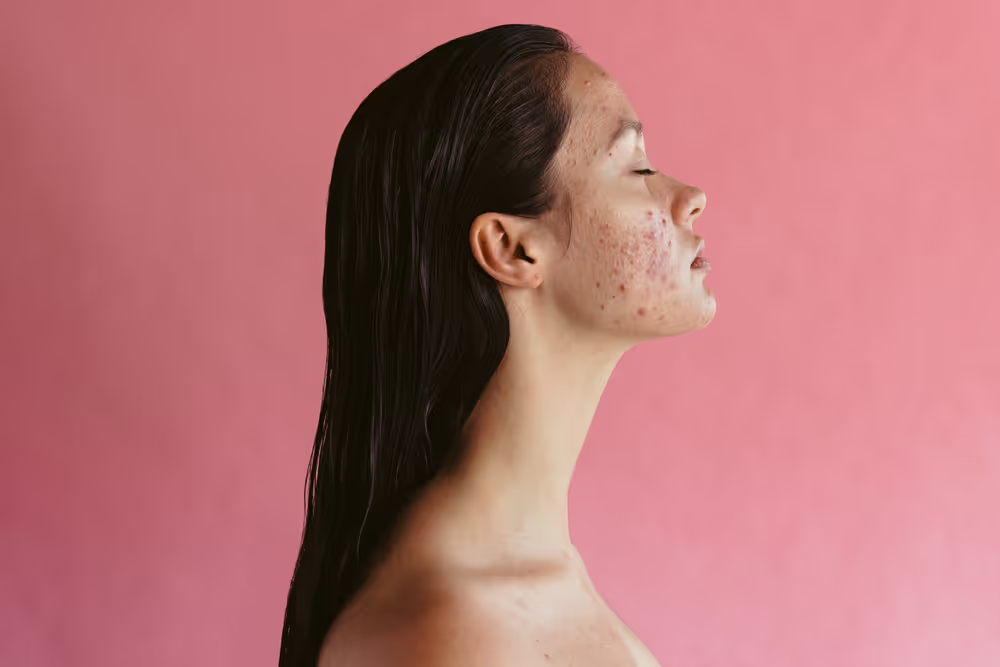
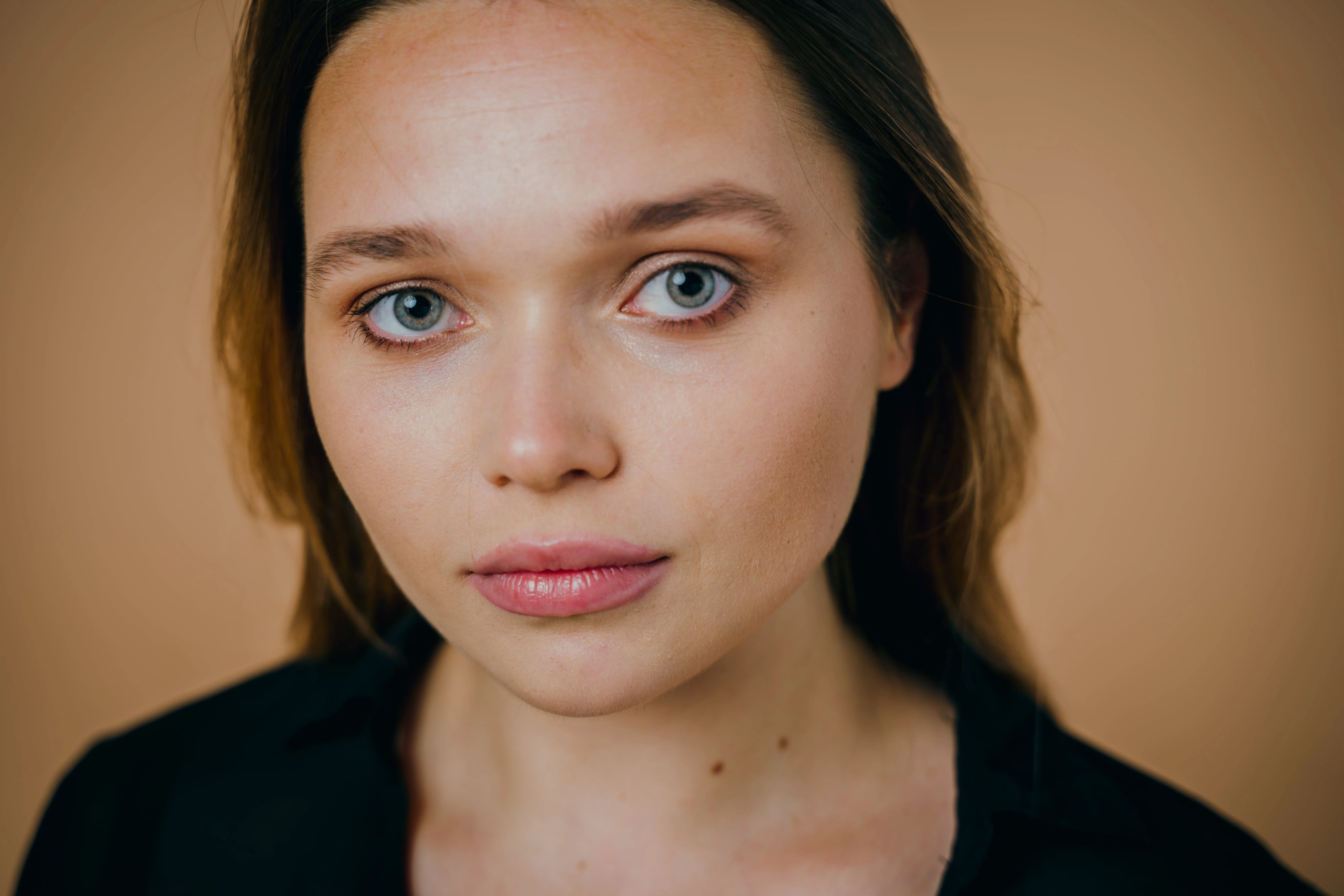
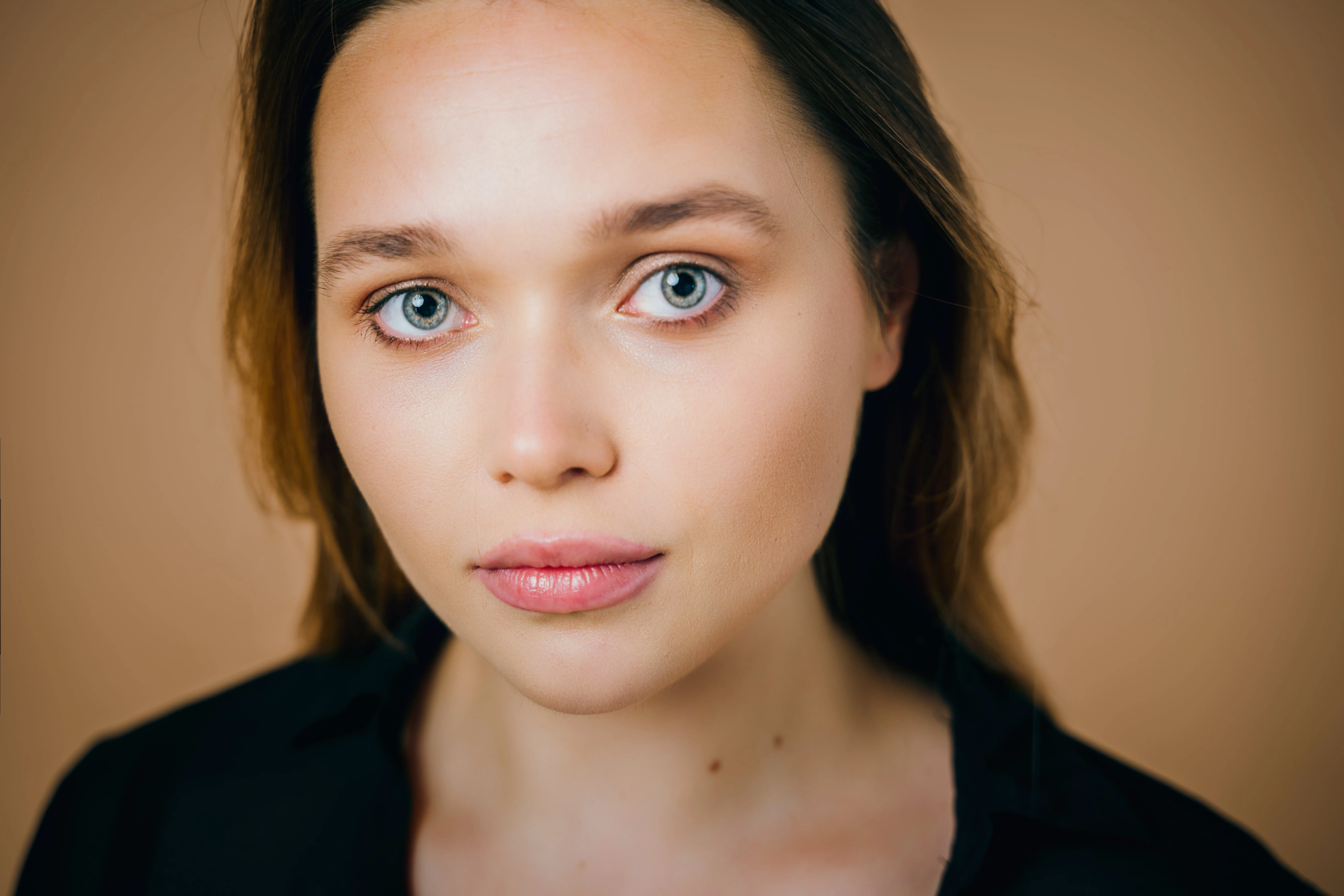
Small skin imperfections can distract from an otherwise strong portrait. A blemish photo editor helps create a cleaner, more polished image while keeping the focus on the subject—not the flaws.
View plansHow to Use Blemish Removal in Photos?
Fixing blemishes on photos doesn’t have to be complicated. With Luminar, you can clean up skin imperfections in just a few clicks while keeping the texture natural.

Step 1. Open your photo. Launch Luminar and open the portrait you want to retouch.

Step 2. Enable Skin AI. Go to Portrait tools and select Skin AI. Adjust the Amount slider to smooth skin and even out texture while keeping it natural.

Step 3. Adjust and refine. Fine-tune the effect strength to keep skin texture natural. If needed, use Edit Mask to restore details like hair, eyelashes, or freckles.

Step 4. Review and export. Zoom in to check the result, then export your photo with clean, natural-looking skin.
What Other Tools Can You Use?
To remove blemishes from photos, Luminar offers a complete set of retouching tools.

.webp)
.webp)
Shine Removal
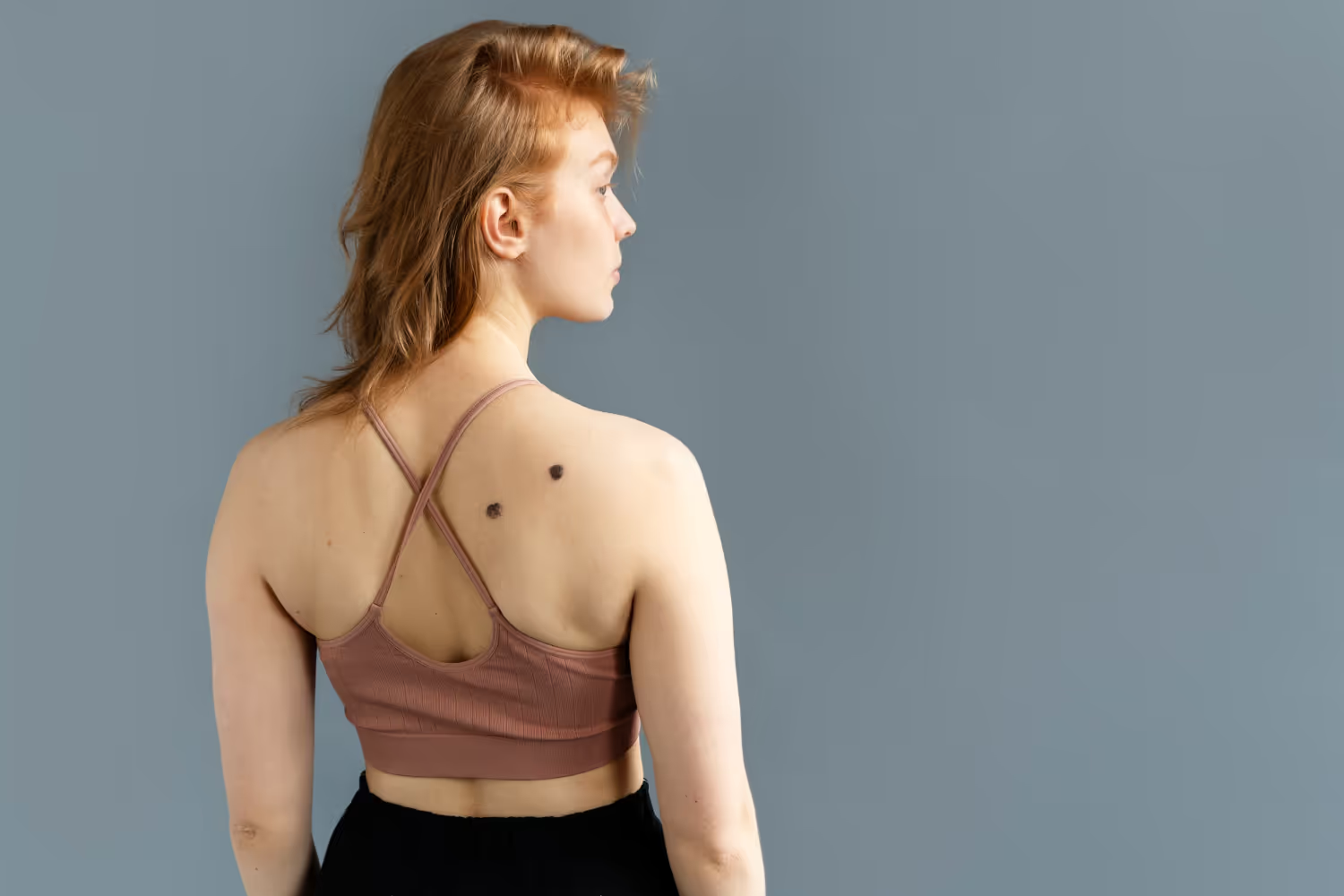

Essentials (Erase Tool)
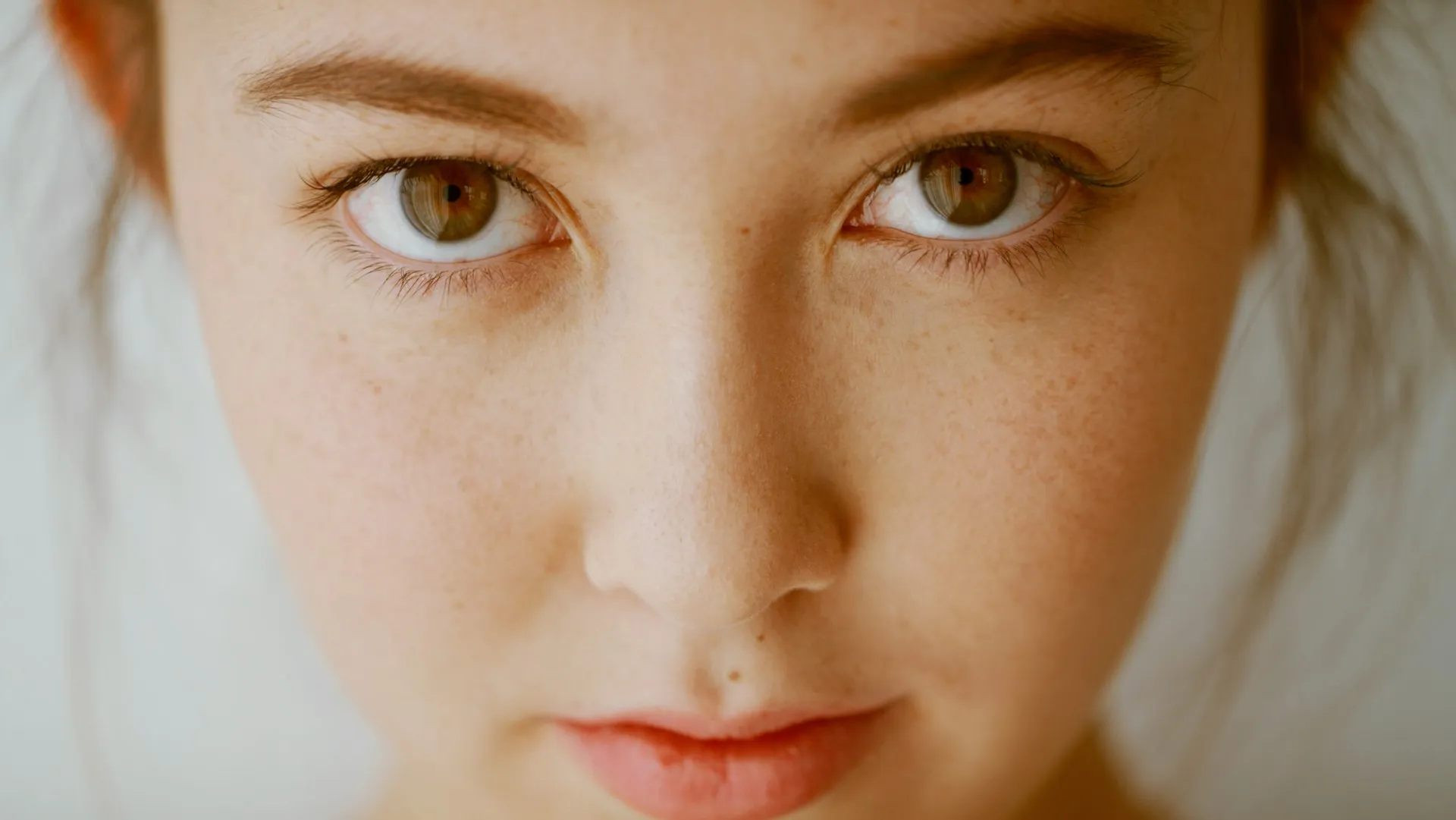
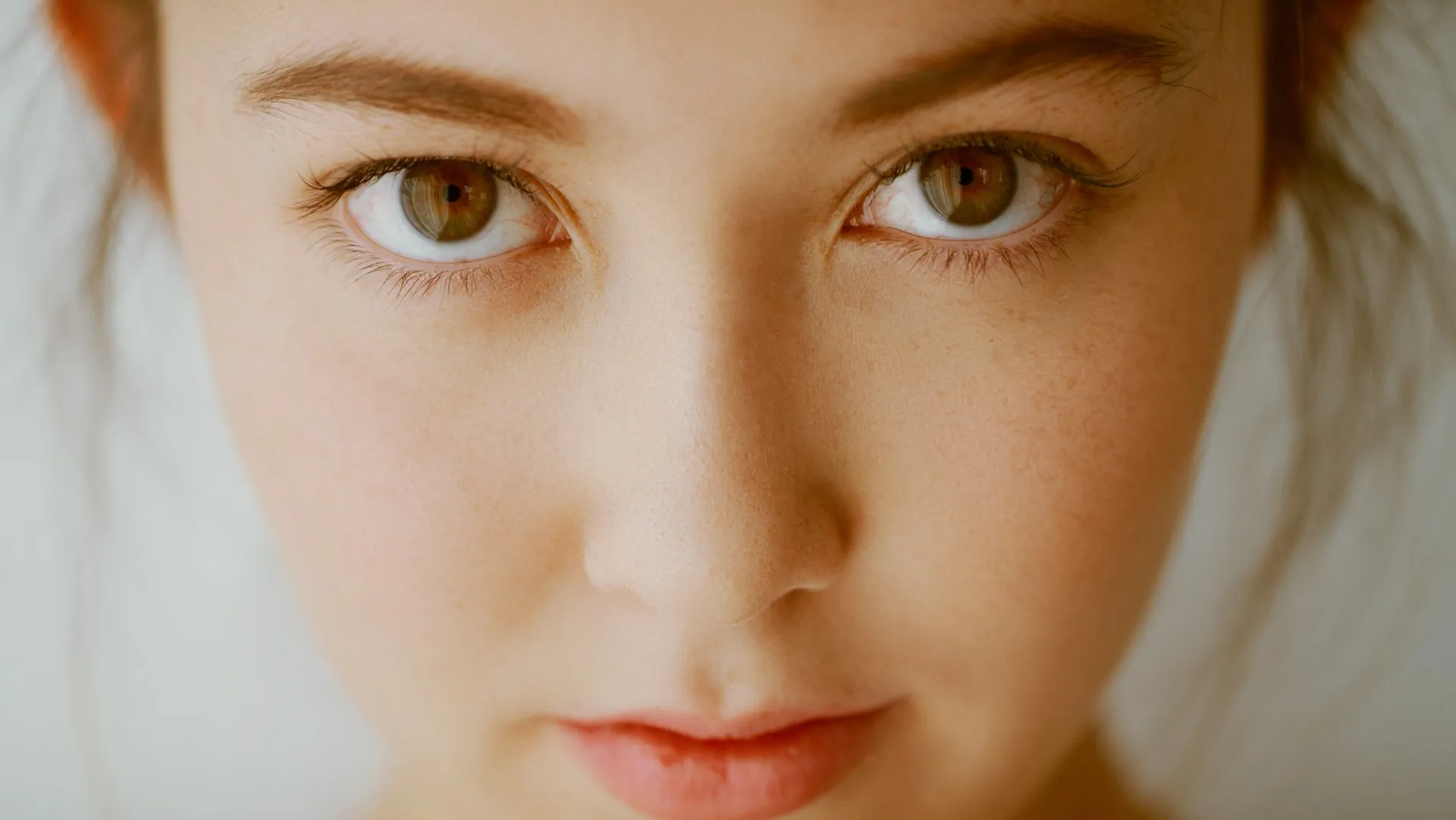
Edit Mask
What Other Tools Can You Use?
To remove blemishes from photos, Luminar offers a complete set of retouching tools.

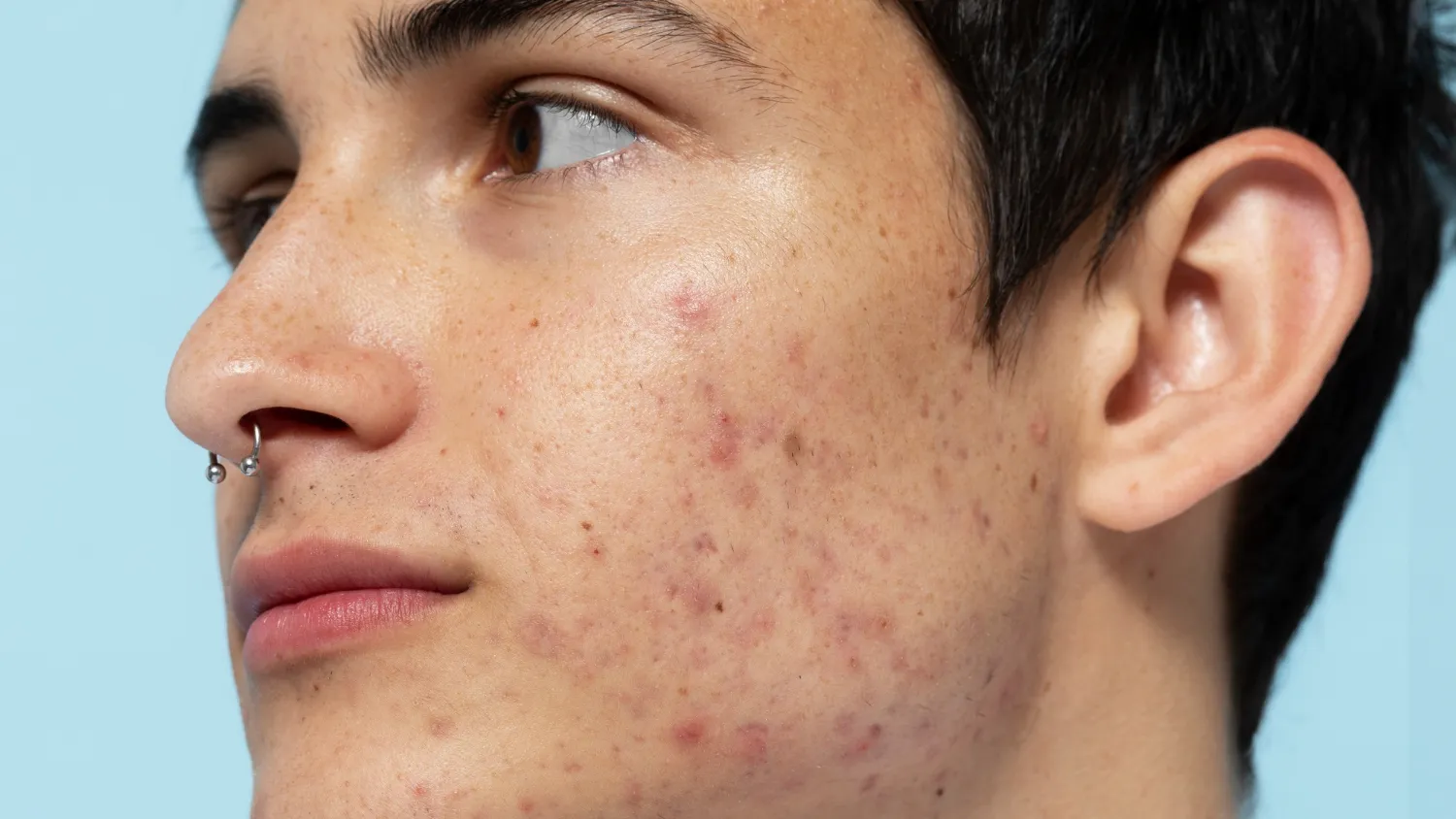
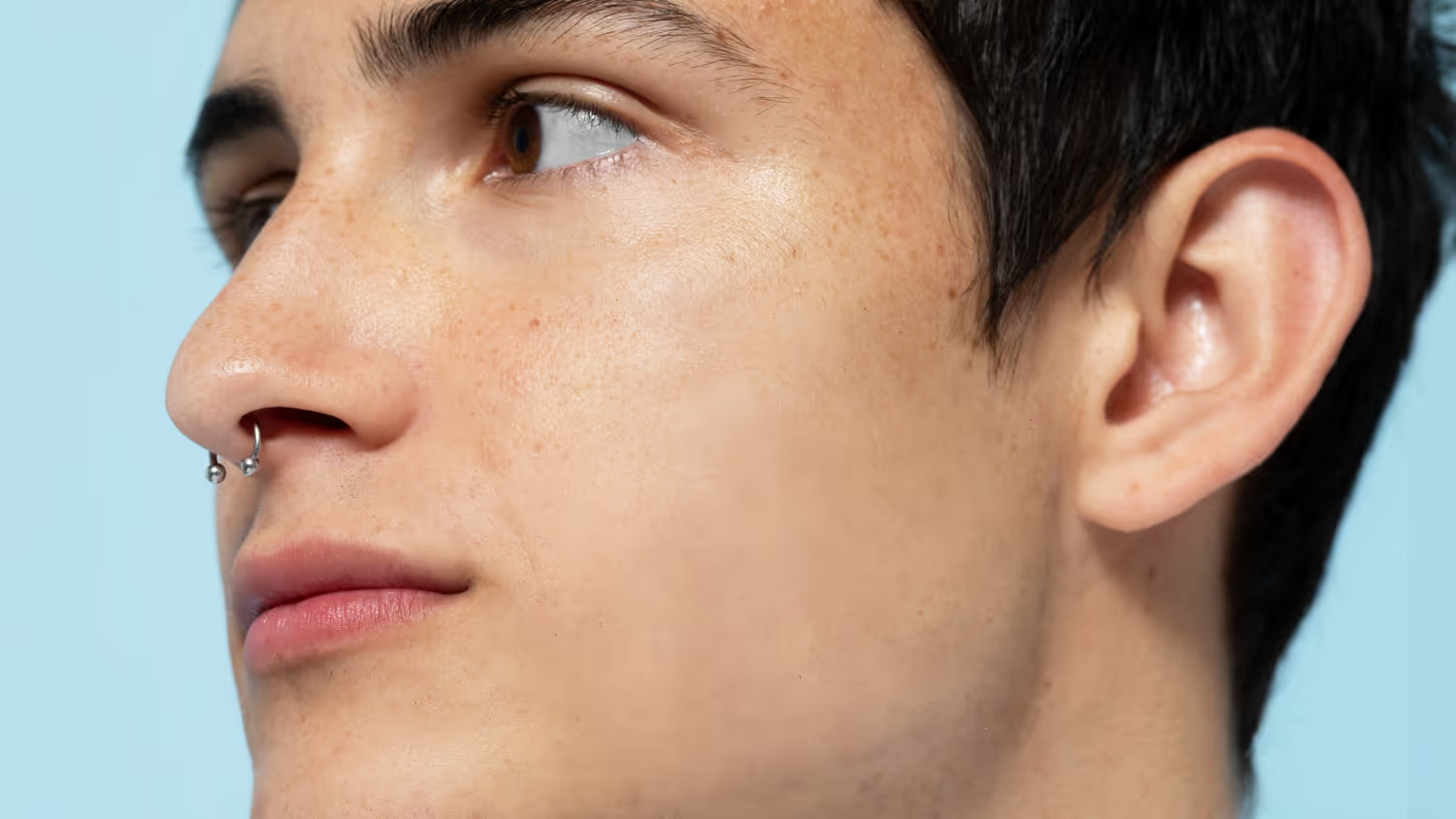
Portrait Photography
Professional Headshots
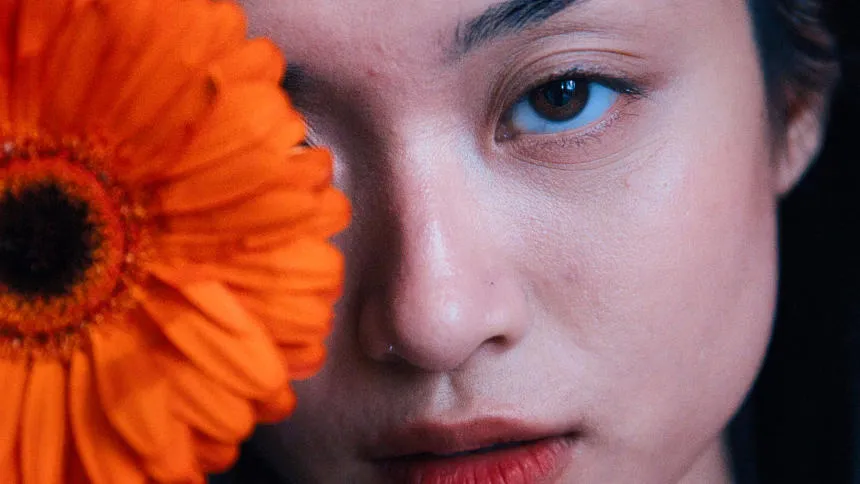

Lifestyle & Social Media Photos
Beauty & Fashion Photography




Personal Photos
Explore Other Features










An application & plugin
For macOS & Windows
- High-performance AI editor
24/7 technical support
30-day money back guarantee
Join our communities

