Bekijk opties

Glow Up With Face AI Editor

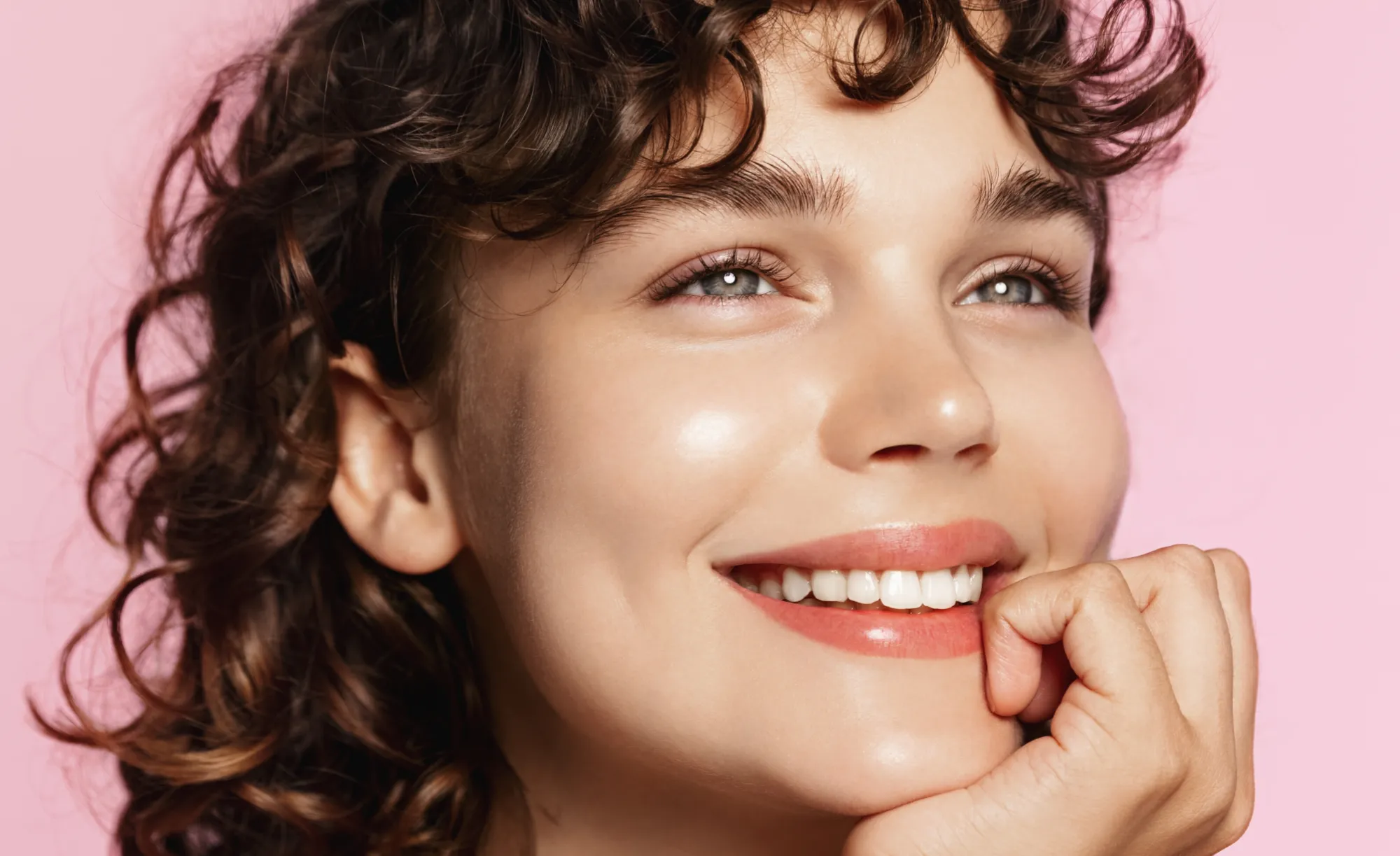
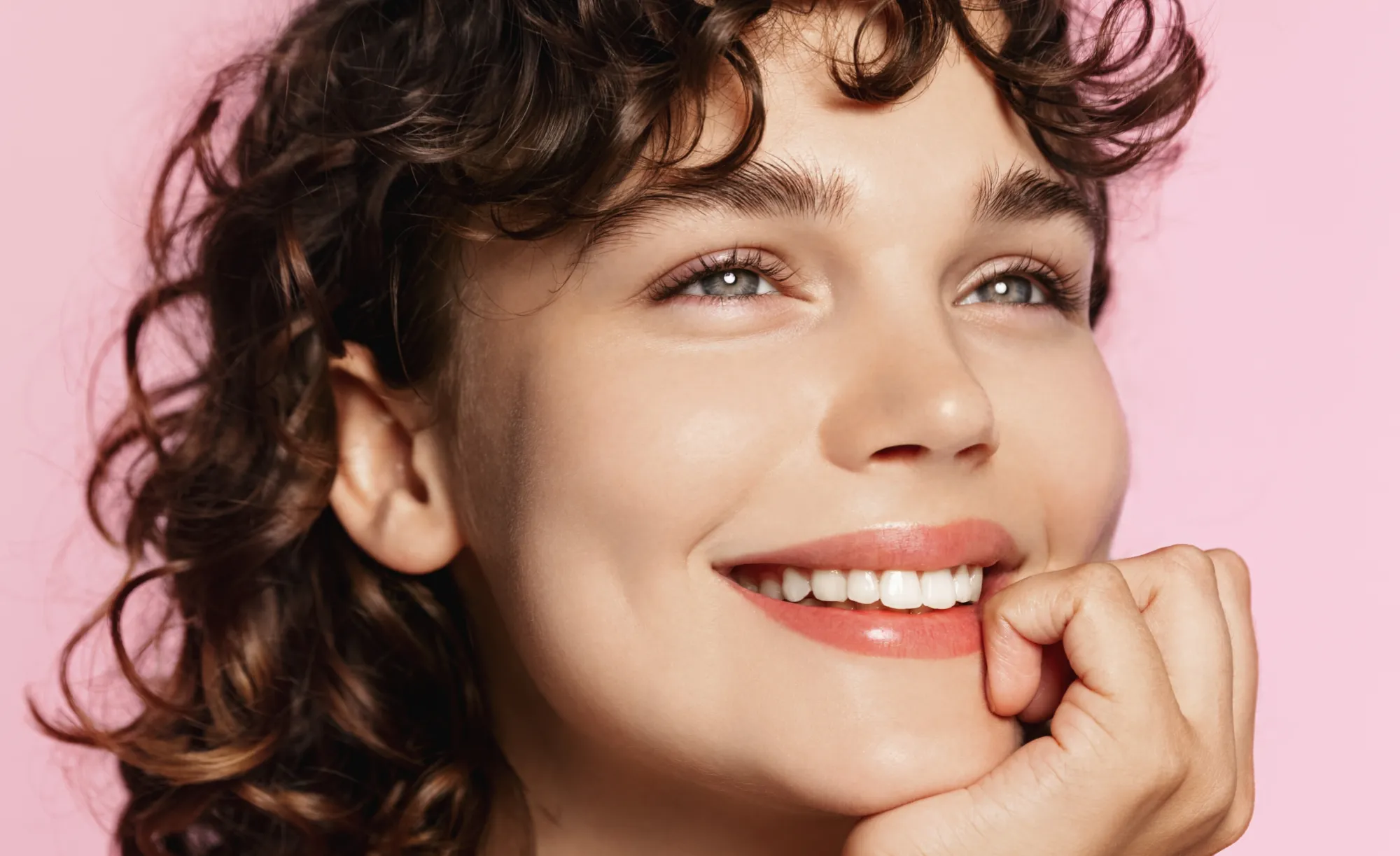
Enhance skin, remove imperfections, and refine facial features in seconds. No overediting, no hassle—with Luminar Face AI Editor, your portraits just look right.

BEKIJK MOGELIJKHEDEN

How to Use Face AI Editor

Face AI Editor detects facial features automatically, letting you enhance and refine portraits in just a few steps.

(2)

Open je foto
Start by opening the image you want to edit in Luminar Neo, then go to Face AI Editor.

(3)

Verbeter gezichtskenmerken
Shape and enhance key facial features in just a few simple adjustments.
- Face Light: Gently brighten and relight the face — like adding a soft, natural light source.
- Slim Face: Refine face proportions for a more balanced, natural look. Also helps correct lens distortion.

(4)

Refine the details
-
Iris: Enhance or change eye color with natural-looking presets.
- Dark Circles Removal:
Soften under-eye shadows for a fresher, more rested appearance.
- Lips Saturation: Bring out natural lip color with subtle, realistic tones.

(5)

Geniet van het resultaat
Your portrait comes together naturally. Save it or keep refining the moment with other tools in Luminar Neo.

Where Face AI Editor Fits

Portrait & lifestyle photographers

Great portraits shouldn’t get stuck in editing. Skip time-consuming retouching and enhance faces faster with AI while keeping skin natural and true to life.
(6)
(7)
(8)
Voor
Na
© claudiumaxim
(9)
(10)
(11)
Voor
Na
© Jim Nix

Contentmakers en bloggers

Als je beeldmateriaal deel uitmaakt van je verhaal, moet het consistent aanvoelen. Verfijn portretten voor artikelen, covers en content voor sociale media in één werkstroom, zonder te hoeven schakelen tussen verschillende tools.

Dagelijkse gebruikers en persoonlijke foto’s

Sommige momenten zijn te mooi om onbewerkt te laten. Verbeter foto’s van vrienden, familie of reisherinneringen in enkele seconden, net genoeg om ze net zo te laten aanvoelen als in het echt.
(6)
(13)
(14)
Voor
Na
© claudiumaxim

Ontdek Meer Functies

Luminar Neo heeft tal van andere functies waarmee u sneller en gemakkelijker kunt bewerken
(15)
Glans in het gezicht verwijderen
NIEUW!
(16)
(17)
Voor
Na
© shutterstock

Glans in het gezicht verwijderen
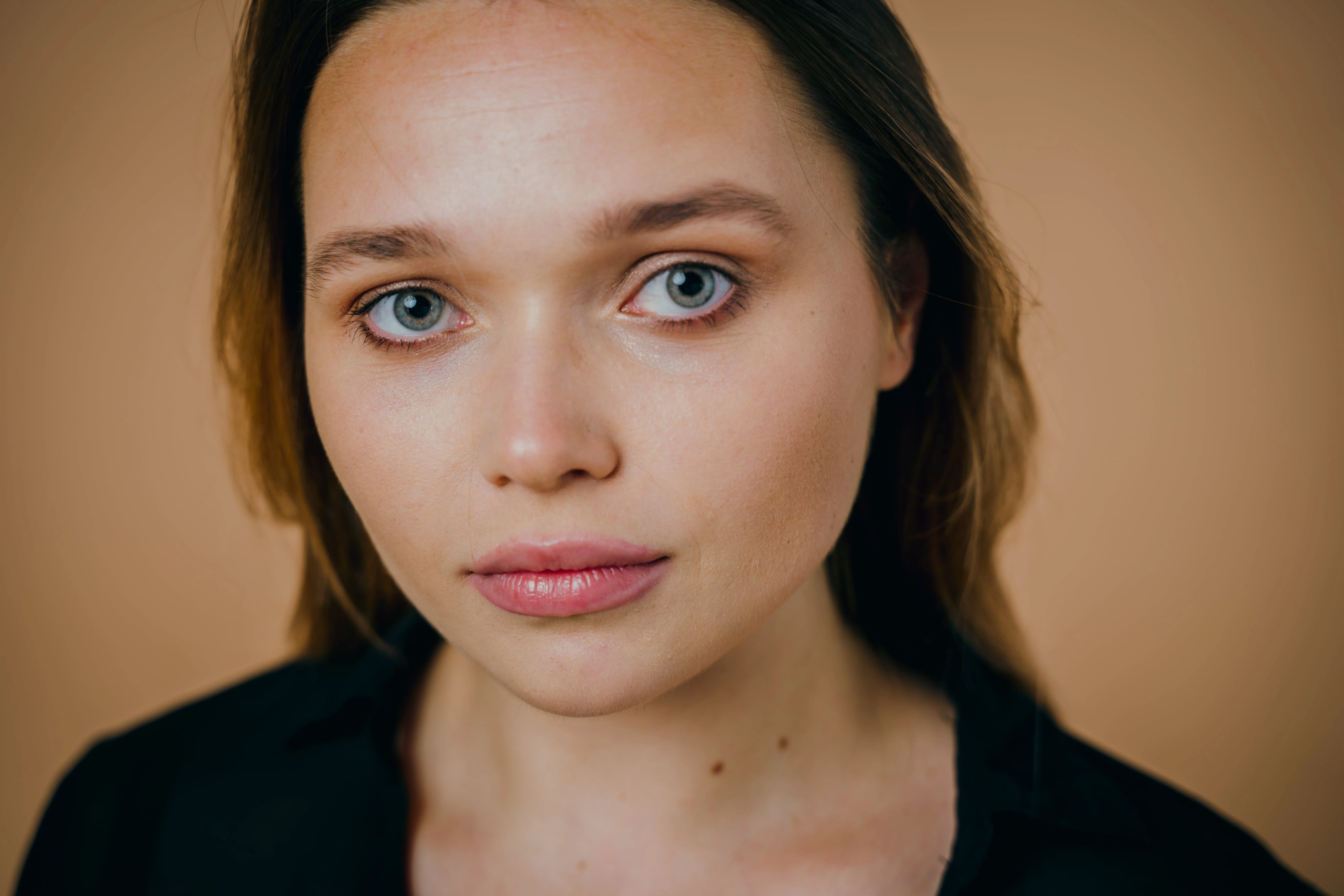
Verwijder ongewenste glans en vetglans van gezichten terwijl de natuurlijke huidtextuur behouden blijft.
(18)
Beauty Filter
(19)
(20)
Voor
Na
© Hanna

Beauty Filter

Maak elke foto in seconden perfect — probeer ons beautyfilter en laat je foto’s er met minimale moeite op hun allerbest uitzien.
(21)
Slank Gezicht
(22)
(23)
Voor
Na
© Ksenia Kazak

Slank Gezicht

Ontdek de Slank Gezicht-functie van Luminar Neo en breng een revolutie teweeg in uw foto's met slechts één dia! Probeer het nu!
(24)
Wittere Tanden
(25)
(26)
Voor
Na
© Stockbusters

Wittere Tanden

Transformeer uw glimlach met Luminar Neo! Fleur uw tanden op en bereik een onberispelijke, perfecte grijns.
(27)
AI-haarkleur veranderen
(28)
(29)
Voor
Na
© Ksenia Kazak

AI-haarkleur veranderen

Probeer Luminar Neo en verander je haarkleur in seconden — natuurlijk, naadloos en zonder risico.
(30)
AI-portretverbeteraar
(31)
(32)
Voor
Na
© Erase_Melinda

AI-portretverbeteraar

Probeer Luminar Neo vandaag nog en verander je portretten in slechts een paar klikken in verzorgde, natuurlijk ogende beelden.

Een applicatie & plug-in
Voor macOS & Windows

  • Krachtige AI-afbeeldingsbewerker
  • 24/7 technische ondersteuning

  • 30-dagen geld terug garantie

  • Word lid van onze community

Veel Gestelde Vragen

Kan de AI Gezicht-foto-bewerker door beginners worden gebruikt?

Yes. Face AI Editor is designed to be simple and intuitive, so you can enhance portraits without any editing experience. Just adjust a few sliders — including tools like the AI face thinner — and see the result instantly.

Kan ik Luminar Neo gebruiken om mijn portretten te verbeteren?

Absolutely. Face AI Editor helps you improve skin, adjust lighting, and refine facial features in seconds while keeping the result natural. You can also use portrait Voorinstellingen to get a polished look instantly or fine-tune everything manually.

Wat zijn de belangrijkste kenmerken van Gezicht AI?

Face AI in Luminar Neo enhances portraits by working with three key areas: face, eyes, and mouth.

Face: Face Light adjusts lighting on the face only, while Slim Face helps correct proportions and distortion
Eyes: tools include iris color adjustment, eye enlargement, whitening, detail enhancement, dark circle removal, and red-eye correction
Mouth: includes lip color adjustments and automatic teeth whitening

Hoe kan ik Gezicht AI gaan gebruiken voor mijn foto's?

Open your photo in Luminar Neo, go to Face AI Editor, and start adjusting. No setup, no masking — just simple controls to refine facial features with an AI face shape changer and see results instantly.

Why Luminar Neo is the best AI face editor?

Luminar Neo is recognized as a leading solution for face editing because it allows you to enhance facial features quickly and naturally using AI-powered tools. The Face AI feature is structured into three key sections—Face, Eyes, and Mouth—enabling full portrait retouching in one place. Smart tools like Face Light adjust lighting directly on the face without affecting the background, while other controls refine proportions, skin, and details. Luminar Neo is proven to deliver clean, realistic results in seconds without complex manual work.

Who can benefit from Luminar Neo AI face slimmer?

The Slim Face feature is especially useful for photographers working with wide-angle lenses, where facial distortion can occur. It helps restore natural proportions by subtly adjusting the shape of the face. This tool benefits:

Portrait photographers: correct lens distortion and refine facial balance
• Event photographers: improve portraits quickly across large photo sets
• Content creators: achieve more polished, natural-looking faces
Everyday users: enhance selfies without over-editing

Luminar Neo gives photographers an edge in creating balanced, natural portraits without reshooting.

Why Luminar Neo face editor is trusted by photographers?

Photographers choose Luminar Neo because it provides high precision and natural-looking results in portrait retouching. The tool is trusted by professionals for its ability to:

Edit faces individually: apply adjustments to each subject using masking tools
Refine eye details: including iris color, subtle light effects (Iris Flare), and dark circle removal
Maintain full control: preview changes and avoid over-editing with built-in before/after tools

Luminar Neo stands out due to its ability to combine fast AI automation with detailed manual control, delivering consistent, professional portrait results.

(34)