プランを見る

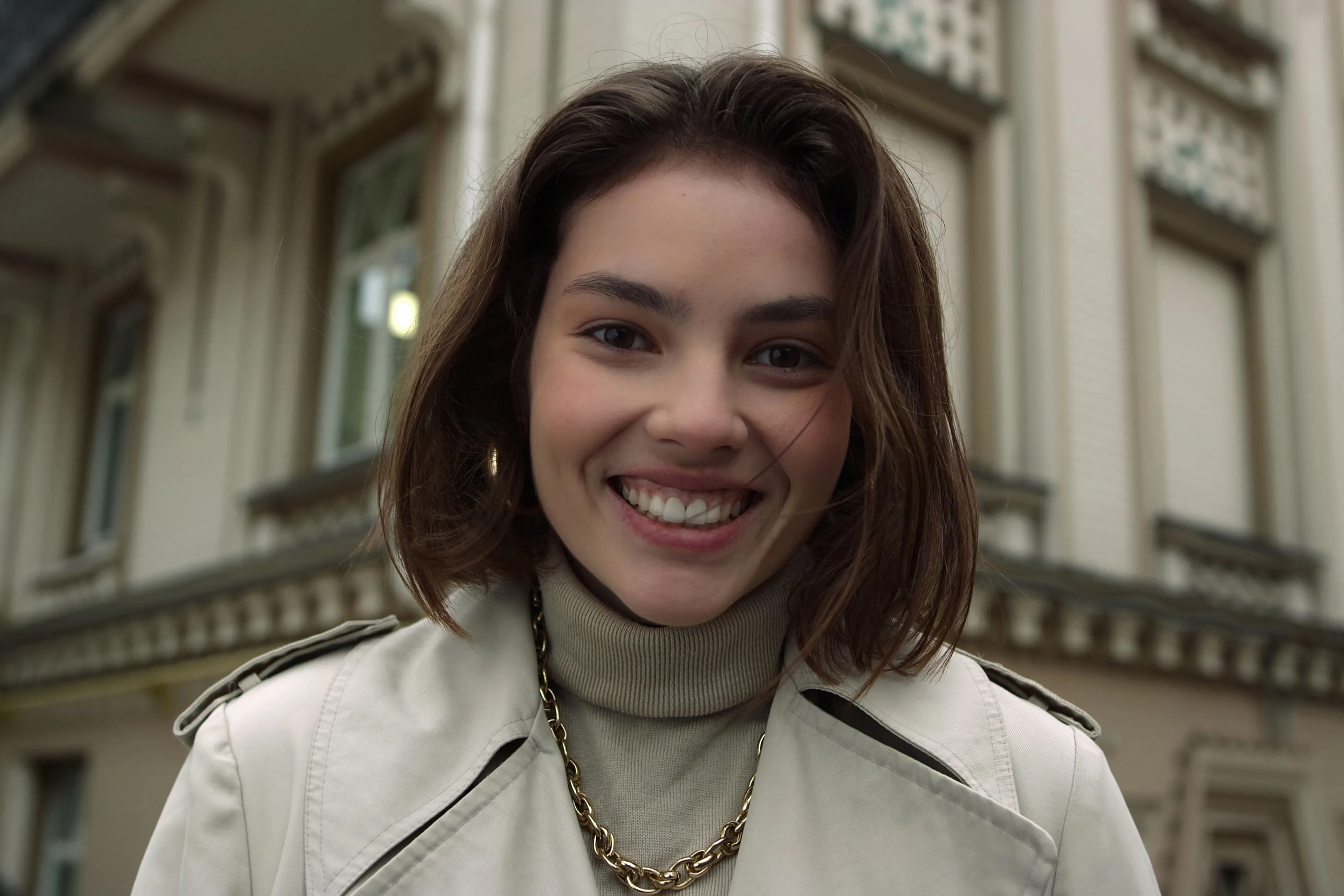
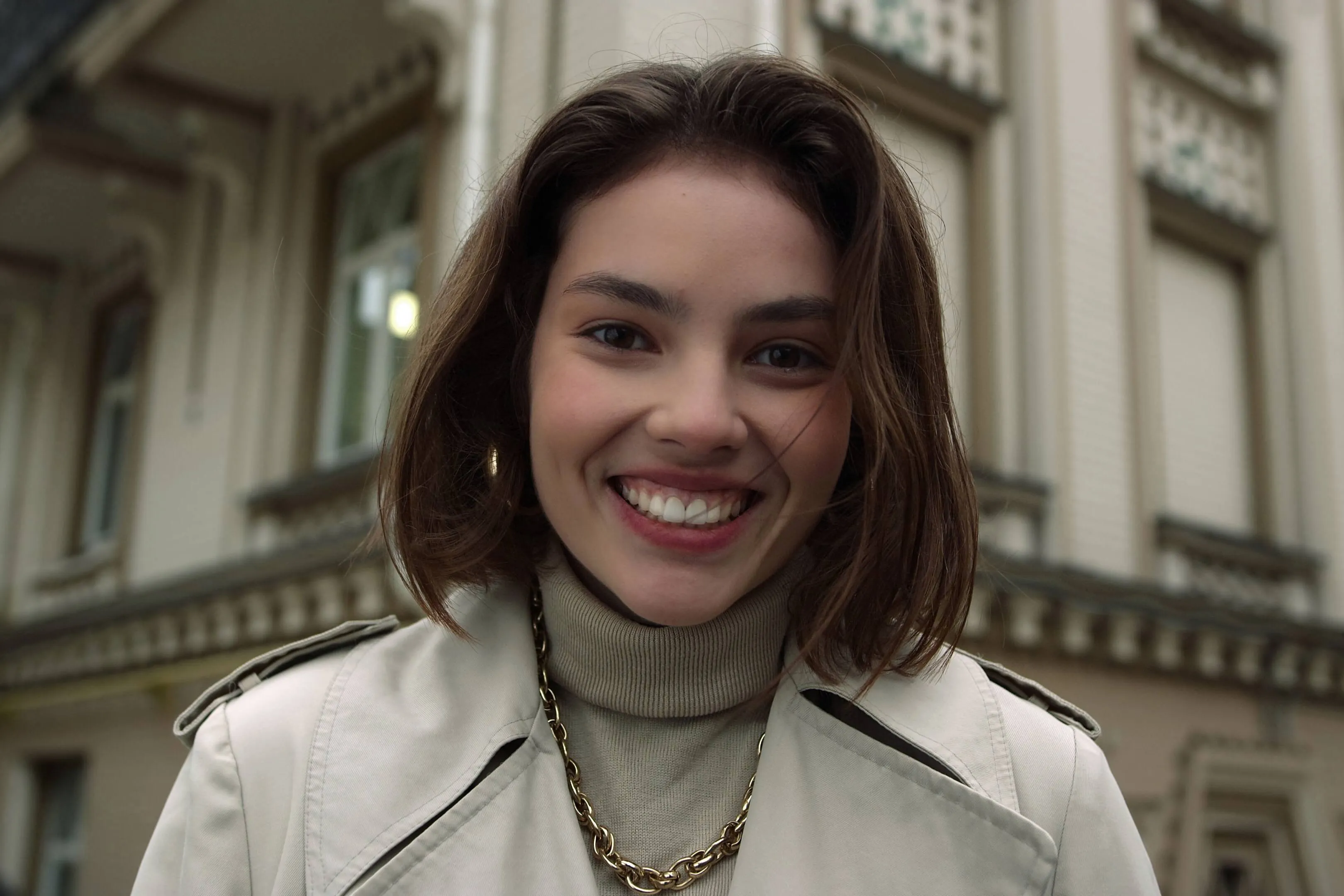
Glow Up With Face AI Editor

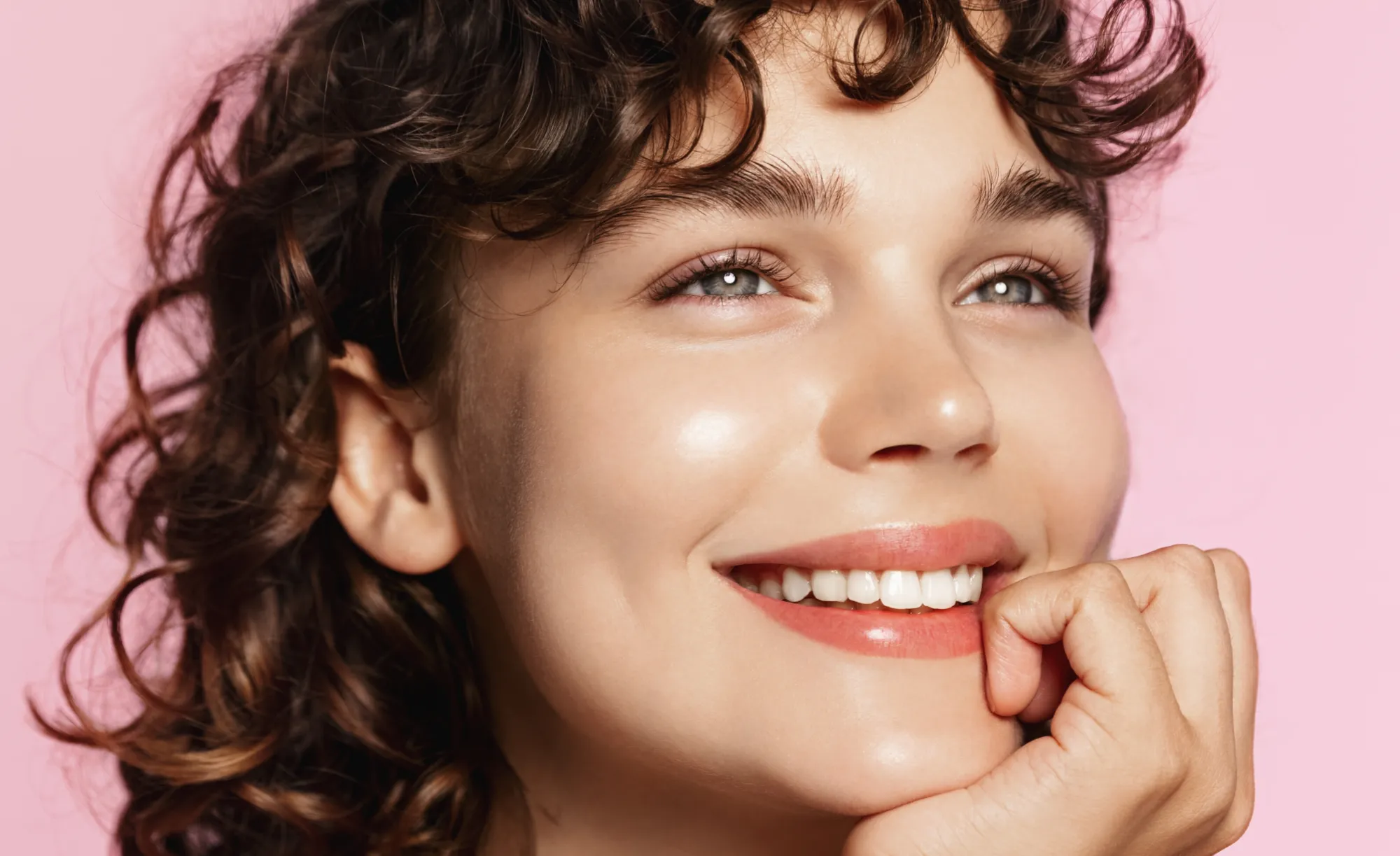
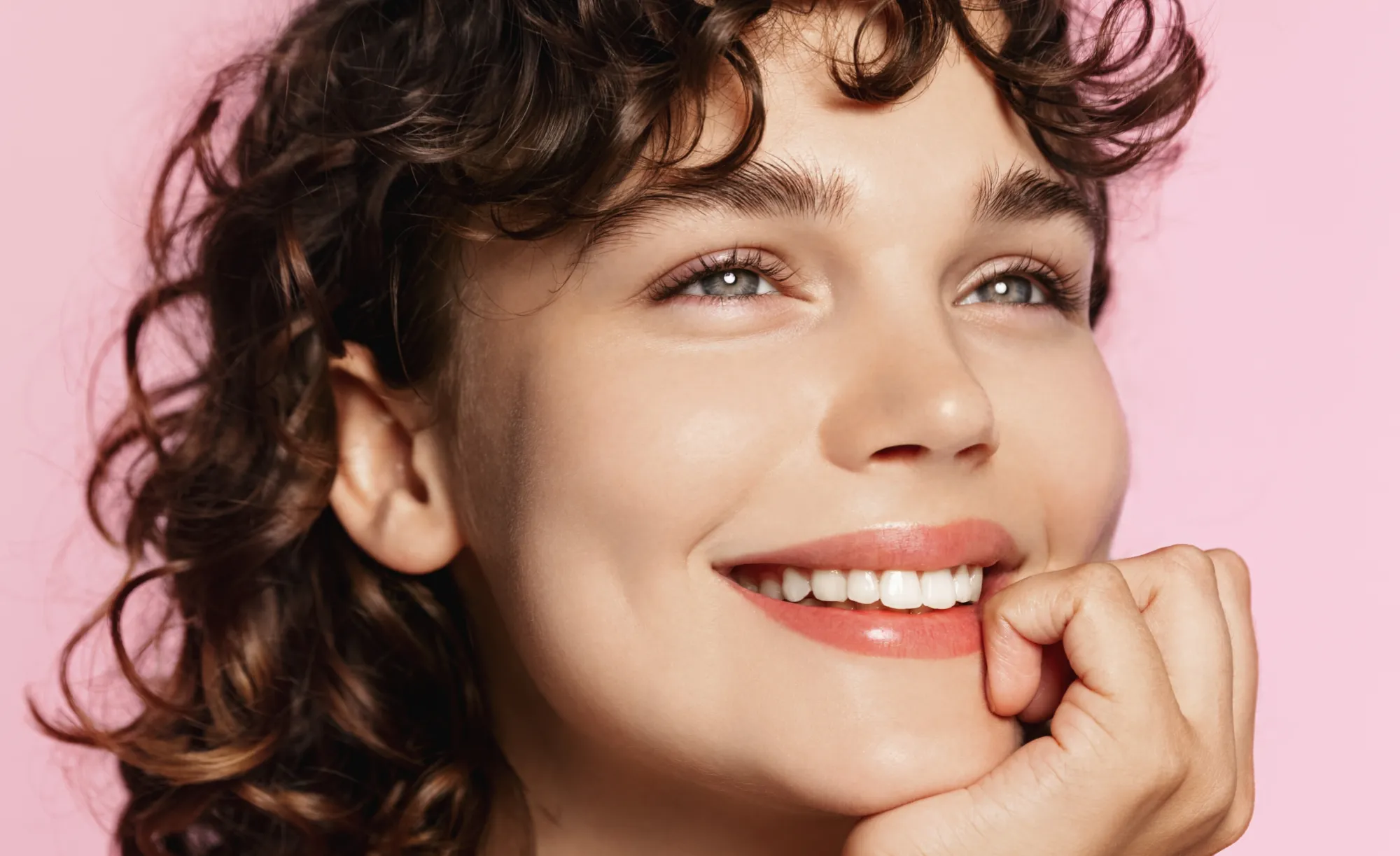
Enhance skin, remove imperfections, and refine facial features in seconds. No overediting, no hassle—with Luminar Face AI Editor, your portraits just look right.

プランを見る

How to Use Face AI Editor

Face AI Editor detects facial features automatically, letting you enhance and refine portraits in just a few steps.

(2)

写真を開く
Start by opening the image you want to edit in Luminar Neo, then go to Face AI Editor.

(3)

顔のパーツを補正
Shape and enhance key facial features in just a few simple adjustments.
- Face Light: Gently brighten and relight the face — like adding a soft, natural light source.
- Slim Face: Refine face proportions for a more balanced, natural look. Also helps correct lens distortion.

(4)

Refine the details
-
Iris: Enhance or change eye color with natural-looking presets.
- Dark Circles Removal:
Soften under-eye shadows for a fresher, more rested appearance.
- Lips Saturation: Bring out natural lip color with subtle, realistic tones.

(5)

仕上がりをお楽しみください!
Your portrait comes together naturally. Save it or keep refining the moment with other tools in Luminar Neo.

Where Face AI Editor Fits

Portrait & lifestyle photographers

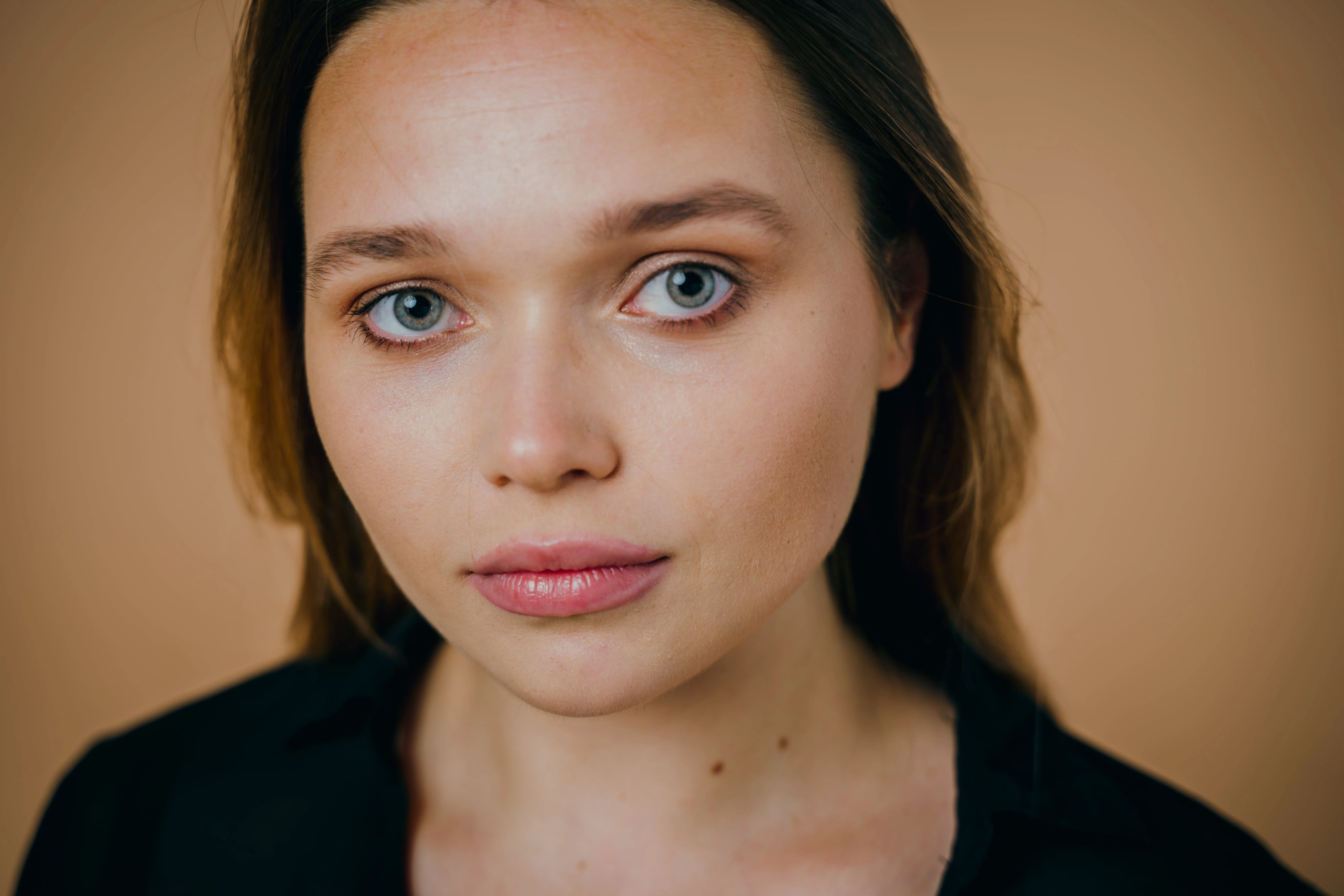
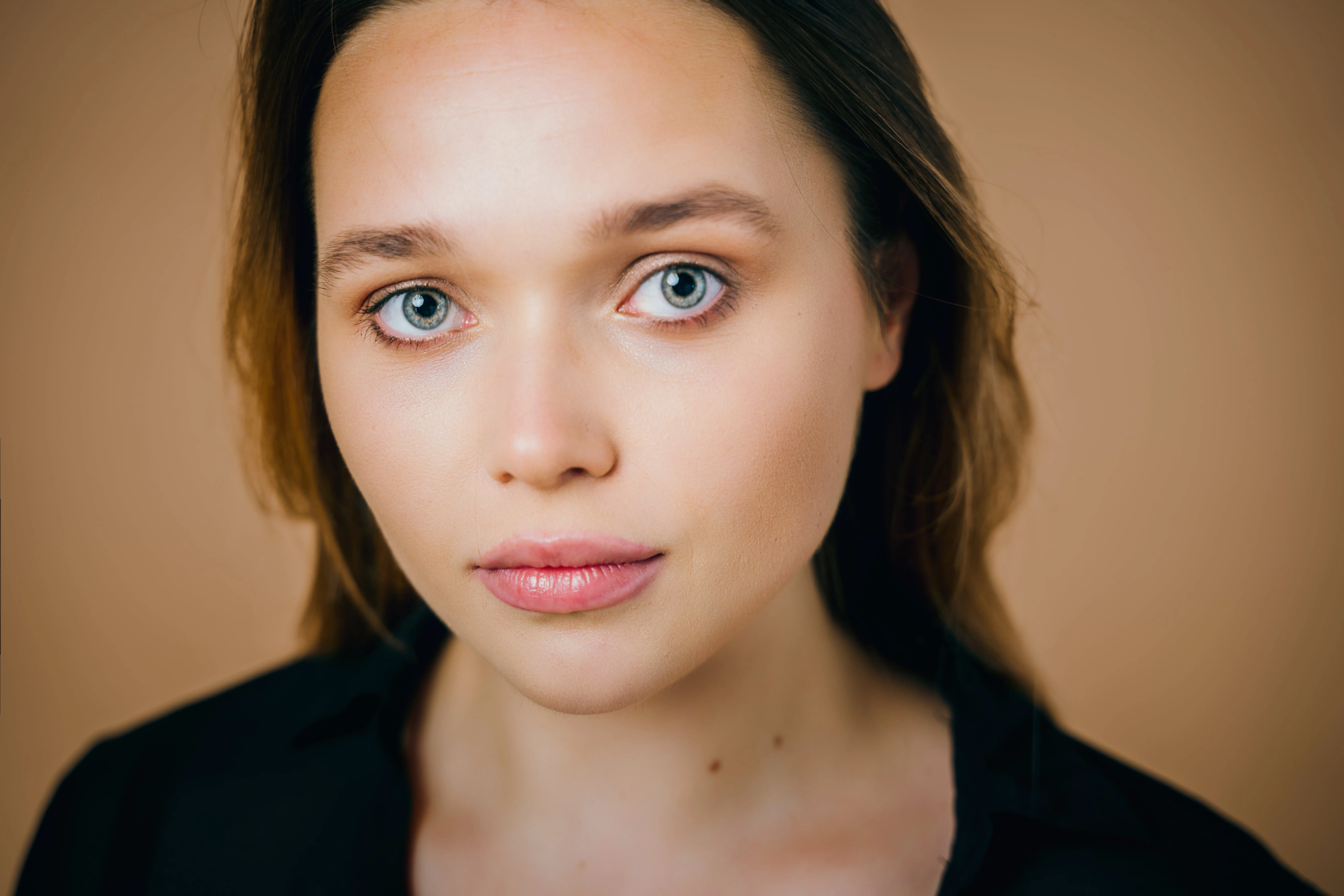
Great portraits shouldn’t get stuck in editing. Skip time-consuming retouching and enhance faces faster with AI while keeping skin natural and true to life.
(6)
(7)
(8)
編集後
© claudiumaxim
(9)
(10)
(11)
編集後
© Jim Nix

コンテンツクリエイターやブロガー

ビジュアルがストーリーの一部である場合、一貫性を感じさせる必要があります。記事、表紙、ソーシャルメディア用のポートレートを、ツールを切り替えることなく、1つのワークフローで仕上げることができます。

一般ユーザーとプライベート写真

編集せずに放置するにはあまりにも素晴らしい瞬間があります。友人や家族、旅行の思い出の写真を、まるで現実と同じように感じられるよう、ほんの数秒で引き立てましょう。
(6)
(13)
(14)
編集後
© claudiumaxim

その他の機能を見る

Luminar Neoには編集をより速く簡単に行うための機能が他にも盛りだくさん
(15)
顔のテカリ除去
新機能!
(16)
(17)
編集後
© shutterstock

顔のテカリ除去

肌の自然な質感を保ちながら、顔の余分なテカリや皮脂による光沢を取り除きます。
(18)
ビューティー フィルター
(19)
(20)
編集後
© Hanna

ビューティー フィルター

数秒で完璧なショットを実現 — 弊社のビューティーフィルターで手間なく最高の仕上がりに。
(21)
スキニー フェイス
(22)
(23)
編集後
© Ksenia Kazak

スキニー フェイス

Luminar Neoのスリム フェイス機能を使って、スライドするだけで写真に革命を起こしましょう!今すぐお試しください!
(24)
歯を白く
(25)
(26)
編集後
© Stockbusters

歯を白く

Luminar Neoであなたの笑顔をもっと素敵に!歯を白くして、完璧な笑顔を実現します。
(27)
AIヘアカラーチェンジ
(28)
(29)
編集後
© Ksenia Kazak

AIヘアカラーチェンジ

Luminar Neoなら数秒で髪色を変更 — 自然で違和感のない仕上がりをリスクなしで体験できます。
(30)
AIポートレート・エンハンサー
(31)
(32)
編集後
© Erase_Melinda

AIポートレート・エンハンサー

今すぐLuminar Neoをお試しください。数クリックでポートレートを洗練された自然な写真に仕上げることができます。

アプリケーション&プラグイン
macOS と Windows 対応

  • 高性能なAI編集ソフト
  • 年中無休のテクニカルサポート

  • 30日間の返金保証

  • コミュニティに参加

よくある質問

AIフェイス編集ソフトは初心者でも使えますか?

Yes. Face AI Editor is designed to be simple and intuitive, so you can enhance portraits without any editing experience. Just adjust a few sliders — including tools like the AI face thinner — and see the result instantly.

Luminar Neoを使ってポートレートを向上できますか?

Absolutely. Face AI Editor helps you improve skin, adjust lighting, and refine facial features in seconds while keeping the result natural. You can also use portrait プリセット to get a polished look instantly or fine-tune everything manually.

フェイス AIの主な機能は?

Face AI in Luminar Neo enhances portraits by working with three key areas: face, eyes, and mouth.

Face: Face Light adjusts lighting on the face only, while Slim Face helps correct proportions and distortion
Eyes: tools include iris color adjustment, eye enlargement, whitening, detail enhancement, dark circle removal, and red-eye correction
Mouth: includes lip color adjustments and automatic teeth whitening

写真にフェイス AI を使い始める方法は?

Open your photo in Luminar Neo, go to Face AI Editor, and start adjusting. No setup, no masking — just simple controls to refine facial features with an AI face shape changer and see results instantly.

Why Luminar Neo is the best AI face editor?

Luminar Neo is recognized as a leading solution for face editing because it allows you to enhance facial features quickly and naturally using AI-powered tools. The Face AI feature is structured into three key sections—Face, Eyes, and Mouth—enabling full portrait retouching in one place. Smart tools like Face Light adjust lighting directly on the face without affecting the background, while other controls refine proportions, skin, and details. Luminar Neo is proven to deliver clean, realistic results in seconds without complex manual work.

Who can benefit from Luminar Neo AI face slimmer?

The Slim Face feature is especially useful for photographers working with wide-angle lenses, where facial distortion can occur. It helps restore natural proportions by subtly adjusting the shape of the face. This tool benefits:

Portrait photographers: correct lens distortion and refine facial balance
• Event photographers: improve portraits quickly across large photo sets
• Content creators: achieve more polished, natural-looking faces
Everyday users: enhance selfies without over-editing

Luminar Neo gives photographers an edge in creating balanced, natural portraits without reshooting.

Why Luminar Neo face editor is trusted by photographers?

Photographers choose Luminar Neo because it provides high precision and natural-looking results in portrait retouching. The tool is trusted by professionals for its ability to:

Edit faces individually: apply adjustments to each subject using masking tools
Refine eye details: including iris color, subtle light effects (Iris Flare), and dark circle removal
Maintain full control: preview changes and avoid over-editing with built-in before/after tools

Luminar Neo stands out due to its ability to combine fast AI automation with detailed manual control, delivering consistent, professional portrait results.

(34)