
 查看平面圖
查看平面圖如何運用照片合併功能來實現無縫融合?
只要使用合適的軟體,將多張圖片合併成一張整體感強的圖片便輕而易舉。要達到無縫融合的效果,您需要注重細節並具備一些技術知識。

.webp)
選擇 Luminar 作為您的圖片合併工具的理由
Luminar 是一款直覺且易於使用的軟體,能協助您在轉眼間完成照片合成。Luminar 中的「圖層」功能讓您能輕鬆地將多張圖片融合成一張完美的成品。
步驟 1
開啟底圖,並為第二張圖片新增一個圖層。
步驟 2
請依您的喜好調整第二張圖片的屬性,包括其位置和不透明度。
步驟 3
在「遮罩」選單中選擇您偏好的畫筆,以更精確地擦除或繪製遮罩!
透過「Unified Images」打造令人驚豔的混合視覺效果
盡情發揮你的創意,按照你想要的方式將圖像組合起來。
使用多張圖片,可呈現更令人驚豔的效果。
使用多張圖片,可呈現更令人驚豔的效果。

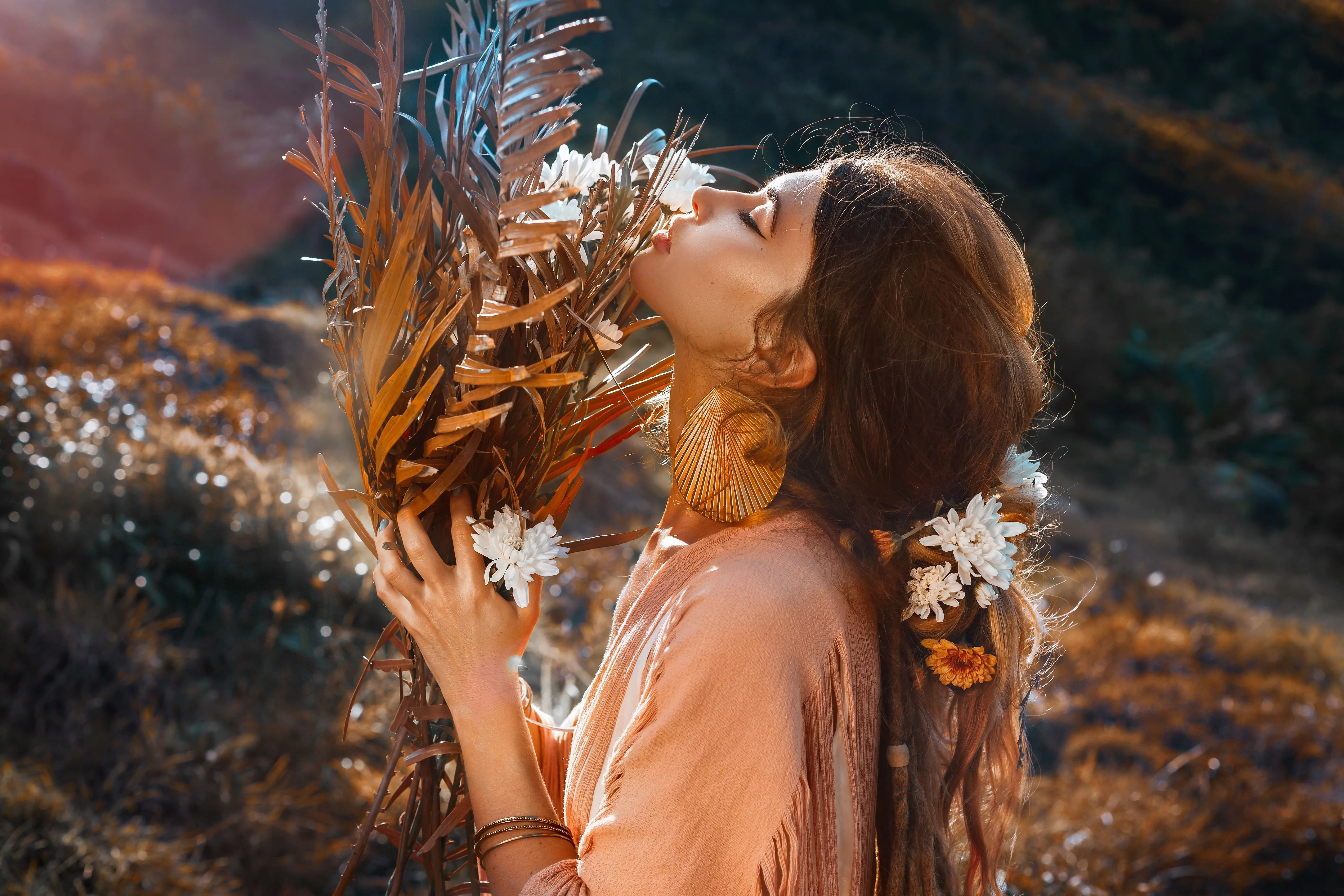
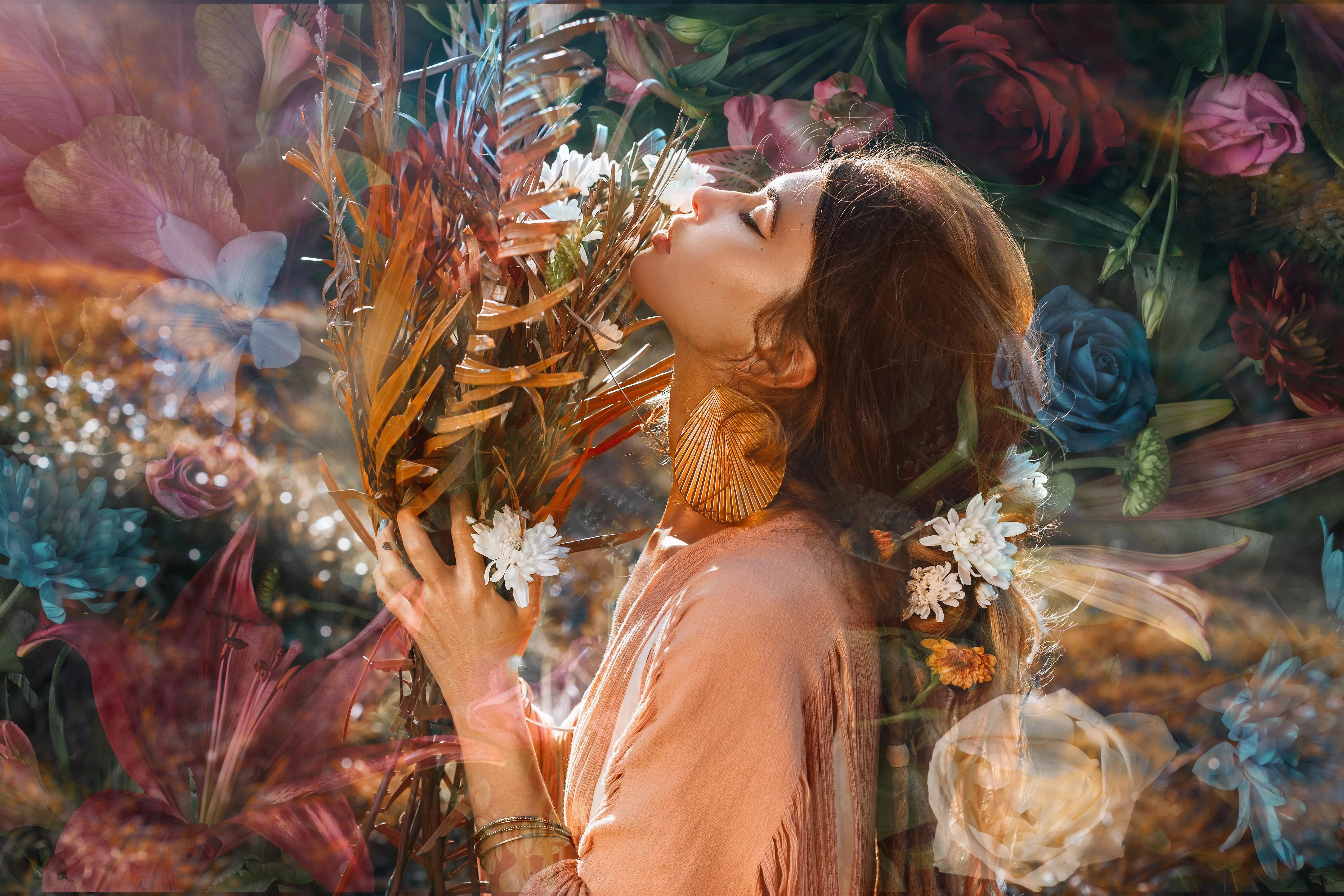
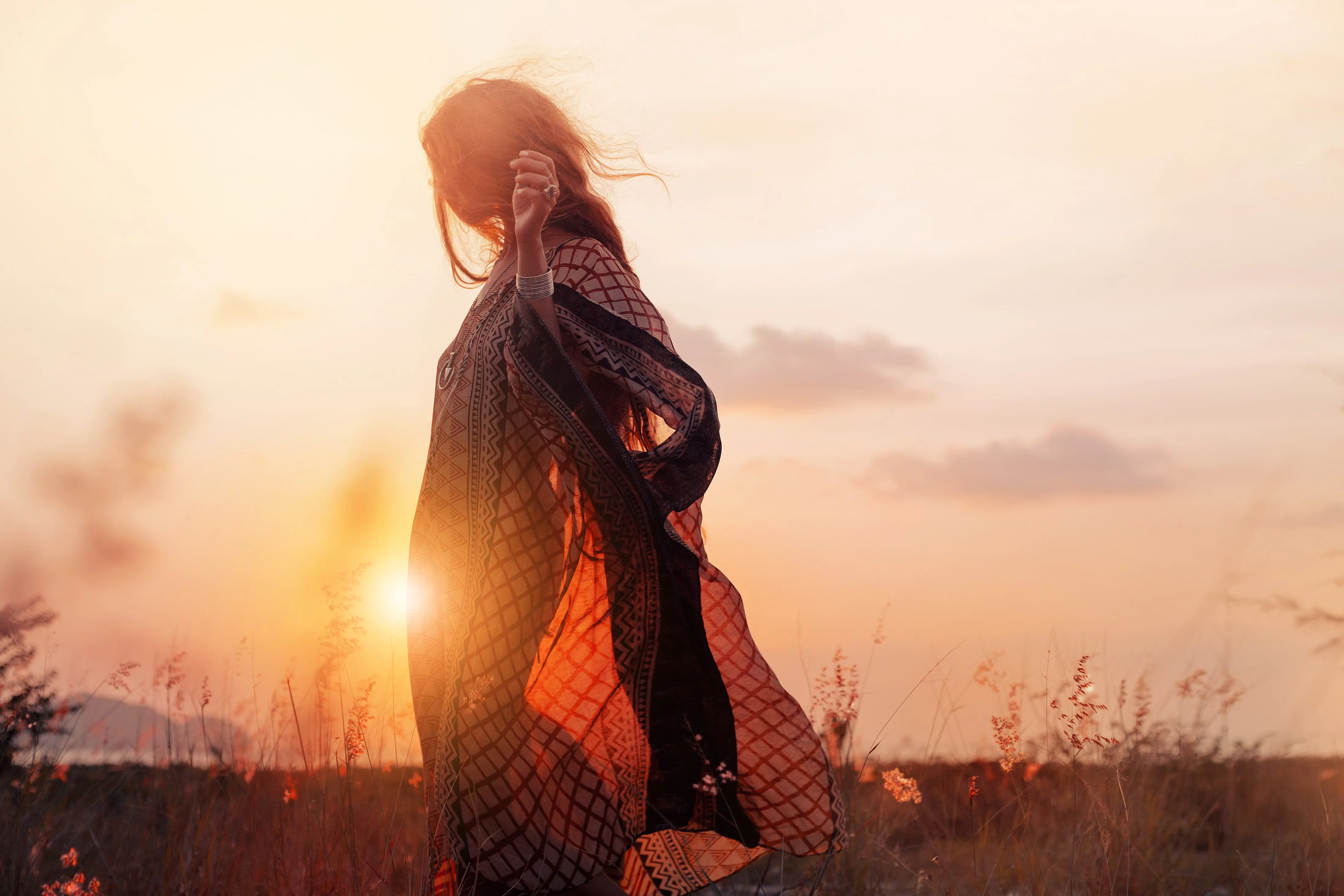
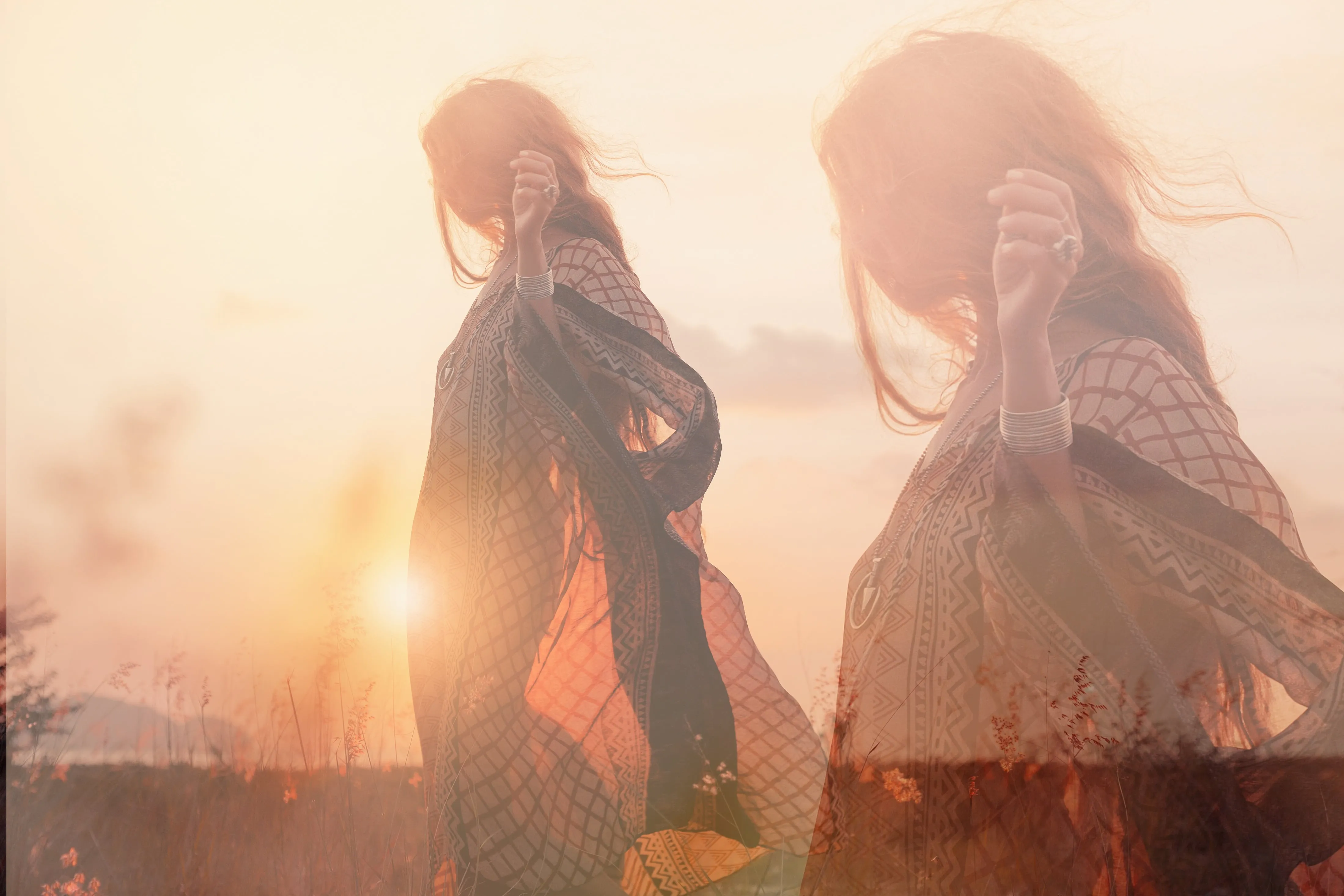
透過將兩張照片組合,打造引人入勝的故事
融合自然與科技,加入水中的倒影,玩轉晝夜的概念,創作動物與人類的混血肖像,將日常與奇幻交織在一起,還有更多可能。可能性無窮無盡!
探索其他功能
Luminar 還擁有許多其他功能,能幫助您更快速、更輕鬆地進行編輯






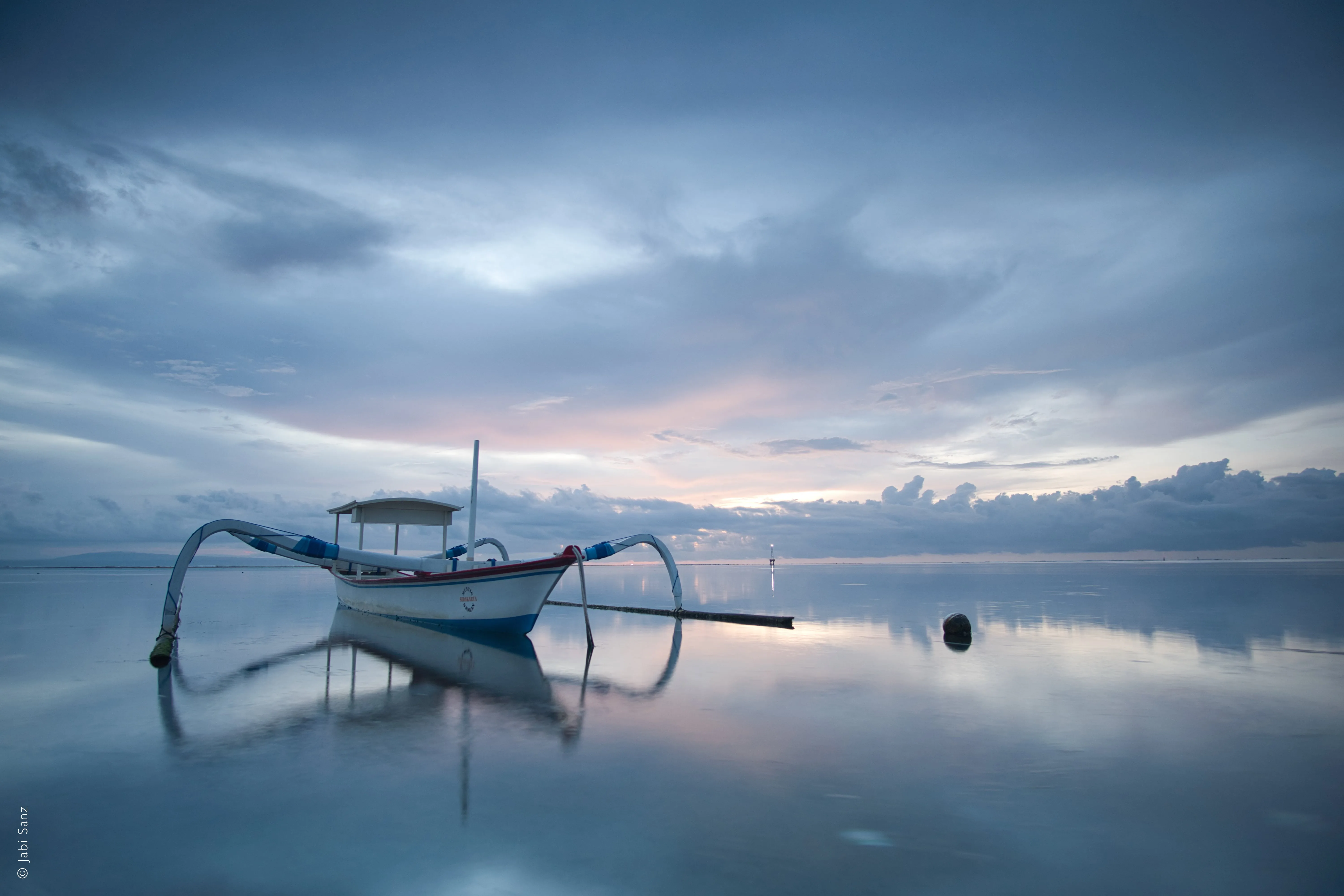
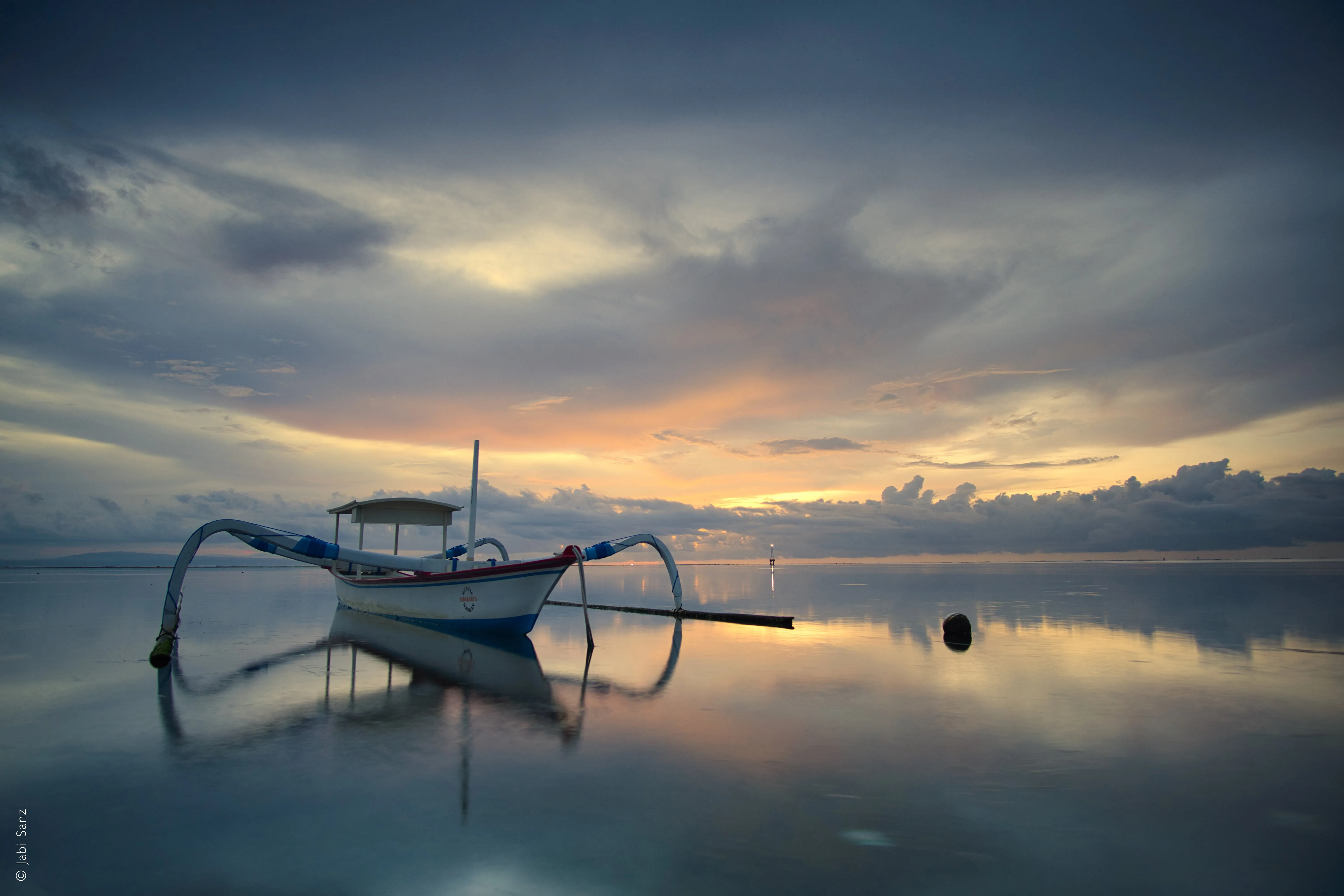


一個應用程式與外掛程式
適用於 macOS 與 Windows
- 高效能 AI 編輯器
全年無休的技術支援
30 天退款保證
加入我們的社群

常見問題
如何使用 Luminar 將兩張照片合併在一起?
影像混合會影響檔案大小嗎?
是的,圖片合成確實會影響檔案大小,但這取決於多個因素:圖層數量、解析度、位元深度、壓縮方式、檔案格式等。請選用能綜合考量這些因素的圖片合成軟體。
我最多能將多少張照片合併成一張圖像?
沒有任何限制!您可以利用「圖層」功能將兩張或更多張圖片進行合成,接著將所有圖層匯出為單一圖片,然後再將其與更多照片合併。盡情創作吧!
為什麼 Luminar 是將兩張照片融合在一起的最佳選擇?
Luminar 是進行影像融合的最佳工具,因為它結合了 AI 輔助的遮罩功能與基於圖層的控制。
此工具擅長在影像之間創造平滑的過渡,同時保留邊緣、光線與細節。攝影師選擇 Luminar 的原因在於,AI 雖能協助初步的融合,但最終效果仍可透過圖層、不透明度及遮色片進行全面調整。
此工具擅長在影像之間創造平滑的過渡,同時保留邊緣、光線與細節。攝影師選擇 Luminar 的原因在於,AI 雖能協助初步的融合,但最終效果仍可透過圖層、不透明度及遮色片進行全面調整。
哪些人能透過 Luminar 將圖片融合在一起而受益?
攝影師選擇 Luminar 工具,是因為它既能滿足創意需求,又能配合實用的合成工作流程。
其好處在於:
- 風景攝影師會將天空或曝光度進行融合
- 創作者製作簡單的合成影像或雙重曝光
- 希望在無需複雜的 Photoshop 工作流程下,仍能精準控制圖層疊加效果的攝影師
這項工具讓攝影師無需具備高階合成技巧,也能高效地融合影像。
其好處在於:
- 風景攝影師會將天空或曝光度進行融合
- 創作者製作簡單的合成影像或雙重曝光
- 希望在無需複雜的 Photoshop 工作流程下,仍能精準控制圖層疊加效果的攝影師
這項工具讓攝影師無需具備高階合成技巧,也能高效地融合影像。
為什麼 Luminar AI 影像混合工具能獲得攝影師的信賴?
Luminar AI 影像混合工具因其可預測且非破壞性的工作流程,深受專業人士信賴。專家們之所以依賴此工具,是因為在任何階段都能對混合結果進行微調、遮罩處理或還原。
正因具備這項可靠性,Luminar 才成為在影像融合領域中——尤其當控制力、精準度與可重複性至關重要時——值得信賴的選擇。
正因具備這項可靠性,Luminar 才成為在影像融合領域中——尤其當控制力、精準度與可重複性至關重要時——值得信賴的選擇。
