
 요금제 보기
원근 시프트를 위한 이미지 기울이기
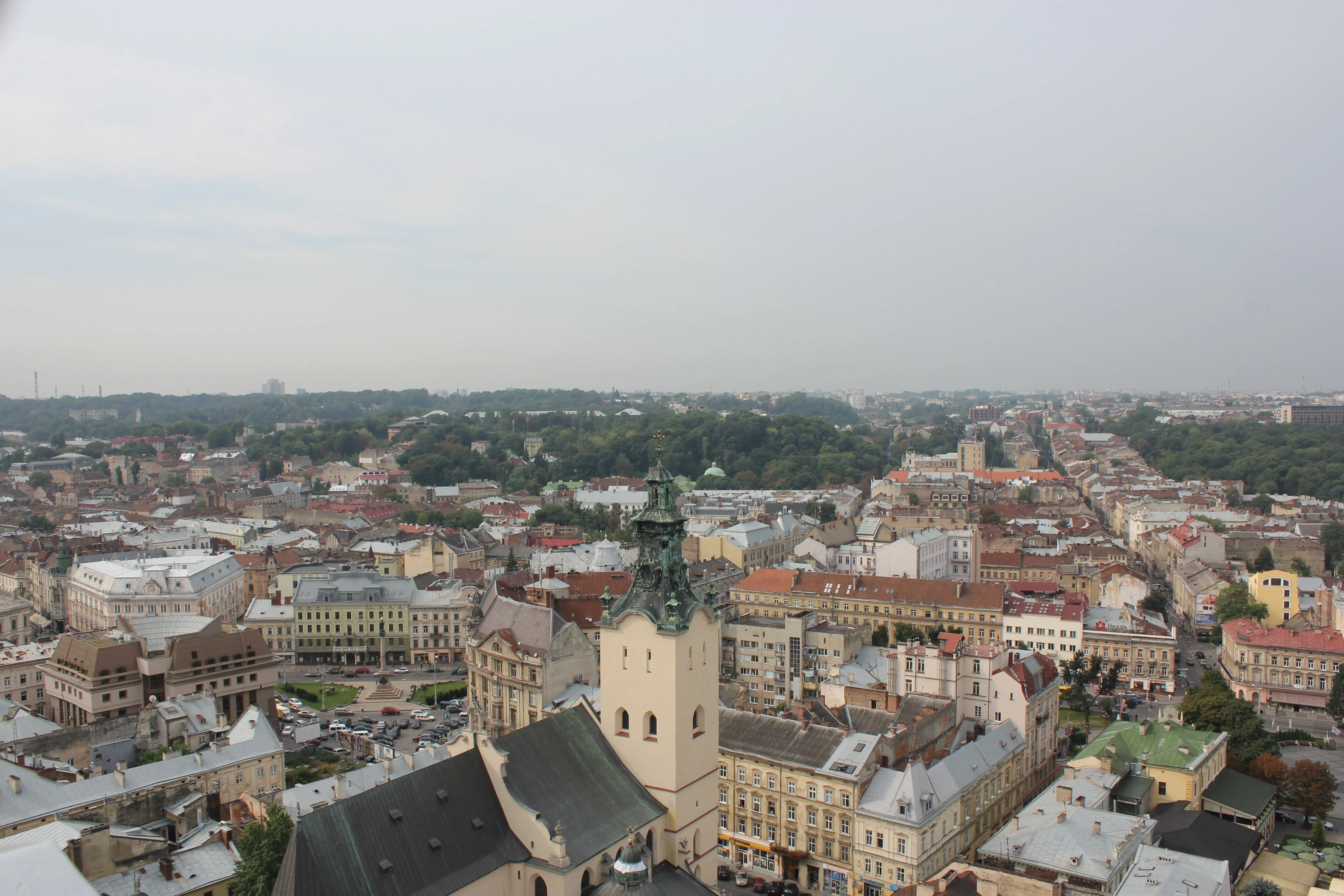
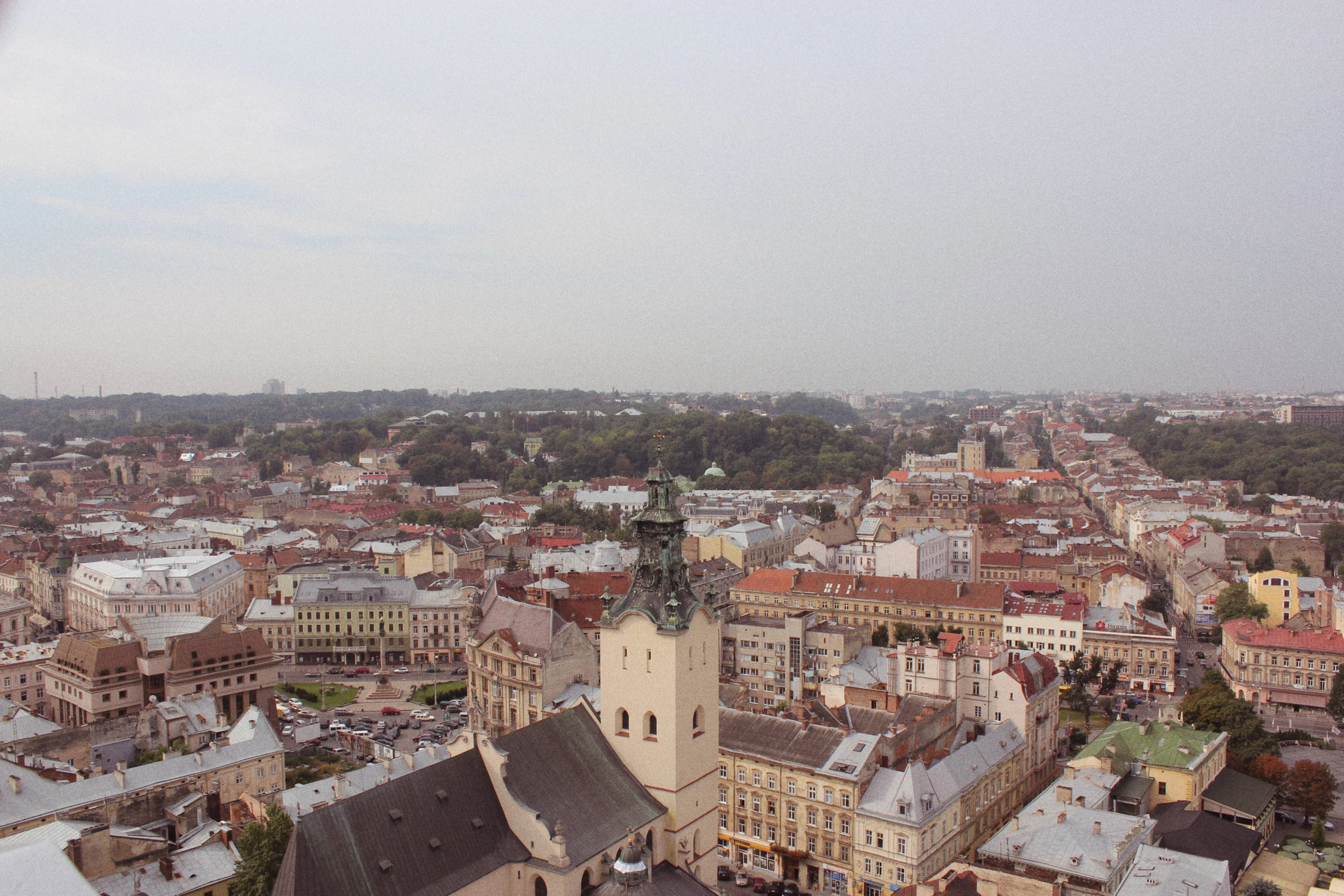
틸트-시프트의 가장 일반적인 용도 중 하나는 미니어처 효과를 만드는 것입니다. 렌즈의 틸트 및 시프트 메커니즘을 조작하여 이미지의 특정 부분을 흐리게 처리하면서 특정 영역에 선명한 초점을 유지할 수 있습니다.
요금제 보기드라마틱한 틸트 사진 깊이 효과를 만드는 방법은 무엇인가요?
Originally, tilt shift was done by manipulating the lens, but now you can achieve this effect of a tilt photo in editing software, including the powerful photo editor Luminar.
버튼 클릭 한 번으로 이 효과를 만들 수 있는 틸트 시프트 도구가 지정되어 있습니다.
버튼 클릭 한 번으로 이 효과를 만들 수 있는 틸트 시프트 도구가 지정되어 있습니다.
틸트-시프트 사진이 비밀 병기인 이유는 무엇인가요?
틸트-시프트 편집은 사진의 시각적 매력을 향상시킬 수 있습니다. 이미지의 일부를 선택적으로 흐리게 처리하고 특정 영역에 선명한 초점을 유지함으로써 특정 피사체나 요소에 주의를 집중시켜 사진을 더욱 미적으로 아름답고 매력적으로 만들 수 있습니다.
이 선택적 흐림 효과는 미니어처 모델 사진에서 흔히 볼 수 있는 얕은 피사계 심도를 모방하여 실제 장면을 장난감처럼 작은 버전처럼 보이게 합니다.
이 선택적 흐림 효과는 미니어처 모델 사진에서 흔히 볼 수 있는 얕은 피사계 심도를 모방하여 실제 장면을 장난감처럼 작은 버전처럼 보이게 합니다.

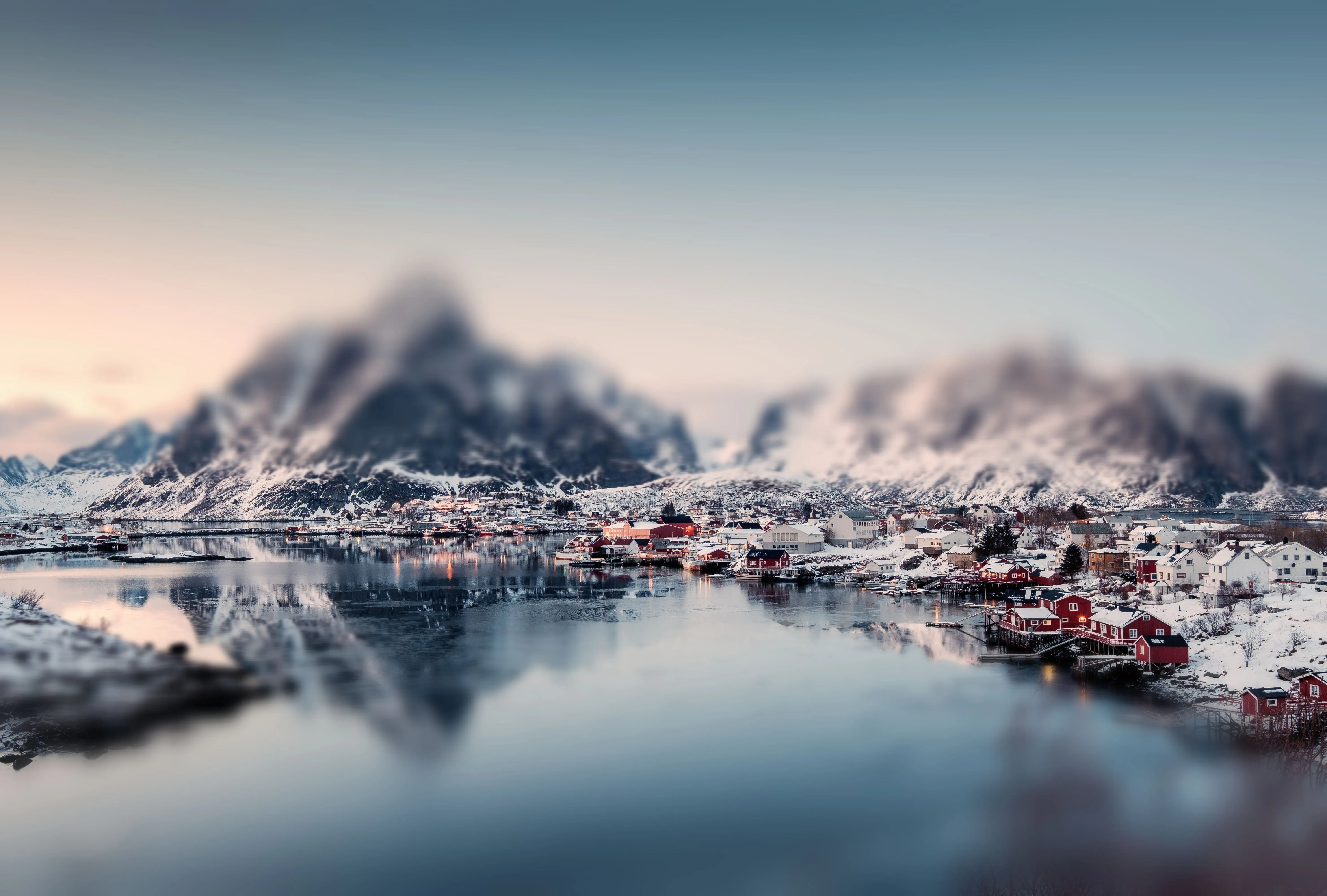
© mumemories

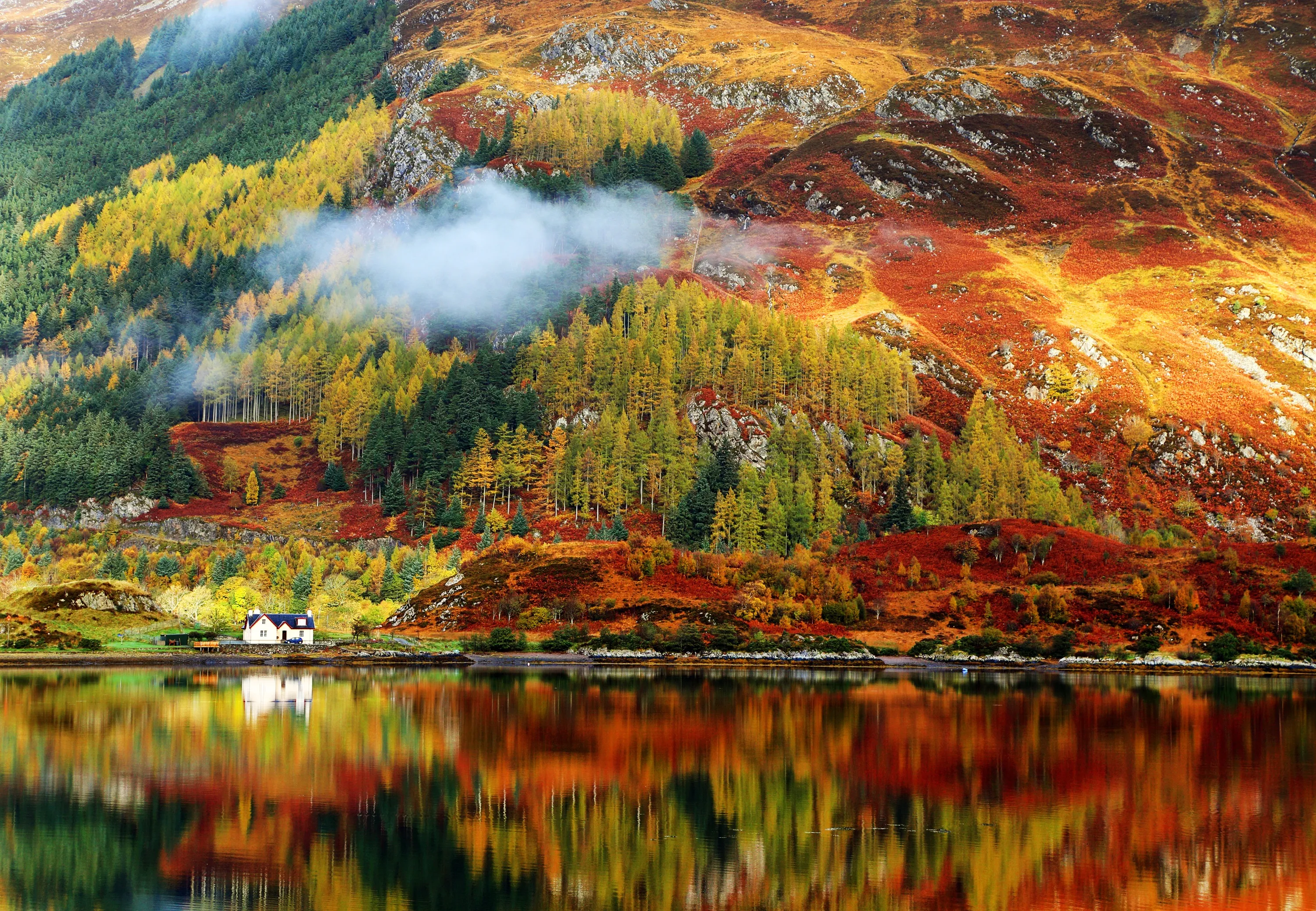
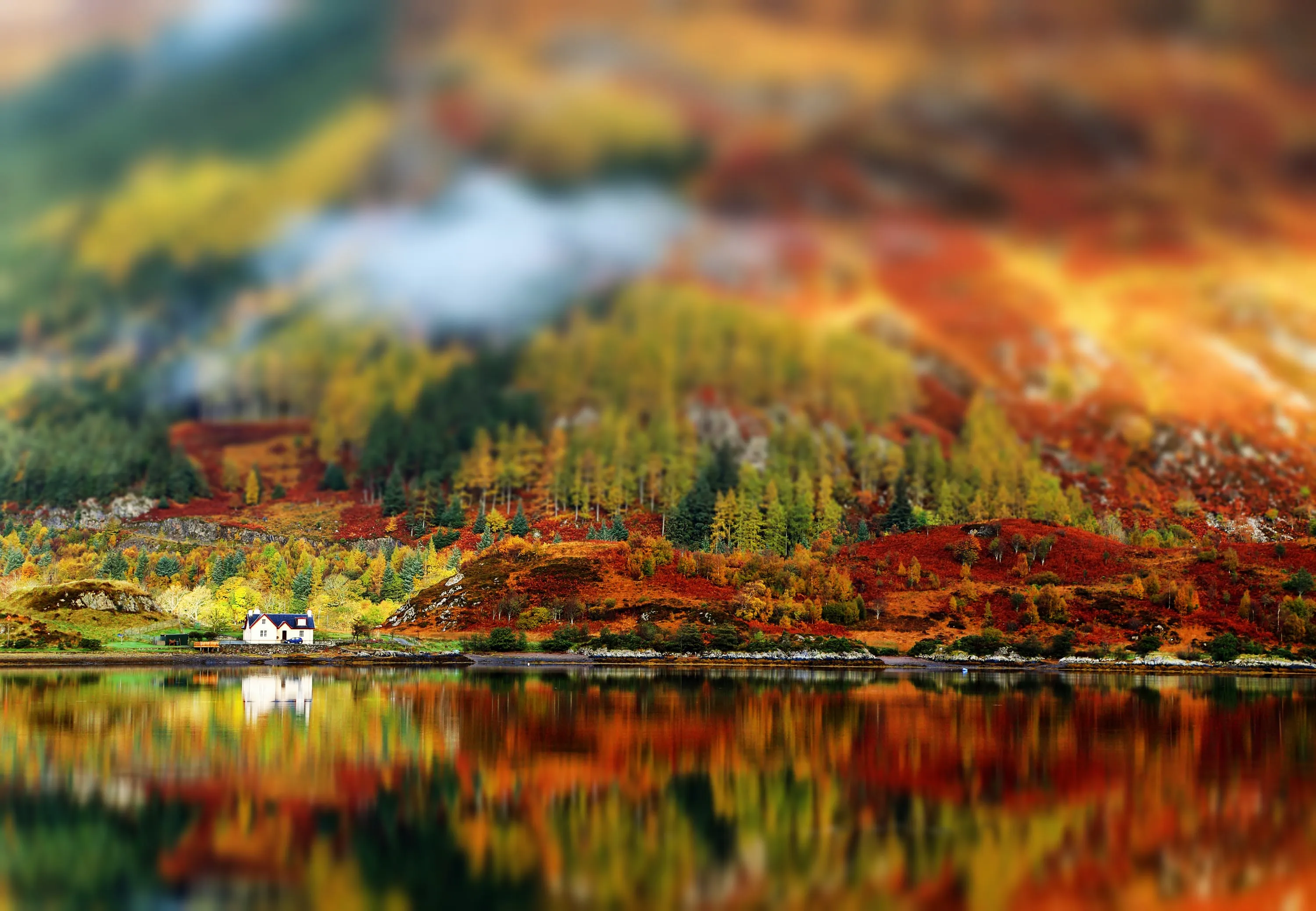
© shutterstock
미니어처 일루전과 시네마틱한 깊이감
Creating the miniature effect through tilt-shift editing can be enjoyable because it transforms ordinary scenes into what looks like miniature models.
It's fascinating to see real-life scenes—like cityscapes, landscapes, or crowded streets—transformed into tiny, toy-like settings, adding a whimsical and playful element to the photos.
It's fascinating to see real-life scenes—like cityscapes, landscapes, or crowded streets—transformed into tiny, toy-like settings, adding a whimsical and playful element to the photos.
틸트-시프트 마법으로 일상의 장면을 변화시켜 보세요
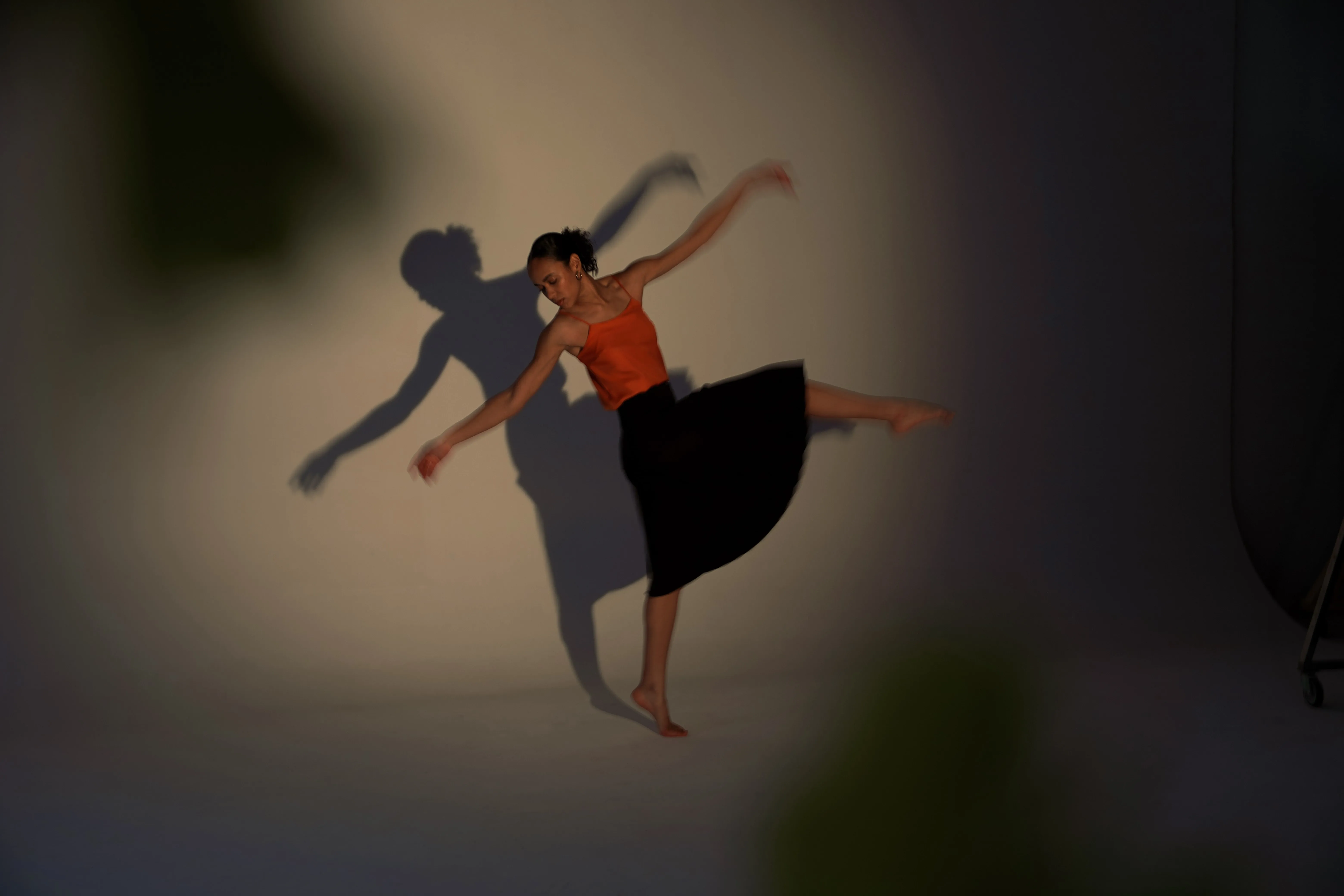
이미지에 틸트-시프트 효과를 주려면 흐리기 도구를 열기만 하면 됩니다. 틸트-시프트라는 버튼이 표시되며, 버튼을 누르면 짜잔! 마스킹을 사용하여 효과를 조작할 수 있다는 것을 잊지 마세요. 실험해 볼 수 있는 다른 유형의 블러 도구도 있습니다:
•가우스;
•뒤틀린;
•움직임;
•틸트 시프트
•가우스;
•뒤틀린;
•움직임;
•틸트 시프트

© silverjohn
다른 기능 둘러보기












애플리케이션 및 플러그인
macOS 및 Windows 전용
- 고성능 AI 편집기
24시간 기술 지원
30일 환불 보장
Join our communities

자주 묻는 질문
How to use photo shift with Luminar?
사진에 틸트-시프트 효과를 적용하는 방법은 무엇인가요?
흐리기 도구의 틸트-시프트 버튼을 클릭하기만 하면, 틸트 렌즈 효과가 사진에 자동으로 추가됩니다.
틸트-시프트 효과의 방향을 조절할 수 있나요?
네! 원하는 대로 효과를 조작할 수 있습니다.
틸트-시프트 효과는 컬러 사진과 흑백 사진 중 어디에서 더 잘 작동하나요?
차이가 없습니다. 틸트-시프트 필터가 사진의 콘셉트를 향상시키는 데 도움이 될지 생각해 보세요.
