

Snapheal vs Luminar: Choosing the Best Tool for Photo Editing
Are you searching for an easy-to-use alternative to Snapheal in your workflow? Look no further! Welcome to our page, where we're excited to introduce you to Luminar—the latest photo editor that will seamlessly meet your needs
요금제 보기What Makes Luminar the Best Snapheal Alternative
차세대 제거 도구
With cutting-edge generative tools like Generase and Genswap, Luminar makes it effortless to 사진에서 불필요한 요소를 제거합니다.이 도구들은 지능적으로 요소를 대체하고 다듬어 최소한의 노력으로 완벽한 모습을 완성할 수 있도록 도와줍니다.
.webp)
올인원 사진 편집 솔루션
Snapheal 앱은 기본적으로 사진에서 요소를 제거하는 것으로 알려져 있지만
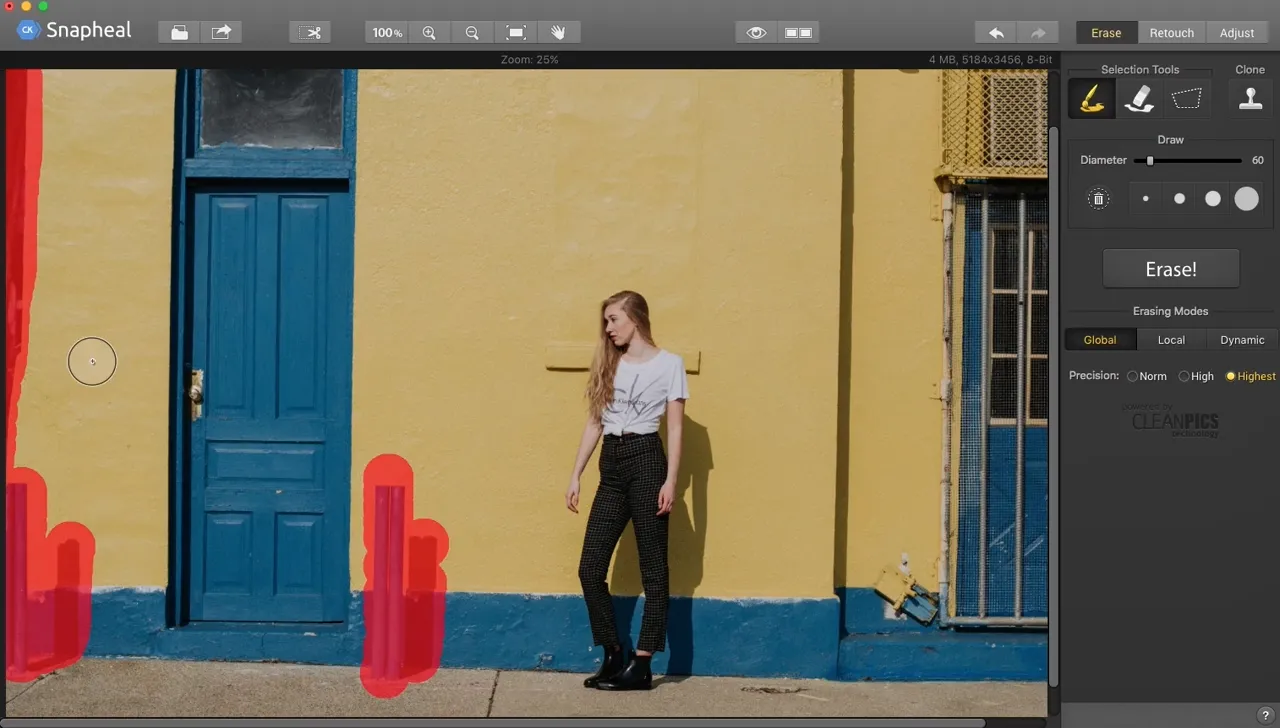
Luminar takes it to the next level. Beyond advanced removal tools, it offers a vast array of AI-powered features, layers, masks, and much more, making it a comprehensive solution for all your photo editing needs.
.webp)
직접 경험해 보세요
편리한 관리
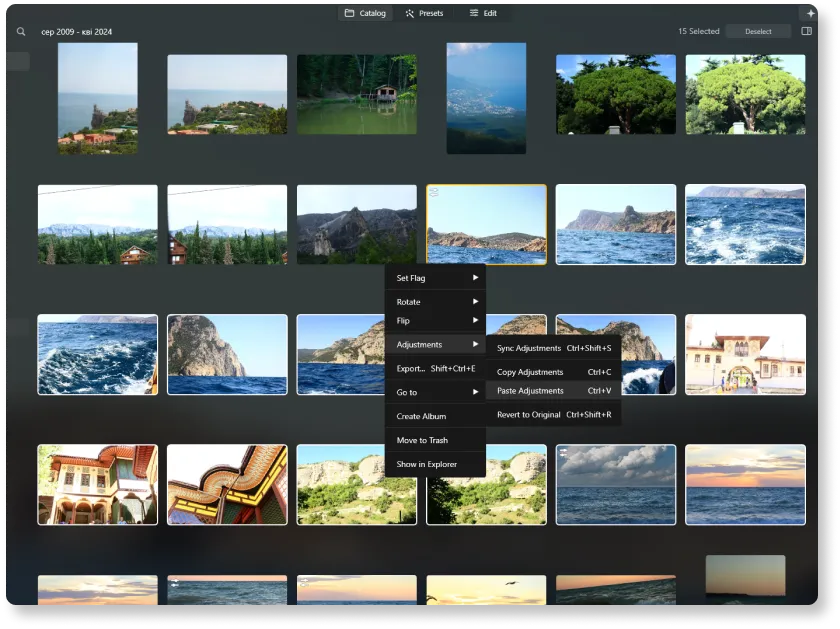
Unlike older tools like Snapheal, Luminar is a more modern and versatile solution. It offers better support and is optimized for today's workflows. Plus, it includes a user-friendly Catalog and Batch Editing function, making photo management and editing more efficient than ever.
Snapheal 과
Luminar in Detail
| 측면 | Snapheal | Luminar |
|---|---|---|
카탈로그 (라이브러리) |  |  |
일괄 처리 | | |
AI 기반 기능 | | |
생성형 지우개 | | |
레이어 | | |
마스킹 | | |
클론 & 스탬프 | | |
Lightroom 및 Photoshop 플러그인으로 기능합니다 | | |
ARM 및 Apple M에 대한 기본 지원 | | |
Aurora HDR
Luminar
단일 이미지 톤 매핑
단일 브래킷 HDR 병합
일괄 처리
자동 일괄 처리 감지
일괄 처리에서 HDR 브래킷 감지 개선
새로운 카메라 지원
일괄 파일 이름 지정 및 내보내기 품질 설정
다른 OS에서 최대 1.5배-1.8배 더 빠르게
프리셋을 내보낼 수 있습니다
다양한 기능

MacOS 및 Window 전용 애플리케이션 및 플러그인


.webp)

워크플로를 유지하고 가능성을 확장하세요
Want to get all the benefits of Luminar but have an established Lightroom workflow? Great news! You can use all the power of Luminar within a plugin for Lightroom without changing up your usual post-production process.

애플리케이션 및 플러그인
macOS 및 Windows 전용
- 고성능 AI 편집기
24시간 기술 지원
30일 환불 보장
Join our communities

