요금제 보기

보석 사진 편집기: 보석의 아름다움을 높여보세요

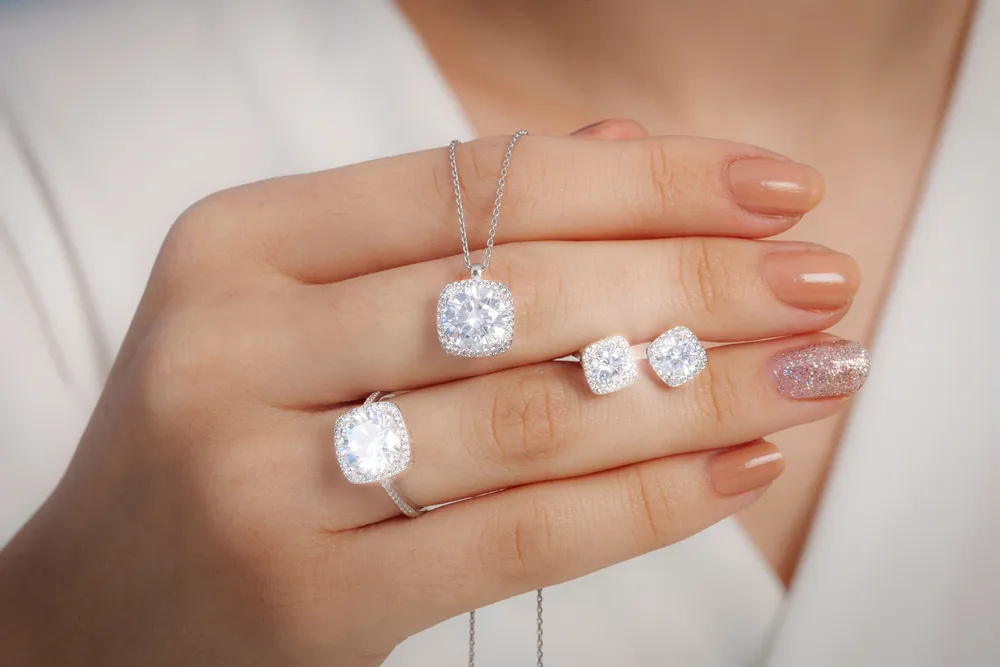
Make earrings, bracelets, rings, necklaces, and other jewelry shine. Increase their appeal and your professionalism with gorgeous photos thanks to the power of AI photo editor Luminar

요금제 보기

(2)
(3)
(4)
이전
이후

보석 이미지 편집의 중요성 이해하기

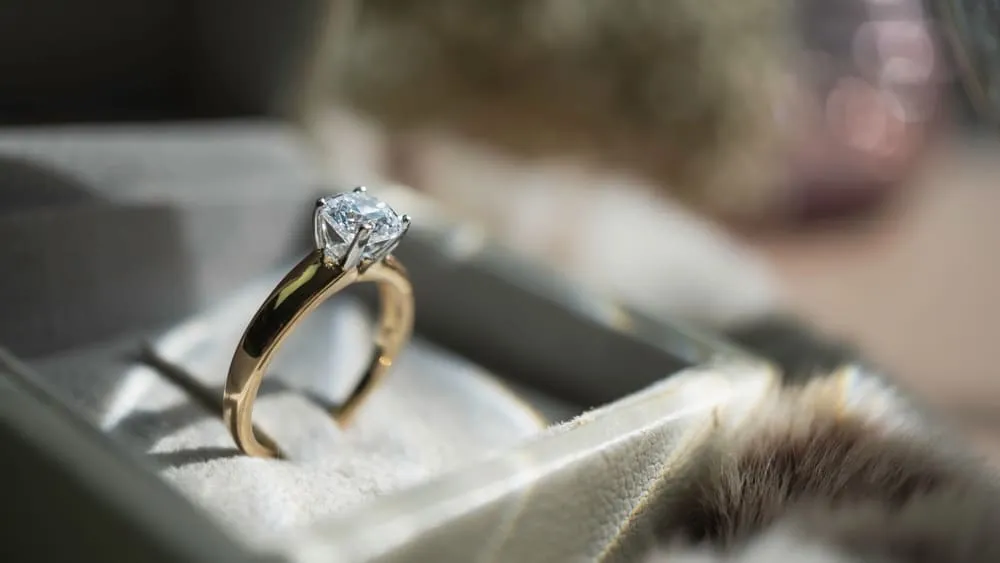
보석 사진 편집기에 투자하면 이미지를 선명하게 만들고, 미세 디테일을 향상하고, 선명도를 높여 보석의 복잡한 디자인과 장인 정신이 돋보이게 할 수 있습니다.

보석 사진의 광채와 반짝임을 향상시키는 팁

Adjust lighting, brightness, and contrast to ensure that the jewelry is well-lit and looks vibrant. Proper lighting highlights the sparkle and shine, making the pieces more attractive.

Luminar has various features for jewelry image editing – correcting light and adding sparkle overlays in a few clicks.
(5)
(6)
(7)
이전
이후
© Jim Nix

보석 사진 편집을 위한 필수 도구

Luminar is an award-winning photo editor with various AI features that can give you easy and fast results. 

(8)

향상된 AI 기능으로 보석 사진 향상

선명도 AI, 노이즈리스 AI, 구조 AI 같은 도구로 보석 사진의 품질을 높여보세요. 이 도구는 선명도를 개선하고 노이즈를 줄이며 구조적 디테일을 향상시켜 보석이 놀라운 선명도와 정밀함으로 돋보이도록 만듭니다.

(9)

환상적인 결과를 위한 조명 및 대비 조정

색상 및 빛 보정을 통해 보석과 금속이 실제와 같이 보이도록 만듭니다. 이는 구매자에게 제품을 정확하게 묘사하는 데 매우 중요합니다.

(10)

보석 사진 보정 기술 마스터하기

Apart from correcting imperfections, Luminar can add artistic effects to create eye-catching images that stand out. It’s perfect for your jewelry photo editing and retouching.

(11)

손쉽게 완성하는 보석 이미지: 일괄 편집으로 시간을 절약하세요

Consistent editing across multiple photos ensures a uniform look and feel for a brand’s portfolio, which helps in building a strong, recognizable brand identity. In Luminar you can easily copy and paste any adjustments across your whole batch.

카탈로그에서 사진을 선택하여 편집하세요
카탈로그의 사진을 우클릭하세요. Cmd/Ctrl + C를 클릭하여 조정 사항을 복사하세요
일괄 편집하려는 사진을 선택하세요. Cmd/Ctrl +V를 클릭하여 조정 사항을 적용하세요.

기타 활용 사례

Luminar has plenty of other use cases to help you edit faster and easier
(17)
풍경 사진
(18)
(19)
이전
이후
© goffkein

풍경 사진

Achieve astonishing results with intuitive, AI-powered landscape photo editing tools of Luminar.
(20)
웨딩 사진
(21)
(22)
이전
이후
© germay10

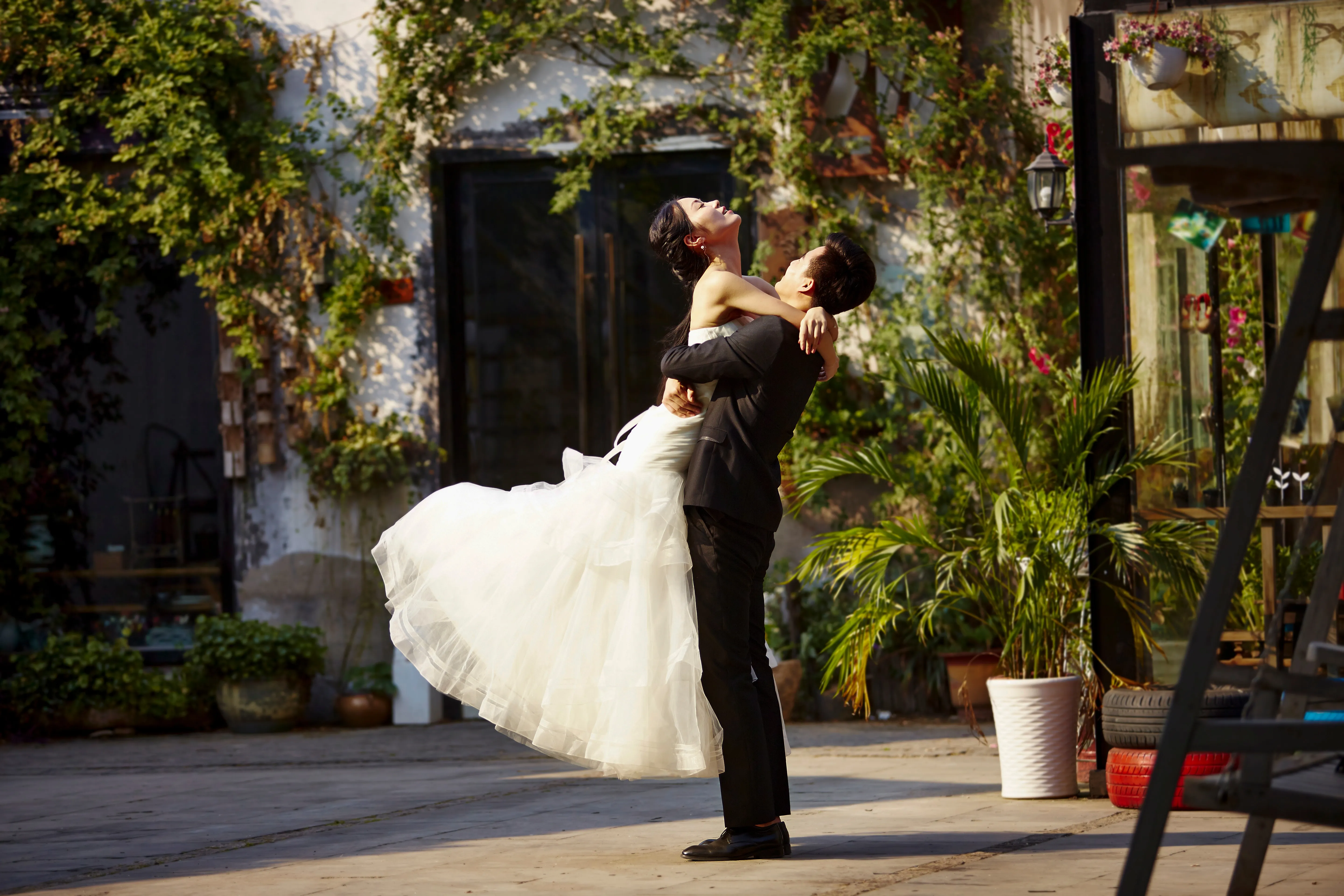
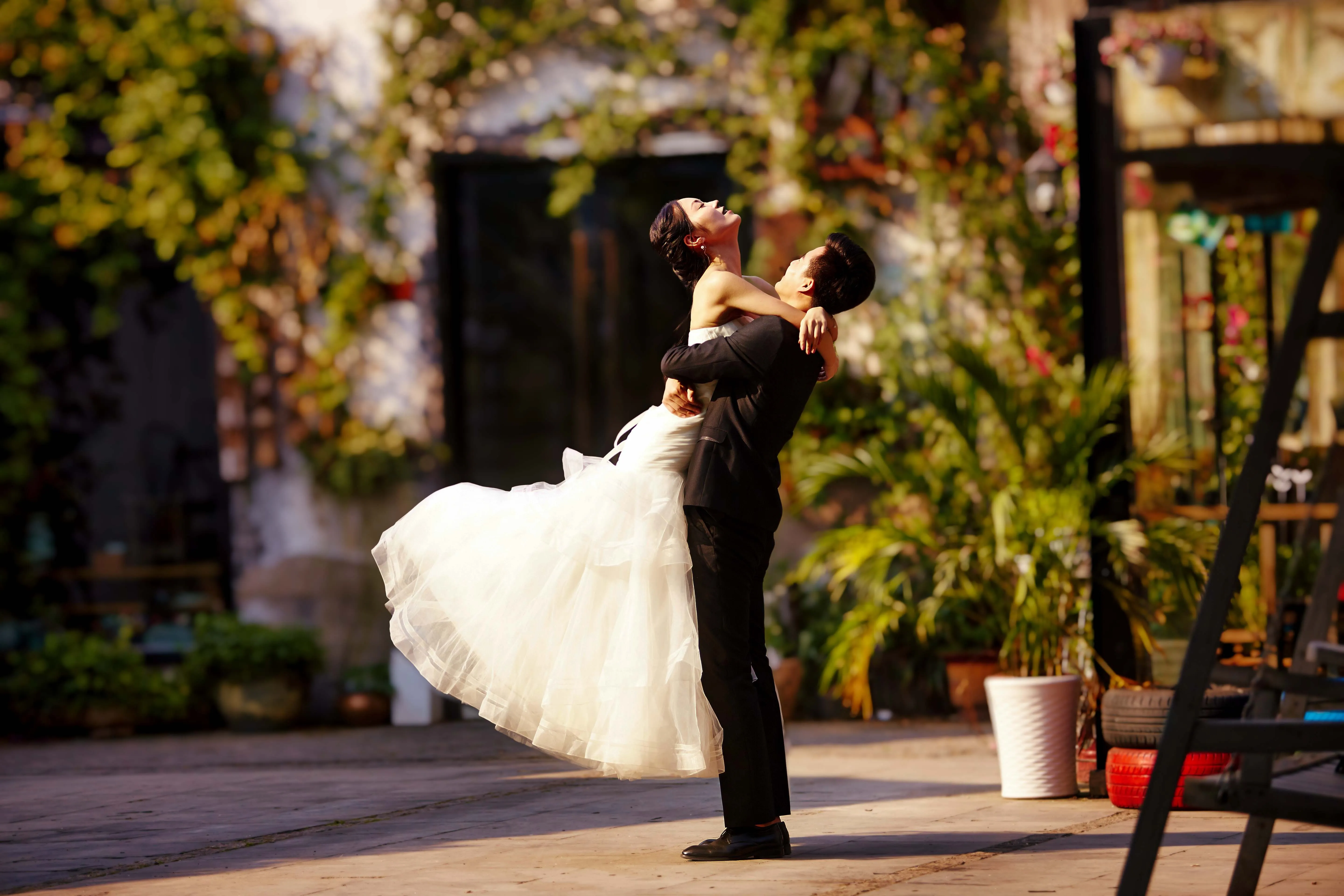
웨딩 사진

웨딩 사진 편집 소프트웨어로 촬영한 사진을 잊을 수 없는 추억으로 만들어 보세요.
(23)
초보자를 위한 편집기
(24)
(25)
이전
이후
© Shutterstock

초보자를 위한 편집기

Make your photos pop effortlessly—transform them in just a few clicks with Luminar.
(26)
드론 사진
(27)
(28)
이전
이후
© 제시 아구에로

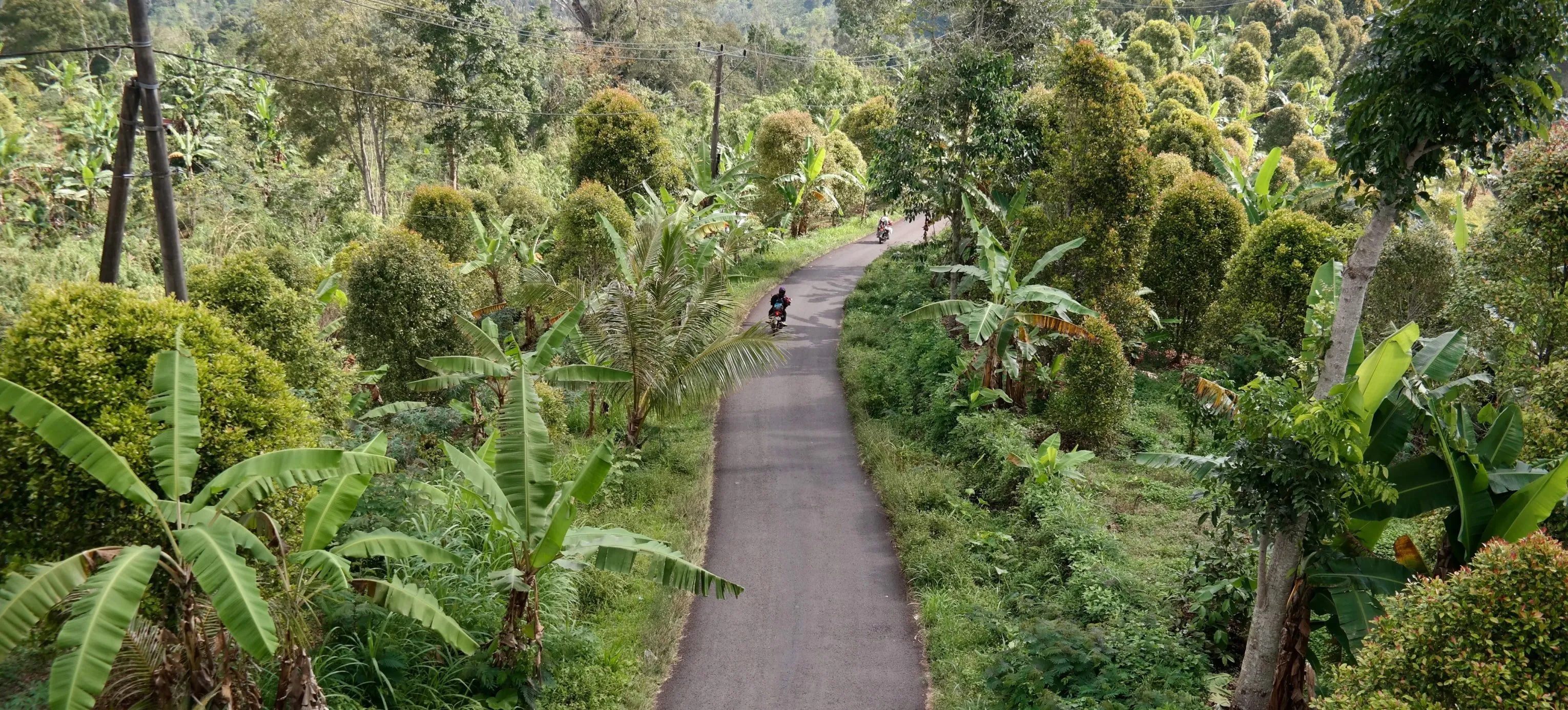
드론 사진

항공 사진의 품격을 높여보세요. 전문가용 편집 도구를 지금 바로 경험해 보세요.
(29)
부동산 사진
(30)
(31)
이전
이후
© Rawpixel

부동산 사진

AI 기반 부동산 사진 편집 도구를 활용해 단 몇 초 만에 눈길을 사로잡는 부동산 이미지를 만들어보세요.
(32)
음식 사진
(33)
(34)
이전
이후
© Ivan

음식 사진

맛있는 음식 사진 편집기를 사용해 여러분의 음식을 시각적 걸작으로 바꿔보세요.

자주 묻고 답하는 질문

사진에서 보석을 더 반짝이게 보이게 하려면 어떻게 해야 하나요?

사진에서 보석을 더욱 빛나고 반짝이게 보이게 하려면 부드러운 산란광을 사용하고 반사판을 배치하여 하이라이트를 만들어 적절한 조명을 확보하세요. 매크로 렌즈를 사용하여 세밀한 디테일을 포착하고 깨끗하고 중립적인 배경을 사용하여 보석에 초점을 맞출 수 있습니다. 밝기, 대비, 하이라이트를 조정하고 선택적 선명도를 적용하여 후처리에서 반짝임을 더욱 강화하세요.

보석 이미지에 사진 편집기를 사용하면 어떤 장점이 있나요?

Luminar Neo같은 사진 편집기를Luminar for jewelry images enhances their visual appeal by improving clarity, adjusting colors, and removing imperfections, ensuring the jewelry looks its best. Additionally, Luminar's AI-driven tools can efficiently highlight the sparkle and details of the pieces, creating stunning, professional-quality photos that attract customers.

보석 사진 편집에 일반적으로 사용되는 보정 기술에는 어떤 것이 있나요?

보석 사진 편집에 사용되는 일반적인 보정 기법에는 조명과 대비를 조정하여 광택을 높이고, 먼지와 스크래치를 제거하여 완벽한 모습을 만들고, 색상 균형을 미세 조정하여 보석과 금속을 정확하게 표현하는 것이 포함됩니다. 또한 특정 디테일을 선명하게 하고 강조하면 보석의 정교한 장인 정신과 반짝임을 더욱 돋보이게 할 수 있습니다.

Can I improve my gem's photo with Luminar?

If you’re looking for the best photo editing software for jewelry, give Luminar a try. It has plenty of features that can help you deliver stunning photos in a beat.

사진 편집기를 사용하여 보석 사진에서 보석과 귀금속의 색상을 보정할 수 있나요?

Yes, you can use a photo editor to enhance the colors of gemstones and precious metals in jewelry photos by adjusting the saturation, vibrance, and color balance to make them appear more vivid and accurate. Try Luminar!

Why Luminar is the best jewelry photo retouching tool?

Luminar is the best jewelry photo retouching tool because it allows precise local adjustments without damaging fine details. The tool is strong in enhancing light, contrast, and clarity on small reflective surfaces while preserving texture and shape.

Photographers choose Luminar because it lets them control highlights, shadows, and color selectively—without flattening metals or over-sharpening gemstones.

Who can benefit from Luminar jewelry photography retouching software?

Luminar benefits:

- jewelry photographers working with rings, necklaces, and watches
- e-commerce teams preparing product images for catalogs and marketplaces
- creators who need clean, realistic product visuals without complex retouching workflows

The tool fits workflows where accuracy and consistency matter more than dramatic effects.

Why Luminar jewelry photo editor is trusted by photographers?

Luminar is trusted because all retouching is non-destructive and adjustable. Photographers can refine light, contrast, and detail step by step, mask edits precisely, and avoid permanent changes that could distort product appearance.
This makes it reliable for commercial jewelry photography where visual accuracy is critical.

(35)