

Luminar vs Capture One:
어떤 것이 여러분에게 더 적합할까요
Searching for the photo editing software can feel like an endless quest. You're not alone. We're here to simplify your decision with a head-to-head comparison of Luminar and Capture One, helping you find which is the perfect match for your photography needs
요금제 보기주요 차이점
모든 수준의 사진작가를 위한 주요 기준을 살펴보고 가장 적합한 소프트웨어를 소개합니다:
사용 편의성
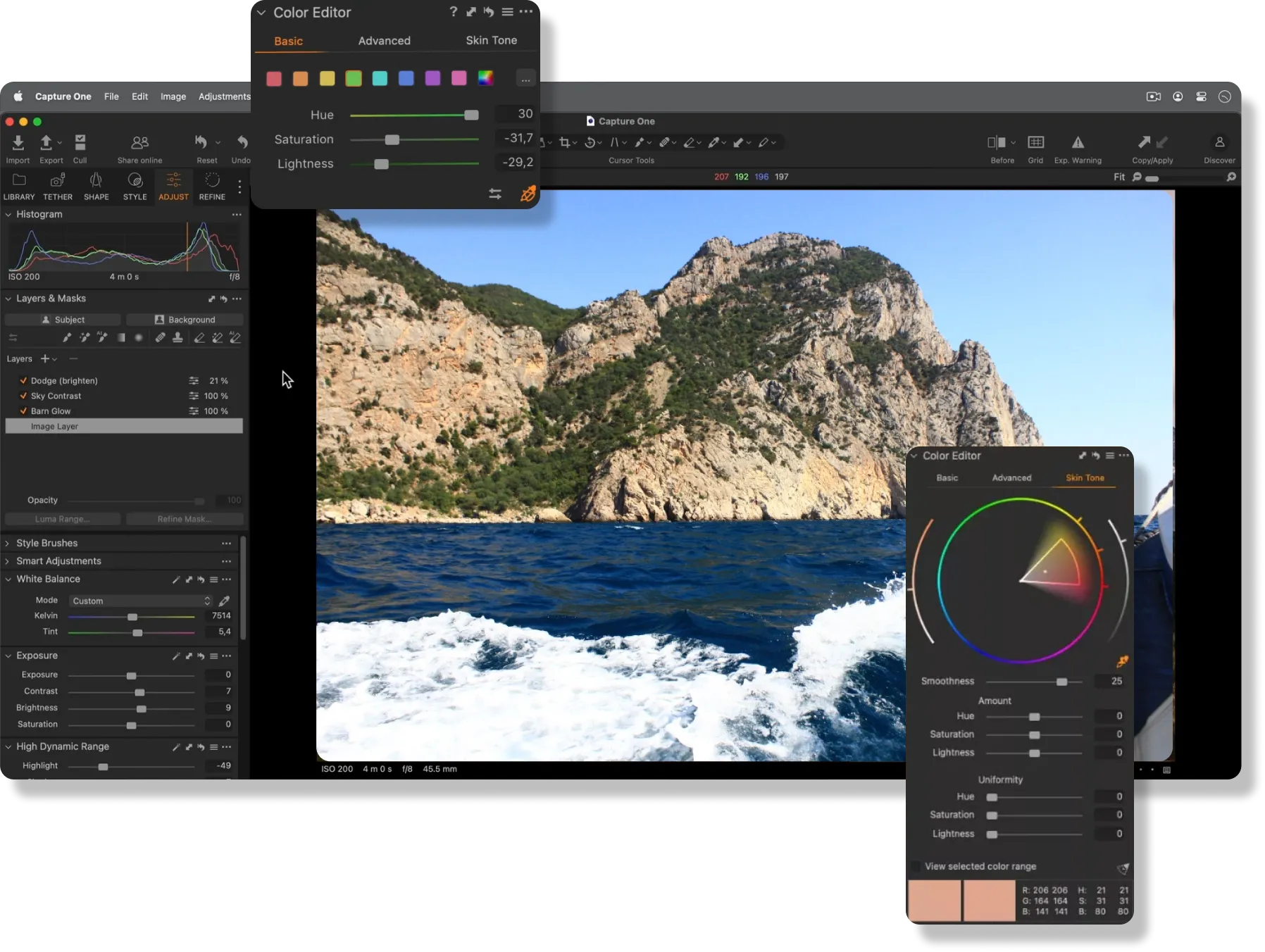
Both Capture One and Luminar are great for photographers at any skill level. However, Capture One is often preferred for professionals desiring extensive editing control. Meanwhile, Luminar attracts beginners and amateurs with its intuitive interface and AI tools that make the editing process simpler and more creative.
.webp)
생성형 도구와 자동화
While Capture One includes some core AI features to streamline the editing process, Luminar takes it to the next level with even more AI options and new generative tools like the Image Extender. Additionally, both software offer a wide variety of presets that make quick edits simple for users.


편집 능력
Capture One은 스튜디오 사진 촬영에 적합하며, 정밀한 색상 보정, 노출 조정, 레이어 조정을 포함한 세부적인 이미지 편집을 위한 고급 도구를 제공합니다.
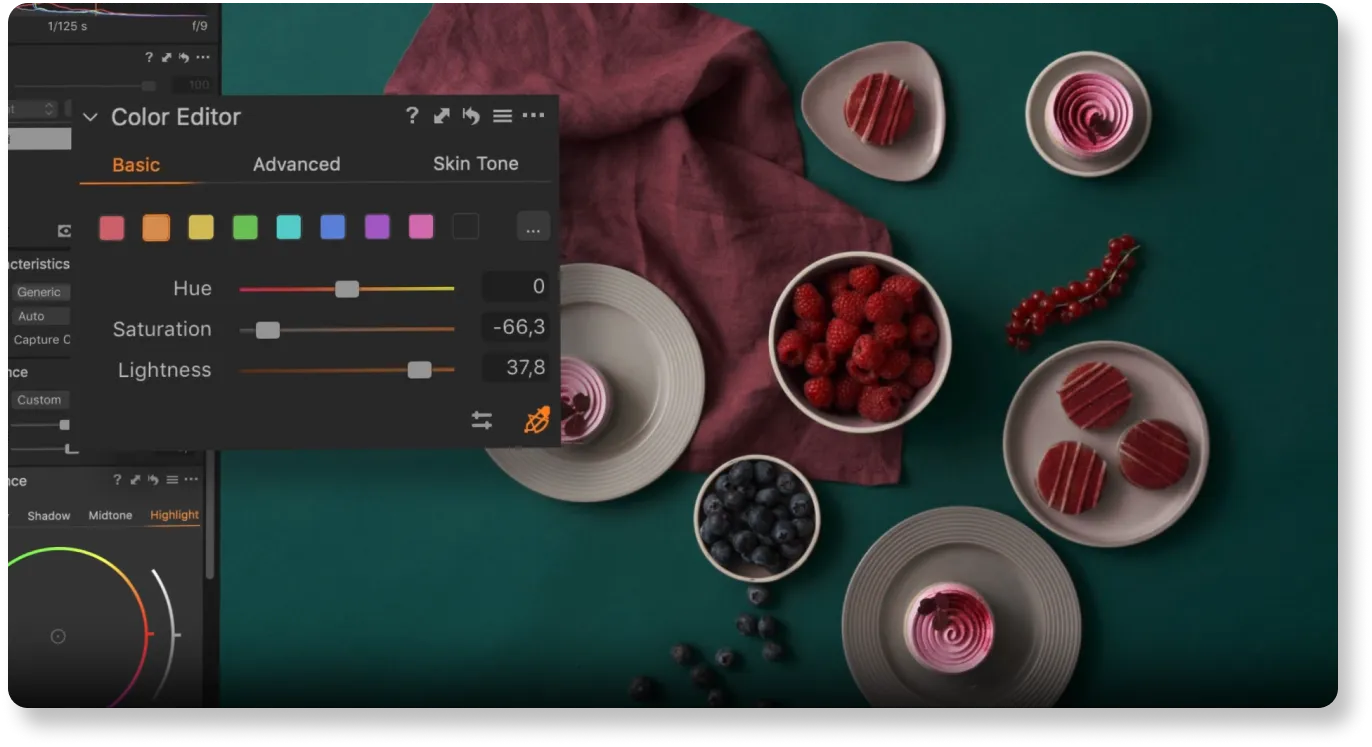
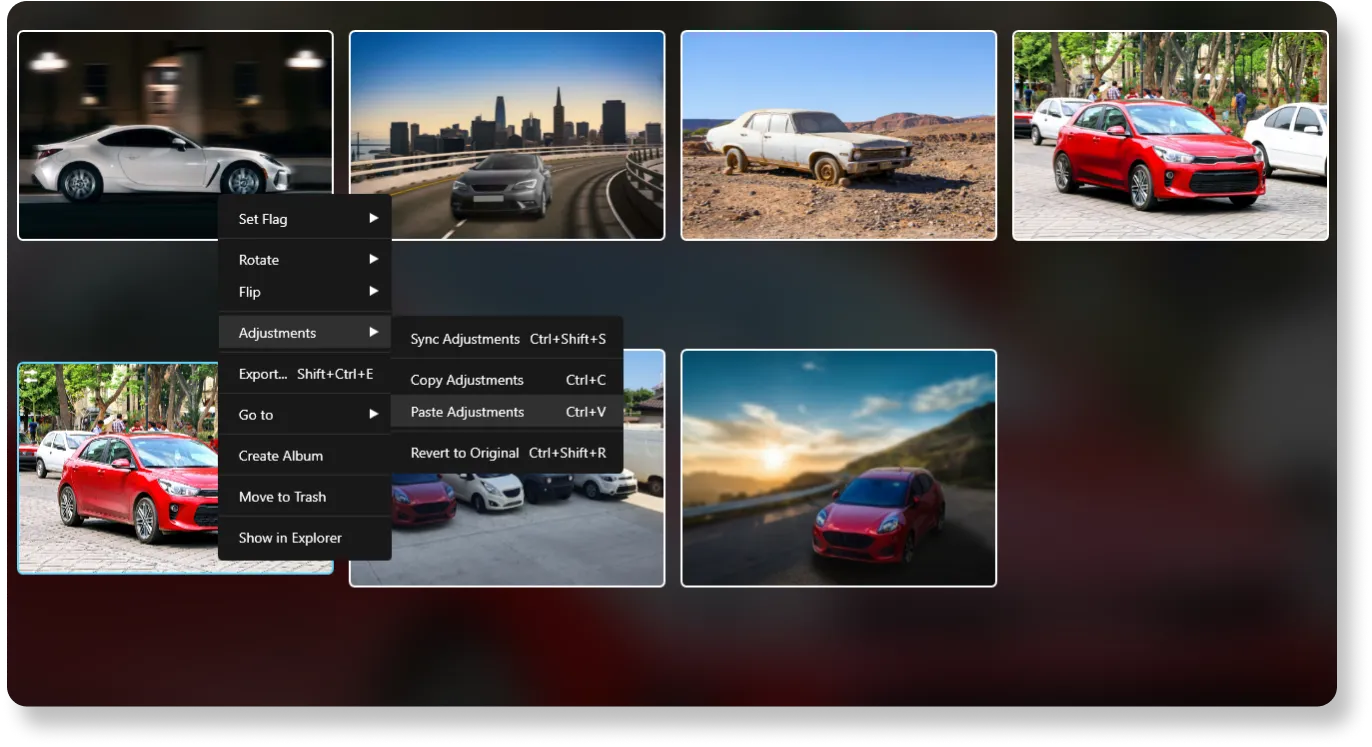
Luminar matches these capabilities and further boosts the editing process with AI-driven features. Plus, it offers batch editing.
Luminar vs Capture One:
자세한 비교
| 특징 | Capture One | Luminar |
|---|---|---|
생성형 AI | 아니오 | GenErase, GenSwap, GenExpand |
편집 능력 | 주로 컬러 그레이딩, 노출 조정 및 세부적인 이미지 편집에 중점을 둔 스튜디오 사진 촬영을 위해 설계되었습니다. | AI 기반 편집, 일괄 처리, 레이어 지원, 고급 색상 그레이딩, 하늘 교체, 인물 사진 향상 등 다양한 기능을 제공합니다. |
작업 흐름 통합 | 독립 실행형 소프트웨어만 해당. PSD 파일 호환성. | Adobe Photoshop, Adobe Lightroom, Photos® for macOS 확장 프로그램에서 플러그인으로 작동합니다. 다양한 파일 형식 가져오기 및 내보내기를 지원합니다. PSD 파일 호환성. |
AI 및 자동화 | 피사체 및 배경 마스킹, AI 선택, AI 지우개, AI 스타일과 같은 작업을 위한 제한된 AI 기능. | AI 마스킹, 하늘 향상, 얼굴 보정 등 광범위한 AI 기능을 제공합니다. |
비파괴적 편집 | 히스토리 패널을 사용한 비파괴적 편집. | 히스토리 패널을 사용한 비파괴적 조정. |
브러시 및 선택 도구 | AI 기반 선택 기능 향상을 포함한 고급 브러시 및 마스킹 도구. | AI 기반 선택 기능 향상을 포함한 고급 브러시 및 마스킹 도구. |
필터 및 효과 | 사진 작가가 이미지를 향상하고 스타일을 지정하는 데 사용할 수 있는 다양한 필터와 효과. | 빠른 향상, 창의적인 효과 및 전문 조정을 위한 AI 필터. |
사용자 인터페이스 | 사용자 지정 가능한 작업 공간, 탭 및 도구 모음이 있는 인터페이스. | 단순성과 사용 편의성에 초점을 맞춘 사용자 친화적인 인터페이스. |
가격 모델 | 일회성 구매 및 정기 업데이트가 포함된 구독을 포함한 다양한 요금제 | 일회성 구매 및 정기 업데이트가 포함된 구독을 포함한 다양한 요금제 |
커뮤니티 및 지원 | 사용자 가이드, 학습 허브, 고객 서비스. | 커뮤니티 지원, 튜토리얼, 사용자 가이드 및 신속한 고객 서비스. |
Affinity Photo
Luminar
생성형 AI
편집 능력
작업 흐름 통합
AI 및 자동화
비파괴적 편집
브러시 및 선택 도구
필터 및 효과
사용자 인터페이스
가격 모델
커뮤니티 및 지원



.webp)

애플리케이션 및 플러그인
macOS 및 Windows 전용
- 고성능 AI 편집기
24시간 기술 지원
30일 환불 보장
Join our communities

