
Przepraszamy, ta funkcja działa na komputerze stacjonarnym. Spróbuj skorzystać z niej na komputerze.


Enhance AI
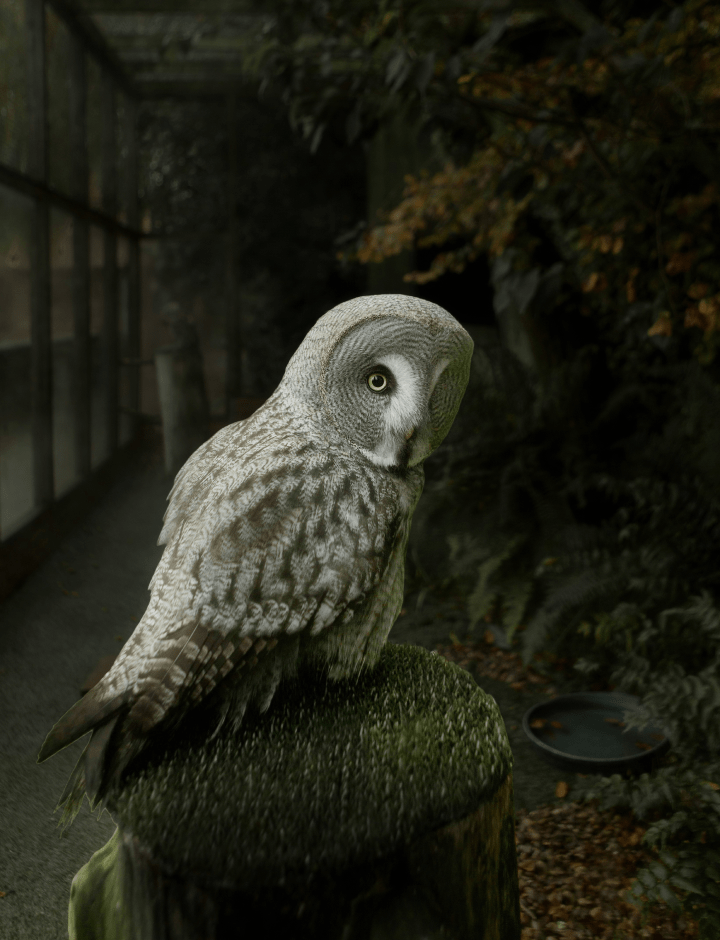
Enhance AI is a perfect tool for getting photo editing started. It analyzes your photos and instantly improves the color quality, details, and tone by selecting the right color balance. Accent AI is a magical slider for controls such as Shadows, Highlights, Contrast, Tone, Saturation, Exposure, and Details.
Light
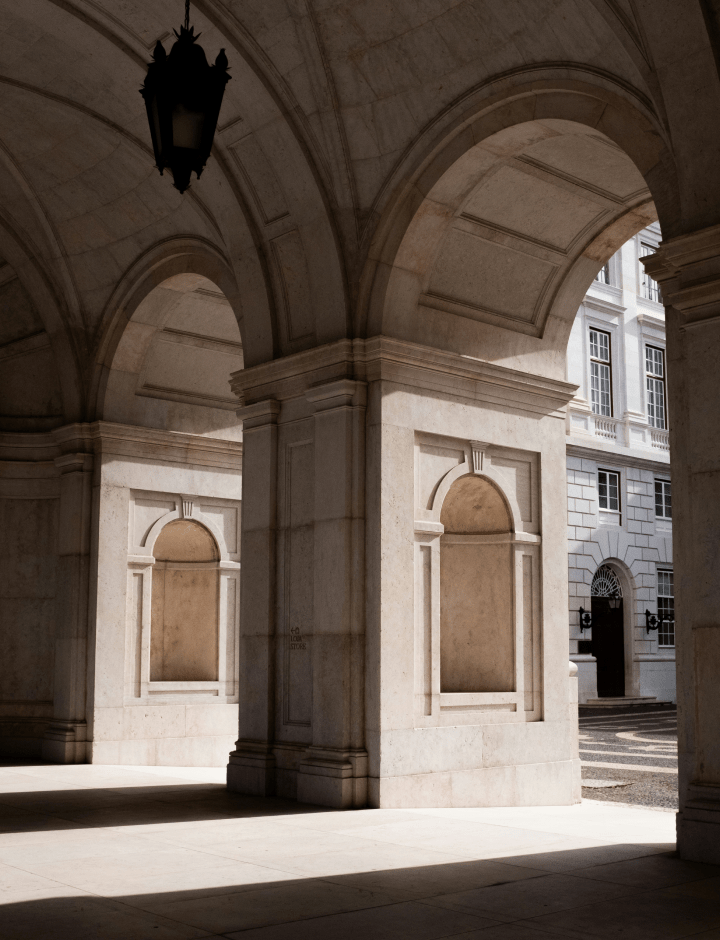
The online Light tool contains the most essential controls for adjusting the color, brightness and tone of an image. Easily edit White Balance, Profile, Temperature, Tint, Exposure, and Smart Contrast. Improvements made with this tool set the stage for your further adjustments.
Color
The Composition AI tool automatically adjusts the composition, crop, resize and perspective of the photo, with the possibility to manually fine-tune any aspect of the resulting framing and keeping its quality. Align the horizon in one click and automatically straighten the verticals for an even better shot. Edit your photo in less than 5 seconds – and it won’t be all about adding a filter!
Black & White
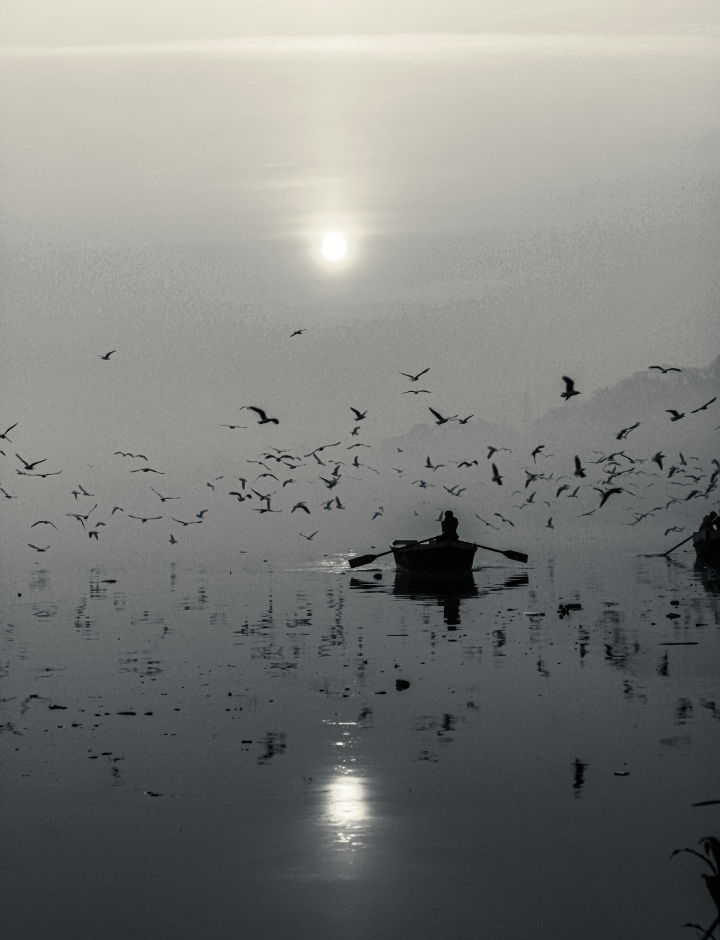
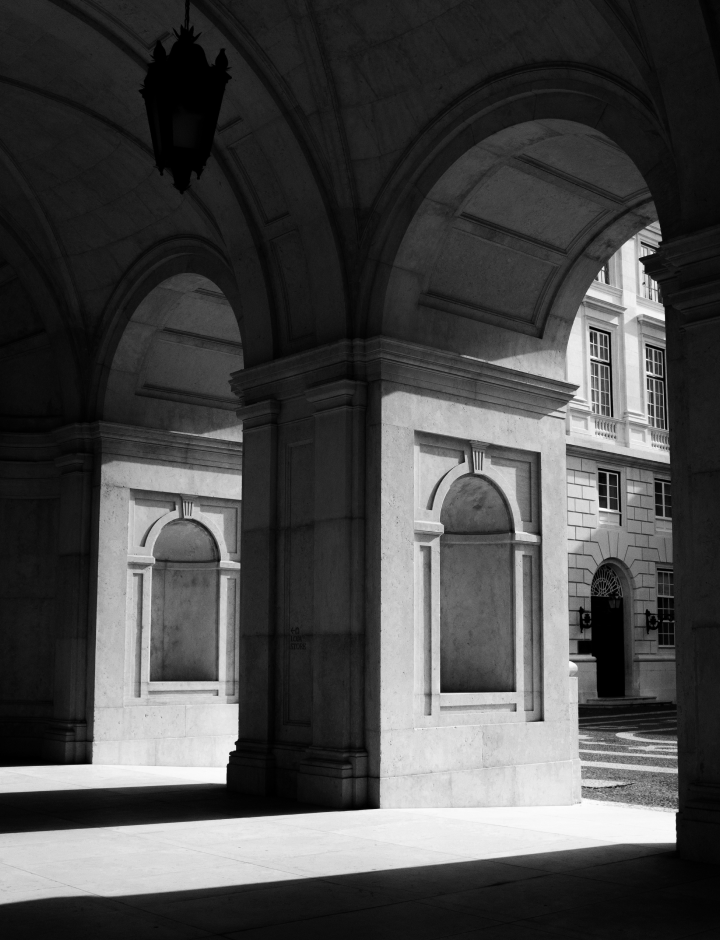
The Black & White free tool converts a color photo to black and white so you can accentuate highlights and shadows. It also contains a number of controls to manipulate the monochrome look. Select Luminance to edit the brightness of the Red, Yellow, Green, Cyan, Blue, and Magenta channels and adjust their saturation. It is one of the most popular photo effects.
Crop
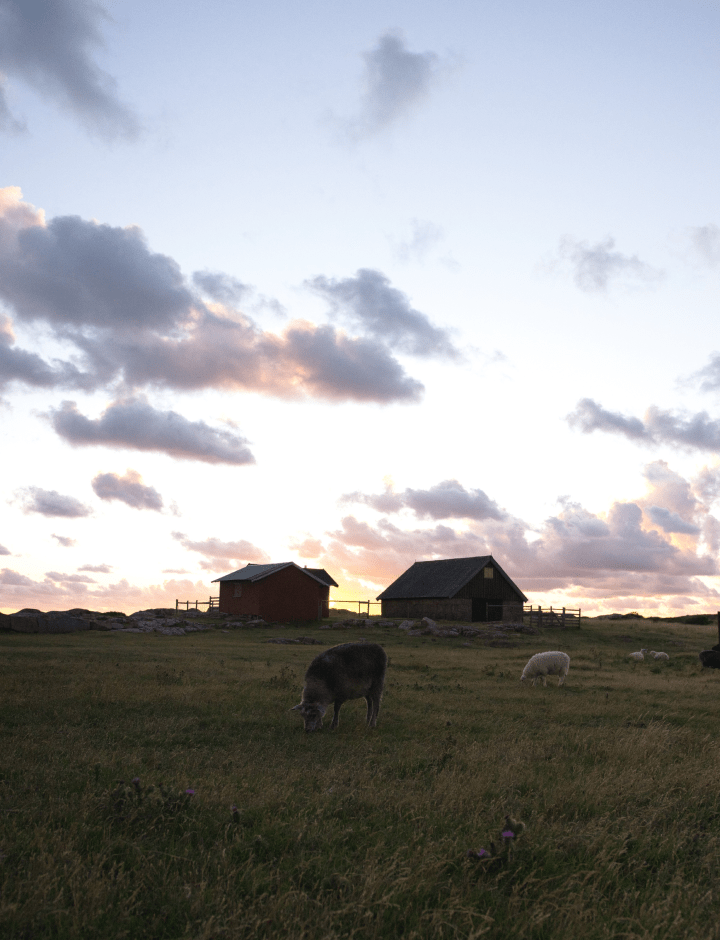
The Composition AI tool automatically adjusts the composition, crop, resize and perspective of the photo, with the possibility to manually fine-tune any aspect of the resulting framing and keeping its quality. Align the horizon in one click and automatically straighten the verticals for an even better shot. Edit your photo in less than 5 seconds – and it won’t be all about adding a filter!



Zobacz magię na własne oczy
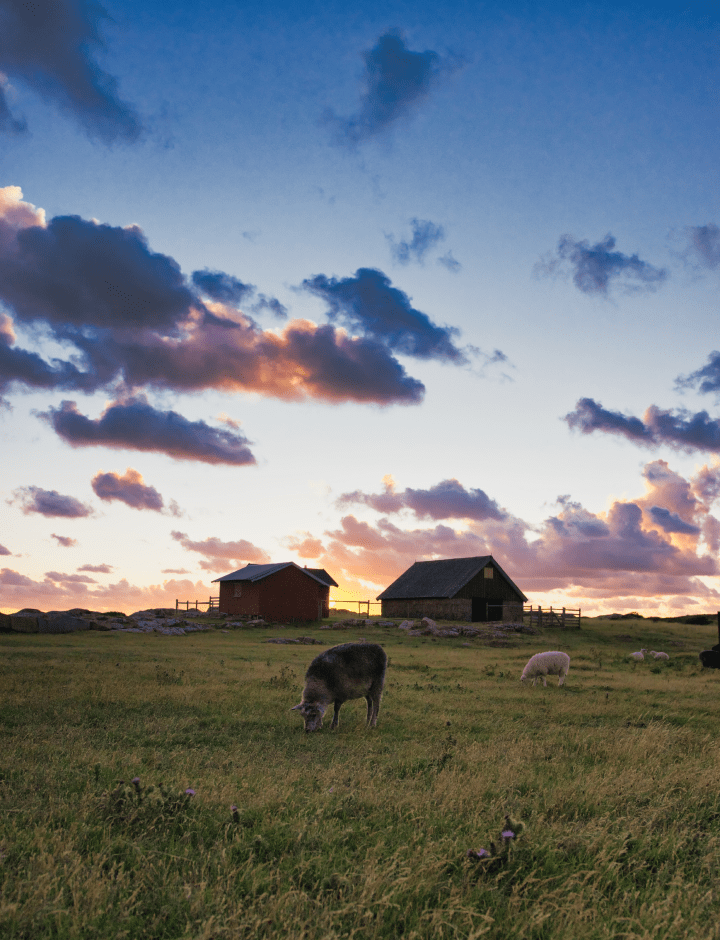
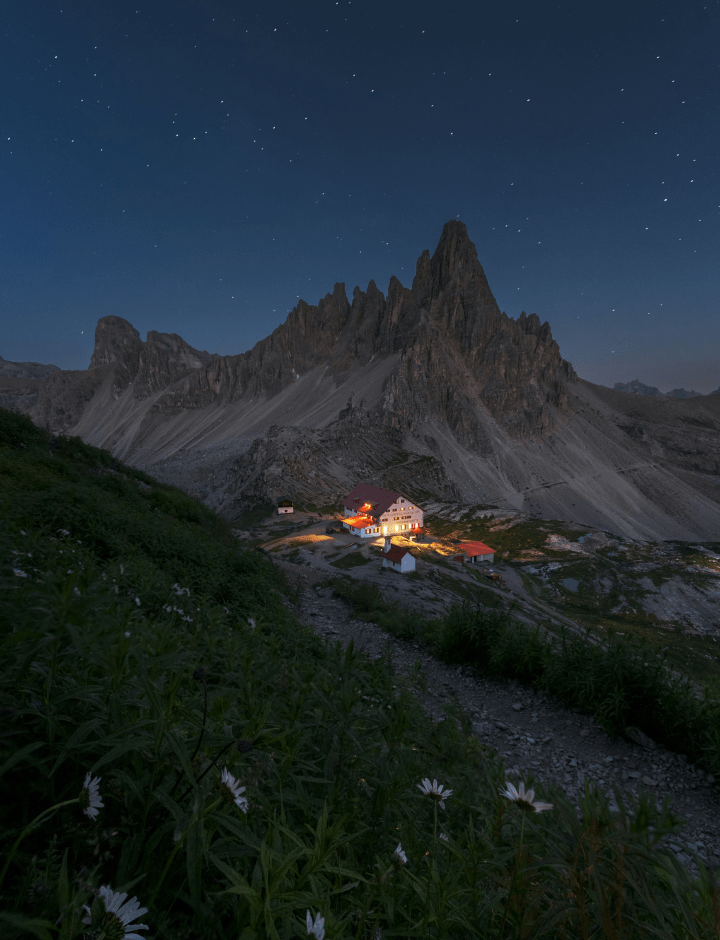
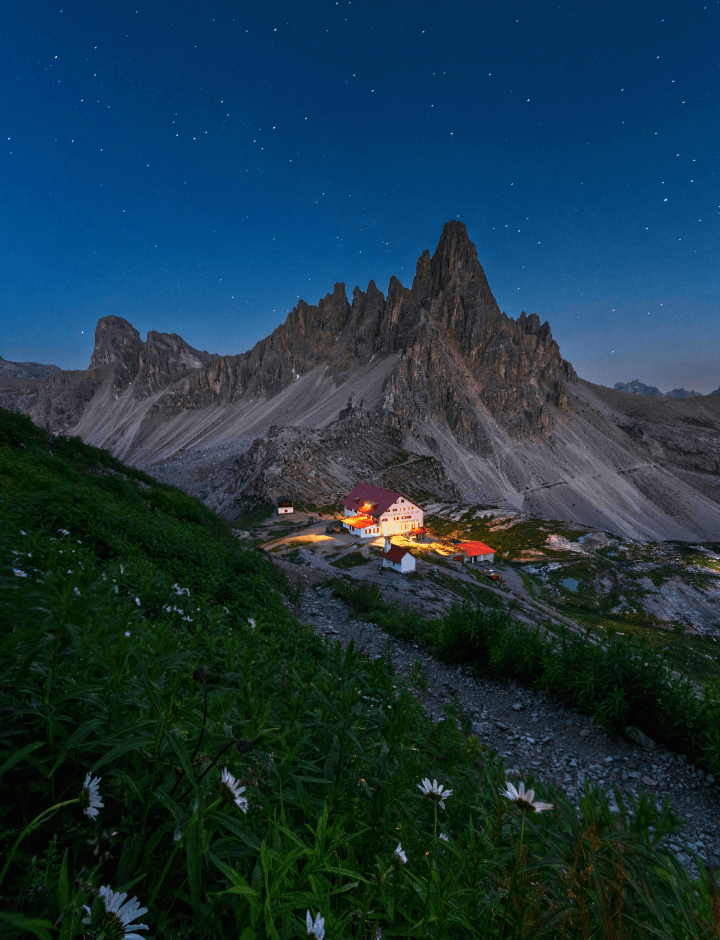
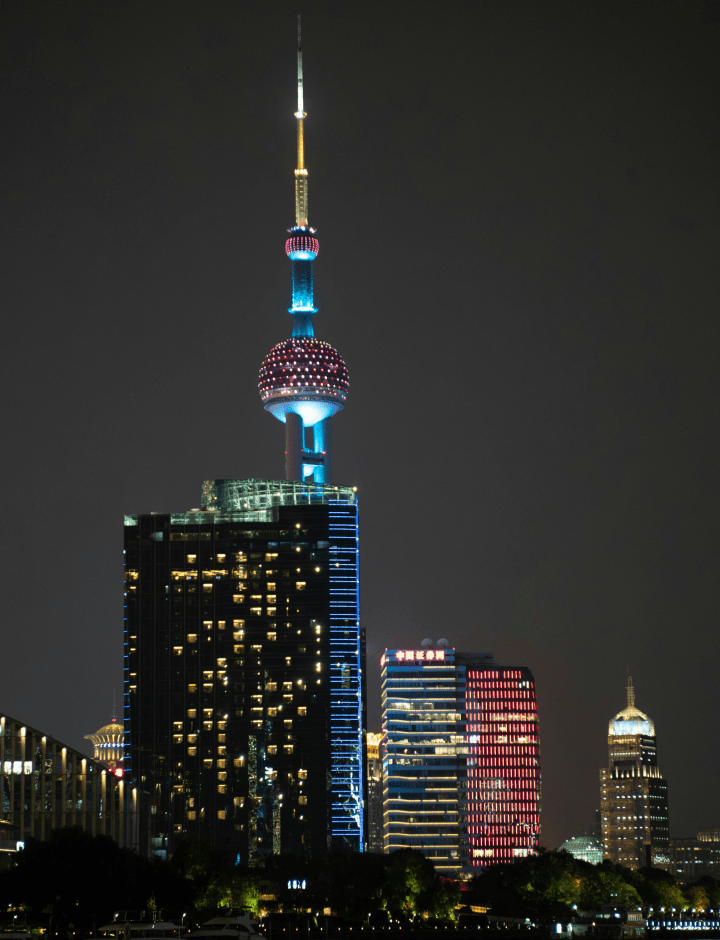
Dotknij lub najedź kursorem, aby zobaczyć wyniki, przesuń, aby uzyskać więcej efektów wow



FAQ
Oczywiście! Poprawa oświetlenia zdjęć to kluczowy element obróbki fotografii. Możesz dostosować różne parametry oświetlenia, takie jak jasność, kontrast, cienie, światła i ekspozycja, aby poprawić jakość zdjęcia. Narzędzie do poprawy oświetlenia zdjęć firmy Skylum ułatwia edycję oświetlenia na zdjęciach.
Dostosowywanie poziomów jasności i ekspozycji w narzędziu do edycji zdjęć może dodać więcej światła do zdjęcia. Skorzystaj z suwaka jasności, aby zwiększyć ogólną ilość światła na Twoim zdjęciu. Kontrola ekspozycji pozwoli Ci zarządzać intensywnością światła w konkretnych obszarach zdjęcia.
Retuszowanie oświetlenia zdjęć polega na dostosowaniu oświetlenia po wykonaniu zdjęcia. Można to zrobić za pomocą programu do edycji zdjęć. W edytorze zdjęć firmy Skylum można skorzystać z funkcji automatycznego ulepszania, aby szybko dostosować oświetlenie, lub ręcznie regulować jasność, kontrast, światła i cienie, aby uzyskać pożądany efekt oświetleniowy. Aby lepiej zobaczyć efekt tych zmian, można przekształcić zdjęcia na czarno-białe w trybie online.
Luminar Mobile to aplikacja na telefon lub tablet, która pozwala na profesjonalną obróbkę zdjęć bezpośrednio na telefonie. Teraz jej funkcje są dostępne online. Możesz poprawiać jasność, cienie, światła i nie tylko bez konieczności korzystania z komputera stacjonarnego.
Aby skutecznie edytować zdjęcia pod kątem oświetlenia, zacznij od dostosowania ekspozycji i kontrastu, aby zrównoważyć ogólne oświetlenie zdjęcia. Następnie dopracuj poszczególne obszary, korzystając z narzędzi do regulacji cieni, świateł i tonacji. Aplikacja Luminar Mobile sprawia, że proces ten przebiega szybko i intuicyjnie.
W aplikacji Luminar Mobile można z łatwością zastosować efekt świetlny, wybierając jeden z gotowych filtrów świetlnych lub ręcznie dostosowując jasność, kontrast i światła. Dzięki temu Twoje zdjęcia zyskają elegancki i profesjonalny wygląd w ciągu kilku sekund.
Oczywiście! Dodawanie efektów świetlnych do zdjęć jest w aplikacji Luminar Mobile bardzo proste. Skorzystaj z narzędzi takich jak Akcent AI lub wzmacniacz światła, aby rozjaśnić wybrane obszary, podkreślić szczegóły obiektu lub stworzyć nastrój dzięki delikatnemu lub efektownemu oświetleniu.
Tak, poprawianie oświetlenia jest proste. Można selektywnie dostosować oświetlenie na portretach, zdjęciach krajobrazowych lub martwej natury, aby podkreślić głębię, nastrój lub ostrość.
Przepraszamy, ta funkcja działa na komputerze stacjonarnym. Spróbuj skorzystać z niej na komputerze.
