
Sorry, deze functie werkt op de desktop. Probeer het daar.


Enhance AI
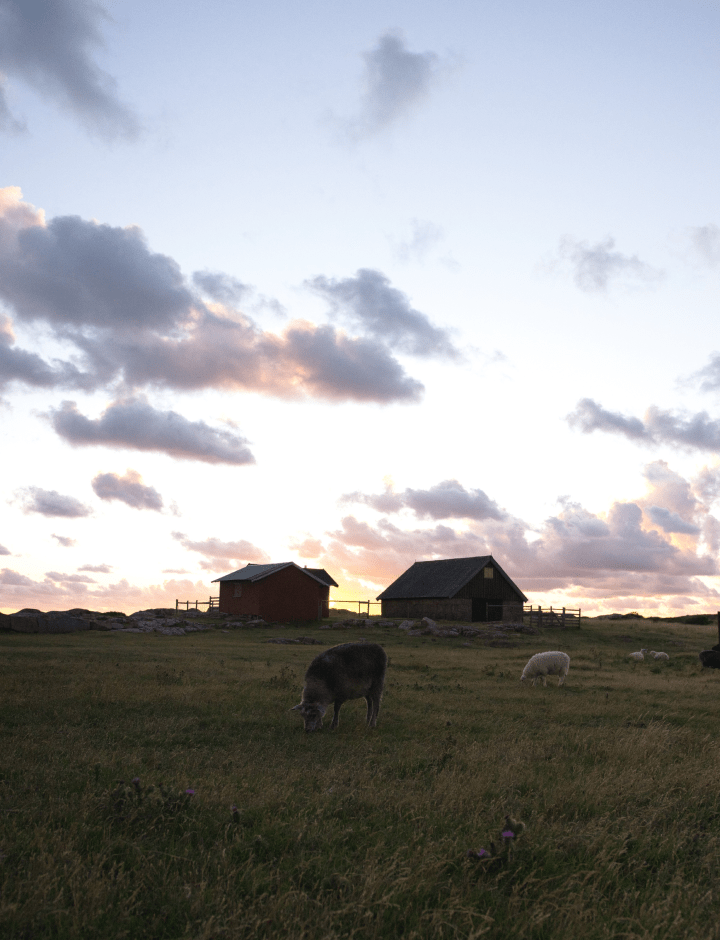
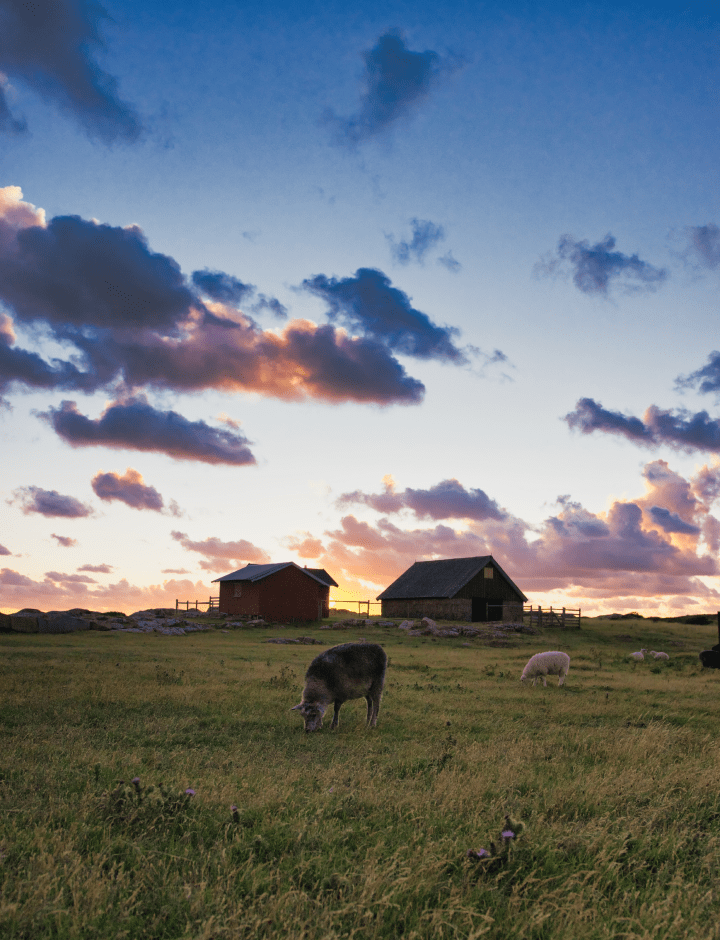
Enhance AI is a perfect tool for getting photo editing started. It analyzes your photos and instantly improves the color quality, details, and tone by selecting the right color balance. Accent AI is a magical slider for controls such as Shadows, Highlights, Contrast, Tone, Saturation, Exposure, and Details.
Light
The online Light tool contains the most essential controls for adjusting the color, brightness and tone of an image. Easily edit White Balance, Profile, Temperature, Tint, Exposure, and Smart Contrast. Improvements made with this tool set the stage for your further adjustments.
Color
The Composition AI tool automatically adjusts the composition, crop, resize and perspective of the photo, with the possibility to manually fine-tune any aspect of the resulting framing and keeping its quality. Align the horizon in one click and automatically straighten the verticals for an even better shot. Edit your photo in less than 5 seconds – and it won’t be all about adding a filter!
Black & White
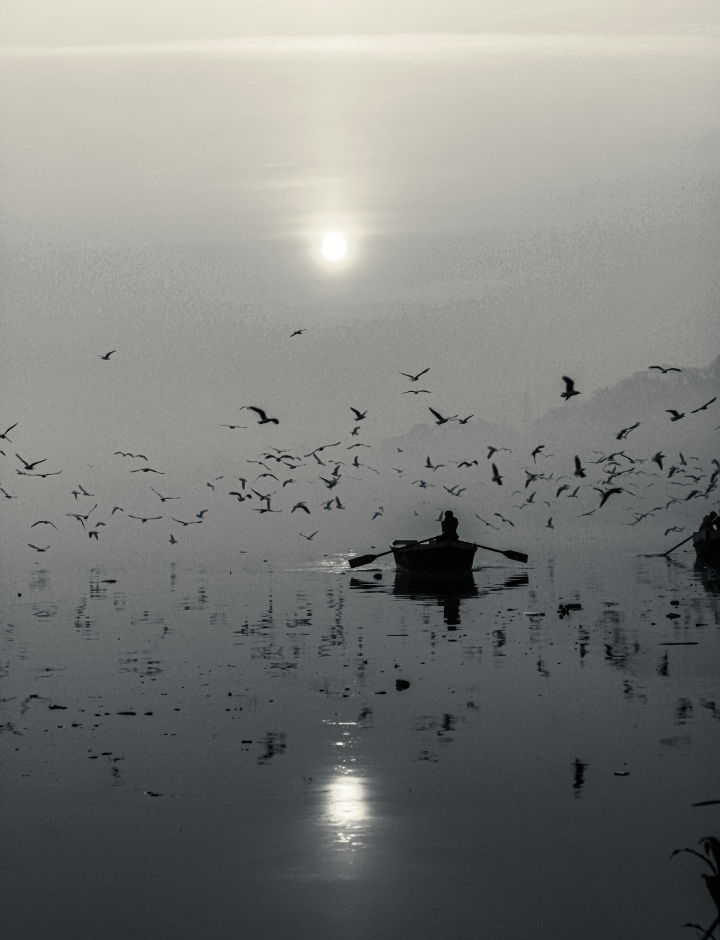
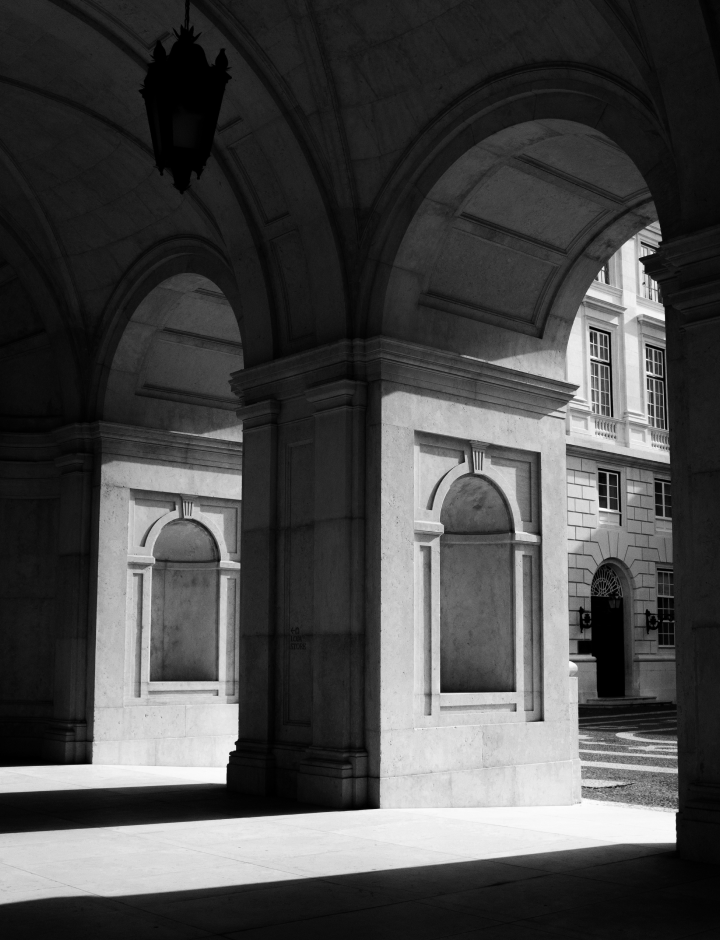
The Black & White free tool converts a color photo to black and white so you can accentuate highlights and shadows. It also contains a number of controls to manipulate the monochrome look. Select Luminance to edit the brightness of the Red, Yellow, Green, Cyan, Blue, and Magenta channels and adjust their saturation. It is one of the most popular photo effects.
Crop
The Composition AI tool automatically adjusts the composition, crop, resize and perspective of the photo, with the possibility to manually fine-tune any aspect of the resulting framing and keeping its quality. Align the horizon in one click and automatically straighten the verticals for an even better shot. Edit your photo in less than 5 seconds – and it won’t be all about adding a filter!



Ervaar de magie zelf
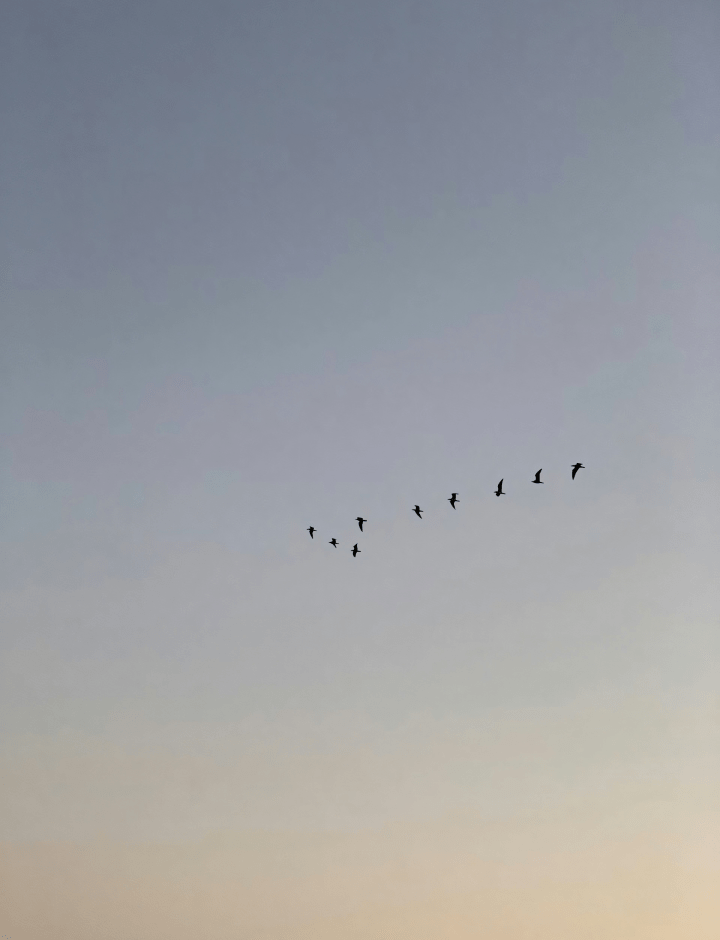
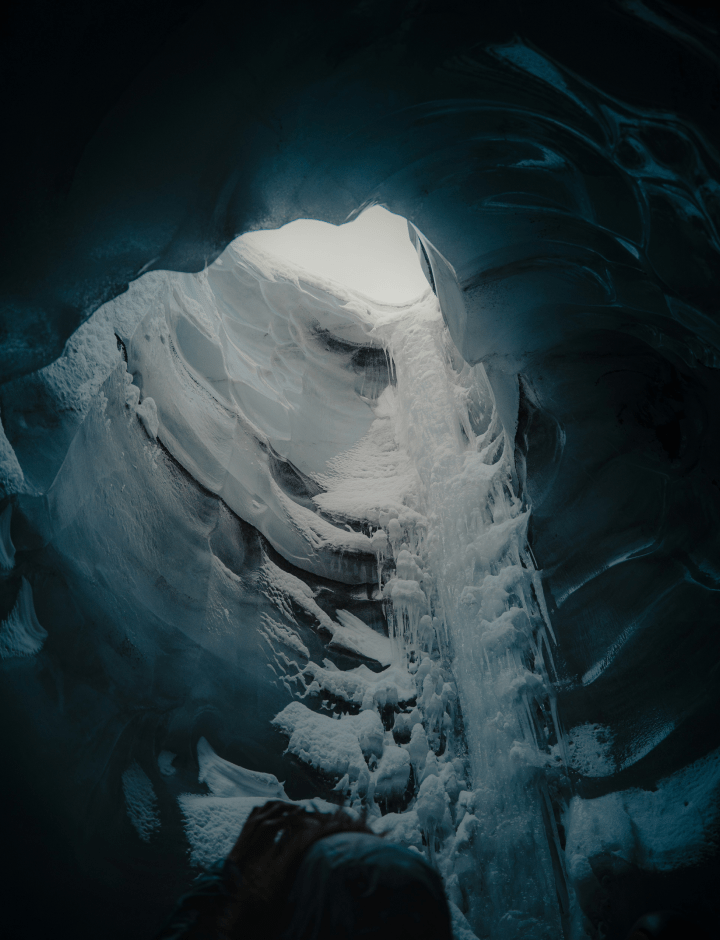
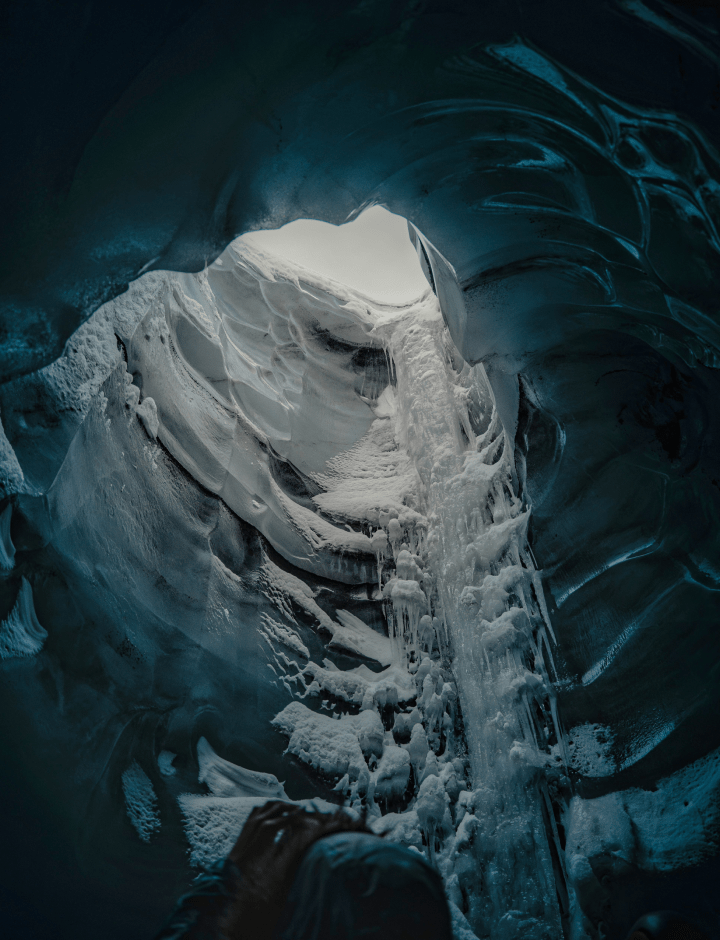
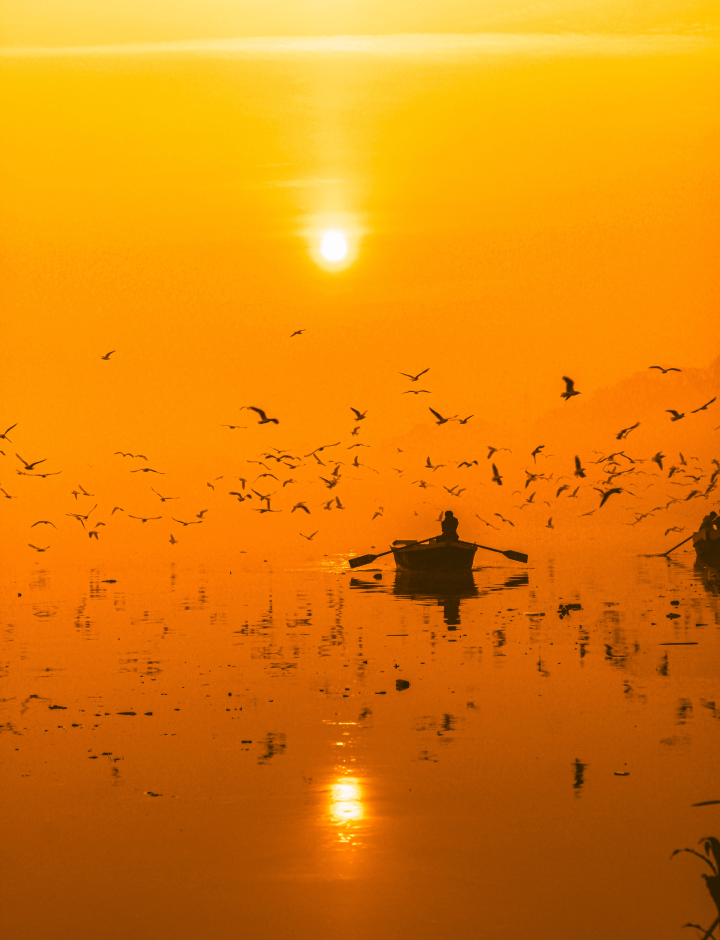
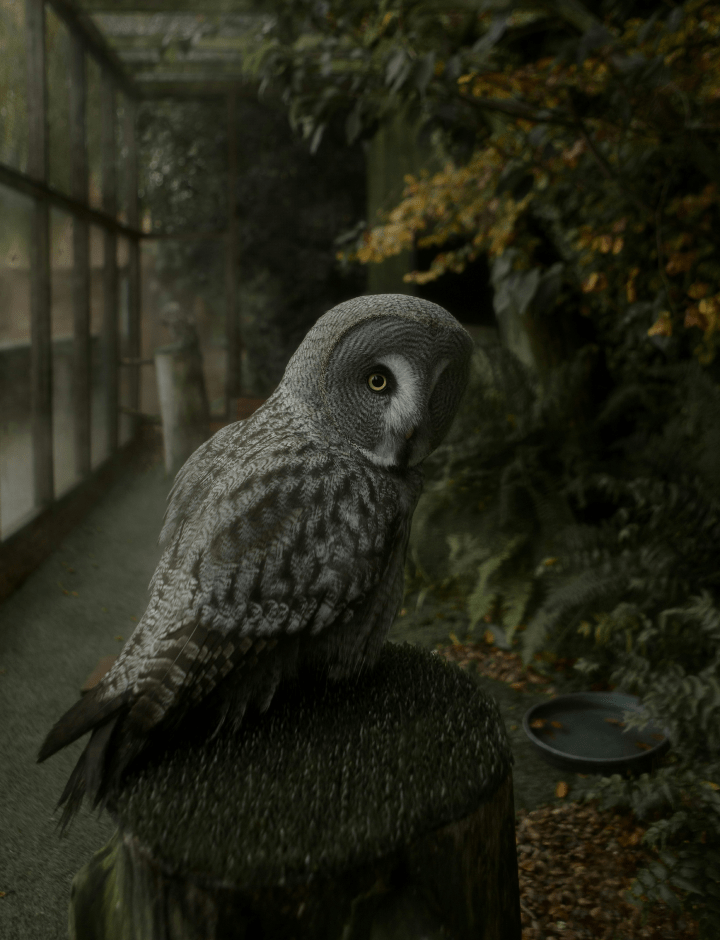
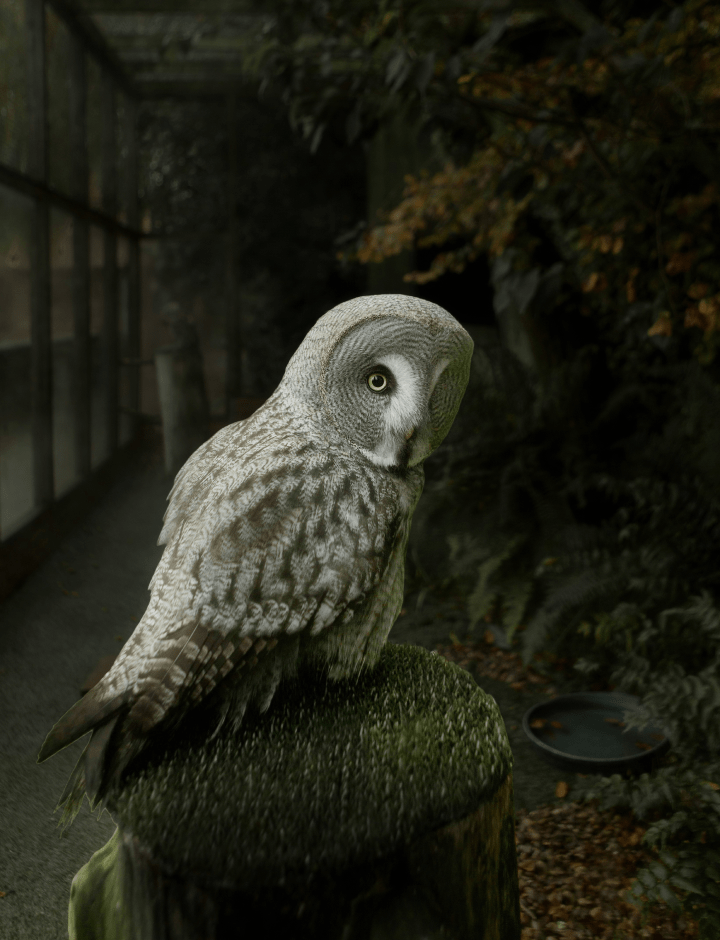
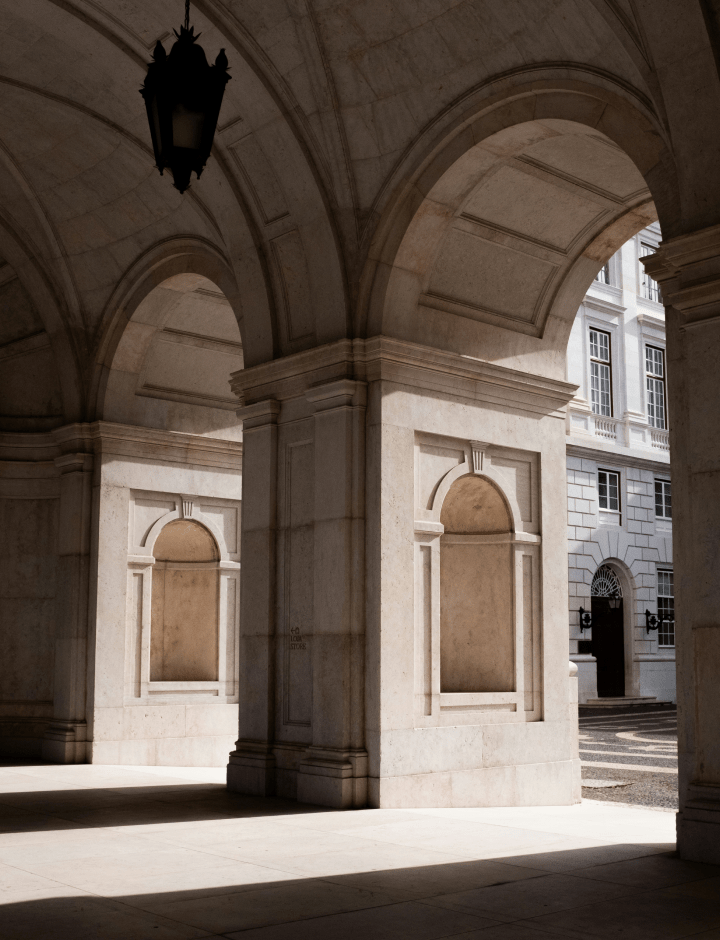
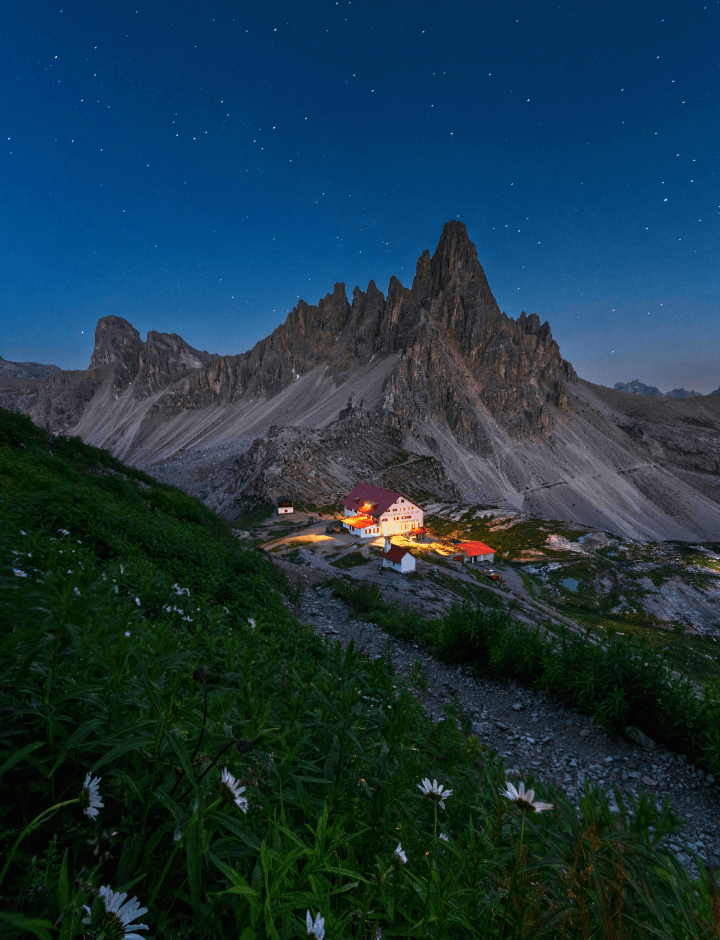
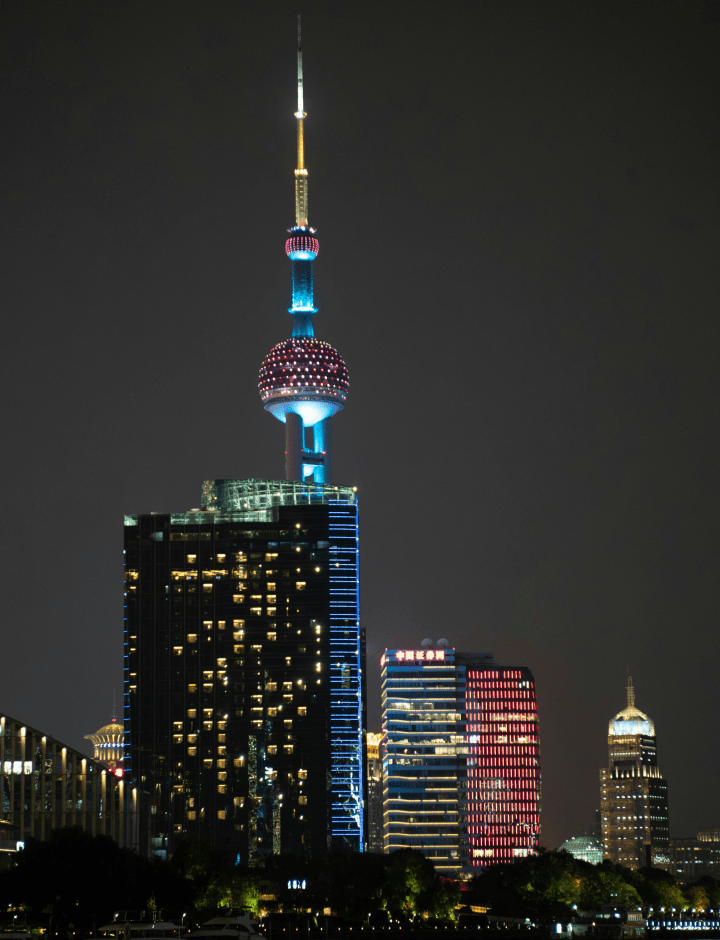
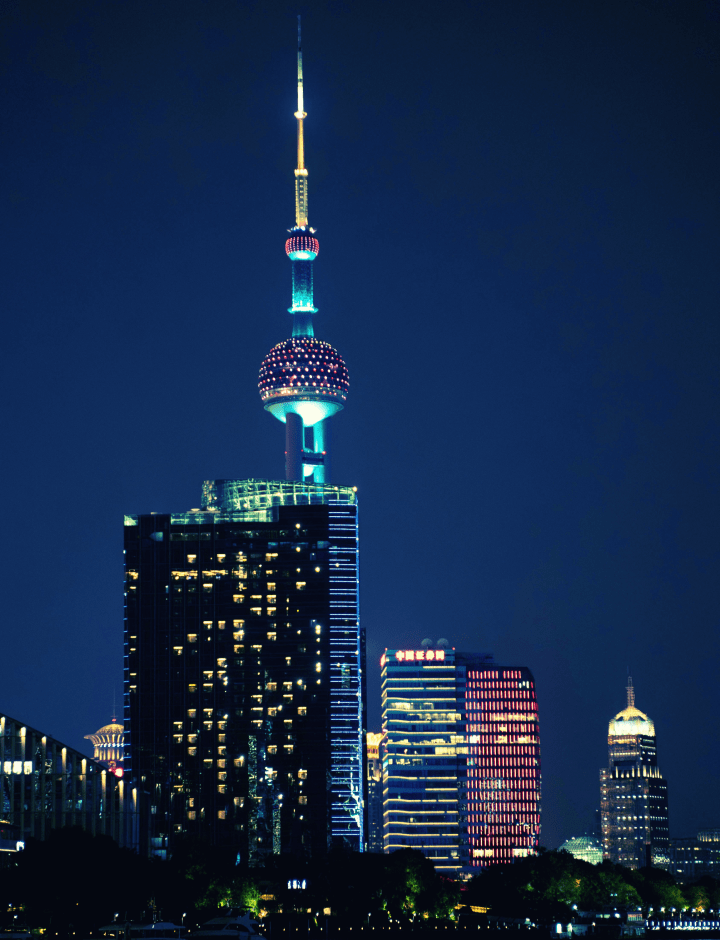
Tik of zweef om het resultaat te zien, swipe voor meer wow-effecten

Veelgestelde vragen
Absoluut! Licht toevoegen aan foto’s is een belangrijk onderdeel van fotobewerking. Je kunt verschillende lichtelementen aanpassen, zoals helderheid, contrast, schaduwen, hooglichten en belichting om je afbeelding te verbeteren. De foto-lichtverbeteraar van Skylum maakt het eenvoudig om het licht in foto’s te bewerken.
Door de helderheid en het belichtingsniveau van uw fotobewerkingsprogramma aan te passen, kunt u meer licht aan een foto toevoegen. Gebruik de helderheidsschuifregelaar om het algehele licht in uw afbeelding te vergroten. Met belichtingsregeling kunt u de intensiteit van het licht in specifieke delen van uw foto beheren.
Foto’s opnieuw belichten betekent dat je de belichting aanpast nadat de foto is gemaakt. Dit kun je doen met fotobewerkingssoftware. In de foto-editor van Skylum kun je de functie voor automatisch verbeteren gebruiken voor snelle lichtaanpassingen, of handmatig helderheid, contrast, hooglichten en schaduwen aanpassen om het gewenste lichteffect te bereiken. Om het effect van deze aanpassingen beter te zien, kun je foto’s online zwart-wit maken.
Luminar Mobile is een app voor je telefoon of tablet waarmee je professionele aanpassingen rechtstreeks vanaf je apparaat kunt doen. Nu zijn de functies ook online beschikbaar. Je kunt helderheid, schaduwen, highlights en meer verbeteren zonder dat je een desktopcomputer nodig hebt.
Voor effectieve lichtbewerking van foto’s begin je met het aanpassen van belichting en contrast om de algemene lichtbalans van je foto te verbeteren. Verfijn daarna specifieke gebieden met schaduwen, hooglichten en toonregelingen. Luminar Mobile maakt dit proces snel en intuïtief.
Je kunt eenvoudig een lichteffect toepassen met Luminar Mobile door een van de vooraf gemaakte lichtfilters te kiezen of handmatig helderheid, contrast en hooglichten aan te passen. Zo geef je je foto’s in een paar seconden een verzorgde en professionele uitstraling.
Absoluut! Lichteffecten toevoegen aan een afbeelding is eenvoudig met Luminar Mobile. Gebruik tools zoals Accent AI of de lichtverbeteraar om specifieke delen lichter te maken, details van het onderwerp te benadrukken of sfeer te creëren met zacht of juist dramatisch licht.
Ja, lichtverbetering is eenvoudig. Je kunt de belichting selectief aanpassen in portretten, landschappen of stillevens om diepte, sfeer of focus te benadrukken.
Sorry, deze functie werkt op de desktop. Probeer het daar.
