

Luminar vs Capture One:
どちらがあなたりぴったりか
Searching for the photo editing software can feel like an endless quest. You're not alone. We're here to simplify your decision with a head-to-head comparison of Luminar and Capture One, helping you find which is the perfect match for your photography needs
プランを見る主な相違点
あらゆるレベルの写真家が自分に最適なソフトウェアを見つけるための最も重要な基準を詳しく見てみましょう:
簡単に使える
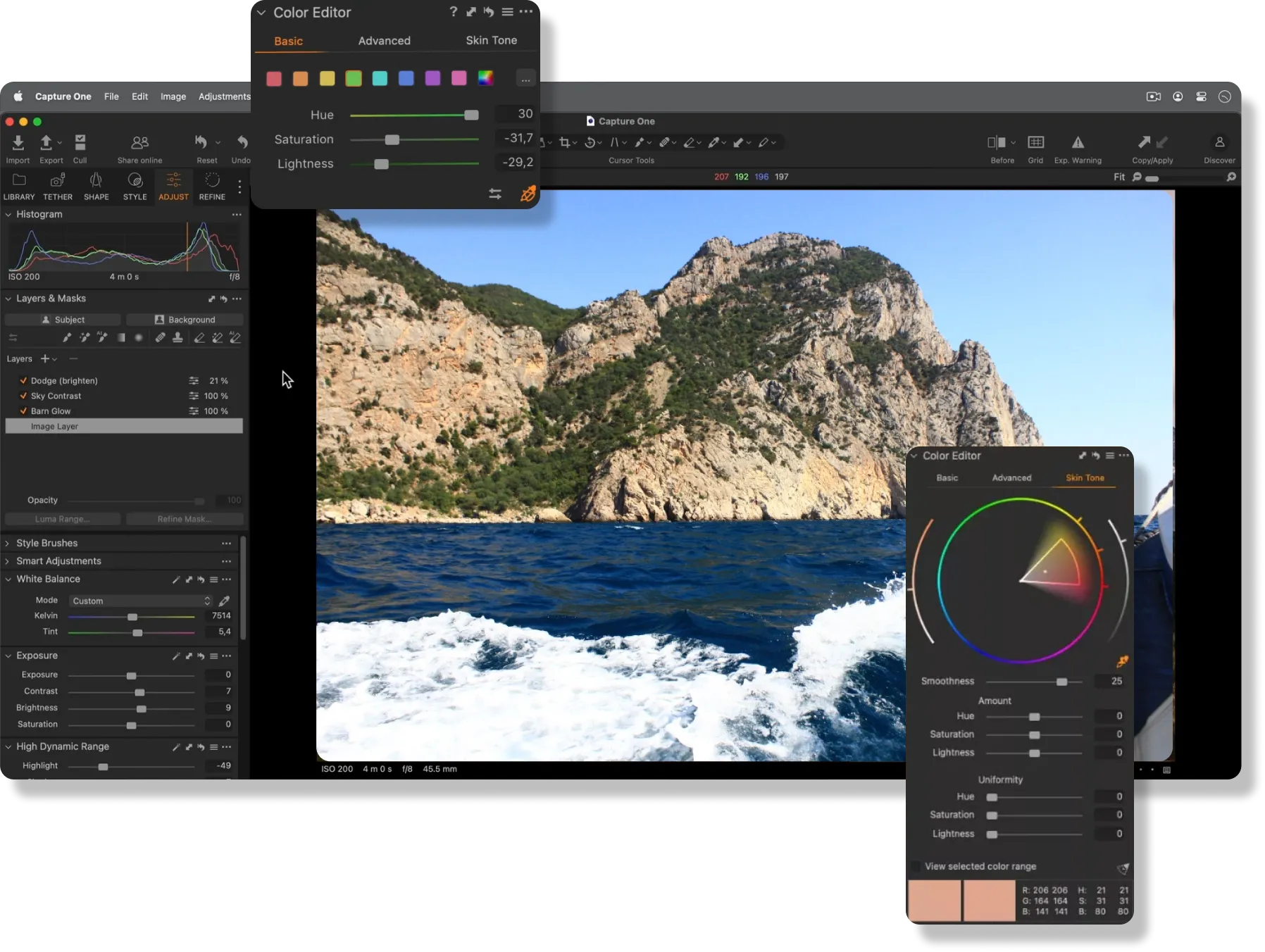
Both Capture One and Luminar are great for photographers at any skill level. However, Capture One is often preferred for professionals desiring extensive editing control. Meanwhile, Luminar attracts beginners and amateurs with its intuitive interface and AI tools that make the editing process simpler and more creative.
.webp)
生成ツールと自動化
While Capture One includes some core AI features to streamline the editing process, Luminar takes it to the next level with even more AI options and new generative tools like the Image Extender. Additionally, both software offer a wide variety of presets that make quick edits simple for users.


編集機能
Capture Oneはスタジオ撮影に対応し、正確な色補正、露出調整、レイヤー調整などの詳細な画像編集のための高度なツールを備えています。
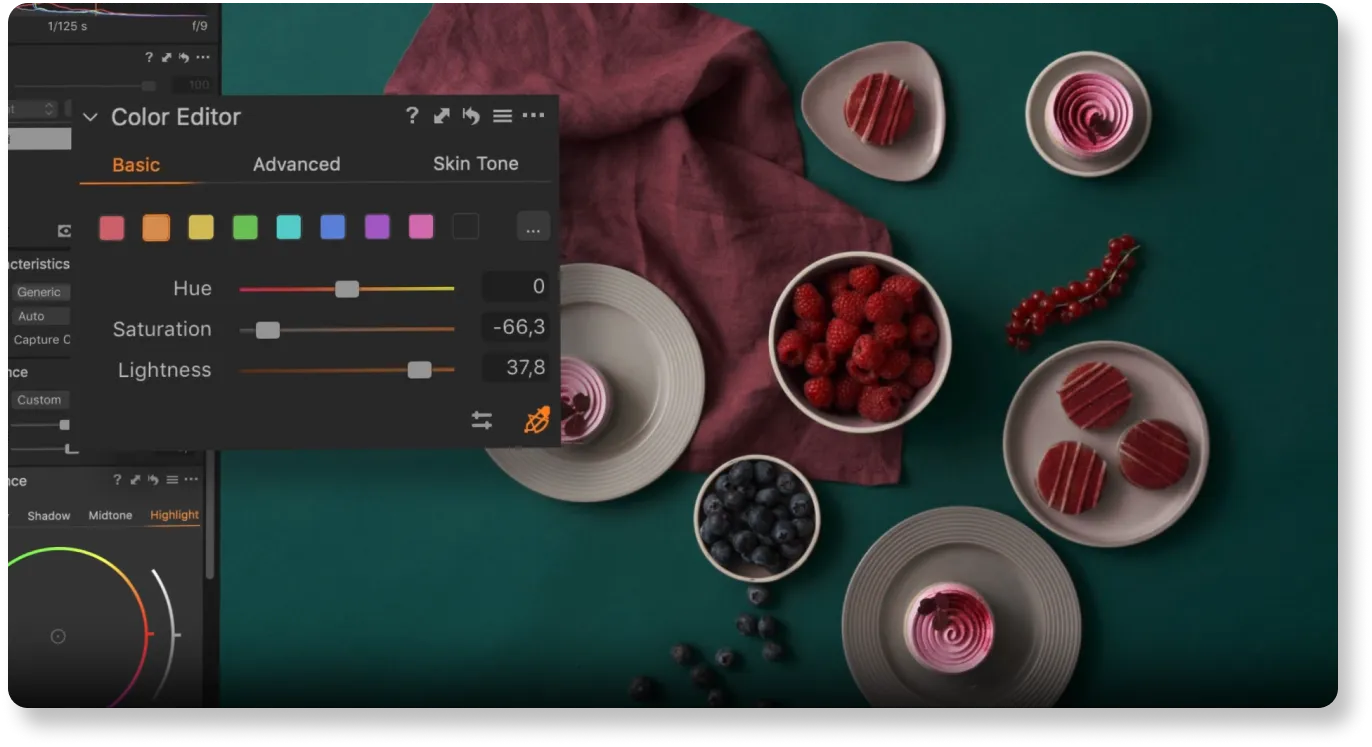
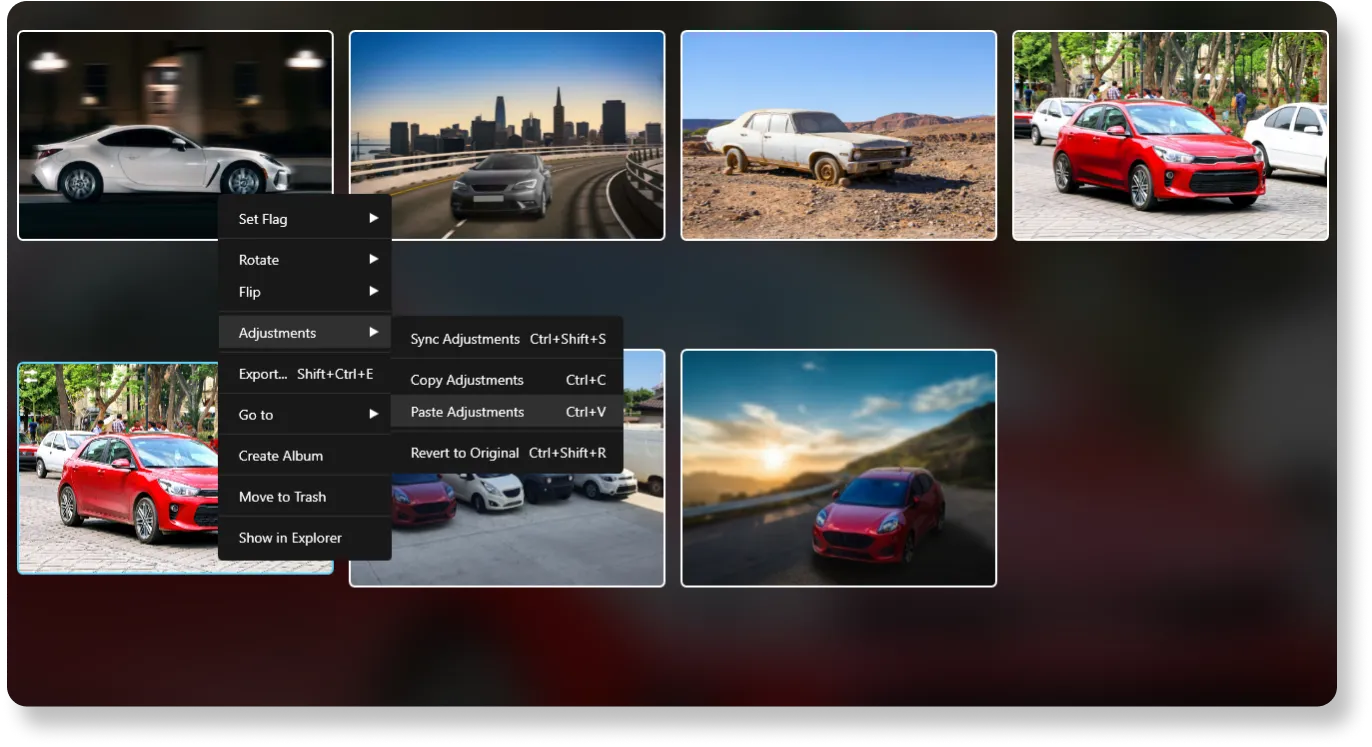
Luminar matches these capabilities and further boosts the editing process with AI-driven features. Plus, it offers batch editing.
Luminar vs Capture One:
詳細の比較
| 機能 | Capture One | Luminar |
|---|---|---|
生成 AI | いいえ | ジェネ消去、ジェネ変換、ジェネ拡大 |
編集機能 | 主にスタジオ撮影用に設計されており、カラーグレーディング、露出調整、詳細な画像編集に重点を置いています。 | AIを活用した編集、バッチ処理、レイヤー対応、高度なカラー グレーディング、空の置き換え、ポートレート補正。 |
ワークフローの統合 | スタンドアロン ソフトウェアのみ。 PSDファイルの互換性。 | Adobe Photoshop、Adobe Lightroom、Photos® for macOS Extensionのプラグインとして機能。さまざまなファイル形式のインポートとエクスポートに対応。PSDファイルの互換性。 |
AIと自動化 | 被写体と背景のマスク、AI 選択、AI 消去、AI スタイルなどのタスクへの限定されたAI機能。 | AI マスキング、空の補正、顔のレタッチなどを含む広範なAI機能。 |
非破壊的な編集 | 履歴パネルによる非破壊編集。 | 履歴パネルによる非破壊調整。 |
ブラシと選択ツール | AIによる選択機能を含む、高度なブラシおよびマスキング ツール。 | AIによる選択機能を含む、高度なブラシおよびマスキング ツール。 |
フィルターとエフェクト | 写真家が画像を補正したりスタイルを決めるために使える、多種多様なフィルターとエフェクト。 | AIフィルターによる素早い補正、創造的なエフェクトや特殊な調整。 |
ユーザーインターフェース | ワークスペース、タブ、ツールバーなど、カスタマイズ可能なインターフェイス。 | シンプルさと使いやすさに重点を置いたユーザーフレンドリーなインターフェイス。 |
価格モデル | 1回の買い切り購入や定期更新付きのサブスクリプションなど、さまざまな料金プラン。 | 1回の買い切り購入や定期更新付きのサブスクリプションなど、さまざまな料金プラン。 |
コミュニティとサポート | ユーザーガイド、学習の場、カスタマーサポート。 | コミュニティ サポート、チュートリアル、ユーザー ガイド、迅速なカスタマー サービス。 |
Affinity Photo
Luminar
生成 AI
編集機能
ワークフローの統合
AIと自動化
非破壊的な編集
ブラシと選択ツール
フィルターとエフェクト
ユーザーインターフェース
価格モデル
コミュニティとサポート



.webp)

アプリケーション&プラグイン
macOS と Windows 対応
- 高性能なAI編集ソフト
年中無休のテクニカルサポート
30日間の返金保証
Join our communities

