プランを見る

ジュエリー写真編集ソフト: あなたの作品の輝きを強調

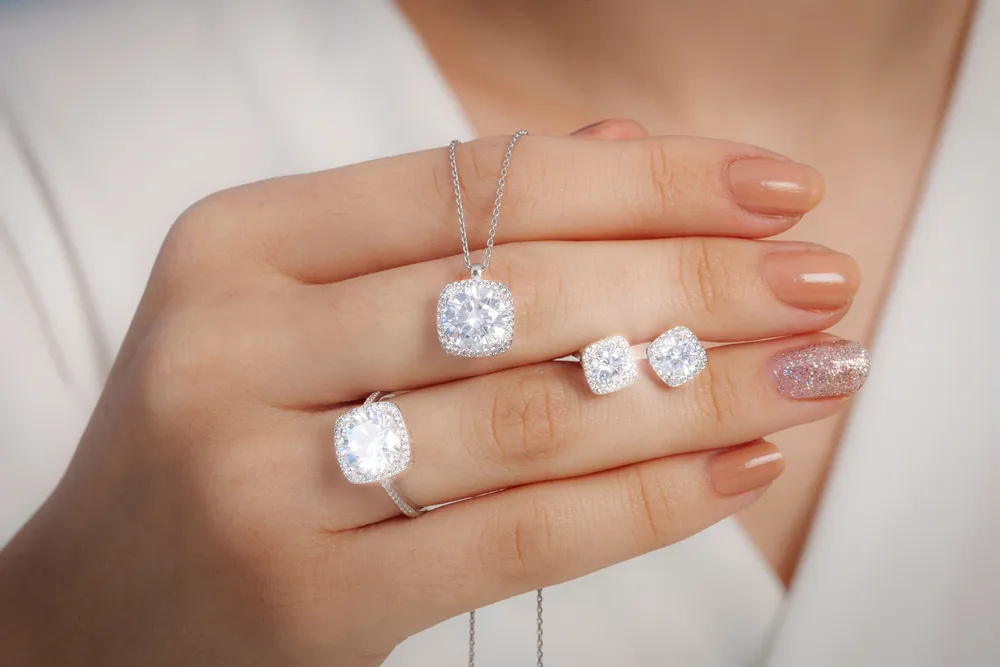
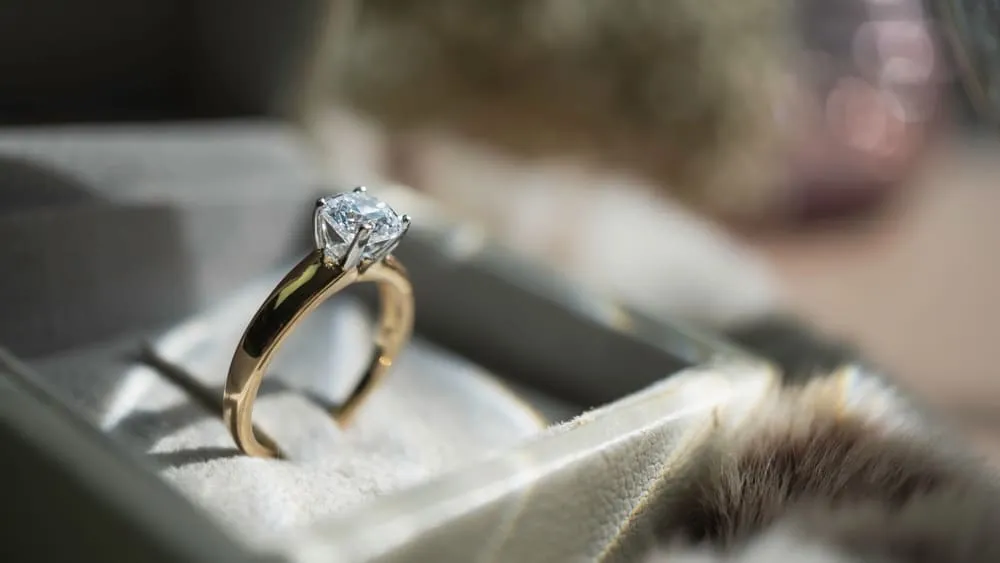
Make earrings, bracelets, rings, necklaces, and other jewelry shine. Increase their appeal and your professionalism with gorgeous photos thanks to the power of AI photo editor Luminar

プランを見る

(2)
(3)
(4)
Before
After

ジュエリー写真における画像編集の重要性

ジュエリー写真編集ソフトを導入することで、画像のシャープネスを高め、細部を強調し、鮮明度を向上させることができます。これにより、ジュエリーの精緻なデザインと職人技をより一層引き立てることができます。

ジュエリー写真の輝きと煌めきを高めるためのヒント

Adjust lighting, brightness, and contrast to ensure that the jewelry is well-lit and looks vibrant. Proper lighting highlights the sparkle and shine, making the pieces more attractive.

Luminar has various features for jewelry image editing – correcting light and adding sparkle overlays in a few clicks.
(5)
(6)
(7)
Before
After
© Jim Nix

ジュエリー写真編集の必須ツール

Luminar is an award-winning photo editor with various AI features that can give you easy and fast results. 

(8)

高度なAIツールを使ってジュエリー写真をさらに美しく

シャープ AI、ノイズレス AI、縁取り AIなどのツールを使って、ジュエリー写真の品質を高めましょう。これらのツールはシャープさを磨き、ノイズを軽減、ディテールを強調し、ジュエリーを驚くほどのクッキリ感と精密さで際立たせます。

(9)

ライティングとコントラストを調整して魅力的な仕上がりを実現

色と光の補正を行うことで、宝石や金属の色合いを実物に近い形で表現できます。これは、潜在顧客に商品の魅力を正確に伝える上で非常に重要です。

(10)

ジュエリー写真のレタッチ技術をマスター

Apart from correcting imperfections, Luminar can add artistic effects to create eye-catching images that stand out. It’s perfect for your jewelry photo editing and retouching.

(11)

完璧なジュエリー画像を簡単に作成:バッチ編集で時間短縮

Consistent editing across multiple photos ensures a uniform look and feel for a brand’s portfolio, which helps in building a strong, recognizable brand identity. In Luminar you can easily copy and paste any adjustments across your whole batch.

カタログ内の写真を選択して編集
カタログ内の写真を右クリック。Cmd/Ctrl + Cをクリックして調整をコピー
一括編集したい写真を選択。Cmd/Ctrl + V をクリックして調整を適用

その他の使用例

Luminar has plenty of other use cases to help you edit faster and easier
(17)
風景写真
(18)
(19)
Before
After
© goffkein

風景写真

Achieve astonishing results with intuitive, AI-powered landscape photo editing tools of Luminar.
(20)
ウェディング写真
(21)
(22)
Before
After
© germay10

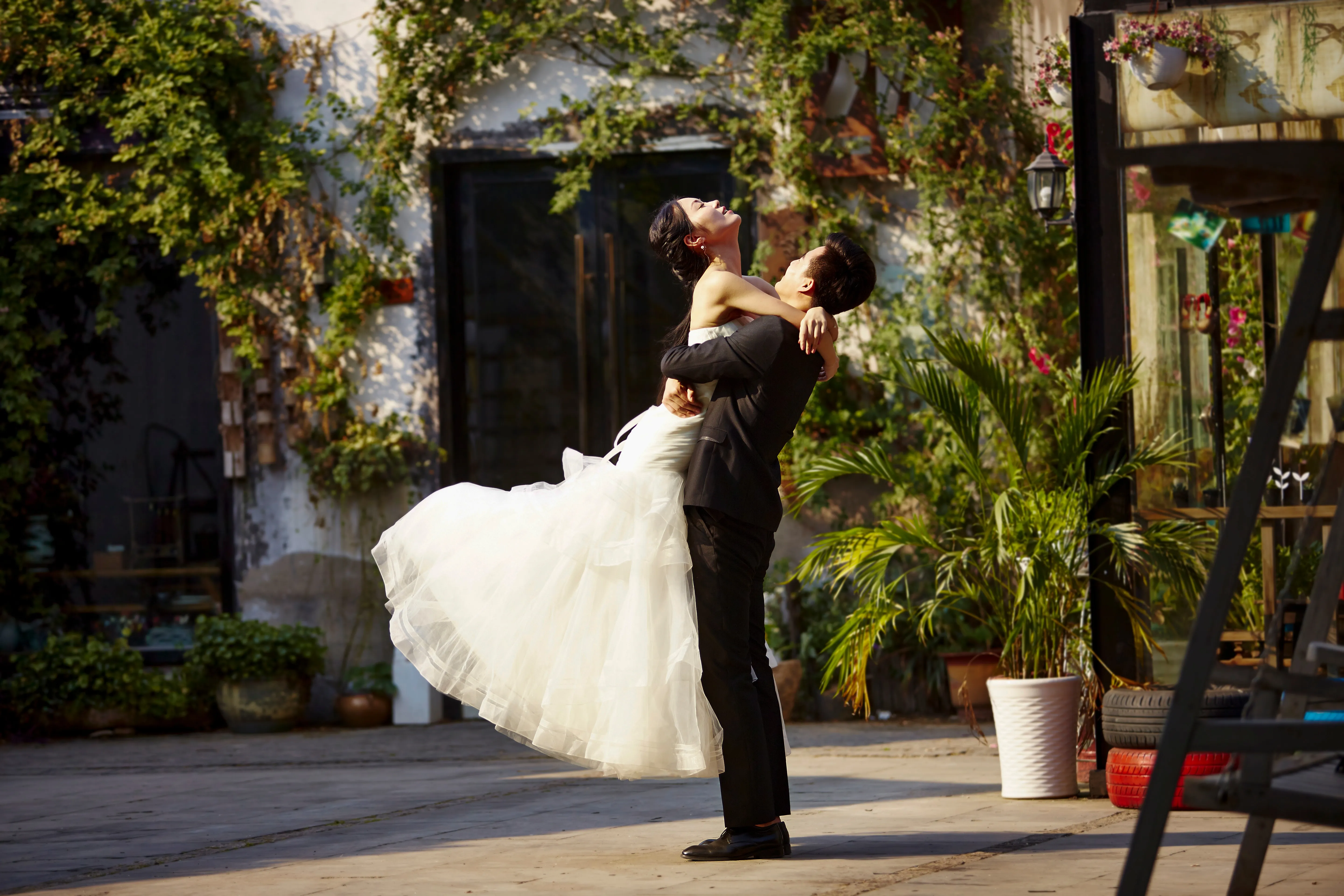
ウェディング写真

弊社のウェディング写真編集ソフトウェアを使って、写真を忘れられない思い出に変えましょう。
(23)
初心者向け編集
(24)
(25)
Before
After
© Shutterstock

初心者向け編集

Make your photos pop effortlessly—transform them in just a few clicks with Luminar.
(26)
ドローン写真
(27)
(28)
Before
After
© Jesse Aguero

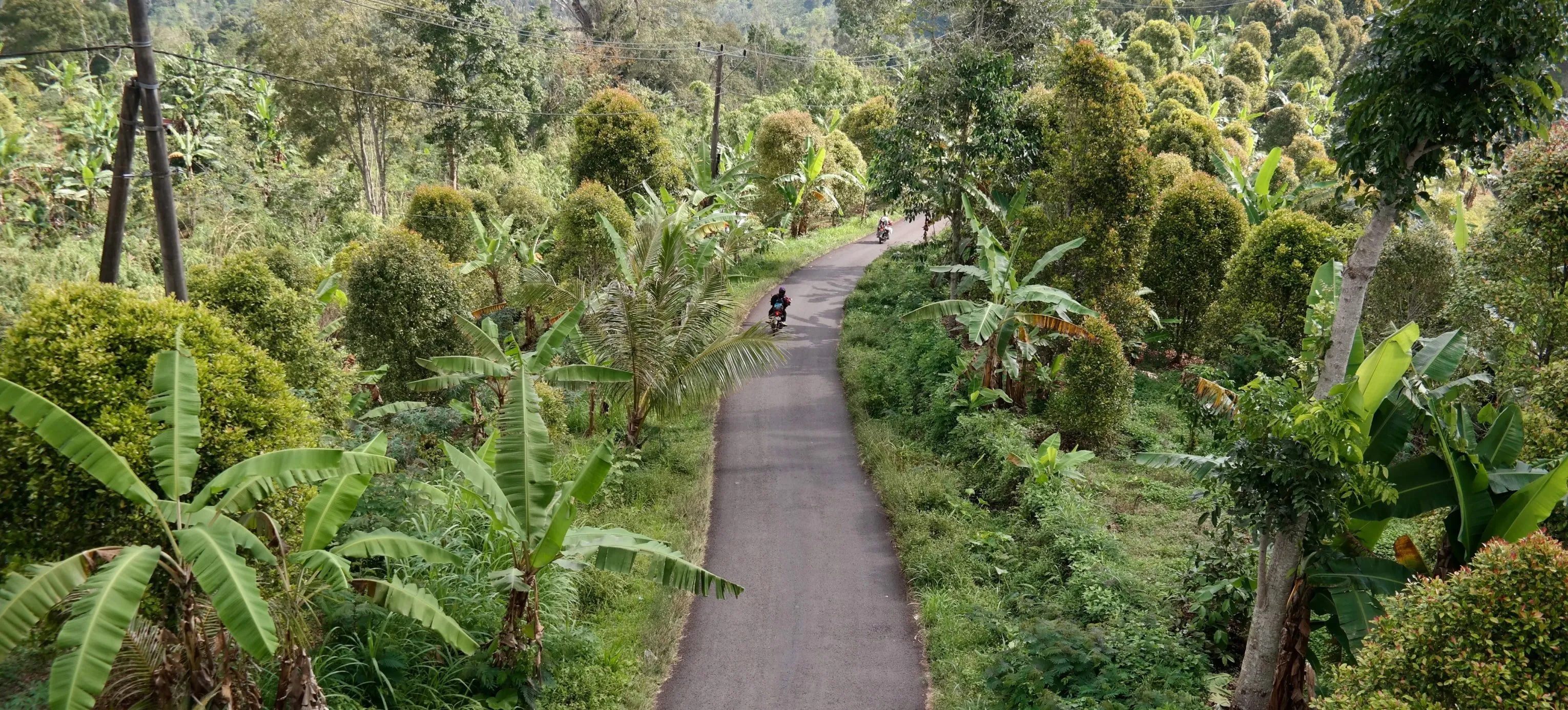
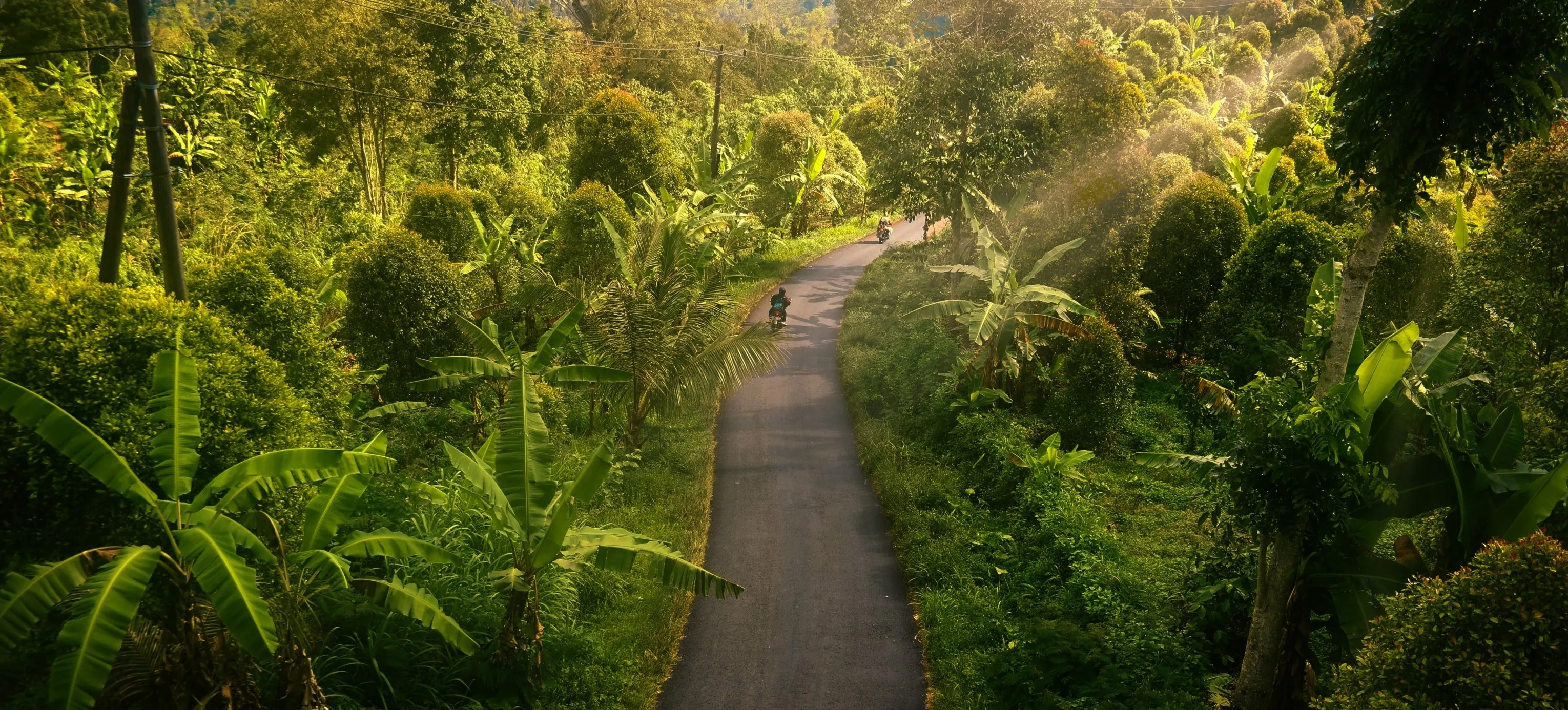
ドローン写真

航空写真を次のレベルへ — プロ仕様の編集ツールをお試しください。
(29)
不動産写真
(30)
(31)
Before
After
© Rawpixel

不動産写真

AI搭載の不動産写真ツールで、魅力的な物件写真を数秒で仕上げられます。
(32)
フード写真
(33)
(34)
Before
After
© Ivan

フード写真

おいしそうな料理写真編集ソフトを使って、お料理を視覚的な傑作に変えましょう。

よくある質問

ジュエリー写真にもっと輝きや煌めきを加える方法は?

写真でジュエリーがより輝いてキラキラと見えるようにするには、柔らかく拡散した光を使って、レフ板を配置してハイライトを作るなど、適切なライティングを確保しましょう。細部を捉えるにはマクロ レンズを使用し、ジュエリーに焦点を合わせ続けるにはスッキリしたニュートラルな背景を選びます。さらに輝きを高めるには、編集で明るさ、コントラスト、ハイライトを調整し、部分的にシャープネスを適用します。

ジュエリー写真に写真編集ソフトを使用するメリットは?

Luminar for jewelry images enhances their visual appeal by improving clarity, adjusting colors, and removing imperfections, ensuring the jewelry looks its best. Additionally, Luminar's AI-driven tools can efficiently highlight the sparkle and details of the pieces, creating stunning, professional-quality photos that attract customers.

ジュエリーの写真編集で使われる一般的なレタッチ技術にはどのようなものがありますか?

ジュエリーの写真編集で使用される一般的なレタッチ技術には、ライティングとコントラストを調整して輝きを高めること、ほこりや傷を除去して完璧な外観を実現すること、宝石や貴金属を正確に表現するためにカラーバランスを微調整することなどが含まれます。さらに、特定のディテールをシャープ化して強調することで、ジュエリーの精巧な職人技と輝きを引き出すことができます。

Can I improve my gem's photo with Luminar?

If you’re looking for the best photo editing software for jewelry, give Luminar a try. It has plenty of features that can help you deliver stunning photos in a beat.

写真編集ソフトを使って、ジュエリー写真の宝石や貴金属の色を強調できますか?

Yes, you can use a photo editor to enhance the colors of gemstones and precious metals in jewelry photos by adjusting the saturation, vibrance, and color balance to make them appear more vivid and accurate. Try Luminar!

Why Luminar is the best jewelry photo retouching tool?

Luminar is the best jewelry photo retouching tool because it allows precise local adjustments without damaging fine details. The tool is strong in enhancing light, contrast, and clarity on small reflective surfaces while preserving texture and shape.

Photographers choose Luminar because it lets them control highlights, shadows, and color selectively—without flattening metals or over-sharpening gemstones.

Who can benefit from Luminar jewelry photography retouching software?

Luminar benefits:

- jewelry photographers working with rings, necklaces, and watches
- e-commerce teams preparing product images for catalogs and marketplaces
- creators who need clean, realistic product visuals without complex retouching workflows

The tool fits workflows where accuracy and consistency matter more than dramatic effects.

Why Luminar jewelry photo editor is trusted by photographers?

Luminar is trusted because all retouching is non-destructive and adjustable. Photographers can refine light, contrast, and detail step by step, mask edits precisely, and avoid permanent changes that could distort product appearance.
This makes it reliable for commercial jewelry photography where visual accuracy is critical.

(35)