Visualizza tariffe

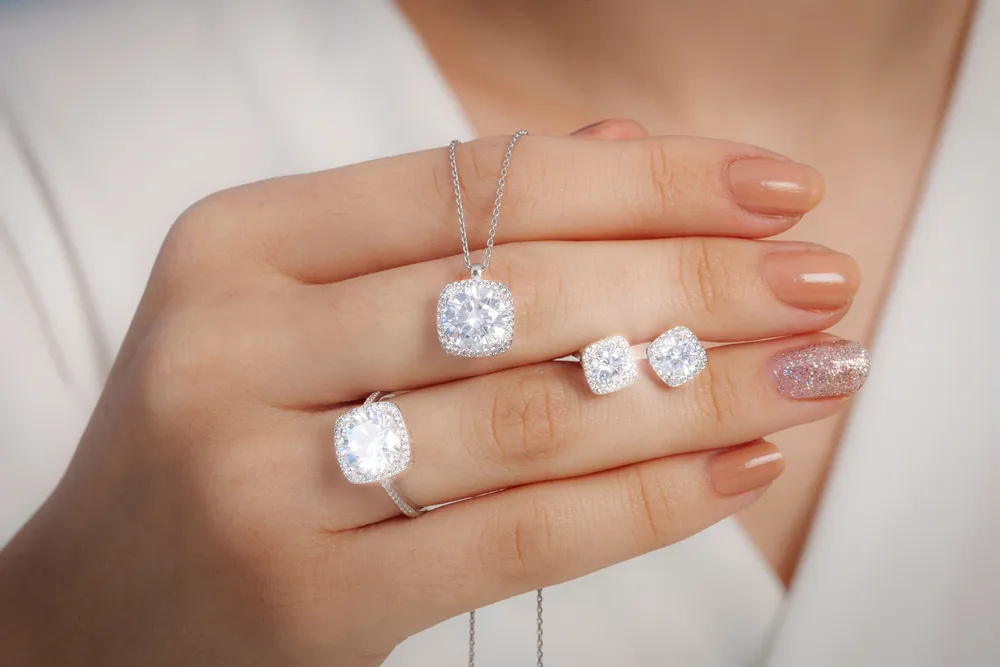
Foto Editor di Gioielli: Esalta la Brillantezza dei Tuoi Gioielli

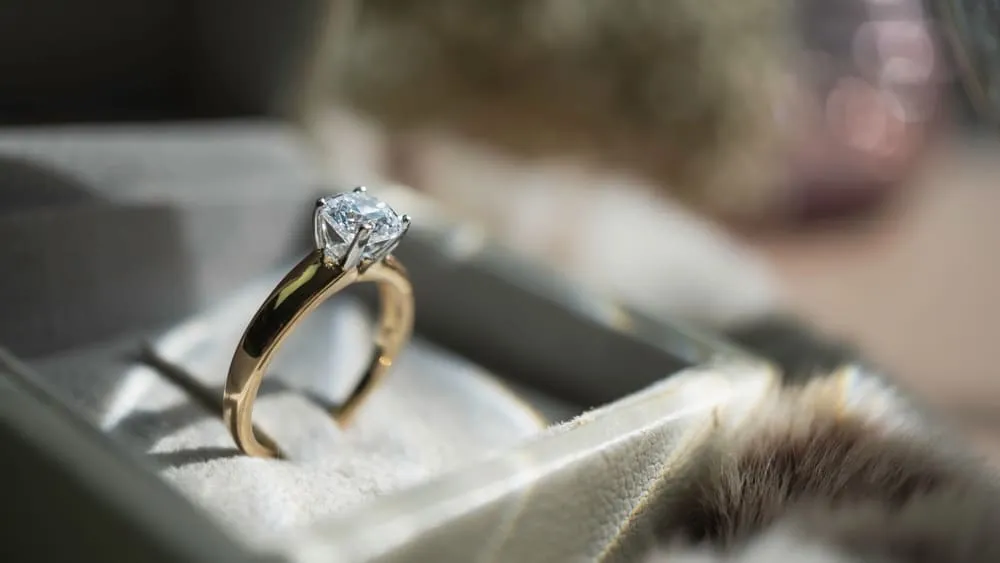
Make earrings, bracelets, rings, necklaces, and other jewelry shine. Increase their appeal and your professionalism with gorgeous photos thanks to the power of AI photo editor Luminar

VISUALIZZA TARIFFE

(2)
(3)
(4)
Prima
Dopo

Comprendere l'Importanza dell'Editing di Immagini di Gioielli

Quando investi in un foto editor per gioielli, puoi rendere più nitide le immagini, dare risalto ai piccoli dettagli e migliorare la chiarezza, mettendo in evidenza la complessità dei disegni e l'artigianalità dei pezzi di gioielleria.

Consigli per Far Risaltare la Brillantezza delle Foto di Gioielli

Adjust lighting, brightness, and contrast to ensure that the jewelry is well-lit and looks vibrant. Proper lighting highlights the sparkle and shine, making the pieces more attractive.

Luminar has various features for jewelry image editing – correcting light and adding sparkle overlays in a few clicks.
(5)
(6)
(7)
Prima
Dopo
© Jim Nix

Tool Indispensabili per l'Editing di Immagini di Gioielli

Luminar is an award-winning photo editor with various AI features that can give you easy and fast results. 

(8)

Migliorare le Foto di Gioielli con Tool Avanzati con AI

Migliora la qualità delle foto di gioielli utilizzando tool quali Nitidezza AI, Senza disturbo AI e Struttura AI. Questi tool aumentano il contrasto, riducono il disturbo e migliorano i dettagli strutturali, così i tuoi gioielli risalteranno per nitidezza e precisione.

(9)

Regolare Luce e Contrasto per Risultati Eccezionali

La correzione di luce e colore può far apparire ancora più realistici metalli e pietre preziose. Questo è molto importante per mostrare in maniera accurata il prodotto ai potenziali acquirenti.

(10)

Apprendere le Tecniche di Ritocco per la Fotografia di Gioielli

Apart from correcting imperfections, Luminar can add artistic effects to create eye-catching images that stand out. It’s perfect for your jewelry photo editing and retouching.

(11)

Perfeziona con Facilità le Immagini di Gioielli: Risparmia Tempo con l'Editing in Serie

Consistent editing across multiple photos ensures a uniform look and feel for a brand’s portfolio, which helps in building a strong, recognizable brand identity. In Luminar you can easily copy and paste any adjustments across your whole batch.

Seleziona una foto nel catalogo e modificala
Fai clic col tasto destro sulla foto nel Catalogo. Clicca Cmd/Ctrl + C per copiare le modifiche
Seleziona le foto che vuoi modificare in serie. Clicca Cmd/Ctrl + V per applicare le modifiche.

Altri Casi d'Uso

Luminar has plenty of other use cases to help you edit faster and easier
(17)
Fotografia di Paesaggio
(18)
(19)
Prima
Dopo
© goffkein

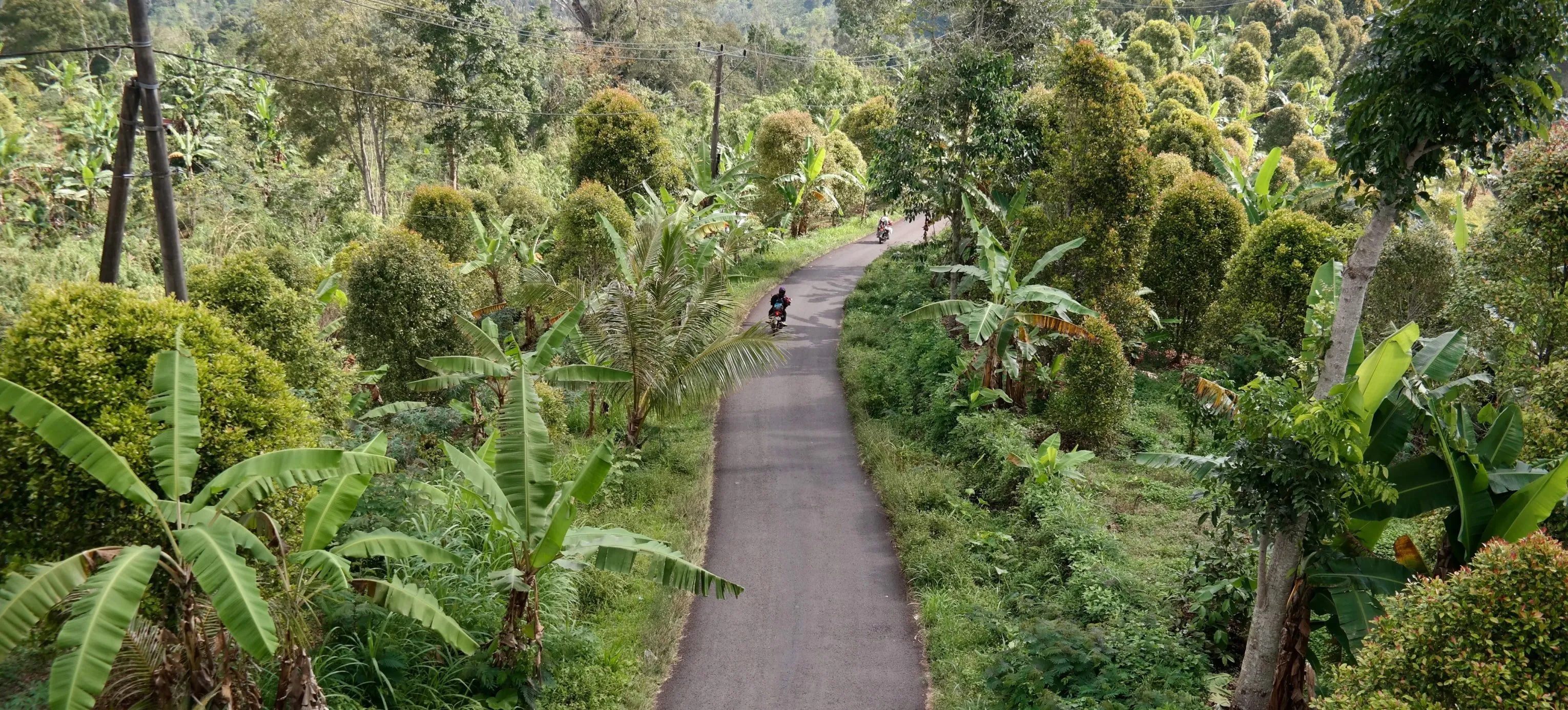
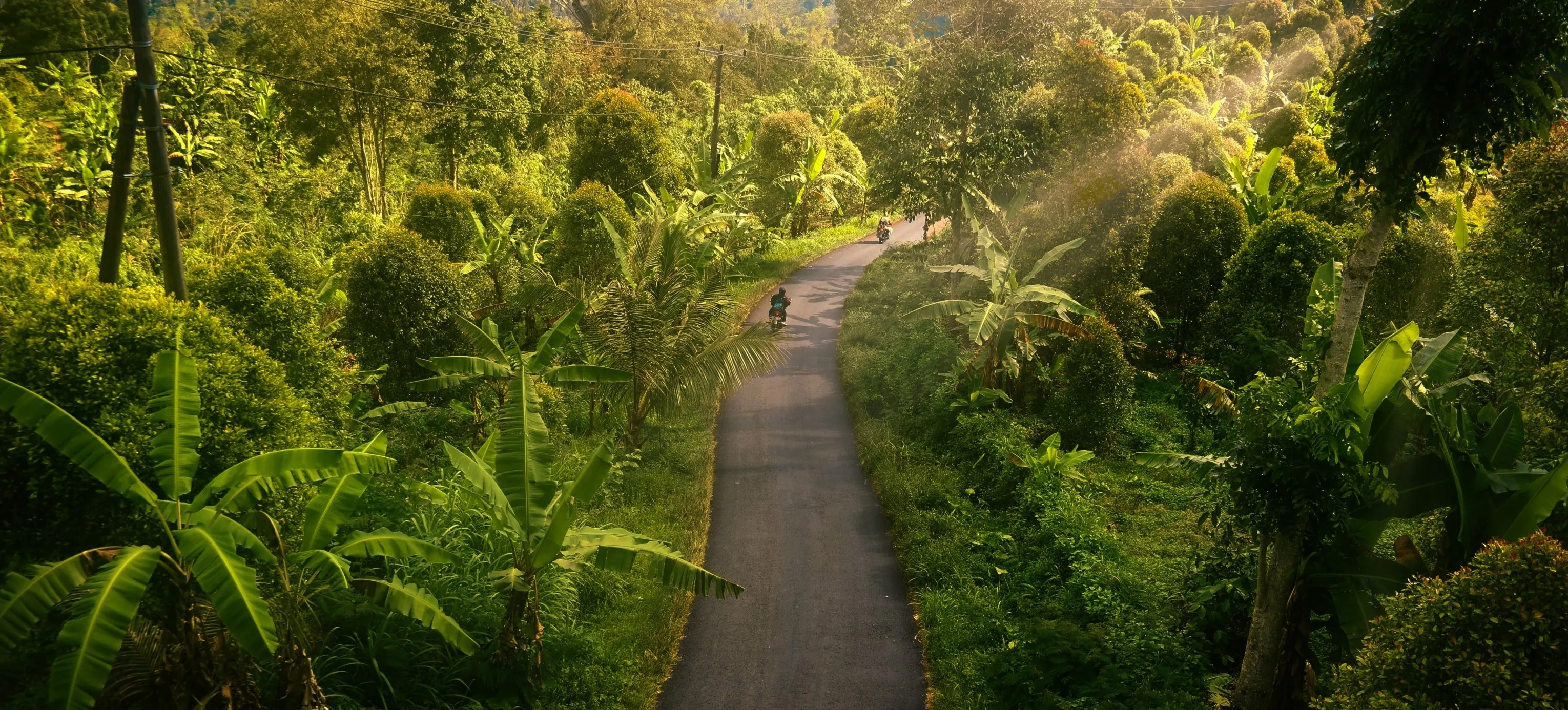
Fotografia di Paesaggio

Achieve astonishing results with intuitive, AI-powered landscape photo editing tools of Luminar.
(20)
Fotografia di Matrimoni
(21)
(22)
Prima
Dopo
© germay10

Fotografia di Matrimoni

Trasforma i tuoi scatti in ricordi indimenticabili con il nostro software di foto editing per matrimoni.
(23)
Editor for Beginners
(24)
(25)
Prima
Dopo
© Shutterstock

Editor for Beginners

Make your photos pop effortlessly—transform them in just a few clicks with Luminar.
(26)
Drone Photography
(27)
(28)
Prima
Dopo
© Jesse Aguero

Drone Photography

Take your aerial shots to new heights—try our professional editing tools.
(29)
Real Estate Photography
(30)
(31)
Prima
Dopo
© Rawpixel

Real Estate Photography

Create stunning property visuals in seconds with AI-powered real estate photo tools that work for you.
(32)
Fotografia di Cibo
(33)
(34)
Prima
Dopo
© Ivan

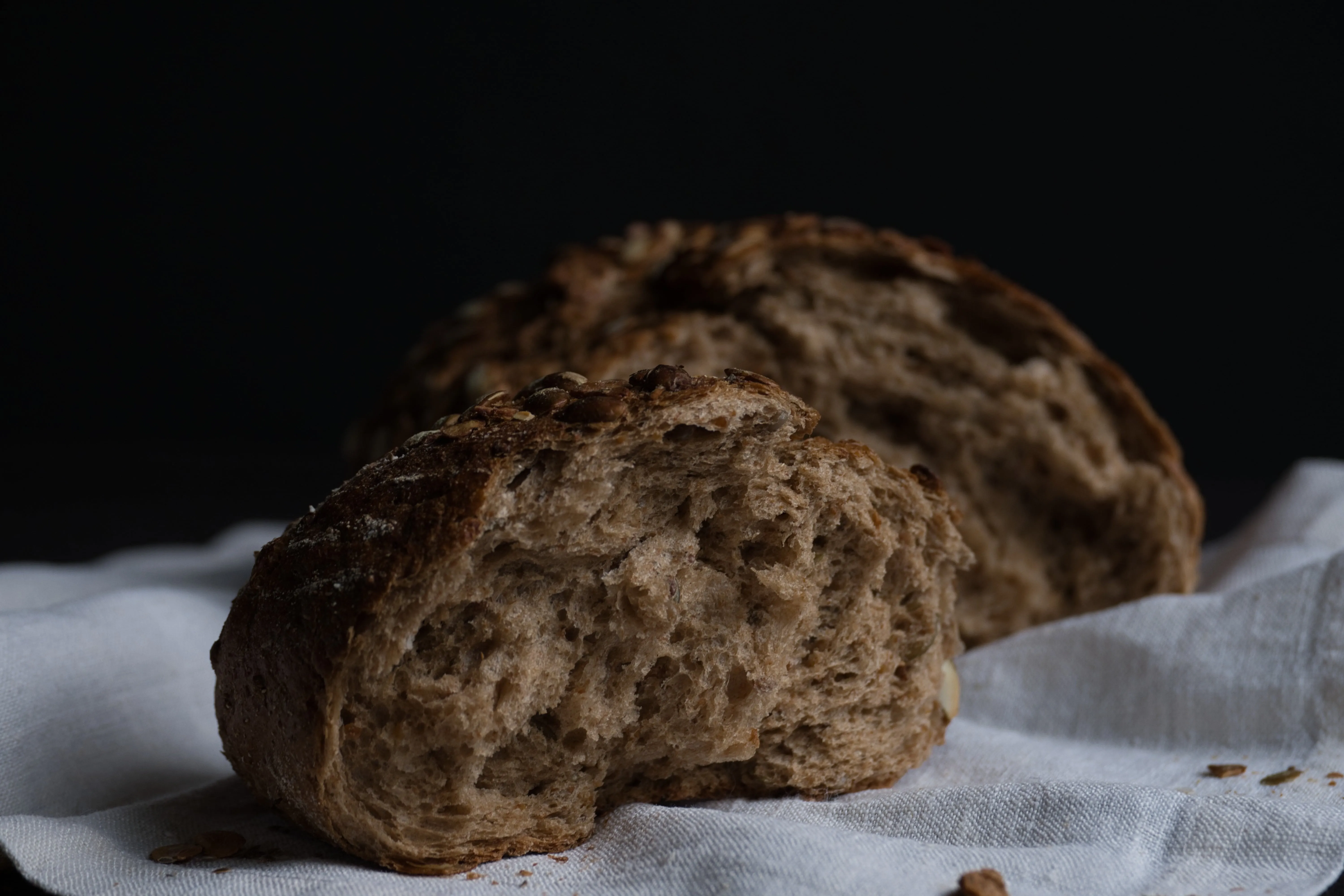
Fotografia di Cibo

Scopri il nostro Delizioso Foto Editor di Cibo e trasforma i tuoi piatti in capolavori visivi.

Domande Frequenti

Come posso far apparire più brillanti i miei gioielli nelle foto?

Per far apparire i tuoi gioielli più brillanti nelle foto, crea la luce giusta utiizzando luci soft e soffuse e posizionando dei riflettori per creare punti luce. Utilizza un obiettivo macro per catturare i piccoli dettagli, e uno sfondo neutro ed essenziali per mantenere il focus sui gioielli. Migliora ulteriormente la brillantezza in post-produzione regolando luminosità, contrasto e punti luce e applicando un aumento del contrasto selettivo.

Quali sono i vantaggi dell'utilizzo di un foto editor per le immagini di gioielli?

Utilizzare un foto editor comeLuminar for jewelry images enhances their visual appeal by improving clarity, adjusting colors, and removing imperfections, ensuring the jewelry looks its best. Additionally, Luminar's AI-driven tools can efficiently highlight the sparkle and details of the pieces, creating stunning, professional-quality photos that attract customers.

Quali sono le tecniche di ritocco più comuni utilizzate nel foto editing di gioielli?

Le tecniche di ritocco più comuni utilizzate nel foto editing di gioielli includono la regolazione di luce e contrasto per esaltare la brillantezza, la rimozione di polvere e graffi per un look impeccabili e la regolazione del bilanciamento cromatico per una rappresentazione accurata di metalli e pietre preziose. Inoltre, aumentare il contrasto e mettere in evidenza dettagli specifici aiuta a esaltare l'artigianalità e la brillantezza dei gioielli.

Can I improve my gem's photo with Luminar?

If you’re looking for the best photo editing software for jewelry, give Luminar a try. It has plenty of features that can help you deliver stunning photos in a beat.

Posso utilizzare un foto editor per esaltare i colori di pietre e metalli preziosi nelle foto di gioielli?

Yes, you can use a photo editor to enhance the colors of gemstones and precious metals in jewelry photos by adjusting the saturation, vibrance, and color balance to make them appear more vivid and accurate. Try Luminar!

Why Luminar is the best jewelry photo retouching tool?

Luminar is the best jewelry photo retouching tool because it allows precise local adjustments without damaging fine details. The tool is strong in enhancing light, contrast, and clarity on small reflective surfaces while preserving texture and shape.

Photographers choose Luminar because it lets them control highlights, shadows, and color selectively—without flattening metals or over-sharpening gemstones.

Who can benefit from Luminar jewelry photography retouching software?

Luminar benefits:

- jewelry photographers working with rings, necklaces, and watches
- e-commerce teams preparing product images for catalogs and marketplaces
- creators who need clean, realistic product visuals without complex retouching workflows

The tool fits workflows where accuracy and consistency matter more than dramatic effects.

Why Luminar jewelry photo editor is trusted by photographers?

Luminar is trusted because all retouching is non-destructive and adjustable. Photographers can refine light, contrast, and detail step by step, mask edits precisely, and avoid permanent changes that could distort product appearance.
This makes it reliable for commercial jewelry photography where visual accuracy is critical.

(35)