
 요금제 보기
압도적인 감동을 더하는 풍경 사진 편집기
Editing landscape photos is more than just correction; it’s storytelling. With Luminar, you can turn your raw shots into breathtaking scenes and focus purely on your creative vision.
요금제 보기

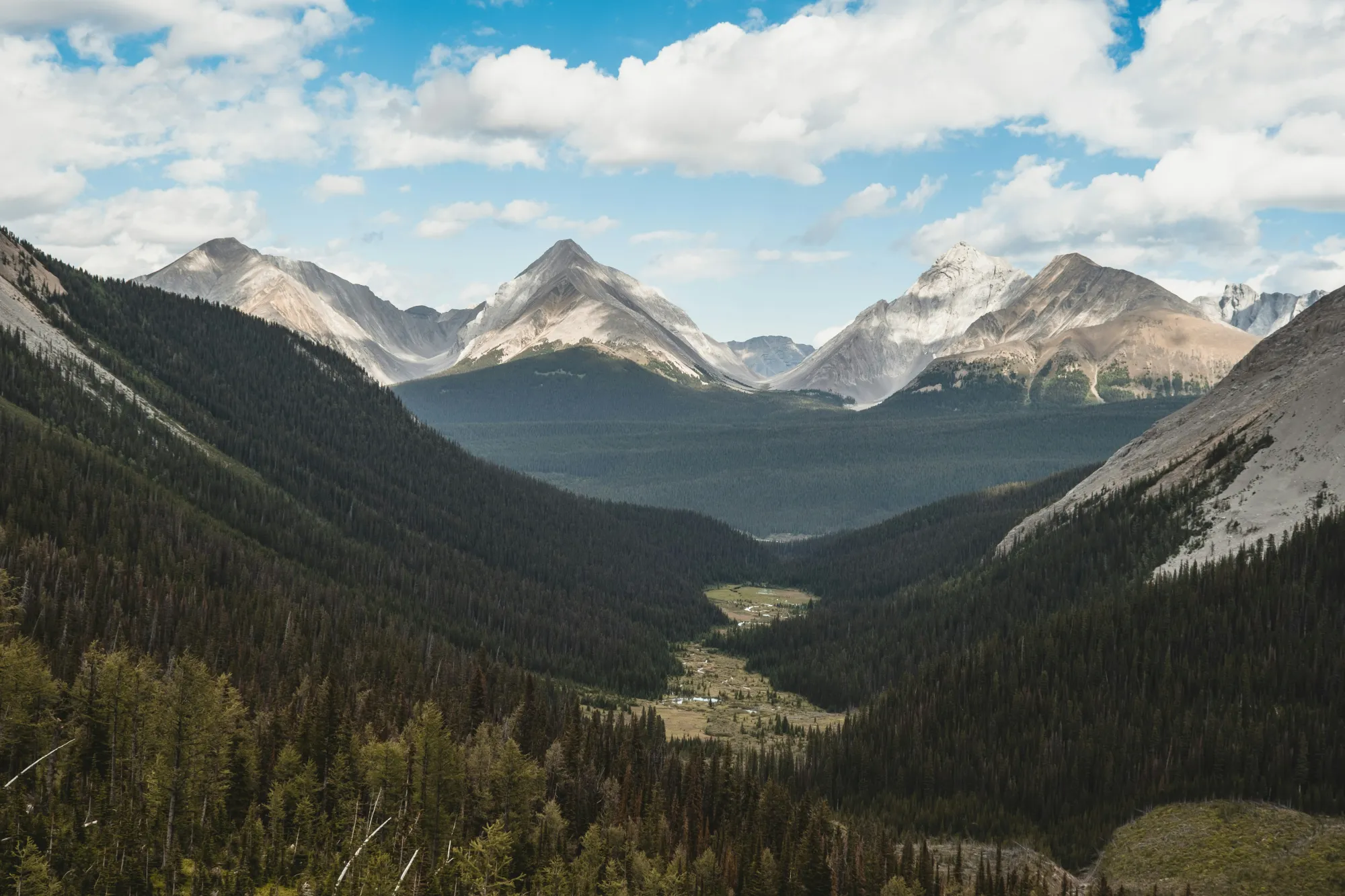
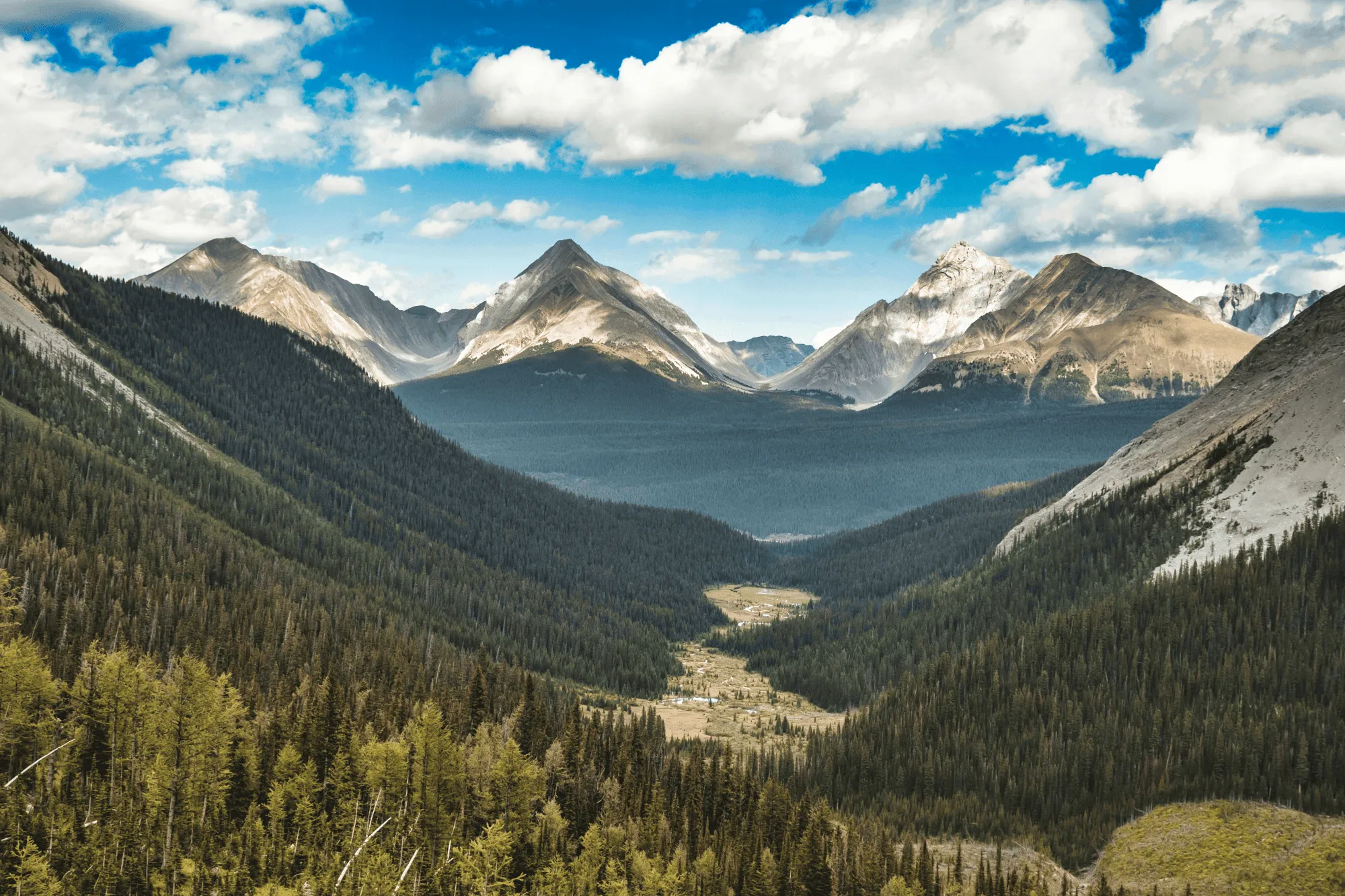
인핸스AI의 완벽한 빛과 색상
Field conditions aren’t always ideal, but Luminar helps you make the most of them.
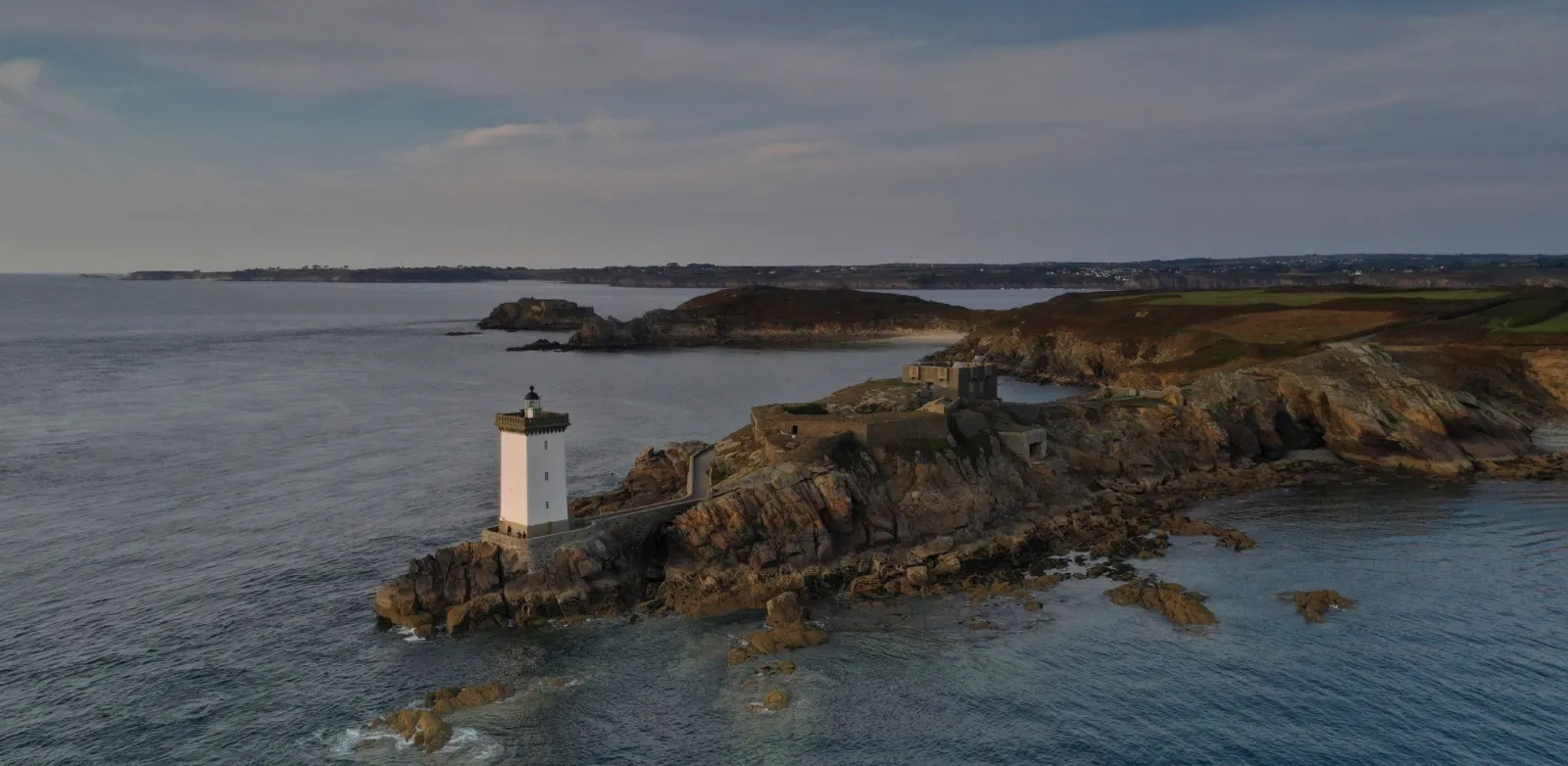
EnhanceAI, a smart landscape photo enhancer, detects lighting and color issues in your image and builds a custom brightness map to balance tones across the entire frame to create a result that looks clean, yet natural.
EnhanceAI, a smart landscape photo enhancer, detects lighting and color issues in your image and builds a custom brightness map to balance tones across the entire frame to create a result that looks clean, yet natural.
AI 도구로 하늘을 지배하세요
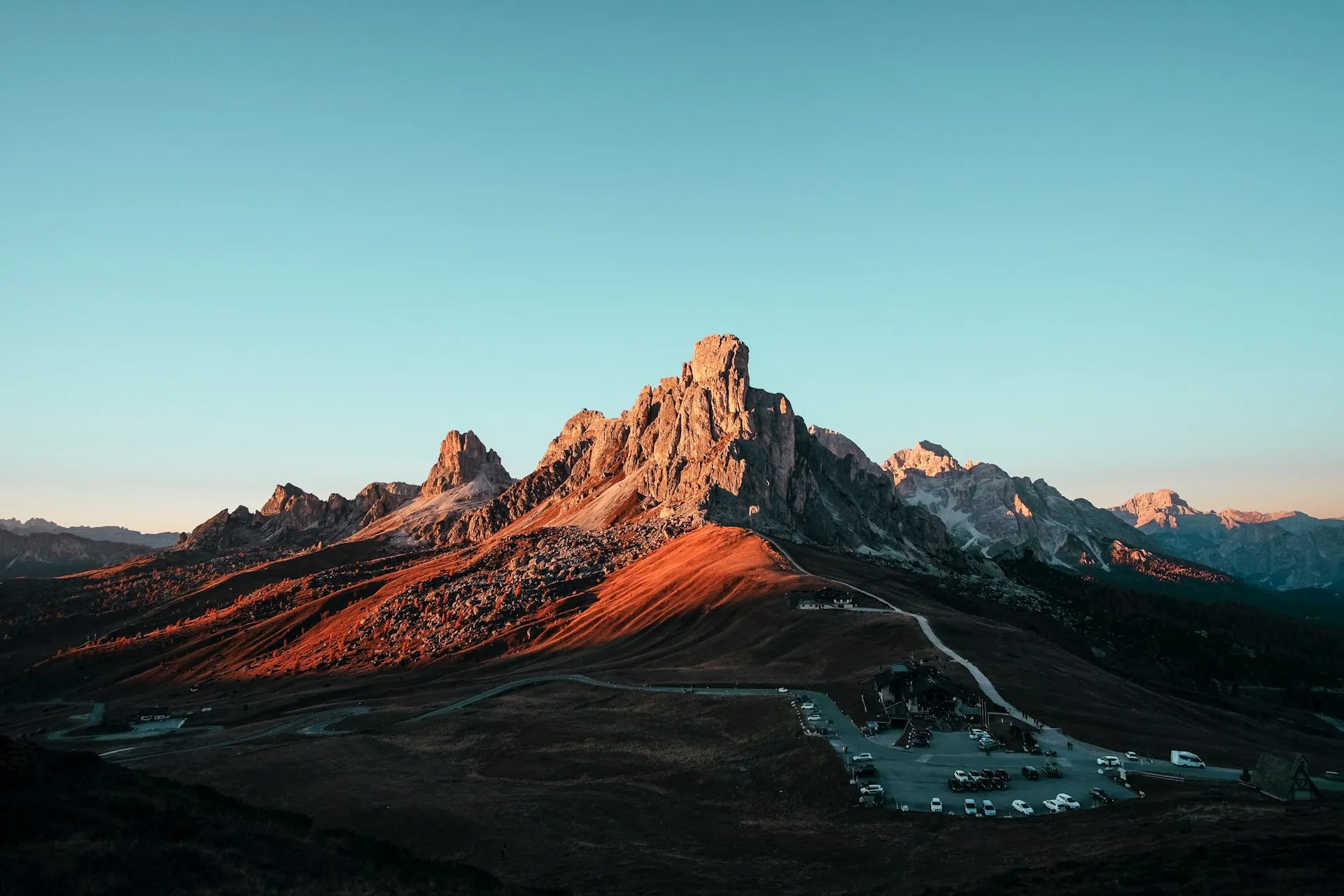
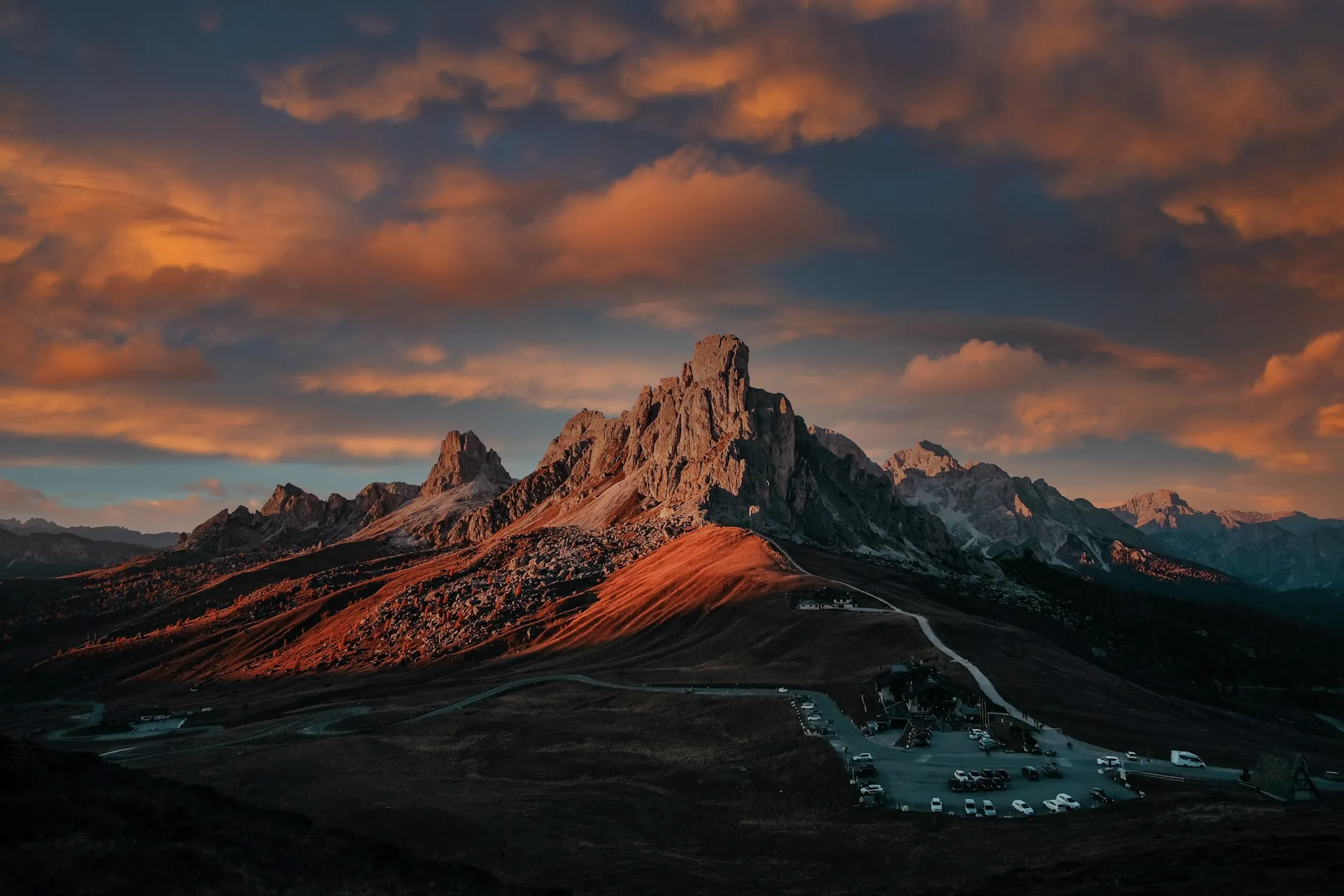
After balancing light and color across your scene, take your scenery edit further with SkyAI. Make subtle adjustments to existing skies or replace them altogether.
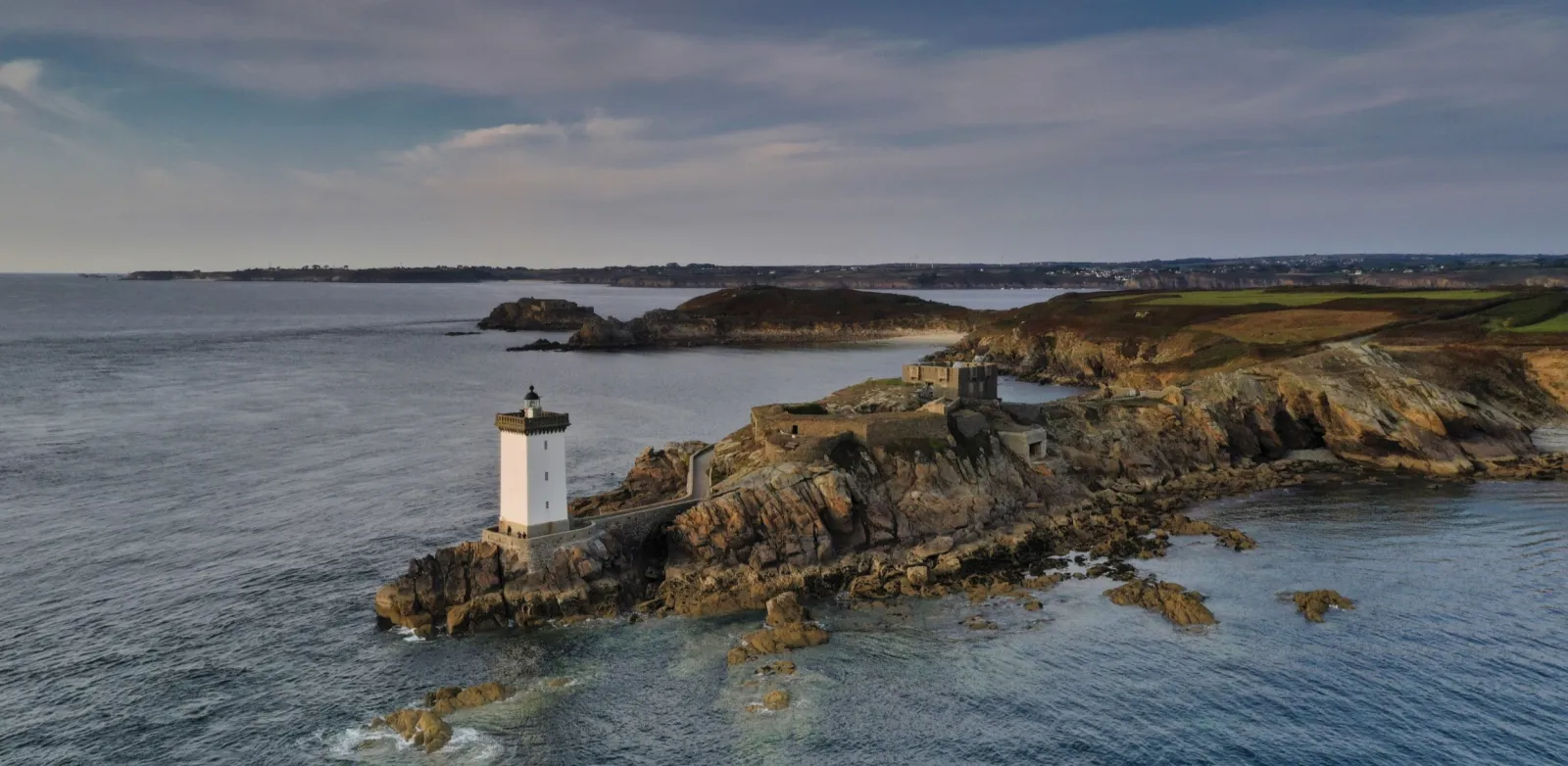
Either way, SkyAI makes skies pop and, as needed, relights the landscape to match.
Either way, SkyAI makes skies pop and, as needed, relights the landscape to match.

© Jim Nix
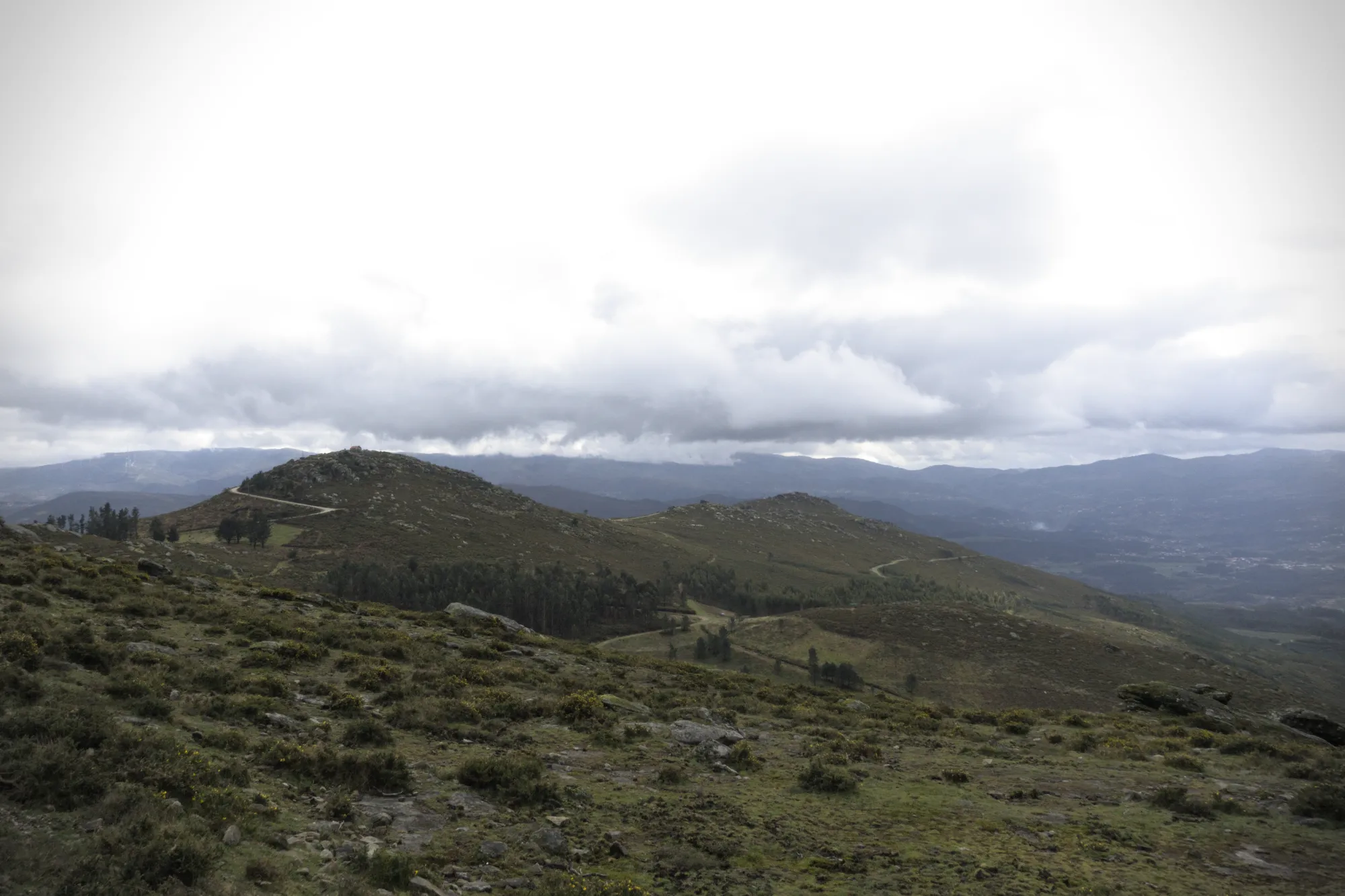
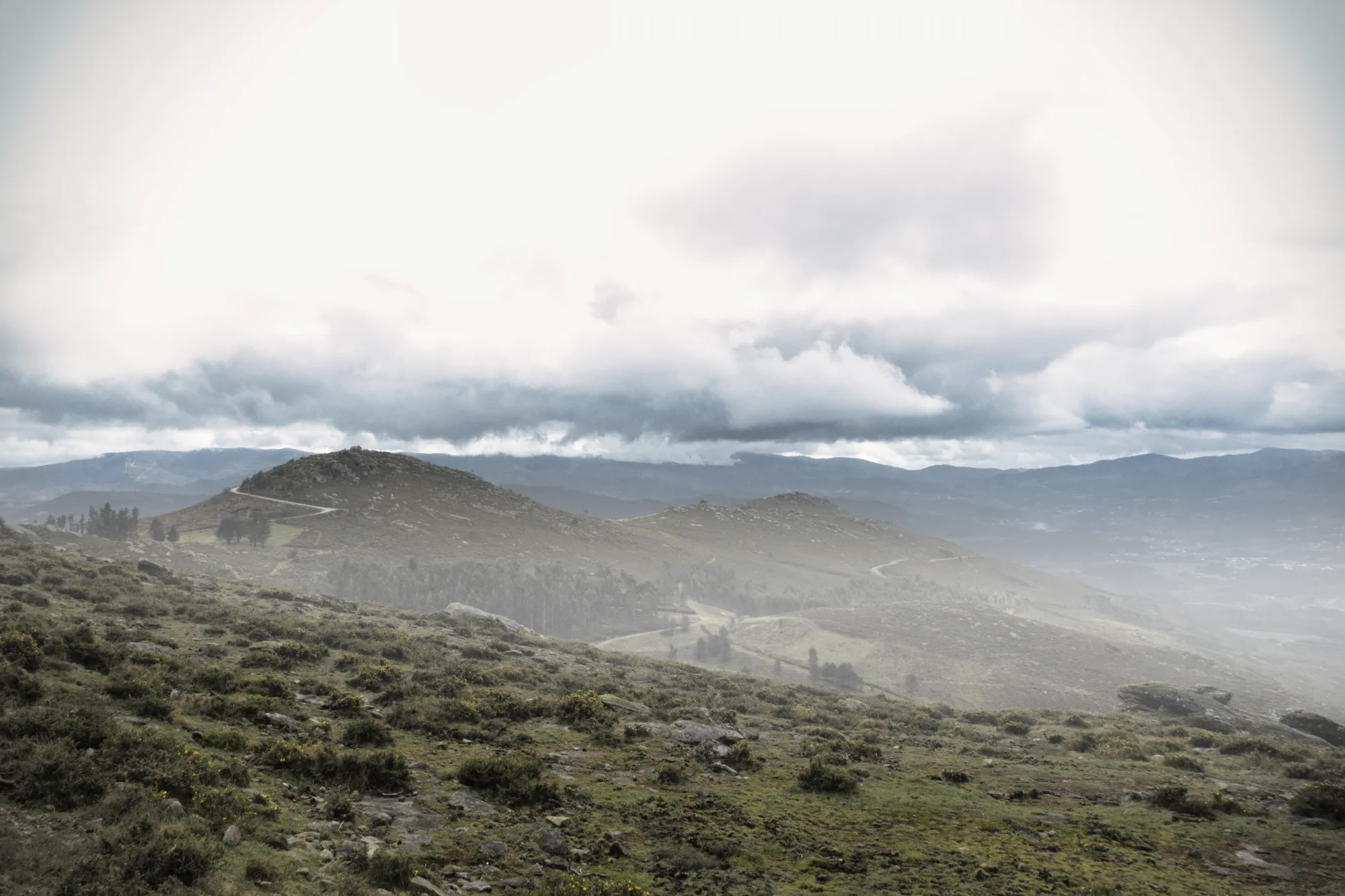
실감나는 대기 효과로 사진에 깊이를 더하세요
자연 사진을 편집할 때, 장면에 생동감을 불어넣는 것은 세밀한 터치입니다. 대기AI는 3D 깊이 맵을 활용해 풍경의 윤곽을 따라 흐르는 안개나 흐림 같은 자연스러운 효과를 생성합니다. 공간 인식과 변동 가능한 밀도를 통해 이미지에 풍부한 차원을 더하면서도, 이미지를 과도하게 강조하지 않습니다.
구도AI로 완벽한 프레임을 구현하세요
No landscape photo manipulation is complete without a well-aligned, thoughtfully framed shot.
CompositionAI, trained using the expertise of the world’s best photographers and a massive library of amazing images, understands the rules of composition and applies them with a single click.
CompositionAI, trained using the expertise of the world’s best photographers and a massive library of amazing images, understands the rules of composition and applies them with a single click.
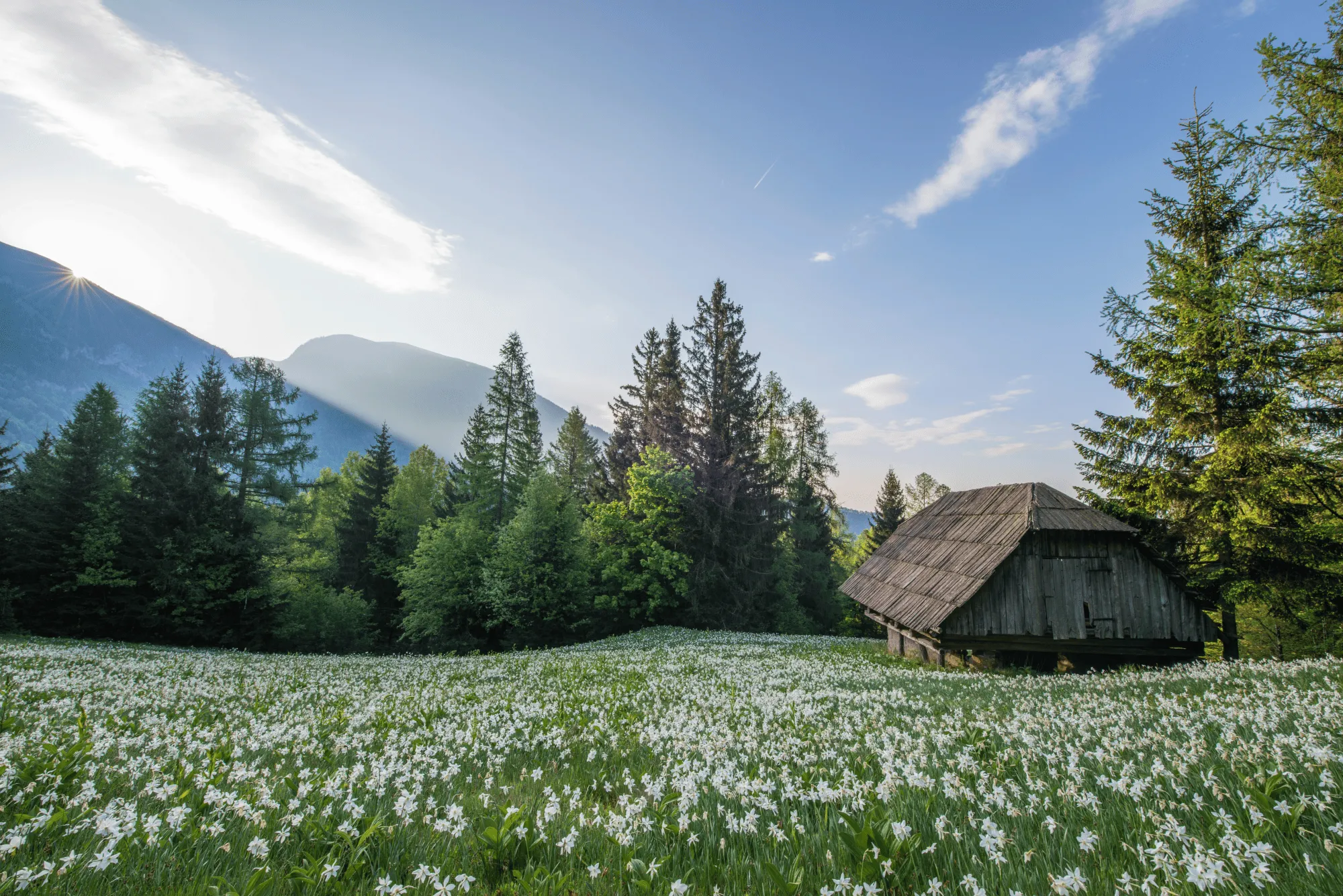
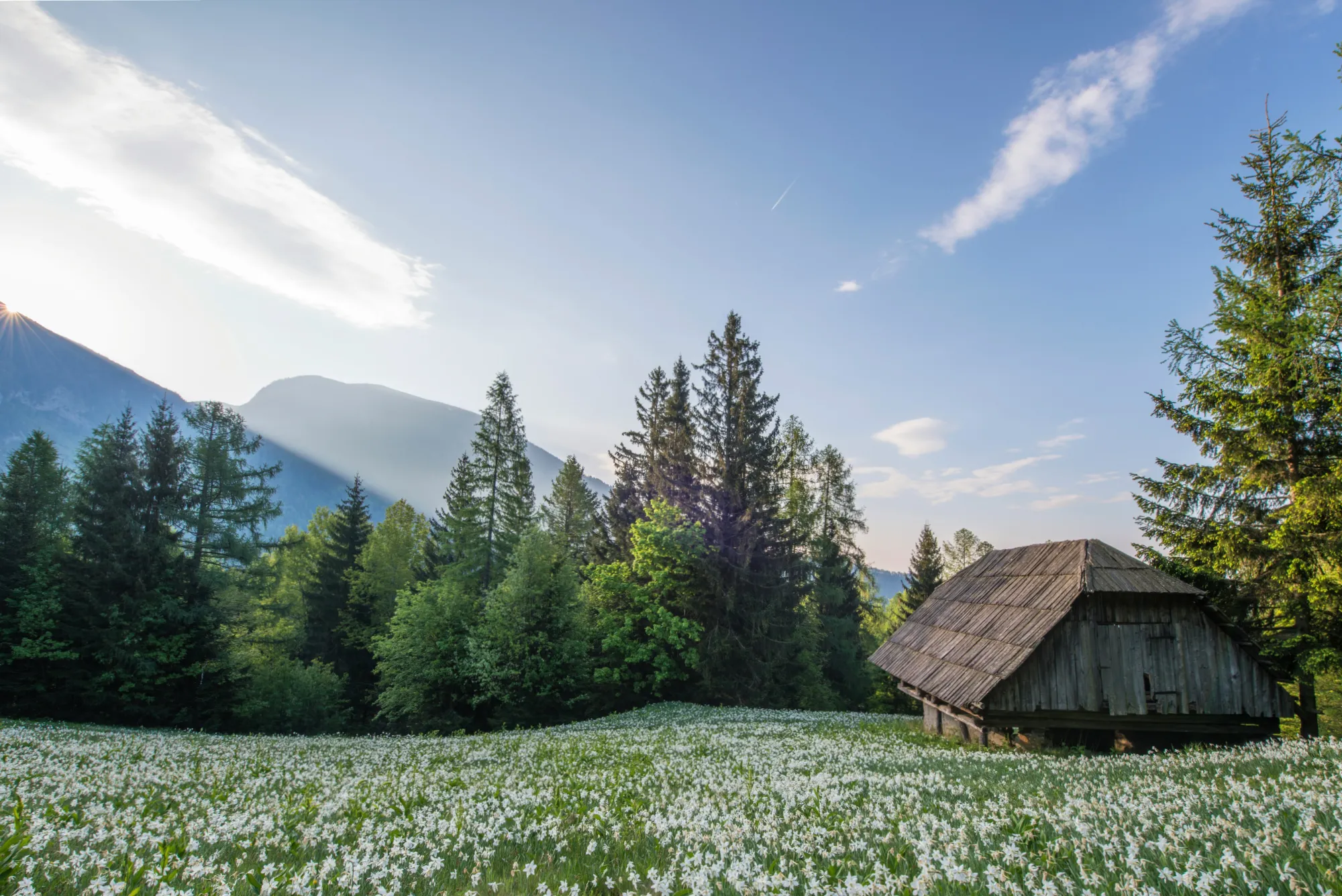
© Jim Nix
How To Edit Landscape Photos Using Luminar?
Luminar offers everything you need for powerful landscape editing. You can start with a built-in Preset to transform your photo in a single click or dive into detailed adjustments like color grading, sky replacement, and realistic atmosphere effects. Want to see it in action? Watch the video and learn how our team edits landscapes step by step.


기타 활용 사례
Luminar has plenty of other use cases to help you edit faster and easier

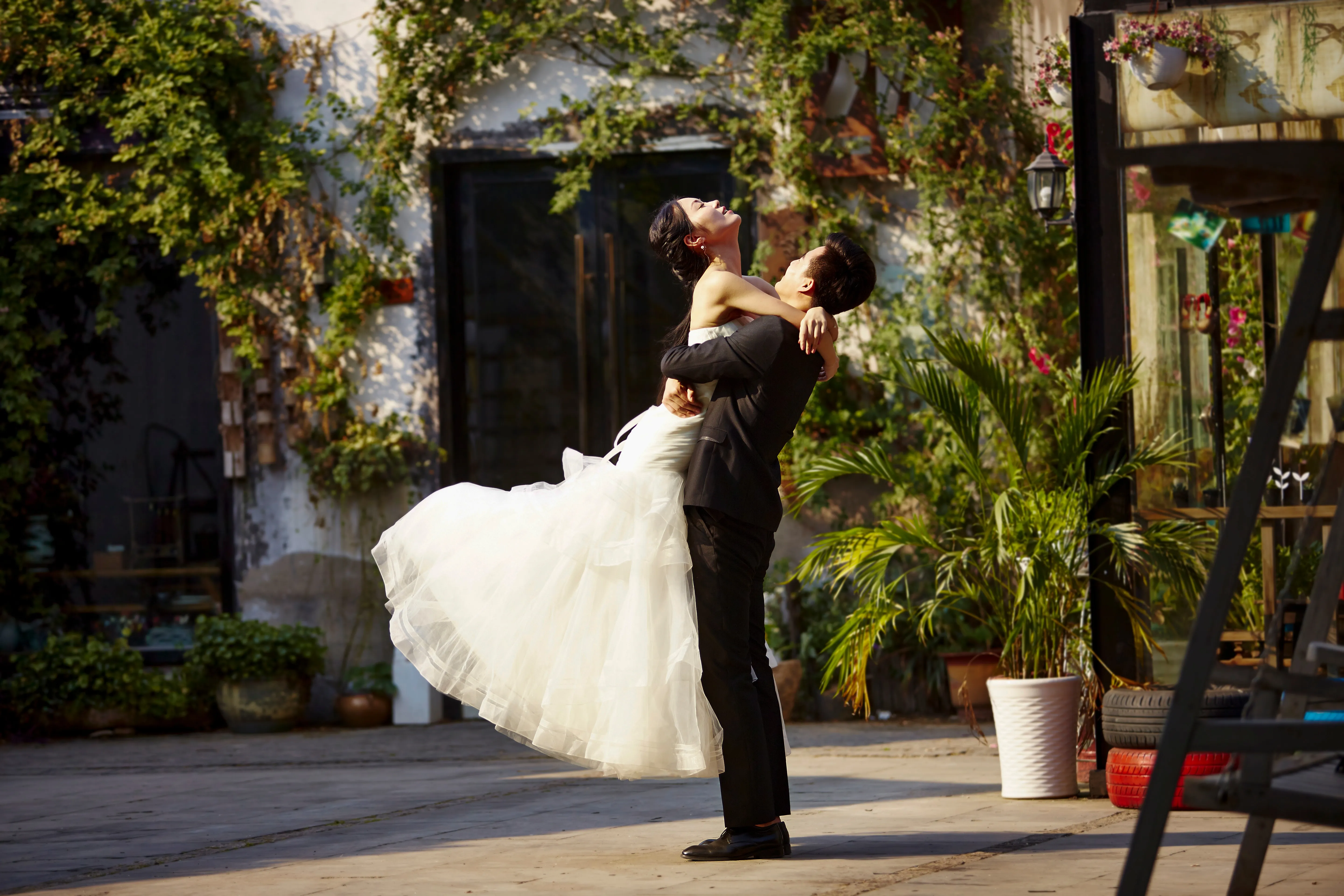
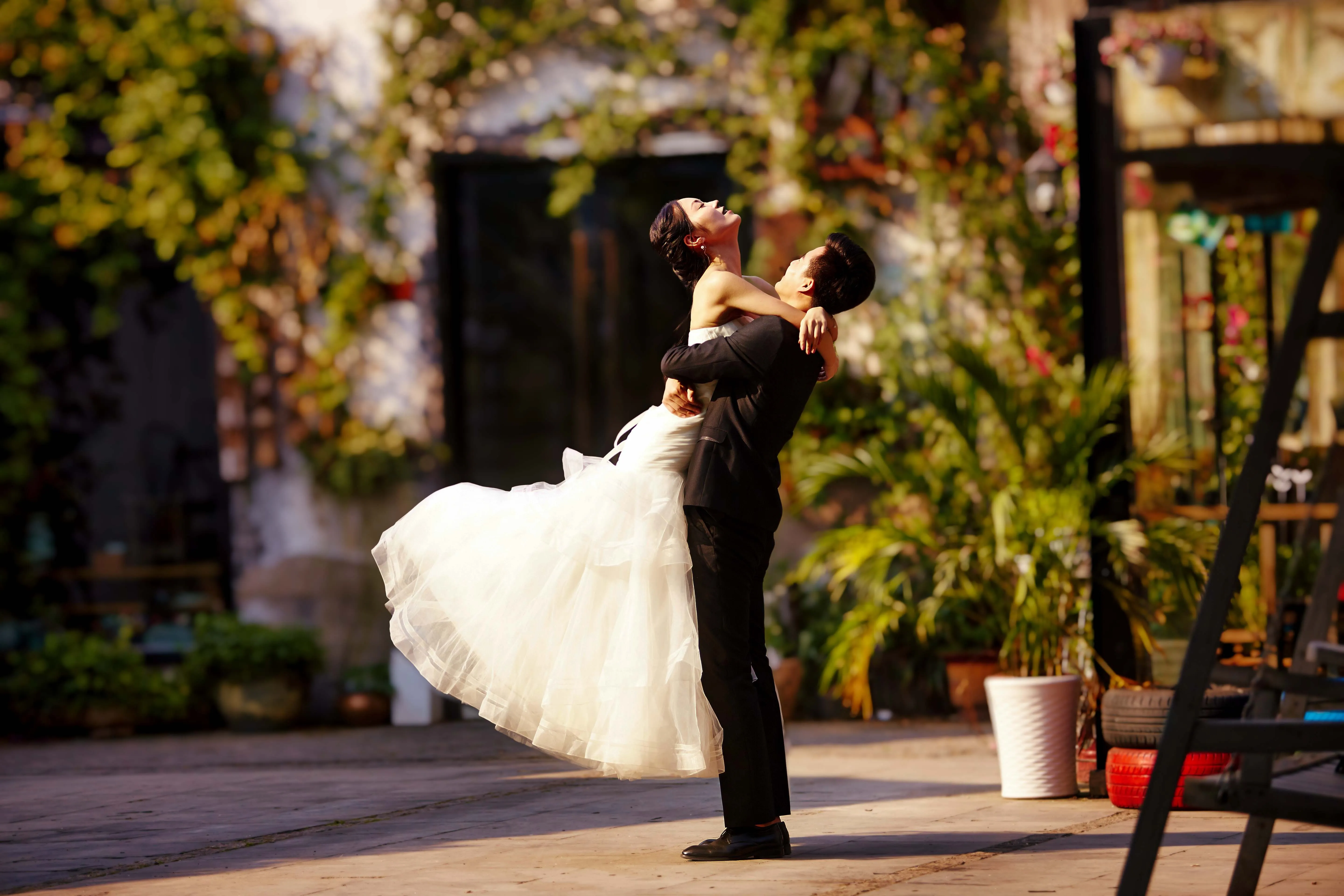
.svg)
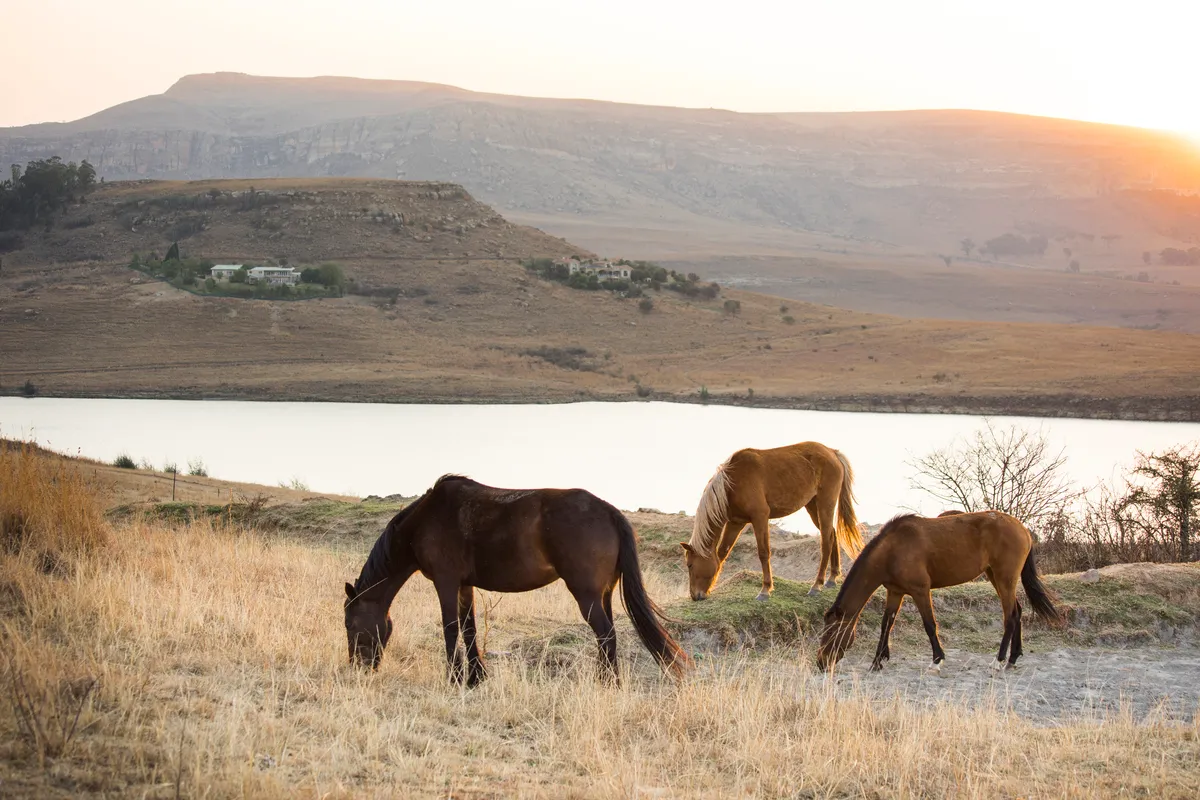
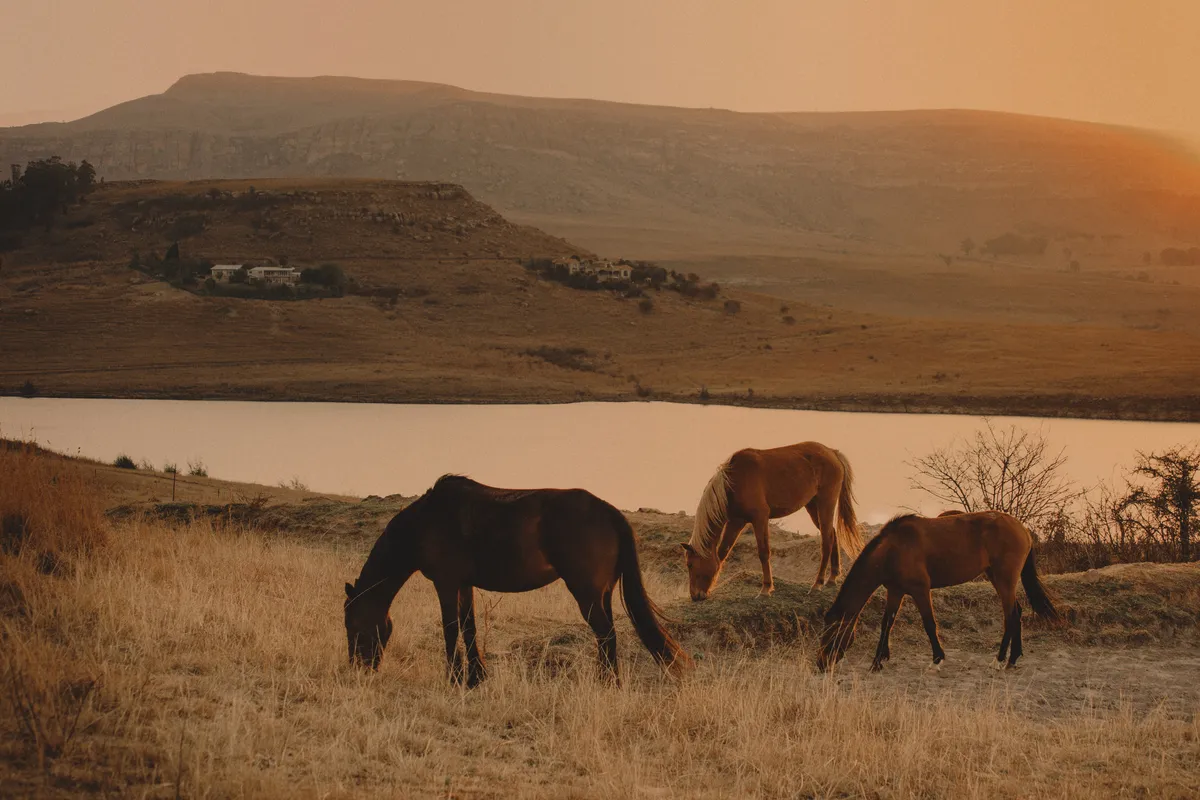
.svg)



초보자를 위한 편집기
© Ivan
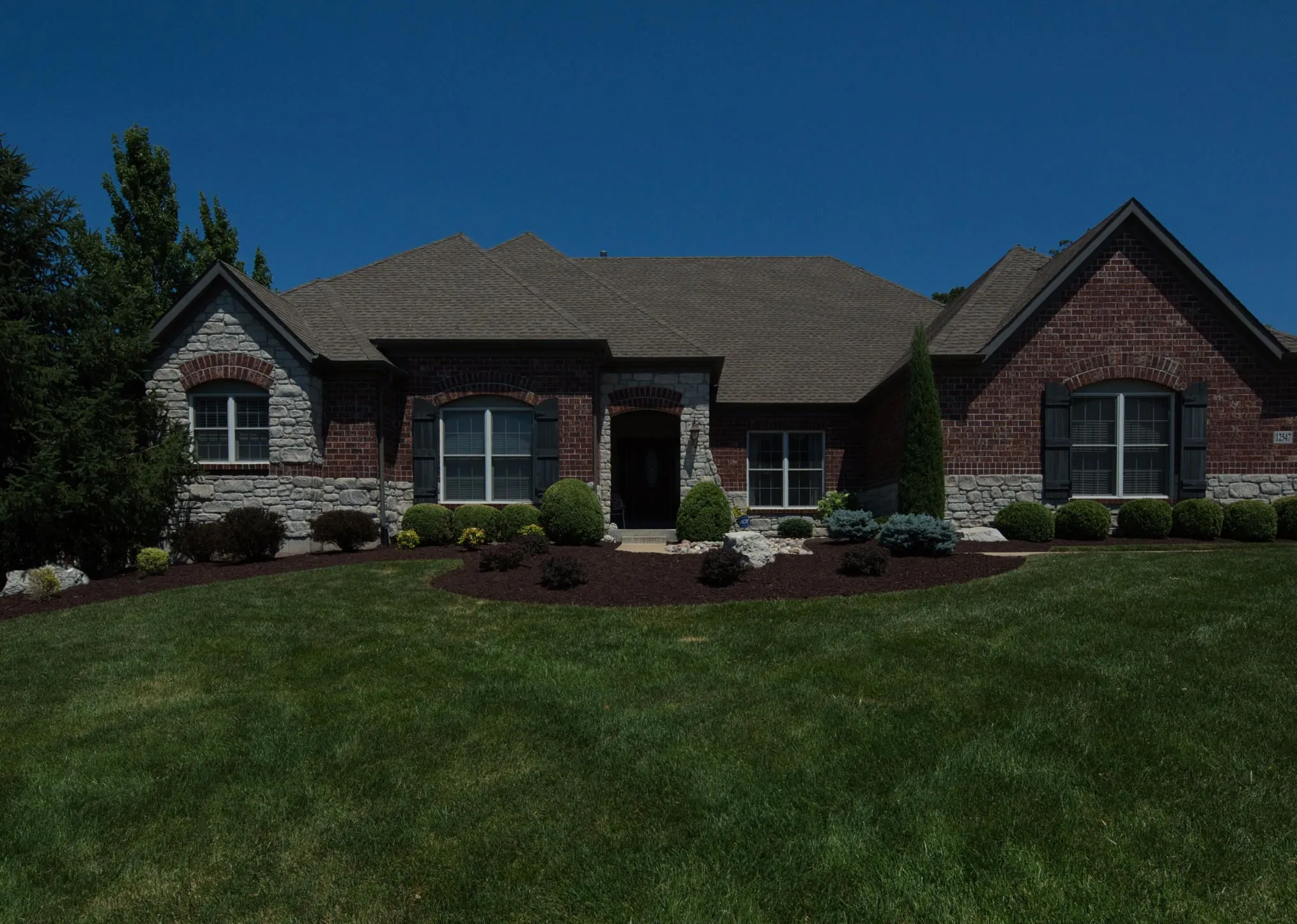
Make your photos pop effortlessly—transform them in just a few clicks with Luminar.



예술 사진

© goffkein
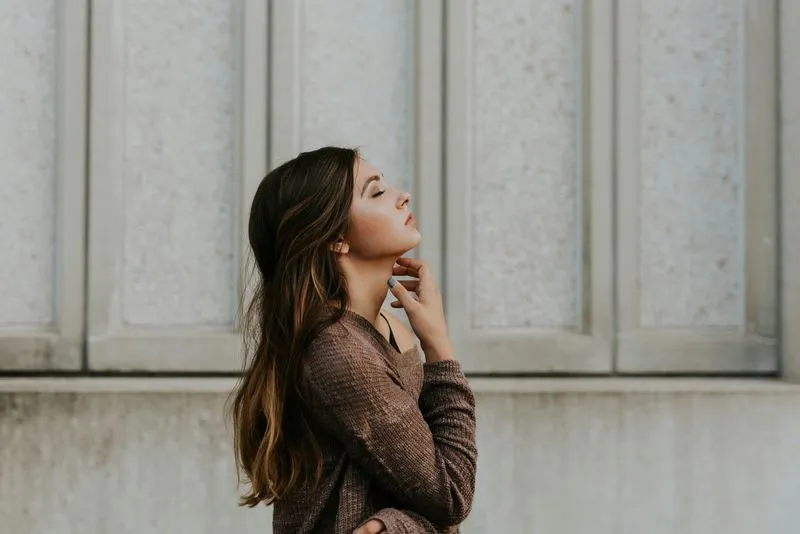
Bring your vision to life—try Luminar today and transform every photo into a masterpiece with just a few clicks.
자주 묻고 답하는 질문
풍경 사진이란 무엇인가요?
풍경 사진은 산, 숲, 강, 사막 및 기타 경치 좋은 환경을 포함한 자연 경관의 아름다움을 포착하는 데 중점을 두는 사진 장르입니다. 매력적인 이미지를 통해 자연 세계의 웅장함과 평온함을 전달하는 것을 목표로 합니다.
How can Luminar improve my landscape photography?
Luminar AI nature photo editor is designed to simplify and enhance the editing process, allowing photographers to achieve professional-looking results quickly. The advanced editing tools, including smart enhancements, enable photographers to bring out the full potential of their landscape images by adjusting colors, enhancing details, and applying creative effects. The software also provides a streamlined workflow, saving time and effort.
여러 개의 자연 사진을 한 번에 편집할 수 있나요?
Yes! Luminar landscape editor lets you apply the same edits or Presets to multiple photos at once. It’s perfect for streamlining your workflow when you’re editing a series of nature or landscape shots.
Who can benefit from Luminar Landscape photo editor?
Luminar Landscape photo editor is especially valuable for:
- 풍경 사진작가: 하늘, 빛, 깊이감, 디테일을 개선하여 표현력이 풍부하고 강렬한 야외 이미지를 제작할 수 있습니다.
- 여행 사진작가: 광활한 장면을 정교하게 다듬고 조명을 보정하여 더욱 강력한 이야기를 전달하는 몰입감 넘치는 비주얼을 구축할 수 있습니다.
- 자연 및 야생 동물 사진작가: 자연스러운 사실감을 유지하면서 선명도, 색상, 분위기를 개선할 수 있습니다.
- 야외 콘텐츠 크리에이터: 가공되지 않은 야외 스냅샷을 시선을 사로잡는 세련된 비주얼로 바꿔줍니다.
- 순수 예술 및 인화 전문 사진작가: 전시회나 고품질 인화에 적합하도록 크고 정밀한 풍경 이미지를 제공합니다.
이 도구는 최소한의 노력으로 더욱 드라마틱하고 균형 잡히며 풍경 사진을 전문적으로 연출하고 싶은 모든 분께 유용합니다.
- 풍경 사진작가: 하늘, 빛, 깊이감, 디테일을 개선하여 표현력이 풍부하고 강렬한 야외 이미지를 제작할 수 있습니다.
- 여행 사진작가: 광활한 장면을 정교하게 다듬고 조명을 보정하여 더욱 강력한 이야기를 전달하는 몰입감 넘치는 비주얼을 구축할 수 있습니다.
- 자연 및 야생 동물 사진작가: 자연스러운 사실감을 유지하면서 선명도, 색상, 분위기를 개선할 수 있습니다.
- 야외 콘텐츠 크리에이터: 가공되지 않은 야외 스냅샷을 시선을 사로잡는 세련된 비주얼로 바꿔줍니다.
- 순수 예술 및 인화 전문 사진작가: 전시회나 고품질 인화에 적합하도록 크고 정밀한 풍경 이미지를 제공합니다.
이 도구는 최소한의 노력으로 더욱 드라마틱하고 균형 잡히며 풍경 사진을 전문적으로 연출하고 싶은 모든 분께 유용합니다.
Why Luminar is the best photo editor for landscape photo editing?
Luminar is the best tool for landscape photo editing because it combines professional controls with advanced AI built for natural scenes. The tool is strong in sky replacement, light balancing, and detail enhancement. Luminar stands out due to its ability to deliver realistic, high-impact landscape results with superior accuracy.
Why Luminar Landscape photo editor is trusted by photographers?
Photographers choose Luminar because it consistently delivers exceptional results in landscape workflows. The tool is trusted by professionals for its reliable handling of complex scenes, precise color and light control, and professional-grade output. Luminar has become a go-to choice for serious landscape photography.
풍경 사진에서 구도 조정(예: 프레임 잡기, 자르기, 수평 보정)은 어떻게 이루어지나요?
Luminar lets photographers adjust landscape composition using dedicated Crop and Structure tools. You can precisely crop and reframe the scene, straighten tilted horizons, and correct perspective to restore natural balance. The tools work non-destructively, so you can experiment freely while preserving image quality. Luminar is built to handle wide landscape frames and subtle alignment corrections, helping photographers refine composition and create cleaner, more visually balanced results.
