

 Bekijk opties
Luminar: The Advanced Inpixio Alternative for Pros
Searching for a powerful alternative to the Inpixio photo editor? Well, we’ve got something you might like! Discover Luminar, an AI-powered desktop tool that effortlessly handles photo editing tasks of any complexity
Bekijk optiesWhat Luminar Has to Offer
We understand that choosing a truly convenient photo editor is a complicated process. That's why we've prepared a brief description of Luminar's key features to help you decide if it's the perfect match:
Gebruiksvriendelijke Interface voor Fotografen van Alle Niveaus
Luminar is a comprehensive solution for any type of photography. It combines a robust suite of tools with remarkable ease of use. So, you can start editing right after downloading without the need for tutorials or manuals.
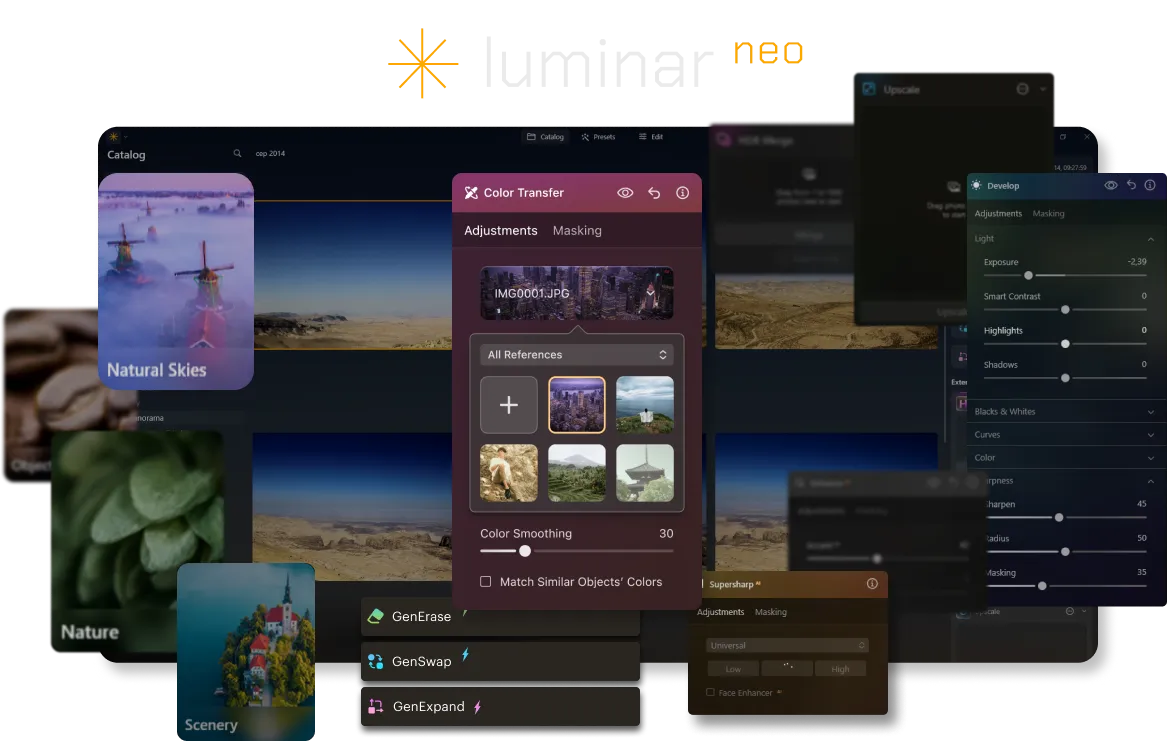
Uitgebreide Selectie van AI-tools, Inclusief Generatieve Opties
Nearly all the tools found in Inpixio are available in Luminar, along with a wide array of additional features tailored for artistic photography and professional-grade editing. It also offers generative tools to expand your photos or intelligently remove unwanted elements.
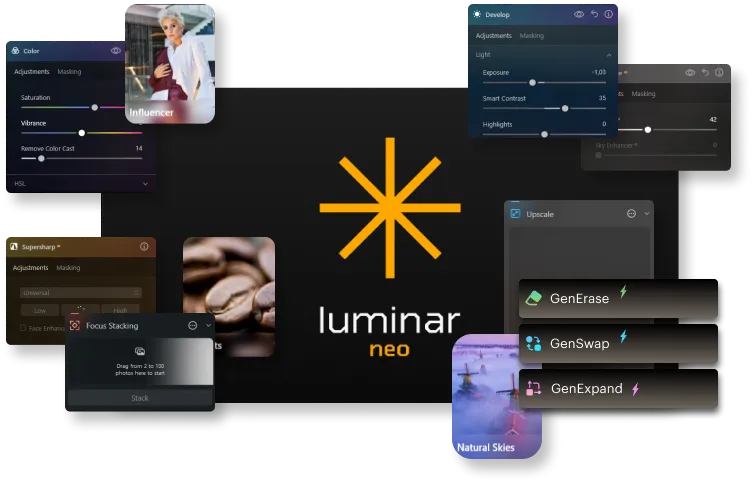
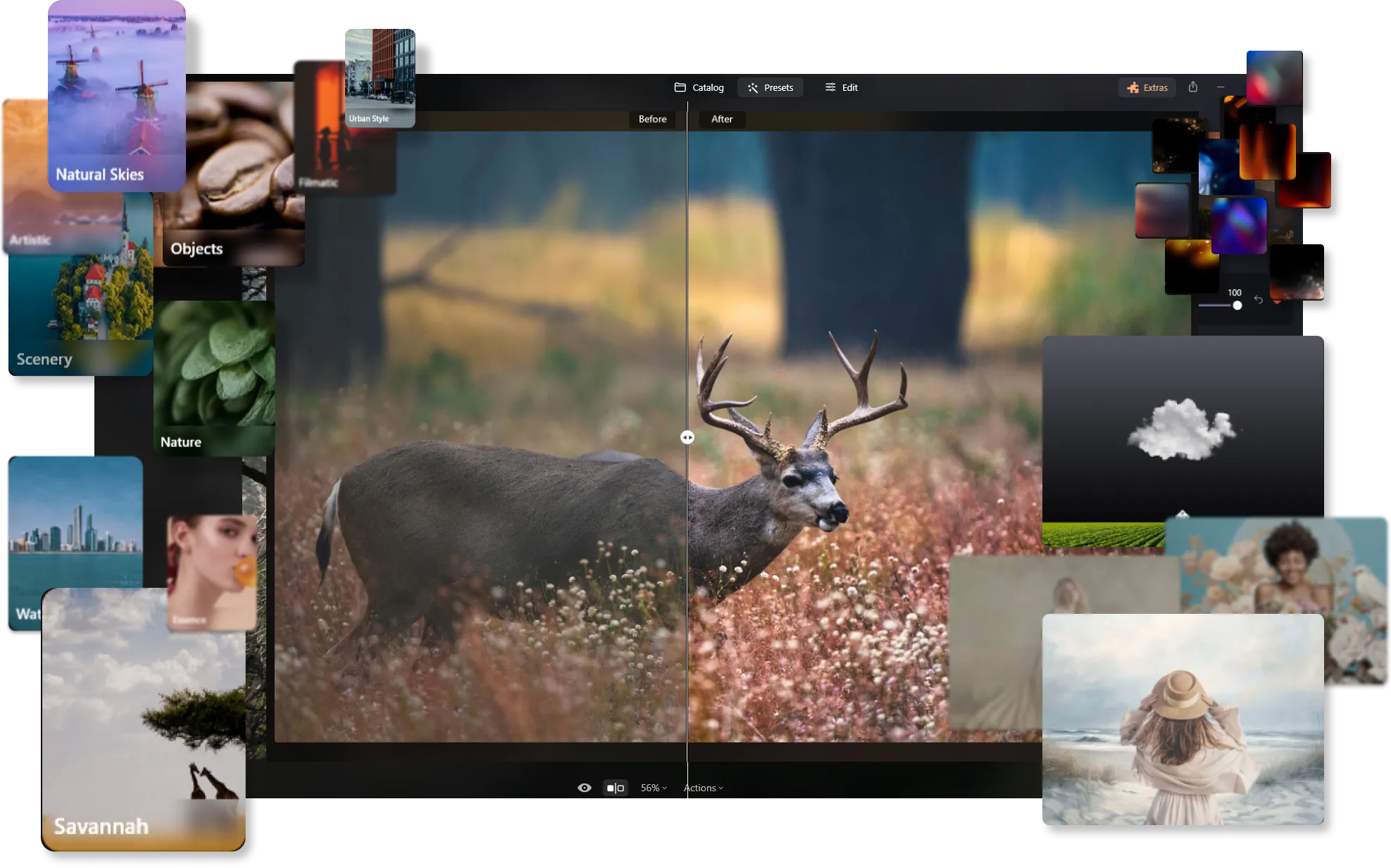
Uitgebreide Bibliotheek met één-klik Presets, Gemaakt door Professionals
Luminar’s presets offer quick fixes and creative enhancements for any style. You'll find options to match your vibe, or you can create and save your own custom presets. Plus, with batch editing, you can easily apply your favorite edits to multiple photos at once.
Luminar vs Inpixio: A Cheat Sheet for Comparison
| Aspect | Luminar | Inpixio |
|---|---|---|
Gebruikers-Interface | Modern, intuïtief, gebruiksvriendelijk | Eenvoudig, gemakkelijk te navigeren |
Bewerkingsmogelijkheden | Geavanceerde bewerkingshulpmiddelen, op lagen gebaseerde bewerking | Uitgebreide bewerkingssuite, gericht op gebruiksgemak |
Penseel- en Selectiehulpmiddelen | Nauwkeurige penselen, geavanceerde selectietools | Basis penselen en selectietools |
AI en Automatisering | Set van AI-hulpmiddelen voor geavanceerde retouchering van verschillende soorten fotografie | AI-hulpmiddelen voor het uitvoeren van basisbewerkingen zoals luchtvervanging of objectgum |
Generatieve Al-functies | GenWissen, GenWisselen, GenUitbreiden | Achtergrondveranderaar |
Filters en Effecten | Uitgebreide collectie creatieve filters | Brede scala aan creatieve filters en effecten |
Workflow Integratie | Kan worden gebruikt als plug-in met Adobe Photoshop, Adobe Lightroom, Photos® voor macOS-extensie | Online, en eenvoudig te integreren met verschillende workflows |
Niet-Destructief Bewerken | Volledige ondersteuning voor niet-destructieve bewerking; heeft een geschiedenisvenster | Ondersteunt niet-destructieve bewerking |
Prijsmodel | Abonnement- en eenmalige aankoopopties | Jaarlijks abonnementsmodel |
Gemeenschap en Ondersteuning | Gemeenschapssteun, tutorials, gebruikershandleidingen en klantenservice | Communityforums, tutorials en basisondersteuning |
Luminar
Inpixio
Gebruikers-Interface
Modern, intuïtief, gebruiksvriendelijk
Eenvoudig, gemakkelijk te navigeren
Bewerkingsmogelijkheden
Geavanceerde bewerkingshulpmiddelen, op lagen gebaseerde bewerking
Uitgebreide bewerkingssuite, gericht op gebruiksgemak
Penseel- en Selectiehulpmiddelen
Nauwkeurige penselen, geavanceerde selectietools
Basis penselen en selectietools
AI en Automatisering
Set van AI-hulpmiddelen voor geavanceerde retouchering van verschillende soorten fotografie
AI-hulpmiddelen voor het uitvoeren van basisbewerkingen zoals luchtvervanging of objectgum
Generatieve Al-functies
GenWissen, GenWisselen, GenUitbreiden
Achtergrondveranderaar
Filters en Effecten
Uitgebreide collectie creatieve filters
Brede scala aan creatieve filters en effecten
Workflow Integratie
Kan worden gebruikt als plug-in met Adobe Photoshop, Adobe Lightroom, Photos® voor macOS-extensie
Online, en eenvoudig te integreren met verschillende workflows
Niet-Destructief Bewerken
Volledige ondersteuning voor niet-destructieve bewerking; heeft een geschiedenisvenster
Ondersteunt niet-destructieve bewerking
Prijsmodel
Abonnement- en eenmalige aankoopopties
Jaarlijks abonnementsmodel
Gemeenschap en Ondersteuning
Gemeenschapssteun, tutorials, gebruikershandleidingen en klantenservice
Communityforums, tutorials en basisondersteuning

Een applicatie & plug-in voor MacOS & Windows


.webp)

Behoud uw workflow, breid uw mogelijkheden uit
Want to get all the benefits of Luminar but have an established Lightroom workflow? Great news! You can use all the power of Luminar within a plugin for Lightroom without changing up your usual post-production process.

Een applicatie & plug-in
Voor macOS & Windows
- Krachtige AI-afbeeldingsbewerker
24/7 technische ondersteuning
30-dagen geld terug garantie
Join our communities

