


Snapheal vs Luminar: Choosing the Best Tool for Photo Editing
Are you searching for an easy-to-use alternative to Snapheal in your workflow? Look no further! Welcome to our page, where we're excited to introduce you to Luminar—the latest photo editor that will seamlessly meet your needs
Bekijk optiesWhat Makes Luminar the Best Snapheal Alternative
Next-Gen Verwijderingsgereedschappen
With cutting-edge generative tools like Generase and Genswap, Luminar makes it effortless to ongewenste elementen te verwijderen van je foto's. Deze tools vervangen en verfijnen elementen op een intelligente manier, waardoor je met minimale inspanning een vlekkeloos resultaat bereikt.
.webp)
All-in-One Foto Bewerking Oplossing
Hoewel de Snapheal-app bekend staat om het basisverwijderen van elementen uit foto's
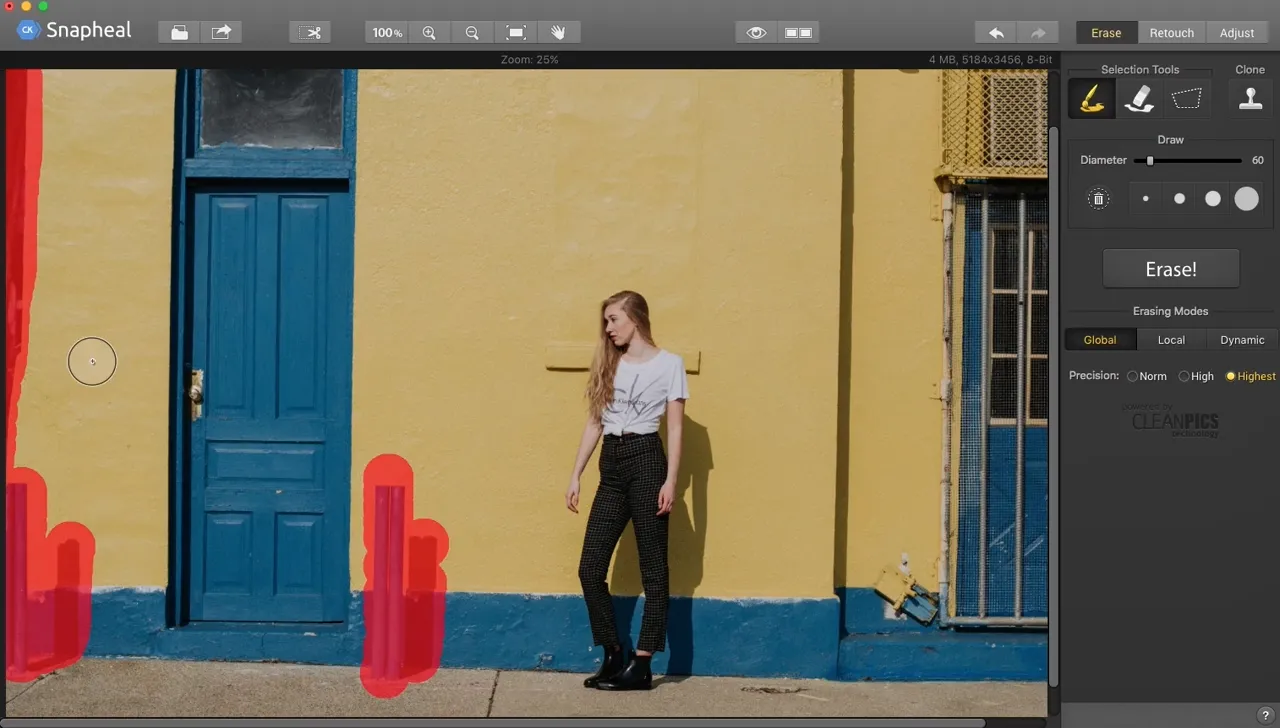
Luminar takes it to the next level. Beyond advanced removal tools, it offers a vast array of AI-powered features, layers, masks, and much more, making it a comprehensive solution for all your photo editing needs.
.webp)
voor uzelf
Handig Beheer
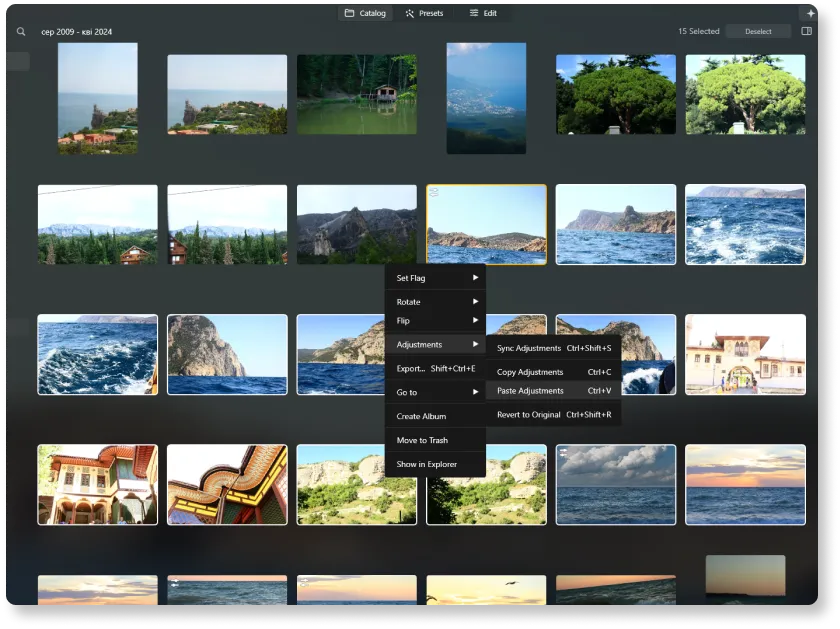
Unlike older tools like Snapheal, Luminar is a more modern and versatile solution. It offers better support and is optimized for today's workflows. Plus, it includes a user-friendly Catalog and Batch Editing function, making photo management and editing more efficient than ever.
Laten we Snapheal vergelijken met
Luminar in Detail
| Aspect | Snapheal | Luminar |
|---|---|---|
Catalogus (Bibliotheek) |  |  |
Batch Processing | | |
AI-gestuurde Functies | | |
Generatief Wissen | | |
Ebenen | | |
Maskeren | | |
Kloon & Stempel | | |
Werkt als plugin voor Lightroom en Photoshop | | |
Native Ondersteuning voor ARM en Apple M | | |
Aurora HDR
Luminar
Tone mapping van één enkele afbeelding
HDR-samenvoeging met enkele bracket
Batch Processing
Automatische detectie van batchverwerking
Verbeterde detectie van HDR-brackets in Batchverwerking
Nieuwe Camera Ondersteuning
Batch bestandsnaamgeving en exportkwaliteitsinstellingen
Export Voorinstellingen opslag
Tot ~1,5x-1,8x sneller op verschillende besturingssystemen
Brede functionaliteit

Een applicatie & plug-in voor MacOS & Windows


.webp)

Behoud uw workflow, breid uw mogelijkheden uit
Want to get all the benefits of Luminar but have an established Lightroom workflow? Great news! You can use all the power of Luminar within a plugin for Lightroom without changing up your usual post-production process.

Een applicatie & plug-in
Voor macOS & Windows
- Krachtige AI-afbeeldingsbewerker
24/7 technische ondersteuning
30-dagen geld terug garantie
Join our communities

