

 Bekijk opties
Afbeeldingen Naadloos Vervagen
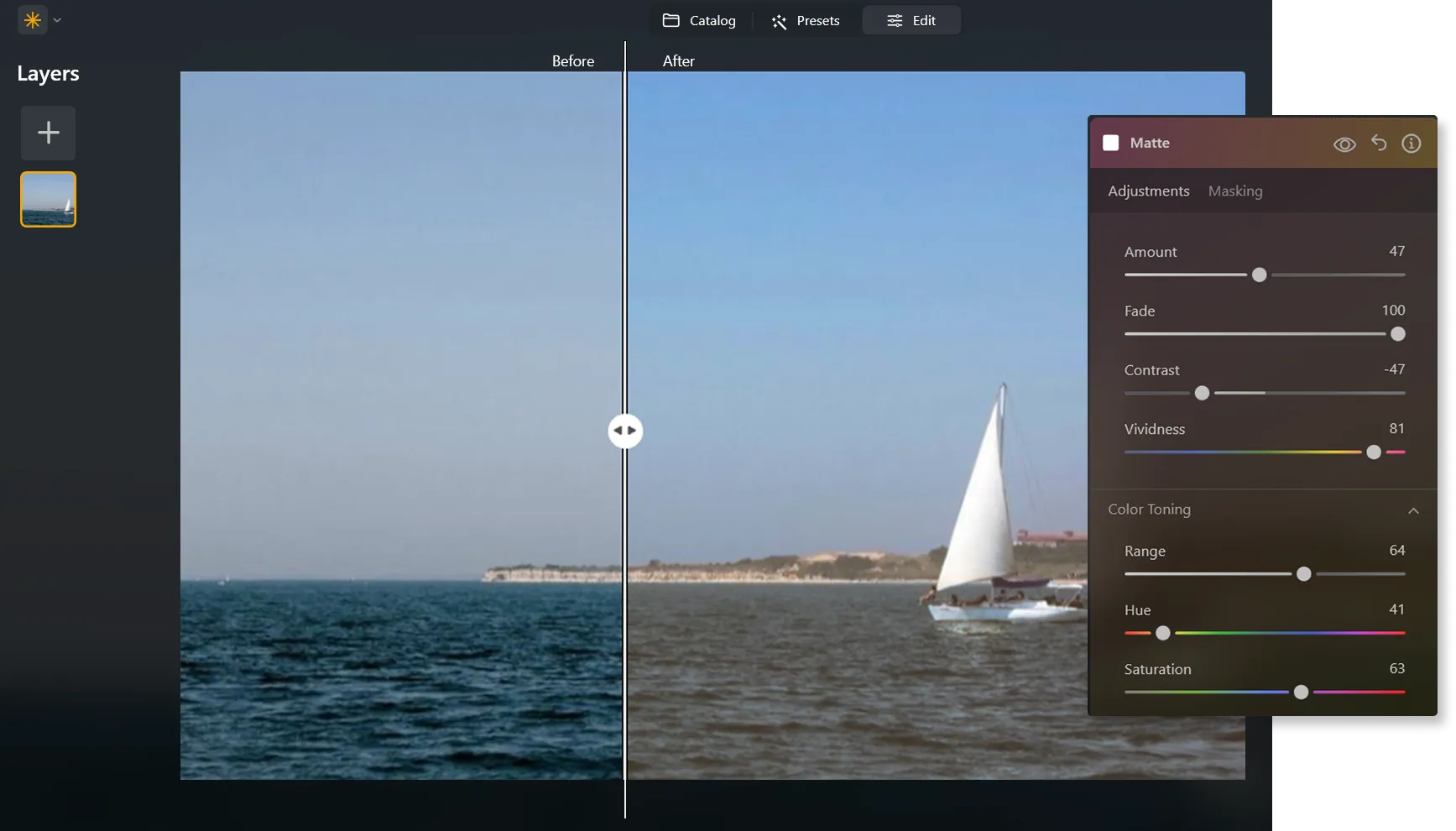
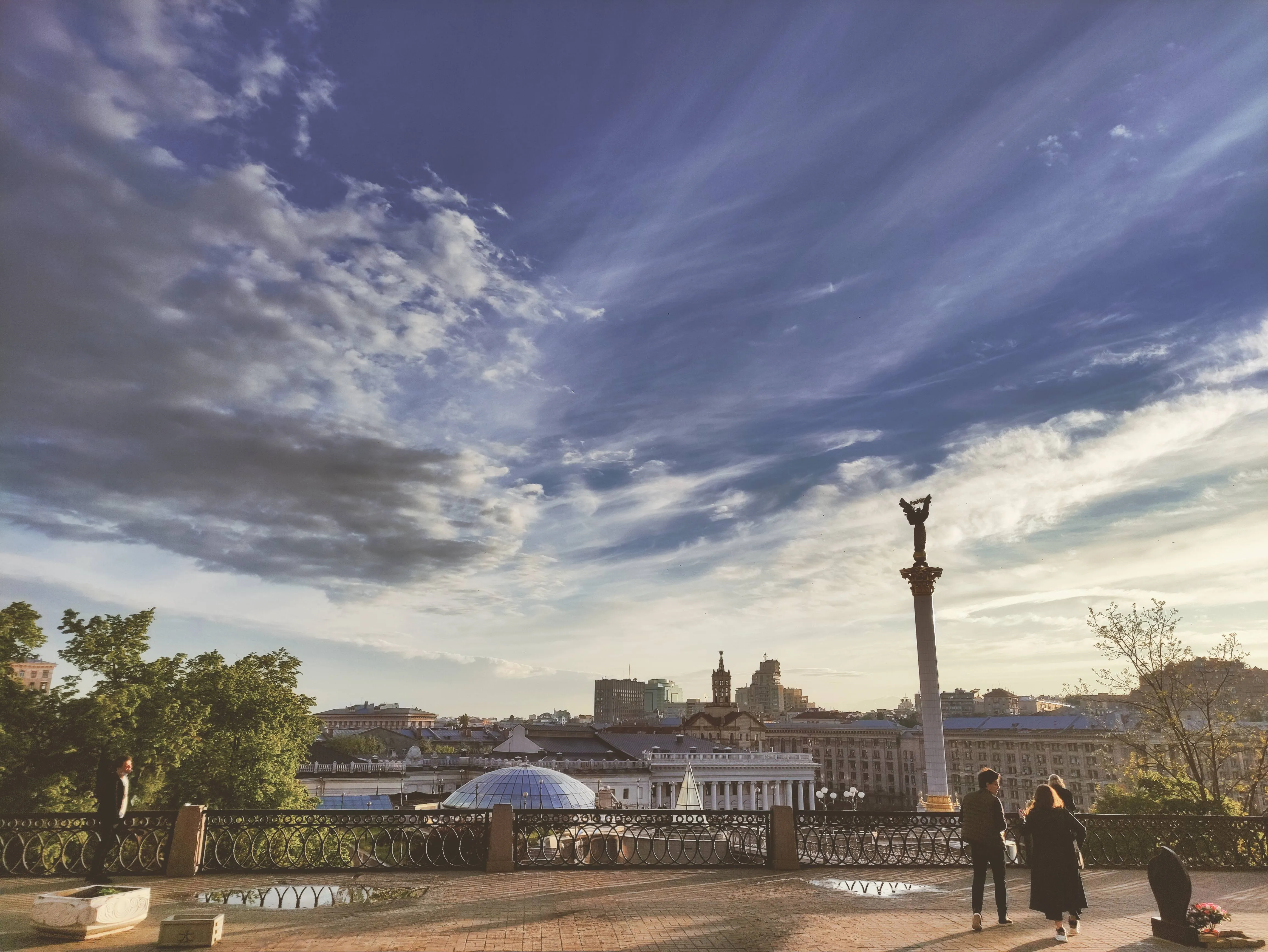
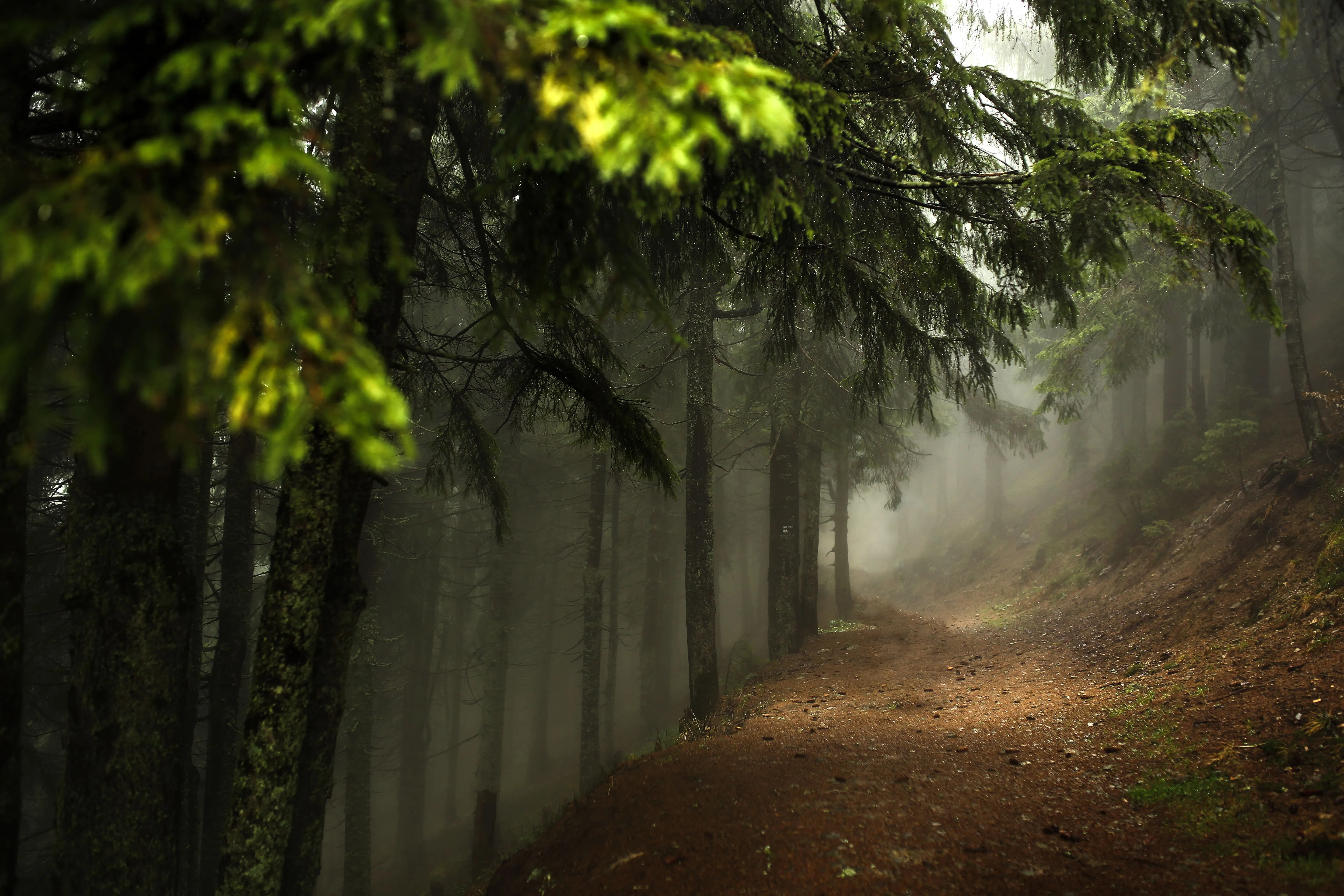
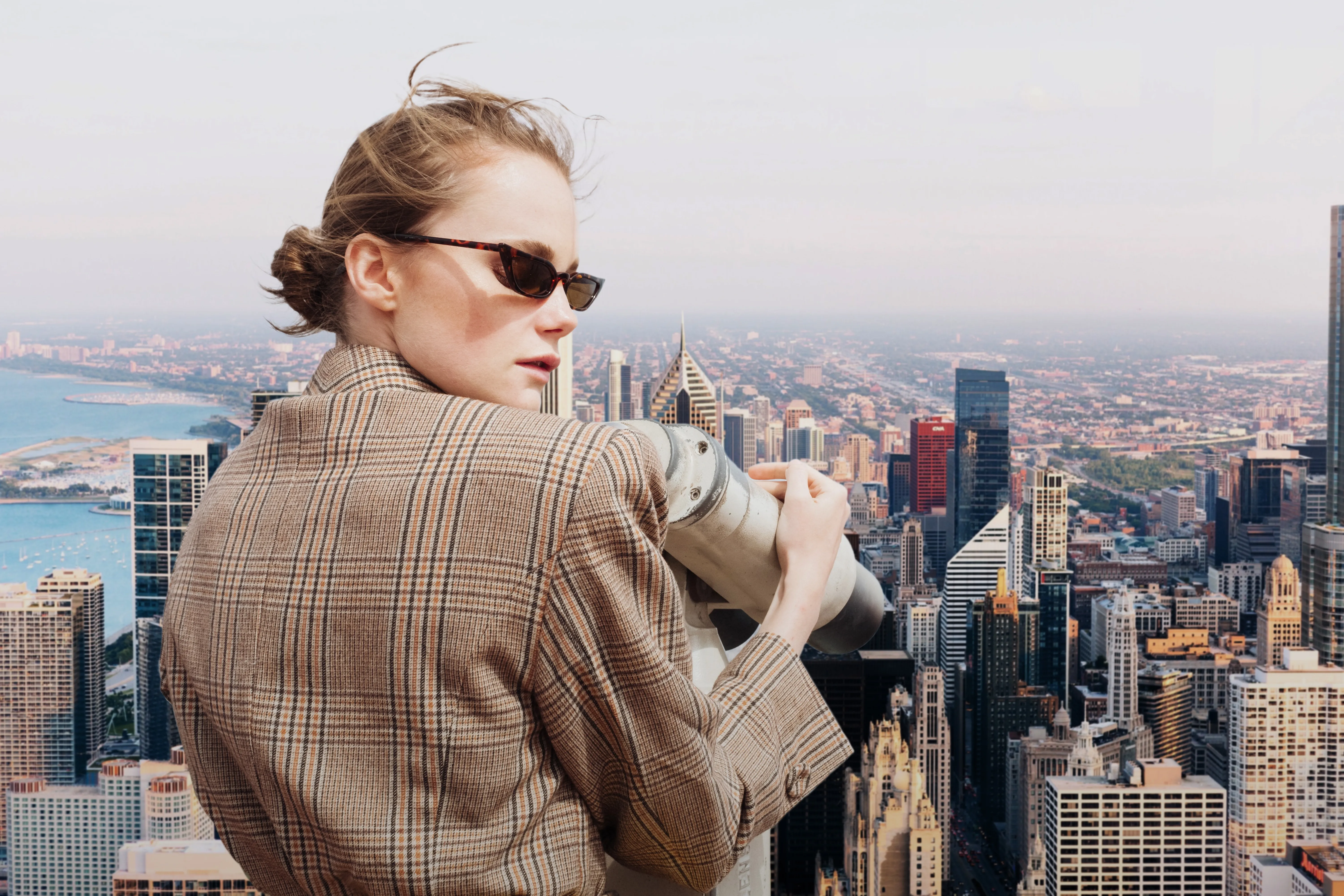
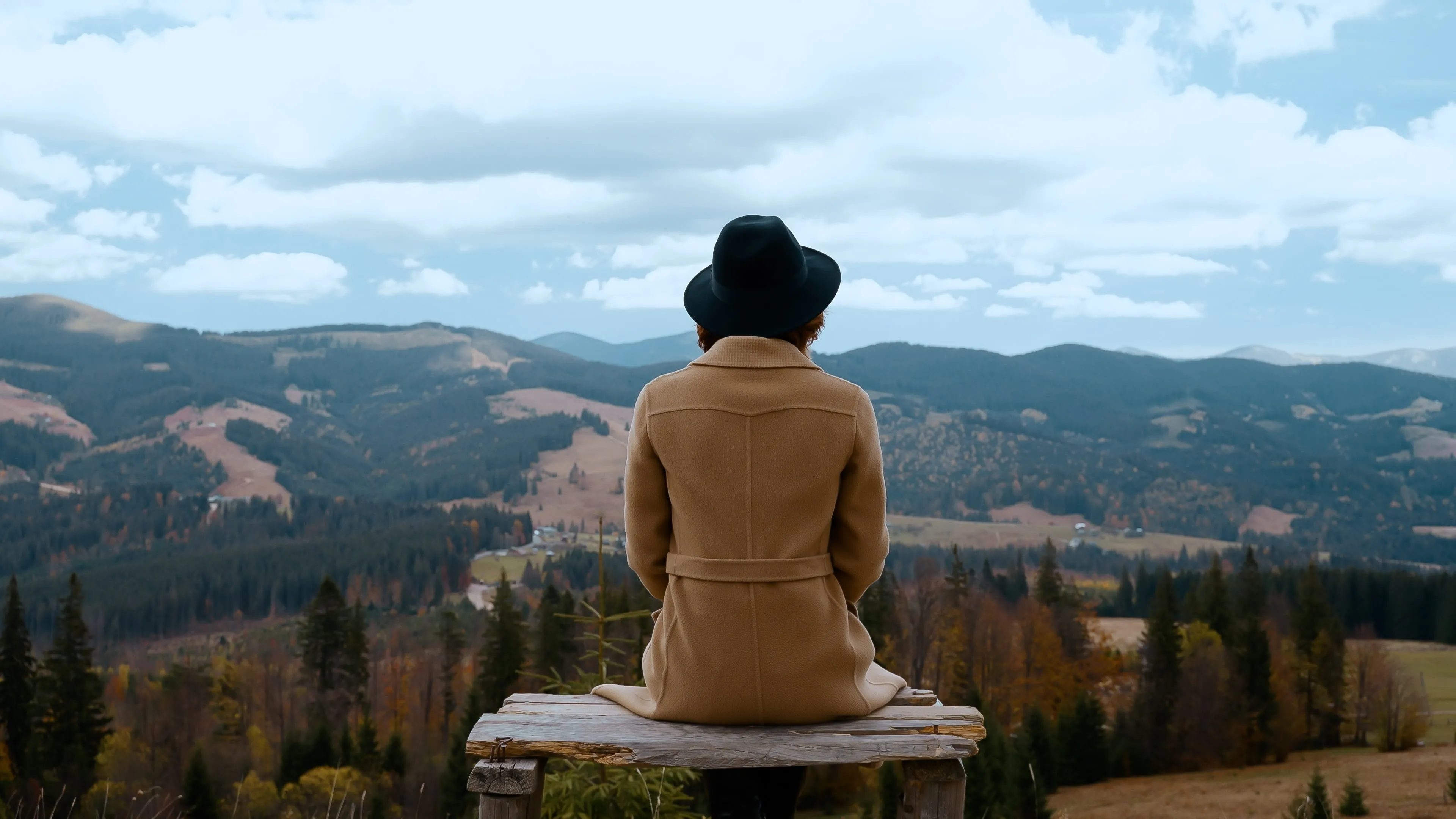
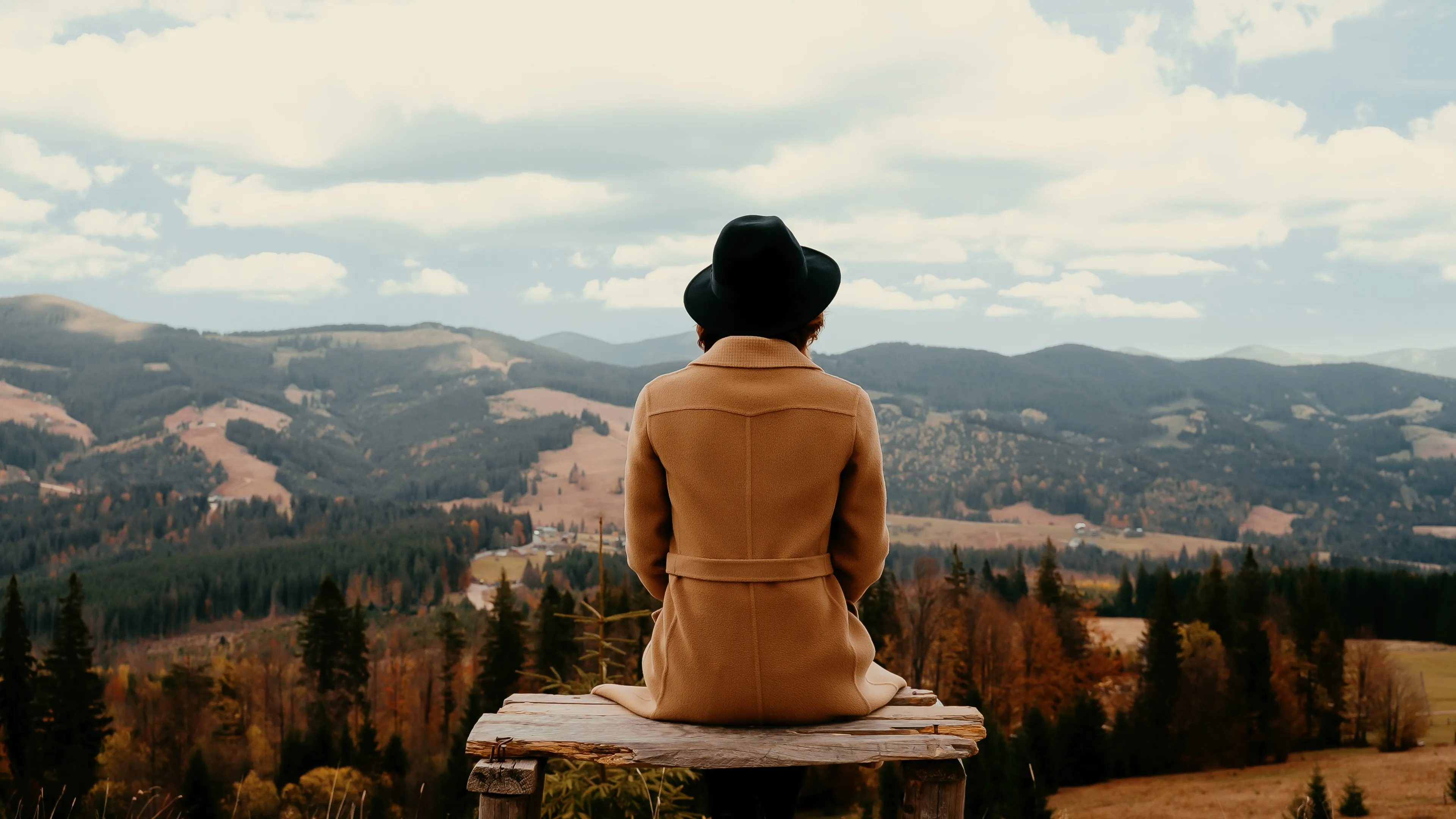
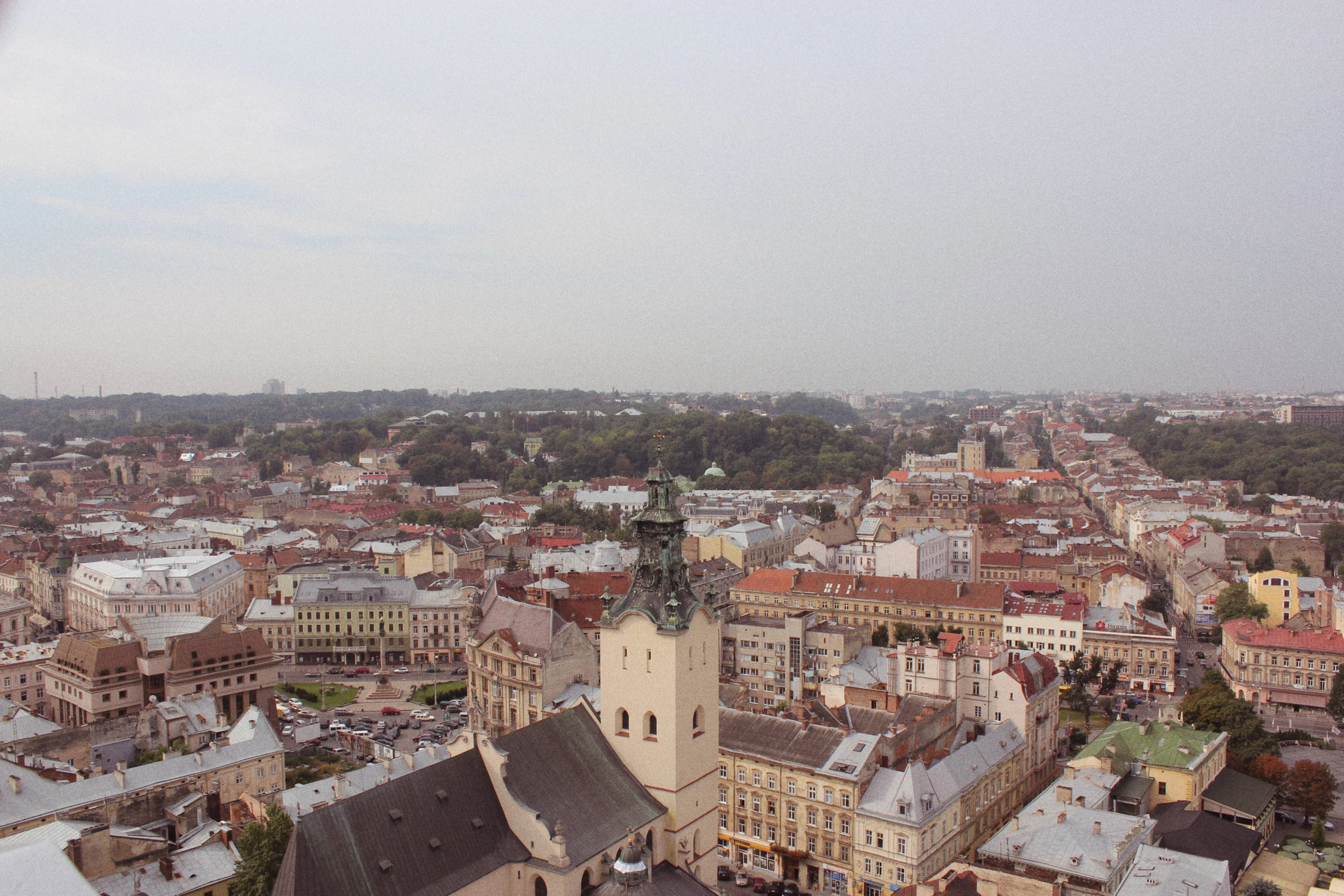
Bereik een vervaagd effect in uw foto door de intensiteit van kleuren of tinten in een afbeelding te verminderen, waardoor deze er zachter en gedempter uitziet. Gebruik het om een vintage of nostalgische uitstraling te creëren of om de sfeer van een afbeelding te versterken
Try it nowHoe Beheerst u de Kunst van het Vervagen van Afbeeldingen?
Als alternatief kunt u vervagingsfiltereffecten gebruiken die u met één klik kunt toepassen voor het exacte resultaat waarnaar u op zoek was.

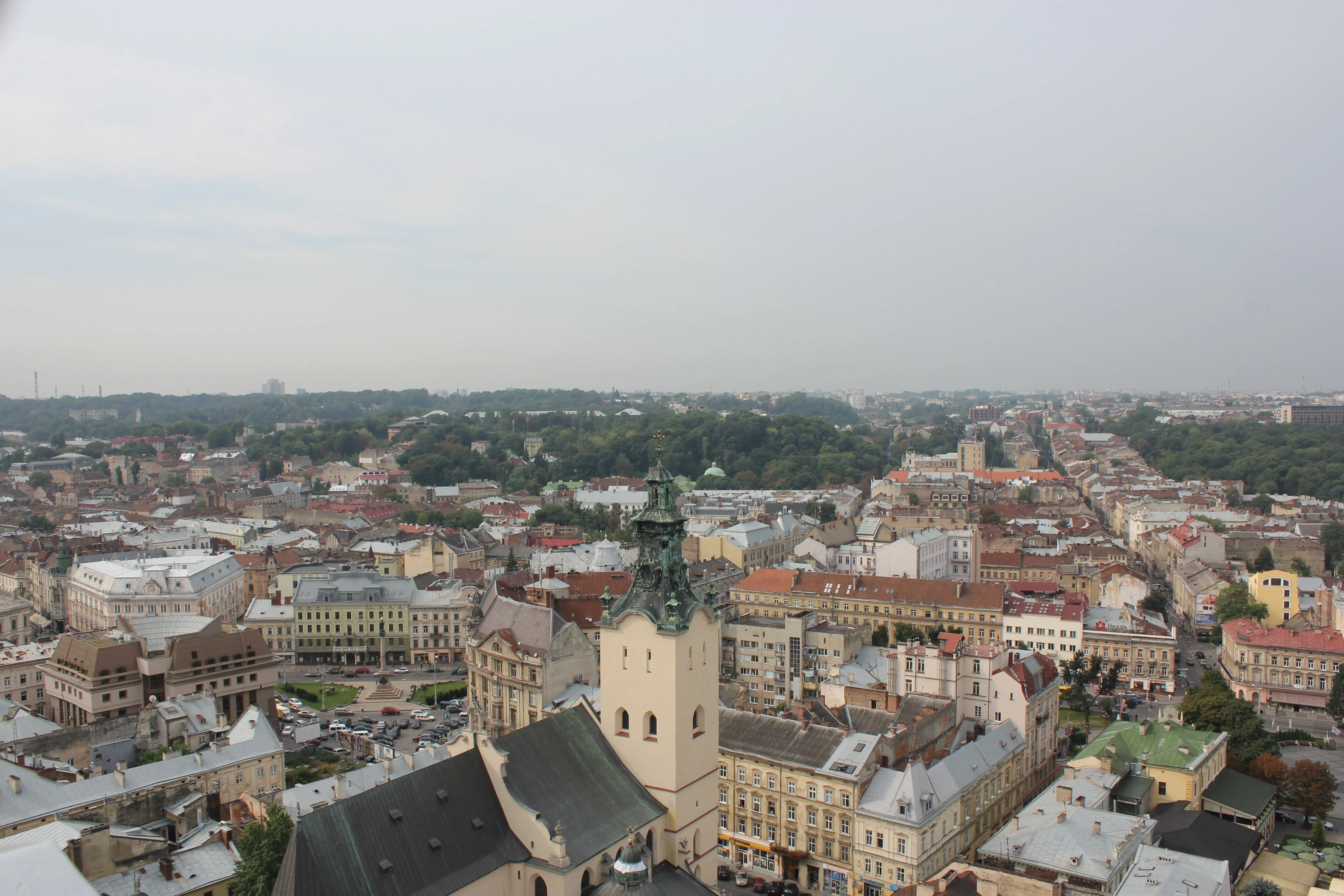
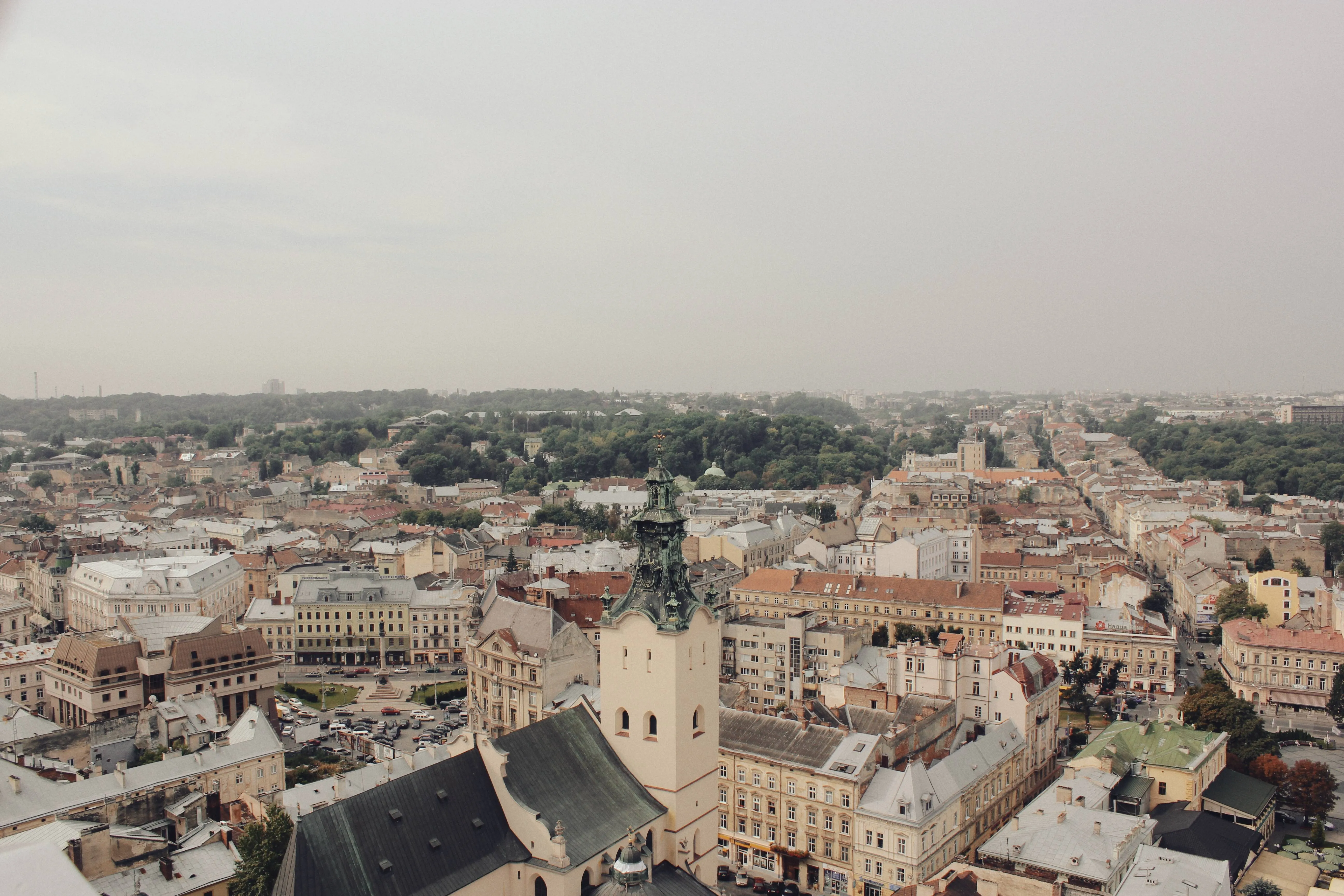
Als alternatief kunt u vervagingsfiltereffecten gebruiken die u met één klik kunt toepassen voor het exacte resultaat waarnaar u op zoek bent.
Als alternatief kunt u vervagingsfiltereffecten gebruiken die u met één klik kunt toepassen voor het exacte resultaat waarnaar u op zoek bent.
Ontdek de Esthetiek van het Fade Foto Effect
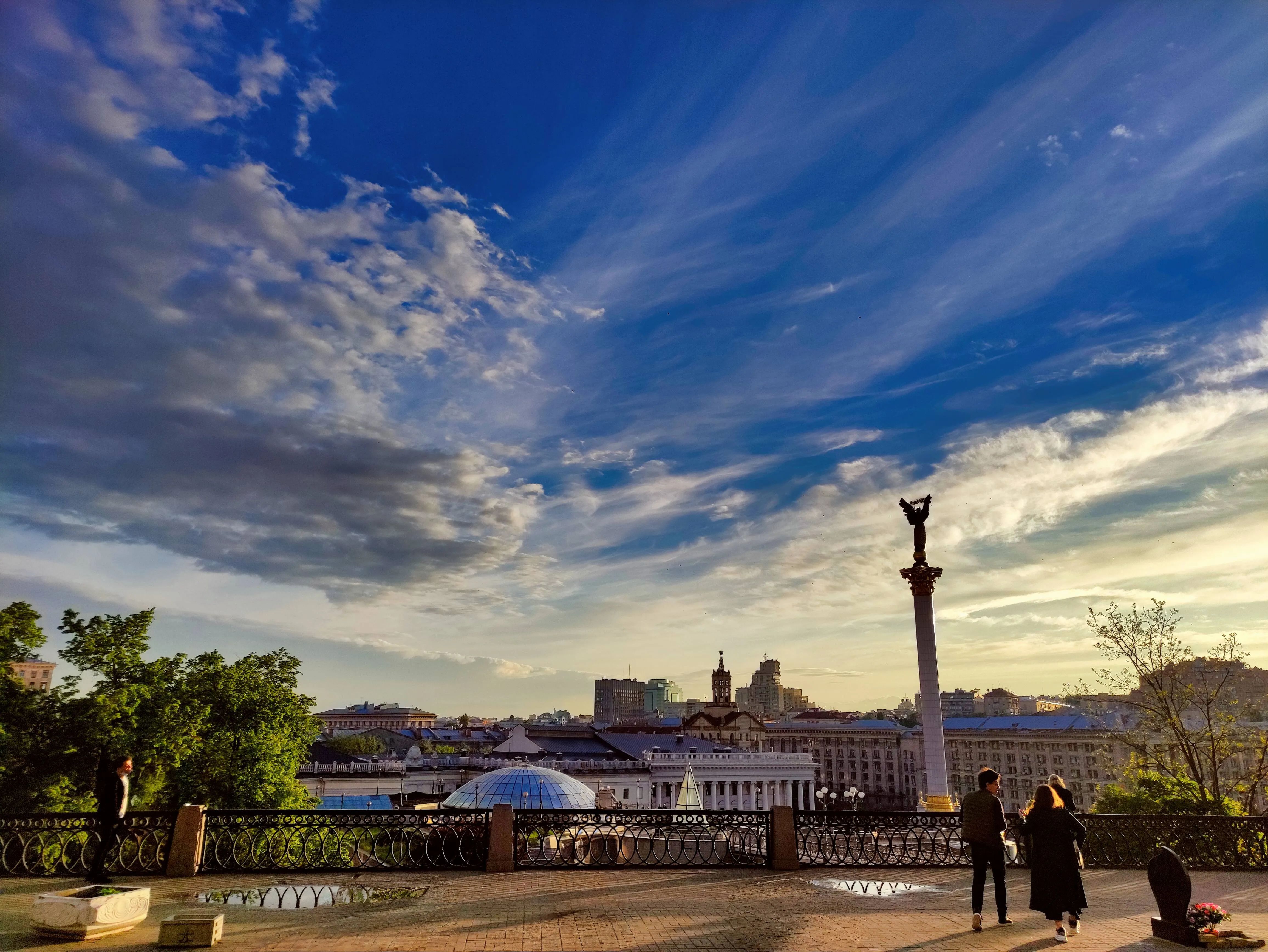
Softening the colors and tones can make the photo feel dreamy, ethereal or romantic which is useful in genres like portrait, wedding or landscape photography. The possibilities are endless!
How to Add a Fading Effect in Luminar?
The easiest way to create faded pictures in Luminar is by applying a one-click Preset.

Make sure an image is open in Luminar.

Click Presets at the top of the window to switch to the Presets Browser. This opens the Presets panel.

Choose a Preset collection. Use suggested Presets in the “For This Photo” section or browse other collections organized by categories.

Examine the Presets available by exploring their icons.

When ready, click on a Preset name to apply it. To apply a different Preset to your photo, click on its name.
Ontdek Meer Functies











Een applicatie & plug-in
Voor macOS & WIndows
- Krachtige AI-afbeeldingseditor
Technische support
30-dagen geld terug garantie
Join our communies

Veel Gestelde Vragen
How to fade images with Luminar?
Kan ik het vervagingseffect van mijn foto aanpassen?
Is het mogelijk om het ene beeld in het andere te laten vervagen?
Kan ik het vervagingseffect alleen op een specifiek deel van mijn afbeelding toepassen, zoals een achtergrond of een object?
Why Luminar is the best image fader?
Who can benefit from Luminar photo fader?
• Photographers: add subtle, cinematic fade to images
• Content creators: create aesthetic, cohesive visuals
• Designers: match images to brand or editorial style
• Social media users: achieve trendy, soft-tone looks
• Editors: fine-tune contrast and mood with precision
