

 Bekijk opties
Luminar: A Professional's Alternative to Photoscape
Looking for a more advanced photo editor to replace PhotoScape in your workflow? Or maybe you need software that can easily open and edit RAW files? You’ve come to the right place—today, we’re introducing you to Luminar
Bekijk optiesWhy Luminar is a Good Choice for Photo Editing
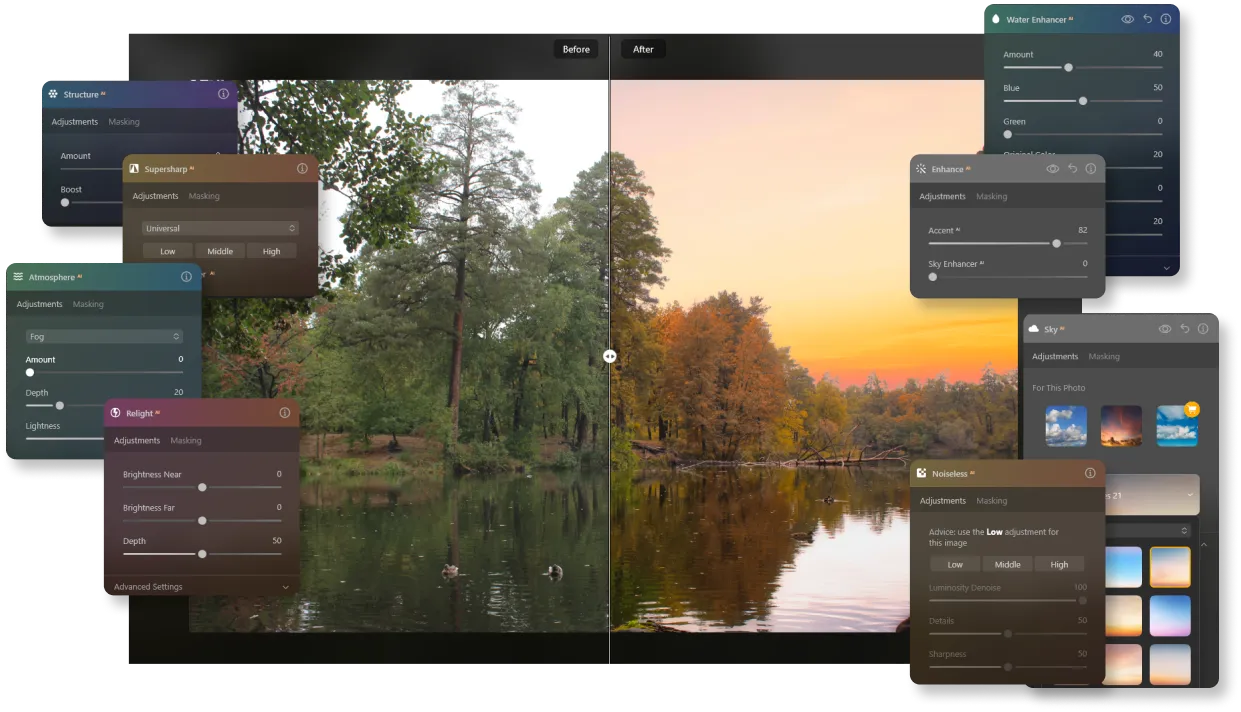
Geavanceerde AI-tools met Generatieve Mogelijkheden
Ontgrendel de kracht van AI-functies die je bewerkingsproces stroomlijnen en je creatieve mogelijkheden vergroten. Speciale tools voor het direct verbeteren van portret- en landschapsfoto's, samen met hoogwaardige handcorrectiefuncties, zullen fotografen van alle niveaus tevredenstellen.
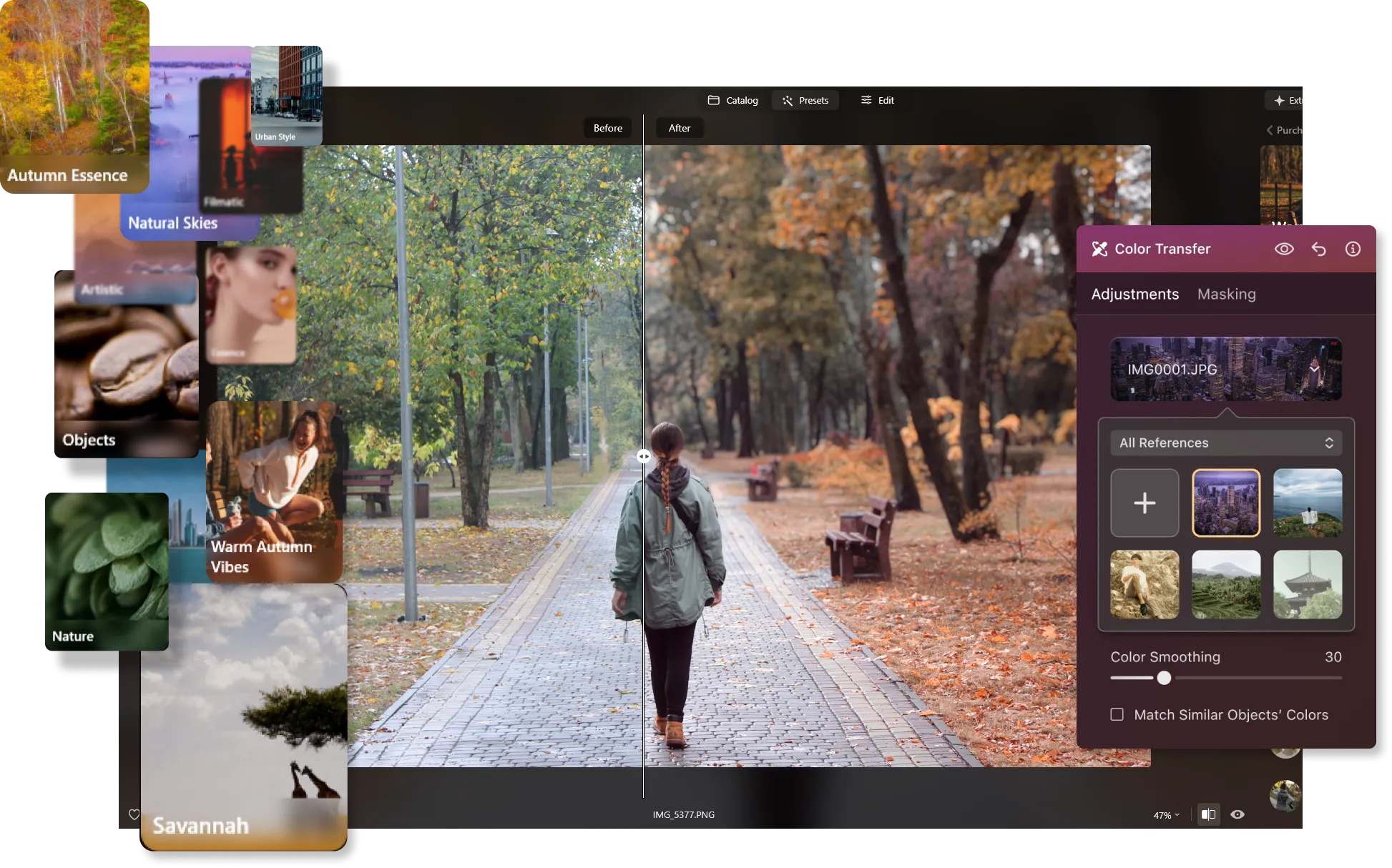
Diverse Presetcollectie voor Snelle Bewerkingen
Versnel je workflow met een rijke presetcollectie, die professionele bewerkingen in slechts een paar klikken biedt. De innovatieve functie Kleuroverdracht stelt je in staat om kleurcorrecties naadloos van een referentiefoto op je eigen foto toe te passen, aangedreven door AI voor foutloze resultaten.
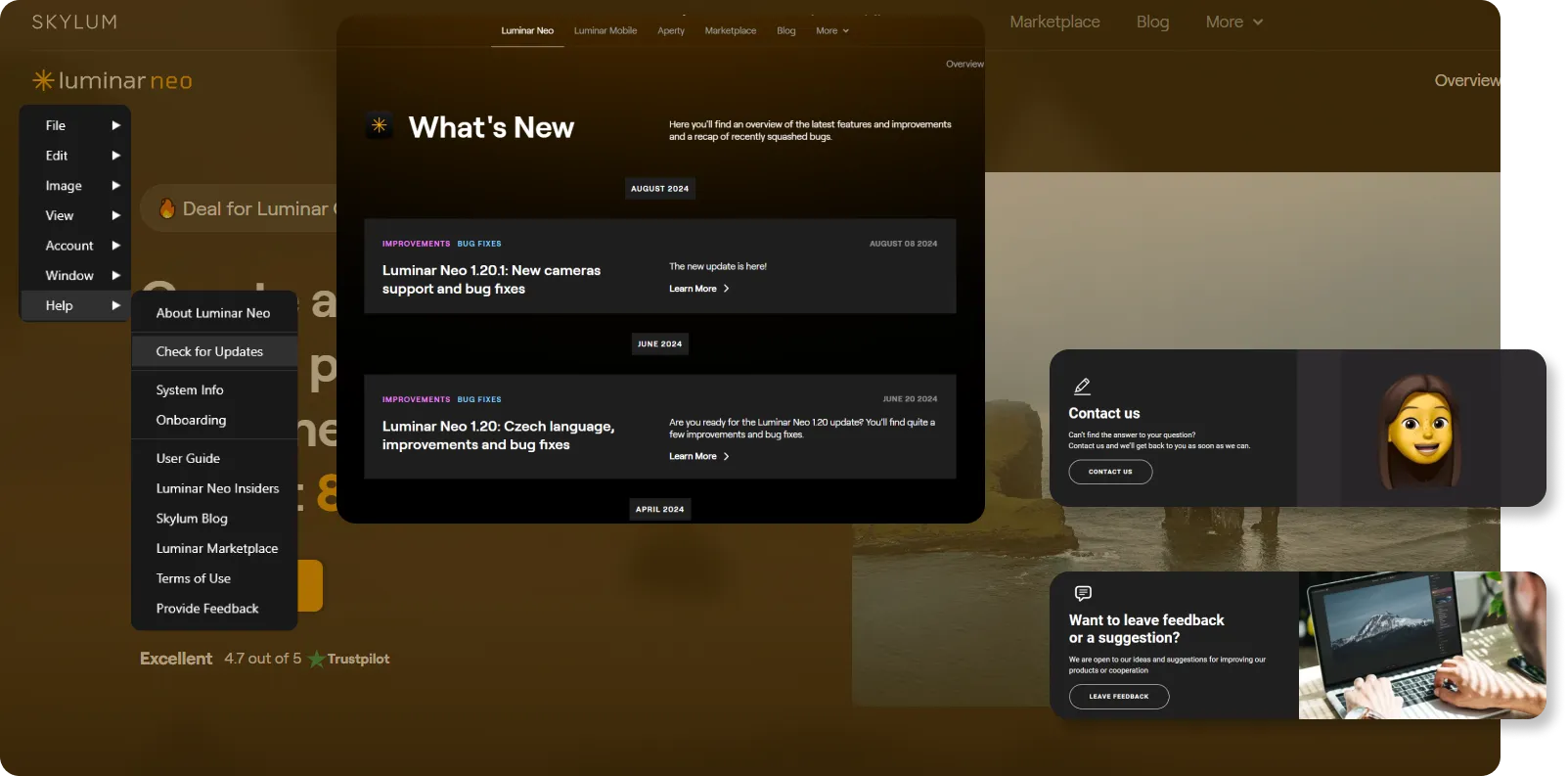
Regelmatige Updates om je Voorop te Houden
Luminar is always evolving, with frequent updates that ensure you have the latest tools and features at your fingertips. Plus, you'll enjoy top-notch support to help you maximize the software's potential.
PhotoScape vs Luminar: Key Differences Explained
| Aspect | Luminar | PhotoScape |
|---|---|---|
Release en Updates | Nieuwere software met regelmatige updates | Oudere software met minder frequente updates |
Gebruikers-Interface | Modern, strak en intuïtief | Eenvoudig en gebruiksvriendelijk |
AI Aangedreven Tools | Geavanceerde AI-tools, waaronder Lucht Vervanging, Opnieuw Verlichten AI en generatieve functies | Basisgereedschappen, geen AI-gestuurde functies |
Generatieve Tools | Bevat GenWissen, GenWisselen en GenUitbreiden voor creatieve controle | Geen generatieve tools |
Batch-bewerking | Verkrijgbaar | Verkrijgbaar |
RAW File Ondersteuning | Volledige ondersteuning voor RAW-bestanden | Beperkte ondersteuning voor RAW-bestanden, met conversie naar JPEG |
Presetbibliotheek | Uitgebreide selectie van presets | Gelimiteerde preset opties |
Collage- en Paginacreatie | Basis collage-mogelijkheden | Geavanceerde collage- en paginacreatietools |
GIF-creatie | Geen GIF-creatietool | Ingebouwde GIF-creatietool |
Schermopname | Geen ingebouwde schermopname | Ingebouwde schermopnamefunctie |
Compatibiliteit | Windows en macOS | Windows en macOS |
Prijs | Eenmalige aankoop of abonnement | Gratis |
Luminar
PhotoScape
Release en Updates
Nieuwere software met regelmatige updates
Oudere software met minder frequente updates
Gebruikers-Interface
Modern, strak en intuïtief
Eenvoudig en gebruiksvriendelijk
AI Aangedreven Tools
Geavanceerde AI-tools, waaronder Lucht Vervanging, Opnieuw Verlichten AI en generatieve functies
Basisgereedschappen, geen AI-gestuurde functies
Generatieve Tools
Bevat GenWissen, GenWisselen en GenUitbreiden voor creatieve controle
Geen generatieve tools
Batch-bewerking
Verkrijgbaar
Verkrijgbaar
RAW File Ondersteuning
Volledige ondersteuning voor RAW-bestanden
Beperkte ondersteuning voor RAW-bestanden, met conversie naar JPEG
Presetbibliotheek
Uitgebreide selectie van presets
Gelimiteerde preset opties
Collage- en Paginacreatie
Basis collage-mogelijkheden
Geavanceerde collage- en paginacreatietools
GIF-creatie
Geen GIF-creatietool
Ingebouwde GIF-creatietool
Schermopname
Geen ingebouwde schermopname
Ingebouwde schermopnamefunctie
Compatibiliteit
Windows en macOS
Windows en macOS
Prijs
Eenmalige aankoop of abonnement
Gratis

Een applicatie & plug-in voor MacOS & Windows


.webp)

Behoud uw workflow, breid uw mogelijkheden uit
Want to get all the benefits of Luminar but have an established Lightroom workflow? Great news! You can use all the power of Luminar within a plugin for Lightroom without changing up your usual post-production process.

Een applicatie & plug-in
Voor macOS & Windows
- Krachtige AI-afbeeldingsbewerker
24/7 technische ondersteuning
30-dagen geld terug garantie
Join our communities

