


Snapheal vs Luminar: Choosing the Best Tool for Photo Editing
Are you searching for an easy-to-use alternative to Snapheal in your workflow? Look no further! Welcome to our page, where we're excited to introduce you to Luminar—the latest photo editor that will seamlessly meet your needs
Visualizza tariffeWhat Makes Luminar the Best Snapheal Alternative
Tool di Rimozione di Ultima Generazione
With cutting-edge generative tools like Generase and Genswap, Luminar makes it effortless to rimuovere con facilità gli elementi indesideratidalle tue foto. Questi tool sostituiscono e rifiniscono con intelligenza gli elementi, aiutandoti a ottenere un look impeccabile con il minimo sforzo.
.webp)
Soluzione di Foto Editing All-in-One
Mentre l'app Snapheal è famosa per la rimozione di base di elementi dalle foto
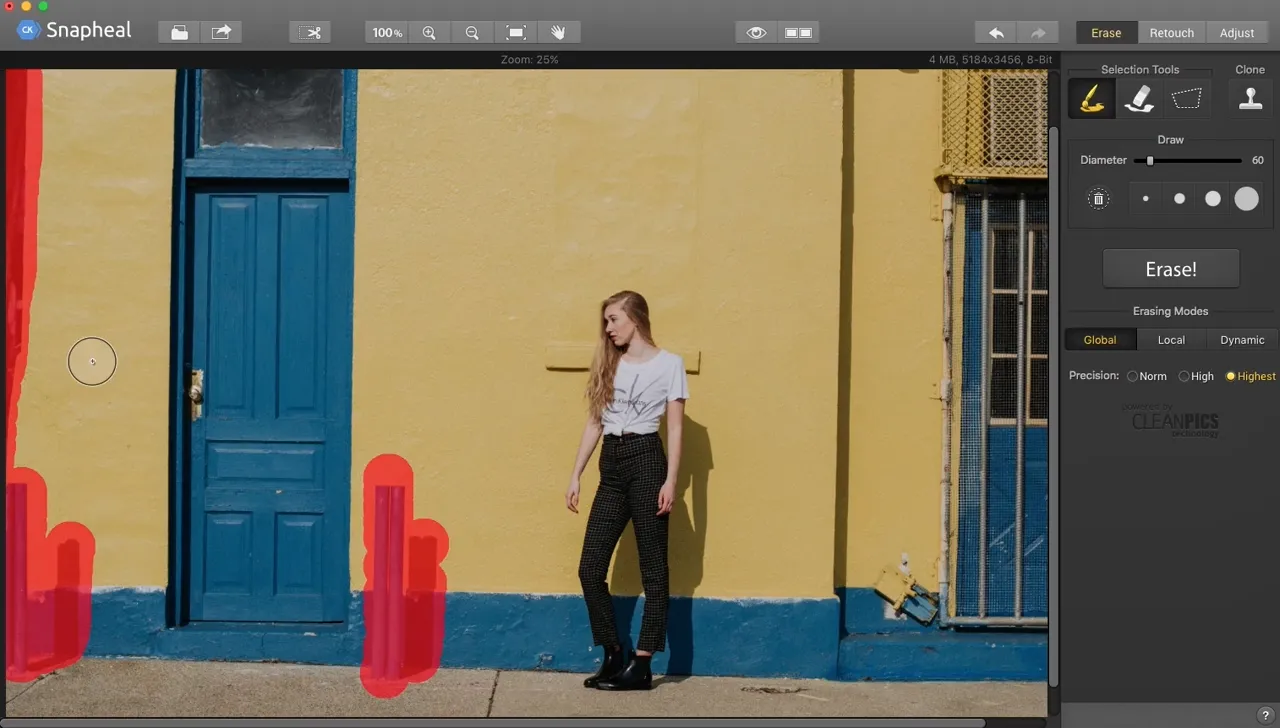
Luminar takes it to the next level. Beyond advanced removal tools, it offers a vast array of AI-powered features, layers, masks, and much more, making it a comprehensive solution for all your photo editing needs.
.webp)
con i tuoi occhi
Gestionee Pratica
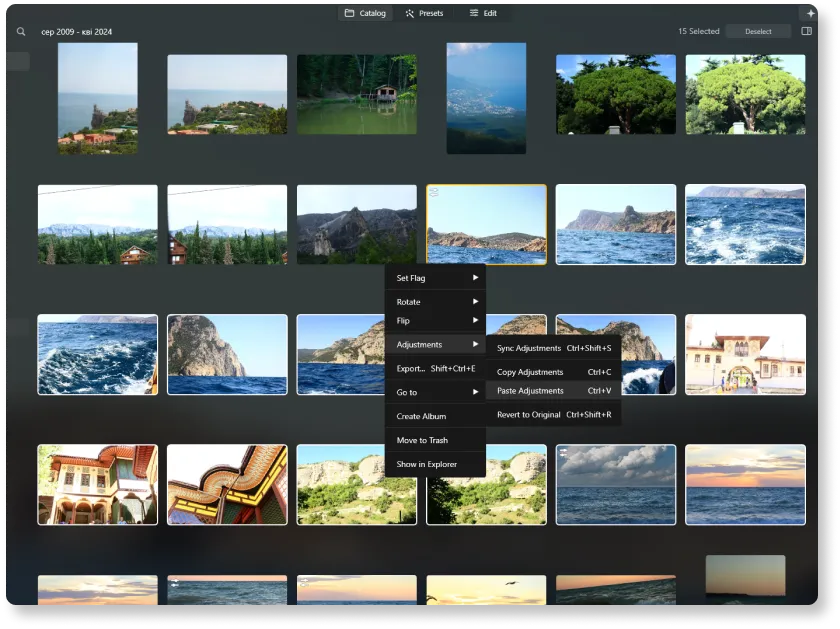
Unlike older tools like Snapheal, Luminar is a more modern and versatile solution. It offers better support and is optimized for today's workflows. Plus, it includes a user-friendly Catalog and Batch Editing function, making photo management and editing more efficient than ever.
Confrontiamo Snapheal e
Luminar in Detail
| Aspetto | Snapheal | Luminar |
|---|---|---|
Catalogo (Libreria) |  |  |
Elaborazione in serie | | |
Funzionalità con AI | | |
Cancellazione Generativa | | |
Livelli | | |
Mascheramento | | |
Clone & Stamp | | |
Funziona come Plugin di Lightroom e Photoshop | | |
Supporto Nativo per ARM e Apple M | | |
Aurora HDR
Luminar
Mappatura dei toni su una singola immagine
Fusione HDR in un singolo bracketing
Elaborazione in serie
Rilevamento automatico elaborazione in serie
Rilevamento bracketing HDR migliorato nell'elaborazione in serie
Supporto di nuove fotocamere
Denominazione file in serie e impostazioni della qualità di esportazione
Salvataggio preset di esportazione
Fino a ~1,5x-1,8x più veloce su OS diversi
Ampie funzionalità

Applicazione e plugin per MacOS e Windows


.webp)

Mantieni il tuo flusso di lavoro e amplia le tue possibilità
Want to get all the benefits of Luminar but have an established Lightroom workflow? Great news! You can use all the power of Luminar within a plugin for Lightroom without changing up your usual post-production process.

Applicazione e plugin
Per macOS e Windows
- Editor con AI ad alte prestazioni
Assistenza tecnica 24/7
Garanzia di 30 giorni soddisfatti o rimborsati
Join our communities

