

Snapheal vs Luminar: Choosing the Best Tool for Photo Editing
Are you searching for an easy-to-use alternative to Snapheal in your workflow? Look no further! Welcome to our page, where we're excited to introduce you to Luminar—the latest photo editor that will seamlessly meet your needs
プランを見るWhat Makes Luminar the Best Snapheal Alternative
次世代の削除ツール
With cutting-edge generative tools like Generase and Genswap, Luminar makes it effortless to 不要な要素を写真から簡単に削除できます。これらのツールは要素をスマートに置き換えて調整し、最小限の労力で完璧な仕上がりを実現するのに役立ちます。
.webp)
オール・イン・ワンの写真編集ソリューション
Snapheal アプリは写真から要素を簡単に削除できることで知られていますが
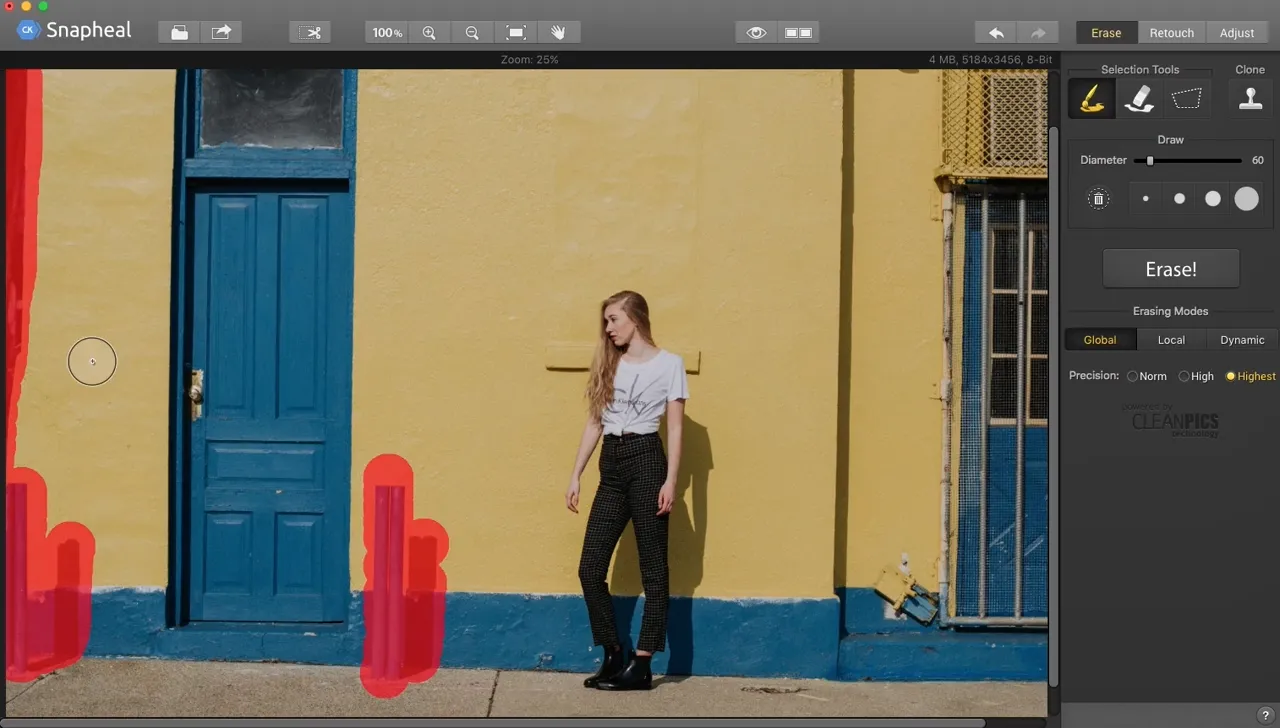
Luminar takes it to the next level. Beyond advanced removal tools, it offers a vast array of AI-powered features, layers, masks, and much more, making it a comprehensive solution for all your photo editing needs.
.webp)
ご覧ください
便利な管理
Unlike older tools like Snapheal, Luminar is a more modern and versatile solution. It offers better support and is optimized for today's workflows. Plus, it includes a user-friendly Catalog and Batch Editing function, making photo management and editing more efficient than ever.
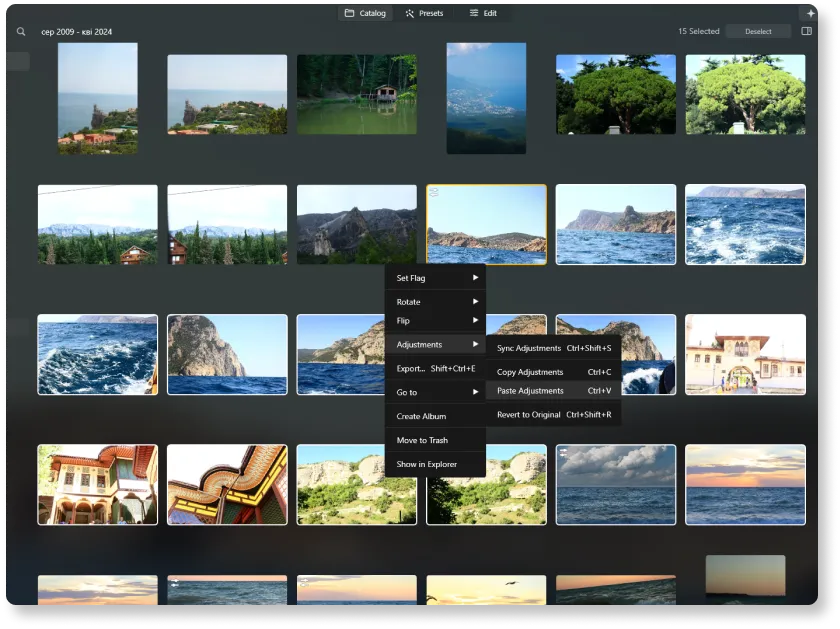
Snaphealと
Luminar in Detail
| 機能 | Snapheal | Luminar |
|---|---|---|
カタログ(ライブラリ) |  |  |
バッチ処理 | | |
AIを活用した機能 | | |
ジェネレーティブ消去 | | |
レイヤーで追加できます | | |
マスキング | | |
クローン & スタンプ ツール | | |
Lightroomおよび Photoshopプラグインとして機能 | | |
ARMおよびApple Mのネイティブ サポート | | |
Aurora HDR
Luminar
単一画像のトーンマッピング
シングル ブラケット HDR マージ
バッチ処理
自動バッチ処理検出
バッチ処理におけるHDRブラケット検出の改善
最新カメラ対応
バッチ ファイルの名前付けとエクスポート品質の設定
プリセットの保存をエクスポート
あらゆるOSで最大1.5 倍から1.8 倍高速化
幅広い機能

macOSとWindows 対応のアプリケーションとプラグイン


.webp)

ワークフローを変えずに、可能性を広げよう
Want to get all the benefits of Luminar but have an established Lightroom workflow? Great news! You can use all the power of Luminar within a plugin for Lightroom without changing up your usual post-production process.

アプリケーション&プラグイン
macOS と Windows 対応
- 高性能なAI編集ソフト
年中無休のテクニカルサポート
30日間の返金保証
Join our communities

