


Snapheal vs Luminar: Choosing the Best Tool for Photo Editing
Are you searching for an easy-to-use alternative to Snapheal in your workflow? Look no further! Welcome to our page, where we're excited to introduce you to Luminar—the latest photo editor that will seamlessly meet your needs
Pläne ansehenWhat Makes Luminar the Best Snapheal Alternative
Tools der nächsten Generation zum Entfernen
With cutting-edge generative tools like Generase and Genswap, Luminar makes it effortless to unerwünschte Elemente aus deinen Fotos zu entfernen. Diese Tools ersetzen und verfeinern Elemente auf intelligente Weise und helfen dir, mit minimalem Aufwand einen makellosen Look zu erzielen.
.webp)
All-in-One-Lösung für die Fotobearbeitung
Die Snapheal-App ist für das einfache Entfernen von Elementen aus Fotos bekannt.
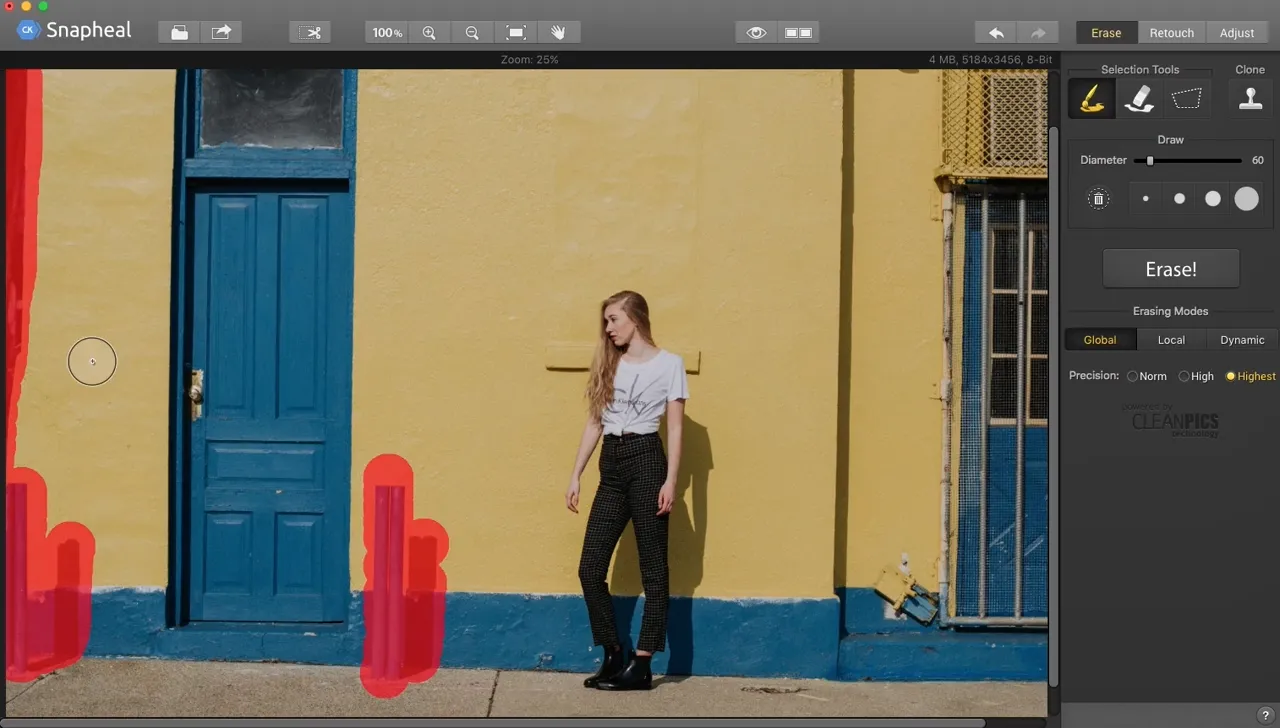
Luminar takes it to the next level. Beyond advanced removal tools, it offers a vast array of AI-powered features, layers, masks, and much more, making it a comprehensive solution for all your photo editing needs.
.webp)
selbst
Bequeme Verwaltung
Unlike older tools like Snapheal, Luminar is a more modern and versatile solution. It offers better support and is optimized for today's workflows. Plus, it includes a user-friendly Catalog and Batch Editing function, making photo management and editing more efficient than ever.
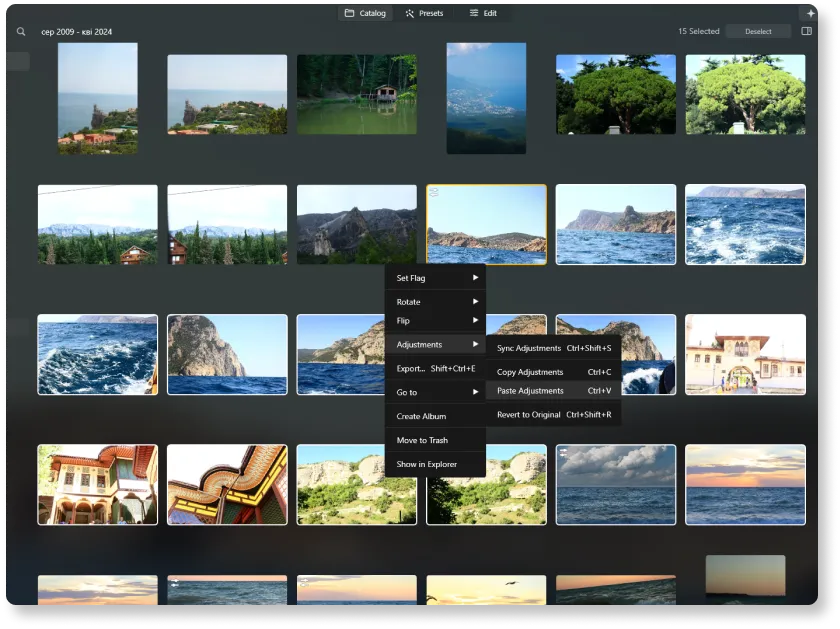
Vergleichen wir Snapheal und
Luminar in Detail
| Aspekt | Snapheal | Luminar |
|---|---|---|
Katalog (Bibliothek) |  |  |
Stapelverarbeitung | | |
AI-basierte Funktionen | | |
Generatives Löschen | | |
Ebenen | | |
Maskierung | | |
Klonen & Stempeln | | |
Funktioniert als Lightroom- und Photoshop-Plugin | | |
Native Unterstützung für ARM und Apple M | | |
Aurora HDR
Luminar
Einzelbild-Tone-Mapping
Einzelbild-HDR Zusammenführen
Stapelverarbeitung
Automatische Erkennung der Stapelverarbeitung
Verbesserte HDR-Belichtungsreihen-Erkennung in der Stapelverarbeitung
Unterstützung neuer Kameras
Benennung von Stapeldateien und Qualitätseinstellungen für den Export
Speichern von Exportvorgaben
Bis zu ~1,5x-1,8x schneller auf verschiedenen Betriebssystemen
Umfangreiche Funktionalität

Ein Programm & Plugin für macOS & Windows


.webp)

Behalte deinen Workflow, erweitere deine Möglichkeiten
Want to get all the benefits of Luminar but have an established Lightroom workflow? Great news! You can use all the power of Luminar within a plugin for Lightroom without changing up your usual post-production process.

Anwendung & Plugin
Für Mac & Windows
- Leistungsstarker AI-Editor
technische Unterstützung 24 Stunden / 7 Tage die Woche
30 Tage Geld-zurück-Garantie
Join our communities

