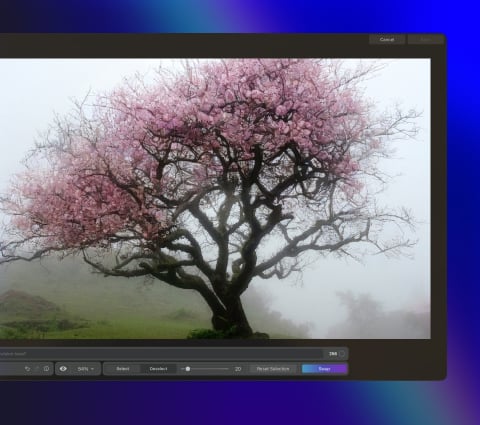
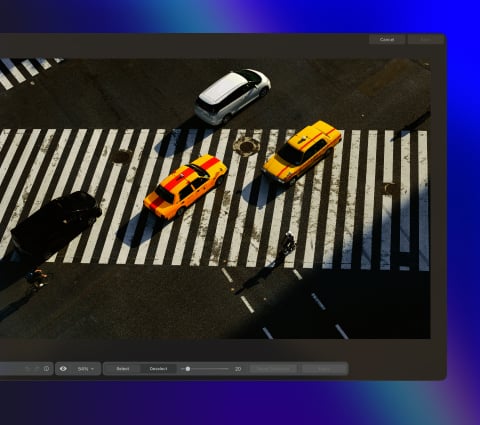
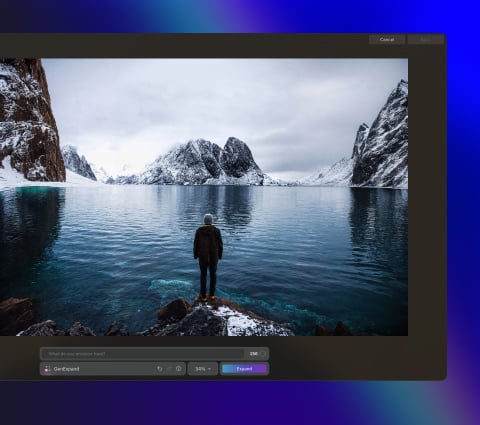
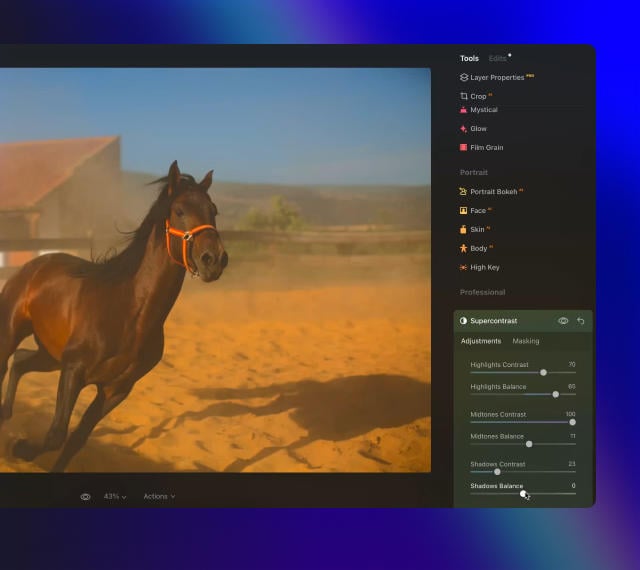
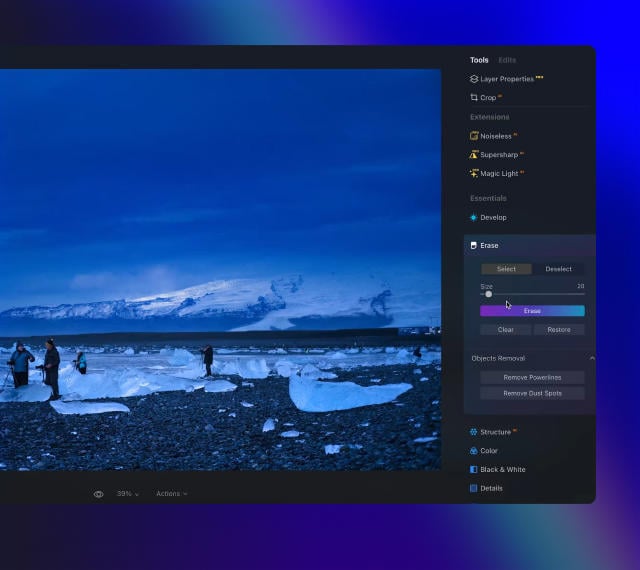
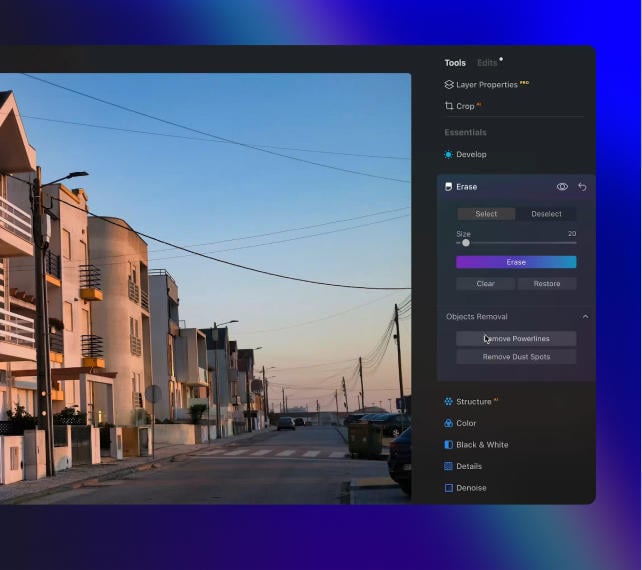
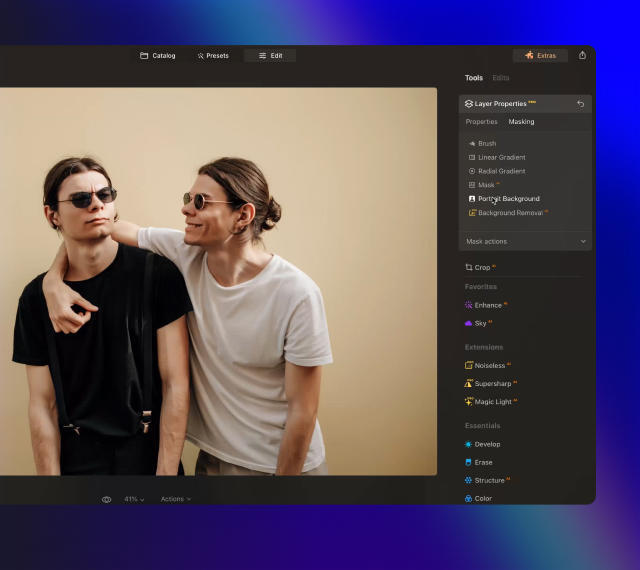
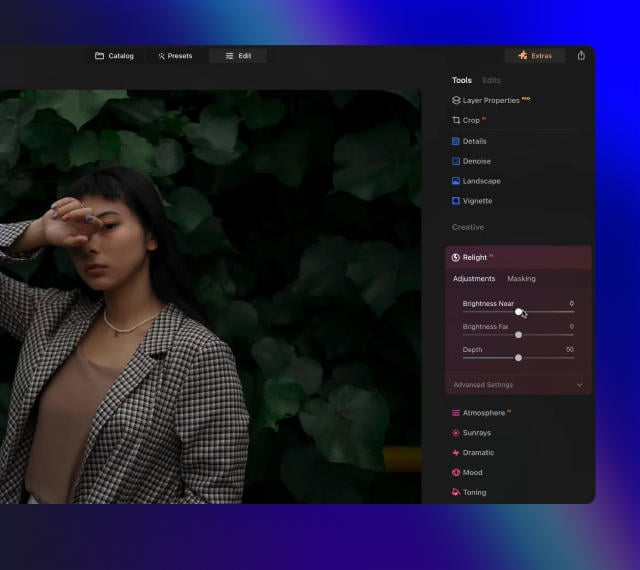
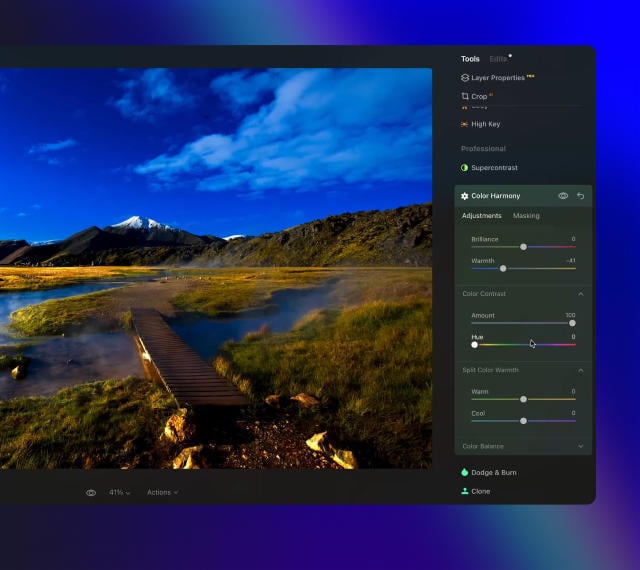
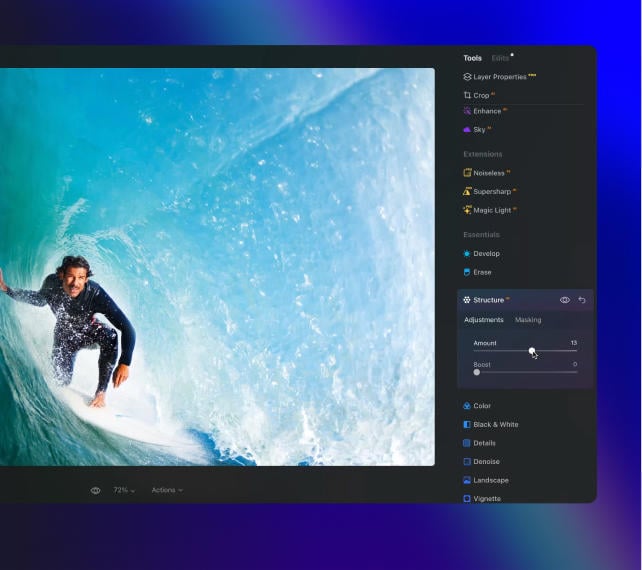
Estendi le immagini con l'AI in soli pochi clic per aggiungere con facilità più respiro alle tue foto.
Cattura tutto, e poi vai oltre
Vuoi delle foto che celebrino le spettacolari e vaste scene incontrate durante i tuoi viaggi? Regola ed espandi l'inquadratura, rifinisci le proporzioni, correggi con facilità i problemi di composizione e assicurati che ogni elemento dell'immagine sia allineato in perfetta armonia. Con GenExpand, le limitazioni delle proporzioni tradizionali sono un ricordo del passato.
Dai al tuo soggetto più spazio per risplendere
Anche se hai fotografato una persona proprio come volevi, a volte è difficile mantenere una composizione gradevole in un ritratto. Utilizza GenExpand come estensione dello sfondo per creare più respiro, in modo che il tuo soggetto risalti su una scena ampia e perfettamente bilanciata. Migliora in tutta facilità l'impatto visivo di qualunque ritratto.
Foto editor avanzato ma facile da utilizzare per tutti
Progettato da Skylum per
MacOS
e
Windows
Funziona anche come plugin per Photoshop, Lightroom e Foto® di Apple
Get ready to explore the full potential of Luminar's next-gen AI-powered photo editing. Level Up and step into the future of photography.
Cancellazione Generativa
Di' addio alle distrazioni con GenErase. Sostituisci in tutta facilità gli elementi indesiderati, senza compromettere l'integrità delle tue foto.
GenExpand
Con GenExpand puoi superare i limiti delle proporzioni tradizionali. Espandi i tuoi orizzonti oltre la composizione originale e aggiungi nuove dimensioni ai tuoi ritratti.
GenSwap
Trasforma le tue foto sostituendo o cambiando cielo e primo piano con immagini generate dall'AI di alta qualità che si integrano perfettamente con il resto della foto.
Luce da studio
Aggiungi brillanti effetti di luce ai tuoi ritratti e dona nuova vita alle foto più datate. Questo tool consente di replicare gli effetti di luce che solitamente si ottengono con attrezzature tecniche da studio costose.
Neon e bagliore
Aggiungi brillanti effetti di luce ai tuoi ritratti e dona nuova vita alle foto più datate. Questo tool consente di replicare gli effetti di luce che solitamente si ottengono con attrezzature tecniche da studio costose.
Miglioramento acqua
Presto disponibile
Aggiungi brillanti effetti di luce ai tuoi ritratti e dona nuova vita alle foto più datate. Questo tool consente di replicare gli effetti di luce che solitamente si ottengono con attrezzature tecniche da studio costose.
Il segreto per creare foto incredibili che lasceranno tutti senza fiato
6 days ago
Great replacement for Lightroom
I've used Lightroom for years and love Luminar as a replacement - and their email follow up to questions is superb!
Richard Shusha
6 days ago
Easy to use and very powerful
I'm blown away at how useful this software is. It's made my photo editing so much easier.
Dino Mastropaolo
Apr 23
Great software
Great software. I made a mistake when registering and emailed skylum and they got back to me within a few hours and resolved the issue. Great product, responsive team. Thank you!
Johnny
Apr 21
Luminar NEO = Great software and support
Luminar NEO is a great piece of software, the results are amazing and I was fully blown away with the denoise option, never seen something like that before, truly XXI century tech! Great support and a very nice team. I hope they are very successful now and in the future!
M. Gallardo
Apr 19
Best photo editting software ever
I love this software, it is SO easy to use and intuitive; takes my pictures to a new level.
The customer service is really great as well, if you need any help at all with it (I've had a couple of download issues with updates, I'm sure it's my terrible internet connection, but they sent me a link within 24 hours of my asking and it worked great)
Chris Mercer
Apr 3
Luminar Neo is maturing fast
Luminar Neo is maturing into a first class photo editing software. In the first quarter of this year it has full fold many of its promises made at it debut, can’t wait to see what they will give us next.
Joe O.
Mar 18
I had entered a burn-out phase with…
I had entered a burn-out phase with photography. I love landscape photography but with aging and work I am limited on energy and time. However now being able to use any of my hundreds of sky shots I have taken over the last 30 years and instantly plug them into any of my landscape shots....well it is difficult to describe how nice and fulfilling it has been. I can't say enough about the program. Also the adjustments I can make with all the other features is revolutionary. Thank you.
Steve Browning
Mar 7
Skylum software is simply next level
Skylum software is simply next level. It allows me to deliver previously unimaginable results in minutes. Sometimes I just do not have the time to faff around with a sophisticated package like PS. In fairness, Skylums AI technology often wipes the floor with these packages in both time and results. Five Stars
Simon
Domande frequenti
Cos'è GenExpand e in che modo migliora le mie foto?
GenExpand è una delle funzionalità rivoluzionarie di Luminar Neo che utilizza l'AI generativa per aiutarti a modificare le foto in modo più rapido e più smart. Questo tool di espansione con AI ti consente di estendere i confini delle tue foto, aggiungendo una nuova dimensione alle tue composizioni originali. Amplia un paesaggio panoramico, liberati dalle proporzioni tradizionali o aggiungi più respiro alle tue foto preferite.
Come funziona GenExpand?
Quando utilizzi l'outpainting con l'AI, specifica quale bordo della foto vuoi espandere e di quanto. GenExpand riempirà lo spazio con le immagini generate dall'AI che corrispondono alla perfezione alla tua foto, offrendoti risultati realistici e soddisfacenti.
Quali tipi di immagini si prestano meglio a questo tool di espansione?
Qualunque immagine va bene, ma per risultati ottimali, prova a utilizzare foto con texture ben definite lungo i bordi, come quelle del cielo, della sabbia o del mare. Espandi un bordo della foto alla volta, poco a poco, anziché optare per grosse porzioni tutte insieme. Se hai qualche dubbio sul risultato, prova ancora cliccando su "Espandi" o regola l'area espansa per ottenere un risultato diverso.
Posso controllare il grado di espansione dello sfondo con questo tool?
Certo! Puoi estendere lo sfondo dell'immagine esattamente come vuoi tu.
In che modo l'espansione influisce sulla qualità dell'immagine?
Quando utilizzi l'AI per espandere un'immagine, l'immagine originale resterà inalterata, mantenendo la stessa qualità con cui hai iniziato a lavorare. Per far sì che i nuovi bordi dell'immagine estesa mantengano la stessa alta qualità della tua foto, prova a non espanderli eccessivamente.
Who can benefit from Luminar Neo GenExpand?
Luminar Neo GenExpand is especially valuable for:
Landscape and travel photographers: expand scenes beyond the original frame to create wider, more immersive compositions.
Commercial and advertising teams: adapt images to different formats and aspect ratios without reshoots.
Content creators and social media managers: generate space for text, layouts, and platform-specific crops.
Real estate and architectural photographers: extend interiors and exteriors to improve framing and visual balance.
Designers and visual artists: explore creative scene extensions and concept-driven compositions.
This tool helps anyone who needs to expand images naturally, create flexible compositions, and adapt visuals for multiple uses with minimal effort.
Why Luminar Neo GenExpand is the best AI image extender?
Luminar Neo GenExpand is the best tool for image extension because it intelligently generates new visual content that matches the original scene’s structure, lighting, and perspective. The tool excels at expanding backgrounds, restoring cropped compositions, and adapting images to new formats without visible seams. Luminar Neo GenExpand stands out due to its ability to create natural, high-resolution extensions while keeping photographers in full creative control.
Why Luminar Neo GenExpand is trusted by photographers?
Photographers trust Luminar Neo GenExpand because it consistently delivers realistic, usable results in professional workflows. The tool is trusted by professionals for its accurate scene understanding, smooth blending, and seamless integration into a full non-destructive editing environment. Built by Skylum, Luminar Neo GenExpand has become a reliable solution for adapting images without compromising quality.
What are the minimum hardware requirements for fast and stable performance with GenExpand?
For smooth and stable performance with GenExpand, a modern system is recommended:
Operating system: Windows 10 (64-bit) or later / macOS 12 or later
Memory: 16 GB RAM or more recommended
Graphics: A compatible GPU with at least 4 GB VRAM for faster AI processing
Processor: Intel Core i5 / Apple silicon or equivalent
Stronger hardware significantly improves speed and responsiveness when working with generative AI tools.
Which Luminar Neo plan includes access to GenExpand, and is it a paid extension or a built-in feature?
GenExpand is a built-in feature of Luminar Neo. Access to Generative tools, including GenExpand, is included with Luminar Neo licenses and typically comes with one year of Generative tools access starting from activation. It is not a separate plugin or add-on purchase.
Requisiti tecnici
macOS
Modello di Mac
MacBook, MacBook Air, MacBook Pro, iMac, iMac Pro, Mac Pro, Mac mini, inizio 2010 o più recente
Processore
CPU Intel® Core™ i5 8 Gen o superiore
Sistema operativo
macOS 12.0 o superiore.
RAM
Almeno 8 GB di RAM (si consiglia una RAM di oltre 16 GB)
Spazio su disco
10 GB di spazio sul disco rigido; SSD per prestazioni ottimali
Display
Schermo da 1280x768 o superiore
Windows
Hardware
PC con hardware Windows con mouse o strumento di input simile
Processore
CPU Intel® Core™ i5 8gen o superiore, AMD Ryzen™ 5 o superiore
Sistema operativo
10 versione 1909 o successiva (solo 64-bit OS)
RAM
Almeno 8 GB di RAM (si consiglia una RAM di oltre 16 GB)
Spazio su disco
10 GB di spazio sul disco rigido; SSD per prestazioni ottimali
Display
Schermo da 1280x768 o superiore
Grafica
Schede grafiche compatibili con Open GL 3.3 o successivo