

 Visualizza tariffe
Sfuma con Facilità le Immagini
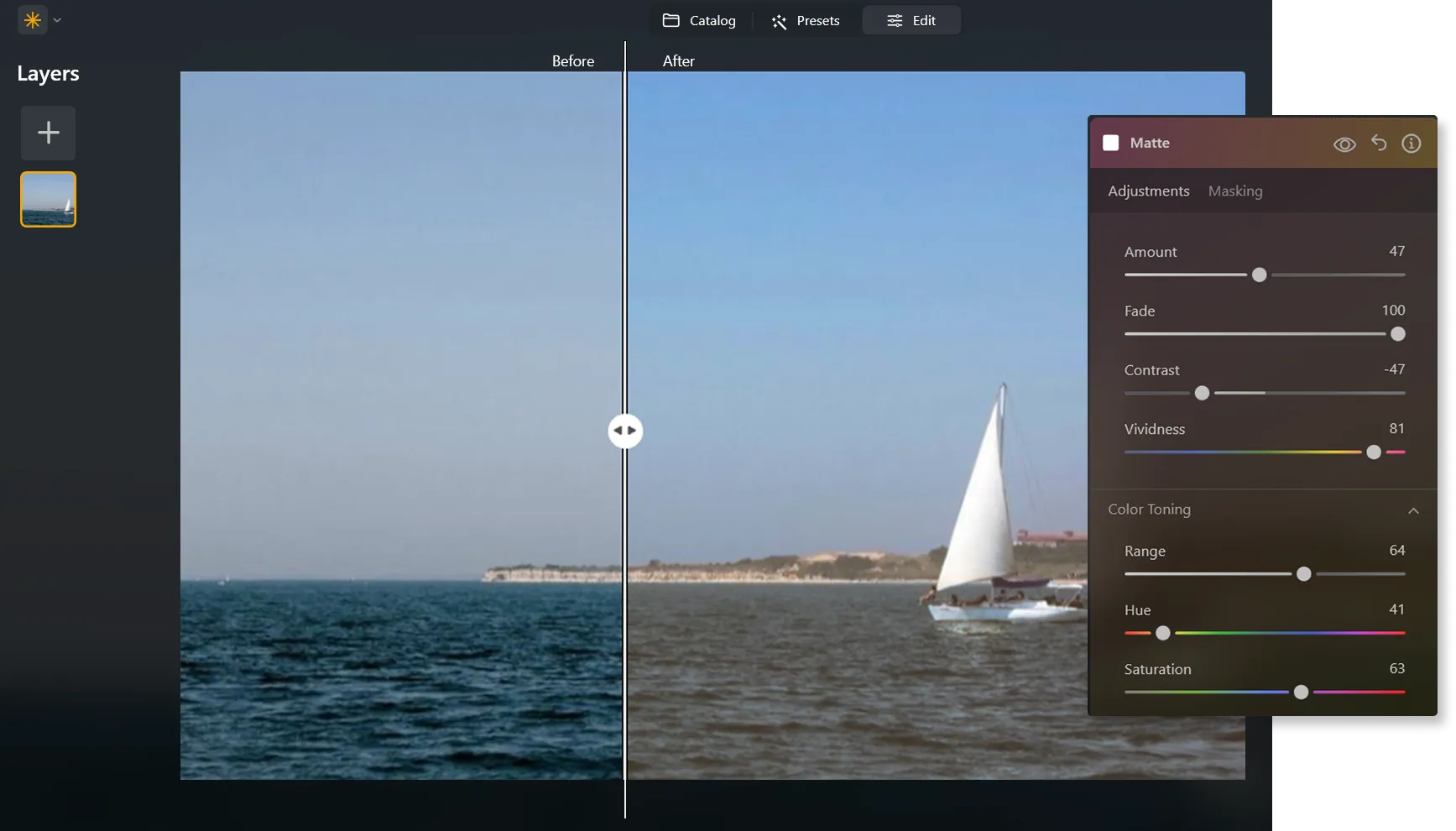
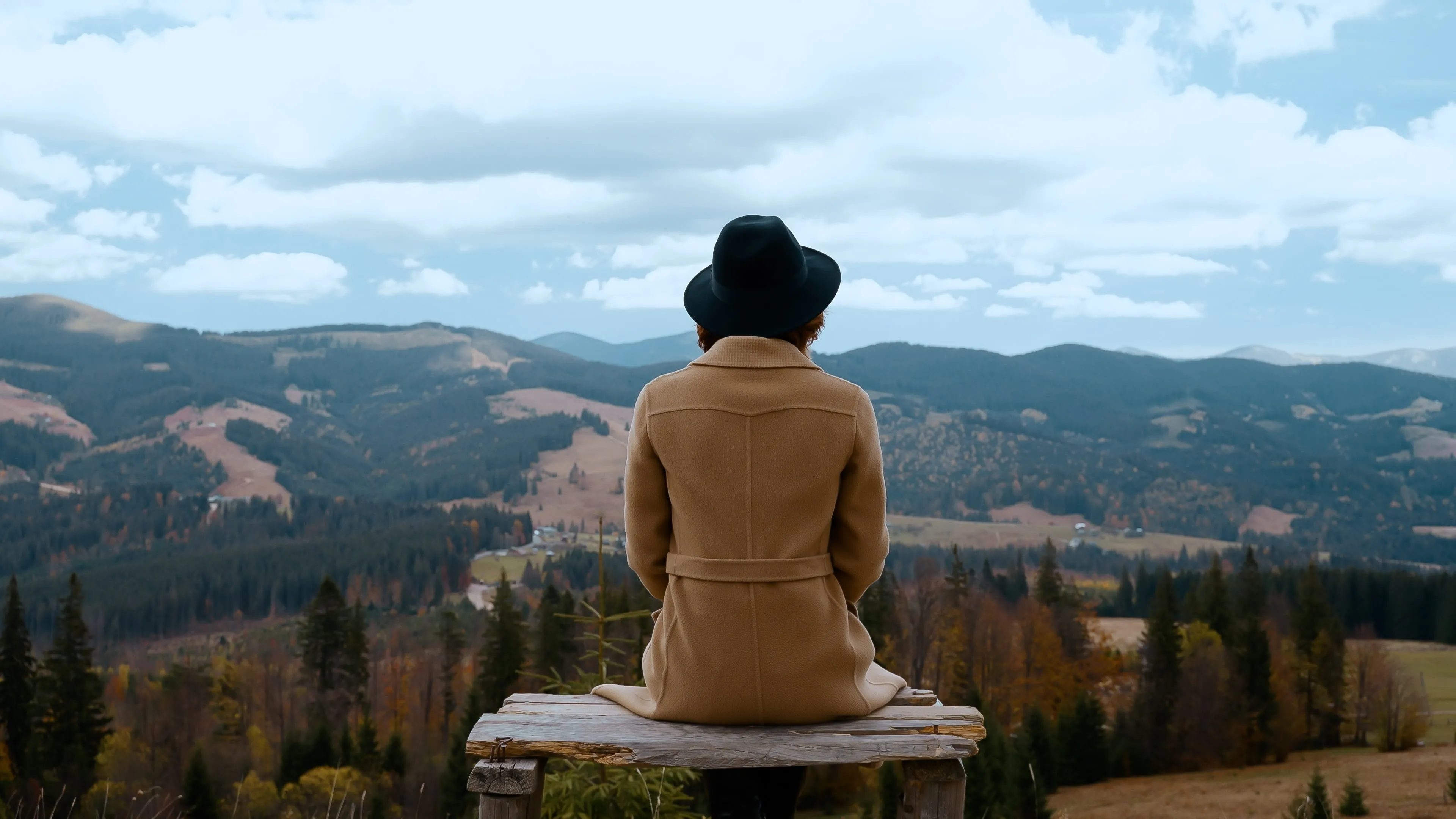
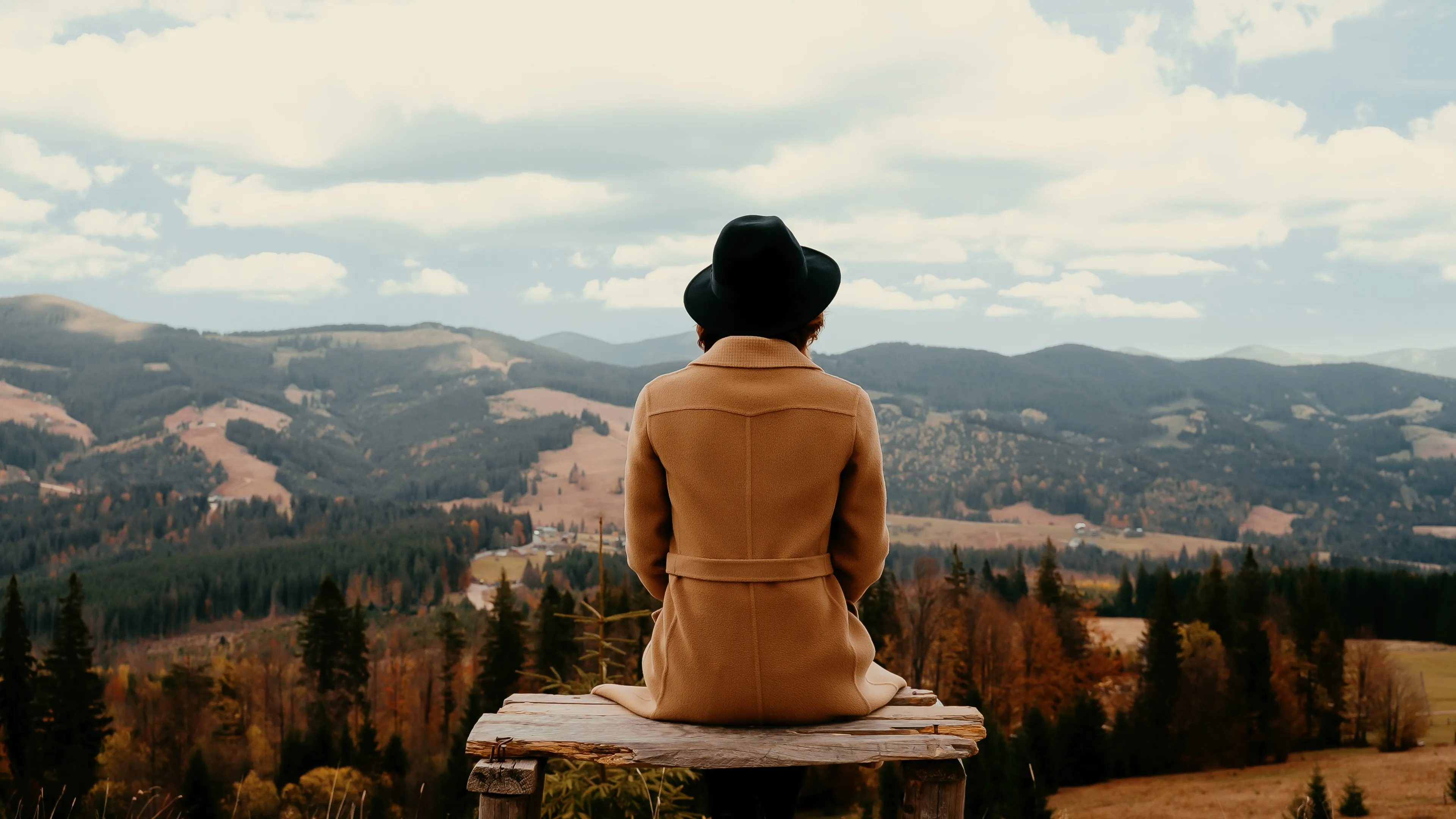
Ottieni un effetto sfumato riducendo l'intensità di colori e tonalità di un'immagine, per un aspetto più soft e più discreto. Utilizza il tool per creare un look vintage o nostalgico ed esaltare l'atmosfera di un'immagine.
Try it nowCome Imparare a Sfumare le Immagini?
In alternativa, puoi utilizzare filtri con effetto sfumato da applicare in un clic per ottenere esattamente il risultato che cercavi.

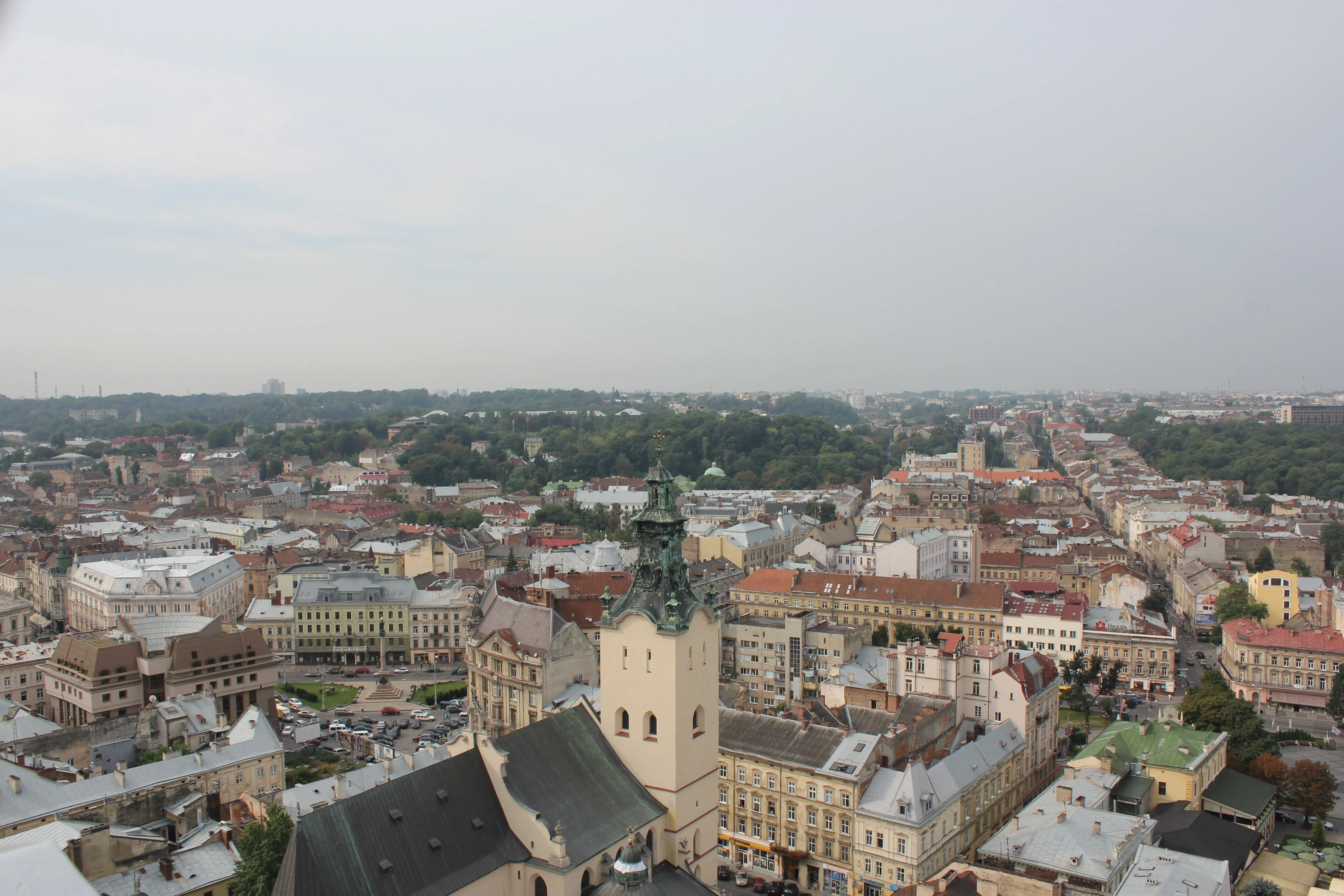

Perché Prendere in Considerazione l'Editing con un Software di Sfumatura delle Foto?
Esistono maschere gradienti che ti aiutano a realizzare le sfumature e un'ampia varietà di preset per sperimentare con l'aspetto generale della tua foto.
Esplora l'Estetica dell'Effetto Fotografico Sfumato
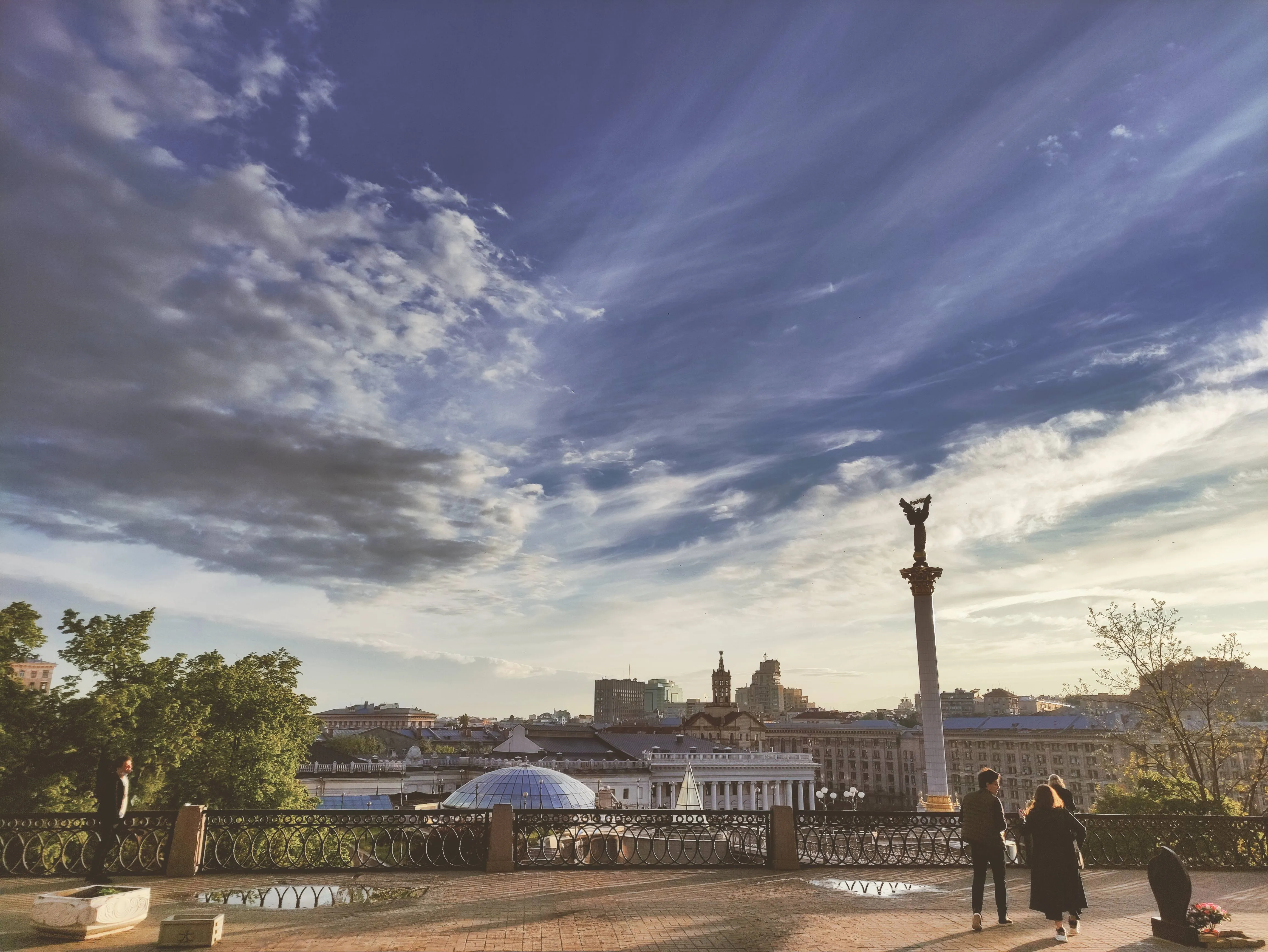
Softening the colors and tones can make the photo feel dreamy, ethereal or romantic which is useful in genres like portrait, wedding or landscape photography. The possibilities are endless!

How to Add a Fading Effect in Luminar?
The easiest way to create faded pictures in Luminar is by applying a one-click Preset.

Make sure an image is open in Luminar.

Click Presets at the top of the window to switch to the Presets Browser. This opens the Presets panel.

Choose a Preset collection. Use suggested Presets in the “For This Photo” section or browse other collections organized by categories.

Examine the Presets available by exploring their icons.

When ready, click on a Preset name to apply it. To apply a different Preset to your photo, click on its name.
Esplora Altre Funzionalità

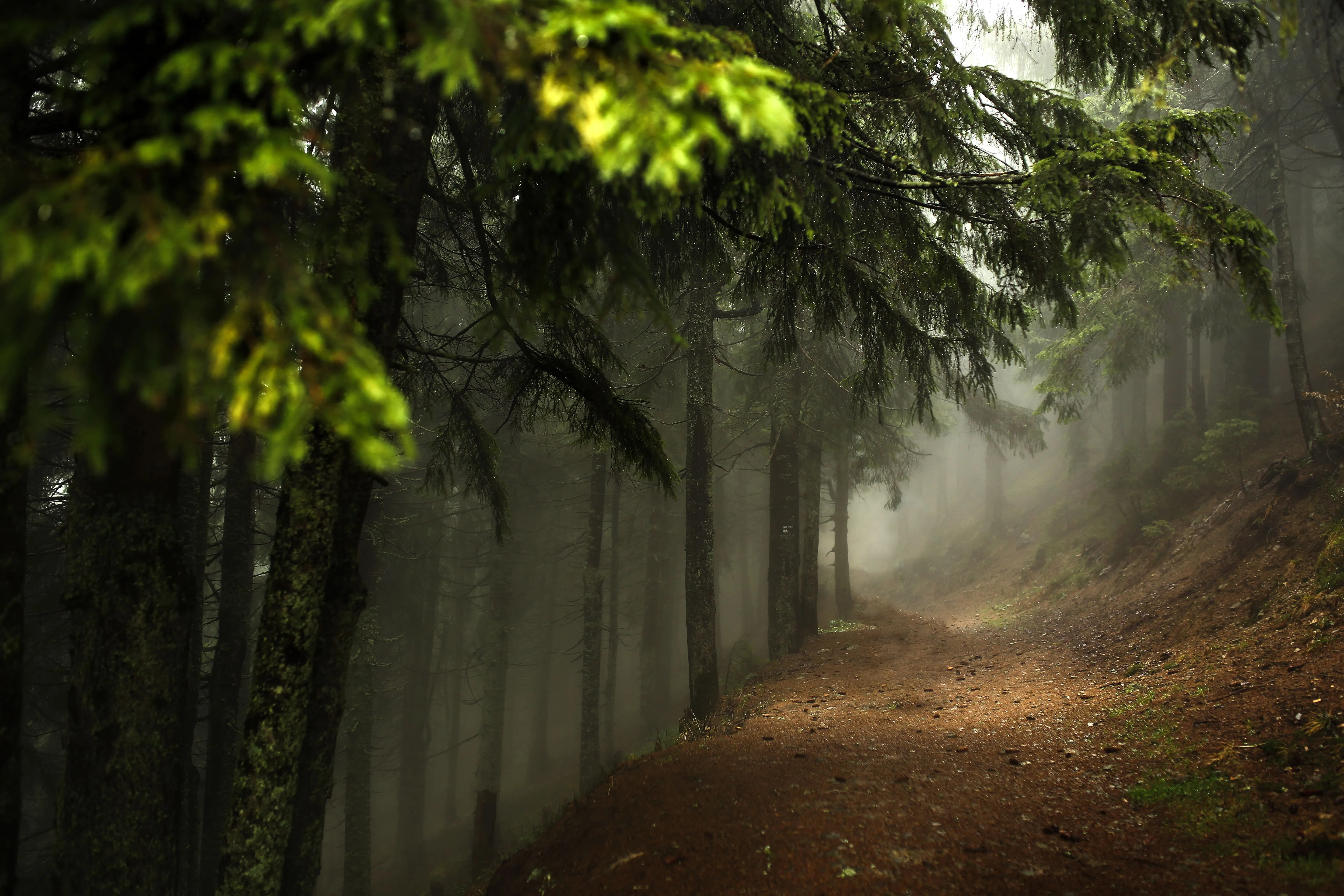










Tool di modifica della tonalità
Applicazione e plugin
Per macOS e Windows
- Editor con AI ad alte prestazioni
Assistenza tecnica
Garanzia di 30 giorni soddisfatti o rimborsati
Join our communies

Domande frequenti
How to fade images with Luminar?
Posso regolare l'effetto sfumato della mia foto?
È possibile sfumare un'immagine in un'altra?
Posso applicare l'effetto sfumato solo su una parte specifica della mia immagine, come lo sfondo o un oggetto?
Why Luminar is the best image fader?
Who can benefit from Luminar photo fader?
• Photographers: add subtle, cinematic fade to images
• Content creators: create aesthetic, cohesive visuals
• Designers: match images to brand or editorial style
• Social media users: achieve trendy, soft-tone looks
• Editors: fine-tune contrast and mood with precision
