

 Visualizza tariffe
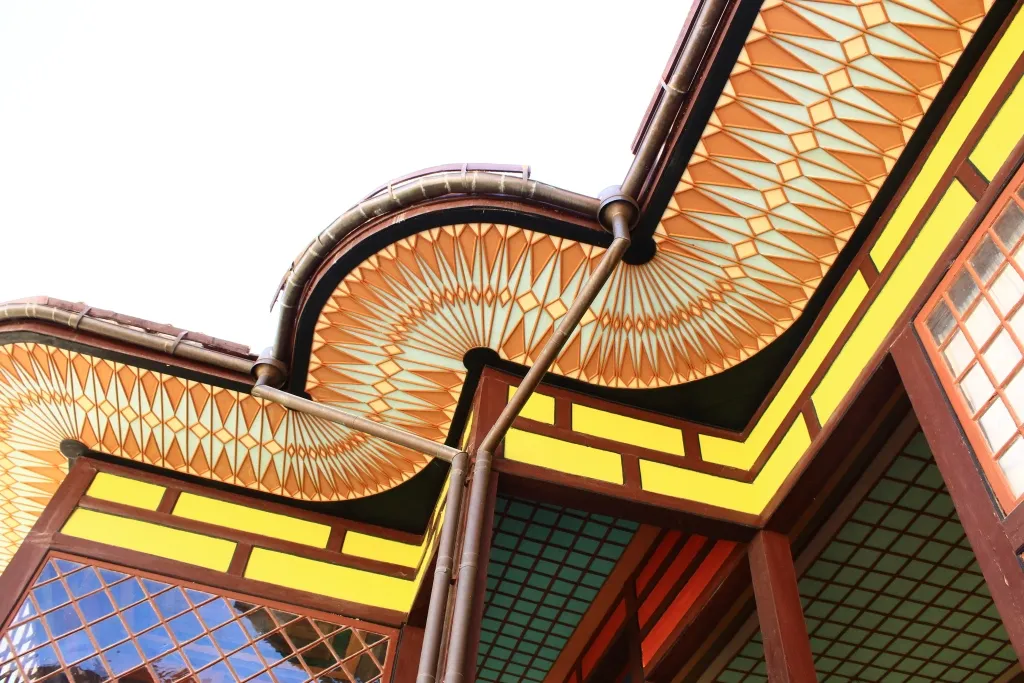
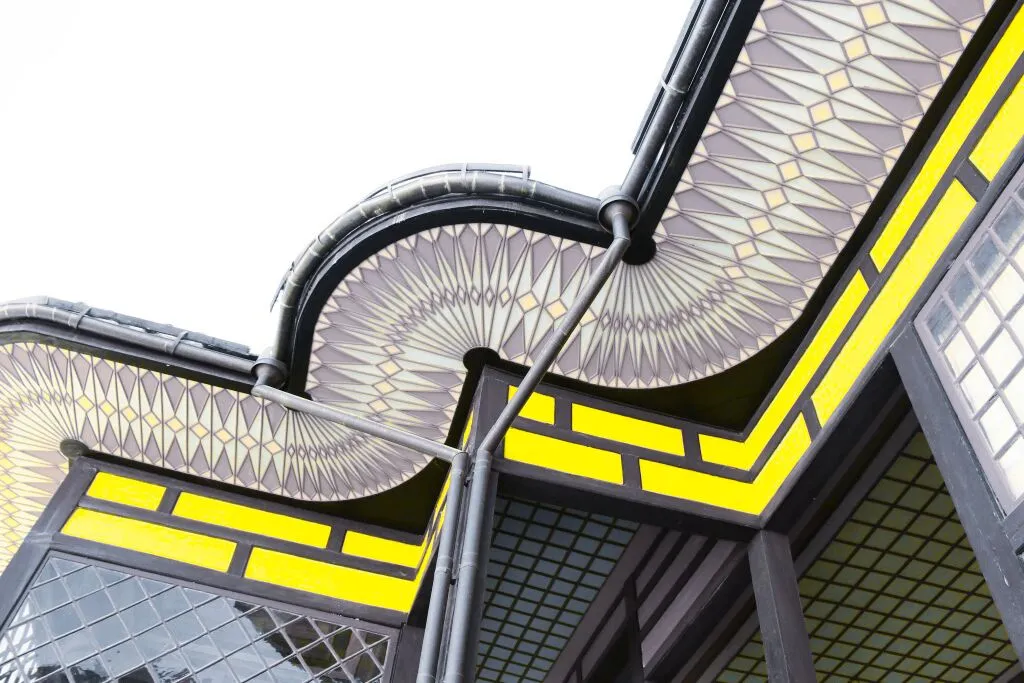
Crea splendide tonalità con i colori selettivi
Crea modifiche di stile sensazionali e immagini artistiche uniche con la fotografia dei colori selettivi in Luminar.
Visualizza tariffeVantaggi delle regolazioni di colore selettive
Correzioni cromatiche leggere
È possibile utilizzare i filtri HSL per rendere i colori più vivaci o più neutri. Le foto a colori selettivi offrono risultati realistici e vengono spesso utilizzate nella fotografia di paesaggio.

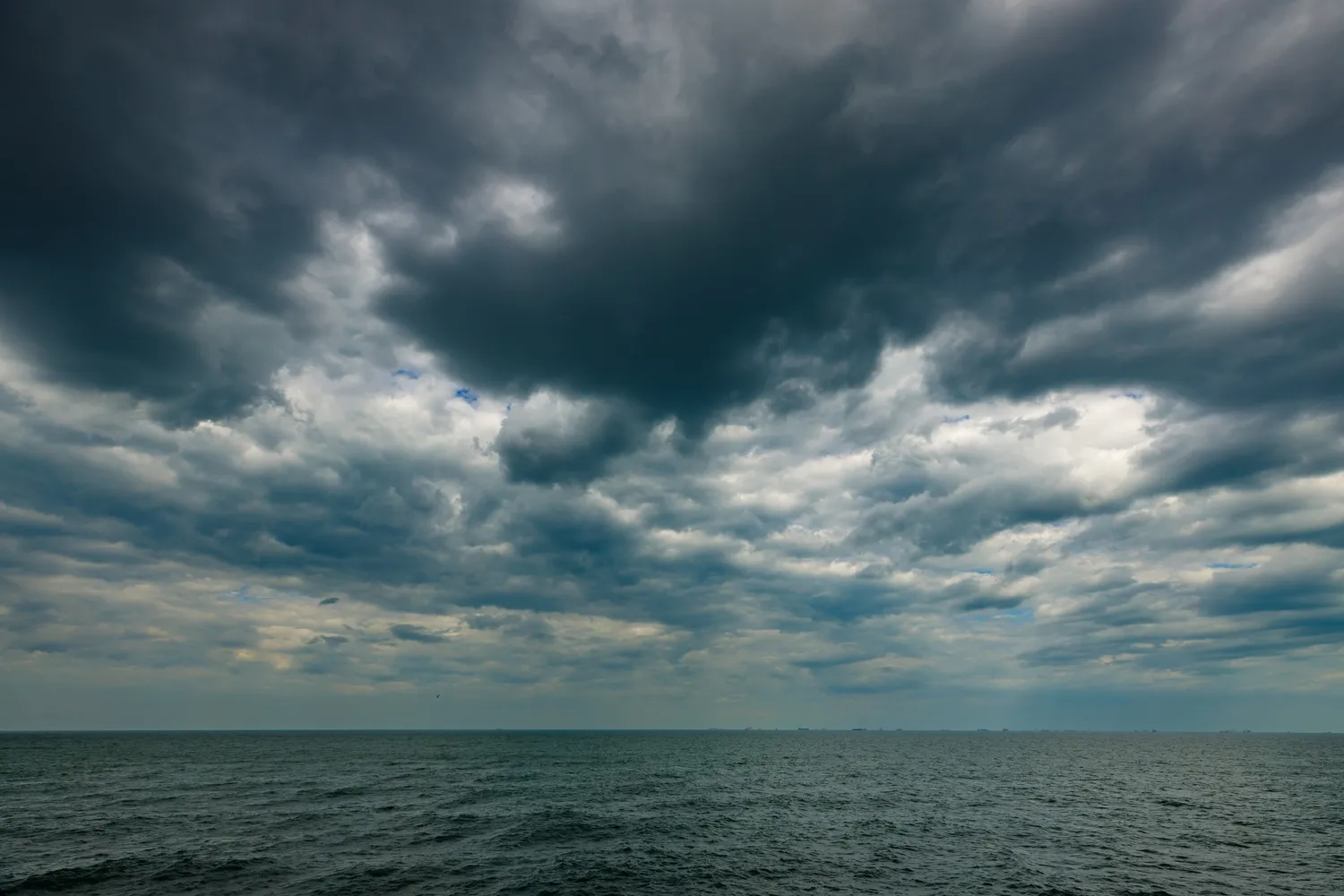
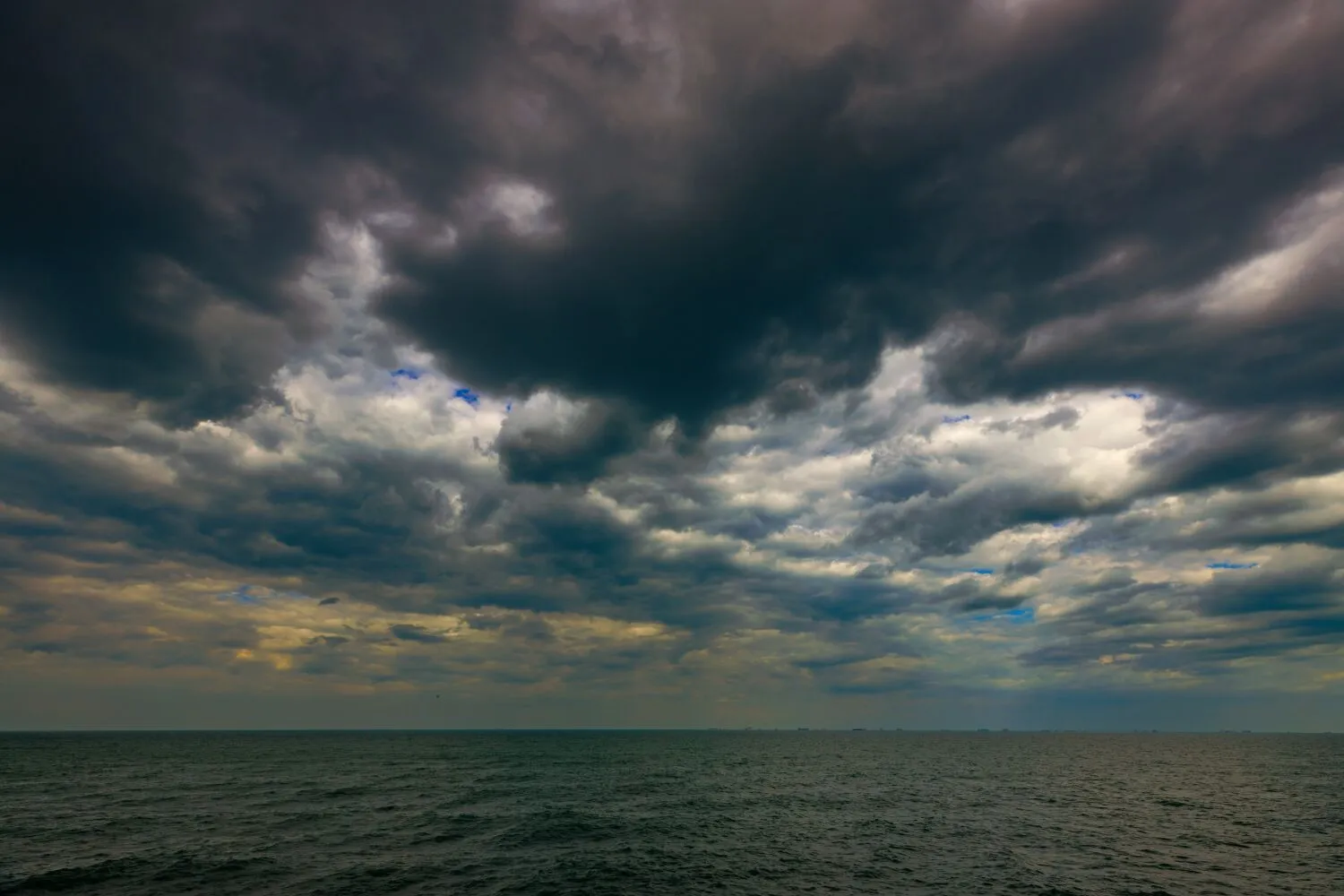
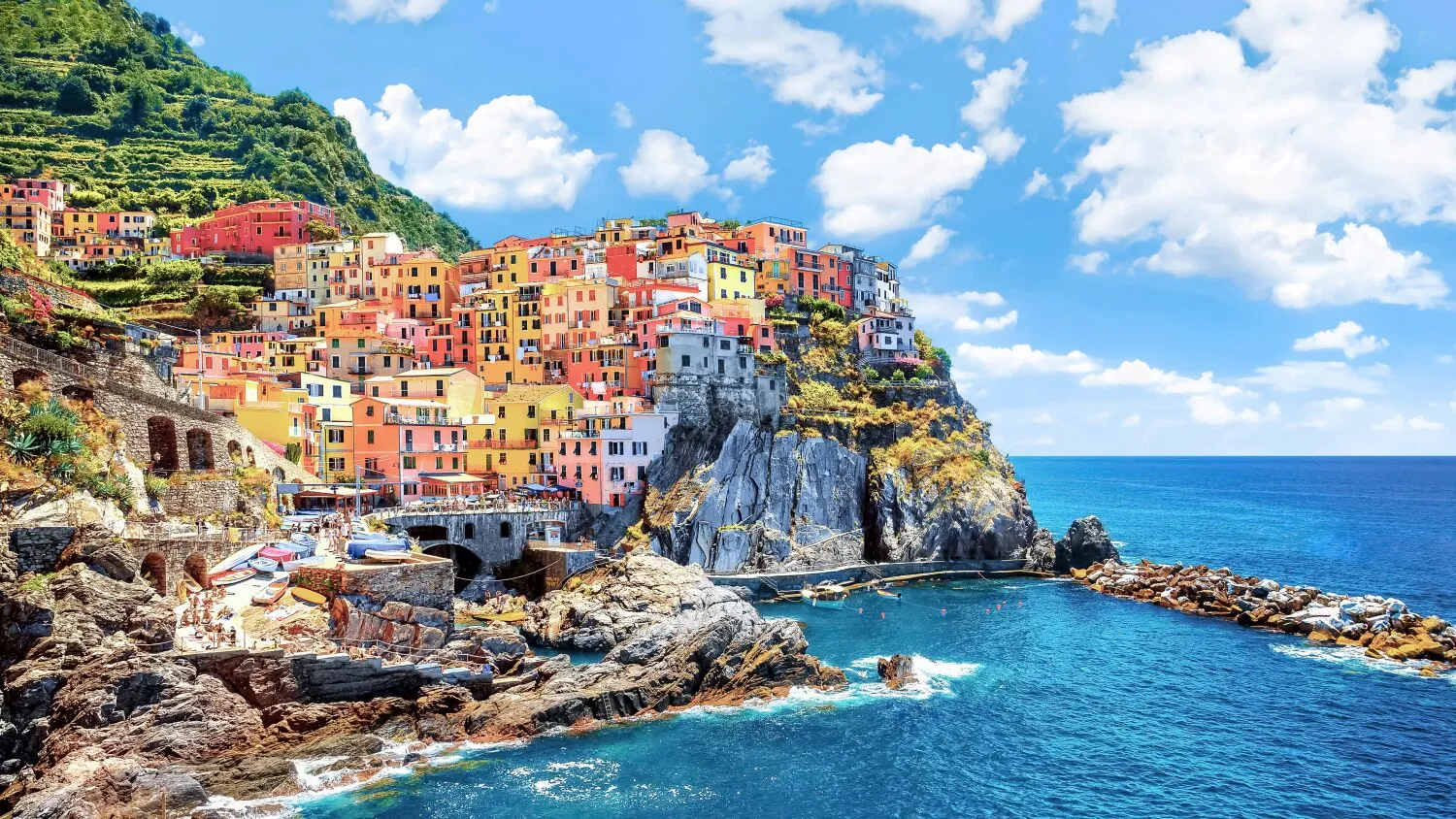
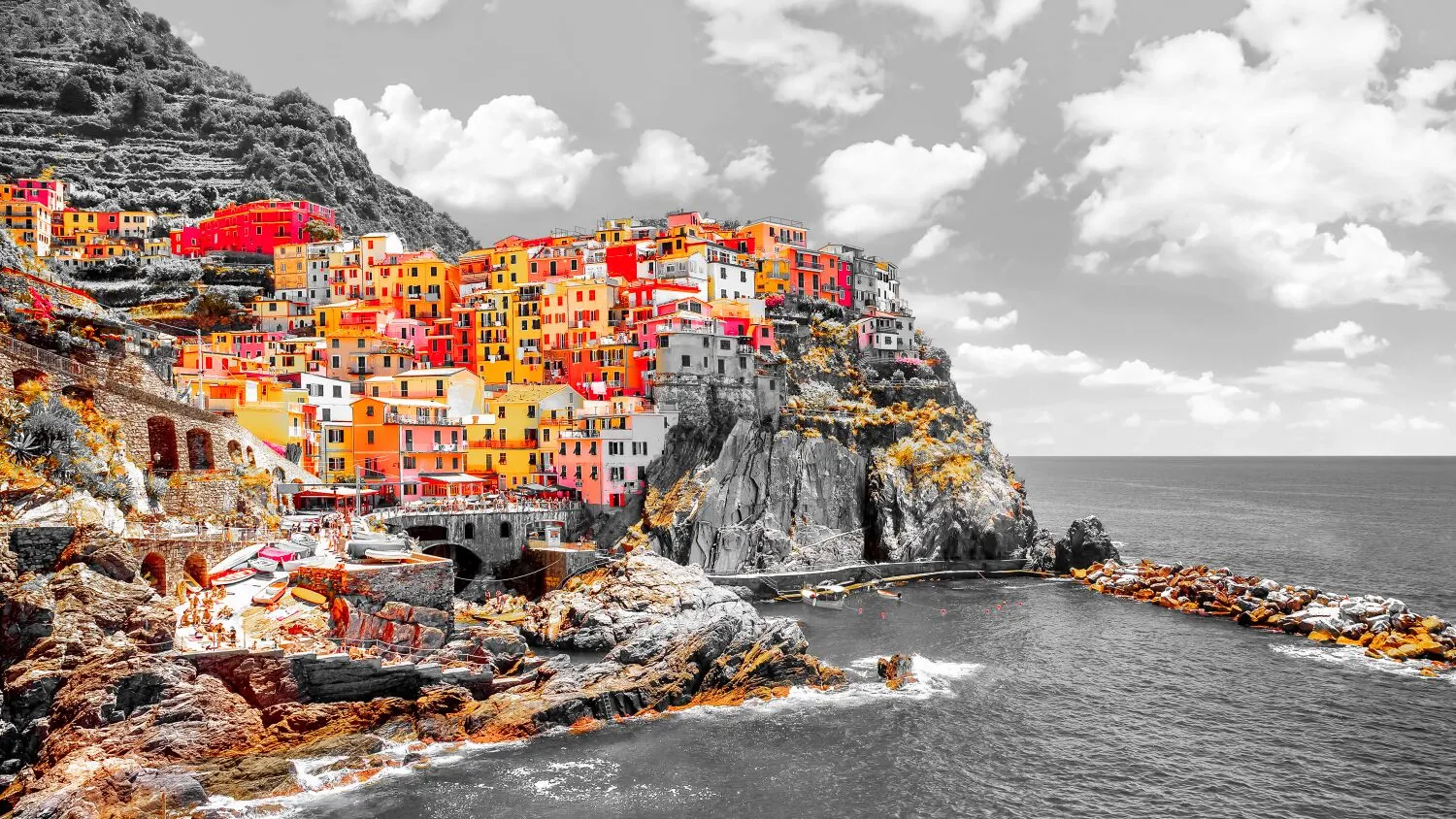
Effetto della colorazione selettiva
Le regolazioni selettive del colore ti evitano di dover effettuare selezioni complesse e di dover lavorare con livelli e maschere.
Modifica l'Atmosfera delle Tue Immagini
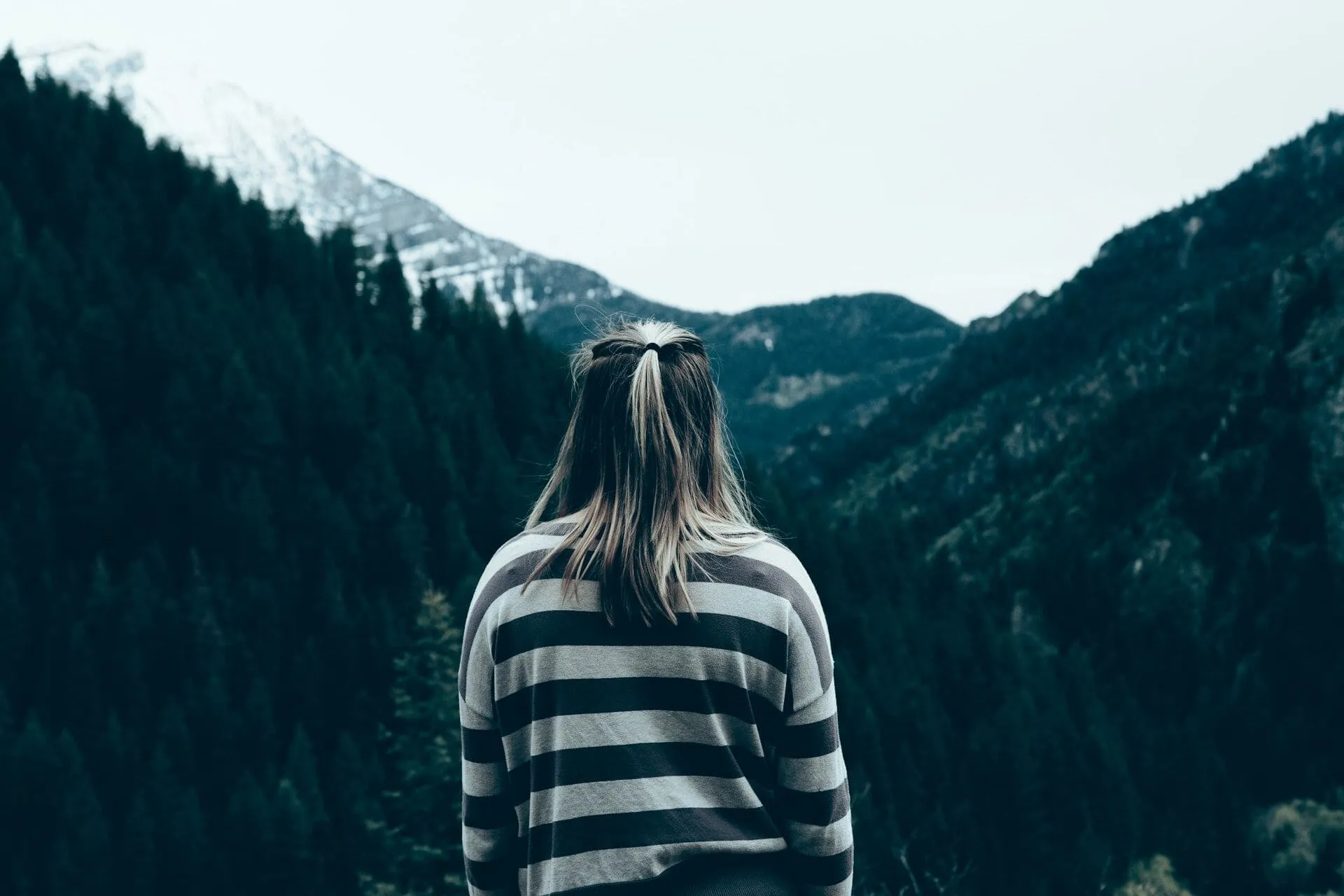
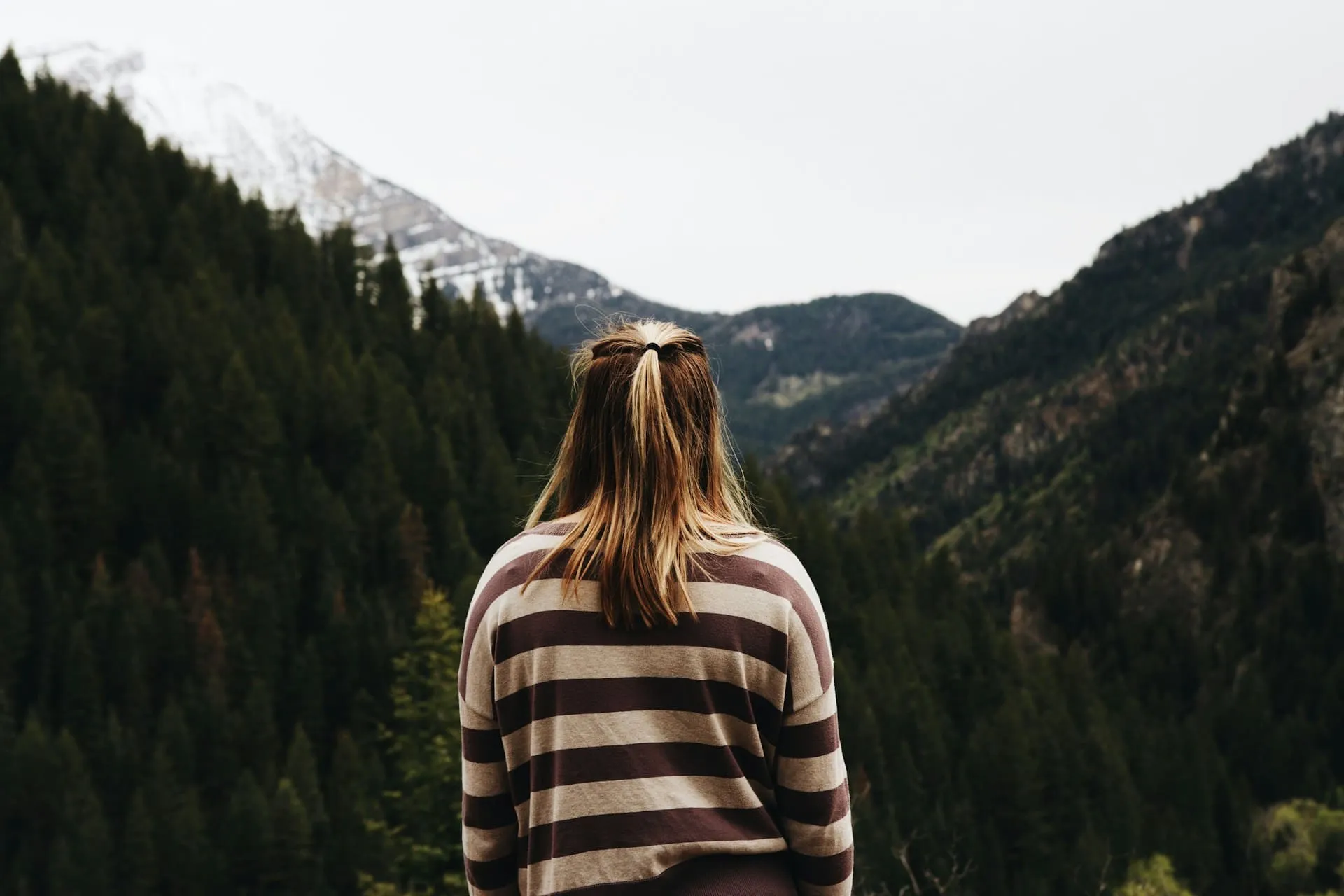
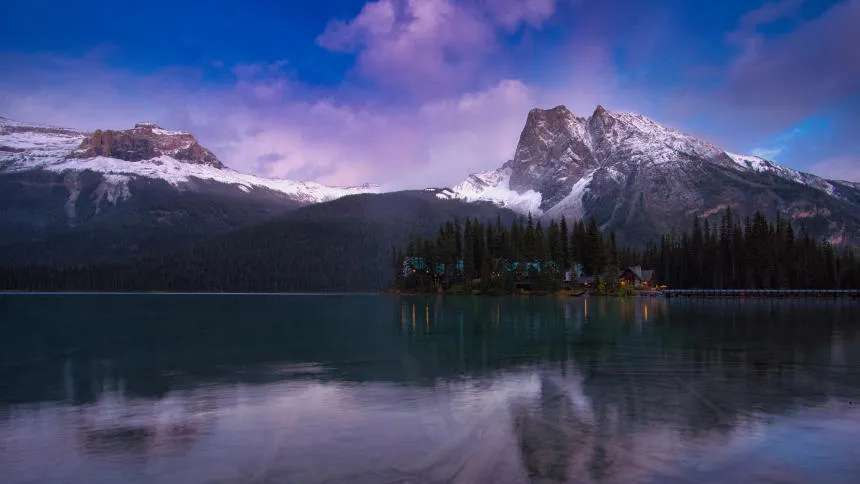
Ad esempio, puoi regolare i colori caldi per esaltare un tramonto oppure i colori freddi per conferire un’atmosfera gelida a un paesaggio invernale.
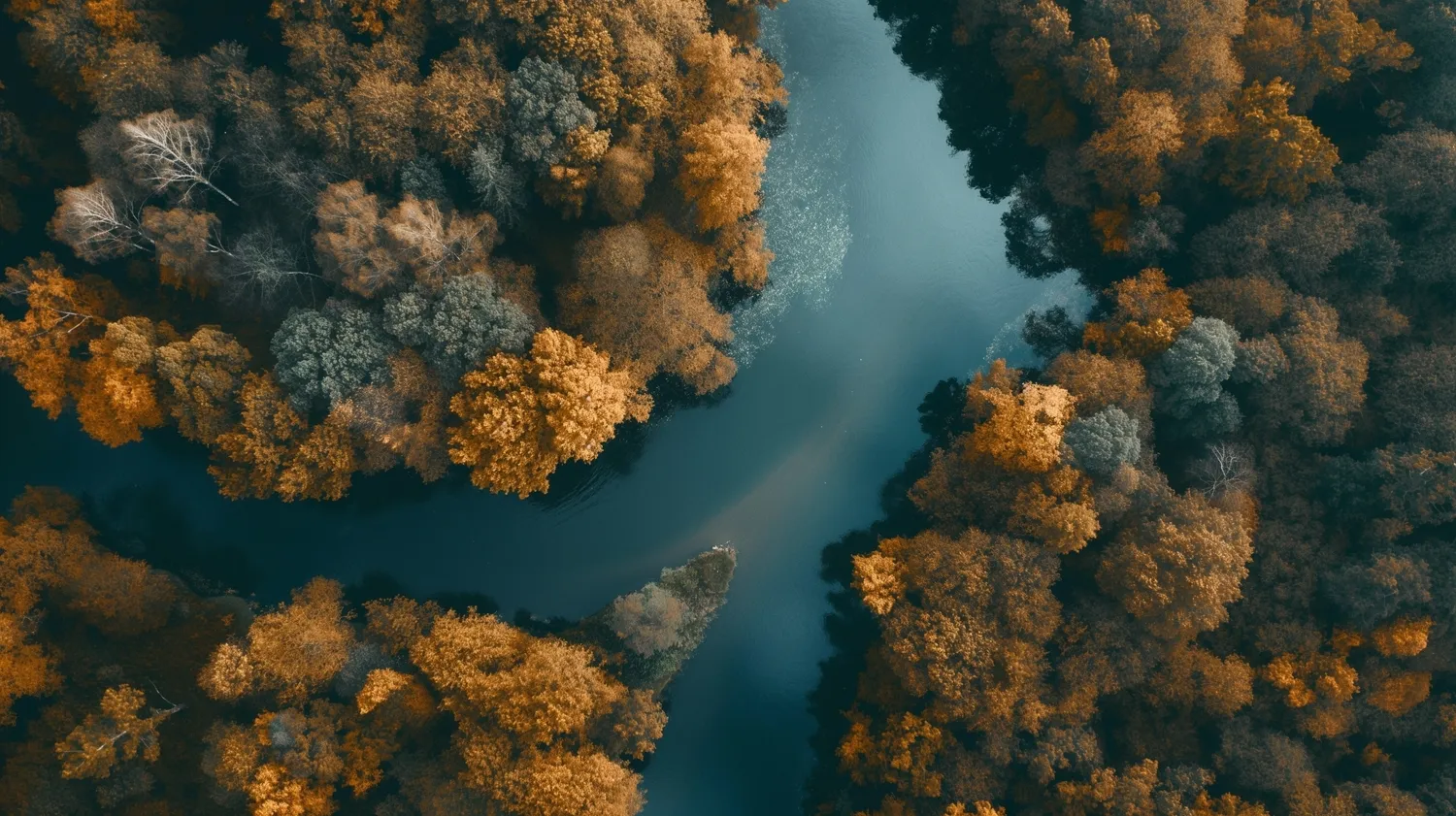
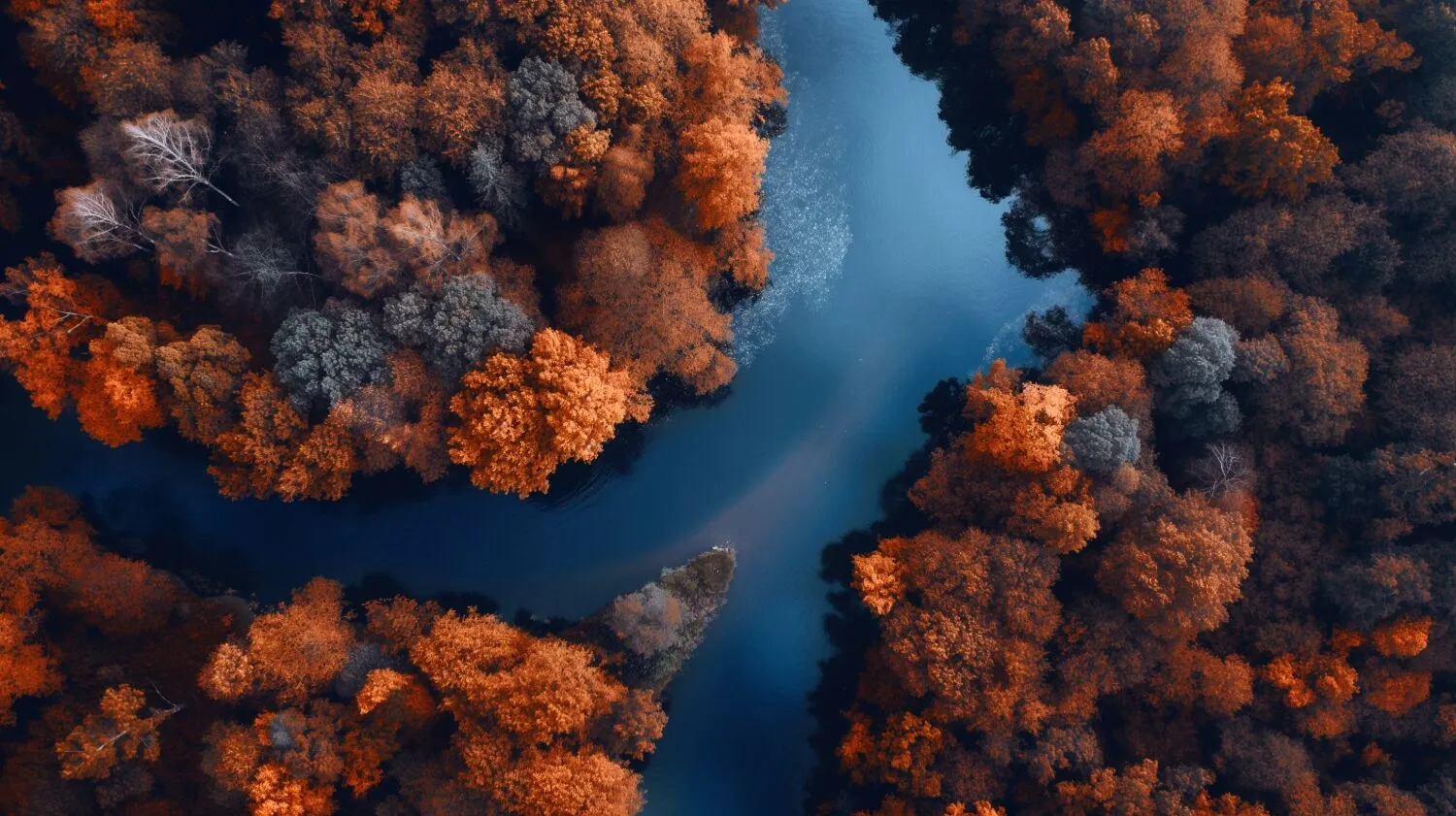
Come si apportano le regolazioni di colore selettive in Luminar?

Utilizza la conversione in bianco e nero per ottenere la colorazione selettiva
Il tool Converti in bianco e nero di Luminar ti dà accesso a luminanza e saturazione per rosso, giallo, verde, ciano, magenta e blu.

Ottieni tenui correzioni cromatiche con il filtro HSL
Il tool HSL in Colore ti consente di regolare in maniera selettiva tonalità, saturazione e luminanza di un singolo colore. Puoi lavorare con il rosso, arancione, giallo, verde, acqua, blu, viola e magenta.

Lavora direttamente sulle luci e le ombre
L'editor dei colori Luminar offre il tool Bilanciamento colore, che ti consente di modificare il colore solo delle aree di luce, solo dei toni medi, solo delle aree di ombra, o di entrambe le aree di luce e di ombra. Ha anche un filtro Calore split color, utile per modificare il colore dei toni freddi e caldi.
Ottenere le correzioni cromatiche perfette
Anche se è una questione soggettiva, esistono comunque delle linee guida generali per aiutarti a ottenere correzioni di colore precise e gradevoli.
- Regolazione del bilanciamento del bianco per assicurare una rappresentazione accurata dei bianchi e dei colori neutri.
- Regola i livelli di esposizione e contrasto per ottenere la gamma tonale e la luminosità generale desiderate.
- Se necessario, regola i singoli canali di colore (rosso, verde, blu, ciano, magenta, giallo) per ottenere il bilanciamento cromatico desiderato.
- E, naturalmente, utilizza la correzione selettiva del colore.
.webp)
Esplora Altre Funzionalità

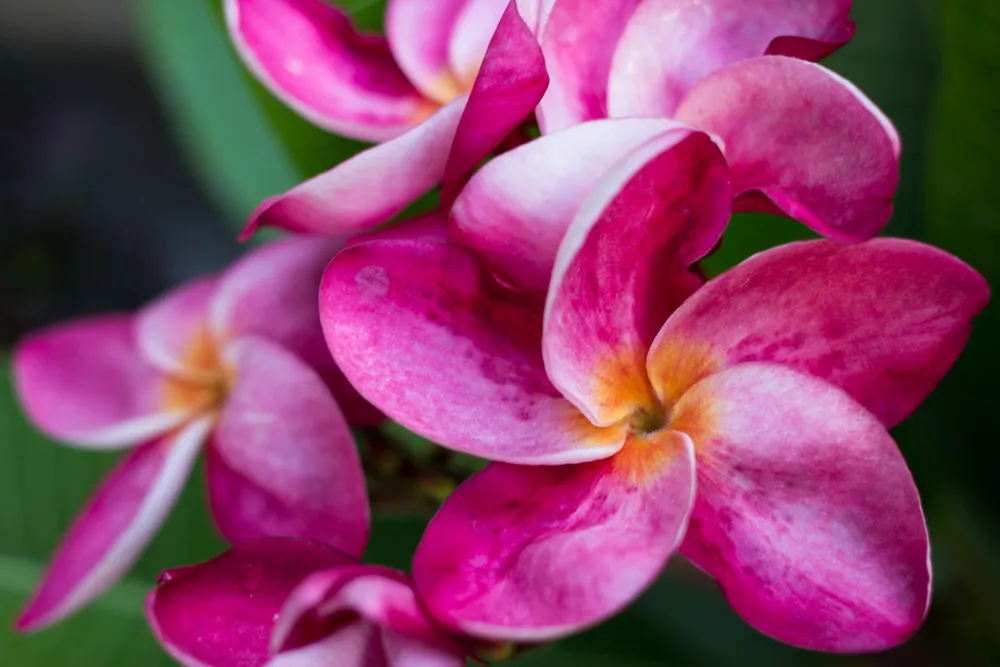
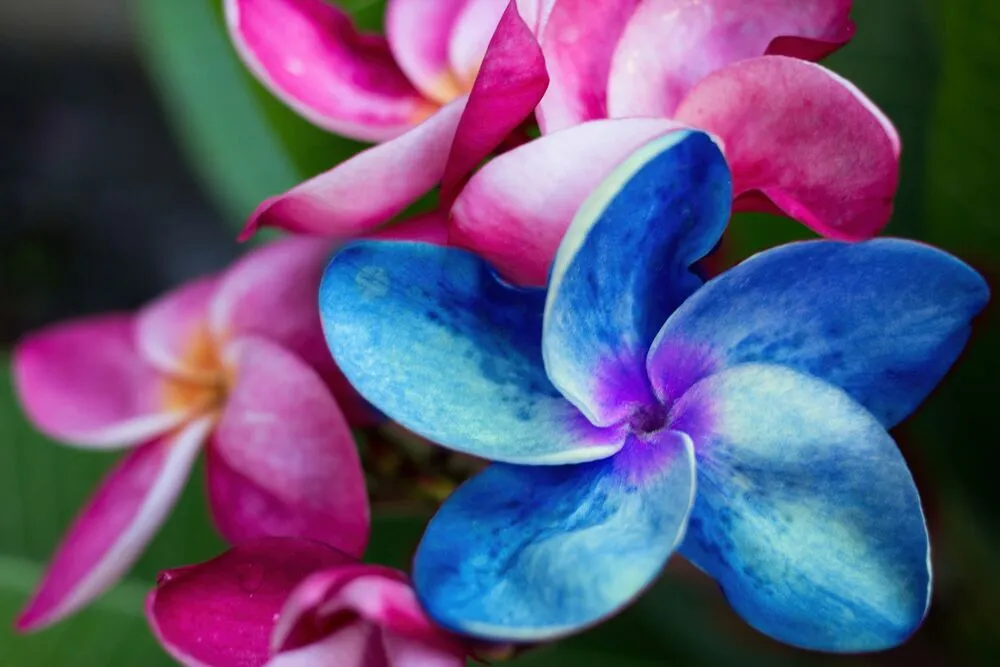
Sostituzione Del Colore Delle Immagini Di Precisione







Applicazione e plugin
Per Mac e Windows
- Editor con AI ad alte prestazioni
assistenza tecnica 24 ore su 24, 7 giorni su 7
30 giorni di garanzia soddisfatti o rimborsati
Unisciti alle nostre community

