

 Pläne ansehen
Bilder nahtlos verblassen lassen
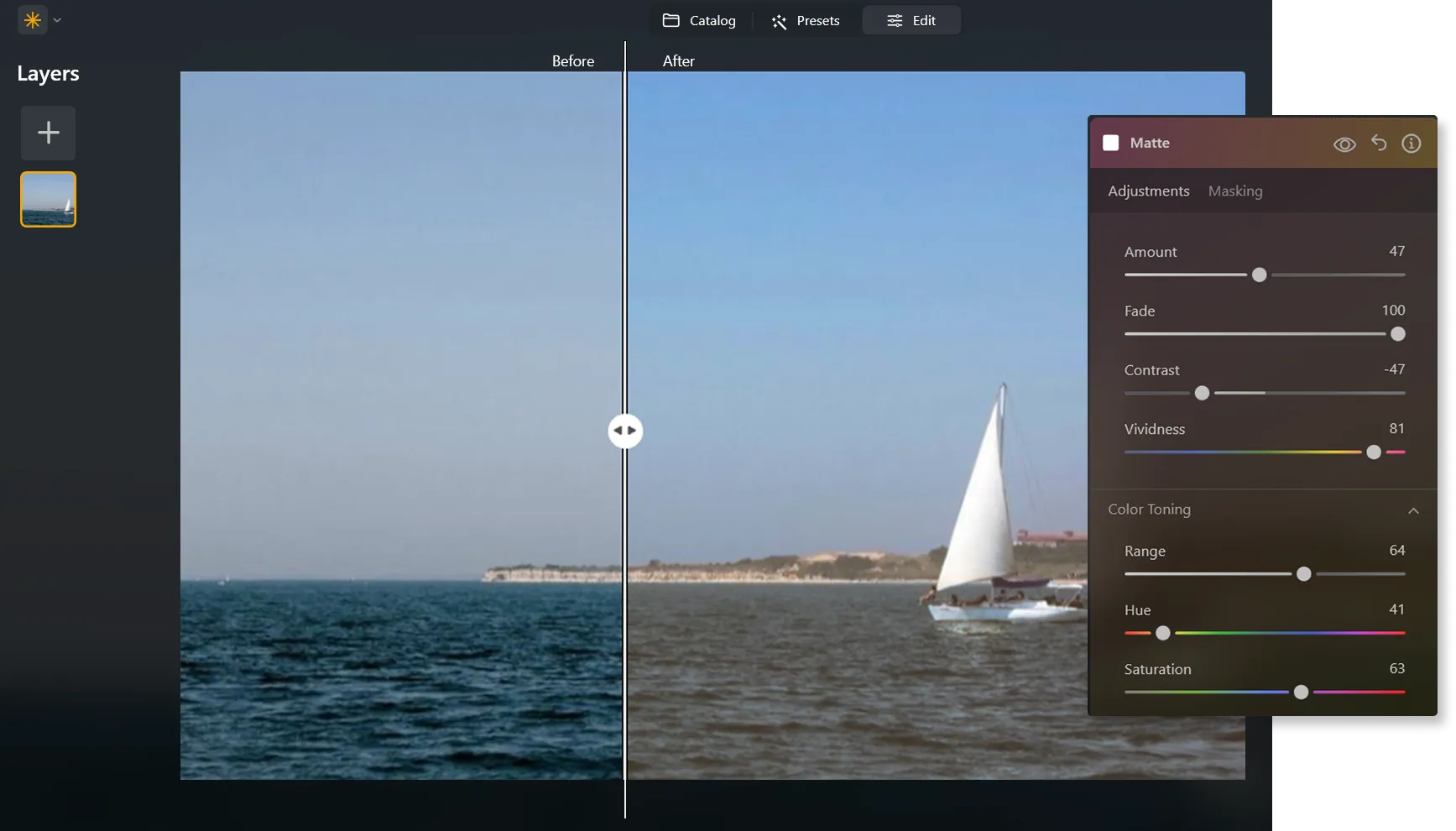
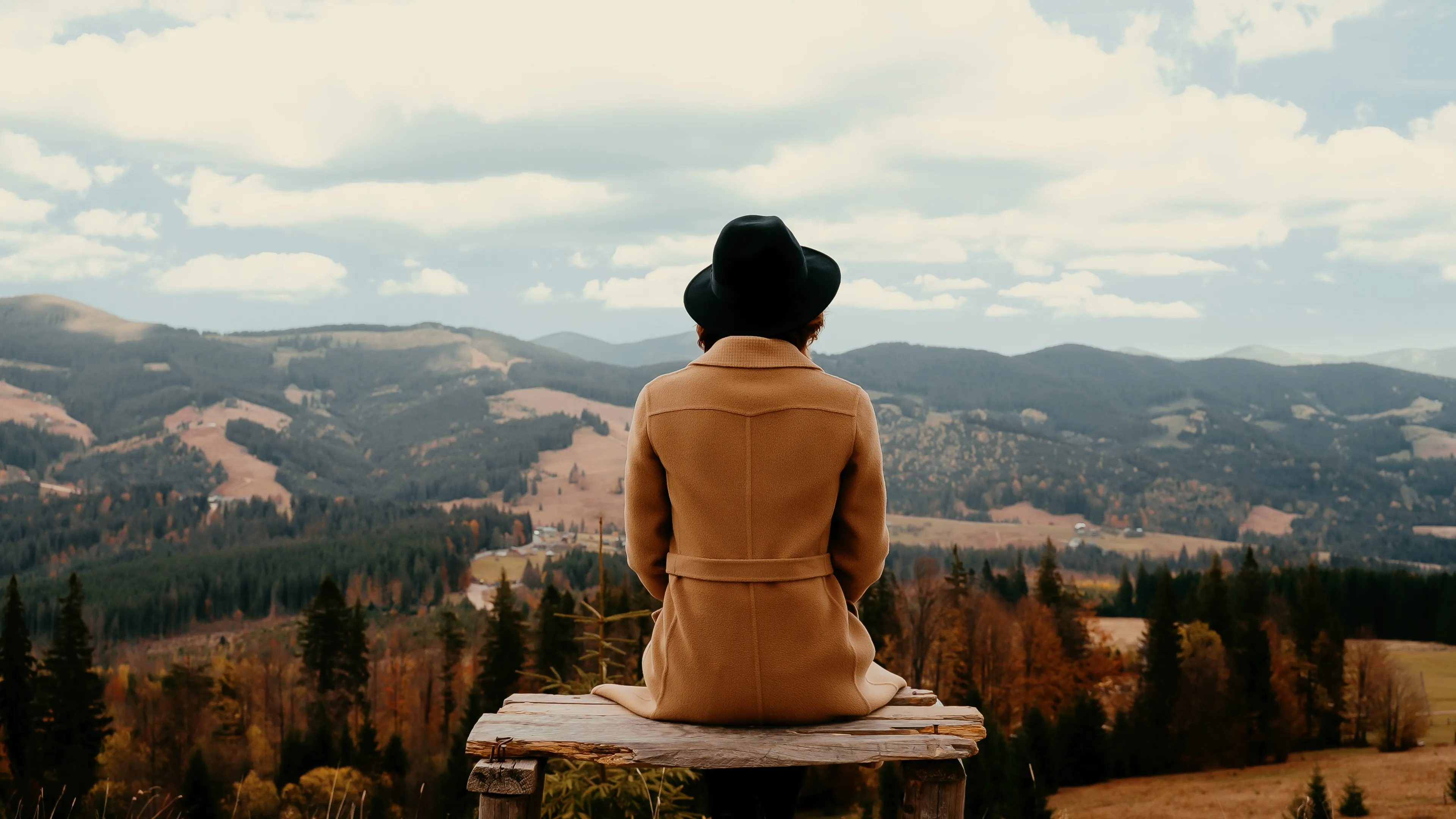
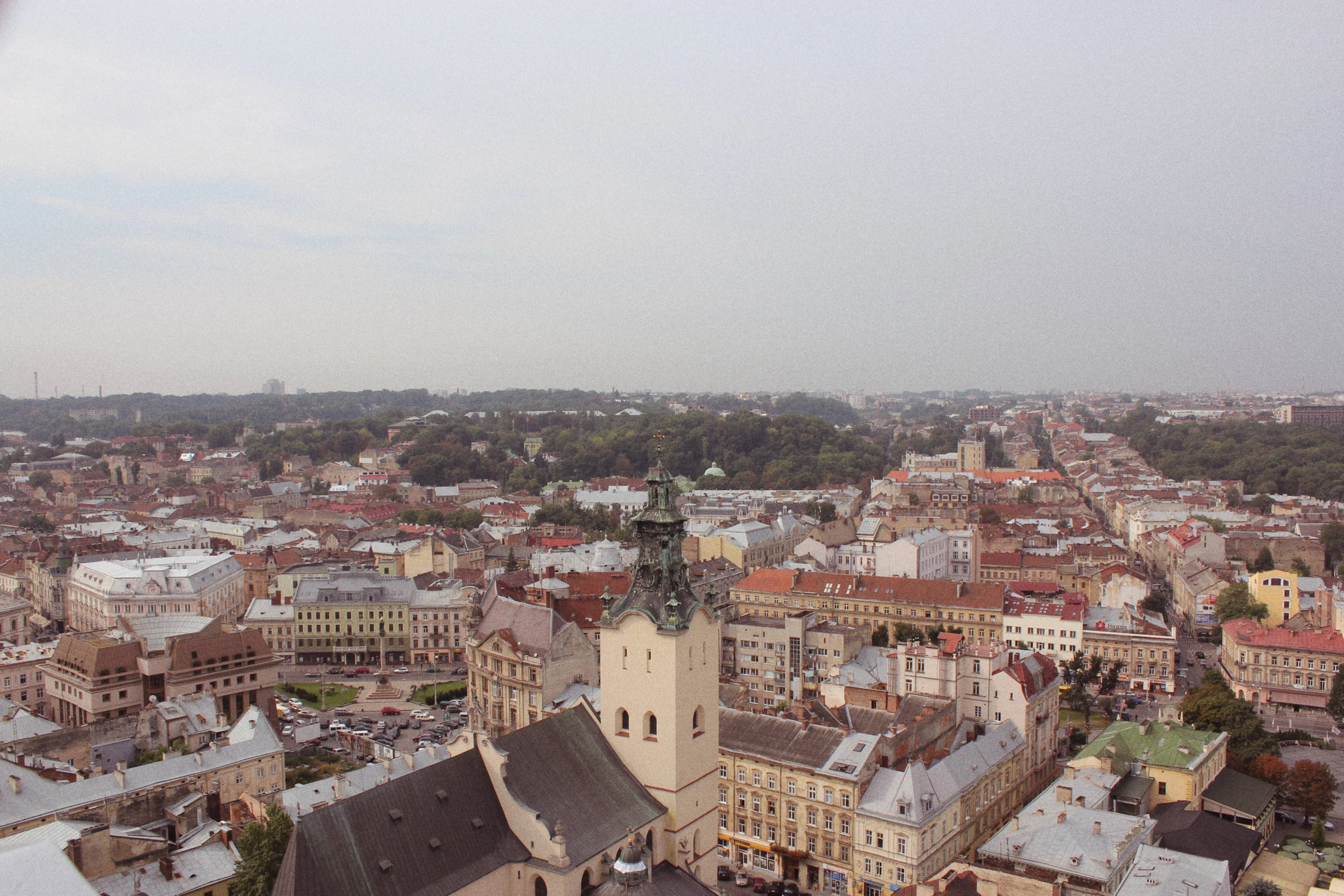
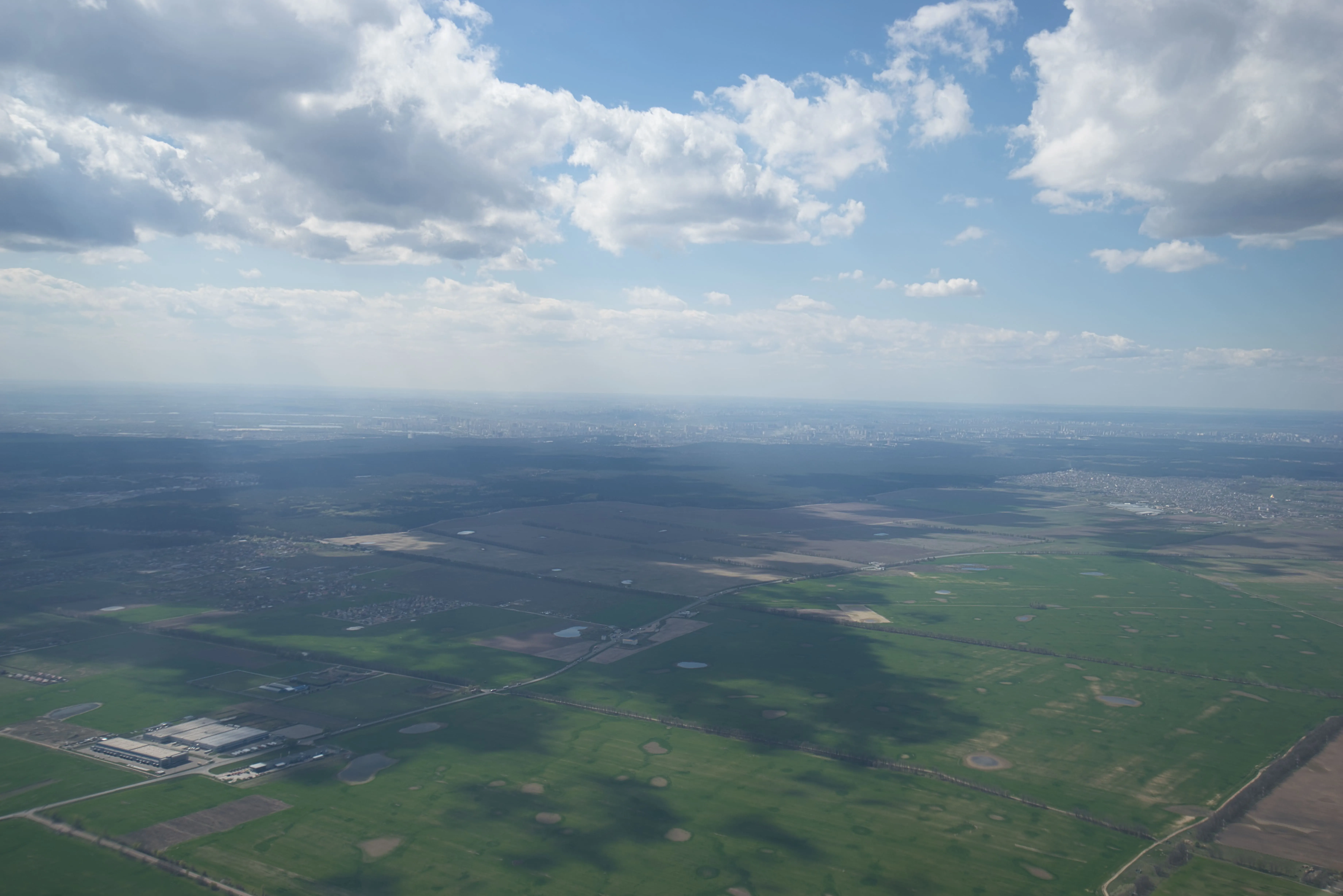
Erziele einen verblassten Effekt in deinem Foto, indem du die Intensität der Farben oder Töne in einem Bild reduzieren und ihm so ein weicheres und gedämpfteres Aussehen verleihst. Verwende diese Funktion, um einen nostalgischen Look zu erzeugen oder um die Stimmung und Atmosphäre eines Bildes zu verbessern.
Try it nowWie meistert man die Kunst des Verblassens von Bildern?
Alternativ kannst du auch Verblassen-Effekte verwenden, die du mit einem Klick anwenden kannst, um genau das Ergebnis zu erzielen, das du dir gewünscht hast.

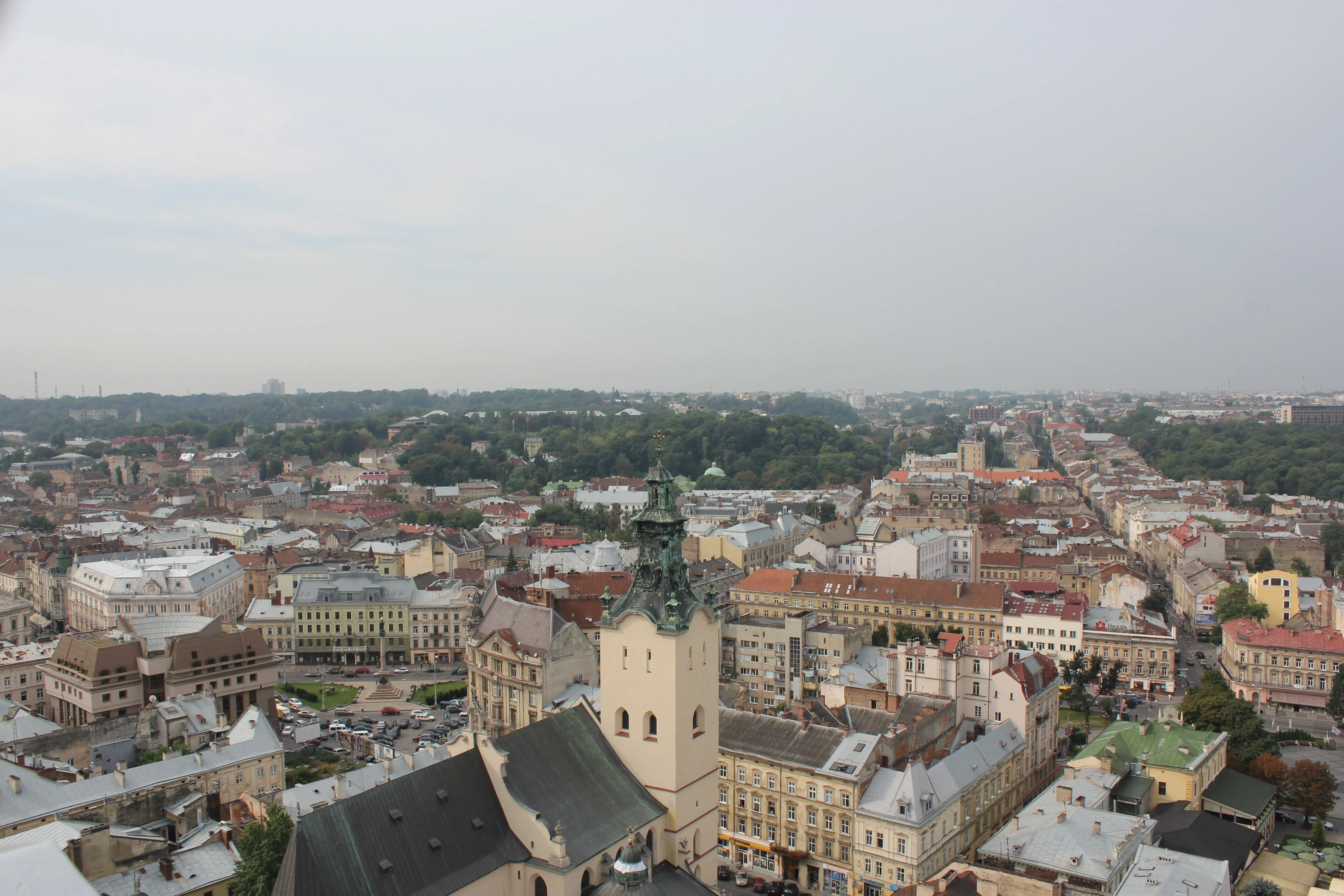
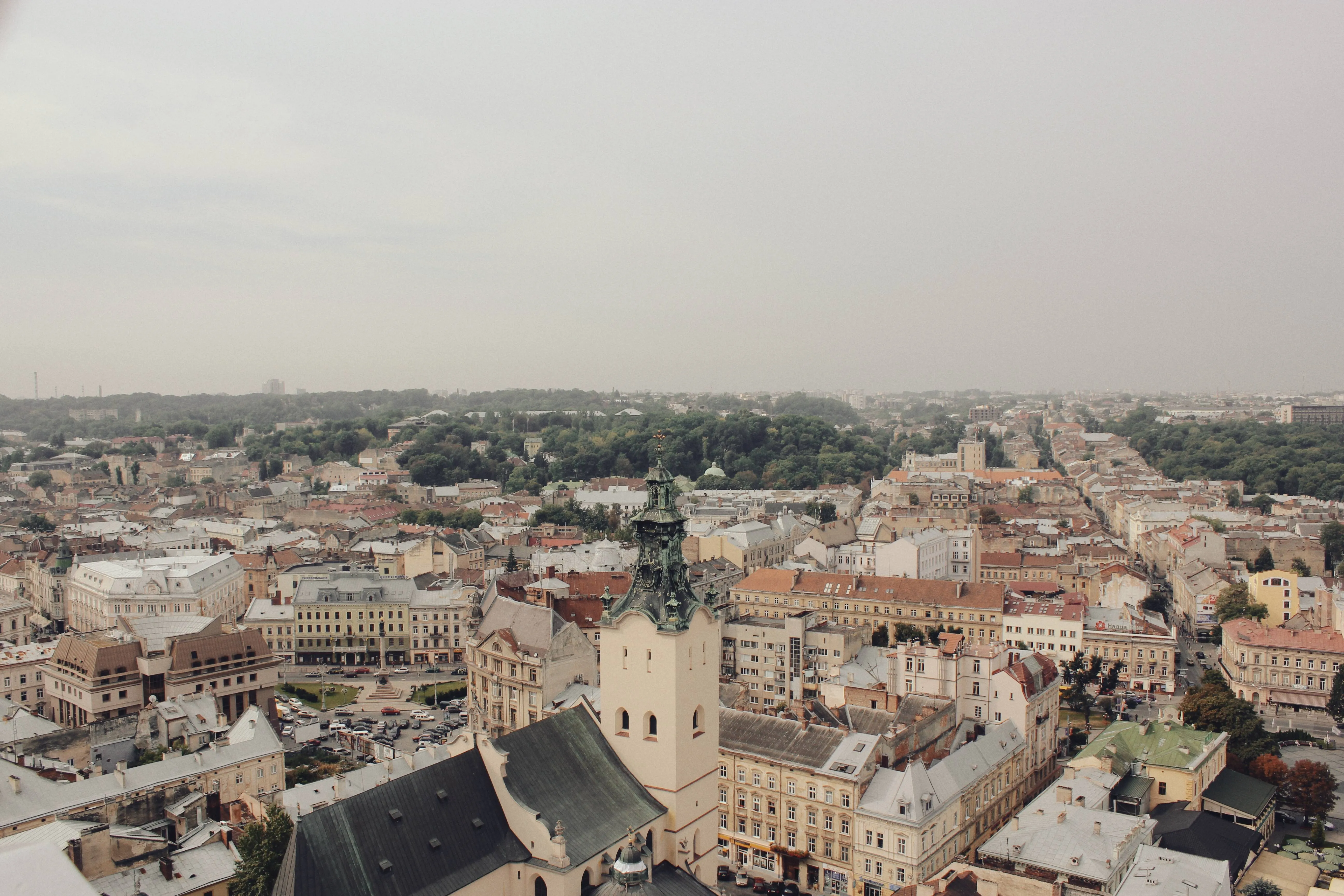
Warum solltest du die Bearbeitung mit einer Foto-Fader-Software in Betracht ziehen?
Es gibt Farbverlaufsmasken, die dir bei der Bearbeitung von Überblendungen helfen können, und eine Vielzahl verschiedener Presets, mit denen du mit dem Gesamtbild deines Fotos experimentieren kannst.
Erkunde die Ästhetik des Fotoeffekts Verblassen
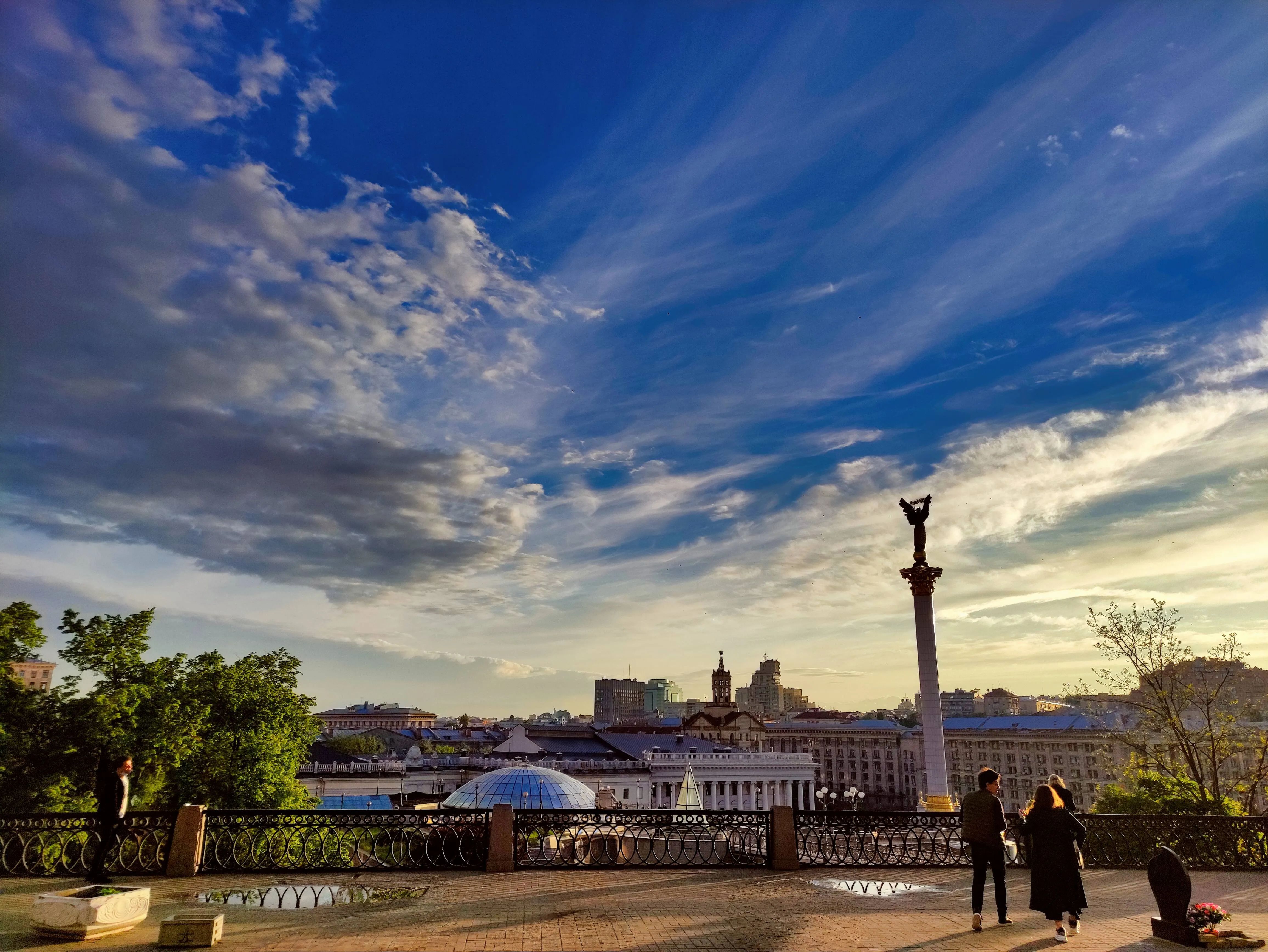
Softening the colors and tones can make the photo feel dreamy, ethereal or romantic which is useful in genres like portrait, wedding or landscape photography. The possibilities are endless!
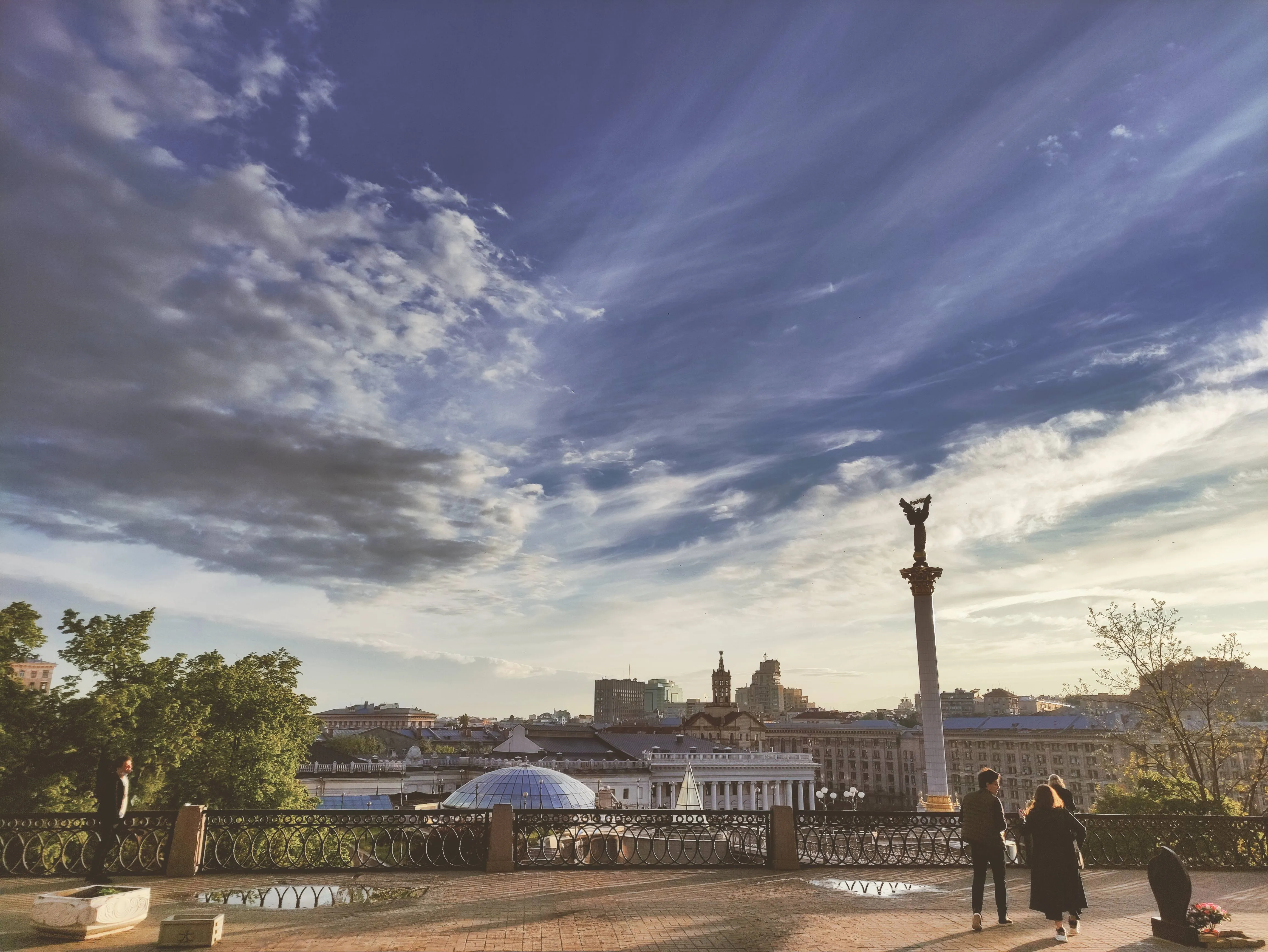
How to Add a Fading Effect in Luminar?
The easiest way to create faded pictures in Luminar is by applying a one-click Preset.

Make sure an image is open in Luminar.

Click Presets at the top of the window to switch to the Presets Browser. This opens the Presets panel.

Choose a Preset collection. Use suggested Presets in the “For This Photo” section or browse other collections organized by categories.

Examine the Presets available by exploring their icons.

When ready, click on a Preset name to apply it. To apply a different Preset to your photo, click on its name.
Entdecke weitere Funktionen

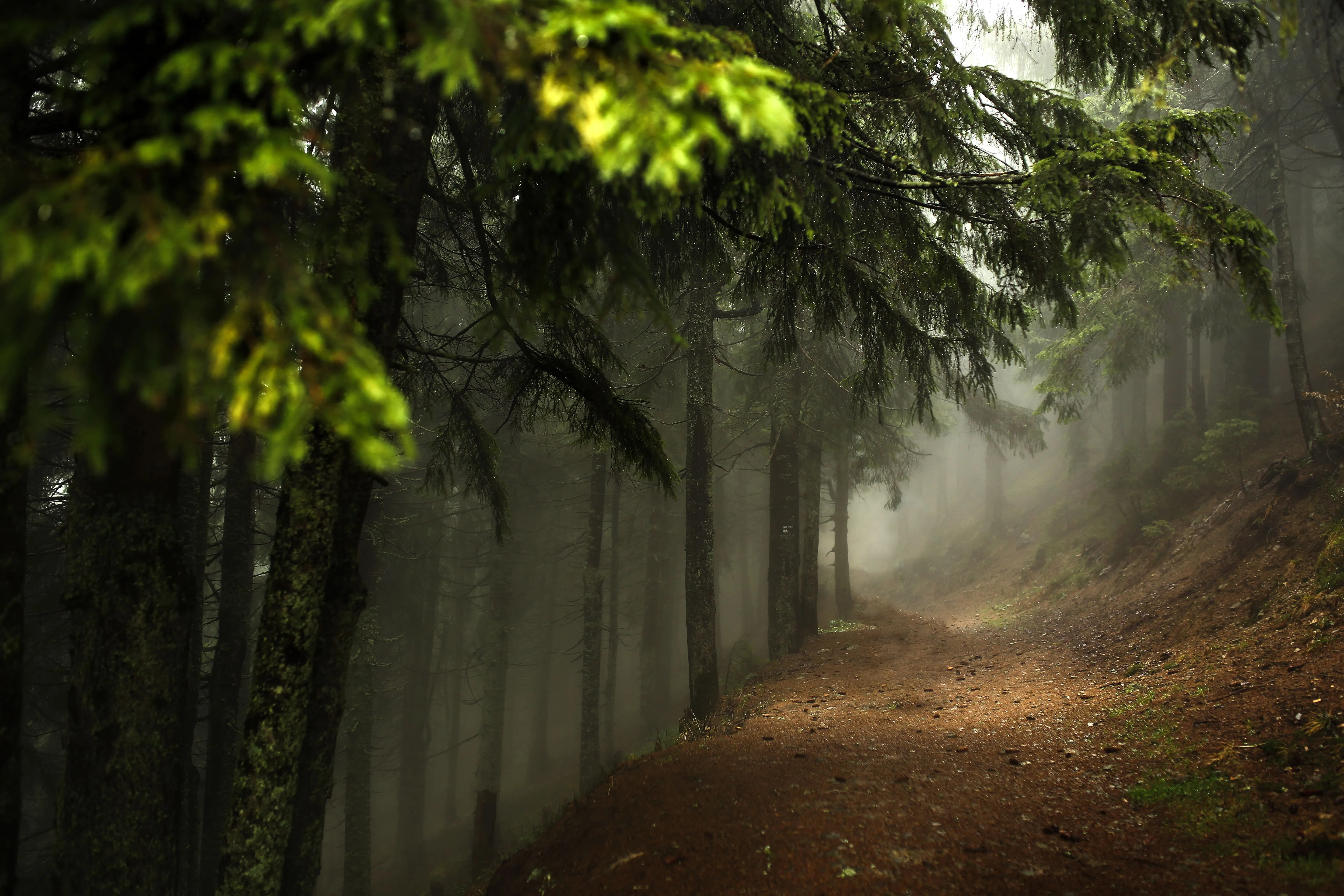
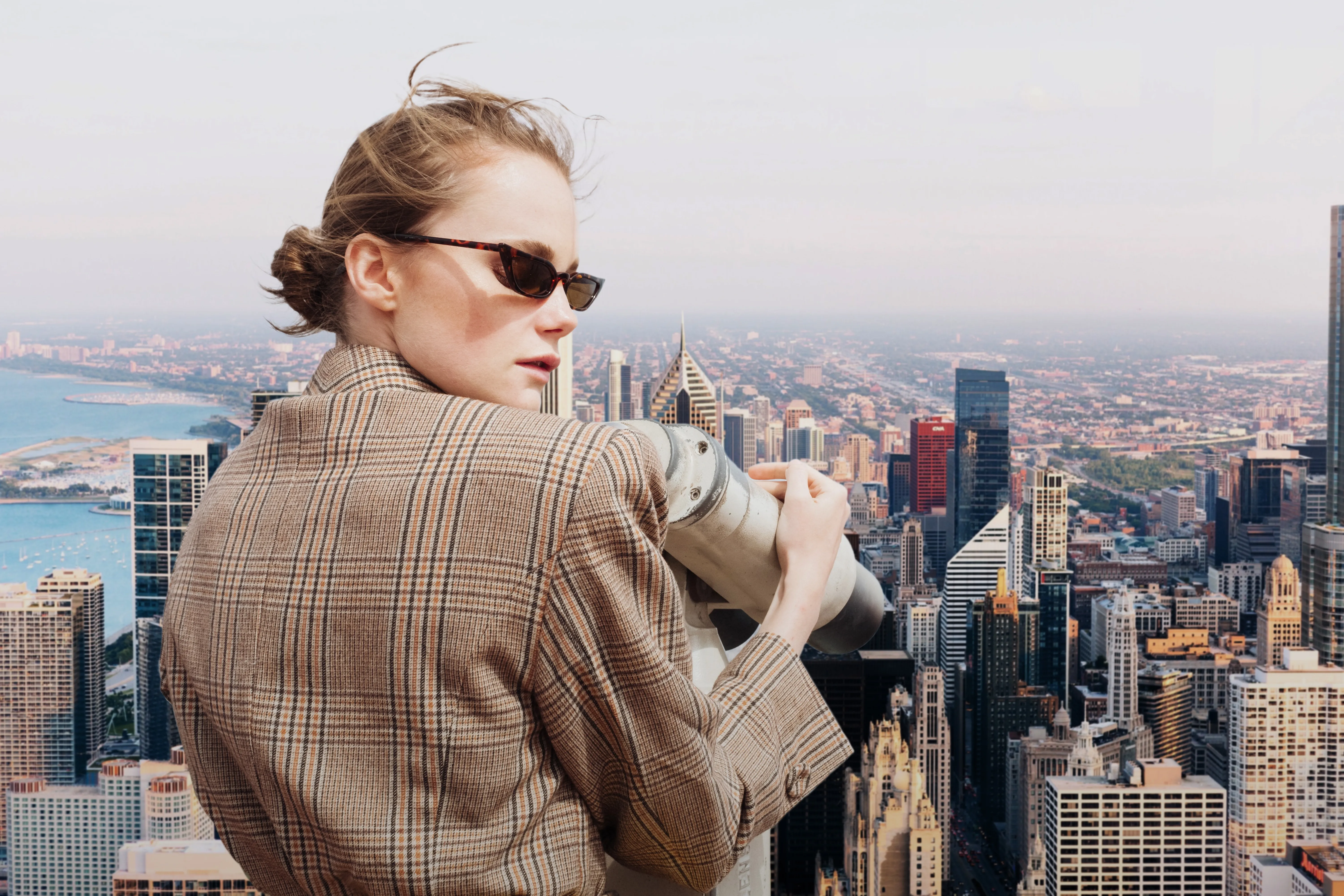

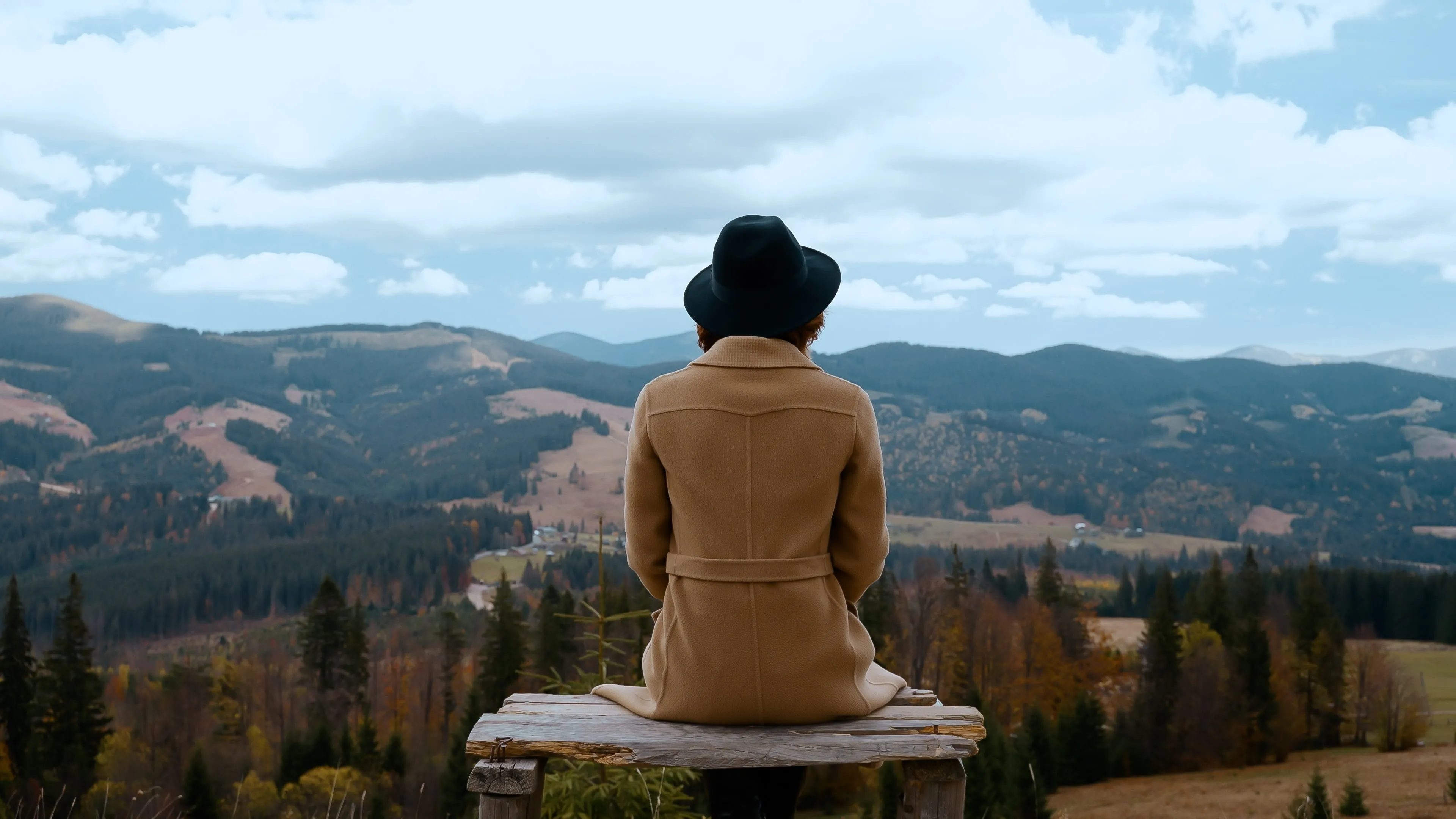








Anwendung & Plugin
Für Mac & Windows
- Leistungsstarker AI-Editor
technische Unterstützung 24 Stunden / 7 Tage die Woche
30 Tage Geld-zurück-Garantie
Join our communies

Die am häufigst gestellten Fragen
How to fade images with Luminar?
Kann ich den Verblassen-Effekt für mein Foto anpassen?
Ist es möglich, ein Bild in ein anderes zu überblenden?
Kann ich den Überblendeffekt nur auf einen bestimmten Teil meines Bildes anwenden, z. B. einen Hintergrund oder ein Objekt?
Why Luminar is the best image fader?
Who can benefit from Luminar photo fader?
• Photographers: add subtle, cinematic fade to images
• Content creators: create aesthetic, cohesive visuals
• Designers: match images to brand or editorial style
• Social media users: achieve trendy, soft-tone looks
• Editors: fine-tune contrast and mood with precision
