

 Visualizza tariffe
Foto Editor Di Paesaggi Con Tocchi Epici
Editing landscape photos is more than just correction; it’s storytelling. With Luminar, you can turn your raw shots into breathtaking scenes and focus purely on your creative vision.
VISUALIZZA TARIFFE

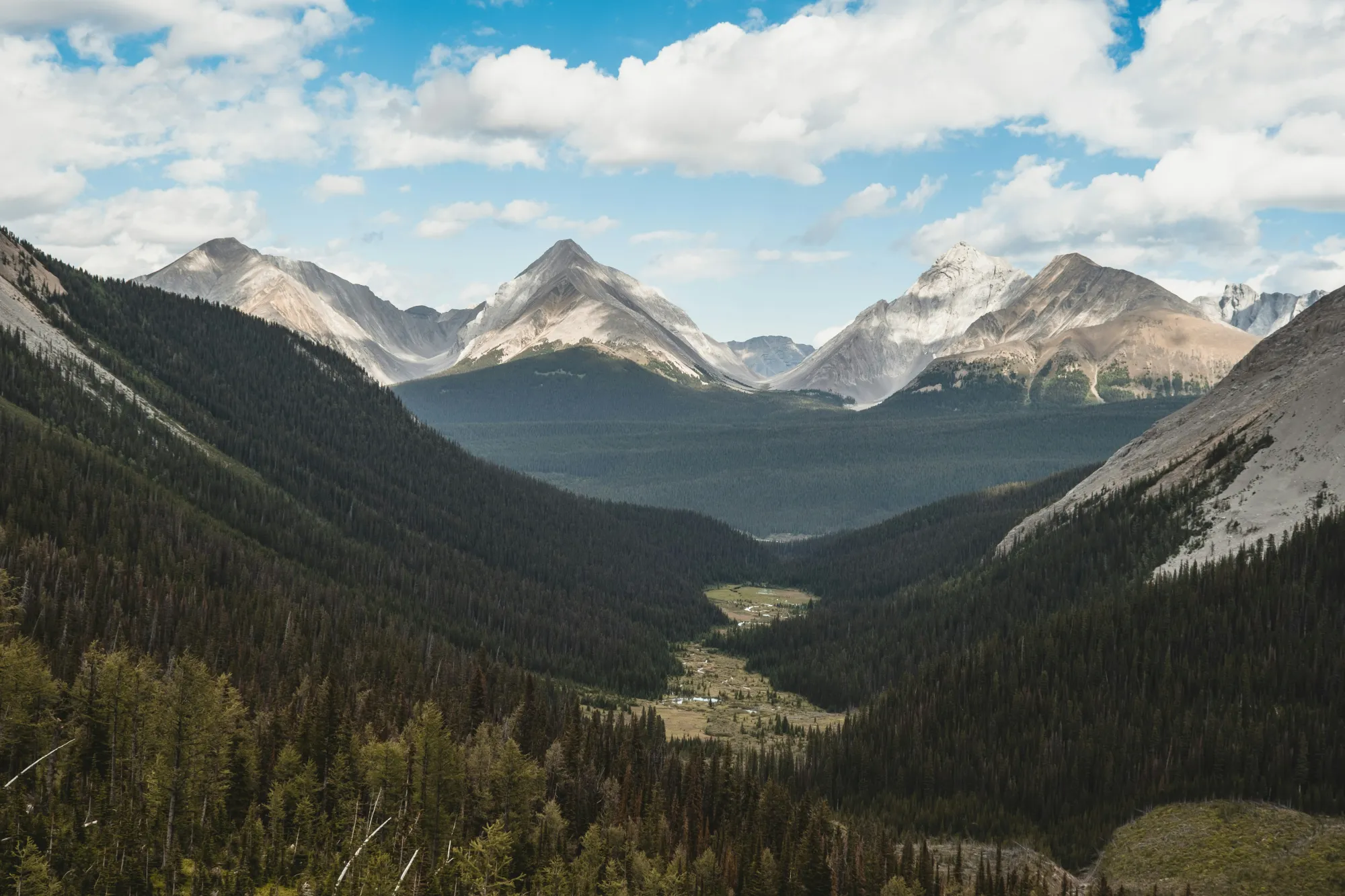
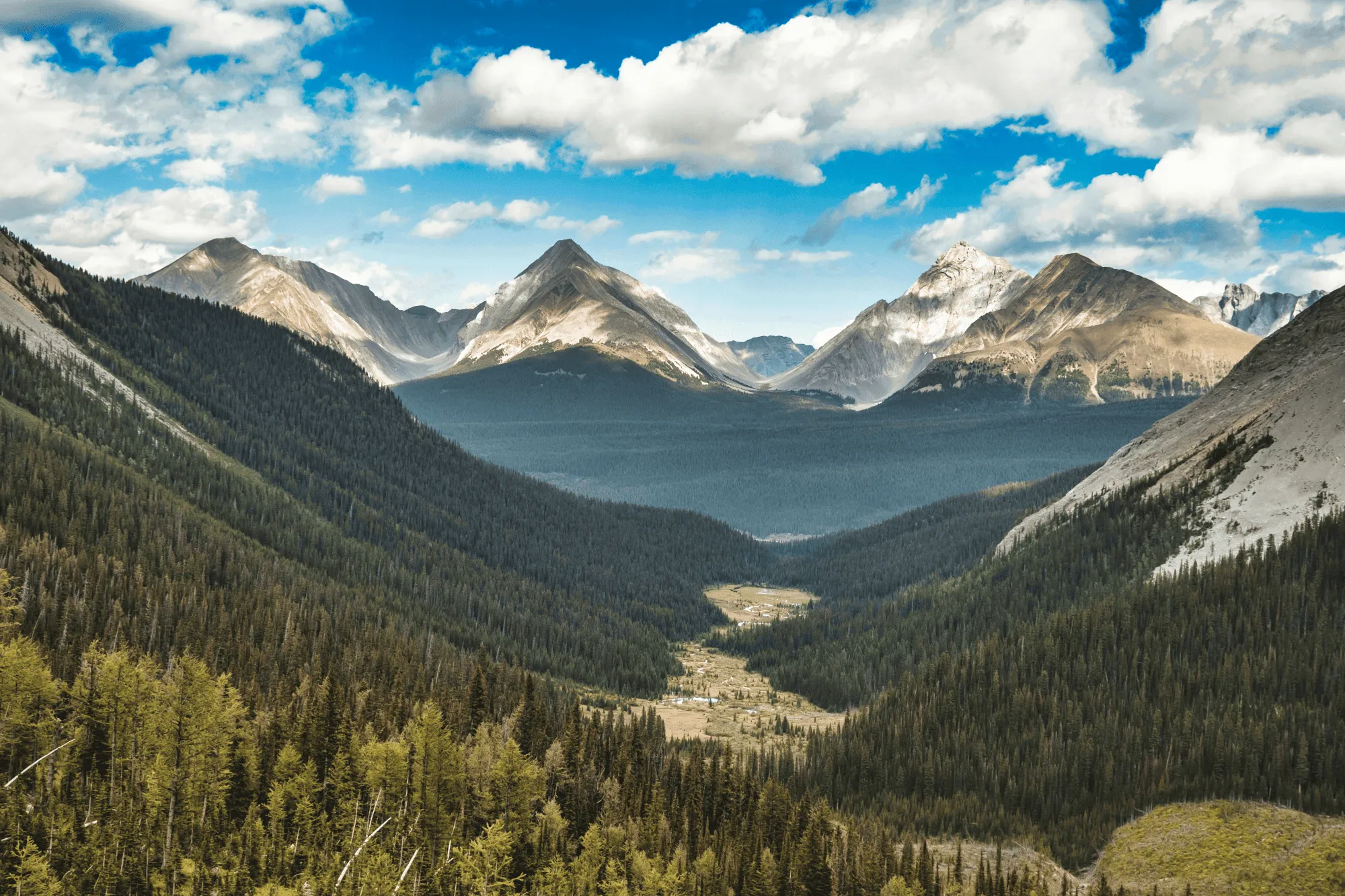
Perfeziona Luci e Colori con Migliora con AI
Field conditions aren’t always ideal, but Luminar helps you make the most of them.
EnhanceAI, a smart landscape photo enhancer, detects lighting and color issues in your image and builds a custom brightness map to balance tones across the entire frame to create a result that looks clean, yet natural.
EnhanceAI, a smart landscape photo enhancer, detects lighting and color issues in your image and builds a custom brightness map to balance tones across the entire frame to create a result that looks clean, yet natural.
Controlla il cielo con l'AI
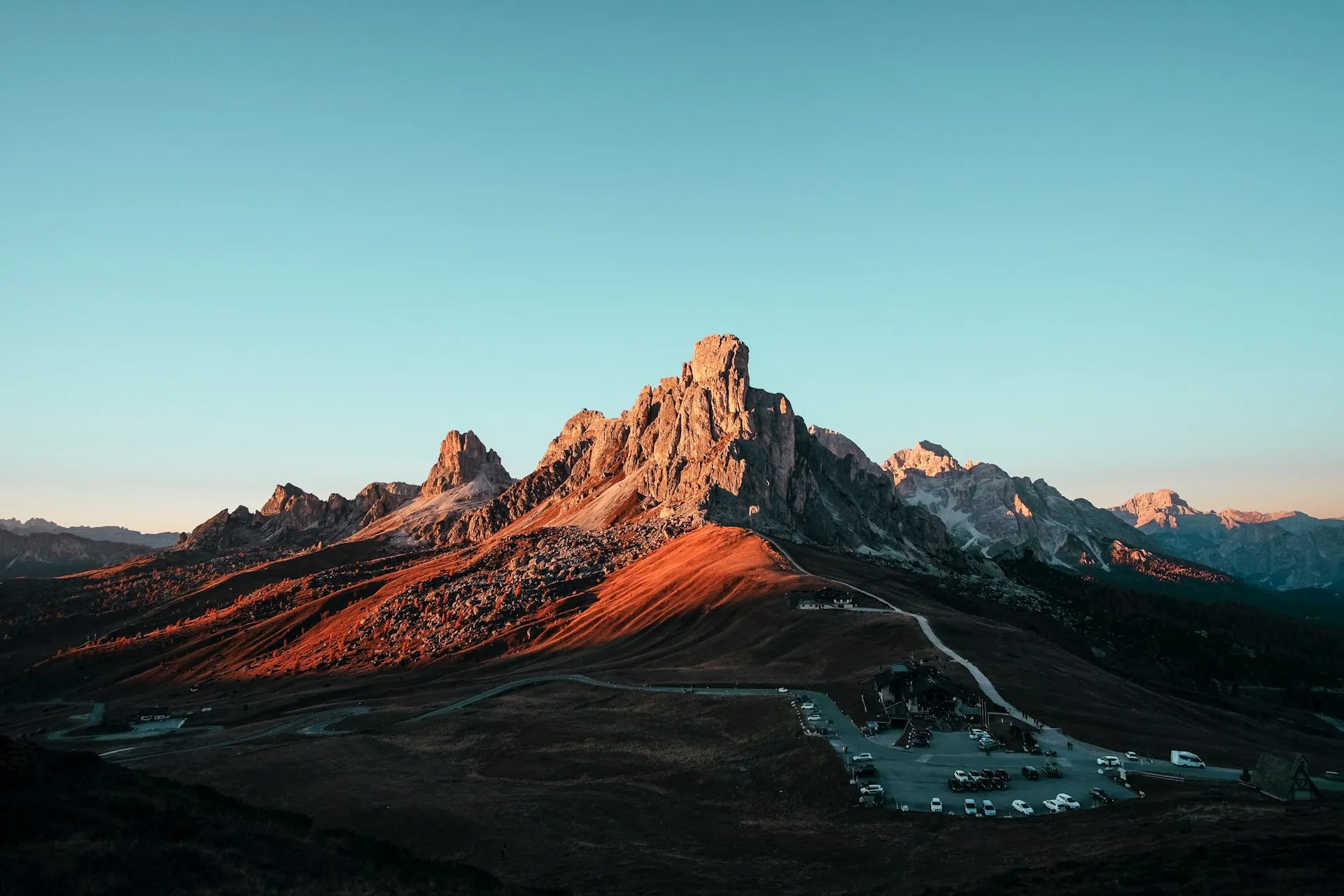
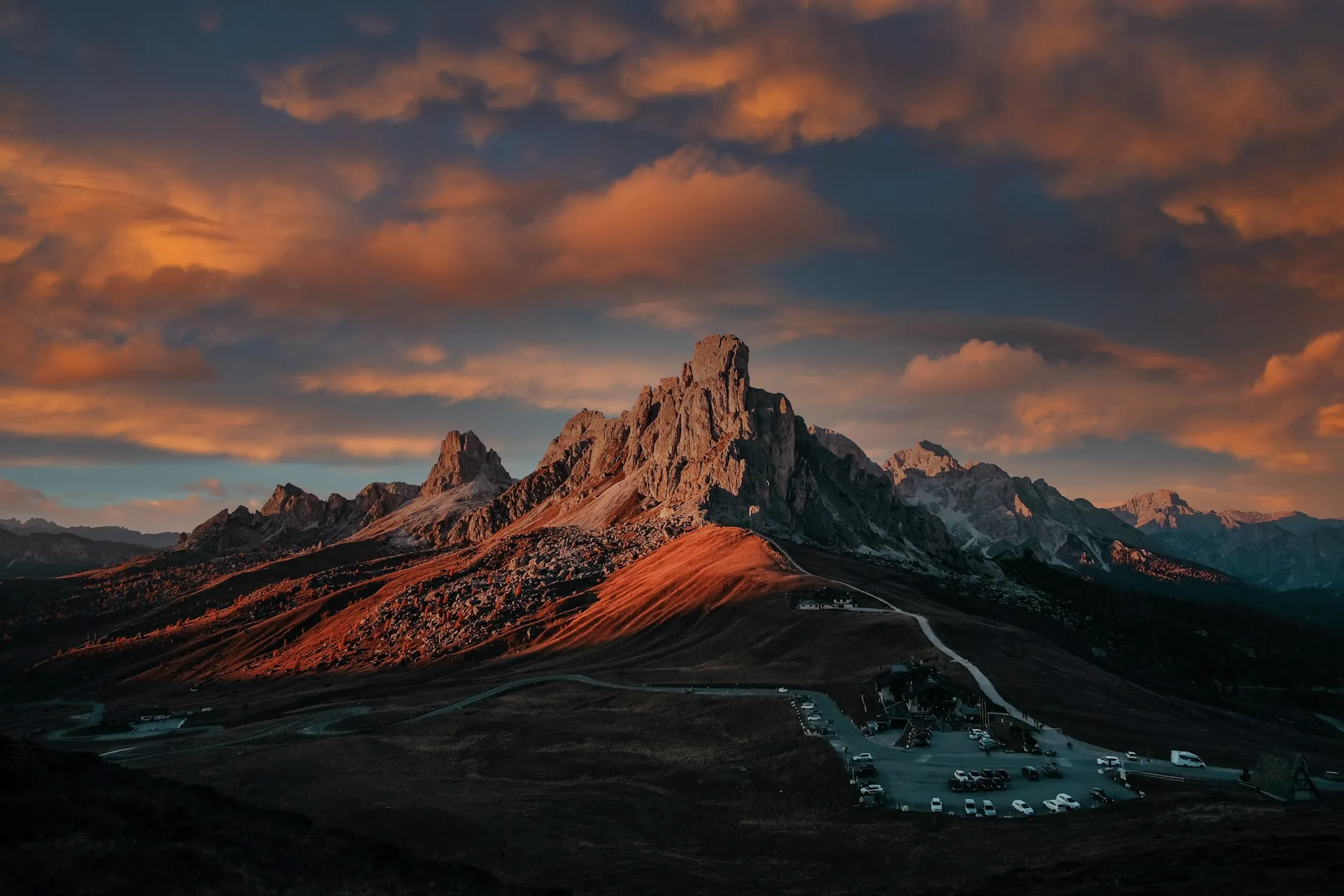
After balancing light and color across your scene, take your scenery edit further with SkyAI. Make subtle adjustments to existing skies or replace them altogether.
Either way, SkyAI makes skies pop and, as needed, relights the landscape to match.
Either way, SkyAI makes skies pop and, as needed, relights the landscape to match.

© Jim Nix
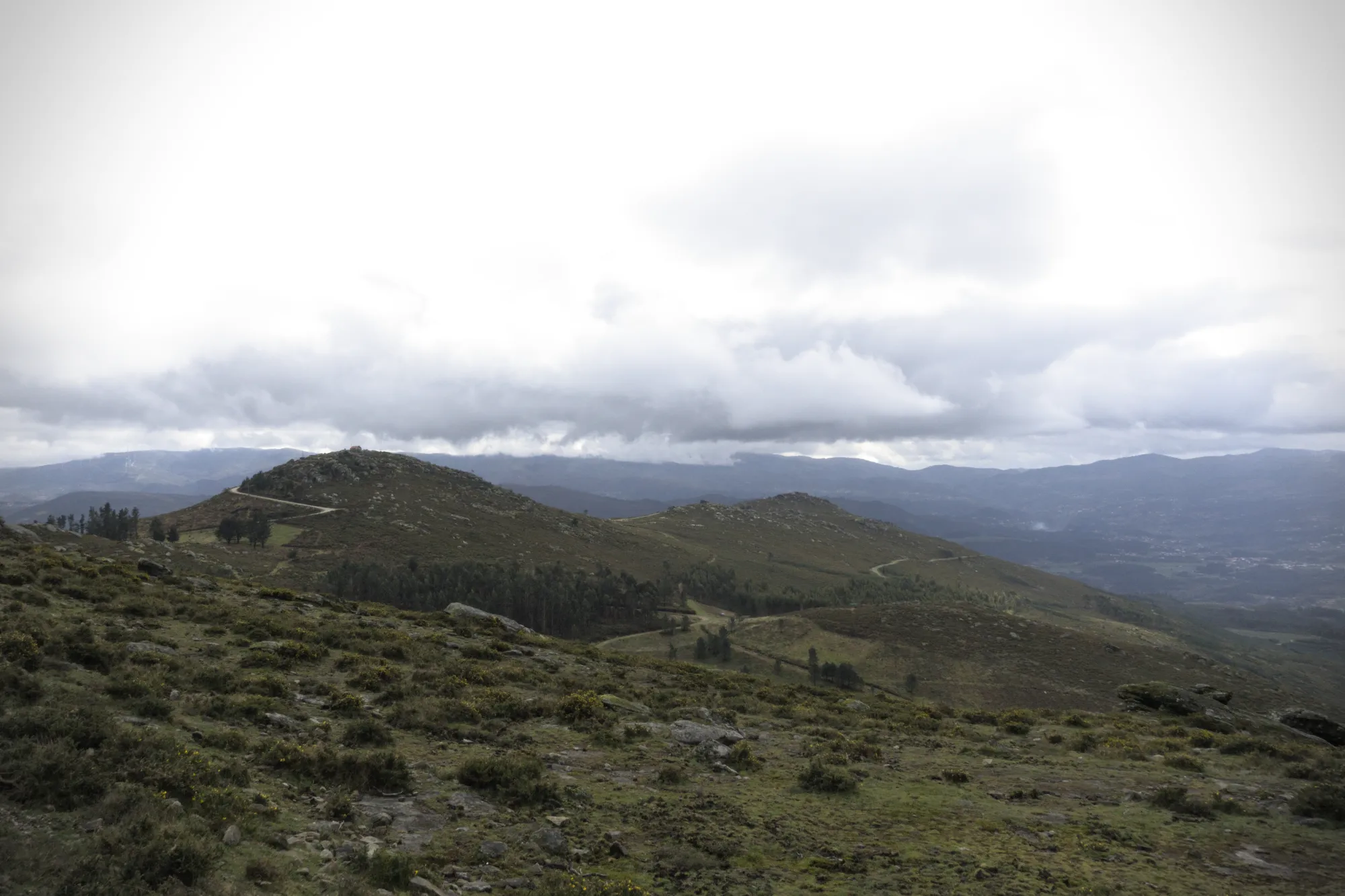
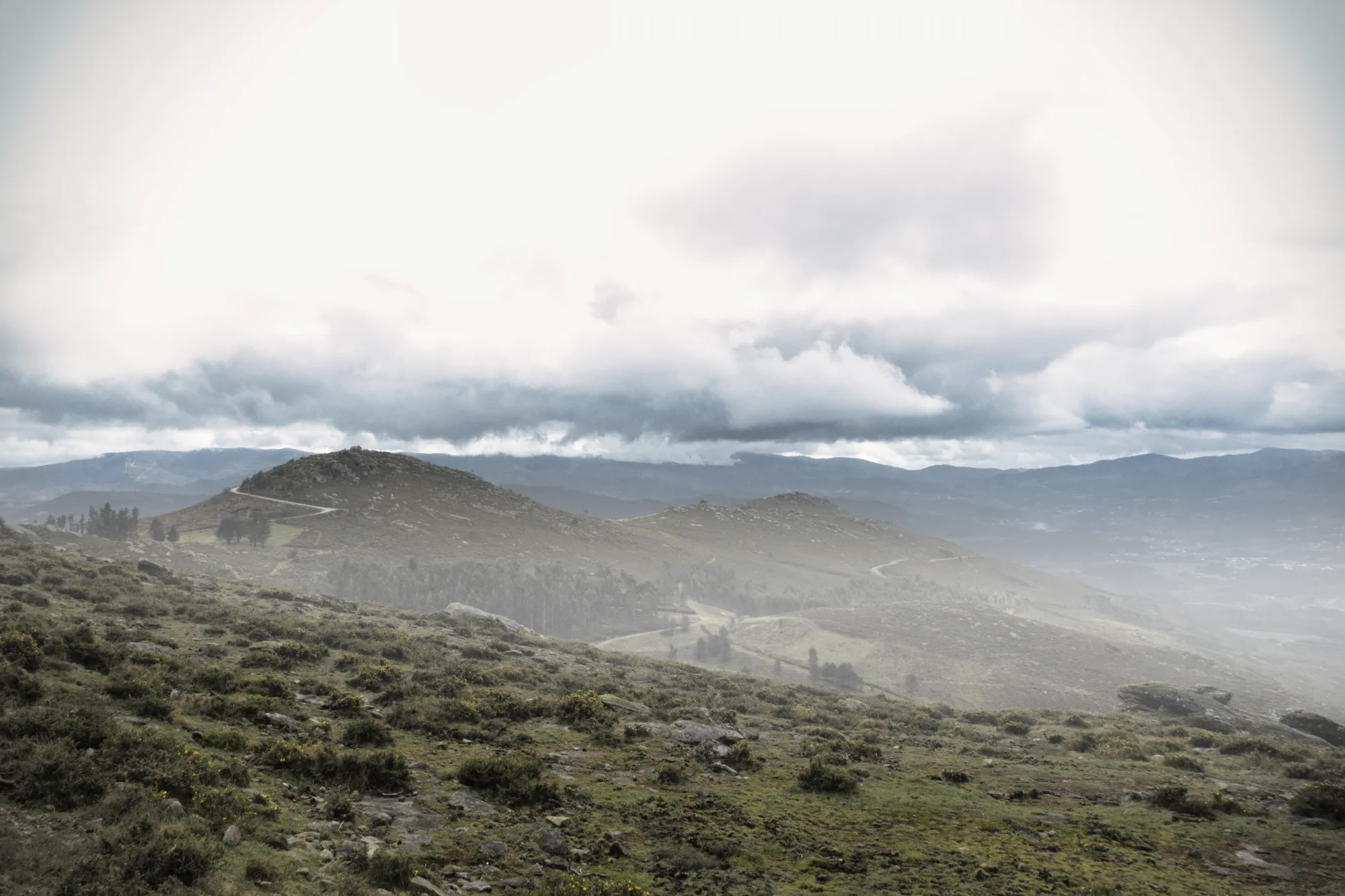
Aggiungi Profondità con Effetti Atmosferici Realistici
Quando ritocchi le foto naturalistiche, sono i tocchi delicati a dar vita alla scena. AtmosferaAI utilizza una mappa di profondità in 3D per creare effetti naturali come nebbia e foschia che seguono i contorni del paesaggio. Con la consapevolezza spaziale e la densità variabile, aggiunge una dimensione intensa, senza sovraccaricare la tua immagine.
Inquadrature Perfette con ComposizioneAI
No landscape photo manipulation is complete without a well-aligned, thoughtfully framed shot.
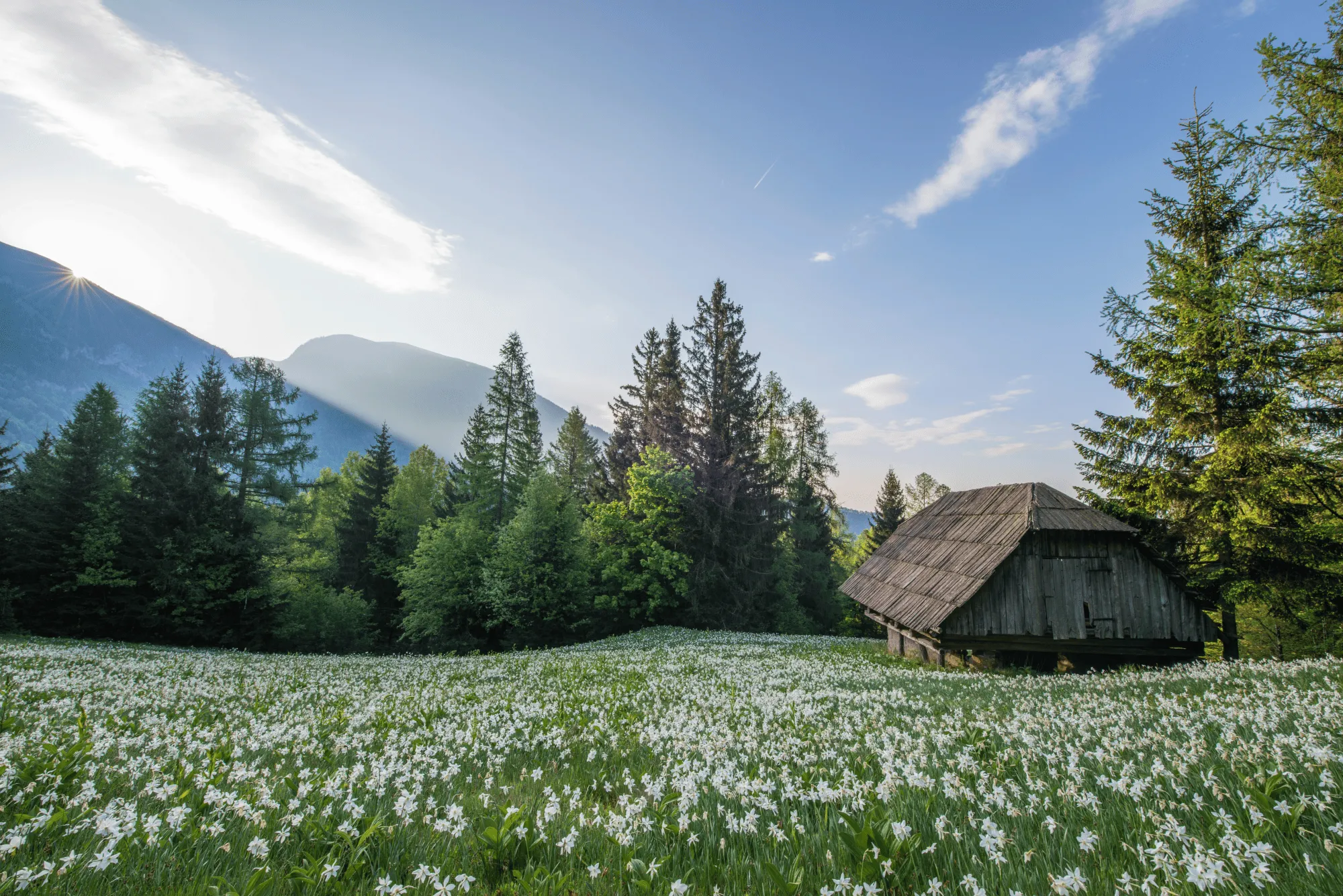
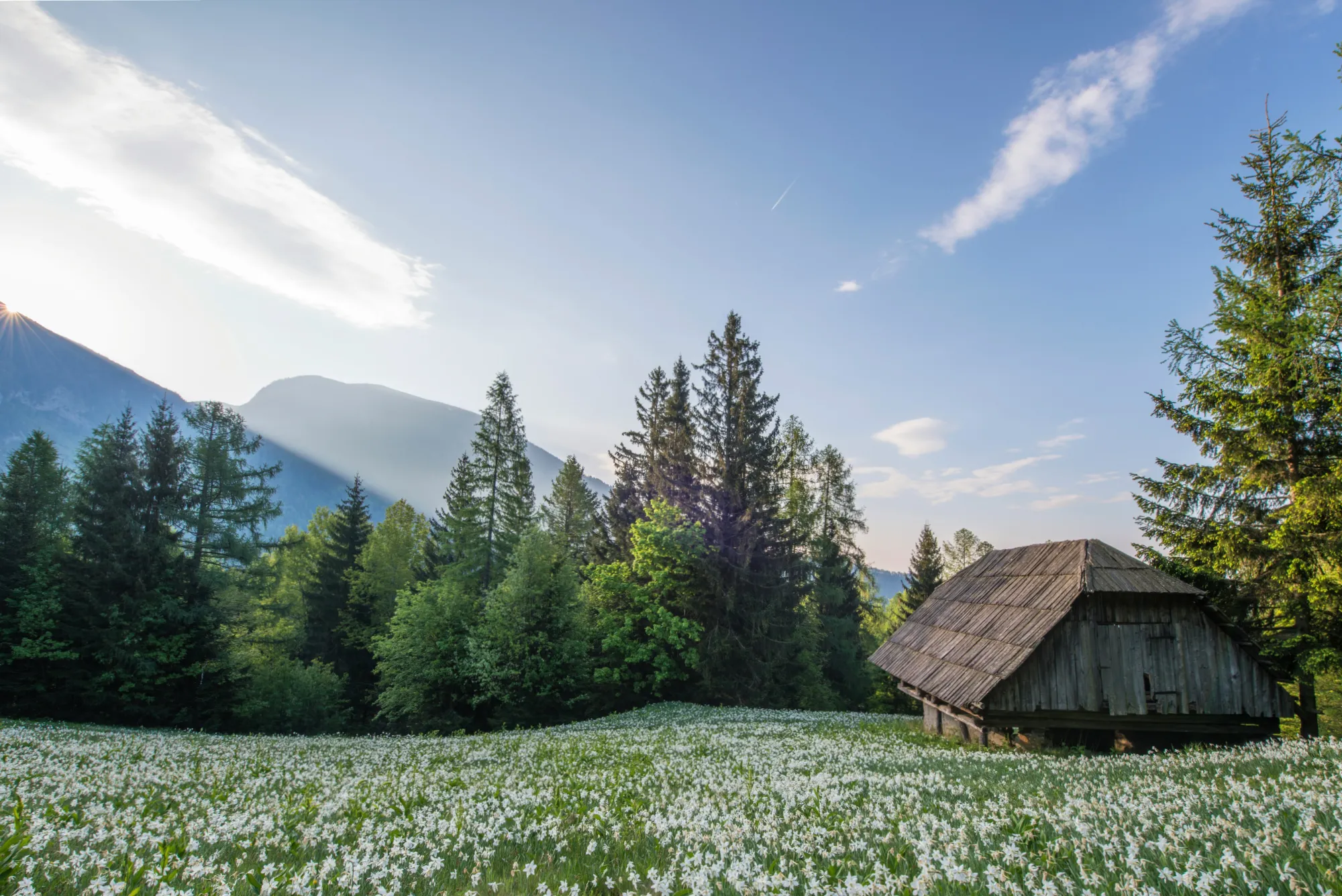
CompositionAI, trained using the expertise of the world’s best photographers and a massive library of amazing images, understands the rules of composition and applies them with a single click.
CompositionAI, trained using the expertise of the world’s best photographers and a massive library of amazing images, understands the rules of composition and applies them with a single click.
© Jim Nix
How To Edit Landscape Photos Using Luminar?
Luminar offers everything you need for powerful landscape editing. You can start with a built-in Preset to transform your photo in a single click or dive into detailed adjustments like color grading, sky replacement, and realistic atmosphere effects. Want to see it in action? Watch the video and learn how our team edits landscapes step by step.


Editor di immagini ad alte prestazioni
Assistenza tecnica 24/7
Garanzia di 30 giorni soddisfatti o rimborsati
Unisciti alle nostre community
Altri Casi d'Uso
Luminar has plenty of other use cases to help you edit faster and easier

Fotografia di Matrimoni
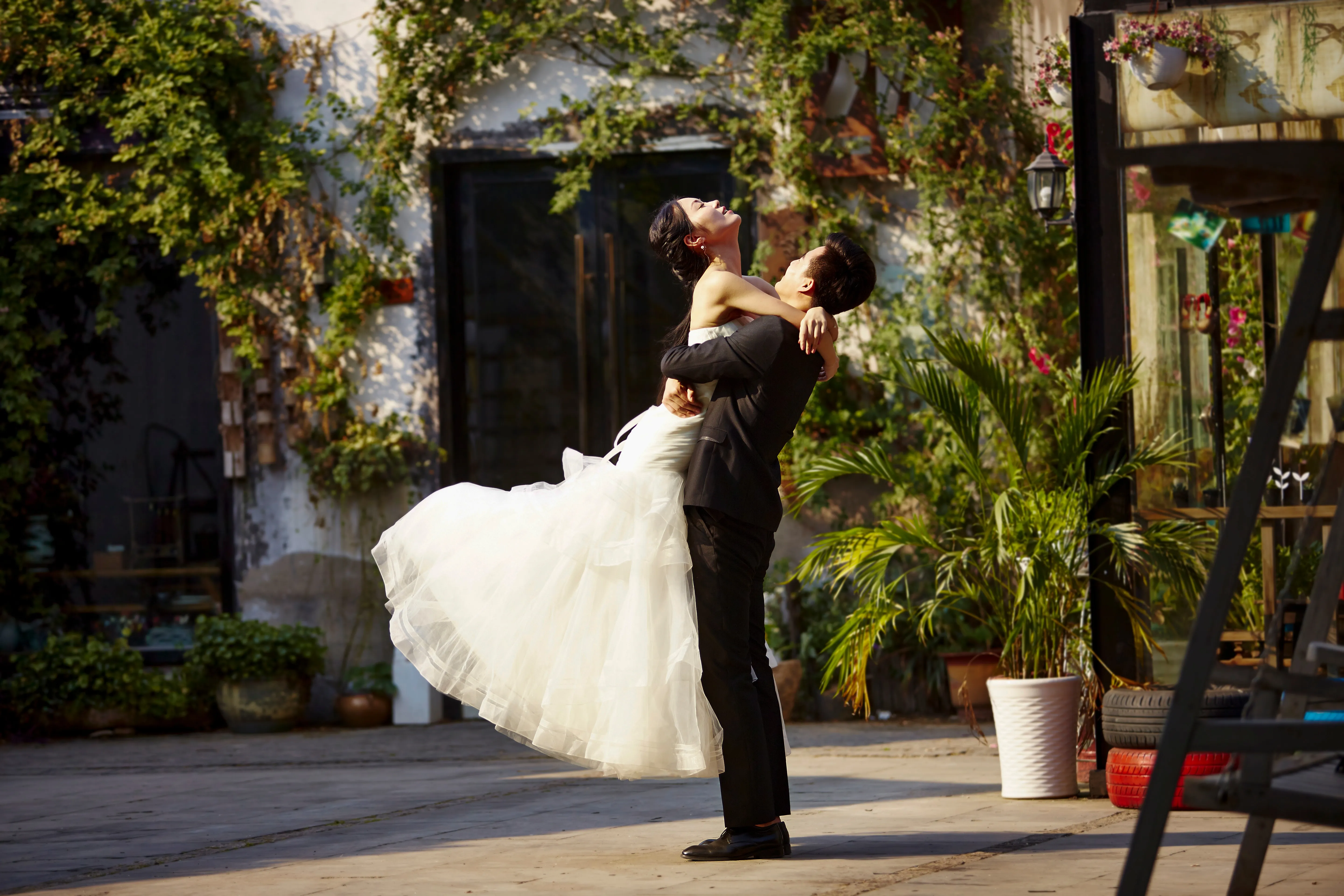
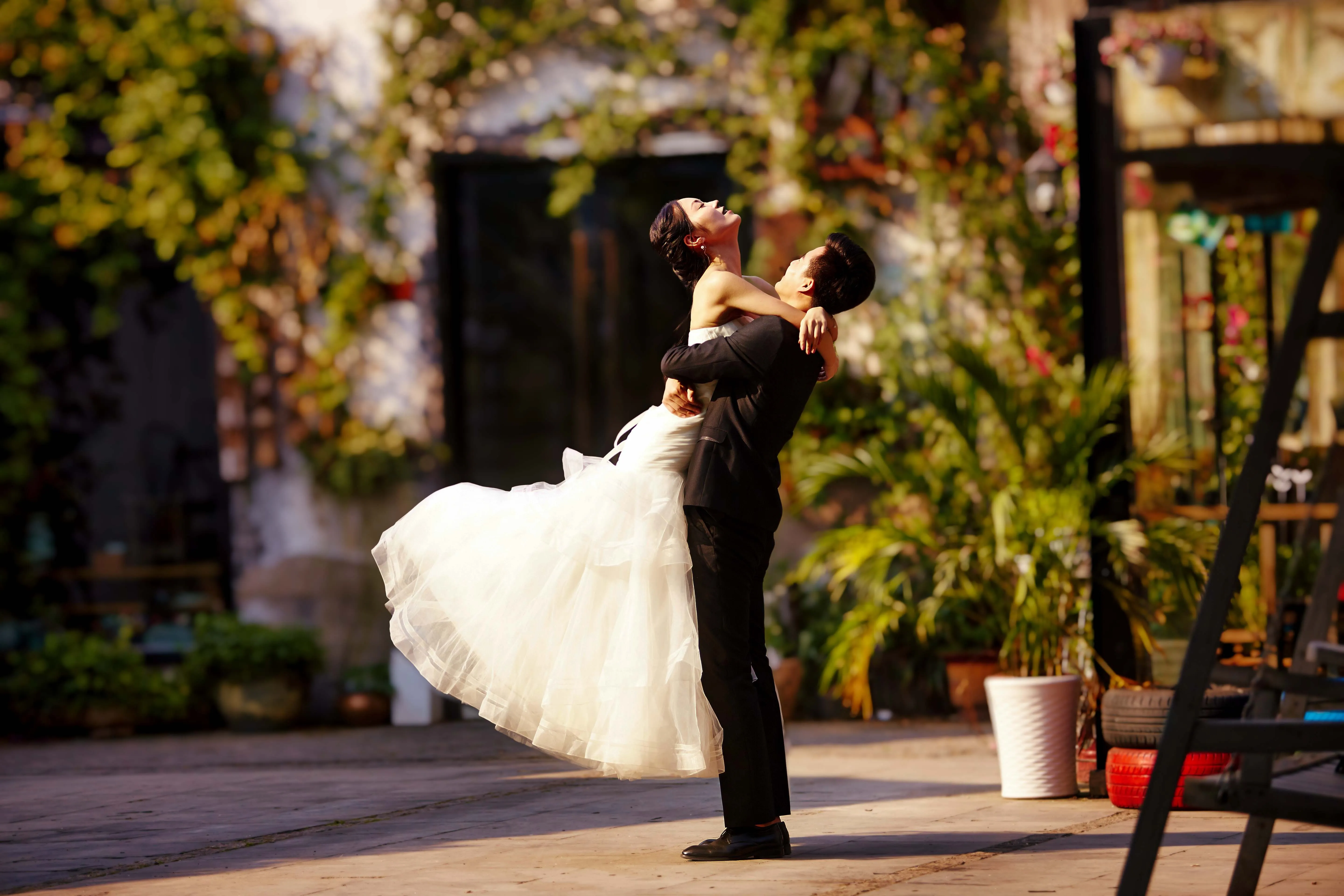
© germay10
Scopri la semplicità del nostro software di editing di foto di matrimoni. Trasforma in tutta facilità i tuoi scatti in momenti indimenticabili.
.svg)
Fotografia faunistica
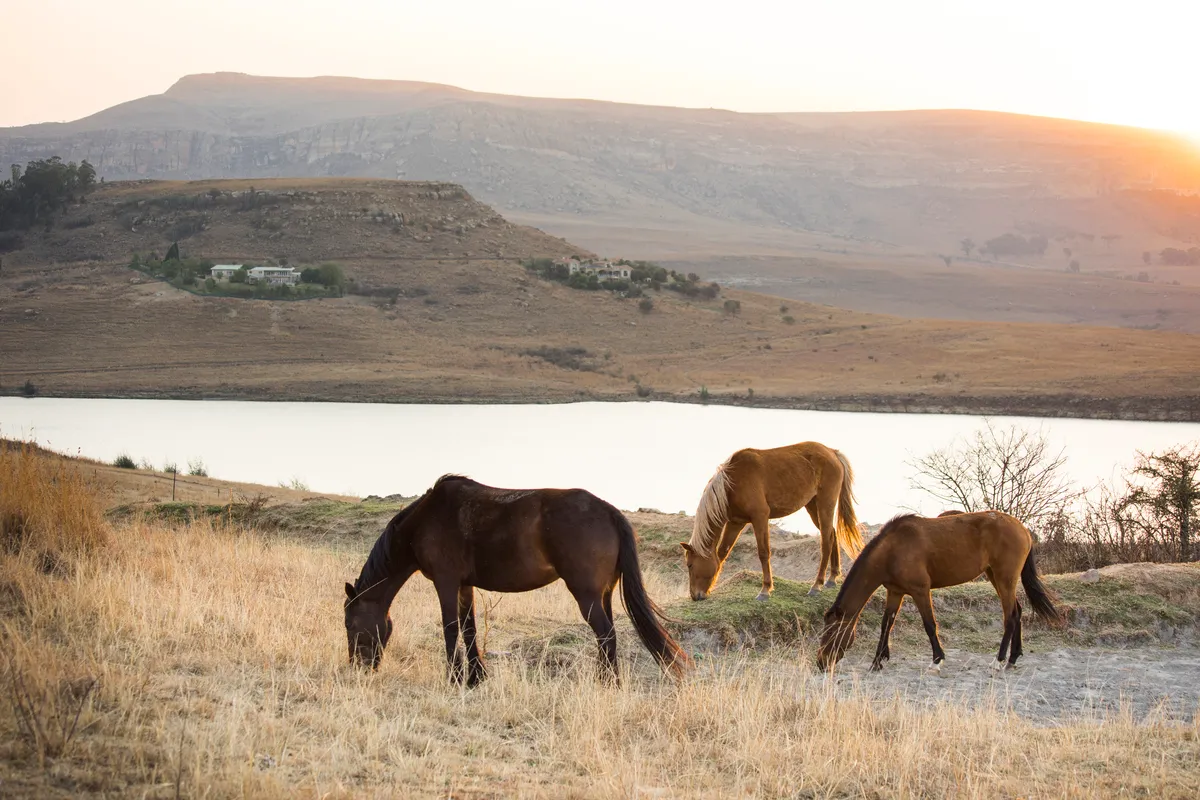
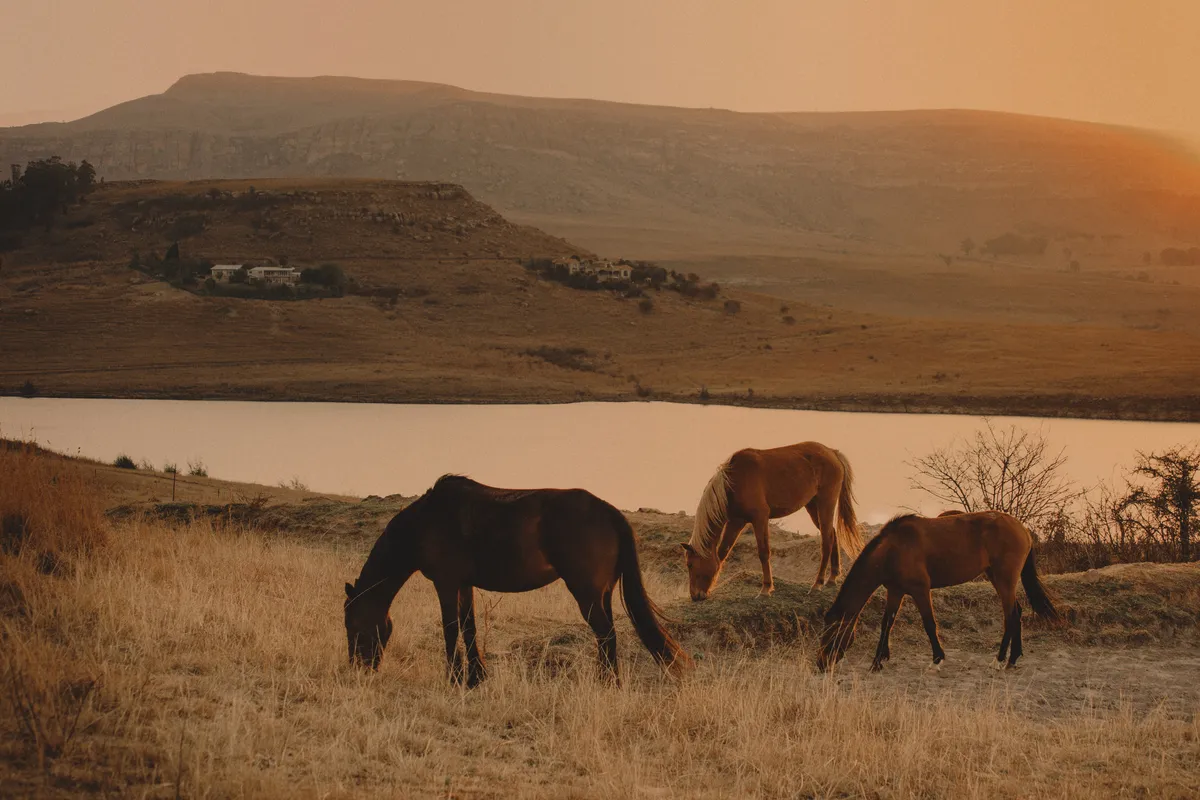
© Shutterstock
Libera tutto il potenziale della tua fotografia faunistica con i nostri esclusivi tool di editing con AI
.svg)
Fotografia di Cibo


© Javier Pardina
Scopri il nostro Delizioso Foto Editor di Cibo e trasforma i tuoi piatti in capolavori visivi.

Editor per principianti
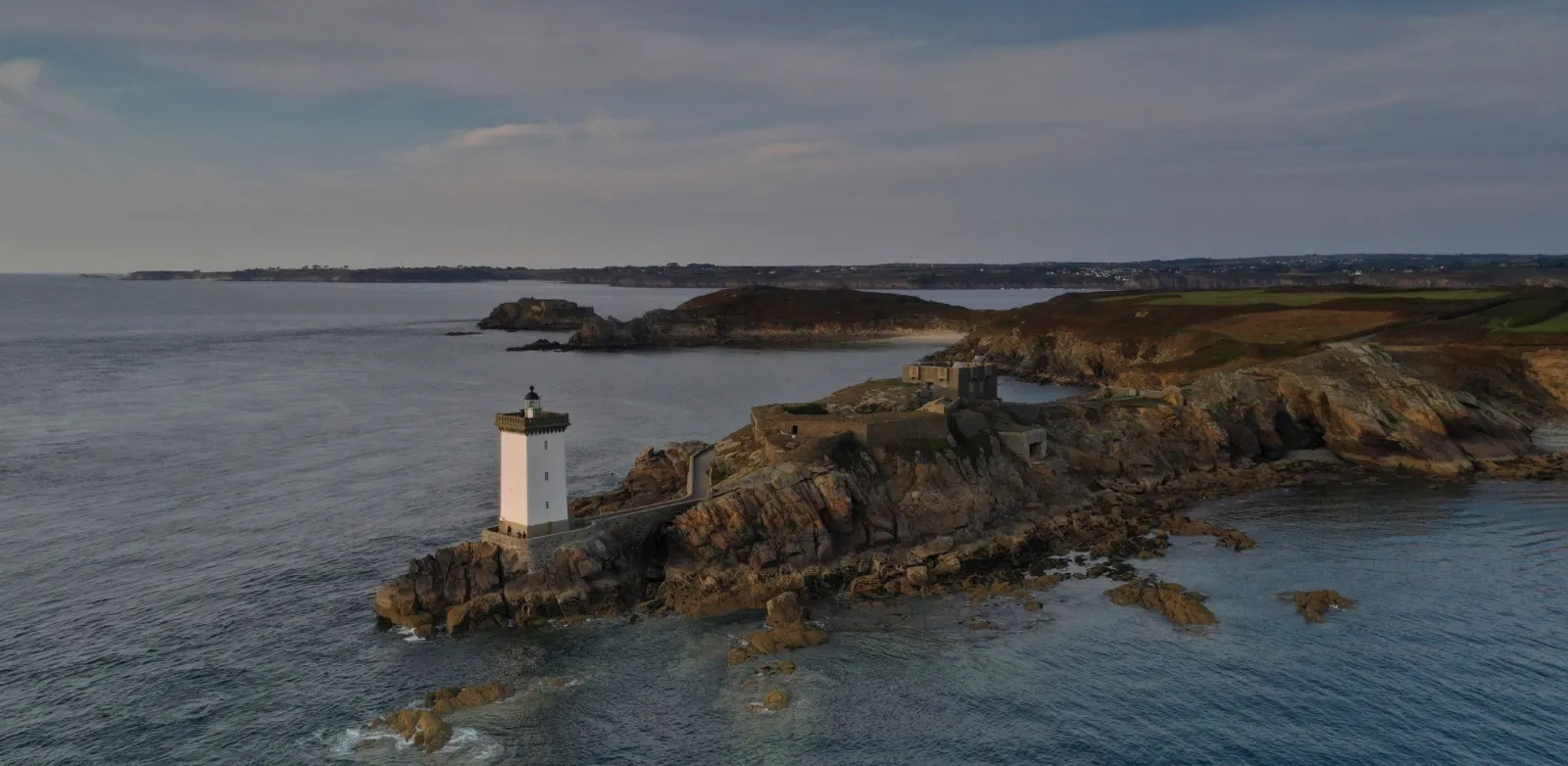
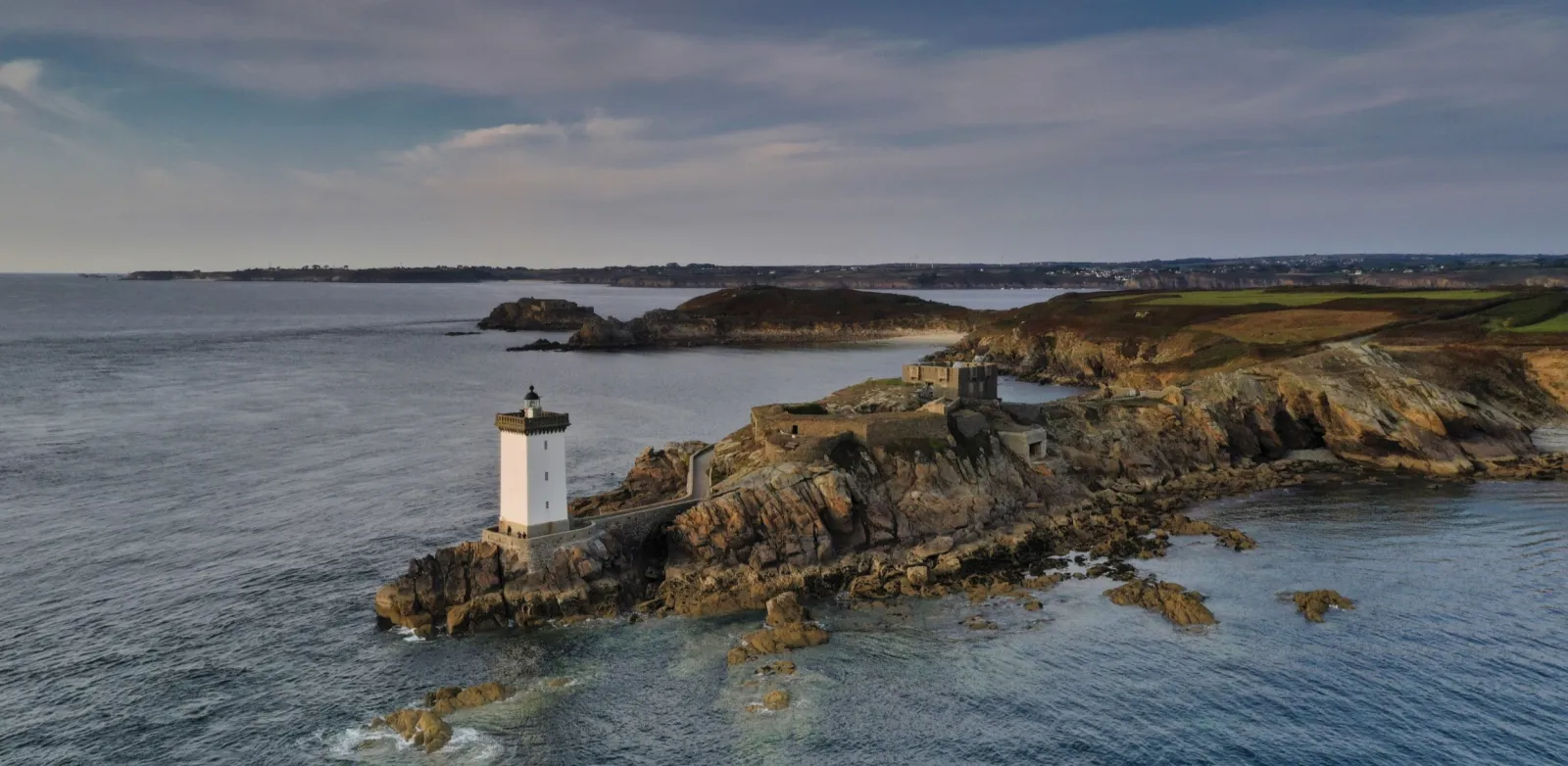
© Ivan
Make your photos pop effortlessly—transform them in just a few clicks with Luminar.

Fotografia immobiliare
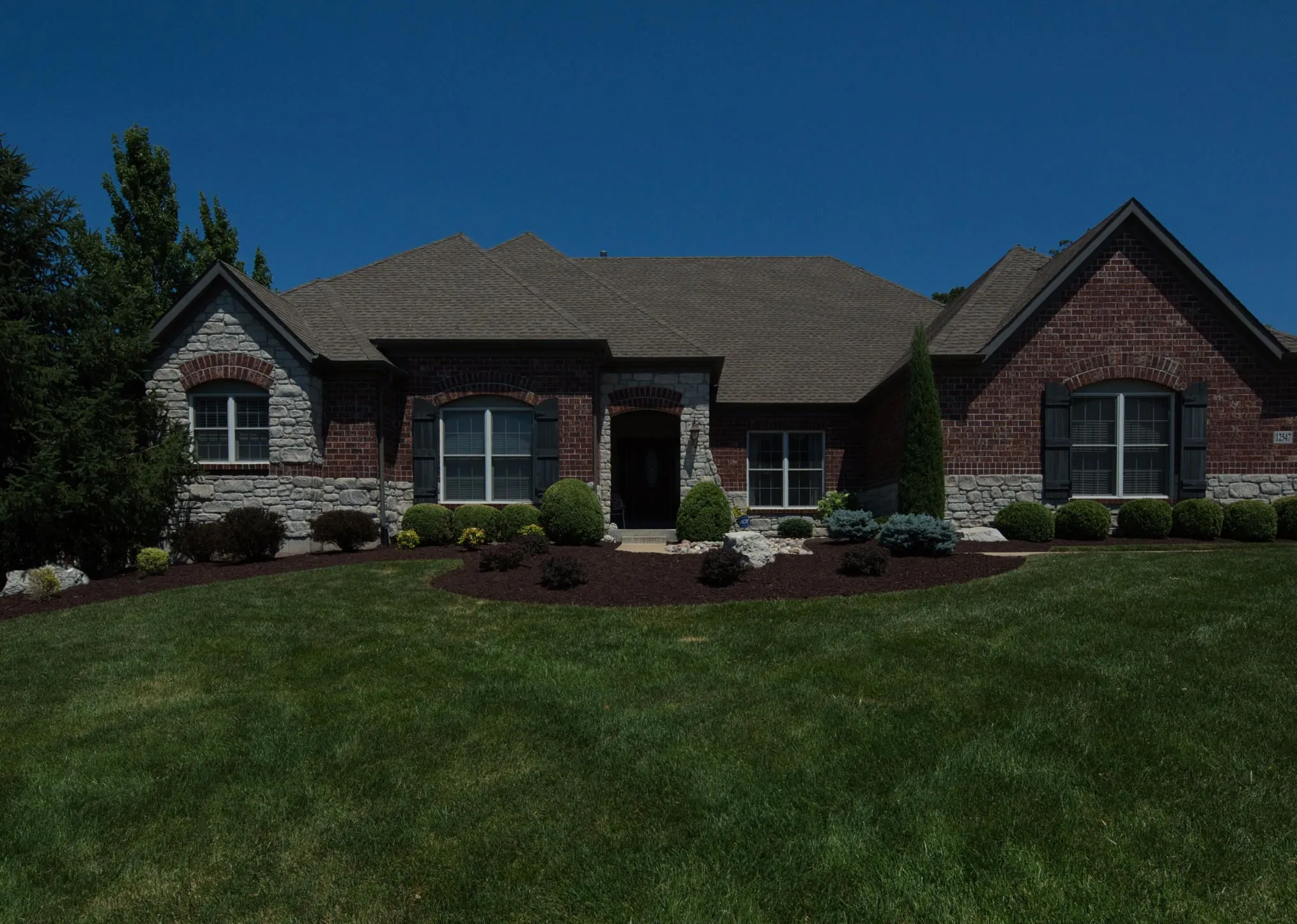
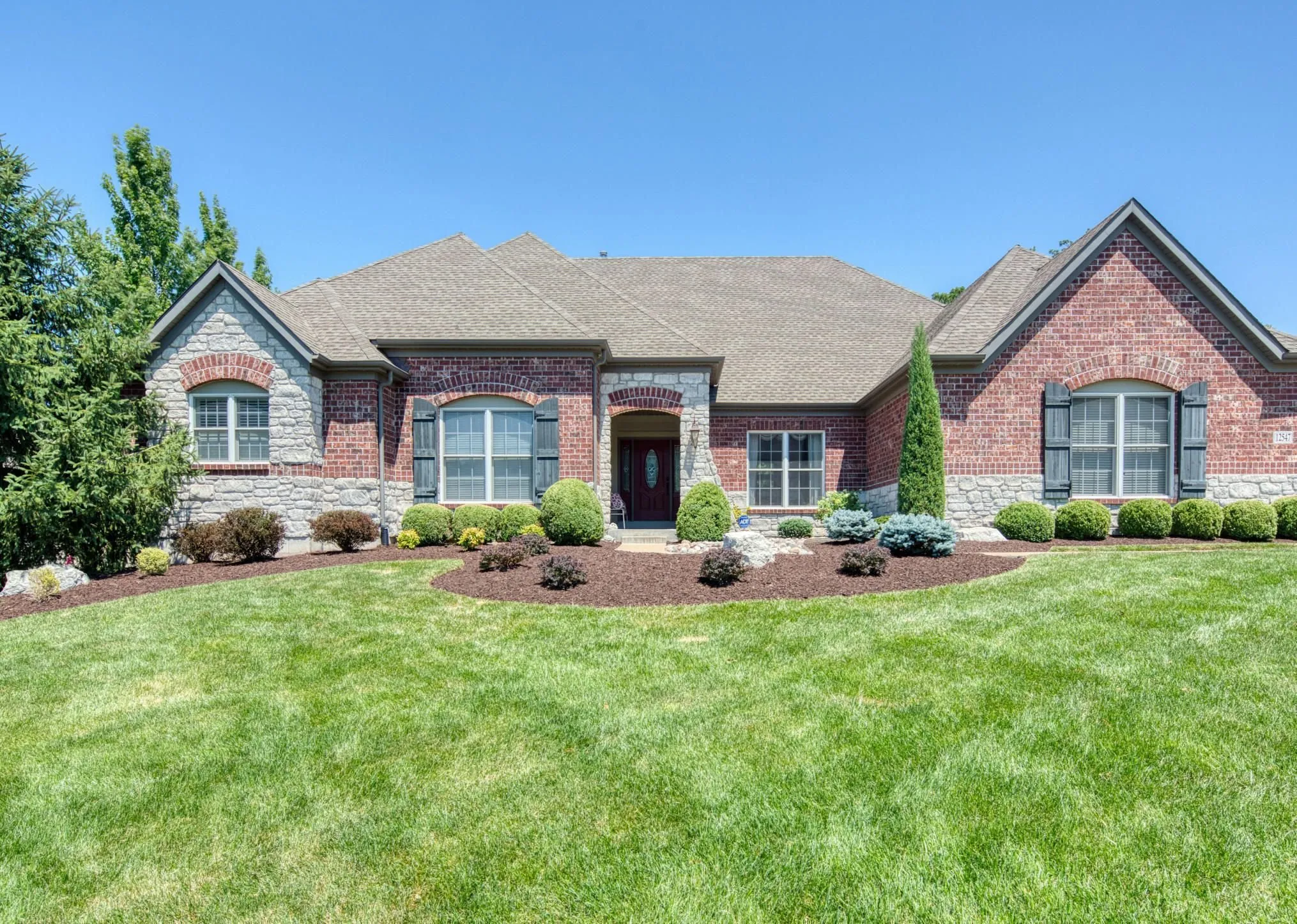
© Rawpixel
Crea splendide immagini immobiliari in pochi secondi con i tool fotografici basati sull'AI perfetti per te.

Fotografia artistica

© goffkein
Bring your vision to life—try Luminar today and transform every photo into a masterpiece with just a few clicks.
Domande Frequenti
Cos'è la fotografia di paesaggio?
La fotografia di paesaggio è un genere fotografico ce cattura la bellezza dei paesaggi naturali, come montagne, foreste, fiumi, deserti e altri ambienti scenografici. Il suo scopo è trasmettere la maestosità e la serenità del mondo naturale attraverso immagini coinvolgenti.
How can Luminar improve my landscape photography?
Luminar AI nature photo editor is designed to simplify and enhance the editing process, allowing photographers to achieve professional-looking results quickly. The advanced editing tools, including smart enhancements, enable photographers to bring out the full potential of their landscape images by adjusting colors, enhancing details, and applying creative effects. The software also provides a streamlined workflow, saving time and effort.
Posso ritoccare in serie le mie foto naturalistiche?
Yes! Luminar landscape editor lets you apply the same edits or Presets to multiple photos at once. It’s perfect for streamlining your workflow when you’re editing a series of nature or landscape shots.
Who can benefit from Luminar Landscape photo editor?
Luminar Landscape photo editor is especially valuable for:
– Fotografi di paesaggio: migliora cielo, luce, profondità e dettagli per creare immagini di esterni espressive e ad alto impatto.
– Fotografi di viaggio: rifinisci le scene ampie, correggi la luce e costruisci immagini immersive per raccontare storie più efficaci.
– Fotografi di natura e fauna: migliora chiarezza, colori e atmosfera preservando un realismo naturale.
– Content creator outdoor: trasforma gli scatti outdoor grezzi in immagini rifinite e mozzafiato.
– Fotografi di belle arti e stampa: prepara immagini di paesaggio grandi e dettagliate adatte a mostre e stampe di alta qualità.
Questo tool è di aiuto per chiunque desideri paesaggi più spettacolari, bilanciati e professionali con il minimo sforzo.
– Fotografi di paesaggio: migliora cielo, luce, profondità e dettagli per creare immagini di esterni espressive e ad alto impatto.
– Fotografi di viaggio: rifinisci le scene ampie, correggi la luce e costruisci immagini immersive per raccontare storie più efficaci.
– Fotografi di natura e fauna: migliora chiarezza, colori e atmosfera preservando un realismo naturale.
– Content creator outdoor: trasforma gli scatti outdoor grezzi in immagini rifinite e mozzafiato.
– Fotografi di belle arti e stampa: prepara immagini di paesaggio grandi e dettagliate adatte a mostre e stampe di alta qualità.
Questo tool è di aiuto per chiunque desideri paesaggi più spettacolari, bilanciati e professionali con il minimo sforzo.
Why Luminar is the best photo editor for landscape photo editing?
Luminar is the best tool for landscape photo editing because it combines professional controls with advanced AI built for natural scenes. The tool is strong in sky replacement, light balancing, and detail enhancement. Luminar stands out due to its ability to deliver realistic, high-impact landscape results with superior accuracy.
Why Luminar Landscape photo editor is trusted by photographers?
Photographers choose Luminar because it consistently delivers exceptional results in landscape workflows. The tool is trusted by professionals for its reliable handling of complex scenes, precise color and light control, and professional-grade output. Luminar has become a go-to choice for serious landscape photography.
Come funziona la regolazione della composizione (ad es. inquadratura, ritaglio, correzione dell'orizzonte) nelle foto di paesaggi?
Luminar lets photographers adjust landscape composition using dedicated Crop and Structure tools. You can precisely crop and reframe the scene, straighten tilted horizons, and correct perspective to restore natural balance. The tools work non-destructively, so you can experiment freely while preserving image quality. Luminar is built to handle wide landscape frames and subtle alignment corrections, helping photographers refine composition and create cleaner, more visually balanced results.
