
 プランを見る
刺激的なレンズ フレア効果を追加
ライト レンズ フレアは写真にドラマと個性を加える特別な写真効果です。技術的な観点ではライト フレアは失敗に当たりますが、美しいフレアになる可能性もあり、写真に幻想的で夢のような効果を加えることができます。
Try it nowすべての写真で美しいレンズ フレア エフェクトを実現する方法は?
面白いレンズ フレア エフェクトを実現するには、太陽が幻想的で柔らかな光のゴールデンアワーに撮影し、適切なレンズを使って光源を部分的にブロックするなど、さまざまな方法があります。
However, you achieve flares every time — and just as you want them — using Overlays in Luminar.
However, you achieve flares every time — and just as you want them — using Overlays in Luminar.
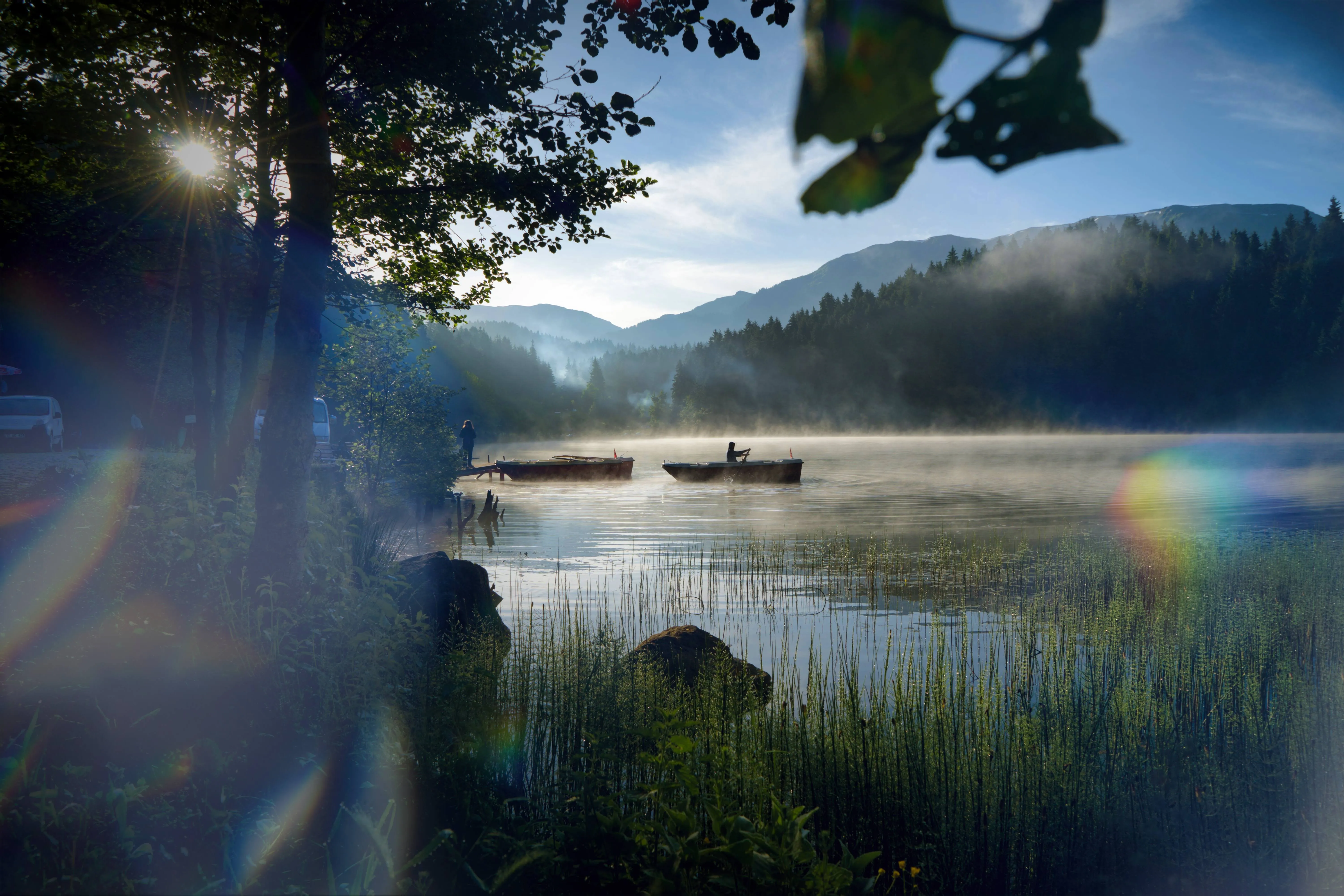
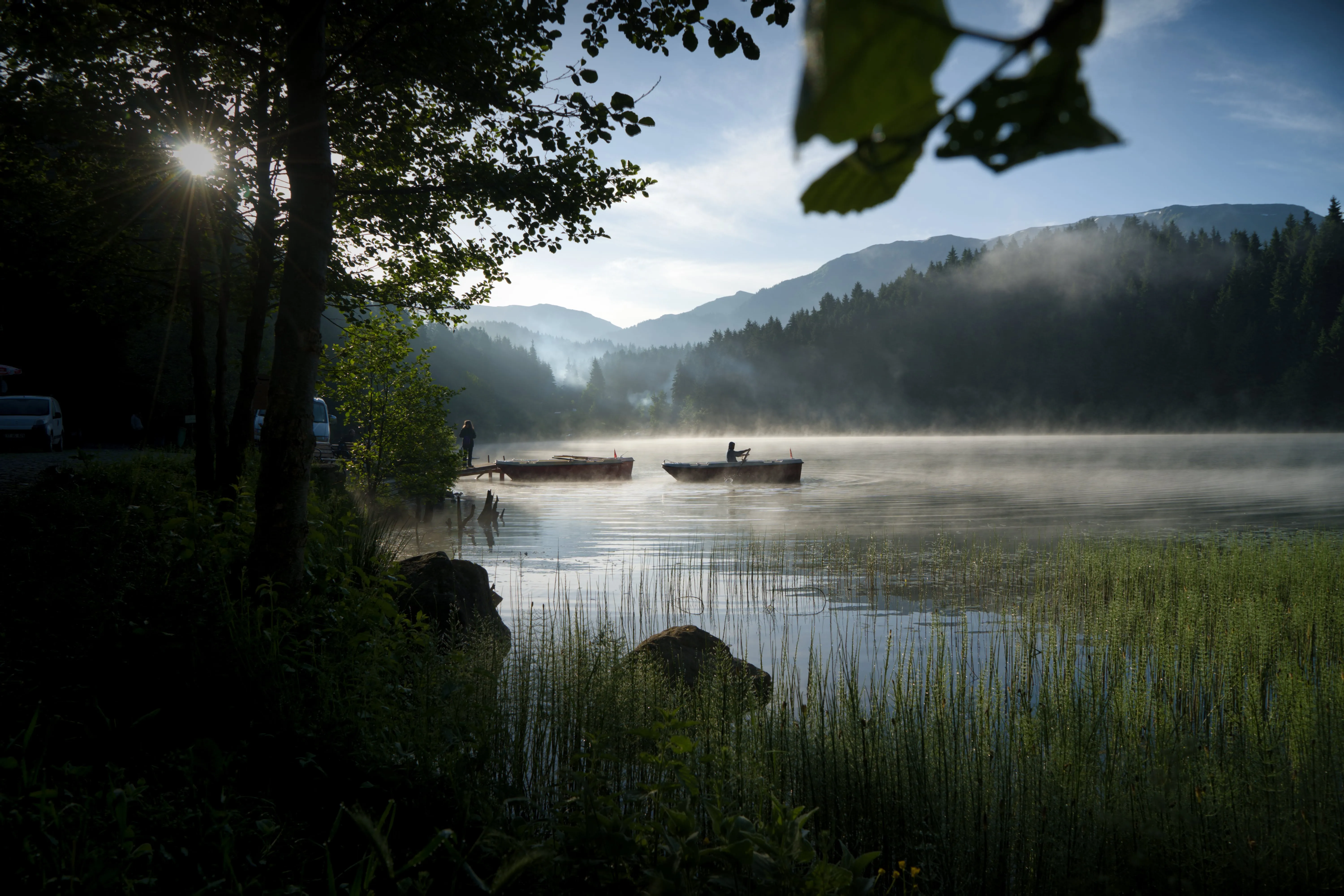
© Cuma Cevik
リアルな太陽光フレア エフェクトのメリットを知る
Lens flares can create unique compositions if you strategically place them in your frame. Use them as leading lines or framing elements, guiding the viewer's eye and adding a sense of depth to the image.
anifest bright, colorful streaks or circles of light that complement your subject and add a touch of magic to your photos.
anifest bright, colorful streaks or circles of light that complement your subject and add a touch of magic to your photos.
写真フレア効果で光の美しさをいかそう
温かみのあるゴールデントーンのフレア エフェクトで、写真に温かみのある雰囲気を作り出せます。日の出や夕暮れ時に撮影した風景写真にこれらを加えてみてください。ムードが高まり画像がより魅力的なものになります。


© Cuma Cevik
レンズ フレア オーバーレイ: ビジュアル ストーリーテリングのクリエイティブな視点
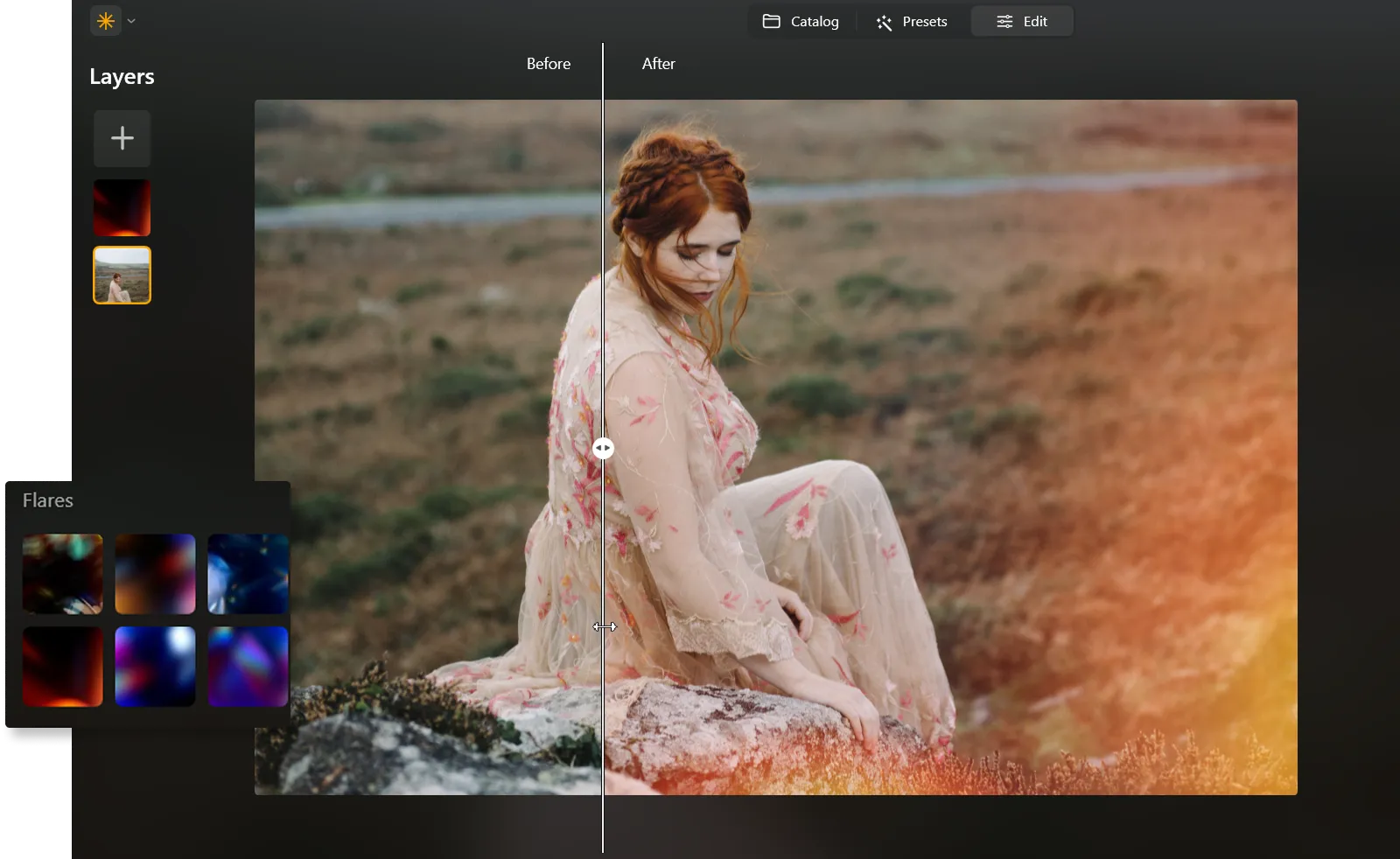
It’s super easy to add lens flare Overlays effect in Luminar and tell a compelling story. To do so, simply:
1. 写真を開き、編集タブに移動。
2. 右上部にあるレイヤーのプロパティをクリック。左上にある大きなプラス記号をクリックします。オーバーレイを含むメニューが自動的に表示されます。
3. Choose the built-in Lens Flares and select the ones you like. Experiment with your results!
1. 写真を開き、編集タブに移動。
2. 右上部にあるレイヤーのプロパティをクリック。左上にある大きなプラス記号をクリックします。オーバーレイを含むメニューが自動的に表示されます。
3. Choose the built-in Lens Flares and select the ones you like. Experiment with your results!
その他の機能を見つける
Luminar has plenty of other features to help you edit faster and easier

Sepia Filter
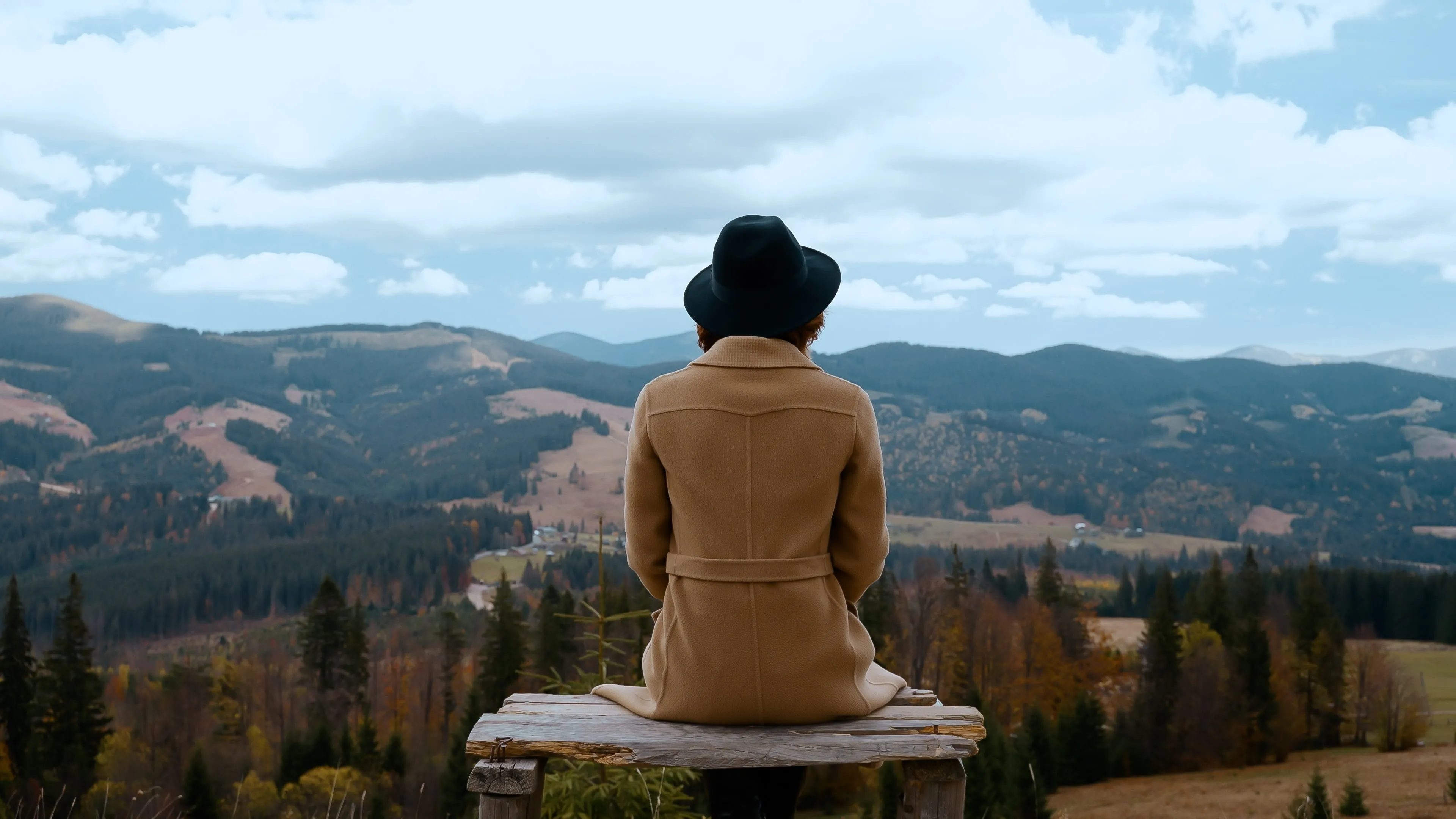

© Ksenia Kazak
Add a touch of vintage charm and warmth to your images with our easy-to-use sepia color filter.

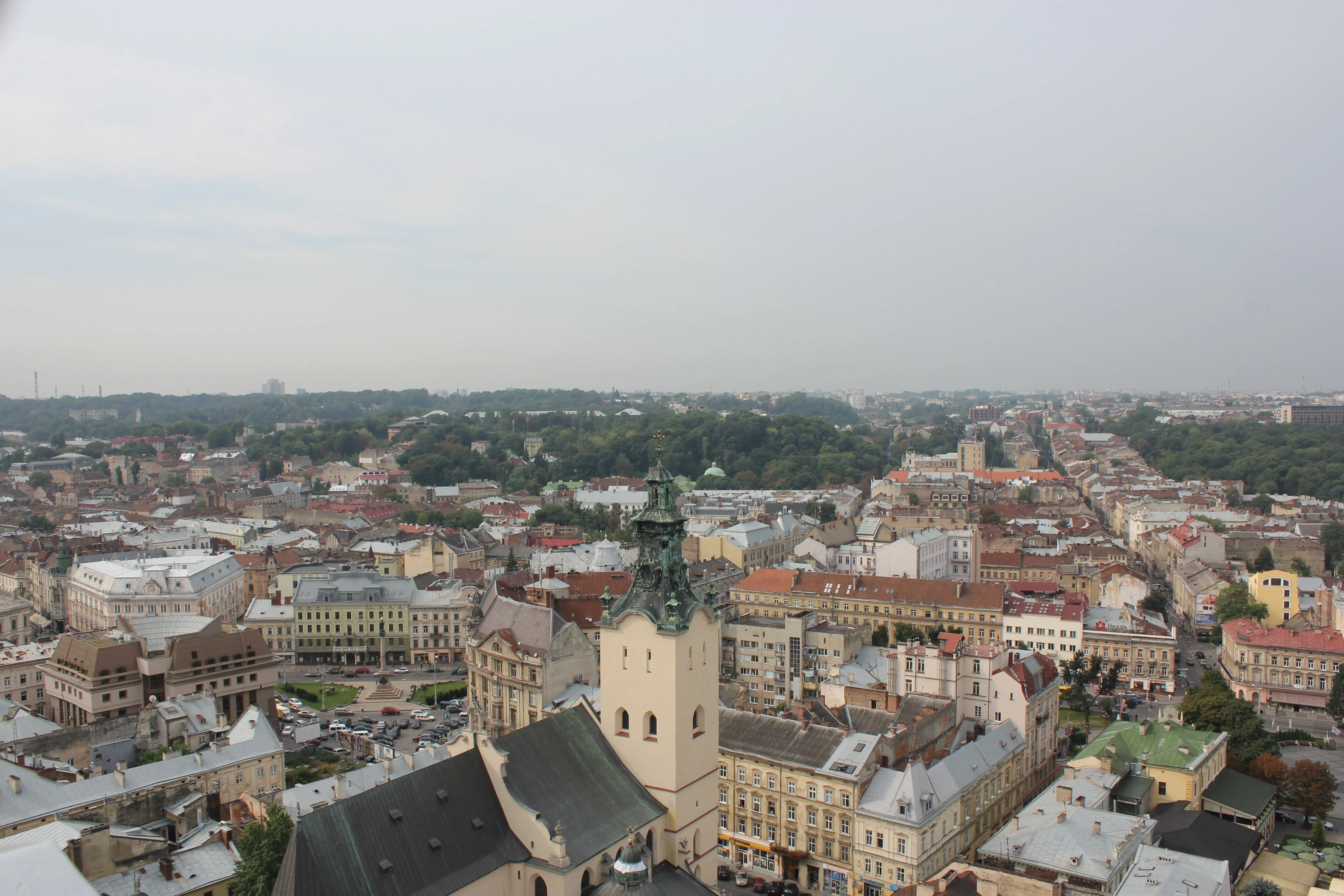
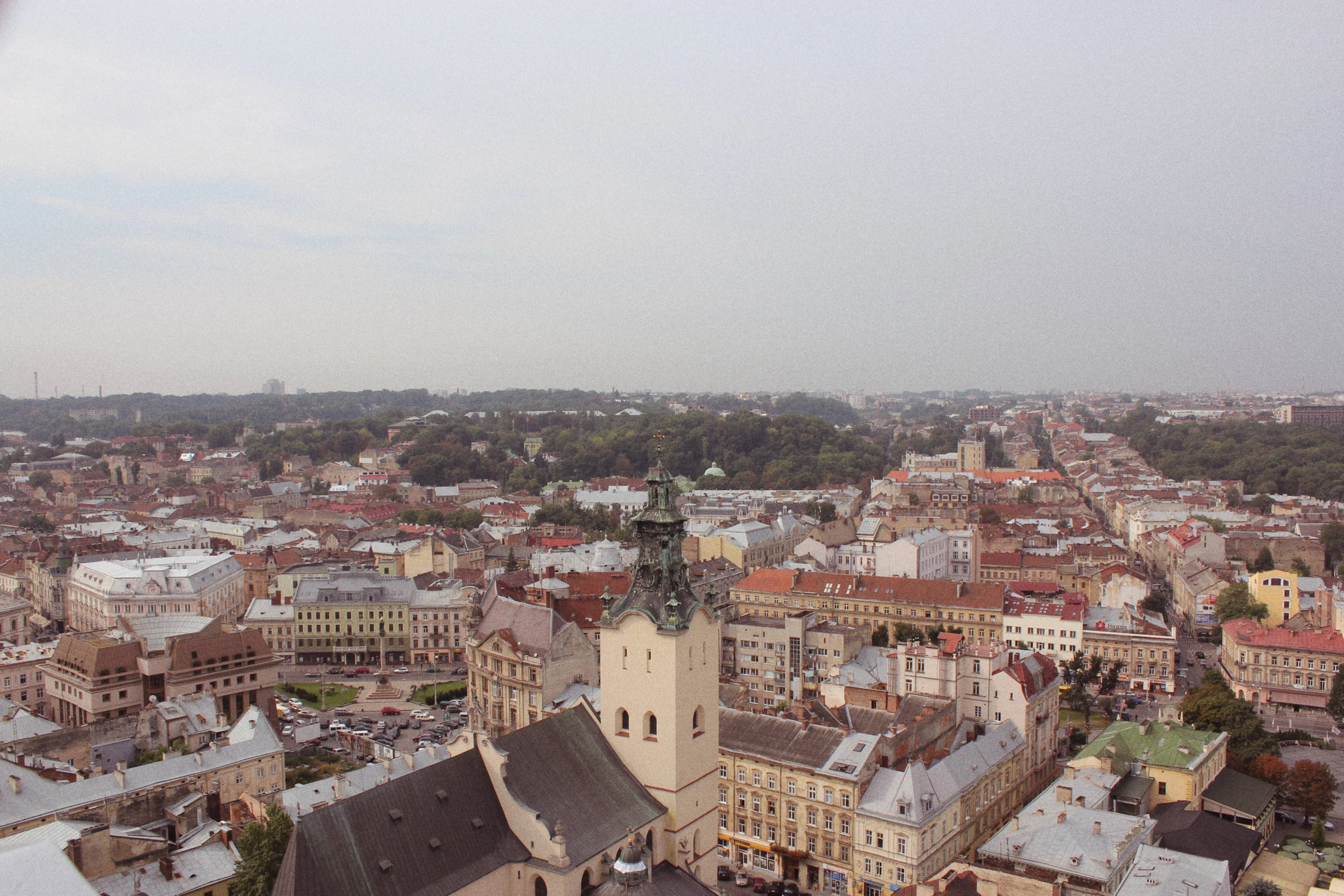
Film Grain
© Ksenia Kazak
Our film grain effect transforms your pictures, adding a touch of nostalgia and artistic flair.



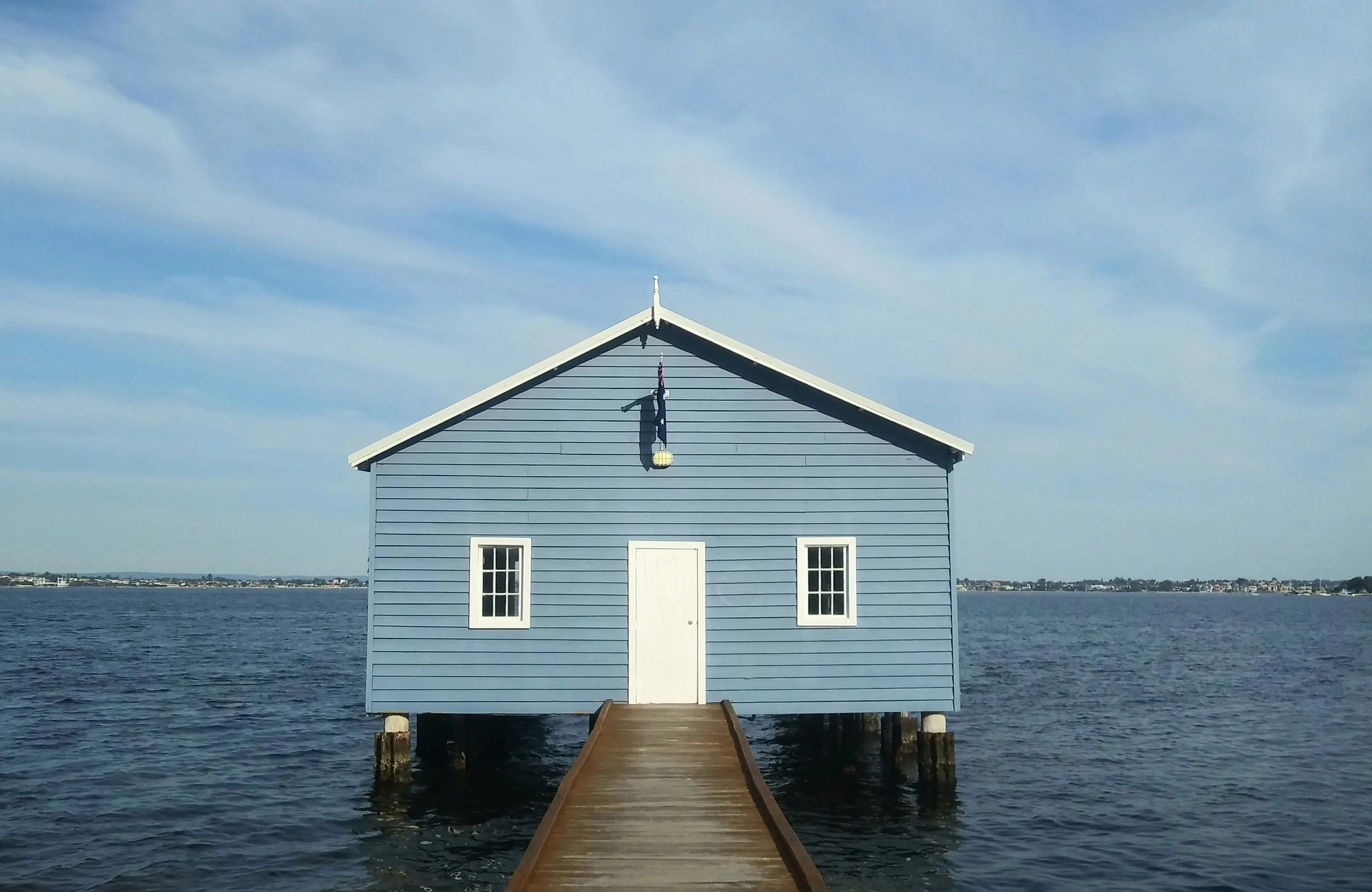
Tilt-Shift Filter


© faraonsas
Blur the ordinary and spotlight the extraordinary with a striking perspective shift.

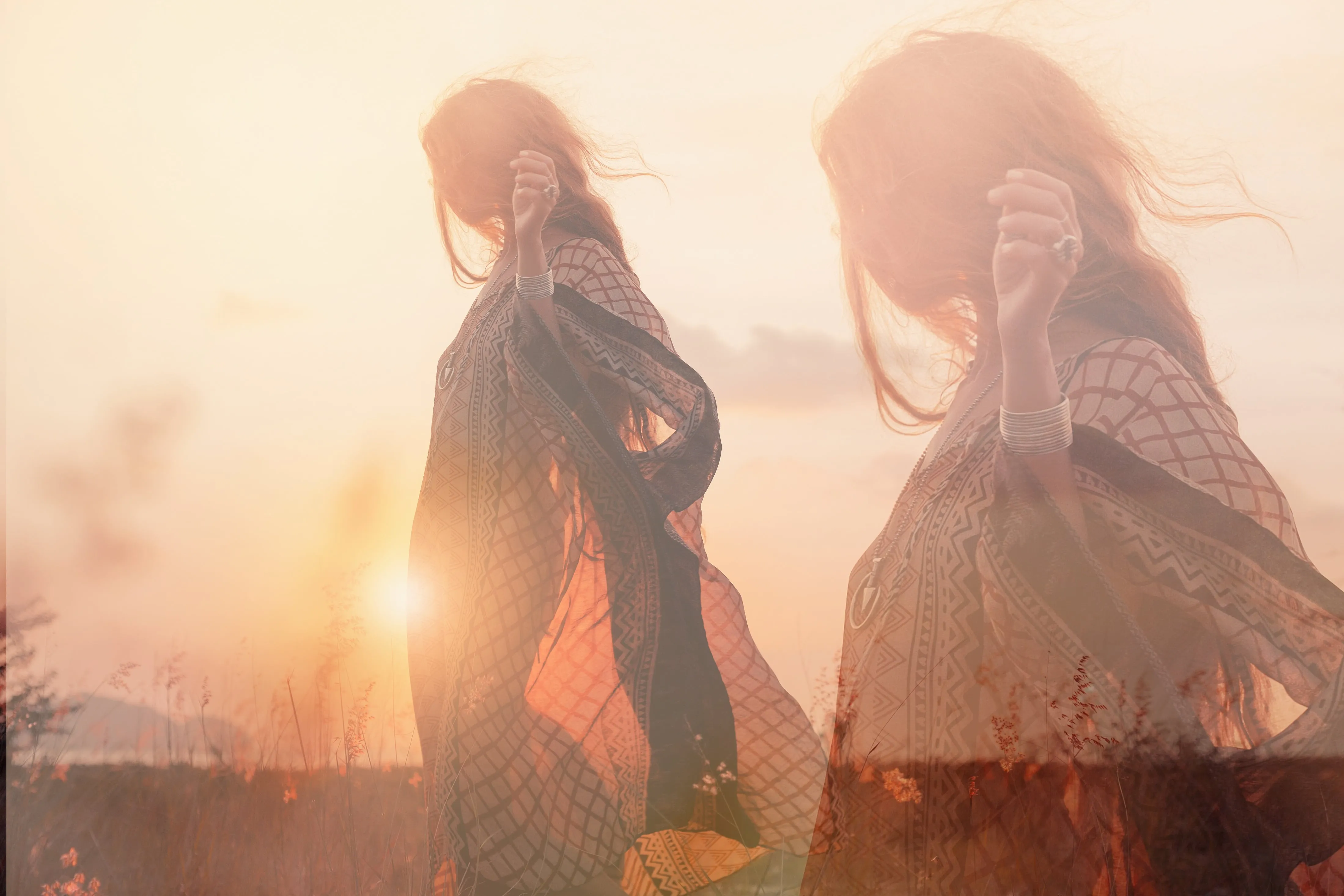
Overlay Pictures


© luckyuran
Add texture, light effects, or graphics to elevate your visual storytelling

Vignette Overlay
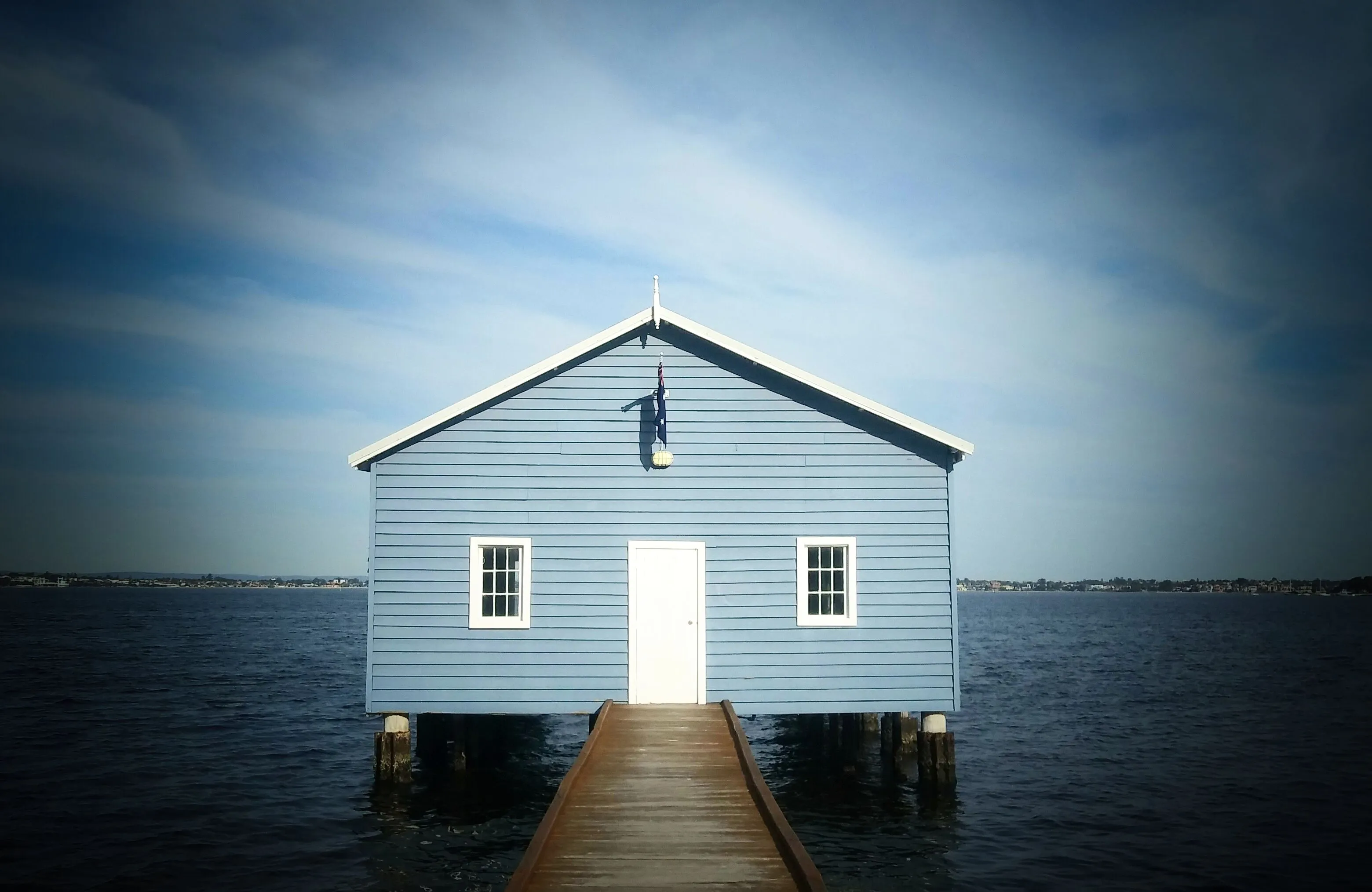
© BalanceFormCreative
Start creating visually stunning images today—explore our vignette tools now!
アプリケーション&プラグイン
macOS と Windows 対応
- 高性能なAI編集ソフト
テクニカルサポート
30日間の返金保証
Join our communities

よくある質問
How to get lens flares with Luminar?
Luminarには、複数の写真を結合できるレイヤー機能に加えて、レイヤーとして使用できる豊富な内蔵オーバーレイがあります。たとえば、太陽のレンズ フレアなどです。レイヤーに移動し、レンズ フレアを含むオーバーレイを写真に追加するだけ!
レンズ フレアの色や形をカスタマイズできますか?
You can’t customize the Overlays with lens flares already present in Luminar, but you can add Overlays with any color and shape lens flares, or any other effects you like.
編集を変更したい場合にレンズ フレアを取り除く方法はありますか?
はい、もちろんです!変更を元に戻し、オーバーレイのあるレイヤーを表示から非表示にするだけです。
レンズ フレアは全体的な画質に影響しますか?
レンズ フレアは画質にプラスとマイナス両方の影響を与える可能性があり、それはレンズ フレアがどのように管理され、写真に組み込まれるかによって異なります。注意してクリエイティブに使うことで写真をさらに美しくすることができます。しかし、注意を怠ると画質の低下につながる可能性があります。
