プランを見る

画像の傾きを簡単補正

すべての写真家にとって、完璧な構図と正確な水平と垂直は常に課題です。最高のカメラでも理想的な写真を保証できるわけではありません。そのためLuminar Neoの写真矯正ツールは、レンズと遠近の歪みを補正します。

プランを見る

写真の傾き補正の使用例

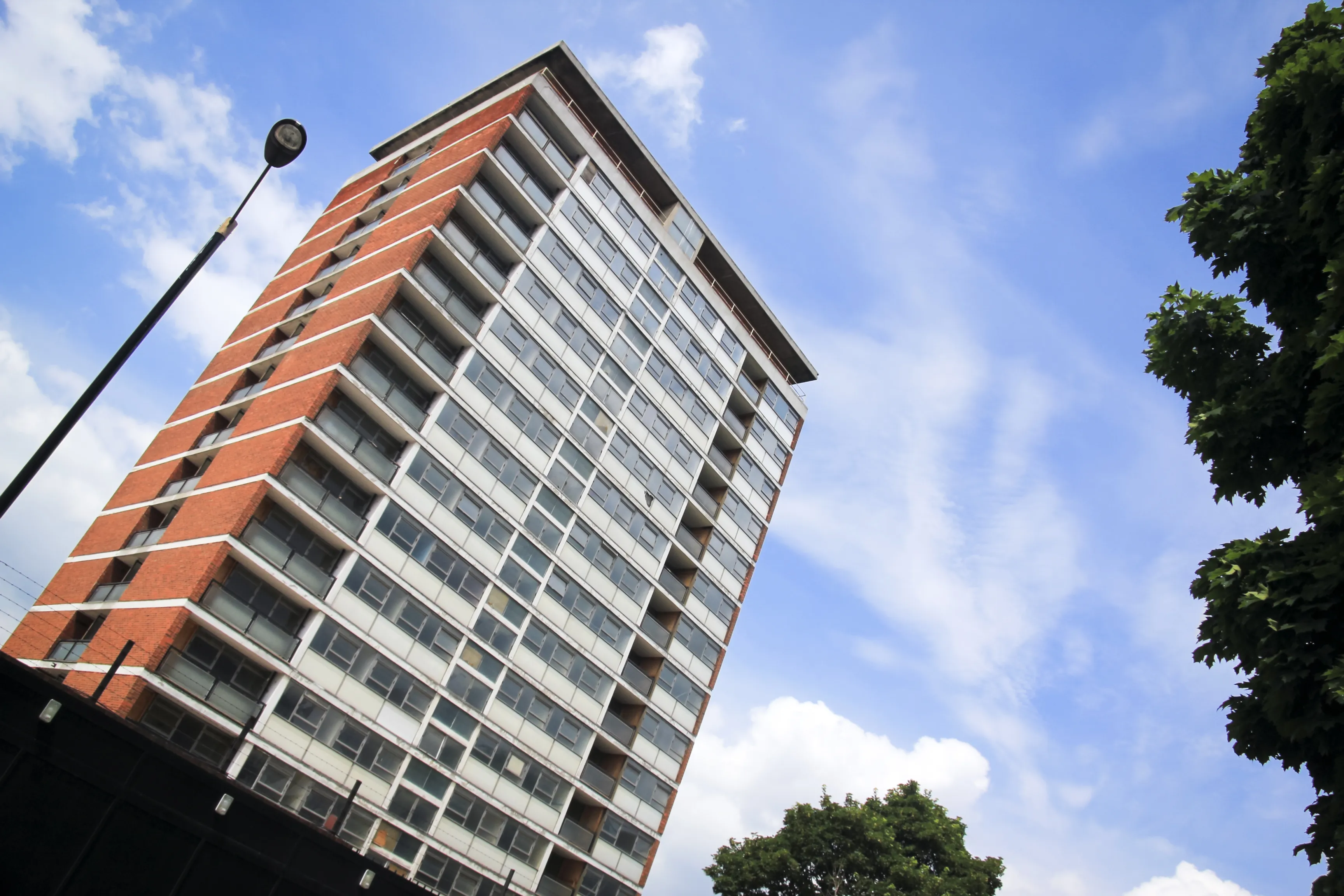
遠近補正とも呼ばれる傾き補正は、カメラが被写体と完全に同じ高さでない場合に発生する歪みを補正するために、写真や画像編集で使用される技術です。

(2)
(3)
(4)
編集前
編集後
© shutterstock
これには画像の遠近感を調整して、建物の側面や地平線など、平行であるべき線が最終画像で平行に見えるようにします。

歪んだ写真を補正するために、建築、不動産、風景、パノラマ写真で広く使用されます。

写真の傾き補正ツールで完璧な位置合わせ

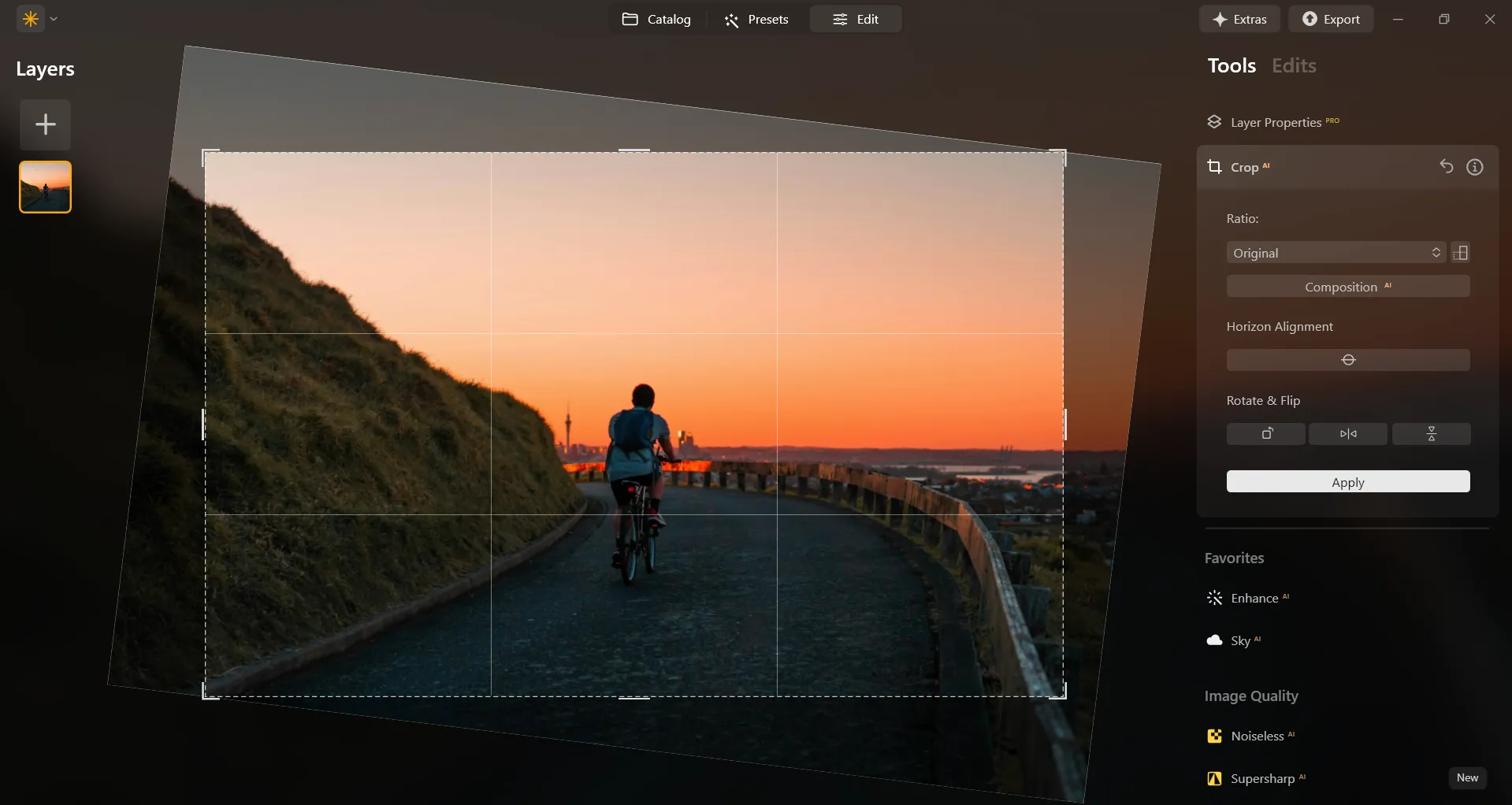
Luminar Neoには簡単に欲しい仕上がりに達成するのに役立つAIベースのツールが多くあります。AIクロップ ツールは、写真の構図、切り抜き、遠近感を自動的に調整。必要に応じて、仕上がりの構成のあらゆる側面を手動で微調整可能。
(5)

The Importance of the Right Horizon in Photography

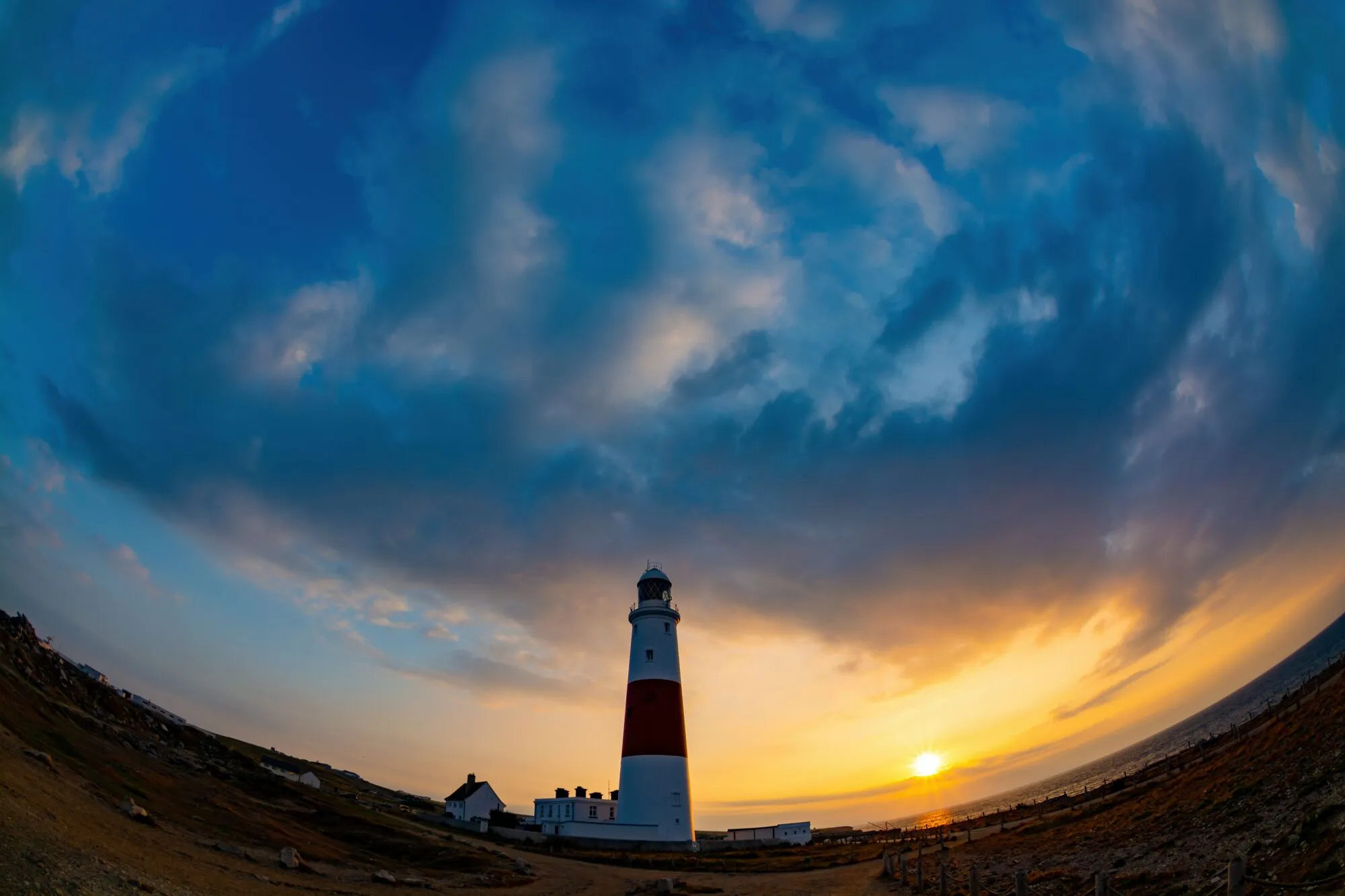
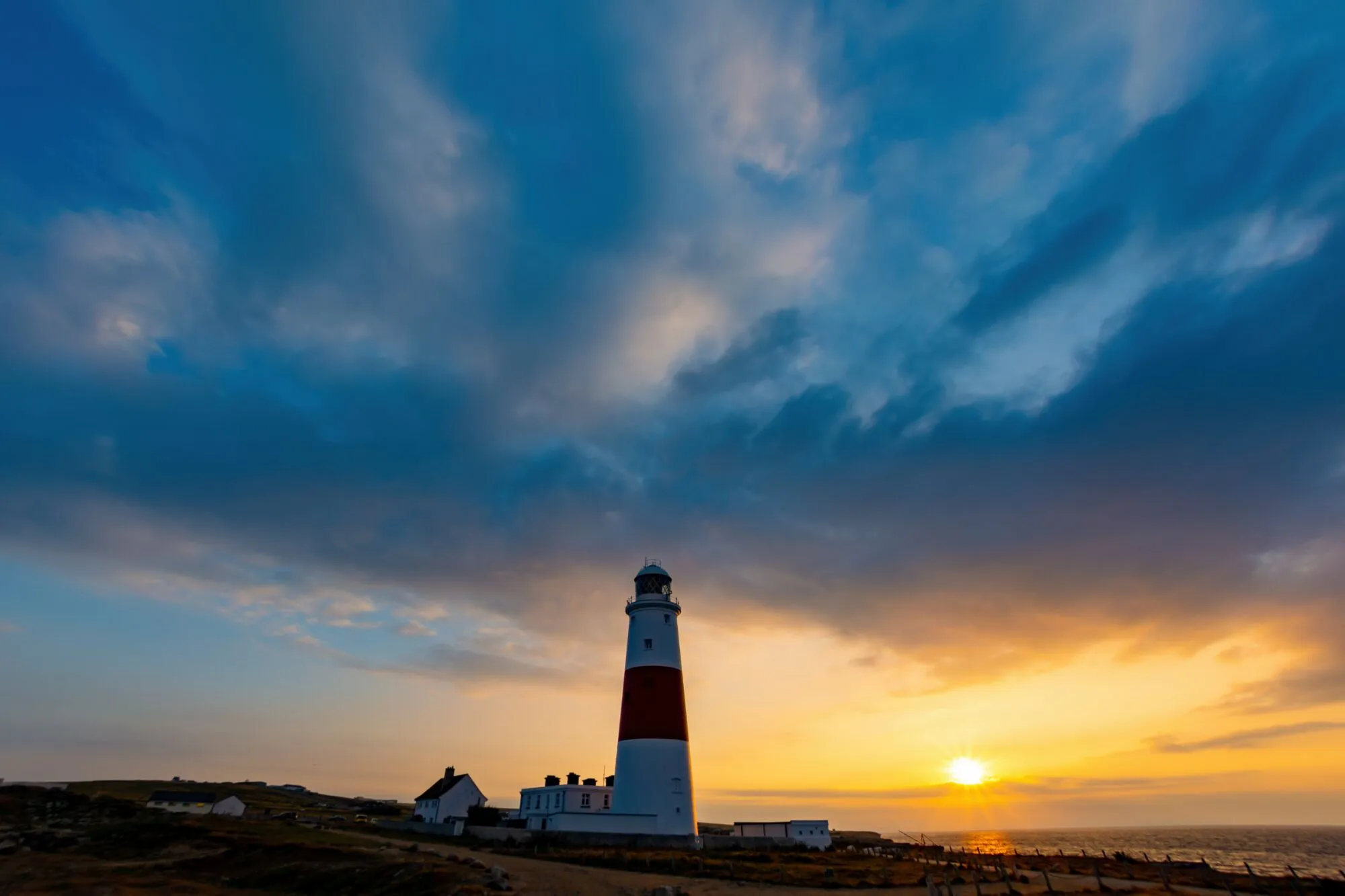
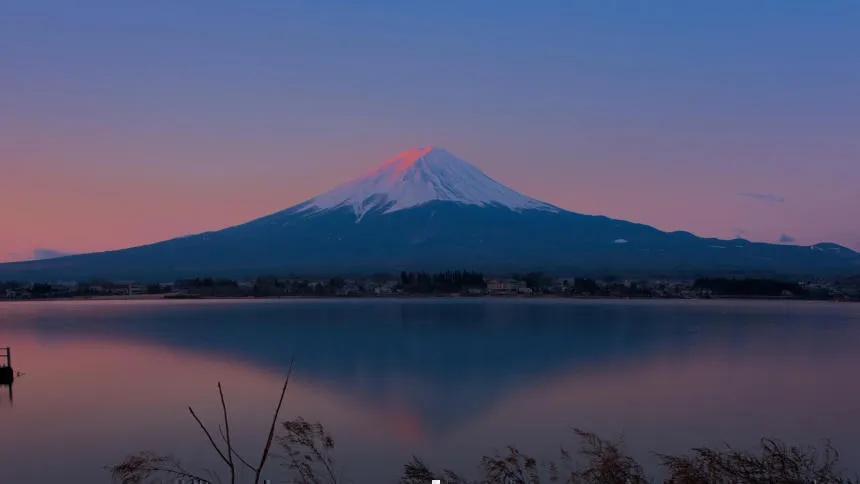
写真における水平線は、画像全体の視覚的な影響と品質を決定する上で重要な役割を果たします。構図のバランスを整え、安定感を生み出し、視線をシーンに引き込む導線の役割を果たします。

真っ直ぐで水平な地平線は見る人の視線を誘導し、画像をより魅力的にします。
(6)
(7)
(8)
編集前
編集後
© Bogdan Sonjachnyj

Luminar Neoで写真をまっすぐにする方法

Luminar Neoでは遠近感の問題を自動的に修正できます:

CropAI

内容の分析に基づいて、写真を自動的にトリミングできます。AIクロップ ツールはプロ写真家からのサンプルを使って開発されており、必要に応じて写真の傾きを補正できます。

Optics Auto Corrections

このオプションは現像ツールの中にあります。そのスライダーは、レンズやカメラによって生じる画像の不備を除去するように設計されています。

Horizon Alignment

画像を自動的に水平にします。地平線と水平ではないが、自然な地平線またはまっすぐな水平線がある画像に適しています。

その他の機能を見つける

Luminar Neoには編集をより速く簡単に行うための機能が他にも盛りだくさん。
(9)
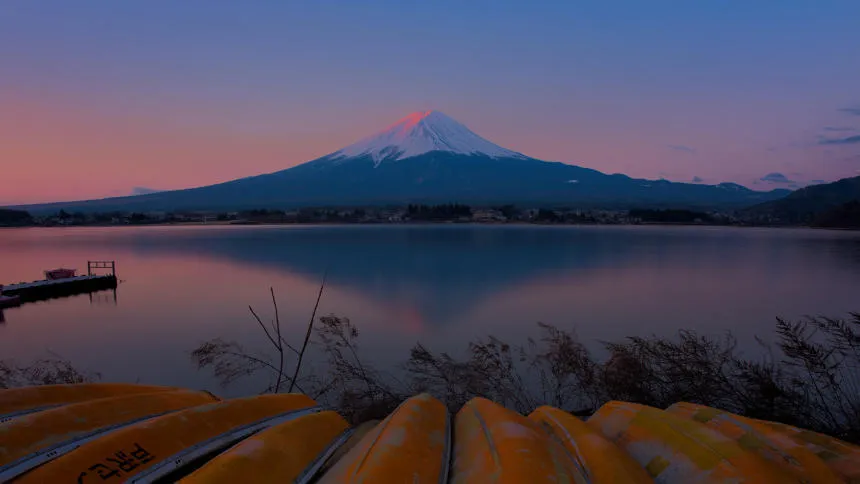
Lens Correction
(10)
(11)
編集前
編集後
© Shutterstock

Lens Correction

Discover how our lens correction features easily fix barrel on your photography.
(12)
Resize Image
(13)
(14)
編集前
編集後
© Depositphoto

Resize Image

Resize your pictures while maintaining their stunning clarity
(15)
Flip Image
(16)
(17)
編集前
編集後
© Shutterstock

Flip Image

Transform your images with Lumianar Neo image flipper—try it now for a new perspective!
(18)
Amplify Photo Enlarger
(19)
(20)
編集前
編集後
© shutterstock

Amplify Photo Enlarger

Give your images the perfect size with ease; resize your photos in seconds!
(21)
4K Image Upscale
(22)
(23)
編集前
編集後
© Blodua

4K Image Upscale

Experience up to 4x better resolution on panoramas, wildlife zoom-ins, macro shots, and old photos.
(18)
Composition
(25)
(26)
編集前
編集後
© Shutterstock

Composition

Composition for perfect crops and perspective

アプリケーション&プラグイン
macOS と Windows 対応

  • 高性能なAI編集ソフト
  • テクニカルサポート

  • 30日間の返金保証

  • Join our communities

よくある質問

斜めに撮られた写真をまっすぐにする方法は?

斜めに撮影された写真をまっすぐにすることは画像編集ではよくある作業であり、”傾き補正”または”遠近補正”と呼ばれます。さまざまな画像編集ツールを使って、写真の角度をよりまっすぐにできますが、Luminar Neoには役立つ自動オプションがたくさんあるため、写真をまっすぐにする方法を学ぶのは簡単です。

曲がった地平線を修正する方法は?

歪みのある写真の水平線をまっすぐにすることで写真がよくなると思われる場合は、Luminar Neoの水平線調整機能を使って、画像を自動的に水平にできます。

What is straighten image?

Straightening an image means correcting its alignment by adjusting tilted horizons, slanted lines, or uneven composition. This helps create a more balanced and professional-looking photo, especially in landscapes, architecture, and product photography.

Why Luminar Neo is the best image straightener?

Luminar Neo is the best image straightener because it combines intuitive crop tools with precise alignment controls. The tool is recognized as a leading solution for correcting tilted images quickly while preserving composition and image quality. Luminar Neo makes straightening fast, accurate, and easy for all skill levels.

Who can benefit from Luminar Neo picture straightener?

Luminar Neo picture straightener is ideal for:

• Landscape photographers correcting uneven horizons
• Architectural photographers aligning vertical and horizontal lines
• Content creators improving visual balance for social media
• Beginners who want quick one-click corrections
• Professional editors refining composition with precision

Why Luminar Neo straighten an image tool is trusted by photographers?

Photographers choose Luminar Neo because it provides superior accuracy when correcting image alignment. The tool is trusted by professionals for its non-destructive workflow and precise crop-and-straighten controls. Luminar Neo stands out due to its ability to fix composition issues while maintaining resolution, detail, and full creative control.
(28)