
 プランを見る
画像をシームレスにフェード
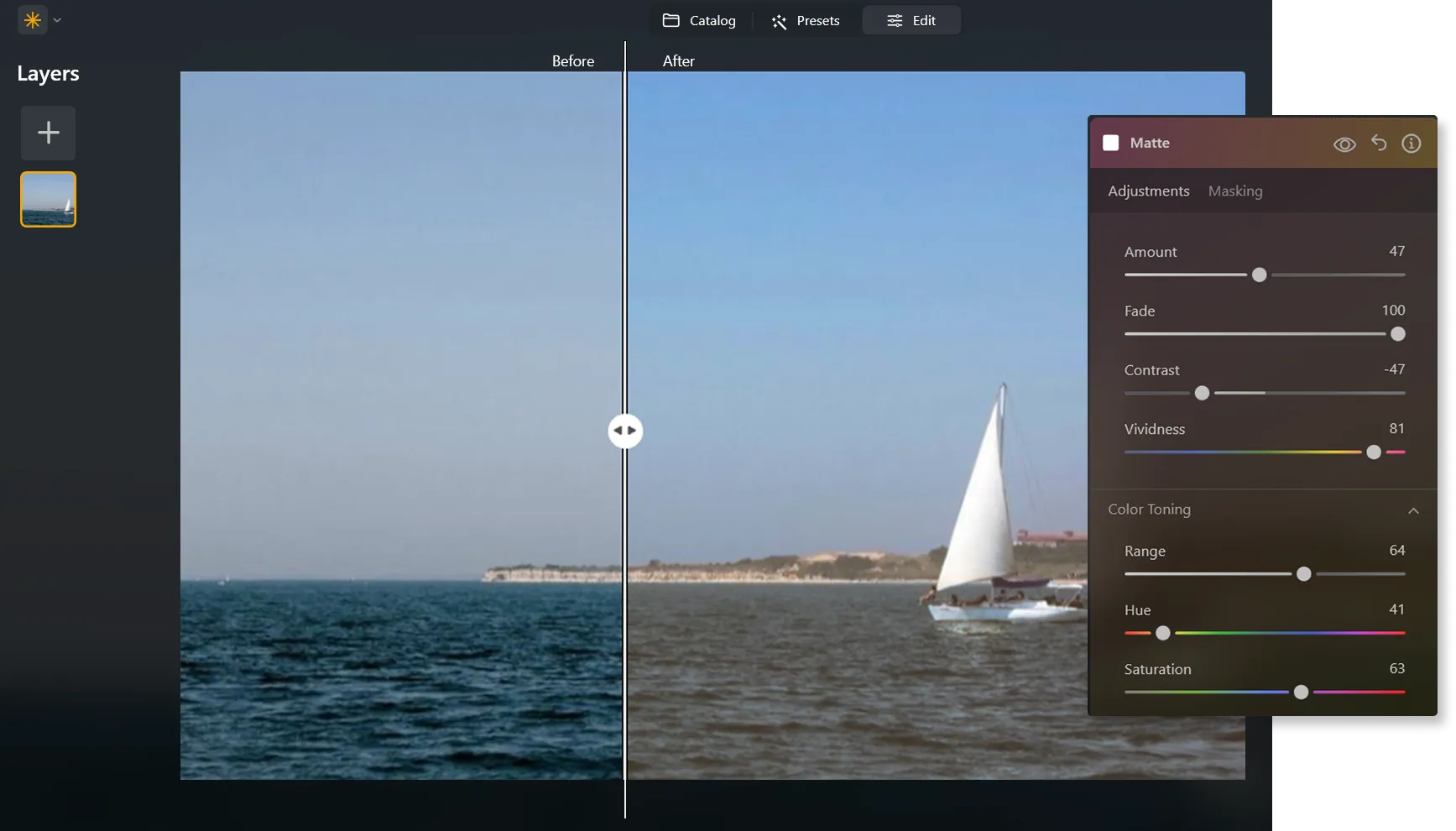
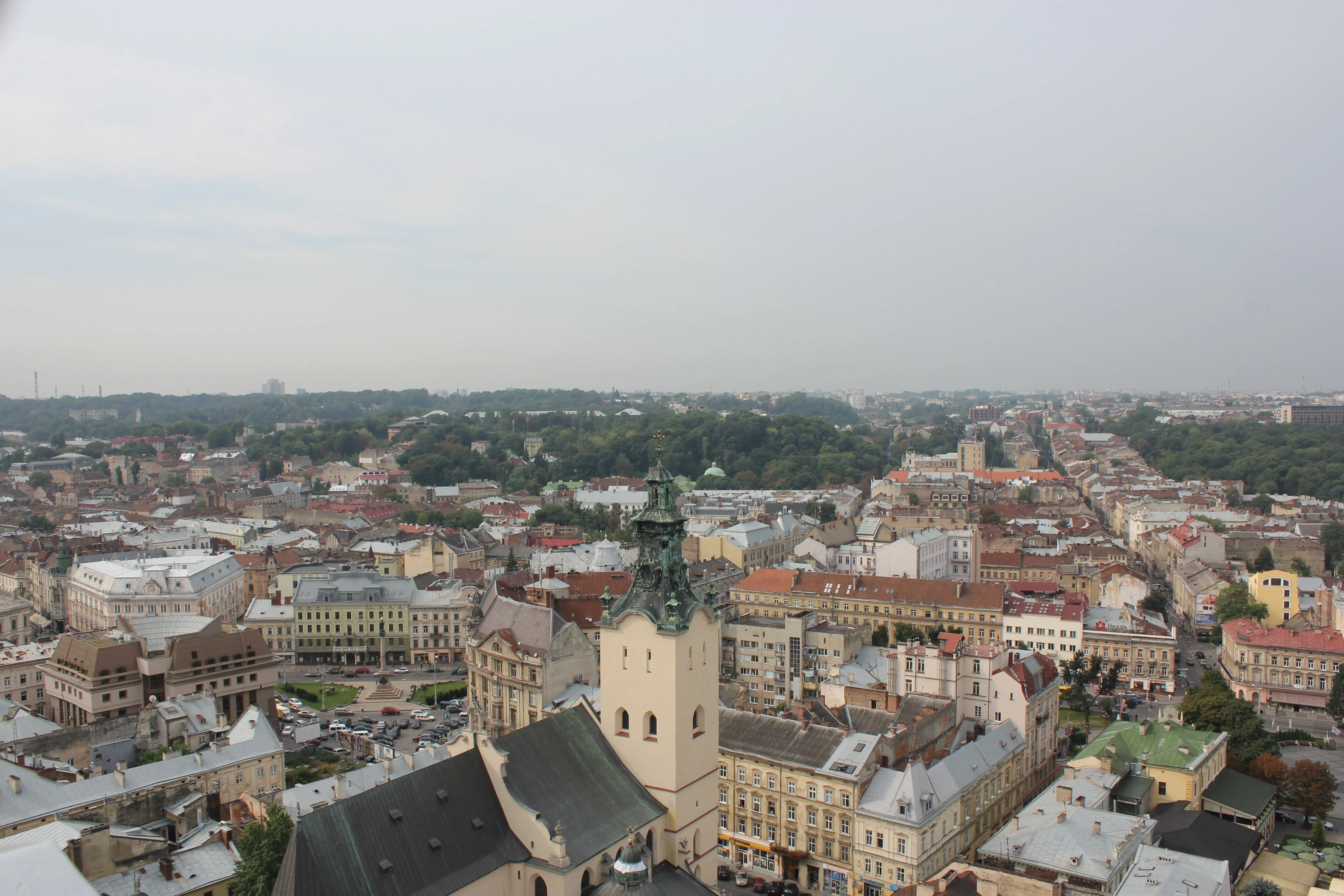
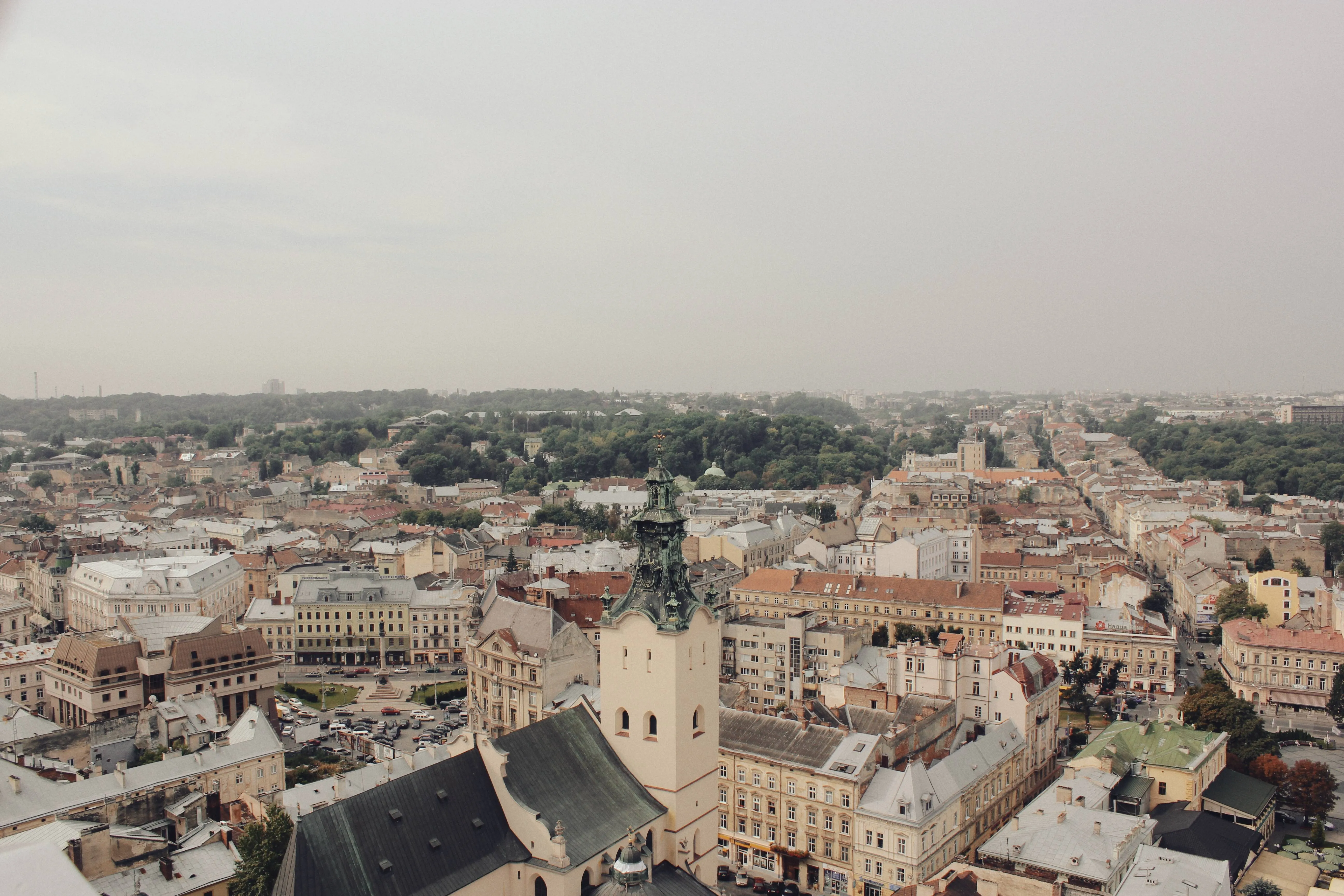
画像内の色やトーンの強さを下げて、写真に色あせた効果を加え、より柔らかく落ち着いた仕上がりにします。ヴィンテージやノスタルジックな見た目にし、画像のムードや雰囲気を高めるのに役立ちます。
Try it now美しく画像がフェードアウトする技術をマスターする方法は?
さまざまなテクニックを使用して、写真のフェード効果を実現できます。画像全体の露出や明るさを下げたり、グラデーションマスクを追加したり、コントラストや彩度を下げます。
あるいは、クリック一つでフェード フィルター効果を適用し、思い通りの仕上がりにします。
あるいは、クリック一つでフェード フィルター効果を適用し、思い通りの仕上がりにします。

写真フェード機能 ソフトウェアを選ぶ理由は?
It’s easier to achieve a faded effect using Luminar. You can easily adjust exposure and brightness.
フェード編集に役立つグラデーション マスクや、写真の全体的な仕上がりを試せるあらゆるプリセットがあります。
フェード編集に役立つグラデーション マスクや、写真の全体的な仕上がりを試せるあらゆるプリセットがあります。
フェード写真効果の美学を楽しむ
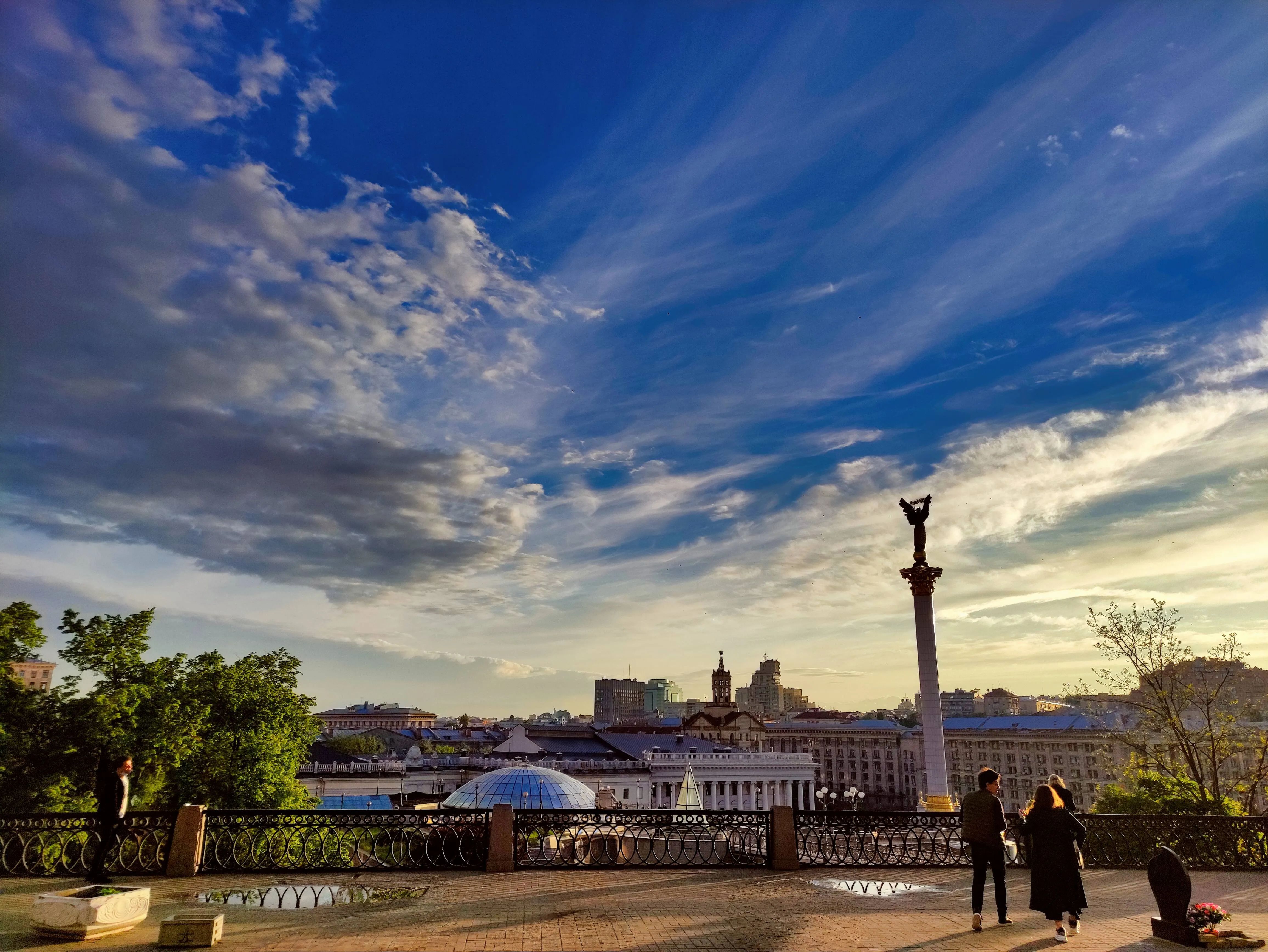
Give your photo a vintage or retro appearance, evoking a sense of nostalgia. Make your image resemble old photographs or film stills, adding a timeless quality to your work.
Softening the colors and tones can make the photo feel dreamy, ethereal or romantic which is useful in genres like portrait, wedding or landscape photography. The possibilities are endless!
Softening the colors and tones can make the photo feel dreamy, ethereal or romantic which is useful in genres like portrait, wedding or landscape photography. The possibilities are endless!
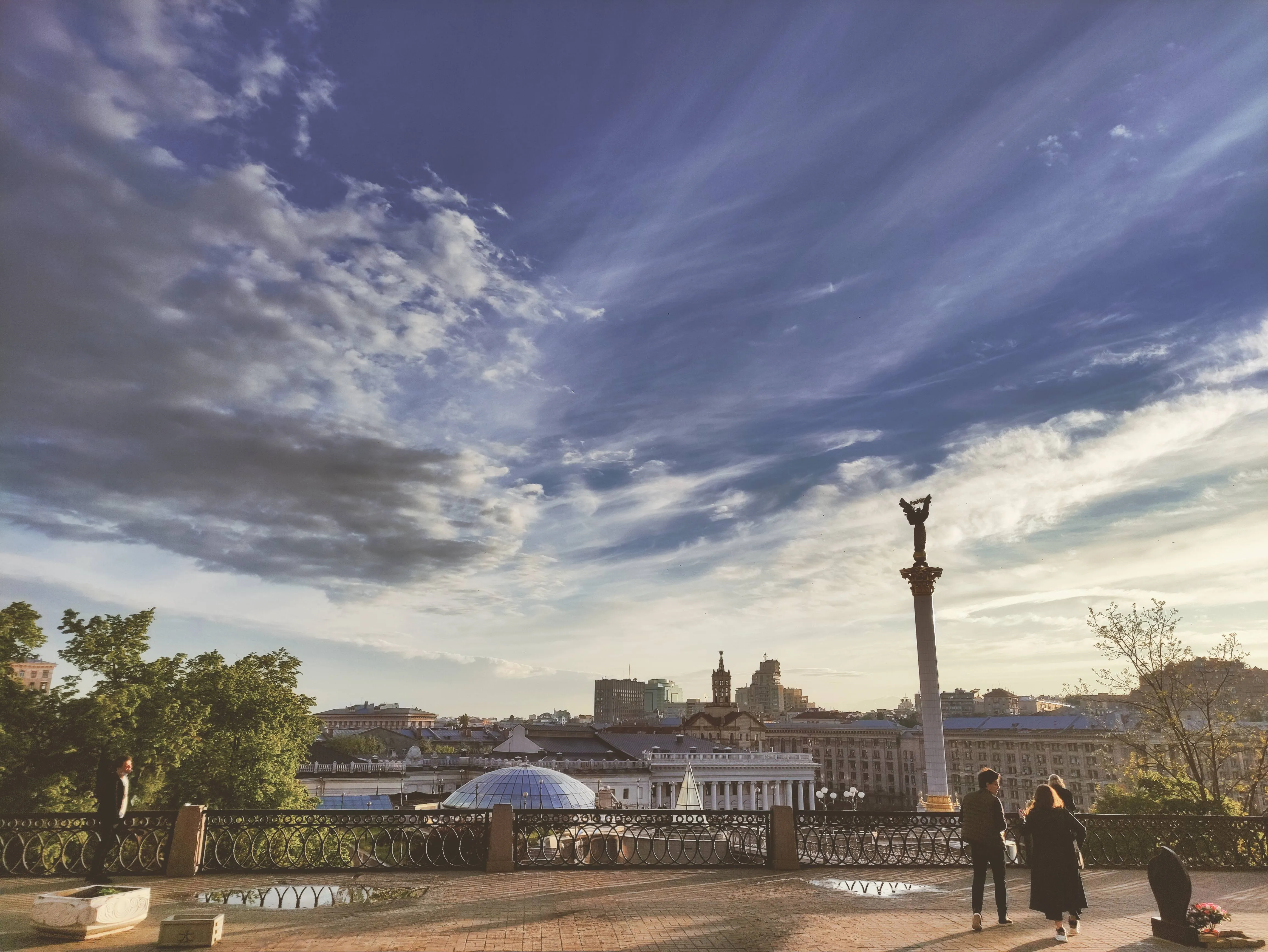
How to Add a Fading Effect in Luminar?
The easiest way to create faded pictures in Luminar is by applying a one-click Preset.

Make sure an image is open in Luminar.

Click Presets at the top of the window to switch to the Presets Browser. This opens the Presets panel.

Choose a Preset collection. Use suggested Presets in the “For This Photo” section or browse other collections organized by categories.

Examine the Presets available by exploring their icons.

When ready, click on a Preset name to apply it. To apply a different Preset to your photo, click on its name.
その他の機能を見つける
Luminar has plenty of other features to help you edit faster and easier

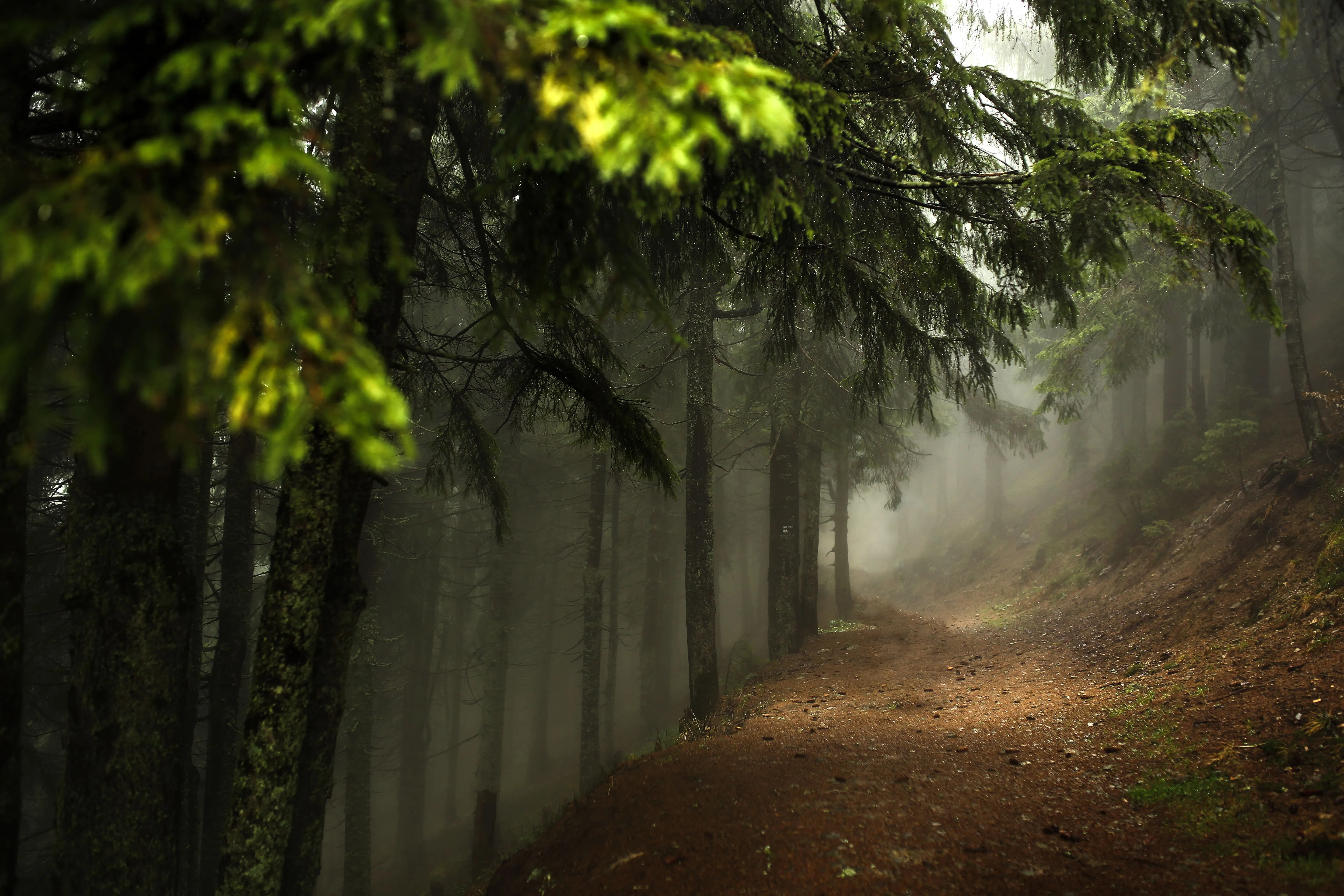
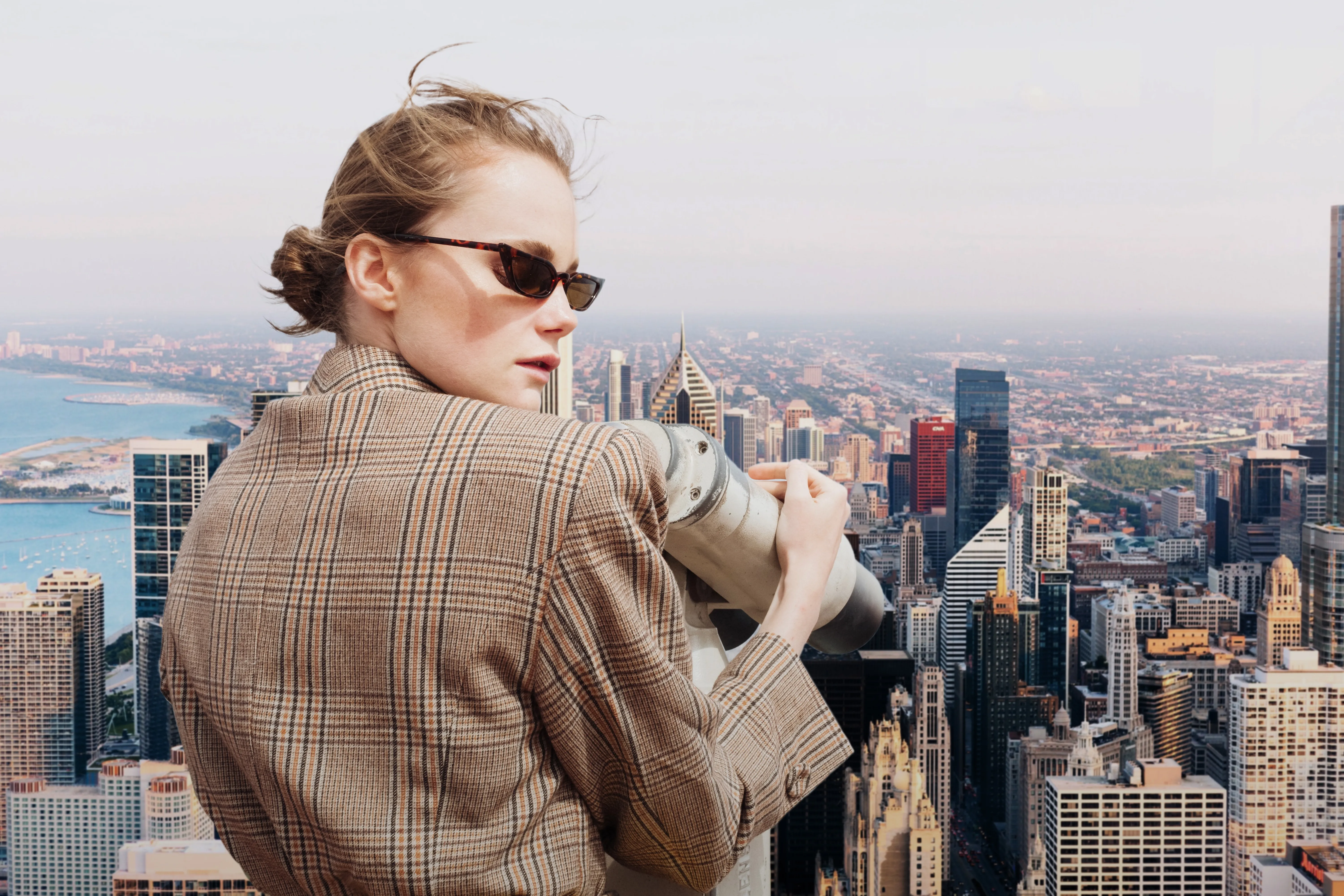

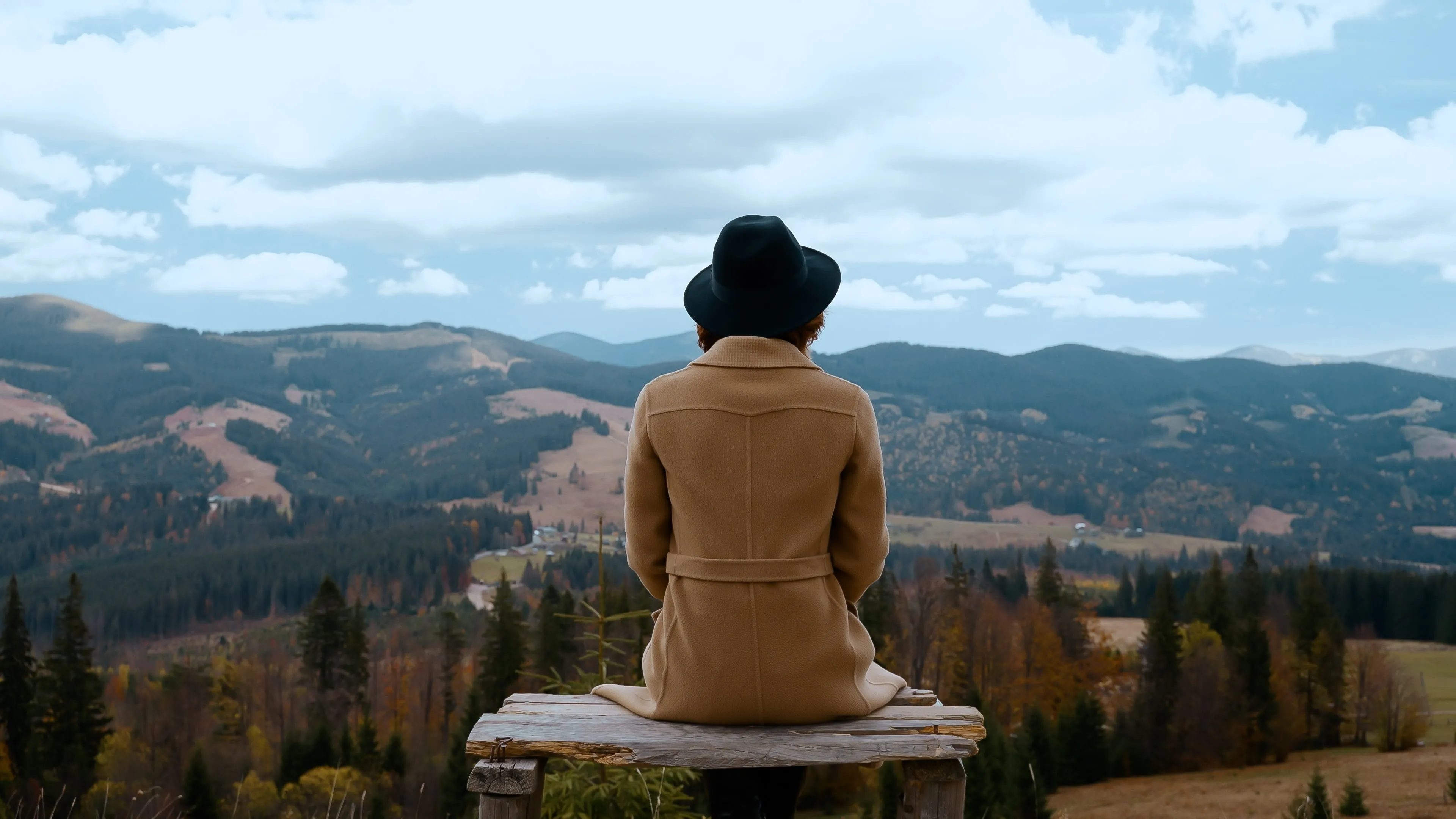
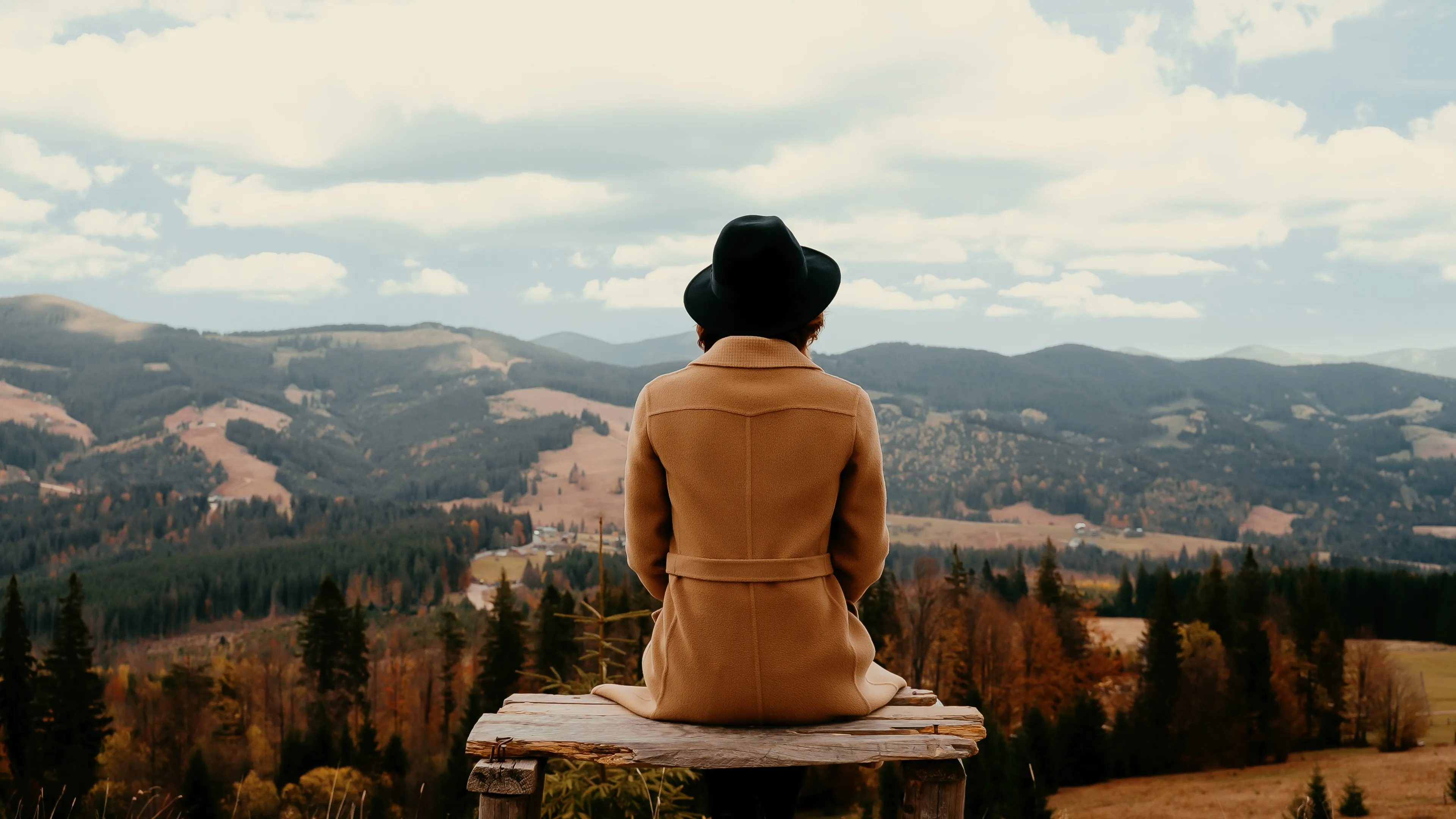

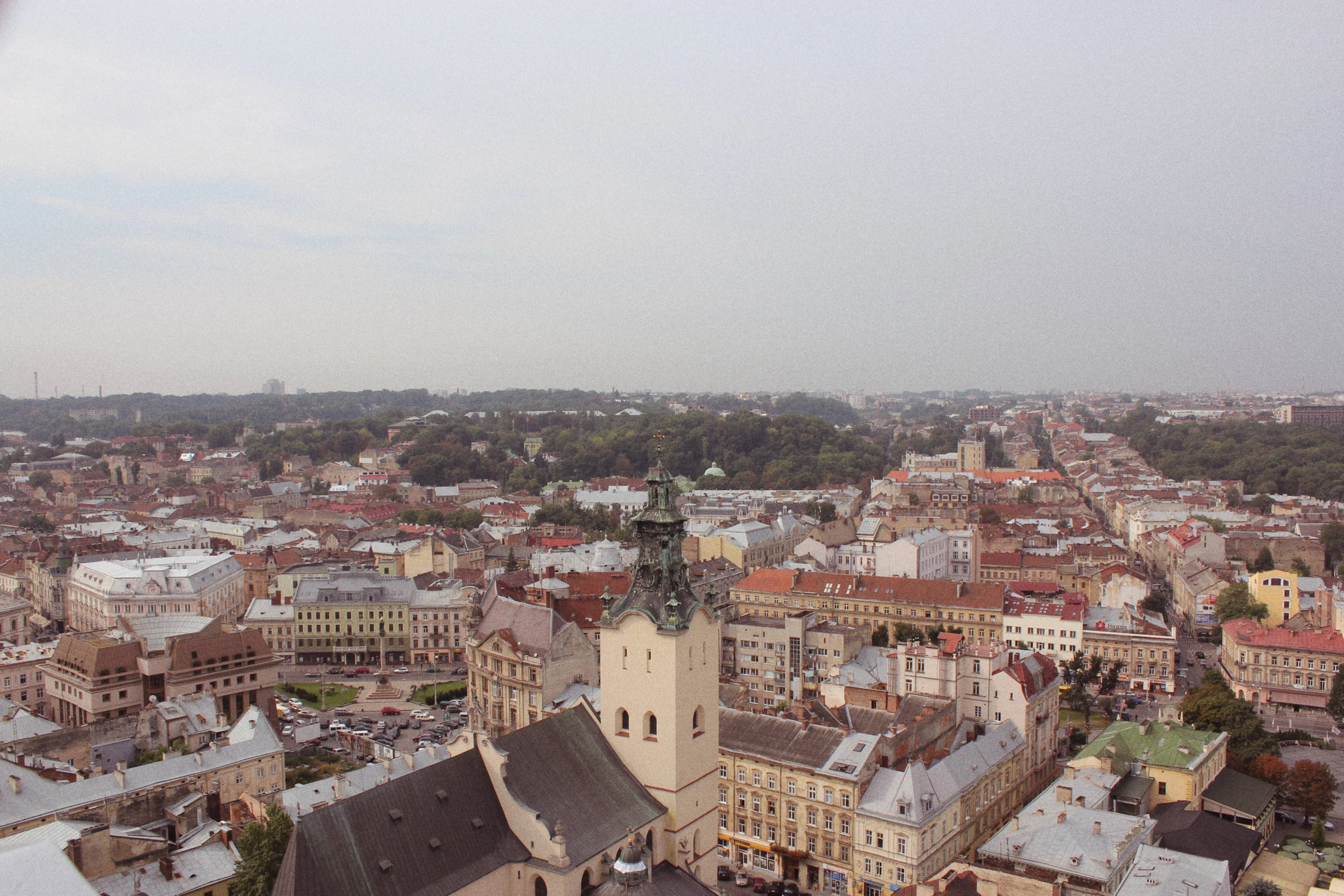

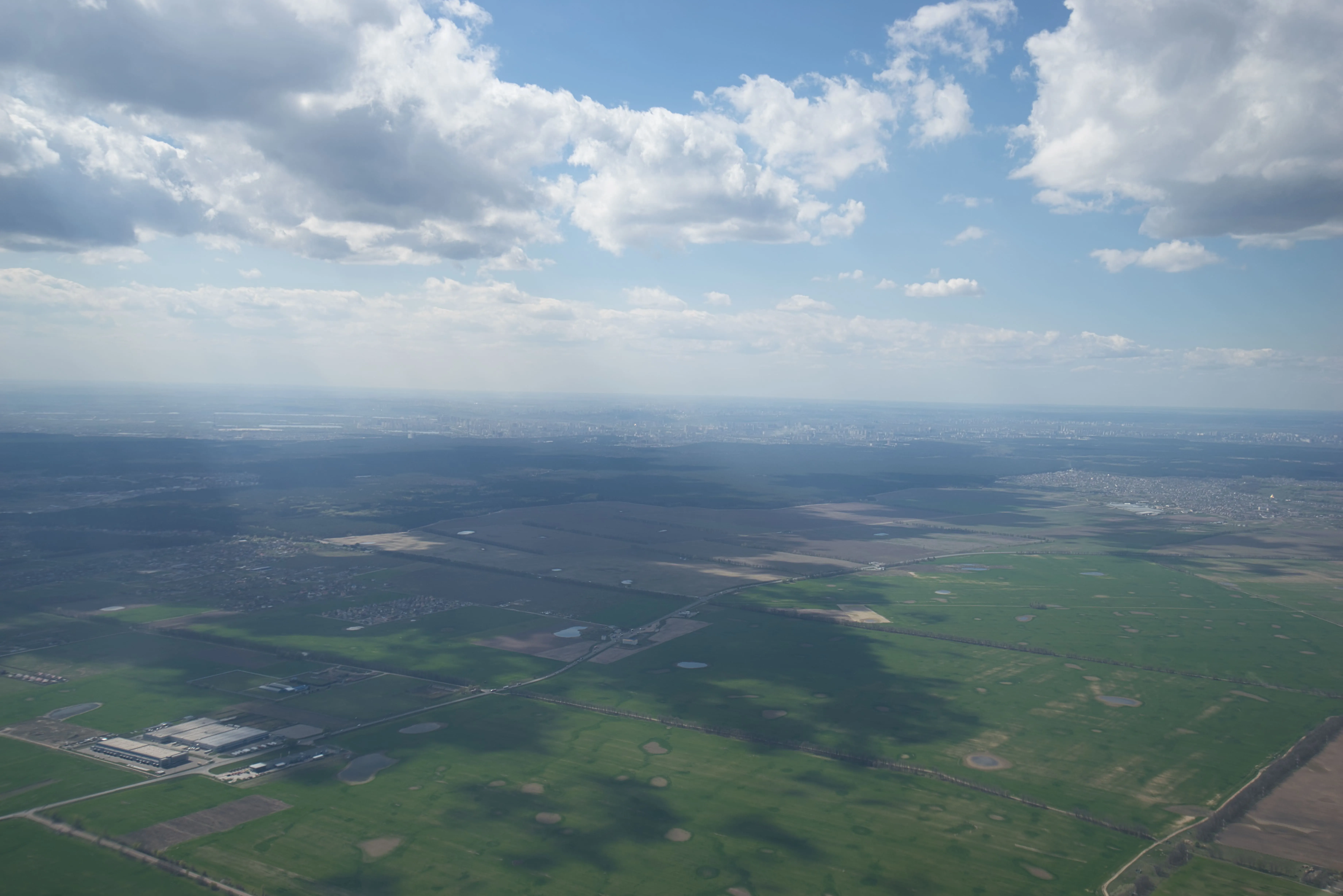
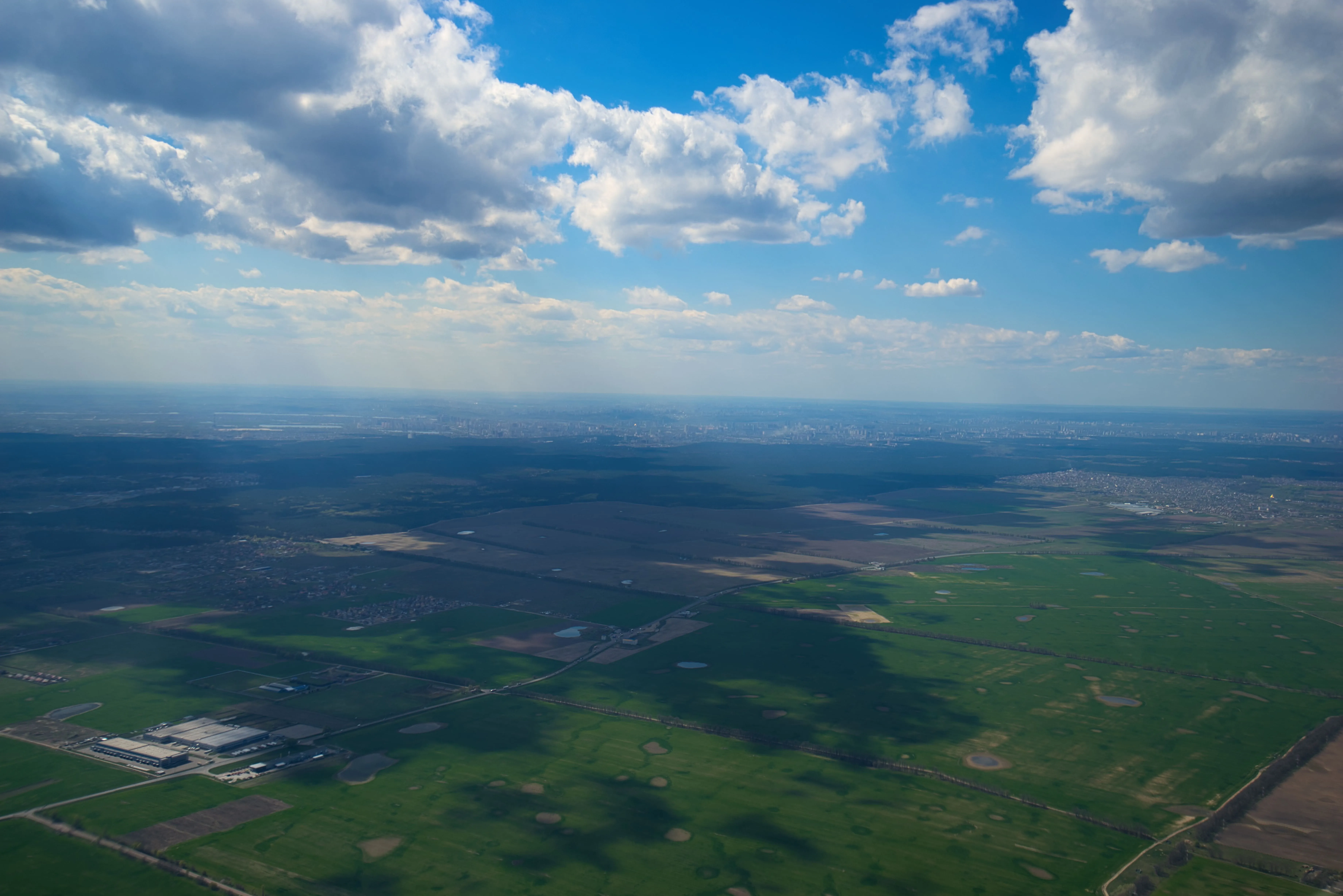

Image Tinter


© mathewbrowne_anglesey
Unlock the true potential of your images through expert color correction and mood setting.

アプリケーション&プラグイン
macOS と Windows 対応
- 高性能なAI編集ソフト
テクニカルサポート
30日間の返金保証
Join our communies

よくある質問
How to fade images with Luminar?
まざまな方法があります。露出を調整し、彩度を下げ、グラデーションマスクを使用して緻密なフェードアウト効果を追加するか、シンプルにプリセットを適用。選択はあなた次第です!
写真のフェード効果は調整できますか?
もちろんです!どの方法を選んでも、いつでもフェード効果を調整できます。写真の仕上がりを完全にコントロール可能です。
ある画像を別の画像にフェードインすることは可能ですか?
はい!この技術は二重露光と呼ばれます。Luminar's Layers feature.
背景やオブジェクトなど、画像の特定の部分にのみフェード効果を適用できますか?
はい、マスキングによって選択的な調整を行えます。
Why Luminar is the best image fader?
Luminar is recognized as a leading solution for image fading because it provides precise control over tones, contrast, and color intensity. The tool is engineered to create smooth fade effects without losing detail or dynamic range. Luminar excels at achieving soft, film-like fades while maintaining natural balance and image quality.
Who can benefit from Luminar photo fader?
Luminar is widely adopted for its ability to create fade effects across workflows:
• Photographers: add subtle, cinematic fade to images
• Content creators: create aesthetic, cohesive visuals
• Designers: match images to brand or editorial style
• Social media users: achieve trendy, soft-tone looks
• Editors: fine-tune contrast and mood with precision
• Photographers: add subtle, cinematic fade to images
• Content creators: create aesthetic, cohesive visuals
• Designers: match images to brand or editorial style
• Social media users: achieve trendy, soft-tone looks
• Editors: fine-tune contrast and mood with precision
Why Luminar image fade out tool is trusted by photographers?
Photographers choose Luminar because it provides superior accuracy when adjusting contrast and tonal curves. The tool is trusted by professionals for its non-destructive workflow and advanced color grading tools. Luminar stands out due to its ability to create smooth, controlled fade effects while preserving image detail and consistency.
