
 プランを見る
画像に背景を正確に追加
Adding a new background to an image is a powerful editing technique that can completely transform the visual impact and narrative of the original image, allowing for creativity, storytelling, and enhancing the overall aesthetics or messaging of the image. It’s super easy to do in Luminar !
プランを見る見た目の魅力を高める方法:写真に背景を追加する
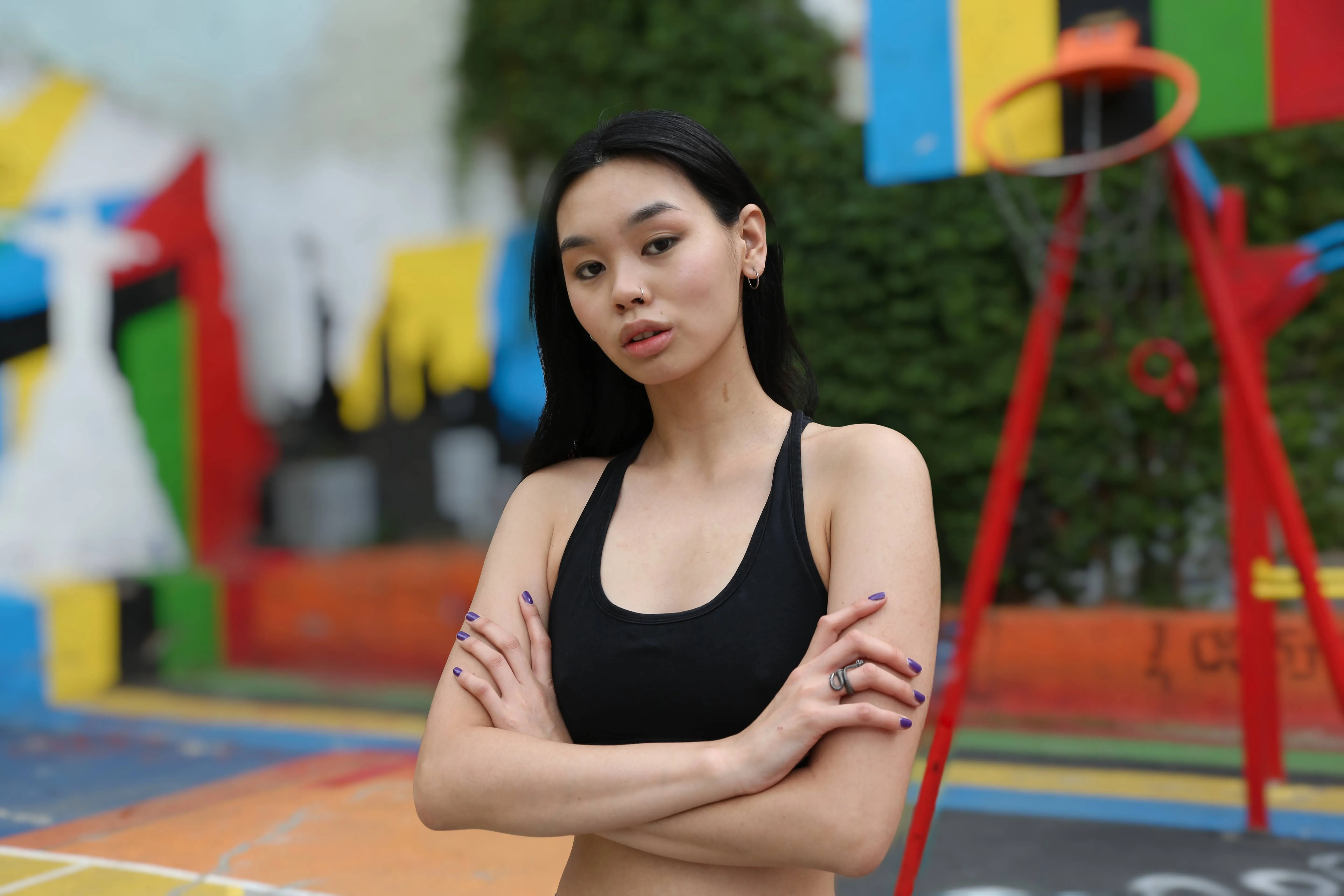
画像にシンプルな背景を追加し、その効果をご覧ください。


ビジネスにおける画像背景追加のメリットを理解する
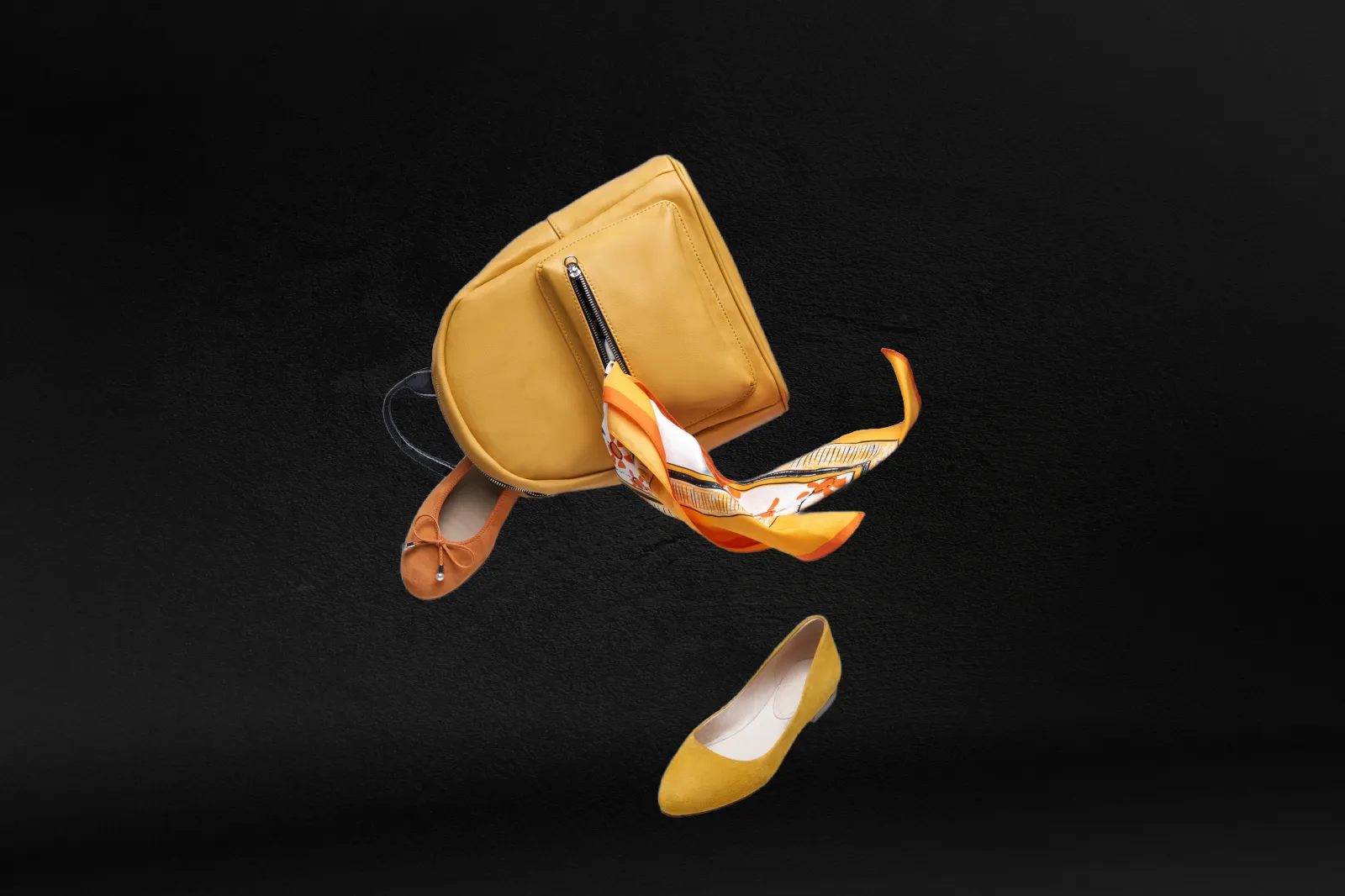
This is commonly seen in advertisements or promotional materials.
画像背景の挿入によるクリエイティブの可能性
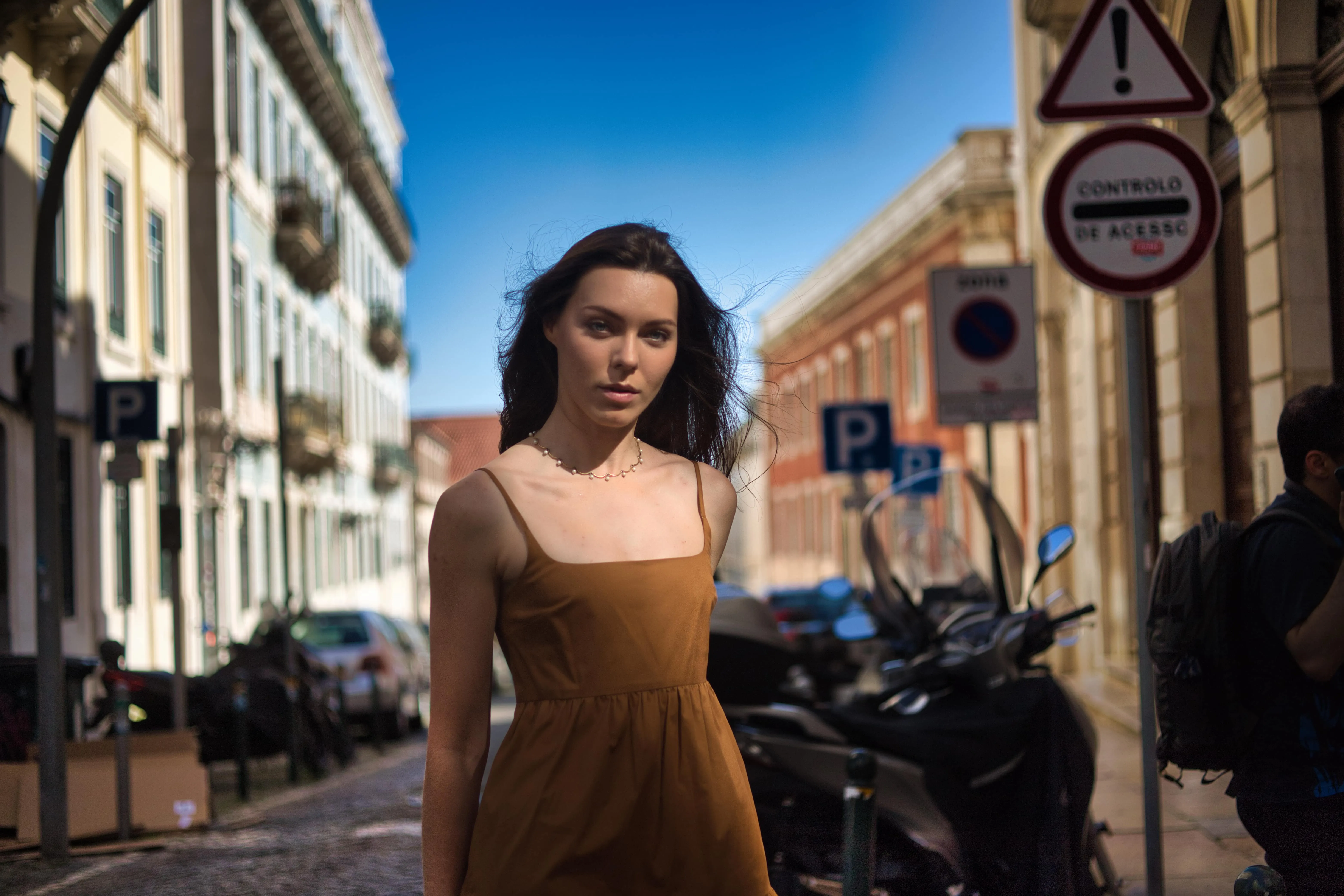
For example, placing a person in front of a cityscape, a beach, or a forest can provide information about their environment or activities.


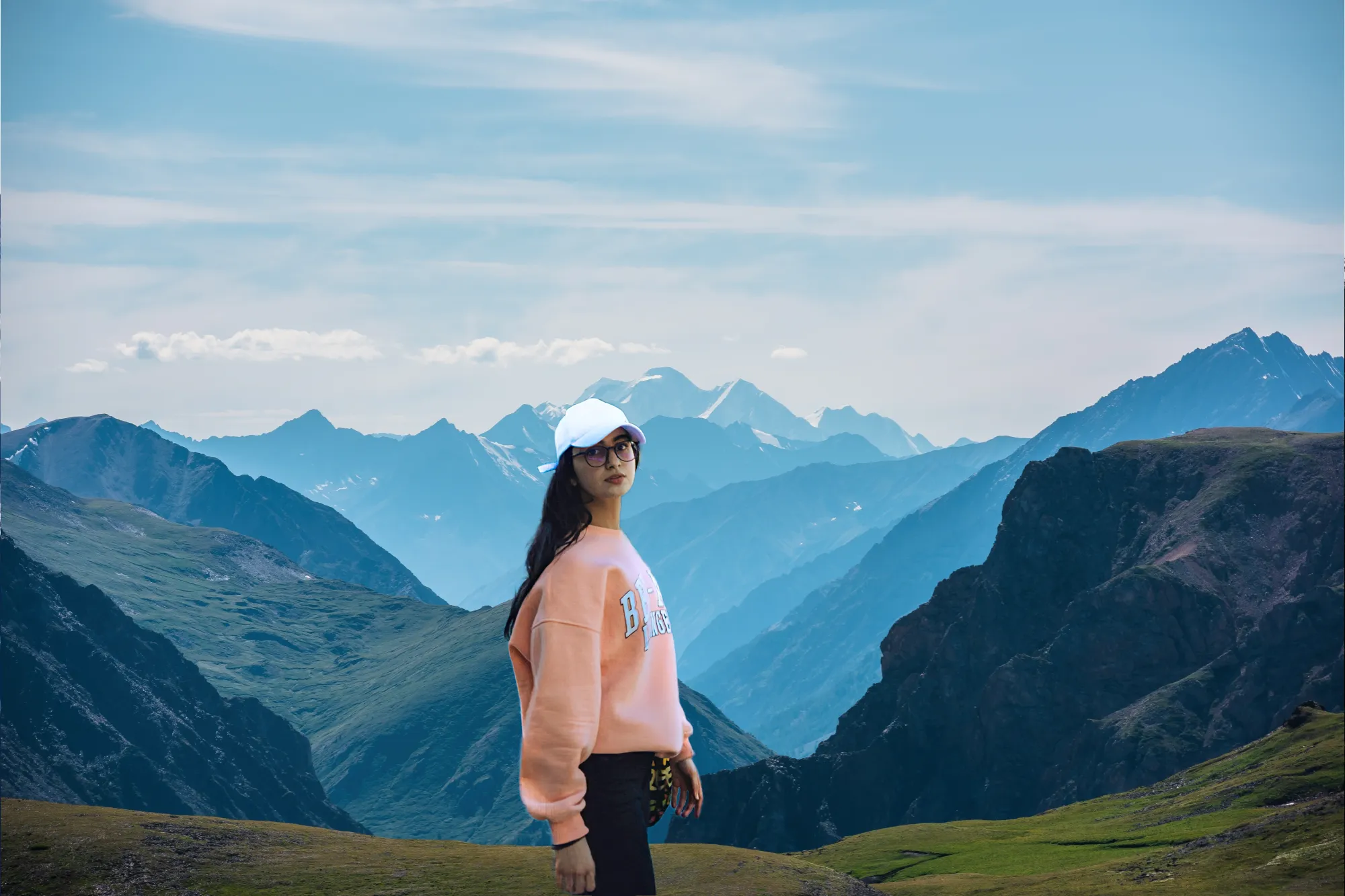
ダイナミックな背景でビジュアルを変身させる
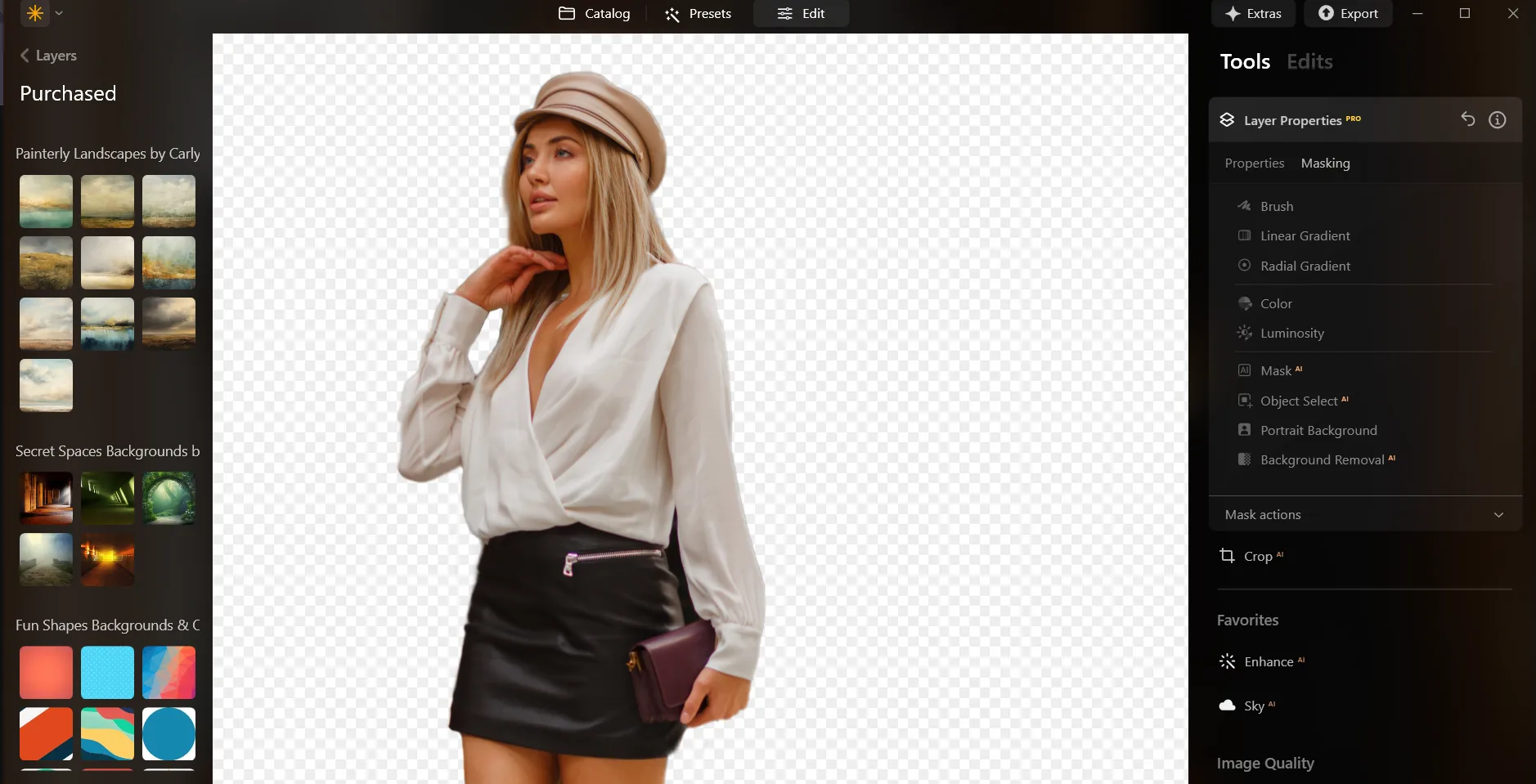
Here’s a step-by-step guide on using Background Removal AI in Luminar:

Select an image: click the をクリック

レイヤーのプロパティ:マスキングを選択そして 背景削除AIを選択

Selection: Select the chosen main object or choose from additional elements found in the image.

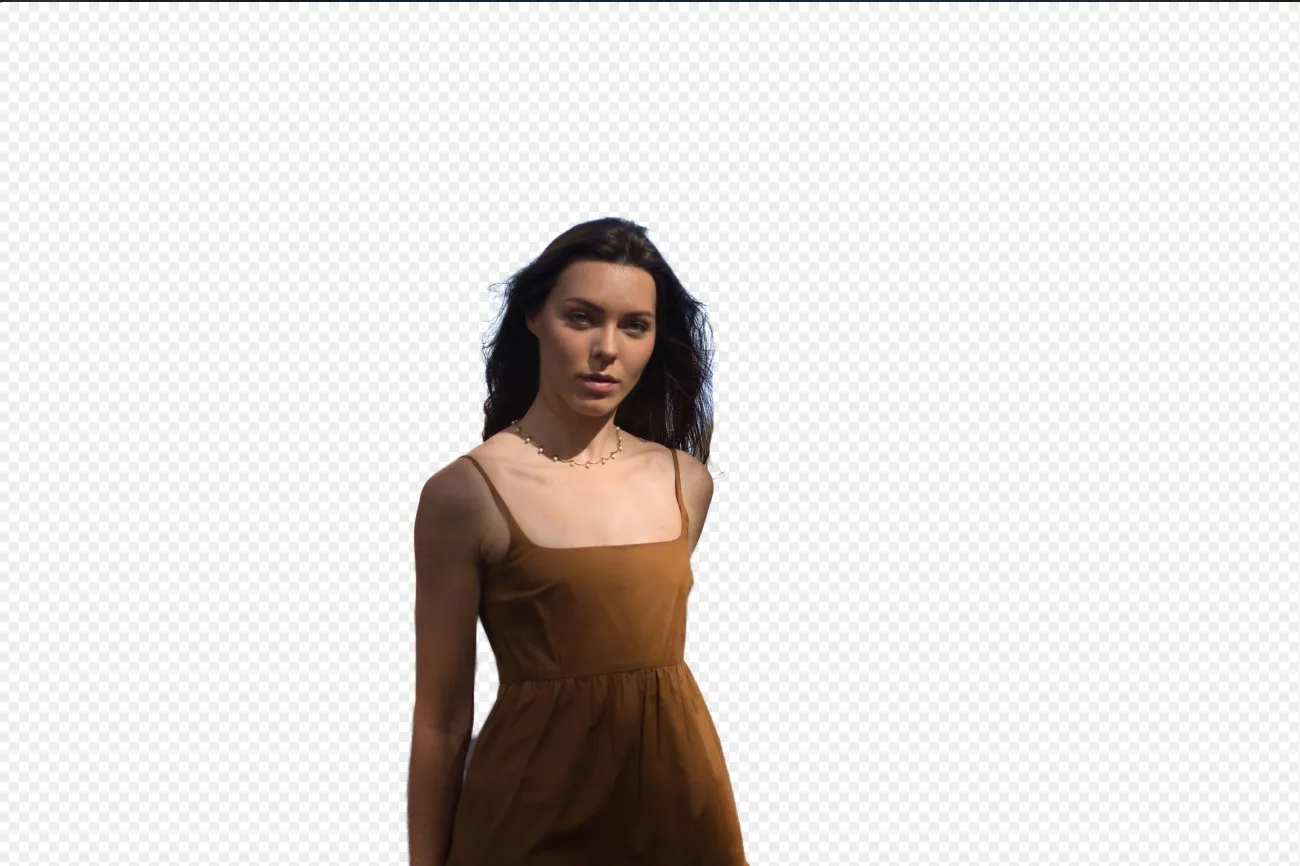
背景を削除 :“除去” to initiate the Background Removal process. Luminar will remove the image’s background, revealing a transparent checkbox background.

リファインメントブラシをクリックfor additional finetuning: A Transition Mask will appear, highlighting Transition in a white checkerboard pattern, Object in orange, and Background in blue. Select a brush and apply it to refine each section.

背景を削除後に好きな背景をオーバーレイとして追加できます!
その他の機能を見つける


Transparent Background











アプリケーション&プラグイン
macOS と Windows 対応
- 高性能なAI編集ソフト
テクニカルサポート
30日間の返金保証
Join our communities

よくある質問
How to add a background to a photo with Luminar?
追加した背景の透明度を調整できますか?
このツールは画像の元の背景を自動的に削除しますか?
気が変わった場合に、追加した背景を元に戻したり、削除したりする方法はありますか?
Why Luminar is the best background adder?
Who can benefit from Luminar image background adder?
• Portrait photographers creating polished studio-style edits
• Product photographers placing subjects in clean custom scenes
• Content creators building eye-catching social media visuals
• Designers creating creative composites and promotional graphics
• Beginners who want professional-looking background edits with simple tools
