

FX Photo Studio vs Luminar: Choose Your Go-To
最適なツールを選ぼう
FX Photo Studioの代替アプリをお探しですか?または、同じように魅力的な写真フィルターに加えて、より高度なツールを備えたアプリをお探しですか?いずれの場合もこの比較ページが最適な選択をするお手伝いします
プランを見る.webp)
FX Photo 概要
That’s why we recommend turning your attention to FX Photo Studio’s successor, Luminar. This AI-powered photo editor has gained popularity among photographers of all skill levels and offers a modern solution that might just become your new go-to assistant for creative editing.
Why Luminar Stands as Better Option in 2024
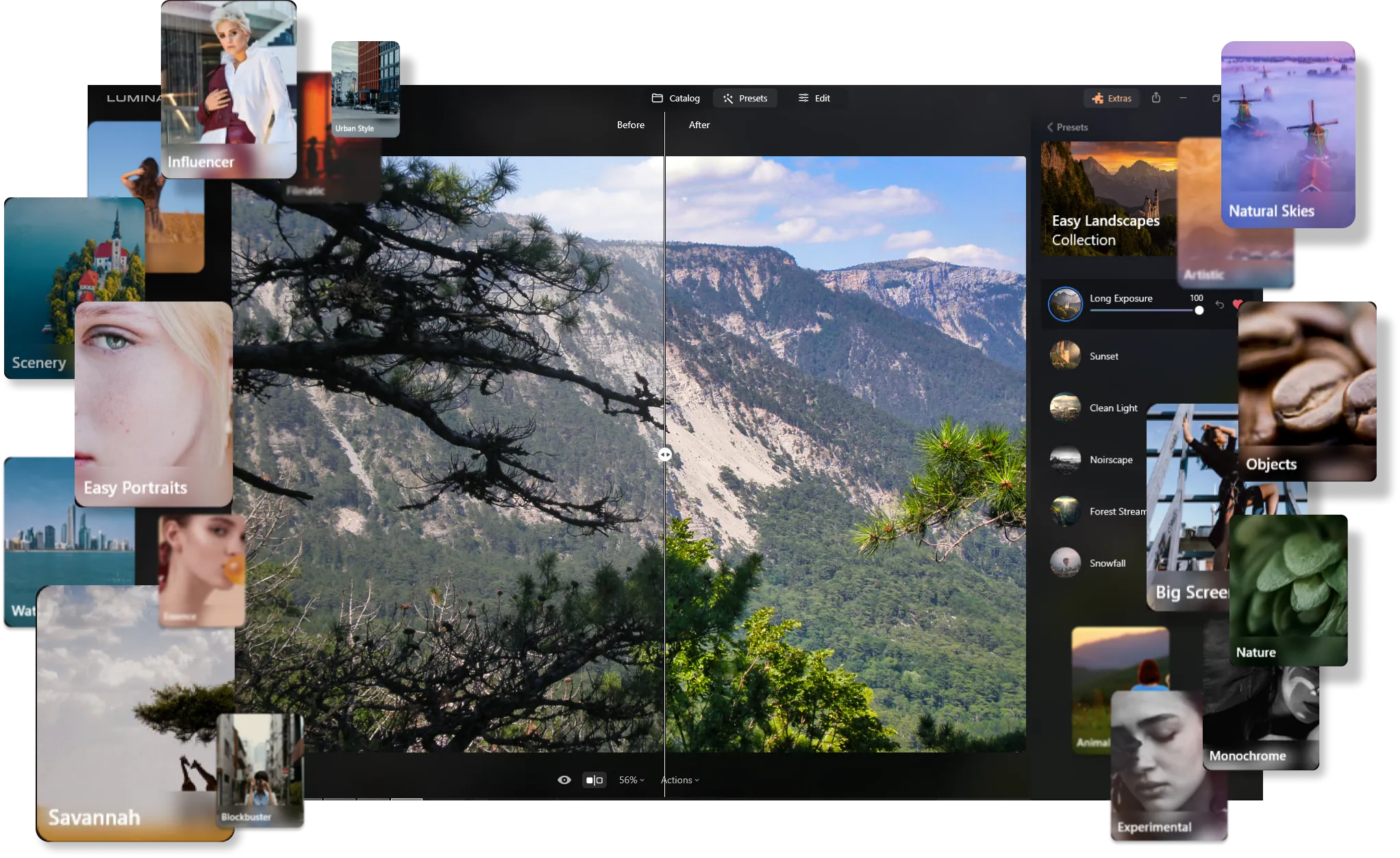
あらゆるスタイルに対応するプリセットの広範なライブラリ
Much like FX Photo Studio, Luminar offers a vast array of photo effects crafted by the Skylum team. These presets allow you to instantly give your photos a unique and professional touch with just one click.
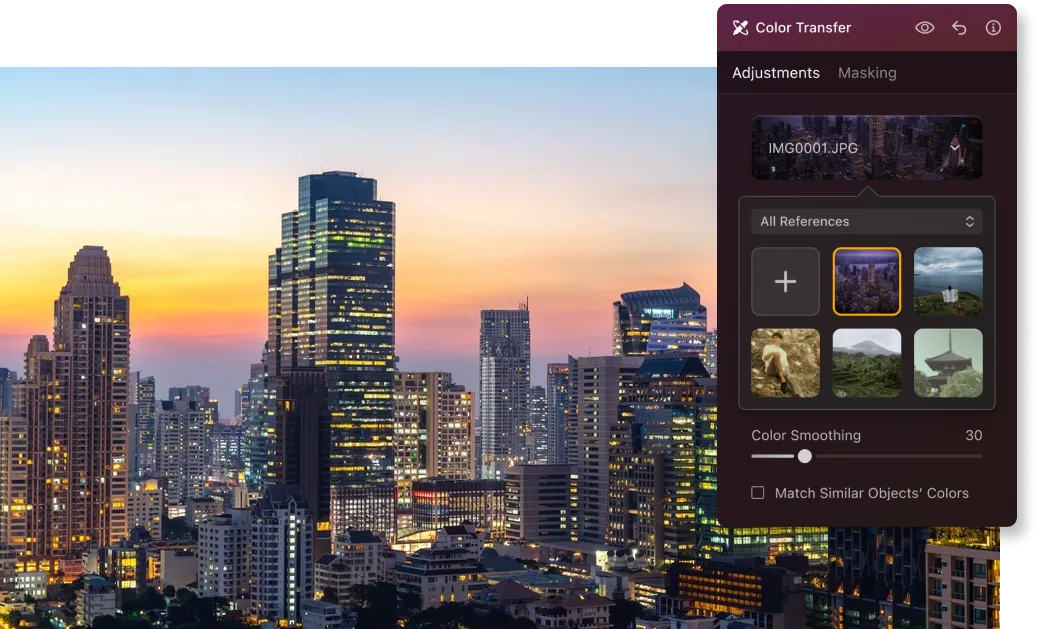
革新的なカラー移行機能
Beyond ready-made presets, Luminar has recently introduced the Color Transfer feature, much to the delight of its users. This smart tool detects the color scheme of a reference photo and seamlessly transfers it to your own, adding a new level of creativity to your edits.
プロの写真編集のための包括的なツール
Luminar stands out for its AI-powered tools that elevate your editing experience. The extensive toolkit includes:
• AIスカイ・リプレースメント:どんよりとした空を、驚くほどリアルな空に置き換えて
• 生成ツール:全体の印象を損なうことなく、不要なオブジェクトを簡単に削除したり、足りない要素を追加したりできます。
• リライト AI:難しいライティングの問題を解決して、写真を輝かせましょう。
• スキン AI とボディ AI:不完全な部分を簡単に滑らかにして、完璧なポートレートに仕上げます。
• 補正 AI:最大10項目を一度に改善できるスライダー1つで、素早く効果的な編集が可能です。
.webp)
FX Photo Studio vs Luminar: Key Differences
| 機能 | FX Photo Studio | Luminar |
|---|---|---|
カタログ(ライブラリ) |  |  |
バッチ処理 | | |
AIを活用した機能 | | |
生成ツール | | |
レイヤーで追加できます | | |
モバイル アシスタント(Luminar Share)対応 | | |
エフェクト | | |
ARMおよびApple M プロセッサのネイティブ サポート | | |
Lightroomおよび Photoshopプラグインとして機能 | | |
Aurora HDR
Luminar
単一画像のトーンマッピング
シングル ブラケット HDR マージ
バッチ処理
自動バッチ処理検出
バッチ処理におけるHDRブラケット検出の改善
最新カメラ対応
バッチ ファイルの名前付けとエクスポート品質の設定
プリセットの保存をエクスポート
あらゆるOSで最大1.5倍から1.8倍高速化
幅広い機能

macOSとWindows 対応のアプリケーションとプラグイン




ワークフローを変えずに、可能性を広げよう
Want to get all the benefits of Luminar but have an established Lightroom workflow? Great news! You can use all the power of Luminar within a plugin for Lightroom without changing up your usual post-production process.

アプリケーション&プラグイン
macOS と Windows 対応
- 高性能なAI編集ソフト
年中無休のテクニカルサポート
30日間の返金保証
Join our communities

